Quick answer
The best SEO tools in 2026 are the ones that help you win in two places at once: classic Google rankings and AI search (ChatGPT, Gemini, Claude, Perplexity, and Google’s AI Overviews). For most people the core stack is Google Search Console, one big platform like Ahrefs or Semrush, a content tool like Surfer or Frase, and one AI-visibility tracker. Everything below is grouped by job so you can jump straight to what you need.
A few things worth knowing before you spend:
- Google’s recent core updates rewarded original, helpful content and punished thin pages that just repackage the web. Tools help, but they don’t replace expertise.
- AI Overviews now show on close to half of Google queries (per BrightEdge), and they pull clicks away from even the top result. Tracking AI visibility is no longer optional.
- Start free. Search Console and the other Google tools carry a new site for months.
- Pick tools that match your real work. A blogger and a 10-client agency do not need the same kit.
We run our own portfolio of niche sites at BrandClickX, so this list comes from tools we actually pay for and use, not a press release. If you want the strategy side, read our SEO best practices for 2026 and our June 2026 core update recovery guide alongside this.
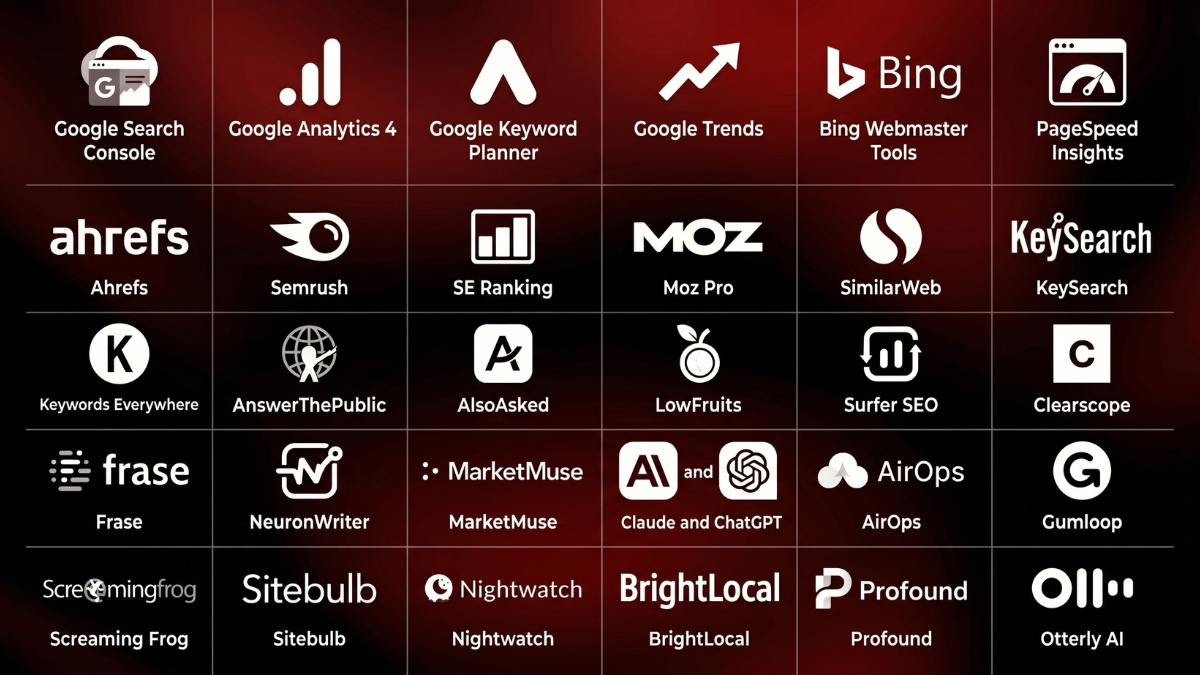
Tools covered in this guide
Jump straight to any tool:
Free SEO tools
- Google Search Console (Best for first-party data and indexing)
- Google Analytics 4 (Best for traffic and conversion analytics)
- Google Keyword Planner (Best for free search-volume data)
- Google Trends (Best for spotting rising topics)
- Bing Webmaster Tools (Best for free audits and AI search readiness)
- PageSpeed Insights (Best for Core Web Vitals and speed)
All-in-one SEO platforms
- Ahrefs (Best for competitor and backlink research)
- Semrush (Best for all-in-one SEO management)
- SE Ranking (Best for agencies managing multiple clients)
- Moz Pro (Best for SEO beginners)
- SimilarWeb (Best for competitor traffic analysis)
Keyword research tools
- KeySearch (Best for budget keyword research)
- Keywords Everywhere (Best for instant in-SERP keyword data)
- AnswerThePublic (Best for question-based content ideas)
- AlsoAsked (Best for mapping People Also Ask)
- LowFruits (Best for low-competition keywords)
Content optimization and AI writing tools
- Surfer SEO (Best for content optimization)
- Clearscope (Best for premium content briefs)
- Frase (Best for fast, affordable briefs)
- NeuronWriter (Best for budget content optimization)
- MarketMuse (Best for topical authority planning)
- Claude and ChatGPT (Best for research and editing)
- AirOps (Best for scaling content workflows)
- Gumloop (Best for no-code SEO automation)
Technical SEO tools
- Screaming Frog (Best for deep technical audits)
- Sitebulb (Best for beginner-friendly audits)
Rank tracking and local SEO tools
- Nightwatch (Best for accurate rank tracking)
- BrightLocal (Best for local SEO)
AI search visibility tools
- Profound (Best for enterprise AI visibility tracking)
- Otterly AI (Best for affordable AI visibility tracking)
How SEO changed
| Strategy element | Old playbook (traditional SEO) | Modern playbook (AEO / GEO / Entity SEO) |
| Primary target | Keyword strings and search volume | Entities, user intent, and conceptual clarity |
| Visibility goal | Rank #1 on the organic SERP | Get cited inside AI answers and conversational engines |
| Content focus | Skyscraper content, high word count | Original data, clear summaries, structured tables |
| Trust signal | High volume of domain backlinks | Verified brand mentions, expert quotes, direct citations |
What stopped working
Stuffing a page with secondary keywords and writing 4,000-word “ultimate guides” that just summarize basic information will not work anymore. AI engines can summarize internet basics instantly. If your content doesn’t offer unique insight, data, or human experience, it won’t get matched by an LLM or rank above the answer box.
What still works
Technical site health, clean HTML markup, fast page loads, and clear site architecture are still vital. If search bots cannot crawl your pages quickly, they cannot pull your data into the index or into AI answers.
What brands should do now
Shift toward Answer Engine Optimization (AEO) and Generative Engine Optimization (GEO). Build entity authority by getting your brand mentioned consistently across trusted, niche third-party sites, reviews, and forums. Write with extreme clarity, use structured data, publish original stats, and format pages so bots can lift clean definitions and tables.
Free SEO tools every marketer should set up first
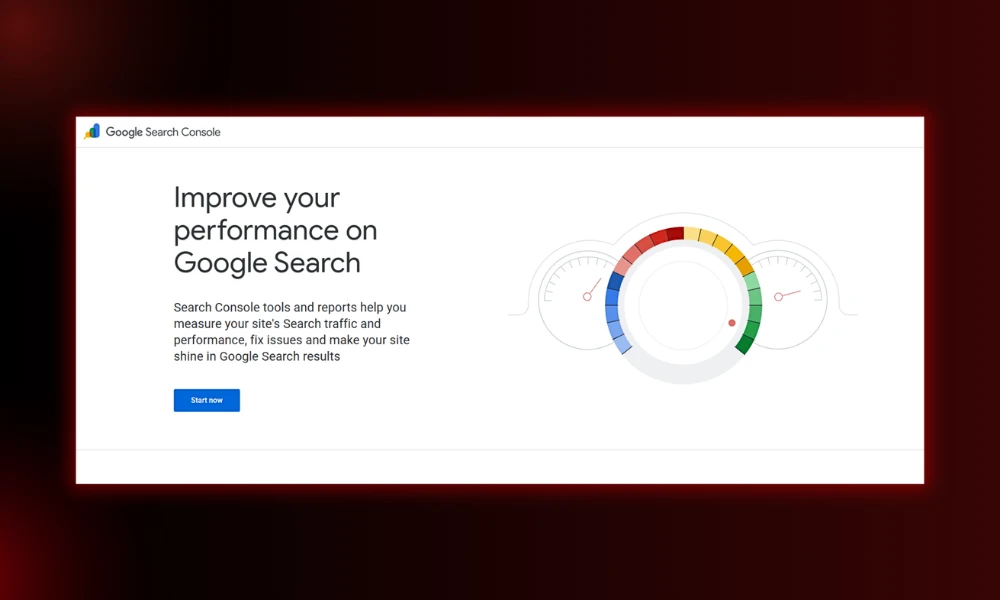
1. Google Search Console
- Category: Technical SEO and performance data
- Best for: First-party keyword, click, and indexing data
- Ease of use: Beginner to intermediate
- Pricing: Free
- Who is it for? Literally everyone with a website. Non-negotiable.
Key features
- Real queries, clicks, impressions, and average position for your site
- Index coverage and page indexing reports
- Core Web Vitals and mobile usability
- Sitemap submission and manual indexing requests
Pros
- The only true first-party data Google gives you
- Completely free, forever
- Shows exactly which pages are slipping
Cons
- Data lags 24 to 48 hours
- Only your own site, no competitor view
Why it matters after Google core updates: It’s the only place to tell a real ranking drop from an AI Overview stealing your clicks. Filter by query type and compare date ranges to see which pages a core update actually hit.
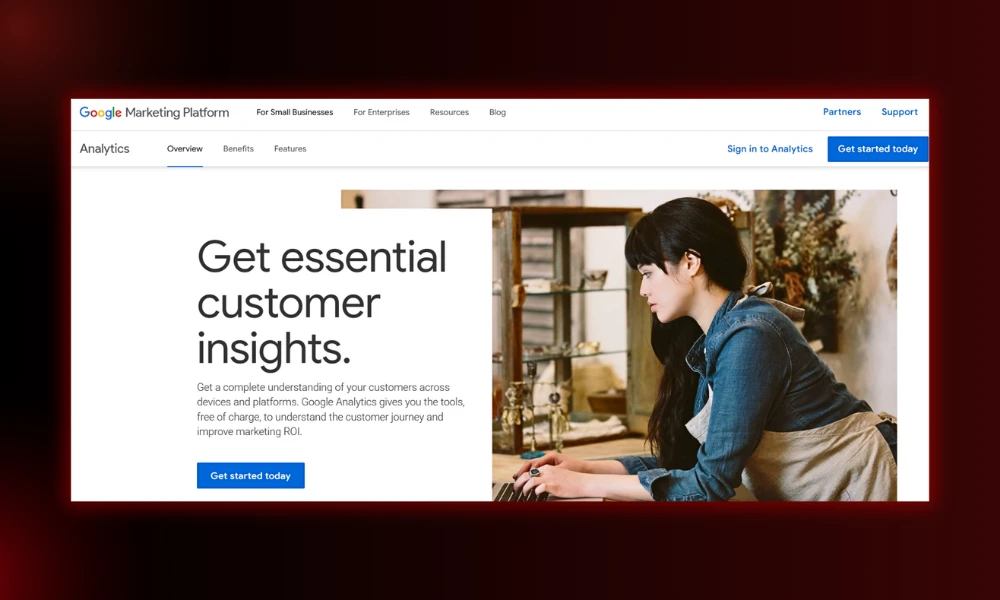
2. Google Analytics 4
- Category: Analytics and reporting
- Best for: Understanding what visitors do after they land
- Ease of use: Intermediate
- Pricing: Free
- Who is it for? Anyone tracking traffic, conversions, or channel performance.
Key features
- Traffic acquisition by channel and source
- Conversion and event tracking
- Audience and behavior reports
- Free integration with Search Console and Looker Studio
Pros
- Free and powerful once it clicks
- Connects SEO to actual revenue
- Lets you isolate AI referral traffic
Cons
- Steeper learning curve than the old Universal Analytics
- Reports can feel buried
Why it matters after Google core updates: As Google clicks soften, GA4 shows your rising referral traffic from ChatGPT and Perplexity, so you can see where attention is actually moving.
3. Google Keyword Planner
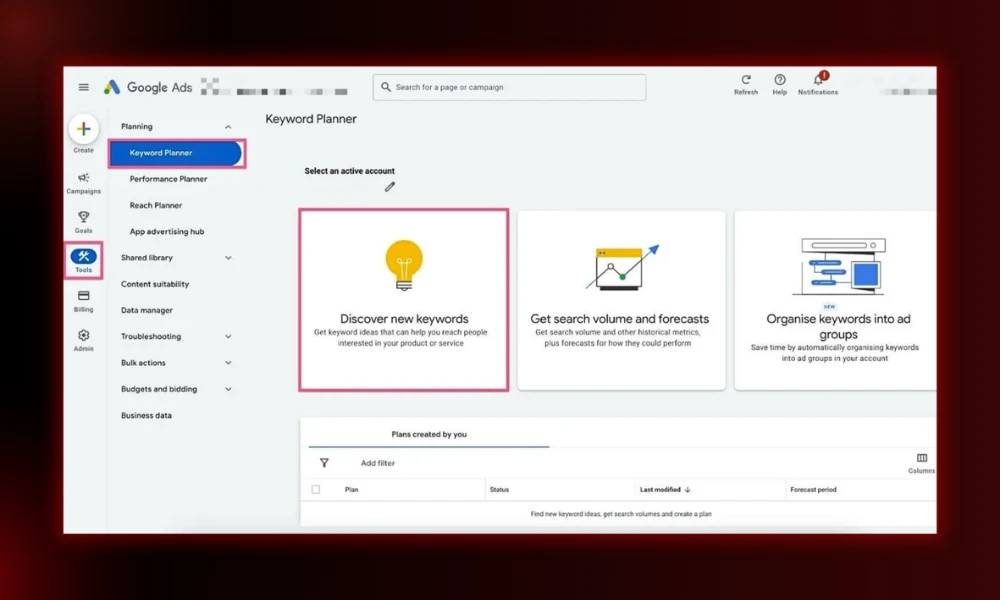
- Category: Keyword research
- Best for: Search volume and commercial value
- Ease of use: Beginner
- Pricing: Free (needs a Google Ads account)
- Who is it for? Beginners and anyone who wants demand data straight from Google.
Key features
- Search volume ranges and trends
- Cost-per-click data to judge buyer intent
- New keyword ideas from a seed term
Pros
- Data comes directly from Google
- Free and underrated for SEO
- CPC hints at how valuable a keyword is
Cons
- Volume shown as broad ranges
- Buried inside the Google Ads interface
Why it matters after Google core updates: It points you at topics people genuinely search for, which keeps you away from the thin, low-demand pages that helpful-content filtering tends to bury. Our free keyword research tool is a quick alternative if you want to skip the Ads setup.
4. Google Trends
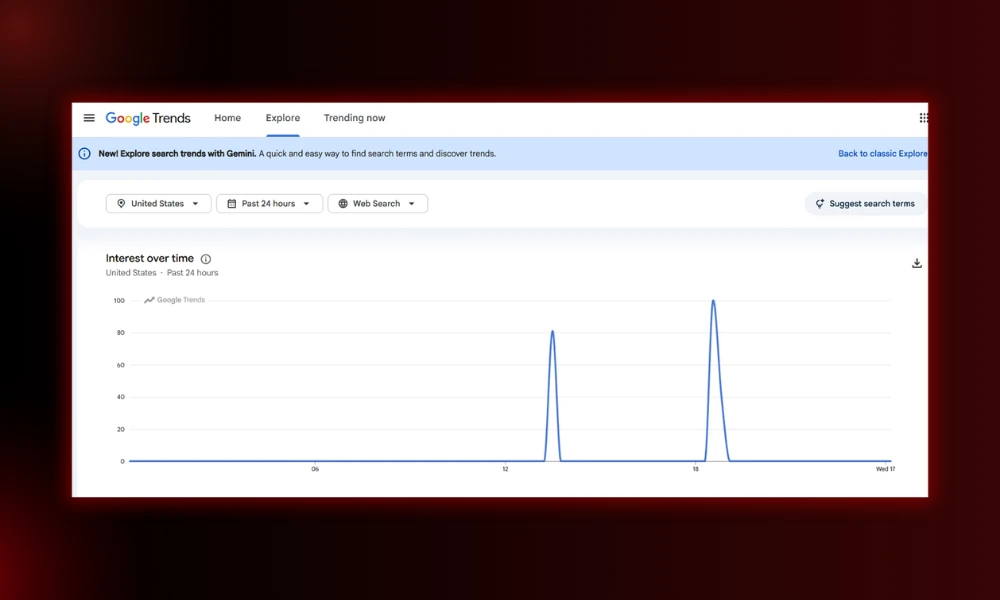
- Category: Trend research
- Best for: Spotting rising vs fading topics
- Ease of use: Beginner
- Pricing: Free
- Who is it for? Content creators and SEOs deciding what to cover next.
Key features
- Interest over time for any term
- Compare two or more keywords side by side
- Regional and seasonal breakdowns
Pros
- Fast gut-check before committing to a topic
- Catches seasonal spikes early
- Free
Cons
- Relative data, not absolute volume
- Thin data on very niche terms
Why it matters after Google core updates: Helps you avoid pouring effort into fading topics that updates quietly devalue, and prioritize subjects with real momentum.
5. Bing Webmaster Tools
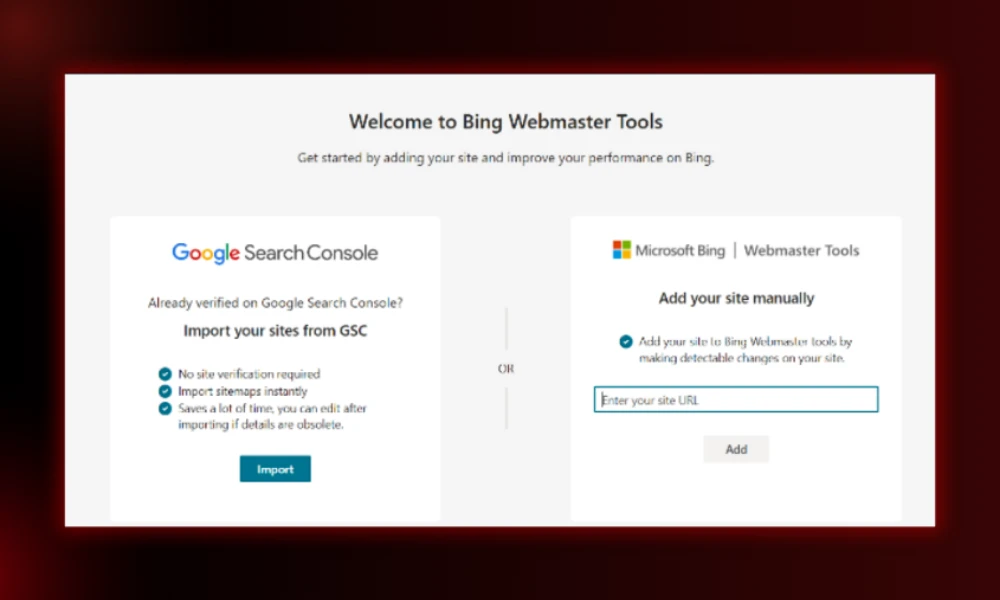
- Category: Technical SEO and AI visibility
- Best for: Free audits and AI search readiness
- Ease of use: Beginner to intermediate
- Pricing: Free
- Who is it for? Anyone who cares about ChatGPT visibility, which leans on Bing’s index.
Key features
- Keyword and backlink data for your site
- Site scan for technical issues
- Sitemap submission and indexing
- One-click import from your Search Console account
Pros
- Sometimes catches technical issues faster than Search Console
- Direct line into the index ChatGPT often uses
- Free
Cons
- Smaller dataset than Google
- Less polished interface
Why it matters after Google core updates: As zero-click search rises, clean Bing indexing is a hedge. It helps you stay visible in AI answers even when Google sends fewer clicks.
6. PageSpeed Insights
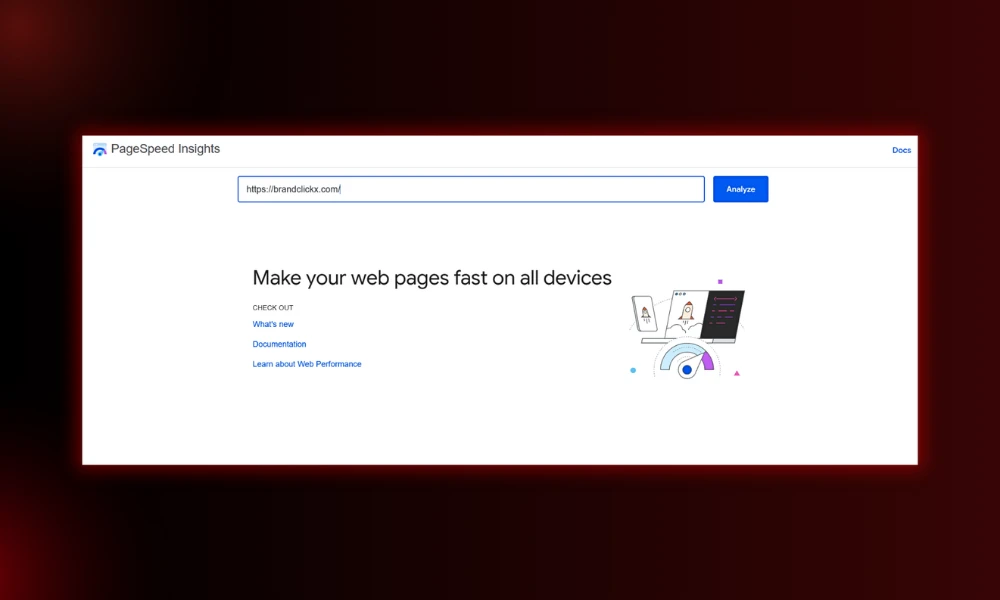
- Category: Technical SEO and site speed
- Best for: Core Web Vitals scoring
- Ease of use: Beginner
- Pricing: Free
- Who is it for? Anyone whose pages feel slow or who wants to pass page-experience checks.
Key features
- Lab and field Core Web Vitals data
- Specific, prioritized speed fixes
- Mobile and desktop scores
Pros
- Free and straight from Google
- Tells you exactly what to fix
- Good before buying any paid speed tool
Cons
- Scores can swing between runs
- Fixes sometimes need a developer
Why it matters after Google core updates: Speed and page experience feed into rankings, and slow sites lose ground. If WordPress is your bottleneck, our WordPress speed guide covers the fixes.
All-in-one SEO platforms (the paid heavy hitters)
7. Ahrefs
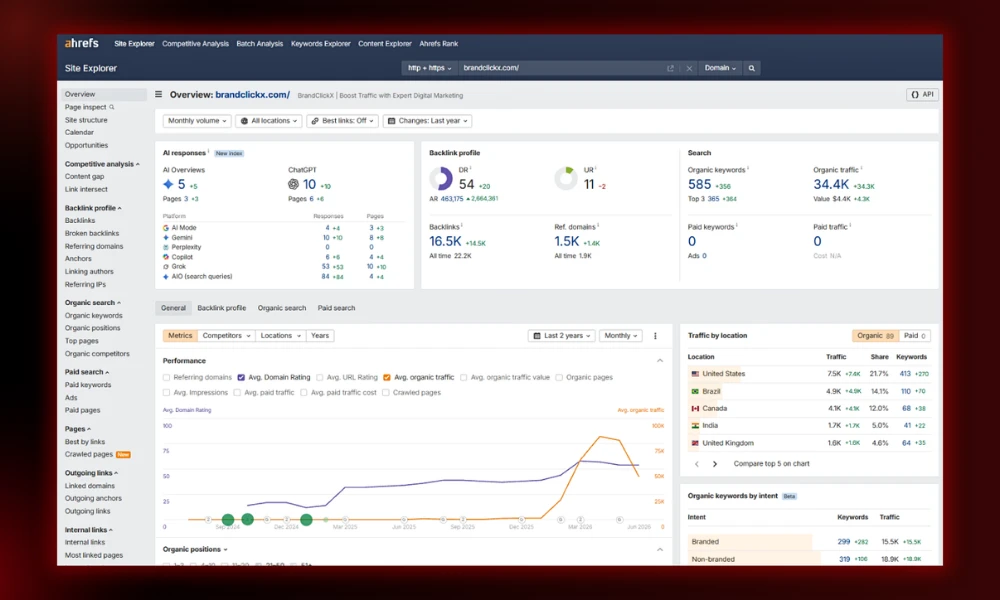
- Category: All-in-one SEO and backlink research
- Best for: Backlink analysis and competitor research
- Ease of use: Intermediate
- Pricing: Starter $29, Lite $129, Standard $249, Advanced $449 per month. No free trial.
- Who is it for? Link builders, SEO pros, and content strategists who live in data.
Key features
- The most accurate backlink index on the market
- Keywords Explorer with traffic-potential scoring
- Content Gap to find topics competitors cover and you don’t
- Brand Radar for tracking mentions in AI search
Pros
- Best-in-class link data, refreshed fast
- Clean, fast interface
- Strong AI-visibility add-on
Cons
- Credit system limits heavy use on lower tiers
- No free trial, so testing means paying
- Premium price
Why it matters after Google core updates: When a site loses rankings, the Content Gap and backlink tools help you find the topical and authority holes to rebuild. The same approach drove our link-building case study to 157K traffic.
8. Semrush
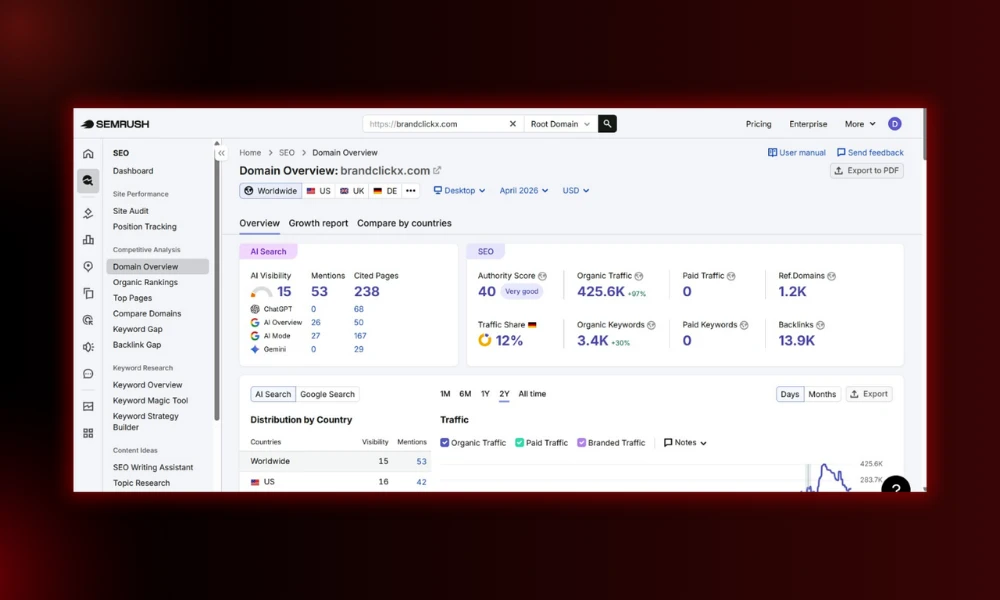
- Category: All-in-one SEO and marketing suite
- Best for: Running an entire SEO program from one dashboard
- Ease of use: Intermediate to advanced
- Pricing: Pro $139.95, Guru $249.95, Business $499.95 per month. AI Toolkit add-on about $99/month per domain.
- Who is it for? Marketing teams and agencies that want one tool for everything.
Key features
- The largest keyword database around
- Strong competitor and traffic analysis
- Scheduled technical site audits
- Position Tracking that flags SERPs with AI Overviews
Pros
- Does almost everything in one place
- Huge library of tutorials and courses
- AI visibility built in
Cons
- Interface can feel cluttered
- Cost climbs fast with extra seats and add-ons
Why it matters after Google core updates: Position Tracking shows which of your keywords now trigger an AI Overview, so you can tell where you lost the click rather than the rank. Different problem, different fix.
9. SE Ranking
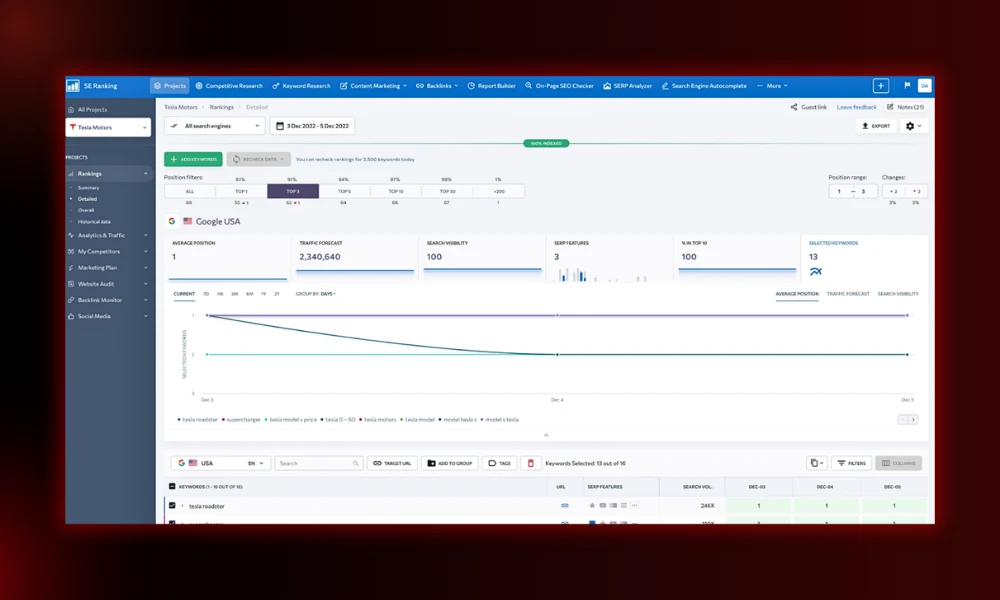
- Category: All-in-one SEO platform (value pick)
- Best for: Agencies managing multiple client sites
- Ease of use: Beginner to intermediate
- Pricing: Essential ~$65, Pro ~$119, Business ~$259 per month. 14-day free trial.
- Who is it for? Freelancers and agencies tracking several websites at once.
Key features
- Keyword research, audits, and rank tracking
- White-label client reports
- Built-in AI search tracking at no extra cost
- Automation and reporting workflows
Pros
- Strong value for the feature set
- White-label reports clients love
- Real free trial
Cons
- Smaller backlink index than the big two
- Rank data can vary slightly
Why it matters after Google core updates: The bundled AI tracking lets agencies show clients how they’re doing in AI answers, which is exactly the conversation clients want after a volatile update.
10. Moz Pro
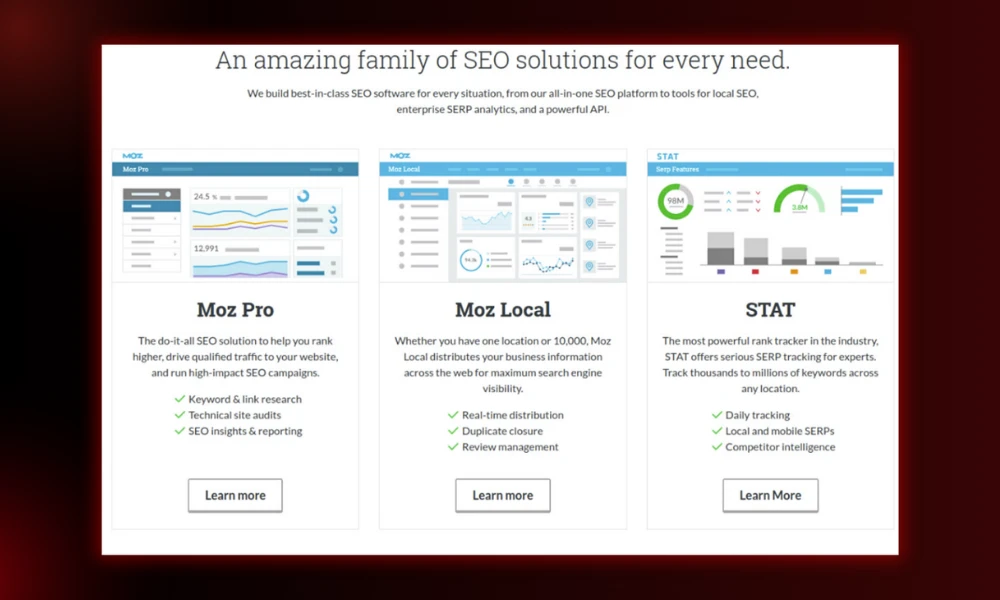
- Category: All-in-one SEO platform
- Best for: Beginners who want a gentle entry
- Ease of use: Beginner
- Pricing: Paid plans from around $49/month, with a 30-day free trial.
- Who is it for? Newer SEOs and small teams who find the big two overwhelming.
Key features
- Domain Authority and Page Authority metrics
- Keyword research and rank tracking
- Site crawl and on-page recommendations
- Cheap API access
Pros
- Friendly, calm interface
- Domain Authority is a handy quick benchmark
- Generous free trial
Cons
- Smaller keyword and link databases
- Less depth than Ahrefs or Semrush
Why it matters after Google core updates: Tracking your Domain Authority trend over time gives a simple read on whether your authority is recovering after a hit.
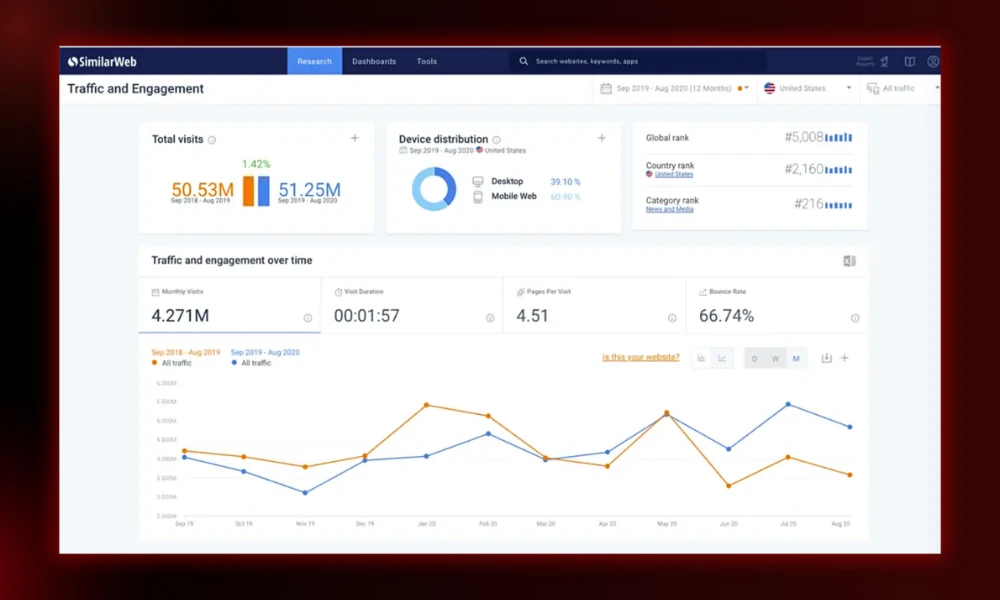
11. SimilarWeb
- Category: Competitor and market analysis
- Best for: Seeing where competitors get their traffic
- Ease of use: Beginner to intermediate
- Pricing: Free plan available; paid plans from around $1,500/year.
- Who is it for? Marketers running competitive research and channel analysis.
Key features
- Total traffic estimates for any site
- Traffic split by channel (search, direct, social, paid)
- Audience and engagement data
Pros
- Great for big-picture competitor view
- Free plan is useful on its own
- Shows whether a rival relies on SEO or other channels
Cons
- Paid plans are expensive
- Estimates, not exact numbers
Why it matters after Google core updates: If a competitor recovered after an update, SimilarWeb helps you see whether the bounce came from search or from another channel entirely.
Keyword research tools
12. KeySearch
- Category: Budget keyword research
- Best for: Affordable all-in-one research
- Ease of use: Beginner to intermediate
- Pricing: Starter $24, Pro $69 per month.
- Who is it for? Beginners and budget creators who want most of the big tools at a fraction of the price.
Key features
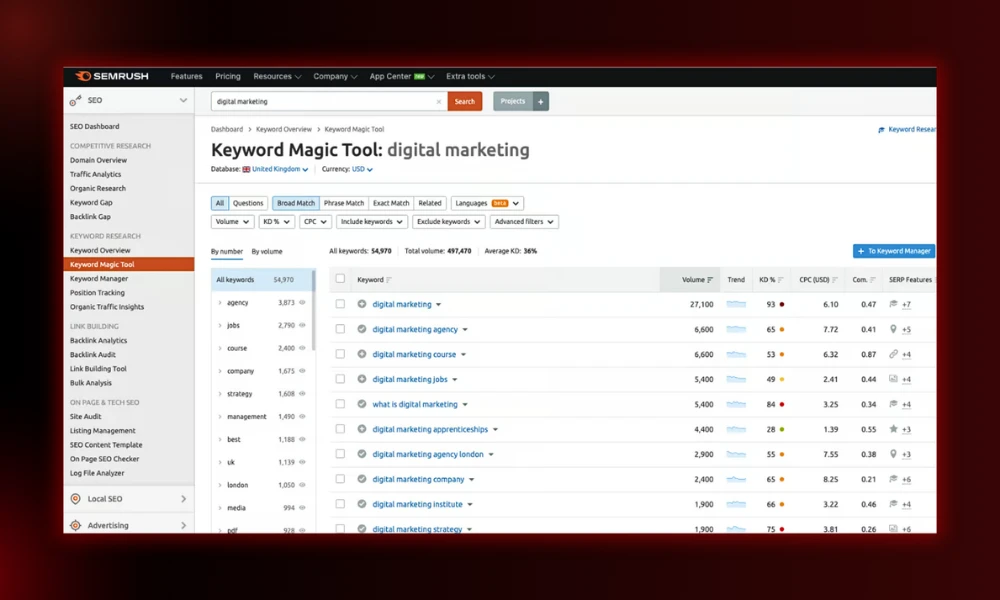
- Keyword difficulty and volume
- Competitor and backlink analysis
- Rank tracking and YouTube research
- Uses Moz data for authority metrics
Pros
- Cheapest serious option around
- Covers most core research tasks
- Easy to learn
Cons
- Can feel slow at times
- Small team, lighter support
Why it matters after Google core updates: A low-cost way to find low-competition topics where a smaller site can still win with genuinely original content.
13. Keywords Everywhere
- Category: Keyword research (browser extension)
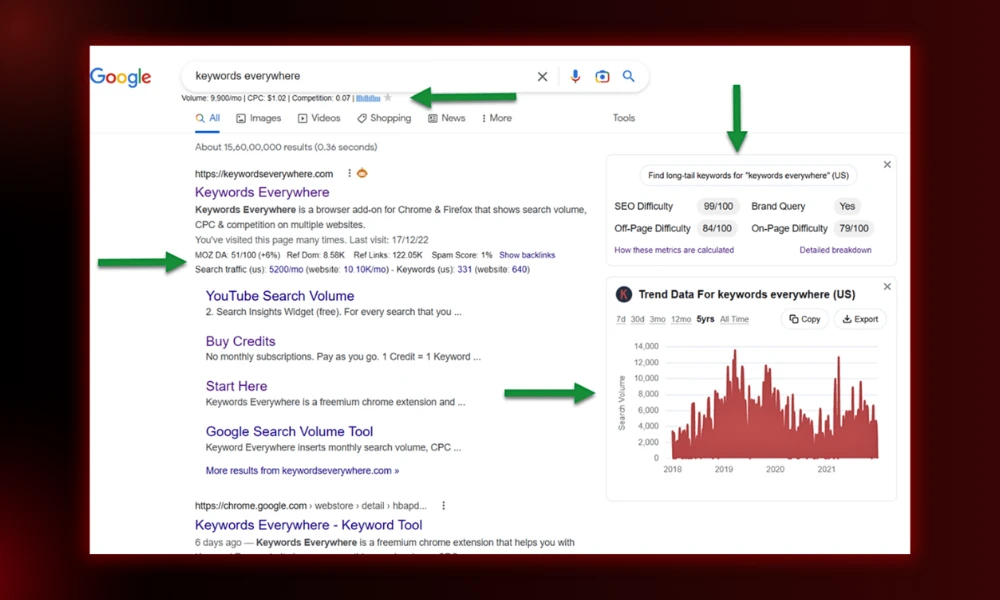
- Best for: Instant keyword data inside Google
- Ease of use: Beginner
- Pricing: Free extension; paid credits from about $72/year.
- Who is it for? Anyone who wants quick metrics without opening a full platform.
Key features
- Volume and CPC right on the search results page
- Related and long-tail suggestions
- Works across Google, YouTube, and more
Pros
- Saves constant tab-switching
- Cheap, pay-as-you-go credits
- Lightweight
Cons
- Runs on credits that deplete
- Not a full research suite
Why it matters after Google core updates: Fast intent checks help you avoid building thin pages around keywords that don’t deserve their own post.
14. AnswerThePublic
- Category: Question and topic research
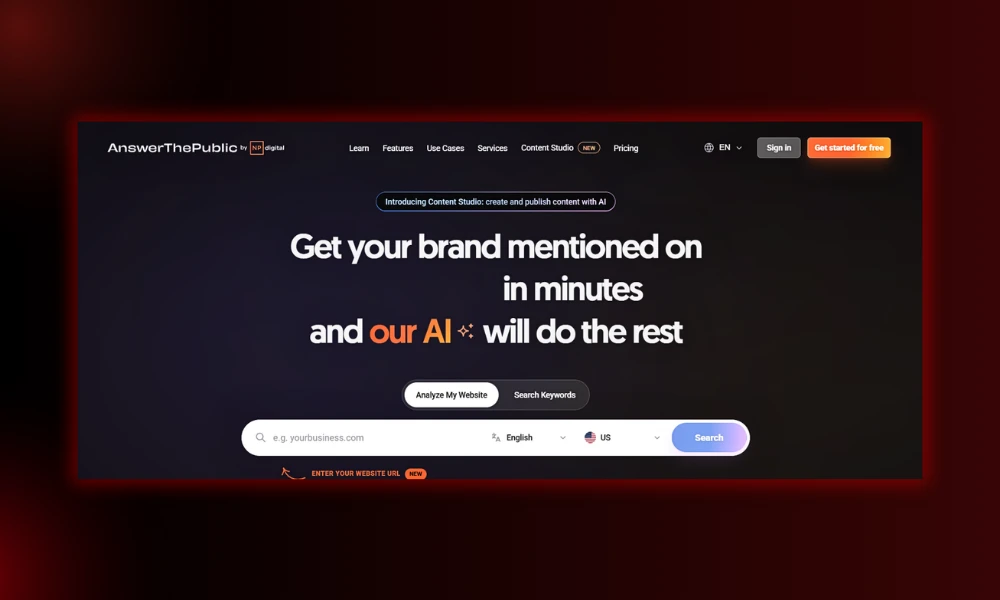
- Best for: Finding the questions people actually ask
- Ease of use: Beginner
- Pricing: Free (3 searches/day); paid from about $11/month.
- Who is it for? Content creators building FAQ sections and topic clusters.
Key features
- Visual map of questions around a topic
- Works beyond Google (YouTube, Amazon, Bing, TikTok)
- Preposition and comparison breakdowns
Pros
- Great for question-based content
- Easy to read at a glance
- Free tier to start
Cons
- Limited free searches
- Data can be broad
Why it matters after Google core updates: Real questions are fuel for AEO and AI Overviews. Answering them clearly is how you get pulled into AI answers.
15. AlsoAsked
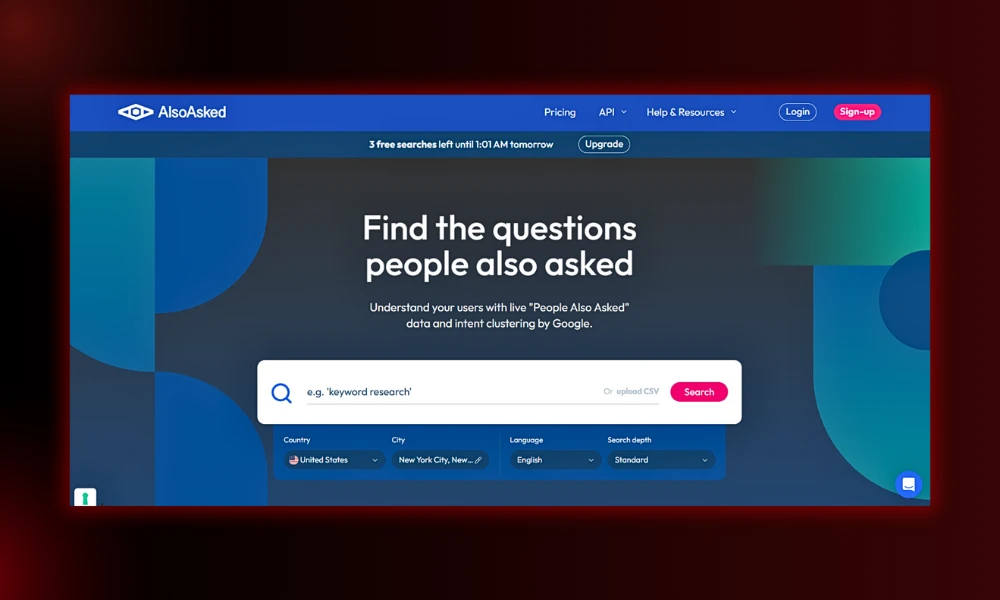
- Category: Question and topic research
- Best for: Mapping “People Also Ask” relationships
- Ease of use: Beginner to intermediate
- Pricing: Free (3 searches/day); paid from about $12/month.
- Who is it for? SEOs planning headings and covering a topic in depth.
Key features
- Shows how PAA questions branch and connect
- Real Google data, not invented questions
- Export and bulk search on paid plans
Pros
- Excellent for H2 and H3 planning
- Surfaces questions you’d miss in Google
- Affordable
Cons
- Limited free credits
- Narrow use case
Why it matters after Google core updates: Clean question-and-answer structure is exactly what LLMs lift for citations, which makes this a quiet AI-search advantage.
16. LowFruits
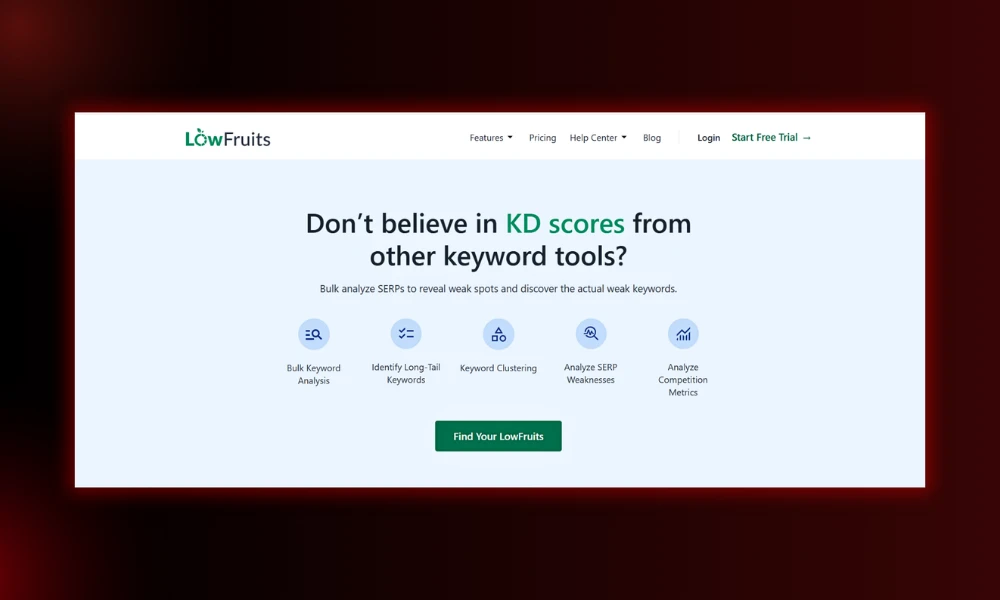
- Category: Low-competition keyword research
- Best for: Finding weak SERPs a new site can beat
- Ease of use: Intermediate
- Pricing: Pay-as-you-go credits, subscriptions from about $25/month.
- Who is it for? Bloggers and small sites hunting realistic, winnable keywords.
Key features
- Flags SERPs where weak sites rank
- Clusters keywords automatically
- Highlights low-authority opportunities
Pros
- Built specifically for finding easy wins
- Cheap pay-as-you-go option
- Saves hours of manual SERP checking
Cons
- Single focus, not a full suite
- Credits run down with heavy use
Why it matters after Google core updates: Updates reward sites that own a niche. LowFruits helps you find the gaps where original content still ranks fast.
Content optimization and AI writing tools
17. Surfer SEO
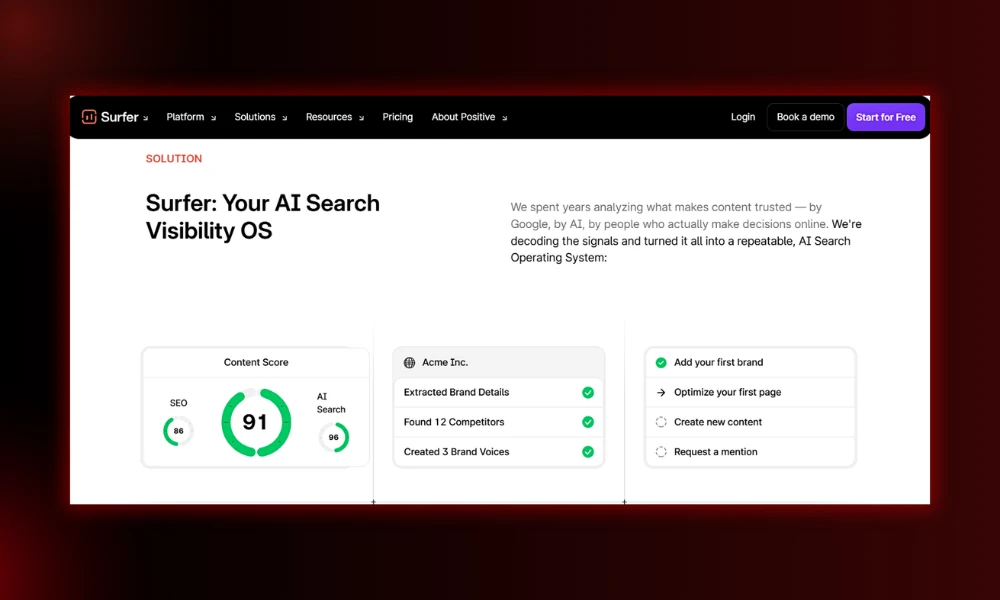
- Category: Content optimization
- Best for: Optimizing articles to match search intent
- Ease of use: Beginner to intermediate
- Pricing: Essential $99, Scale $219 per month. 7-day money-back guarantee.
- Who is it for? Content marketers and SEOs who publish regularly.
Key features
- Real-time content scoring as you write
- SERP analyzer for term and structure data
- AI tracker for ChatGPT, Perplexity, and Google AI
- Google Docs and WordPress integration
Pros
- Most features per dollar at the entry tier
- Clear, actionable recommendations
- Tracks AI visibility now too
Cons
- Easy to over-optimize and sound robotic
- Needs basic SEO knowledge to use well
Why it matters after Google core updates: Helpful-content updates punish keyword stuffing. Use Surfer’s score as a guide, not a target, and keep the writing human.
18. Clearscope
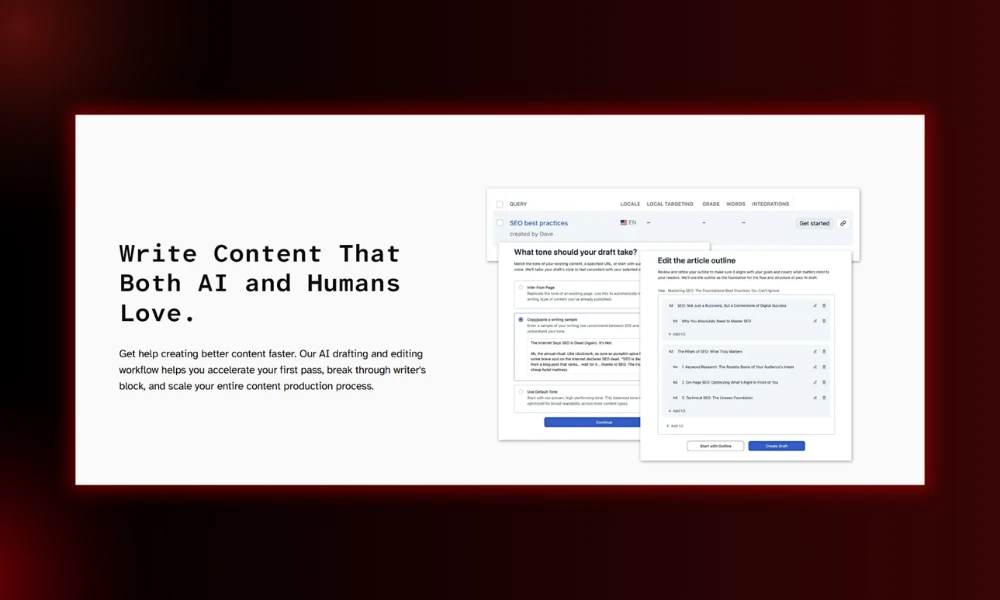
- Category: Content optimization (premium)
- Best for: High-quality briefs for editorial teams
- Ease of use: Beginner to intermediate
- Pricing: From around $189/month.
- Who is it for? Content teams and editors focused on depth and quality.
Key features
- Best-in-class related-term suggestions
- Competitor outline analysis
- Content decay tracking
- Unlimited user seats
Pros
- Premium, accurate recommendations
- Simple for non-SEO writers
- Trusted by major brands
Cons
- Expensive for solo use
- Report limits feel tight for the price
Why it matters after Google core updates: Deep topical coverage and genuine expertise are what E-E-A-T-focused updates reward, and Clearscope is built around covering a topic fully.
19. Frase
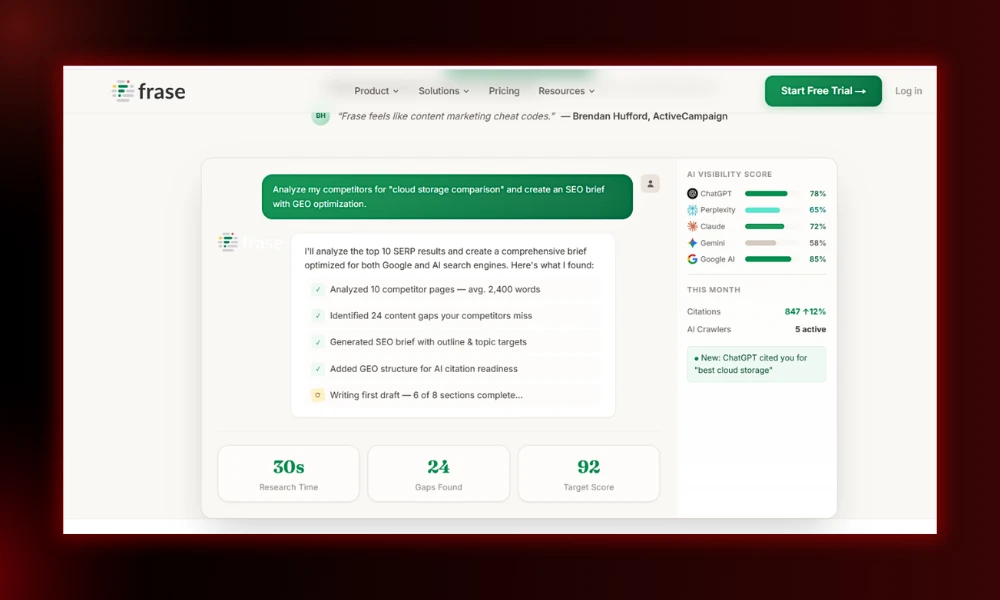
- Category: Content research and optimization
- Best for: Fast briefs on a budget
- Ease of use: Beginner
- Pricing: From about $15/month; AI writing is an add-on.
- Who is it for? Solo creators and small teams who want research and outlines quickly.
Key features
- Summarizes top-ranking competitors
- Mines questions and builds outlines
- Built-in content editor with scoring
Pros
- Very affordable entry point
- Fast brief building
- Good research-to-draft workflow
Cons
- Lighter keyword data than rivals
- AI writing costs extra
Why it matters after Google core updates: Frase keeps content answer-focused, which helps pages stay genuinely useful instead of padded.
20. NeuronWriter
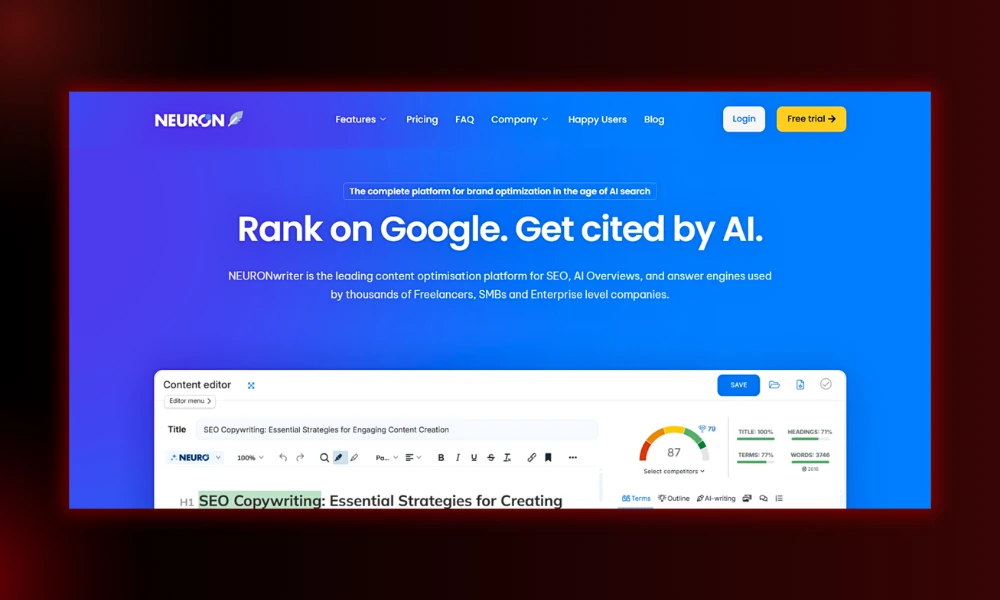
- Category: Content optimization (budget)
- Best for: Affordable NLP-based scoring
- Ease of use: Beginner to intermediate
- Pricing: From about $23/month.
- Who is it for? Budget-conscious creators who want a Surfer-style tool for less.
Key features
- NLP term recommendations
- SERP analysis and content scoring
- Built-in editor and AI writing
Pros
- Strong value for the price
- Covers the core optimization job
- Flexible plans
Cons
- Busier interface
- Thinner data than premium tools
Why it matters after Google core updates: A low-cost way to align content with intent without resorting to thin, templated output.
21. MarketMuse
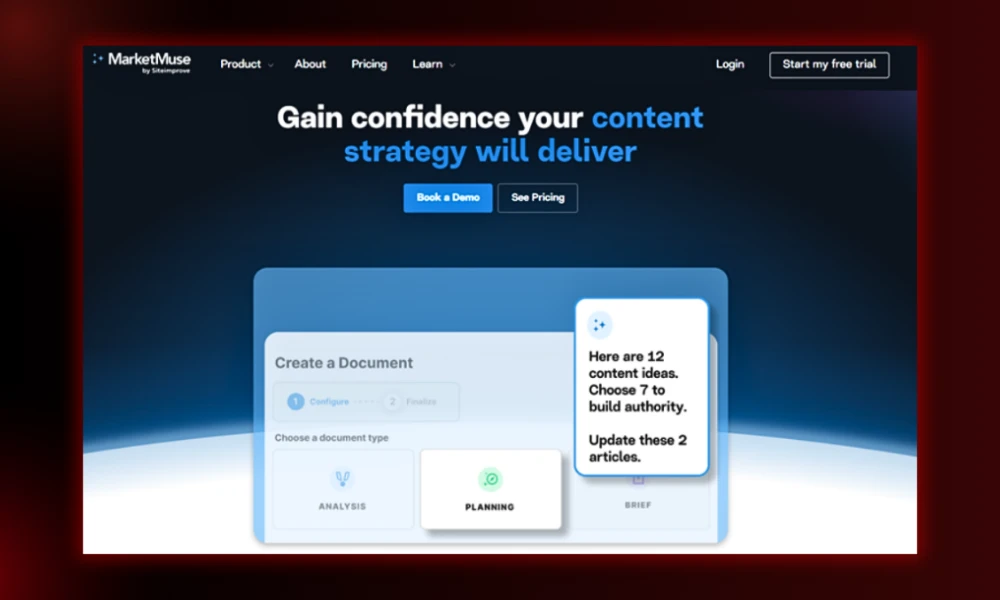
- Category: Content strategy and topic modeling
- Best for: Planning topical authority across a whole site
- Ease of use: Advanced
- Pricing: Free tier; paid from $99/month (Optimize), Research $249, Strategy $499. Some plans custom.
- Who is it for? Larger content teams and agencies managing big content libraries.
Key features
- Site-wide topic and gap analysis
- Personalized authority scoring
- Detailed content briefs
- Competitive content intelligence
Pros
- Strong for building topic clusters on purpose
- Free tier to test
- Strategic, not just per-article
Cons
- Overkill for solo creators
- Query limits frustrate active teams
Why it matters after Google core updates: Core updates reward sites that demonstrate real depth on a subject. MarketMuse maps where your coverage is thin so you can fill it.
22. Claude and ChatGPT
- Category: AI writing and research assistants
- Best for: Outlines, editing, and idea work (not publishing raw)
- Ease of use: Beginner
- Pricing: Free tiers; Pro plans around $20/month each.
- Who is it for? Writers and SEOs who want a faster research and editing partner.
Key features
- Drafting outlines and clustering ideas
- Rewriting and proofreading your own words
- Summarizing research and notes
Pros
- Huge time-saver for the boring parts
- Great editing partner
- Cheap
Cons
- Invents facts and figures if you let it
- Raw output is not publish-ready
Why it matters after Google core updates: Google judges helpfulness, not how content is made. AI-assisted and human-finished content survives. Pure AI filler gets hit. We break this down in our best AI writing tools for 2026 roundup.
23. AirOps
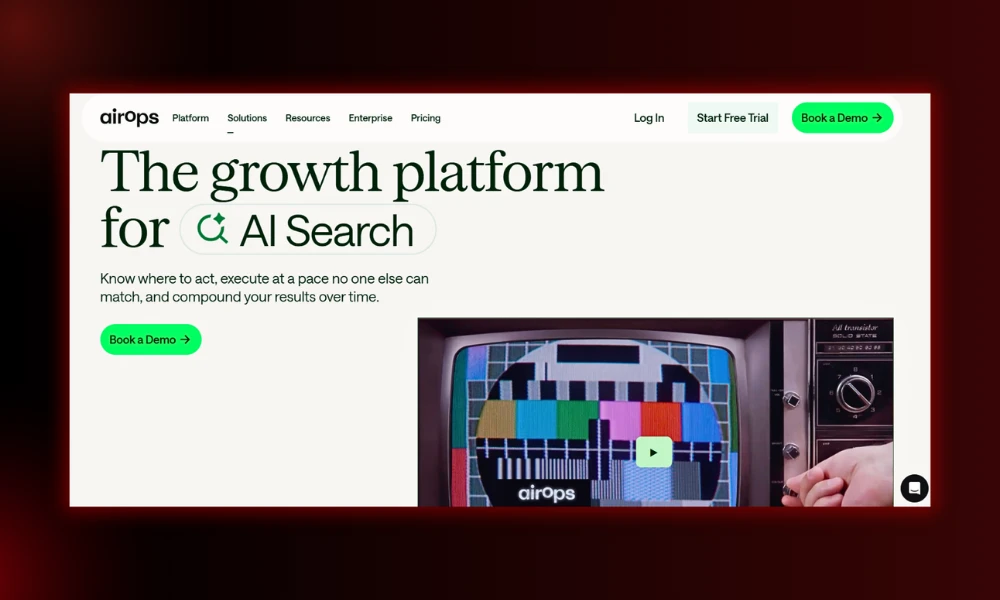
- Category: AI content workflows
- Best for: Scaling content with automation
- Ease of use: Advanced
- Pricing: Free Solo plan; paid plans custom.
- Who is it for? Advanced teams and agencies producing content at volume.
Key features
- Build automated, multi-step content workflows
- Integrates with Semrush, CMS platforms, and 30+ AI models
- Free Answer Engine Visibility tool
- Publishes straight to your CMS
Pros
- Powerful for repeatable production
- Connects your whole stack
- Real AI-visibility tracking included
Cons
- Steep learning curve
- Custom pricing is hard to predict
Why it matters after Google core updates: Lets teams scale without scaling the slop, by keeping brand voice and quality consistent across many pages.
24. Gumloop
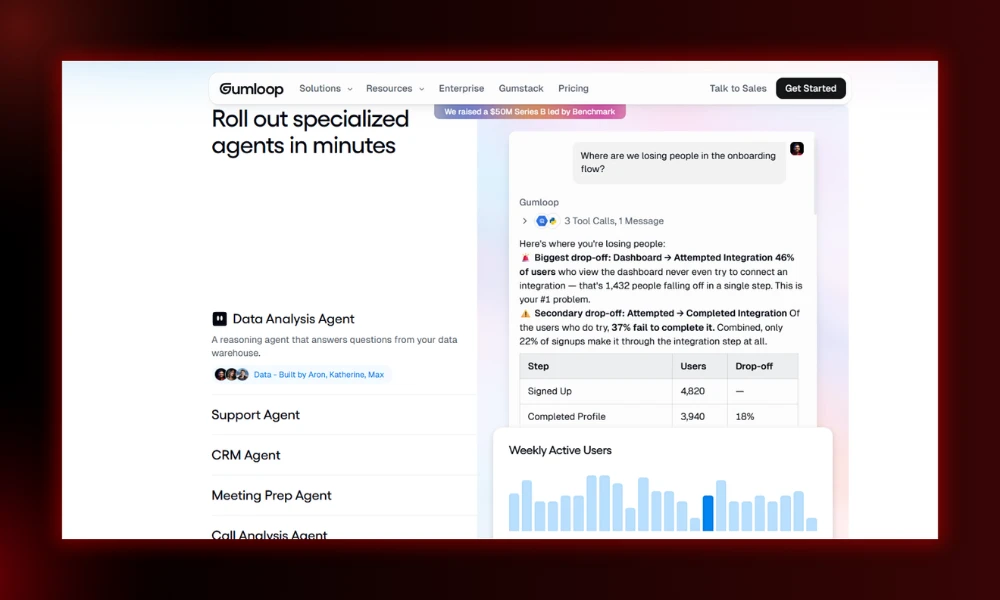
- Category: SEO and marketing automation
- Best for: No-code AI workflows
- Ease of use: Intermediate to advanced
- Pricing: Free plan (5,000 credits); paid from about $37/month.
- Who is it for? SEOs who want to automate repetitive tasks without coding.
Key features
- Drag-and-drop AI agent builder
- Connects tools like Semrush and your analytics
- Built-in access to multiple LLMs
- Automated reports and competitor monitoring
Pros
- Generous free plan
- Clean, intuitive interface
- Automates real SEO grunt work
Cons
- Entry paid tier may be steep for indie creators
- Needs decent SEO knowledge to train well
Why it matters after Google core updates: Automating the busywork frees you to spend time on the expertise and original research that updates reward.
Technical SEO tools
25. Screaming Frog
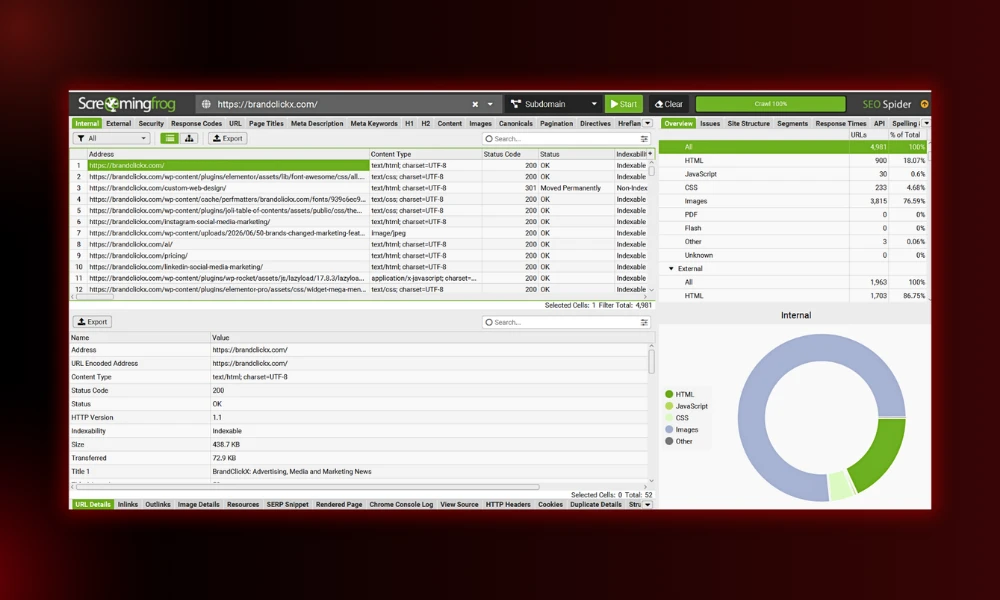
- Category: Technical SEO crawler
- Best for: Deep technical site audits
- Ease of use: Advanced
- Pricing: Free up to 500 URLs; paid about $279/year.
- Who is it for? Technical SEOs, agencies, and anyone running real audits.
Key features
- Crawls broken links, redirects, and duplicates
- Finds missing or stray tags (including noindex)
- Validates structured data on the paid version
- Analyzes titles, meta, and headings at scale
Pros
- The professional standard for audits
- Catches issues nothing else does
- One-time yearly cost
Cons
- Dated, intimidating interface
- Needs technical know-how to read
Why it matters after Google core updates: A single misplaced noindex or canonical can sink a site no matter how good the content is. Screaming Frog catches those fast. For done-for-you audits, see our technical SEO service.
26. Sitebulb
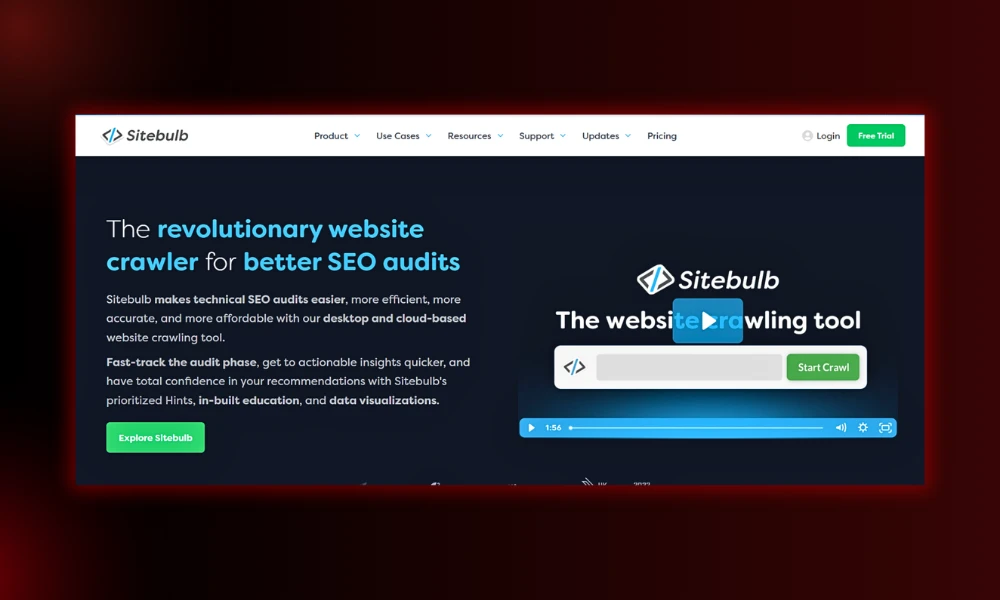
- Category: Technical SEO crawler
- Best for: Audits explained in plain language
- Ease of use: Intermediate
- Pricing: From around $14/month, with a free trial.
- Who is it for? SEOs who want Screaming Frog’s depth with friendlier reporting.
Key features
- Prioritized issue lists with explanations
- Visual crawl maps
- Cloud and desktop options
- Clear audit scoring
Pros
- Explains why each issue matters
- Easier to learn than Screaming Frog
- Great for client reports
Cons
- Subscription instead of one-time
- Crawls can be slower on huge sites
Why it matters after Google core updates: Prioritized fixes mean you spend your post-update time on the issues that actually move rankings, not busywork.
Rank tracking and local SEO tools
27. Nightwatch
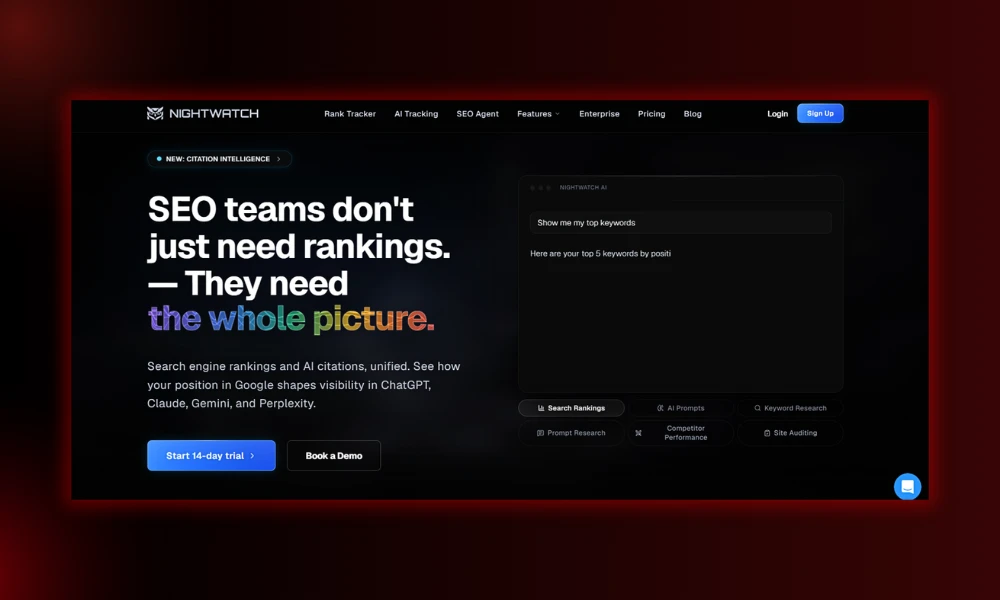
- Category: Rank tracking and reporting
- Best for: Accurate local and global rank tracking
- Ease of use: Intermediate
- Pricing: From $39/month (250 keywords); scales with volume. 14-day trial.
- Who is it for? Local businesses, agencies, and anyone needing precise tracking.
Key features
- Highly accurate position tracking
- Local tracking down to specific locations
- AI tracker and cannibalization detection
- Looker Studio and analytics integration
Pros
- One of the most accurate trackers around
- Clean, simple interface
- Tracks across Google, YouTube, and Bing
Cons
- Cost climbs with more keywords
- Not a full all-in-one suite
Why it matters after Google core updates: Accurate tracking lets you separate a genuine ranking change from normal day-to-day noise, so you don’t panic-edit after an update.
28. BrightLocal
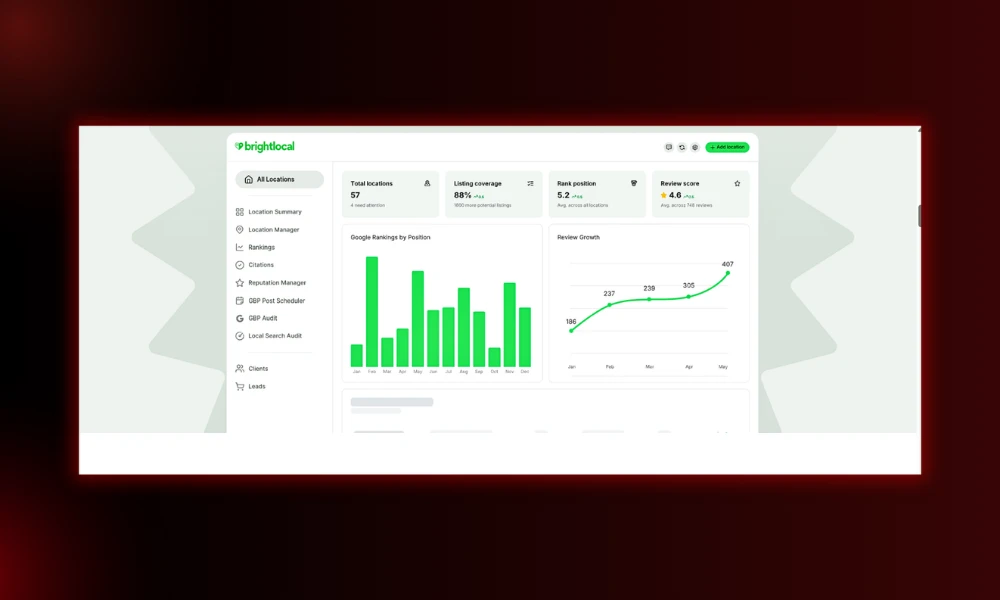
- Category: Local SEO
- Best for: Local rank tracking, citations, and reviews
- Ease of use: Beginner to intermediate
- Pricing: From $39/month, with a free trial.
- Who is it for? Local businesses and agencies managing local clients.
Key features
- Local rank tracking by location
- Citation building and management
- Review monitoring and reporting
- White-label client reports
Pros
- True all-in-one for local
- Affordable for the feature set
- Strong agency reporting
Cons
- Overkill for a single simple listing
- Citation building is billed per submission
Why it matters after Google core updates: Local pack visibility and a complete Google Business Profile hold up even as classic clicks fall. For hands-on help, see our local SEO service.
AI search visibility tools (the new essential)
29. Profound
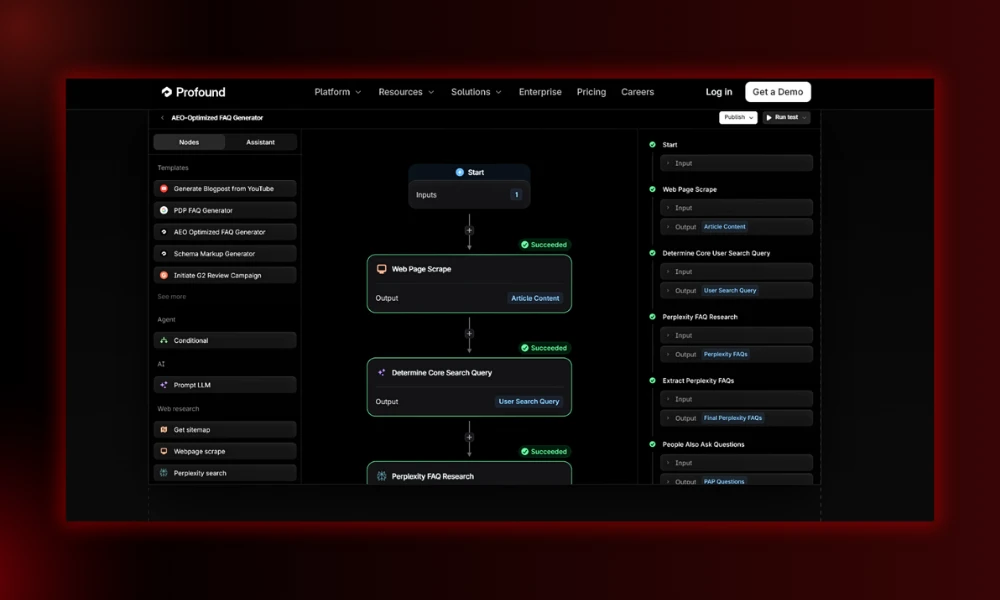
- Category: AI search visibility
- Best for: Enterprise-grade AI mention tracking
- Ease of use: Intermediate
- Pricing: Enterprise and mostly custom; entry tier around $499/month.
- Who is it for? Larger brands treating AI visibility as a tracked KPI.
Key features
- Tracks brand mentions across many AI engines
- Prompt-volume and citation data
- Competitor share-of-voice in AI answers
- Shopping and PR modules
Pros
- The category leader, used by big brands
- Deep, structured data
- Broad engine coverage
Cons
- Expensive, sales-led pricing
- Too much for small teams
Why it matters after Google core updates: As zero-click search grows, whether AI engines cite you is the new visibility battleground. Profound measures it at scale. Track the shift in our AI coverage.
30. Otterly AI
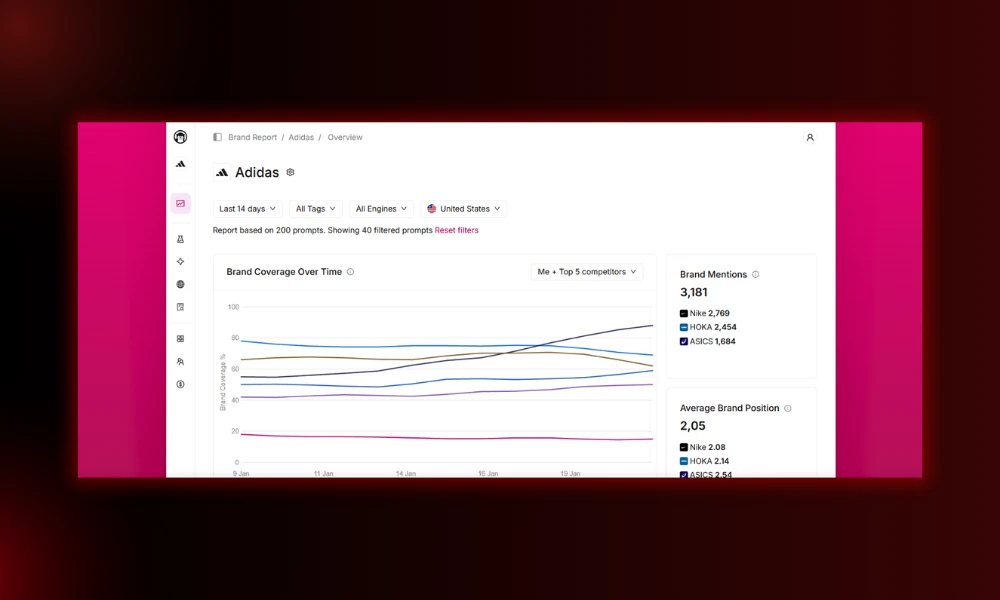
- Category: AI search visibility (budget)
- Best for: Affordable AI mention monitoring
- Ease of use: Beginner
- Pricing: Lite $29, Standard $189, Premium $489 per month. Free trial available.
- Who is it for? Small teams testing AI visibility without an enterprise budget.
Key features
- Tracks ChatGPT, Google AI Overviews, Perplexity, and Copilot
- Brand mention and citation alerts
- Competitor comparison
- Looker Studio integration
Pros
- Cheapest real entry into AI tracking
- Simple to set up
- Covers the engines that matter
Cons
- Pure monitoring, no content tools
- Prompt limits on lower tiers
Why it matters after Google core updates: It gives smaller sites an early read on AI visibility, so you can react before competitors lock in the citations.
Which of these should you actually pay for?
You do not need all 30. Here’s the honest shortlist by situation:
- New blog: Search Console, GA4, Google Trends, our free keyword tool, and Frase. Near zero cost.
- Freelancer: SE Ranking or Ahrefs Standard, plus Surfer or Frase. Add white-label reports for clients.
- Agency: Ahrefs or Semrush, a content optimizer, Screaming Frog, BrightLocal for local clients, and one AI-visibility tracker. Real cost lands closer to $400 to $600/month once you add seats.
- eCommerce: Semrush or Ahrefs, plus Sitebulb for big catalogs and schema work.
- Budget stack: the free Google tools, Bing Webmaster Tools, NeuronWriter or Frase, and Ahrefs Starter at $29 when you need competitor data. Under $50/month.
Two or three tools you open every day beat ten you log into once a month. Pick the few that fit your work, learn them well, and put the rest of your budget where it still wins after every core update: clear, original, genuinely useful content that a real person wrote and an AI wants to cite.
FREQUENTLY ASKED QUESTIONS
What tools help track brand visibility in Google AI Overviews in 2026?
Semrush, SE Ranking, Nightwatch, Profound, and Otterly AI now offer dedicated trackers to monitor your brand’s visibility and citations inside AI search features.
Why does the 2026 playbook prioritize AI visibility over classic Rank #1?
Google AI Overviews now appear in nearly half of all queries, pulling clicks away from traditional search results even if a website ranks in the absolute top position.
Which free SEO tools are essential for post-core-update recovery?
Google Search Console and Bing Webmaster Tools are essential to identify indexing issues, track real queries, and verify site readiness for AI search engines.
How should content be formatted to get cited inside AI search answers?
Write concise summaries, use structured HTML tables, format headings as direct questions, and present clear definitions that bots can easily extract out of context.
Why do 4000-word “ultimate guides” no longer work after core updates?
Google updates now punish pages that just repackage basic web data. AI engines summarize basics instantly; you must offer unique human experience or original data.