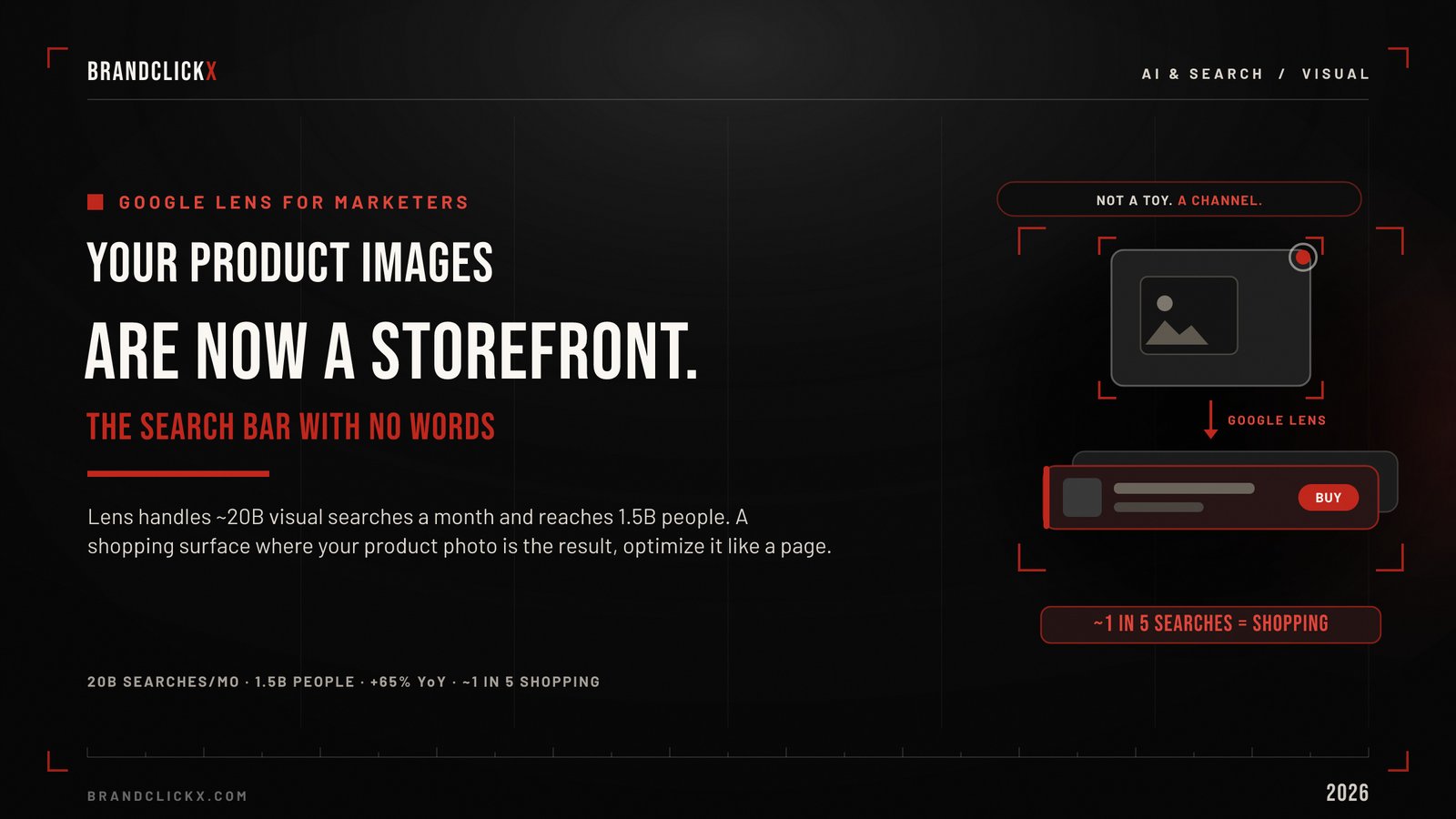
Most marketers still think of Google Lens as a consumer toy. Point it at a plant, learn the species, move on.
That framing is years out of date.
Google Lens now handles close to 20 billion visual searches a month, reaches more than 1.5 billion people, and is growing around 65 percent year over year, which makes it one of the fastest-growing query types in Search. Roughly one in five of those searches is about shopping.
Read that again with a marketer’s eyes.
A discovery and shopping surface used by more than a billion people, where the query is an image instead of a keyword, and where your product photography is what shows up. That is not a toy. That is a storefront you are probably not optimizing.
This guide treats Google Lens the way it deserves: as a marketing channel. How to use it on iPhone, why it matters for ecommerce, and how to get your brand found inside it.
Key Takeaways
- Google Lens is a billion-user discovery and shopping surface, not a novelty feature.
- Around 20 percent of Lens searches are shopping-related, tied to a graph of tens of billions of products.
- On iPhone, the Google app and a browser tap-and-hold are the fastest ways to use it.
- Marketers win Lens through visual SEO: original imagery, structured data, and a healthy product feed.
- As search goes multimodal, your product images become your visibility. Optimize them like landing pages.
What Google Lens Actually Is Now
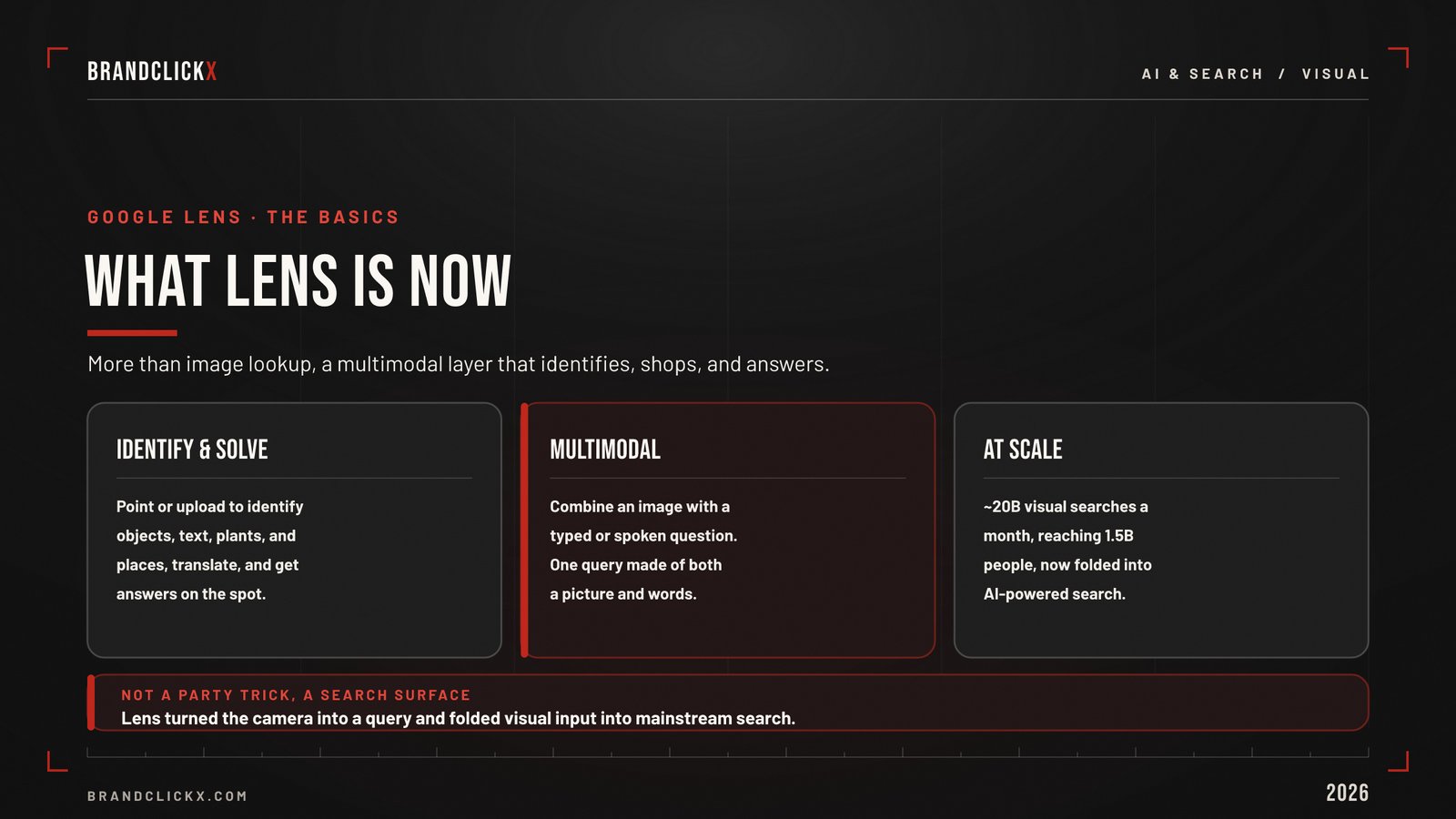
Lens is no longer a single trick. It is the front end of Google’s multimodal search.
It identifies products, objects, plants, and places. It reads and translates text inside images. It powers multisearch, where you combine an image with words or voice in a single query. And it now feeds directly into Google’s AI Mode, where Gemini understands a whole scene and answers complex questions about it.
The shopping layer is the part marketers cannot ignore. Lens connects to a Shopping Graph of tens of billions of products, and features like virtual try-on turn a casual look into a path to purchase.
Why it matters: Lens stopped being “what is this” and became “what is this, where can I buy it, and what should I know.” Every step in that chain is a marketing moment.
How to Use Google Lens on iPhone
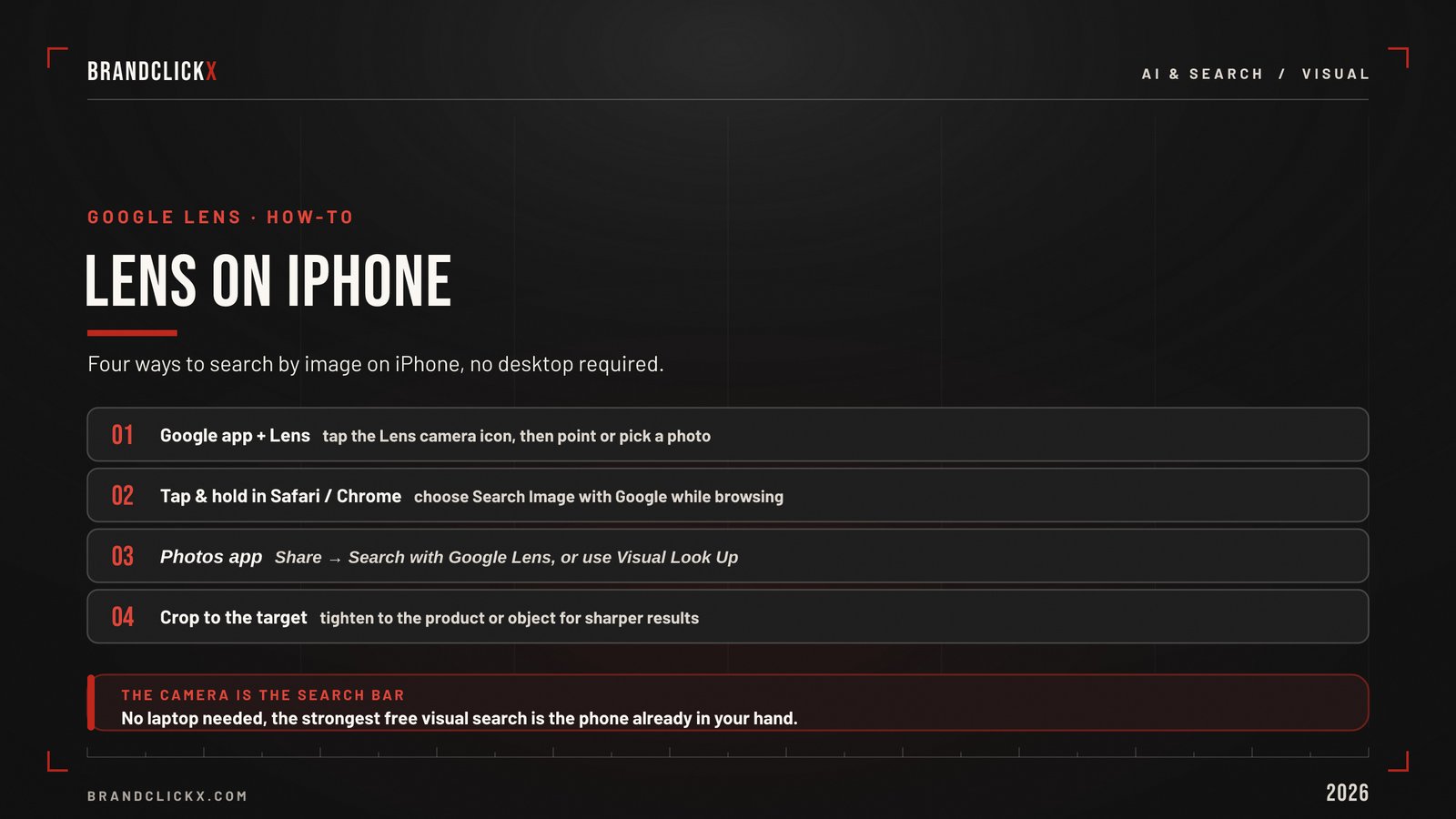
Before optimizing for Lens, you should use it the way your customers do. On iPhone, there are a few fast routes.
The Google app. Download it, open it, and tap the colorful Lens camera icon in the search bar. Take a photo live, or tap the gallery icon to choose an image from your library. Crop to the product or object, then swipe up for results and shopping matches.
Tap and hold in Safari or Chrome. When you spot an image online, touch and hold it and choose “Search Image with Google.” Lens opens with the image preloaded, which is perfect for quick competitive checks.
Search by URL. Copy an image address and paste it into Google Images to search it without downloading.
That covers the essentials. For the full set of methods, including the Photos app and the Safari desktop trick, see our guide to reverse image search on iPhone.
Market observation: the 18-to-24 group uses Lens most heavily. If that is your audience, image-first discovery is already how they shop. Meet them there.
Google Lens as a Shopping and Discovery Channel
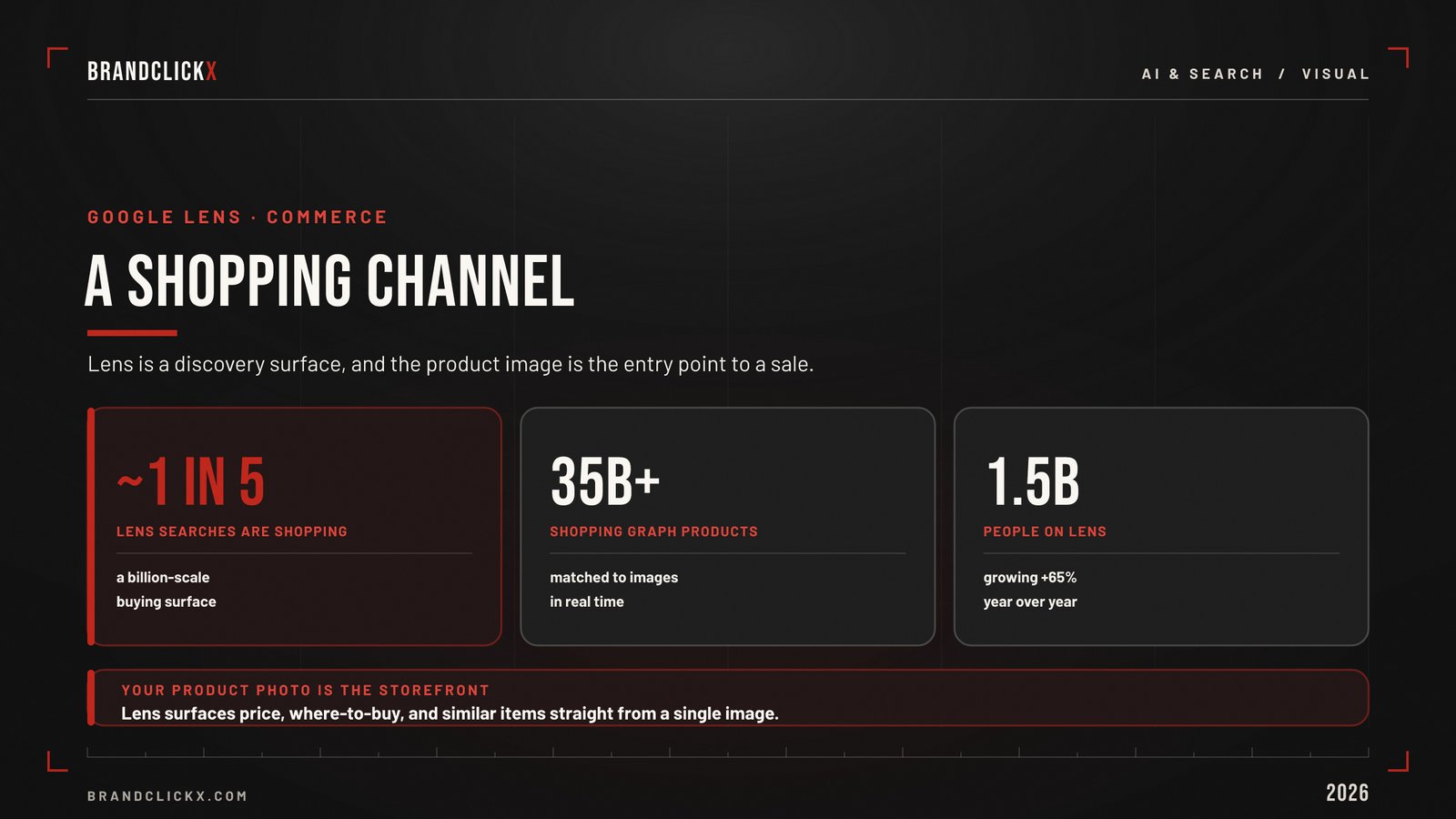
Here is the shift ecommerce brands need to internalize.
A growing share of product discovery now starts with a camera, not a search box. A shopper sees a jacket on the street, points Lens at it, and gets matching products with prices and retailers. No brand name typed. No keyword. Just the image.
That changes the competition. In a keyword search, you fight for a phrase. In a Lens search, you fight to be the product Google matches to the picture.
If your imagery is not in the Shopping Graph, or if your product photo is identical to fifty resellers using the same manufacturer shot, you simply will not be the result. Someone else will.
Industry impact: visual search collapses the distance between seeing and buying. The brands that show up cleanly in that moment capture demand that never touched a text query.
The Real Opportunity: Getting Found in Google Lens
This is where most “Google Lens” content stops short. The marketing question is not how to use Lens. It is how to be found in it.
Getting found in visual search is a discipline, and it rewards the same people-first quality Google asks for everywhere. Here is what actually moves the needle.
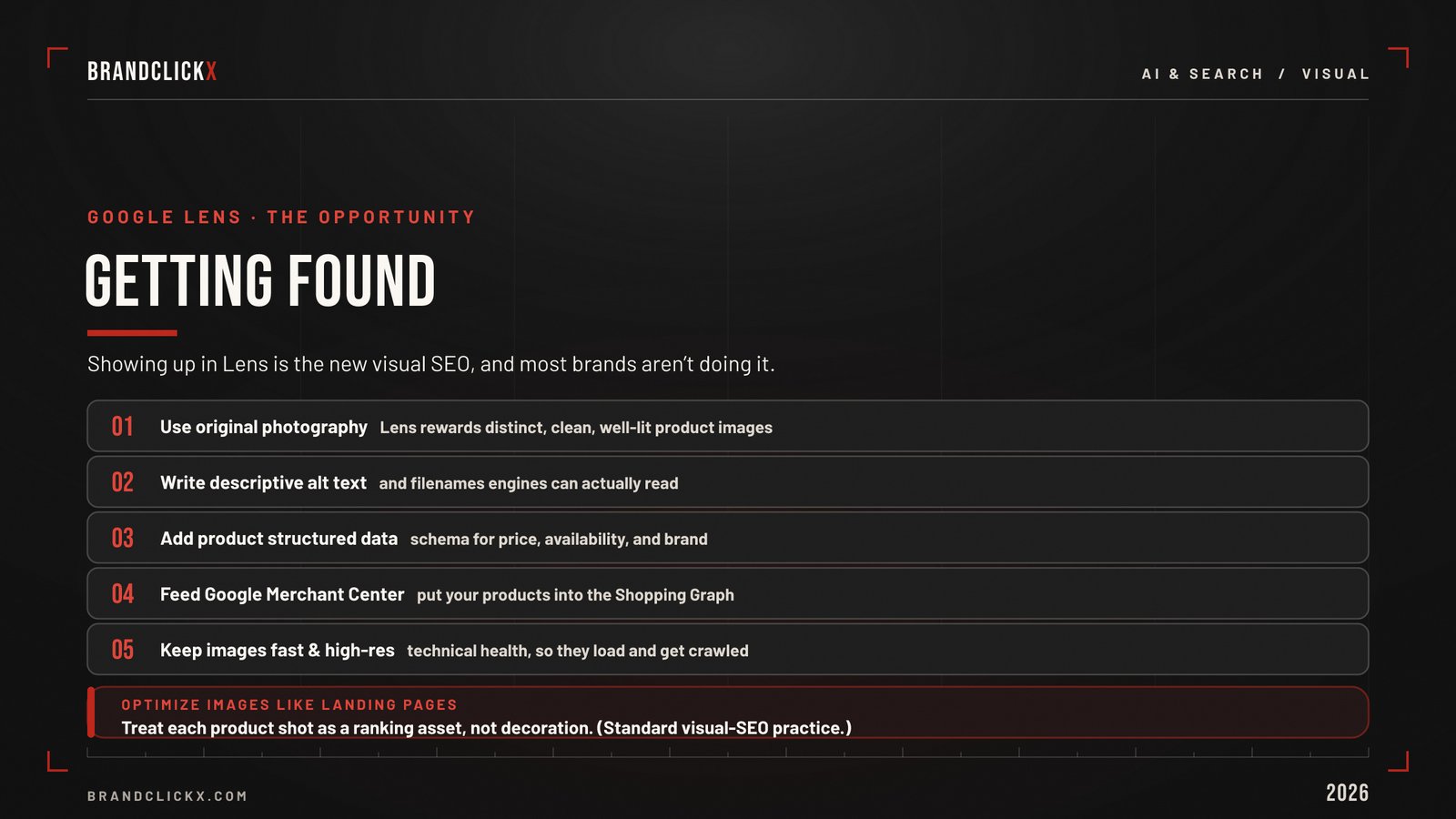
Use original, high-quality photography. Lens matches visual content. If you shoot your own products instead of reusing the manufacturer’s stock image, Google can associate that image with your site as the source, not a reseller’s. Distinct imagery is how you become the canonical match.
Optimize the image itself. Descriptive filenames, accurate alt text, and relevant surrounding copy help Google understand what the image shows and which queries it fits.
Implement product structured data. Product schema and clean markup make your pages eligible for rich results and help Google connect images to product details like price and availability.
Feed the Shopping Graph. A healthy, accurate product feed in Google Merchant Center is how your catalog enters the shopping data that Lens draws on. For ecommerce, this is the single highest-leverage move.
Get the technical foundations right. Images must be fast-loading, mobile-friendly, indexable, and crawlable. An image Google cannot index cannot appear in Lens results.
| Tactic | What it does | Priority for ecommerce |
| Original product photography | Makes you the canonical image source | High |
| Descriptive filenames and alt text | Helps Google understand the image | High |
| Product structured data | Enables rich results and product context | High |
| Google Merchant Center feed | Enters your catalog into the Shopping Graph | Very high |
| Fast, mobile, indexable images | Makes images eligible to appear at all | Foundational |
| Multiple angles and high resolution | Improves match confidence | Medium |
Tactical framework: treat every key product image like a landing page. It has a job, an audience, and a ranking. Optimize it accordingly.
This is the visual-search side of the broader image search techniques that define modern SEO. The text era trained marketers to optimize words. The visual era asks them to optimize images.
Using Lens for Competitive and Product Research
Lens is not only a channel to win. It is a research tool to use.
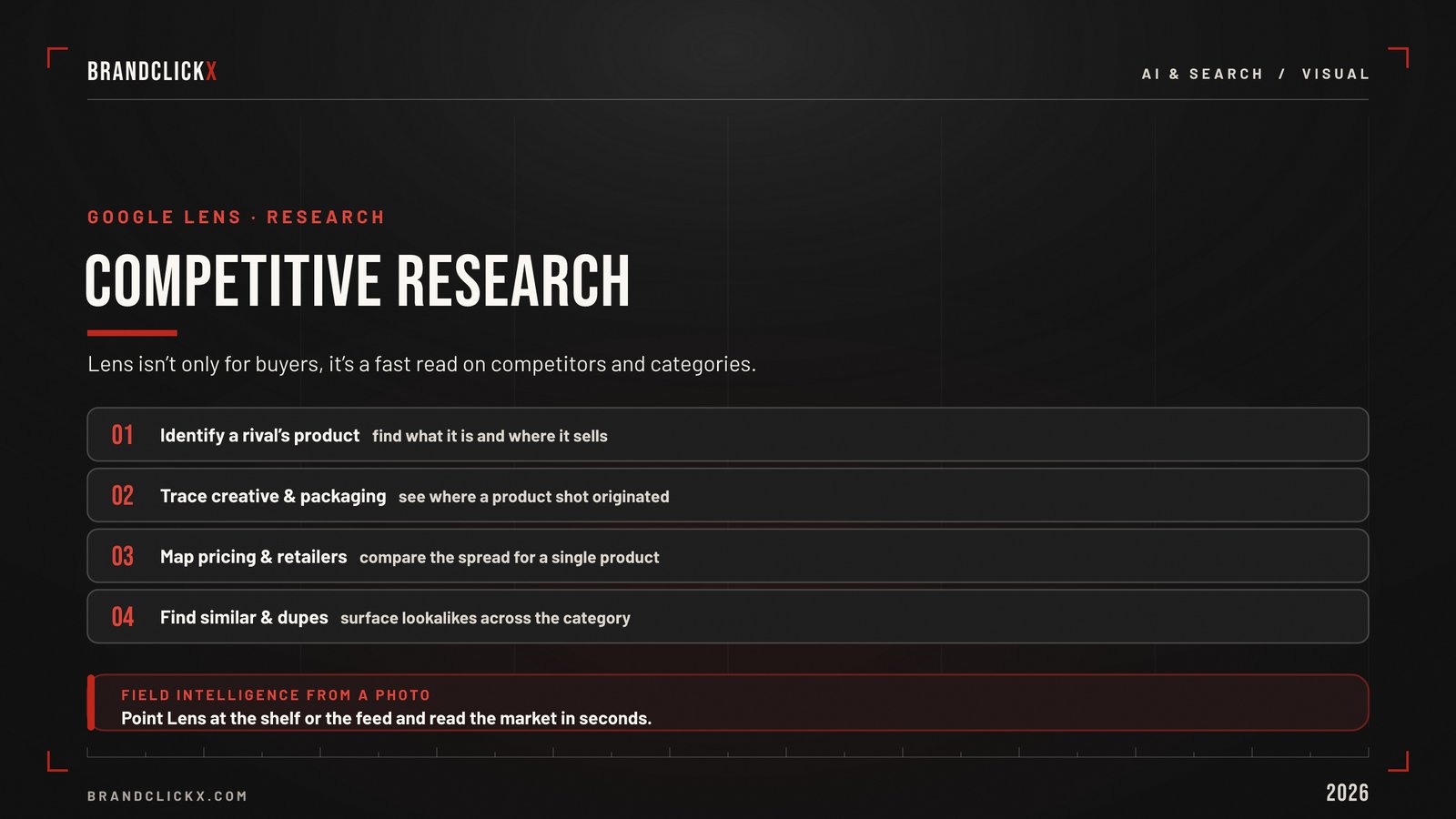
Point it at a competitor’s product shot and you can surface similar products, suppliers, and pricing. Photograph a packaging design or a material and trace where else it appears. Spot a trend in the wild and identify it before it hits the mainstream.
For product, sourcing, and competitive teams, this is fast, free intelligence.
When the job shifts from products to people or provenance, Lens hands off to specialists. For matching a face, use Yandex reverse image search. For finding exact copies and proving origin, use TinEye. The full lineup lives in our roundup of the best reverse image search tools.
Strategic breakdown: Lens is your product-and-shopping engine. Pair it with the right specialists, and you cover discovery, research, and protection in one stack.
Lens vs the Other Engines
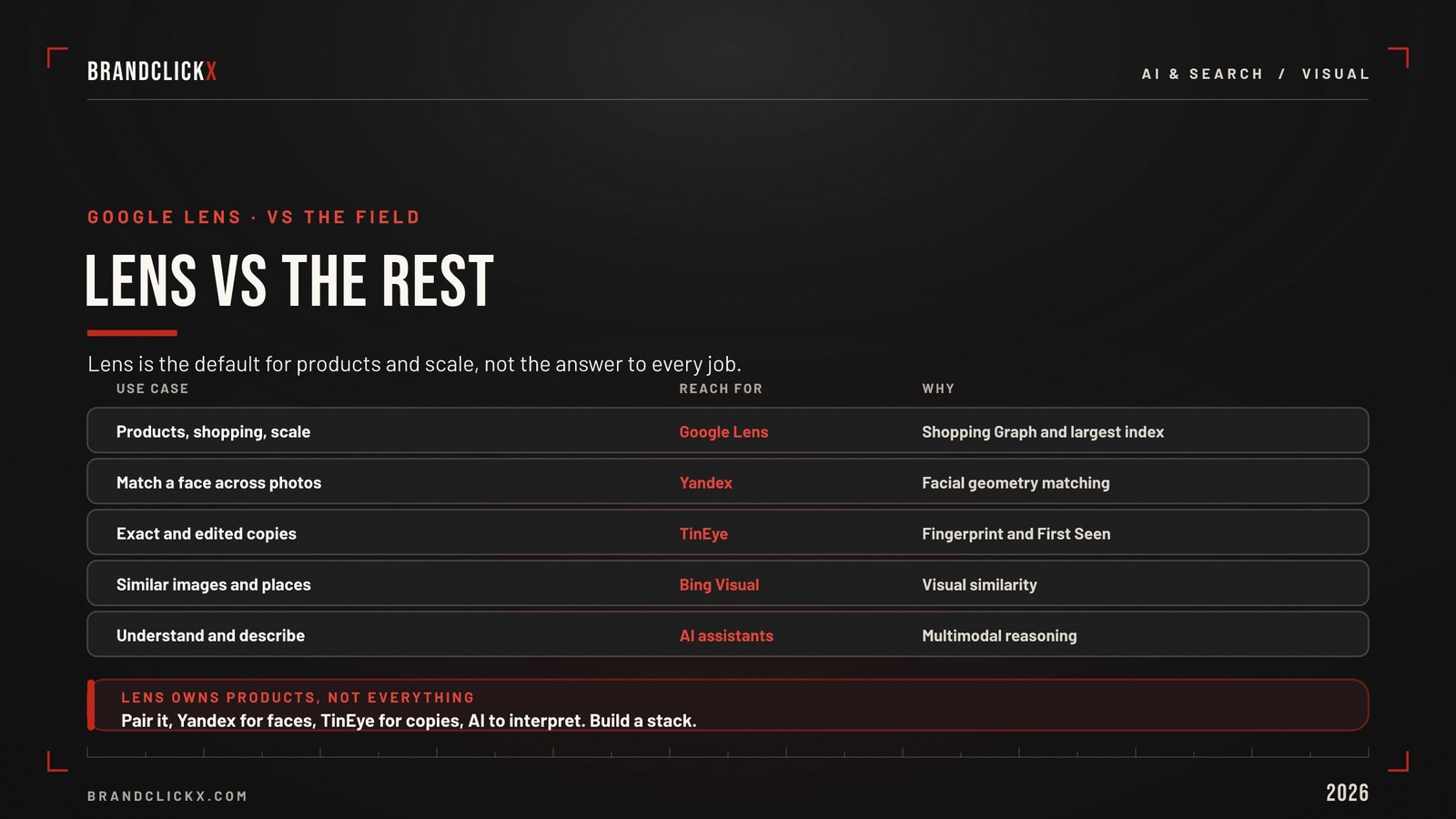
Lens is the default, not the answer to everything. Here is the quick map.
| Job | Reach for | Why |
| Identify a product or place | Google Lens | Shopping graph and scale |
| Read or translate text in an image | Google Lens | Strong built-in OCR |
| Get found by shoppers | Google Lens + Merchant Center | Feeds visual shopping results |
| Match a face | Yandex | Facial geometry matching |
| Find exact and edited copies | TinEye | Fingerprint matching, First Seen |
If you are new to the practice, our walkthrough on how to reverse image search covers the mechanics across every engine.
The Bigger Shift
Google Lens is the leading edge of a structural change in search.
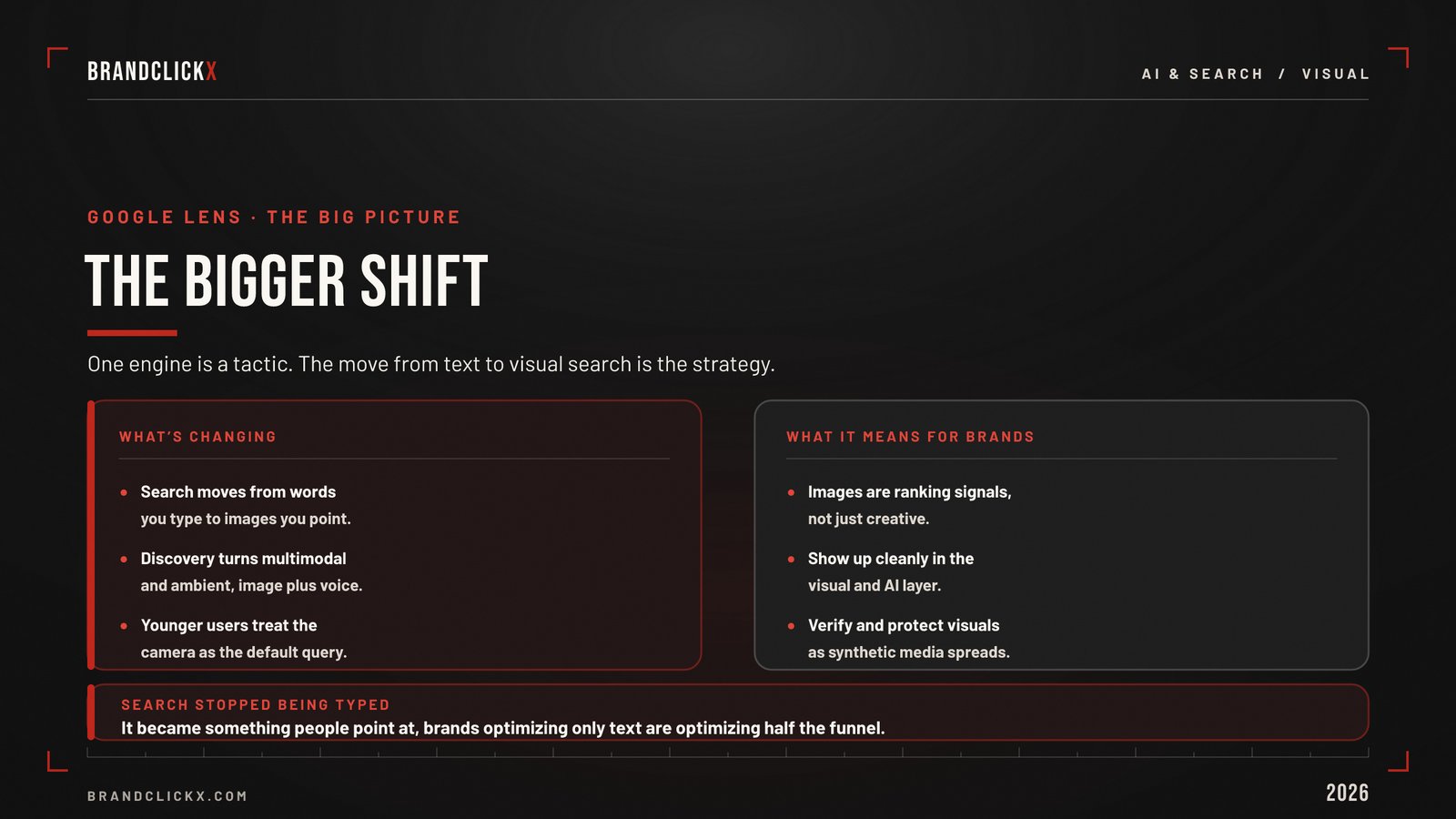
Search is moving from words you type to images you point at, and from matching keywords to understanding meaning. AI Mode, multisearch, and Gemini all push discovery toward the visual and the conversational.
Gartner’s 2026 marketing outlook frames the next phase as ambient, context-driven discovery, where visual interfaces power passive, real-time moments rather than typed queries. The camera becomes a quiet, always-available search bar.
For brands, the implication is direct. Your images are no longer just creative assets. They are search inputs, discovery surfaces, and increasingly, the storefront a shopper sees first.
Future outlook: the marketers who win the next decade of search will optimize for the query that has no words. That work starts with Google Lens.
Frequently Asked Questions
What is Google Lens and how does it work?
Google Lens is Google’s visual search tool. It uses computer vision and AI to analyze an image, identify objects, products, text, and places, and return related and shopping results. You can search a live camera view or an existing photo, and Lens connects what it sees to Google’s index and shopping data.
How do you use Google Lens on iPhone?
Download the Google app, open it, and tap the Lens camera icon in the search bar to take or choose a photo. You can also tap and hold an image in Safari or Chrome and pick “Search Image with Google” to open Lens with the image preloaded.
Is Google Lens good for shopping and ecommerce?
Yes. About one in five Lens searches is shopping-related, and Lens taps a shopping graph of tens of billions of products. For ecommerce brands, it is a real product-discovery channel where people find items by image.
How can marketers optimize for Google Lens?
Use original, high-quality product photography, add descriptive filenames and alt text, implement product structured data, maintain a healthy Google Merchant Center feed, and keep images fast, mobile-friendly, and indexable.
Is Google Lens a reverse image search?
It does reverse image search and more. Beyond finding where an image appears, Lens identifies objects, reads and translates text, and surfaces shopping results. Google Images now opens a Lens panel for image searches on desktop.
How many people use Google Lens?
Google reports close to 20 billion visual searches a month and more than 1.5 billion users, growing about 65 percent year over year, making Lens one of the fastest-growing query types in Search.
Key Takeaways for Executives
- Treat Google Lens as a channel, not a gadget. A billion-plus users and 20 billion monthly searches make it a serious discovery surface.
- Prioritize the Shopping Graph. A clean Merchant Center feed is the highest-leverage way for ecommerce brands to appear in visual shopping results.
- Shoot original imagery. Distinct product photography makes you the canonical match instead of one of fifty resellers using the same stock photo.
- Optimize images like landing pages. Filenames, alt text, structured data, and technical health all decide whether you appear in Lens.
- Build the full stack. Lens for products and shopping, Yandex for faces, TinEye for copies, used together.
The Bottom Line
Google Lens has quietly become one of the largest discovery channels on the internet, and most brands are still treating it like a way to identify houseplants.
As search turns visual and the camera becomes a search bar, your product images stop being decoration and start being your storefront. The marketers who optimize for the wordless query, with original imagery, clean structured data, and a healthy product feed, will own visibility that text-only competitors never see.
Tracking exactly these shifts, where search, AI, commerce, and brand collide, is the work BrandClickX exists to do.