Nobody wakes up curious about file types. You start caring the day a page won’t load or a logo goes blurry on you. So here’s an image formats guide that skips the lecture. JPG, PNG, WebP, and a dozen cousins all swear they’re the right pick. Spoiler: they’re not the same, and the differences bite harder than you’d guess.
Wrong choice, your site drags its feet. Right choice, a photo shrinks by half and looks identical to anyone scrolling by.
Eleven formats below. No fog. Just the good, the bad, and the exact second you’d reach for each one.
Why the Right Image Format Changes Everything
Three things tug against each other every time you upload an image. File size. Picture quality. And the boring-but-crucial question of whether browsers can read it.
Lighter files load fast. Fast pages keep people from clicking away, and search engines clock that. Push the compression too hard, though, and your picture turns to soup. You can’t just shrink it all and walk off. That tug-of-war is the spine of this image formats guide.
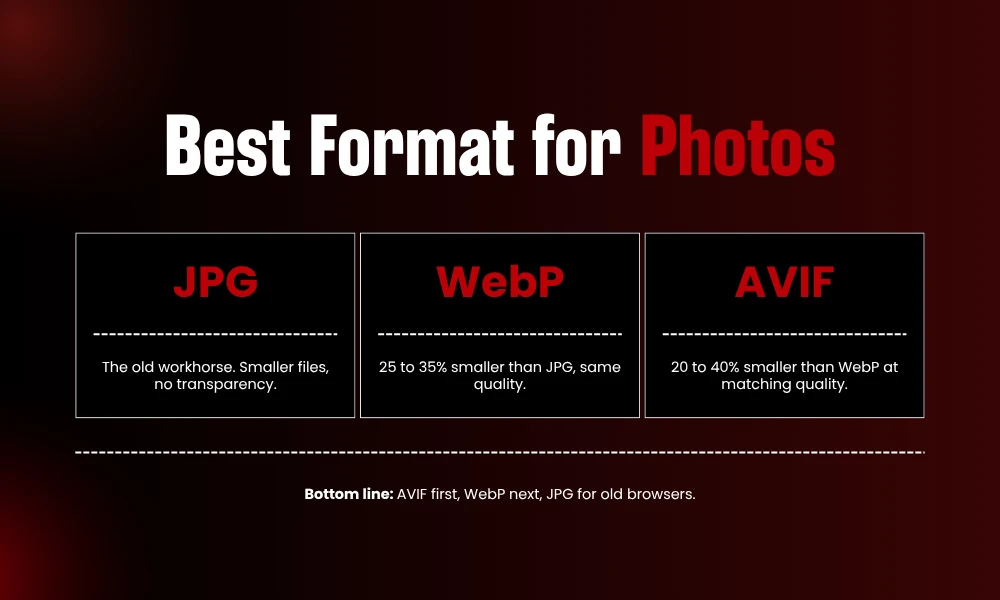
Fast version, if you’re in a hurry. Photos want JPG, WebP, or AVIF. Logos, icons, anything with hard edges or see-through bits, those go to PNG or SVG. Newer formats beat the old ones on size, and yes, browsers handle them now.
1. JPG (JPEG): The Workhorse for Photos
- That’s how far back JPG goes. And somehow it still shovels more image data across the internet than anything else out there.
Trick is simple:
It dumps detail your eye won’t miss to slim the file down. Lossy compression. Crank it too high and blocky junk creeps in around the edges, but dial it sensibly and nobody catches on.
Photos are where it lives. A portrait, a beach at sunset, a product shot with color melting softly from one shade to the next. JPG eats that up.
Hand it a logo or a text-heavy screenshot, though, and watch it smear. Looks rough. Plus there’s no transparency at all, so a clean cutout? Not happening with JPG.
2. PNG: Sharp Edges and Transparency
PNG arrived to fix what JPG kept fumbling. It loses nothing. Lossless, all the way, so your image lands exactly how you built it.
Transparency steals the show. A full alpha channel rides along, which lets parts of the picture fade off or vanish completely. That’s the reason near enough every logo you’ve ever grabbed showed up as a PNG.
Charts, line art, screenshots, text sitting over a background. PNG keeps all of it crisp.
Then comes the bill. That photo you tucked neatly into a JPG? As a PNG it might balloon to three or four times the weight. Save PNG for the graphics that actually need those knife-sharp lines. Your vacation snaps? Leave them out of it.
3. WebP: The Modern All-Rounder
Google built WebP back in 2010, and these days it’s the easy middle-of-the-road call. Lossy, lossless, transparency, animation. The whole spread.
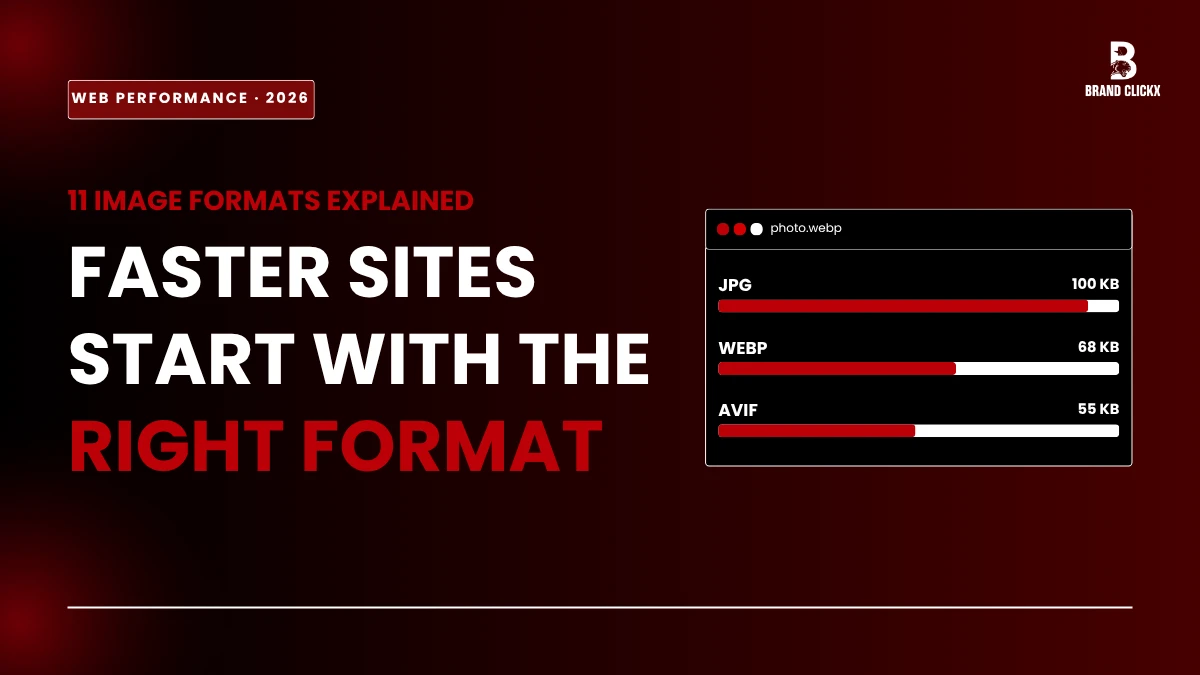
The numbers sold everybody. WebP shaves roughly 25 to 35 percent off JPEG and you won’t spot a quality drop. Same shot, smaller file, snappier page.
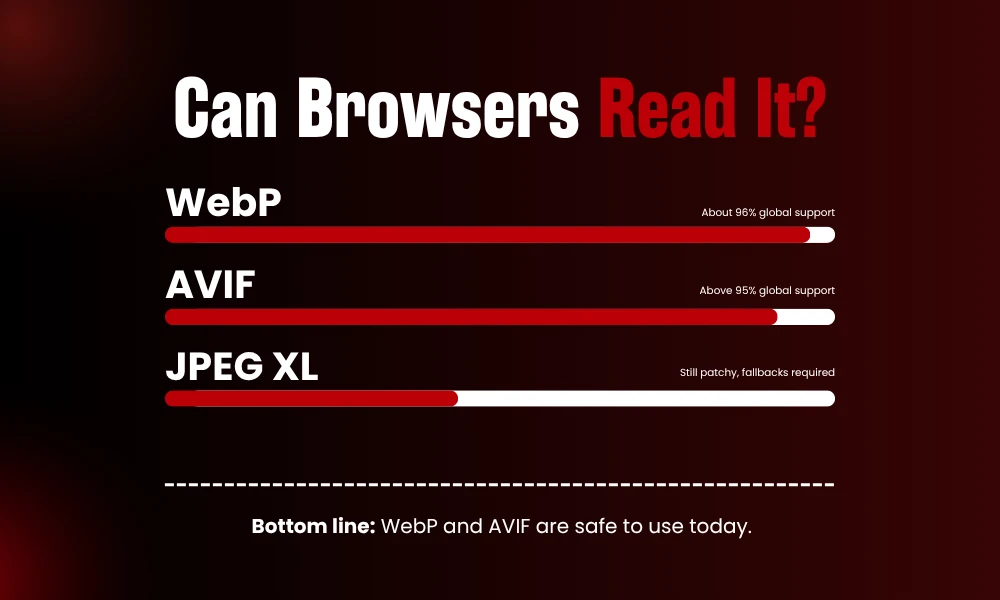
Support stopped being a headache ages ago. WebP cleared about 96 percent global coverage by early 2026, so just about everyone sees it fine. It also happens to be the safest bet when you want modern compression without gambling.
Set it as your default for most of what you post. Blog images, thumbnails, product galleries, all of it. WebP quietly fills in for both JPG and PNG. The only holdouts are browsers older than 2020, and you just feed those a JPG instead.
4. AVIF: The Compression King
Here’s the one everyone keeps bringing up in the image formats guide. AVIF dropped in 2019, sprouted from the AV1 video codec, and had serious muscle behind it. Google. Apple. Netflix. Amazon. That crowd.
It’s all about efficiency. An AVIF photo at quality 80 comes in around 20 to 40 percent smaller than the same image as WebP at matching quality. Line it up against old JPG and the gap yawns even wider.
And the good news within this image formats guide, you can actually run it right now. As of 2026 AVIF works in Chrome, Firefox, Safari, Edge, and every major mobile browser, with global support north of 95 percent. Chrome 85 and up, Firefox 93 and up, Safari 16.1 and up, all native.
There’s a catch, naturally. AVIF takes its sweet time to encode, especially when you crank the quality. Not fatal. It just nudges how you use it. Save AVIF for hero shots and big top-of-page visuals you encode once and forget, then let something faster handle the images you keep churning out. Common move is AVIF up front, WebP or JPG sitting ready underneath.
5. GIF: Old Faithful for Simple Animation
GIF is properly old and it shows every wrinkle. A measly 256 colors, which leaves photos flat, banded, kind of pitiful really.
Two tricks kept it alive though here in image formats guide. Looping little animations, plus rough-and-ready transparency. For years that made GIF the undisputed boss of memes and tiny moving graphics.
The clock’s running down on it now. WebP and even short muted MP4 clips run laps around GIF, smaller files and better quality both. Crack out a GIF only when some platform straight up insists on one. Otherwise, you’ve got better tools sitting right there.
6. SVG: Graphics That Never Blur
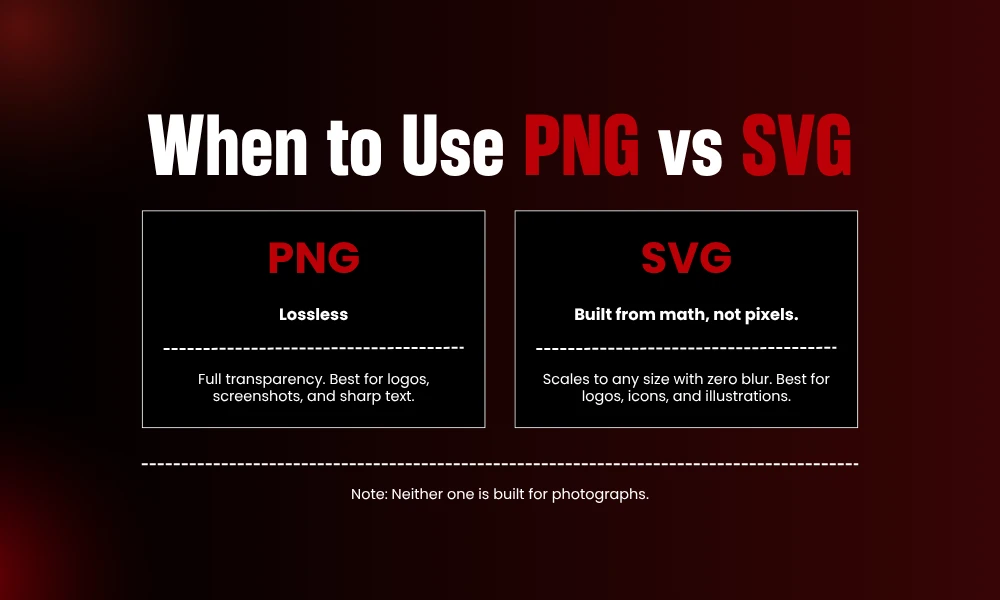
SVG throws out the rulebook the others follow. No pixels in it whatsoever. It’s basically math, a set of instructions telling your screen which shapes to draw.
Which leads somewhere kind of magic. Stretch an SVG from a thumbnail to the side of a building and it stays dead sharp. Size means nothing to it. Zero blur, end of story.
Logos, icons, illustrations, charts. Home turf. Files usually come out tiny since it’s just code under the hood, and you can recolor the thing with one line of CSS if you fancy the image formats guide.
Photographs, on the other hand? Nope. SVG hasn’t a clue what to do with a real photo. Keep it locked to vector art and ship the camera stuff off to JPG, WebP, or AVIF.
7. TIFF: The Print and Archive Specialist
TIFF on a website regarding image formats guide? Almost never, and for solid reasons. The files are absolute units. One image can swell into the tens of megabytes.
Quality’s the trade-off you get back. TIFF holds an image with no loss at all, which is precisely why print shops, working photographers, and archives swear by it. When you want a master copy that’ll never crumble, this is your guy.
For the web it’s flat-out wrong, though. Half the time browsers won’t even display it without a workaround. Picture TIFF as the original you lock in a drawer, then you spin off a lean JPG or WebP for whatever you’re actually putting out there.
8. BMP: The Bulky Relic
Bare bones barely covers BMP. It just splats raw pixel data down with hardly any compression, so the size blows up in a hurry.
You’ll mostly trip over it deep inside crusty old Windows software. Yeah, it holds full quality. Plenty of other formats manage that without swallowing half your hard drive.
Honestly there’s no real argument for BMP on the web these days. Found one lurking somewhere? Convert it and move on. PNG if it’s a graphic, JPG if it’s a photo. Done.
9. HEIC: What Your iPhone Shoots
Got an iPhone? Then you’re sitting on a mountain of HEIC files and you probably never noticed. Apple switched it on as the default photo format way back in 2017.
The thing’s properly efficient. HEIC crams JPG-level quality into roughly half the room, and it tucks in extras like depth data while it’s at it. Great for keeping your phone library from bloating.
Sharing is the sore spot. Loads of browsers and apps still gag on HEIC. So before a phone photo heads online, swap it to JPG, WebP, or AVIF. Keep the HEIC original at home if you like the smaller file.
10. JPEG XL: The Comeback Story
What a saga this one’s been. The very committee behind the original JPEG locked in the standard in 2022, hoping to replace JPEG, PNG, GIF, and WebP all at once. Big swings.
On paper it’s a stunner. It packs lossless JPEG recompression and genuine progressive decoding, two things WebP and AVIF just can’t do. It’ll also slim an existing JPEG by about 20 percent without nudging a single pixel.
Then the browsers turned it into a daytime drama. Google ripped JPEG XL out of Chrome in early 2023, blaming thin ecosystem interest, then in February 2026 Chrome 145 wheeled a decoder back in, this time behind a flag and switched off by default. For now Safari is the lone big browser with it on by default, and even that’s only partial, while stable Firefox keeps it switched off.
So where’s that leave you. You can’t lean on JPEG XL alone for the open web in 2026, fallbacks stay mandatory. Keep half an eye on it. The day Chrome flips it on for everybody, the whole calculation flips with it. Just don’t bet the site on it yet.
11. ICO: The Tiny Favicon Format
ICO’s the little fella hiding up in your browser tab. That wee icon next to the page title? Nine times out of ten, an ICO.
Its whole gimmick is stuffing a few small sizes into one file so the browser grabs whichever one fits. That’s it. That’s the job.
You won’t reach for ICO anywhere else, and that’s perfectly okay. Build a site, make one favicon, get on with your day.
Quick Reference: Which Format Wins
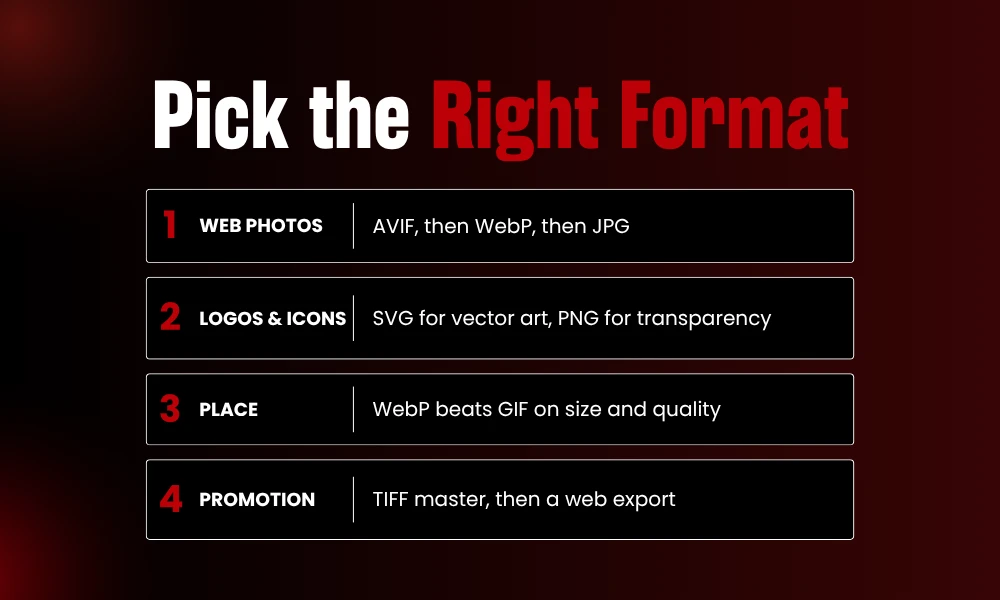
- Web photos? AVIF leading the charge for the smallest files, WebP right behind, JPG mopping up the ancient browsers nobody admits they still use.
- Logos and icons? SVG for vector art. PNG when you need a raster file with transparency.
- Animation? WebP runs rings around GIF on size and quality both.
- Print or stashing things long-term? TIFF for the master copy, then peel off a web version from it.
The smart play in image formats guide 2026 was never picking one winner and crowning it. You match the format to the job, stack a fallback or two underneath, and everyone landing on your page gets something quick and sharp. If you like this piece, stay tuned with BrandClickX for more!
Frequently Asked Questions
What is the best image format for websites?
AVIF hands you the smallest files for most sites, WebP makes a sturdy backup, and JPG covers the oldest browsers. Layer those three and you’ve reached pretty much everybody.
Is WebP better than JPG?
Most of the time, yeah. WebP files land 25 to 35 percent smaller at the same quality, and nearly every browser reads them these days.
Should I use AVIF or WebP?
AVIF wins on size and quality, so lean on it for hero images. WebP encodes quicker, which makes it the smarter pick for images you regenerate constantly.
When should I use PNG instead of JPG?
PNG for logos, icons, screenshots, text-heavy graphics, and anything that needs a transparent background. Photos stick with JPG.
Can I use JPEG XL on my website yet?
Not on its own. Support’s still patchy in 2026, so fallbacks are a must. Worth watching, not worth relying on.
Why are my iPhone photos in HEIC?
Apple defaults to it because it saves space. Convert to JPG or WebP before you share, since loads of apps still can’t crack it open.