Every other engine is racing to do more. TinEye built its reputation on doing one thing better than anyone.
In an era of multimodal AI that reads scenes, answers questions, and powers shopping, the oldest reverse image engine on the internet still wins a specific, valuable category. When you need to find the exact copies of an image, or prove which version came first, TinEye reverse image search is the scalpel.
That precision is exactly why it gets overlooked. Marketers chase the flashy general engines and miss the specialist that protects their creative.
This is a clear-eyed explainer of what TinEye is, the one feature that makes it indispensable, where it loses on purpose, and why it quietly sits at the center of brand IP protection and catalog integrity.
Key Takeaways
- TinEye is the original reverse image engine, built on visual fingerprints rather than keywords or metadata.
- Its standout feature is the “First Seen” date, which helps prove which version of an image came first.
- It excels at exact and modified copies: crops, resizes, recolors, and watermark variants.
- It is not built for faces, and its index is smaller than Google’s, so it works best on widely shared images.
- Its enterprise layer, MatchEngine and Alerts, turns it into a scalable brand-protection and catalog tool.
What TinEye Actually Is
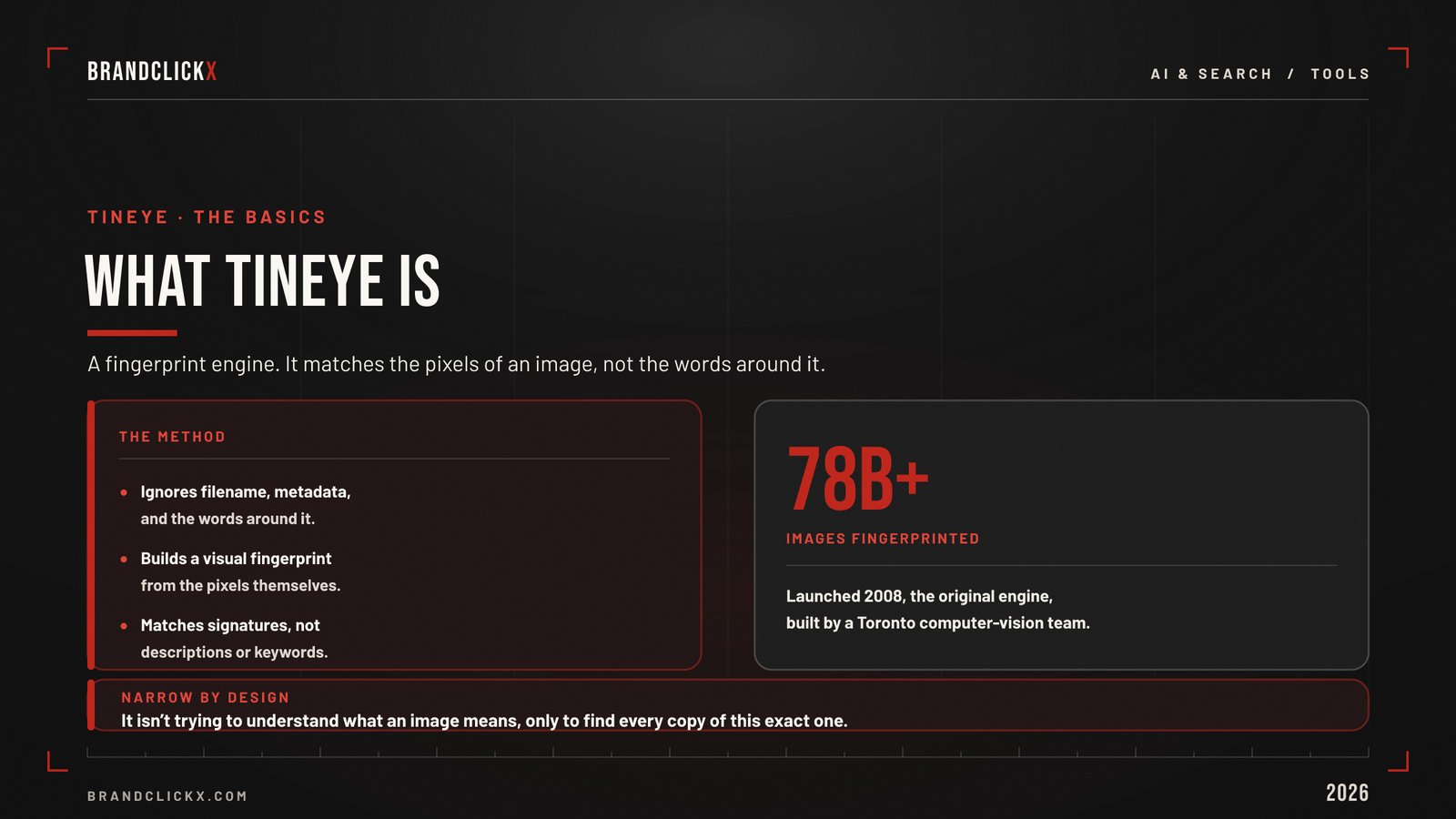
TinEye launched in 2008, which makes it the original of the category. It is run by a Toronto-based team with a background in computer vision and pattern recognition.
Here is the part that matters. TinEye does not look at an image’s filename, caption, metadata, or the words on the page around it.
Instead, it creates a unique digital fingerprint from the visual content of the image itself. Then it matches that fingerprint against a growing index of billions of images, with a public count that has climbed past 78 billion pictures.
This fingerprint approach is why TinEye behaves differently from a keyword search. It is matching pixels-turned-signatures, not descriptions. So it can recognize an image even when it has been cropped, resized, color-shifted, or watermarked.
Why it matters: TinEye is not trying to understand what an image means. It is trying to find every copy of this exact image and its edits. That narrow focus is the whole product.
The One Feature That Matters Most: First Seen
If you remember nothing else about TinEye, remember this.
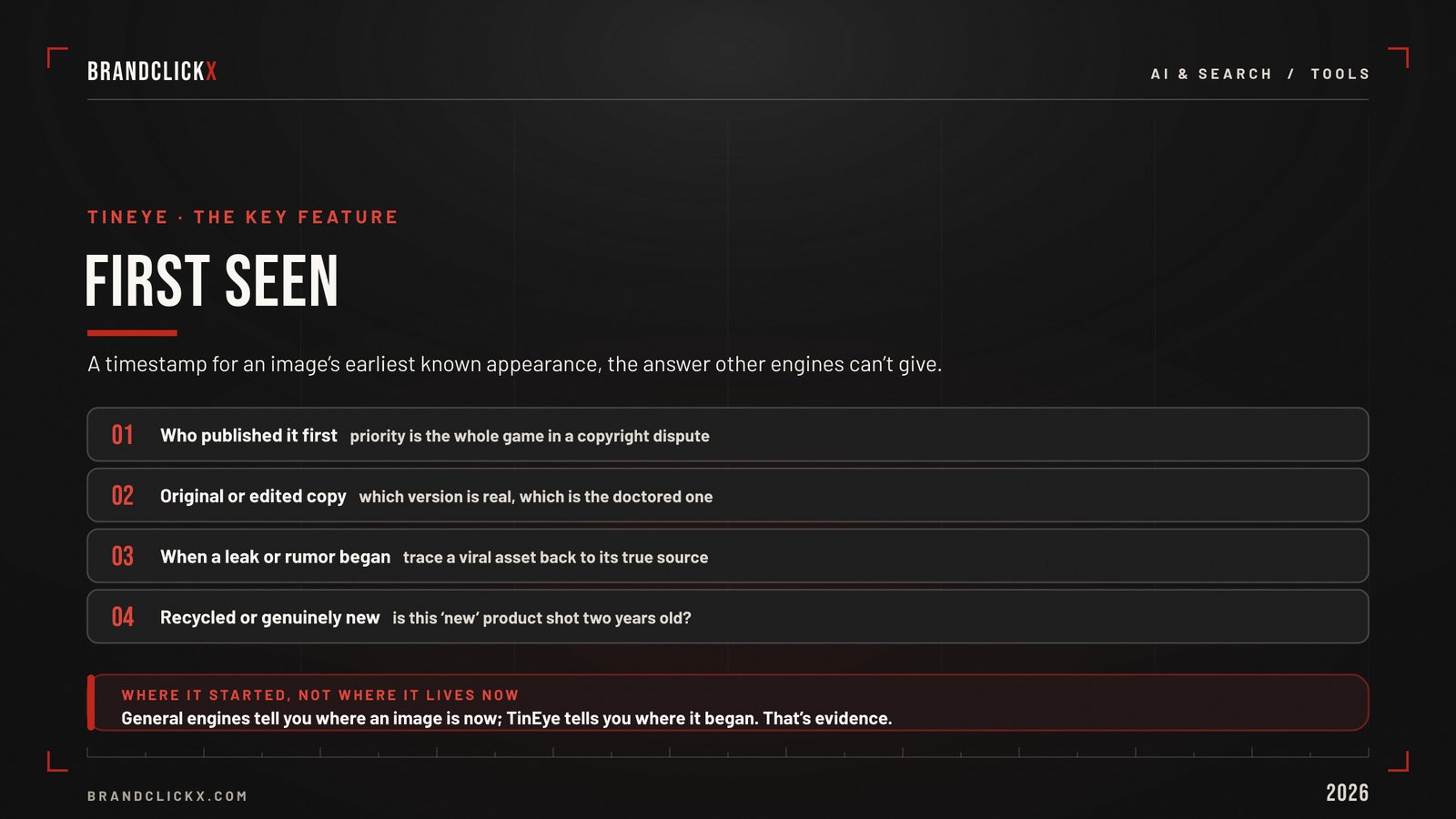
TinEye attaches a “First Seen” timestamp to its results. It flags the earliest known appearance of an image online.
That single data point answers questions other engines cannot.
Who published this photo first. Which version is the original and which is the edited copy. When did a leaked asset or a viral rumor actually start. Is this “new” product shot really new, or a recycled image from two years ago.
For brand and PR teams, First Seen is the difference between a hunch and evidence. In a copyright dispute, proving priority is the whole game. In a forgery or misinformation case, the original timestamp is often the thread that unravels everything.
Strategic breakdown: general engines tell you where an image lives now. TinEye tells you where it started. For provenance work, that is the more valuable answer.
What TinEye Is Great At
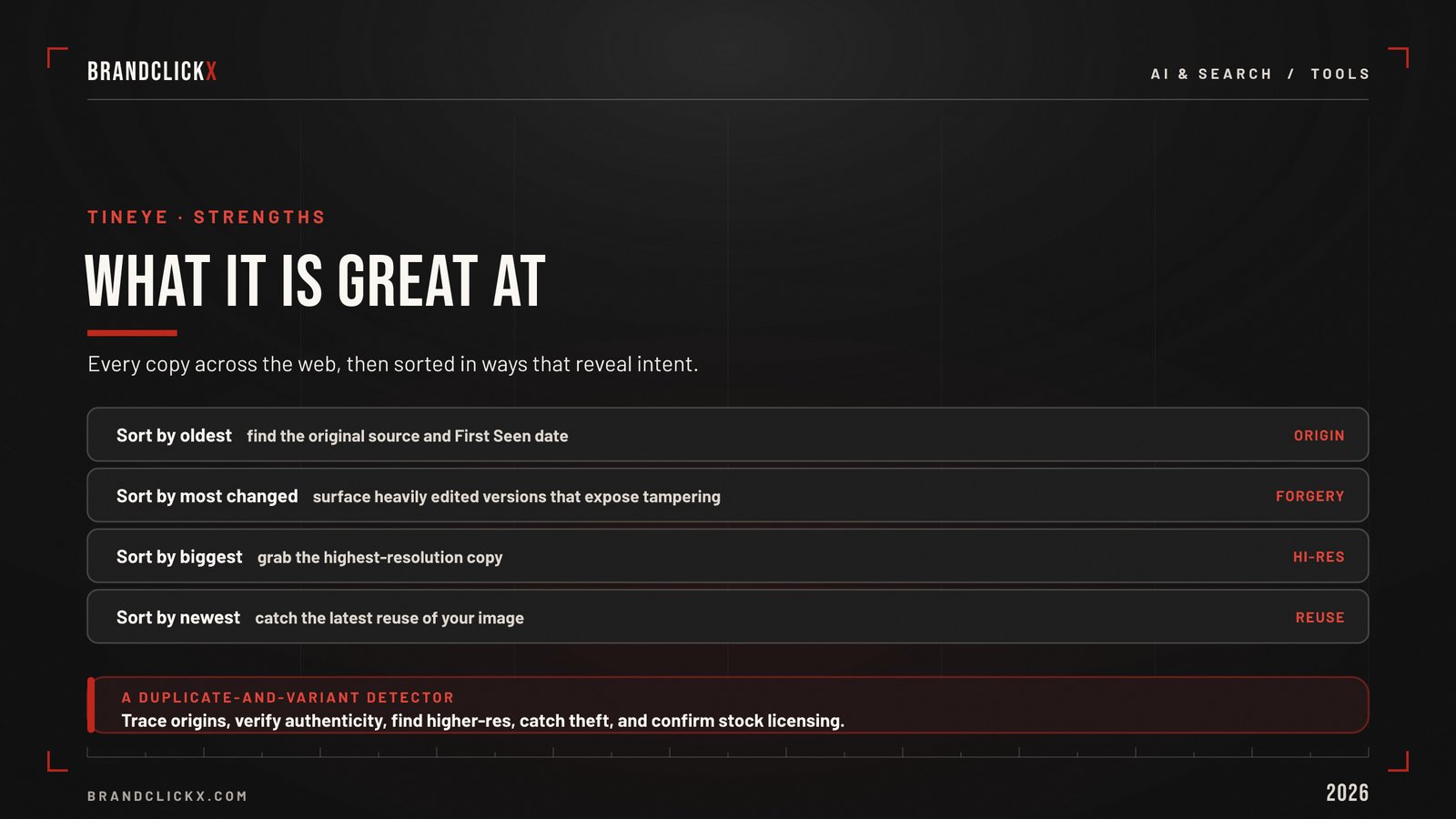
TinEye is a duplicate-and-variant detector, and it is exceptional at the job.
It is built to surface every instance of an image across the web, then let you sort the results in ways that reveal intent.
- Sort by oldest to find the original source and the First Seen date.
- Sort by most changed to find the most heavily edited versions, which often expose tampering.
- Sort by biggest to find the highest-resolution copy.
- Sort by newest to catch the latest reuse.
That toolkit makes TinEye invaluable for a short, high-stakes list of jobs.
Tracing an image to its origin. Verifying that a photo is authentic and not doctored. Finding a cleaner, higher-resolution version. Catching unauthorized use of owned creative. Confirming stock licensing compliance.
For any brand that pays for original photography and design, this is frontline protection. Your assets get stolen, recolored, and cropped. TinEye is built to find those exact variants.
What TinEye Is Not For
Honesty is part of a useful guide, so here are the limits.
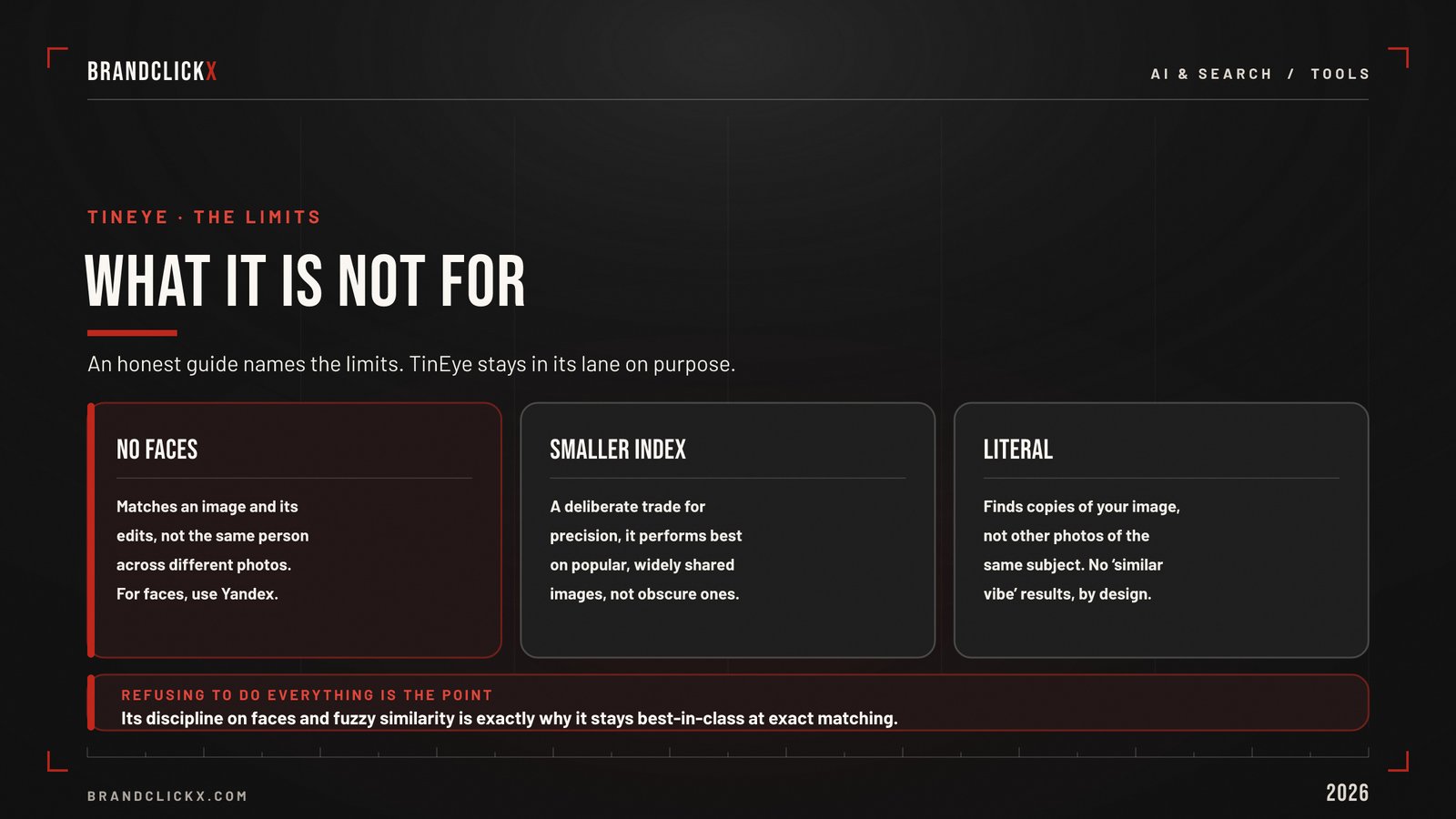
TinEye does not do faces. It matches a specific image and its edits, not the same person across different photos. If you are verifying an influencer or trying to identify a person, TinEye is the wrong tool. For that job, use Yandex reverse image search, which is built around facial matching. You can then use a free people search tool to verify the person’s details.
TinEye’s index is smaller than Google’s. That is a deliberate trade for precision, but it means TinEye performs best on popular and widely shared images. For obscure or rarely posted pictures, a larger general index may surface more.
TinEye is literal. It finds copies of your image, not other photos of the same subject taken from a different angle. If you want “similar vibe” results, that is a different engine.
Market observation: the tools that try to do everything usually do nothing exceptionally. TinEye’s refusal to chase faces or fuzzy similarity is the reason it stays best-in-class at exact matching.
The Privacy Model Businesses Should Notice
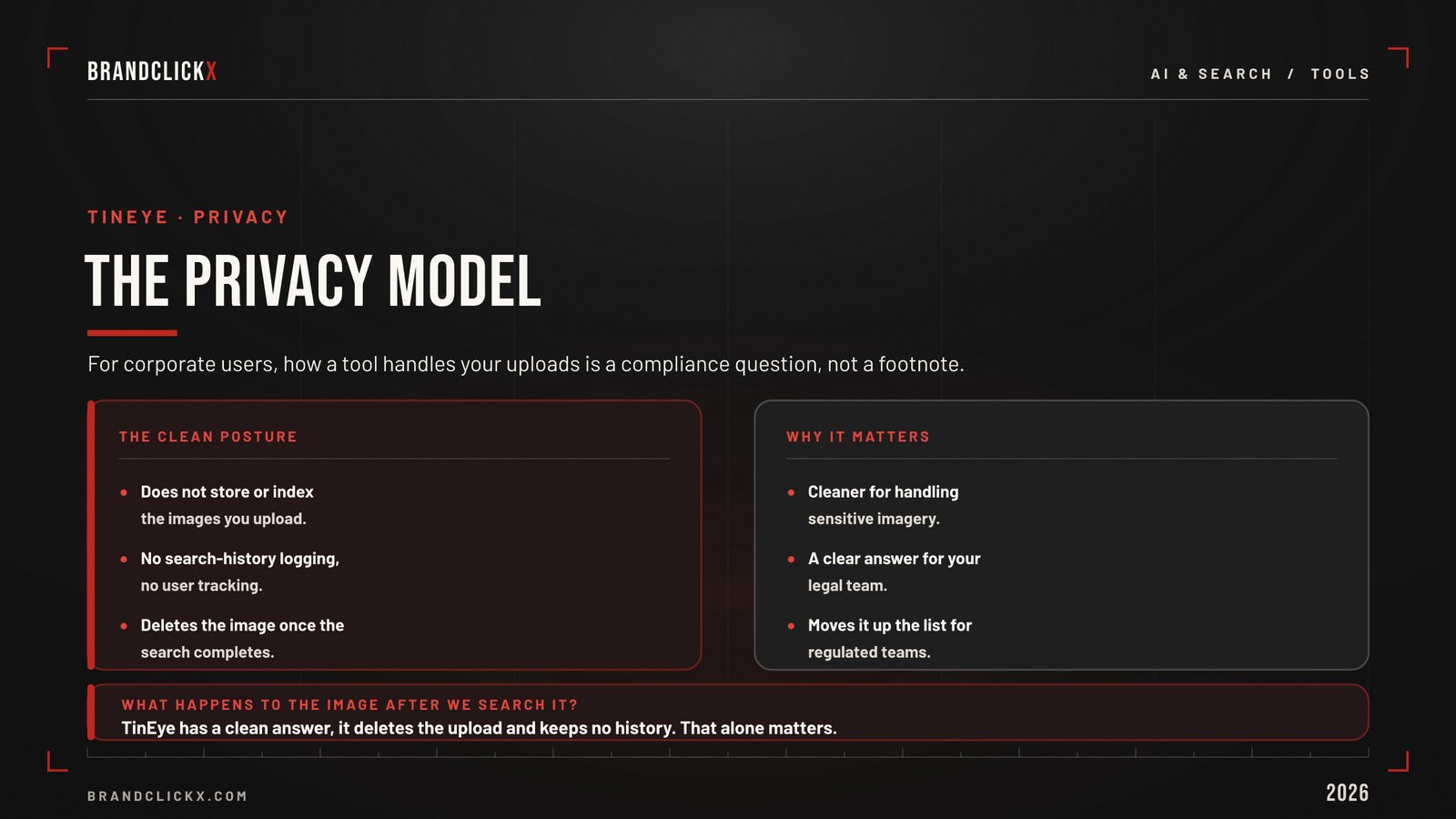
For corporate users, how a tool handles your uploads is not a footnote. It is a compliance question.
TinEye’s public search is built to be low-risk. It does not store or index the images you upload, it does not log your search history, and it deletes the image after the search completes. There is no user tracking.
That posture makes it one of the cleaner options for handling sensitive imagery, and it stands in sharp contrast to engines with murkier data practices or complicated ownership.
Enterprise perspective: when your legal team asks “what happens to the image after we search it,” TinEye has a clear answer. That alone moves it up the list for regulated teams.
The Enterprise Layer Marketers Miss
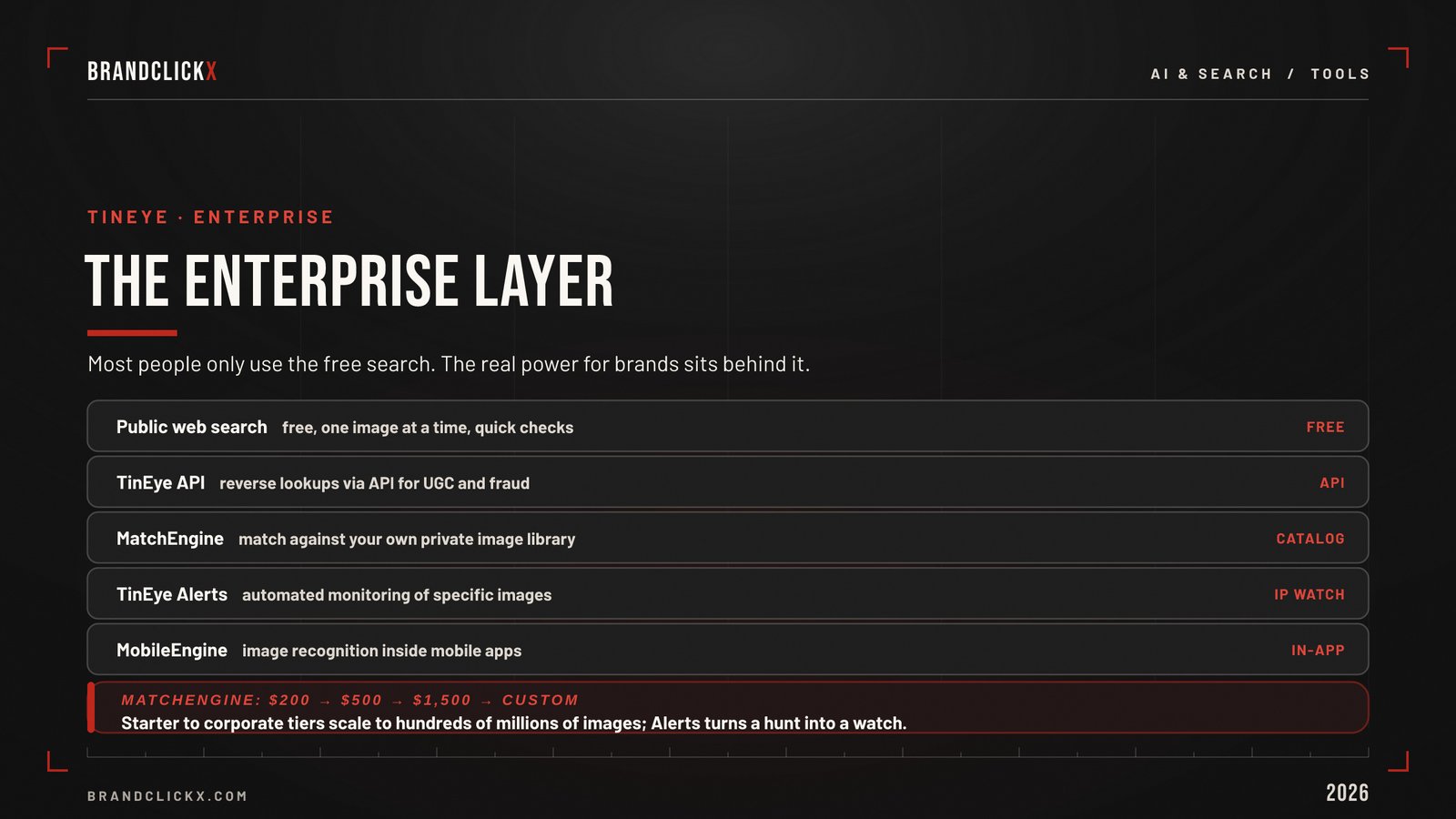
Most people only ever use TinEye’s free web search. The real power for brands sits behind it.
TinEye runs a set of commercial products built on the same fingerprint technology, designed for scale and automation.
| Product | What it does | Best for |
| Public web search | Free, one image at a time | Quick checks, source-tracing |
| TinEye API | Reverse lookups via API | Verifying UGC, fraud detection, licensing checks |
| MatchEngine | Matches against your private image library | Catalog dedup, product reconciliation, e-commerce |
| TinEye Alerts | Automated monitoring of specific images | Ongoing IP and brand protection |
| MobileEngine | Recognition inside mobile apps | Product apps, in-app visual features |
The pricing is public and scales with collection size.
MatchEngine plans start at 200 dollars a month for a starter tier, move to 500 dollars for a basic tier, reach 1,500 dollars for a corporate tier, and offer custom enterprise pricing that handles up to hundreds of millions of images and tens of millions of monthly searches.
Here is the strategic read for marketing leaders. TinEye Alerts turns a manual hunt into a standing watch. Set it on your hero images and key product shots, and you get notified when a copy appears, instead of stumbling on theft months later.
Tactical framework: use the free search to learn the tool, then graduate to Alerts for the assets that matter most. Continuous monitoring beats periodic panic.
TinEye vs the Alternatives
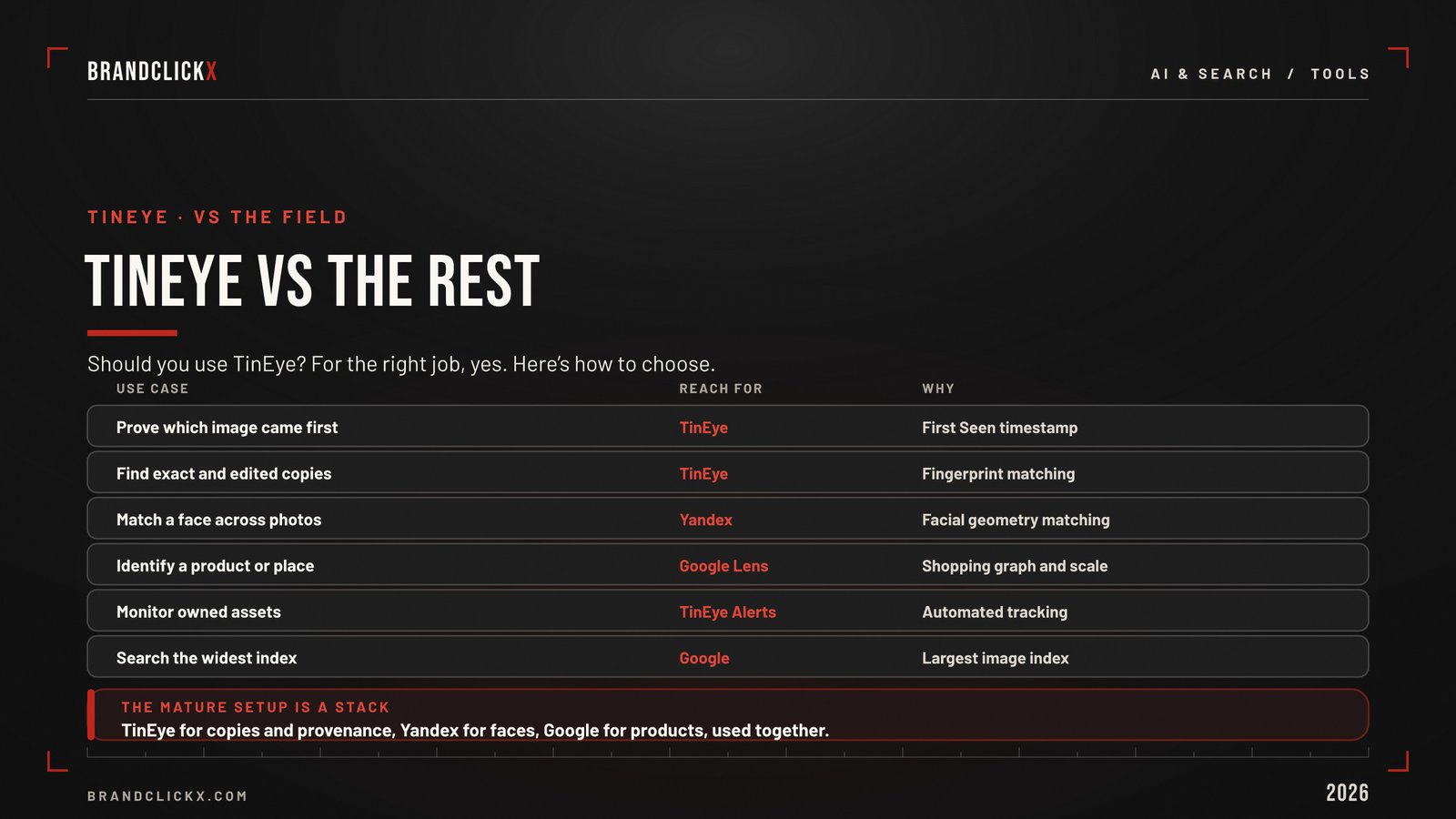
The honest answer to “should I use TinEye” is “for the right job, yes.” Here is how to choose.
| Use case | Reach for | Why |
| Prove which image came first | TinEye | First Seen timestamp |
| Find exact and edited copies | TinEye | Fingerprint matching |
| Match a face across photos | Yandex | Facial geometry matching |
| Identify a product or place | Google Lens | Shopping graph and scale |
| Monitor owned assets continuously | TinEye Alerts | Automated tracking |
| Search the widest index | Largest image index |
If you want the full landscape, including the AI-native engines now entering the space, see our roundup of the best reverse image search tools. And if you are new to the practice, start with our guide on how to reverse image search the right way.
Expert insight: the mature setup is not one engine. It is TinEye for copies and provenance, Yandex for faces, and Google for products, used together as a stack.
How to Use TinEye
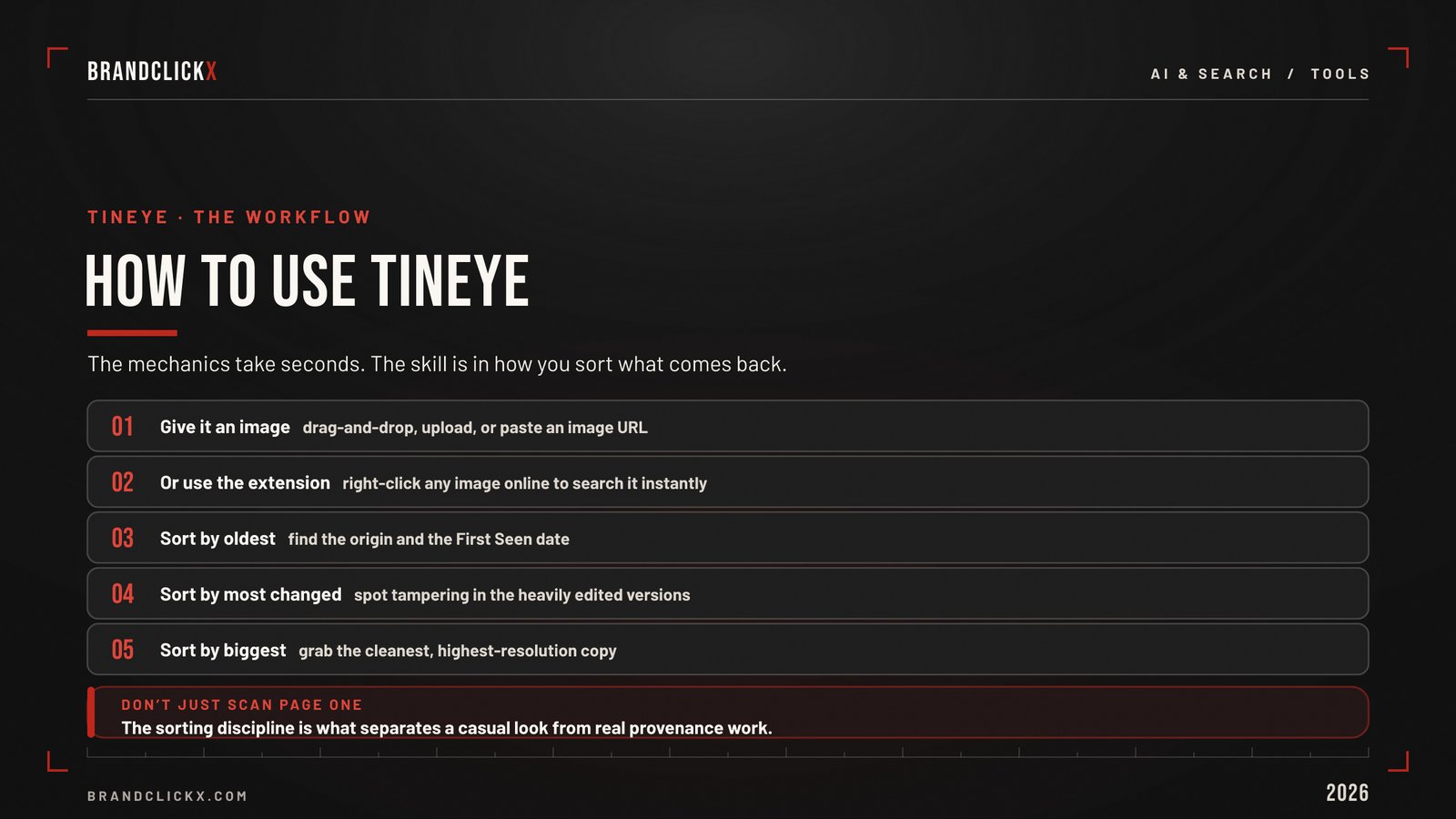
The mechanics take seconds.
Go to the TinEye site and give it an image one of three ways. Drag and drop a file onto the search page, upload it with the upload button, or paste an image URL.
There is also a browser extension that lets you right-click any image online and search it instantly, which is the fastest method during live research.
Once results load, do not just scan the first page. Sort by oldest to find the origin and the First Seen date, sort by most changed to spot tampering, and sort by biggest to grab the cleanest copy.
That sorting discipline is what separates a casual look from real provenance work.
Frequently Asked Questions
What is TinEye and how does it work?
TinEye is the original reverse image search engine, launched in 2008. It ignores filenames, metadata, and surrounding text, and instead builds a visual fingerprint of the image and matches it against an index of tens of billions of pictures. It finds the pages where an image appears, including cropped, resized, recolored, and watermarked versions.
Is TinEye better than Google reverse image search?
For finding exact and modified copies and proving which version came first, TinEye is often better. For products, object identification, and the largest index, Google is stronger. They solve different problems, so pros use both.
Does TinEye find faces?
No. TinEye matches a specific image and its edits, not the same person across photos. For faces, use Yandex.
What is TinEye’s First Seen date?
First Seen is a timestamp marking the earliest known appearance of an image online. It helps prove which version came first, which matters for copyright, forgery, and source-tracing.
Is TinEye free?
The public web search is free, one image at a time, with no sign-up, and it does not store your uploads. Paid products exist for scale, including the MatchEngine API and TinEye Alerts.
What is TinEye MatchEngine?
MatchEngine matches images against your own private collection rather than the public web. Brands use it to deduplicate catalogs and detect unauthorized copies at scale, with plans starting at 200 dollars per month.
Key Takeaways for Executives
- Add TinEye for provenance and copies, not faces. Its fingerprint engine is the best at finding exact and edited versions of an image.
- Treat First Seen as evidence. The earliest-appearance timestamp turns hunches into proof for copyright and forgery cases.
- Note the clean privacy model. TinEye does not store uploads or track users, which matters for regulated teams.
- Graduate to Alerts for key assets. Automated monitoring of hero and product images catches theft early instead of late.
- Build a stack, not a favorite. TinEye for copies, Yandex for faces, Google for products, used together.
The Bottom Line
TinEye reverse image search is proof that focus still wins. While the rest of the field races to do everything, TinEye does one hard thing best: it finds every copy of an image and tells you which came first.
For brands that create and own visual assets, that is not a niche feature. It is the foundation of protecting your creative, proving your originals, and keeping your catalog clean in a web that copies everything.
Tracking exactly these shifts, where search, AI, commerce, and brand collide, is the work BrandClickX exists to do.