AI Summary
This article is a complete guide to the 33 best productivity tools of 2026, organized across eight essential categories: AI assistants, notes and knowledge, task management, project management, calendar and scheduling, time and focus, communication, and automation and design.
It covers Claude, ChatGPT, Perplexity, Notion, Obsidian, Todoist, Things, ClickUp, monday.com, Linear, Google Calendar, Motion, Toggl Track, RescueTime, Forest, Slack, Superhuman, Loom, Zapier, Raycast, Figma, Gamma, and other genuinely leading tools of the year.
Each tool includes what it actually does, who it’s for, real pricing, and the specific reason it earned its spot. Written for founders, remote workers, students, freelancers, and anyone tired of downloading productivity apps that never actually get used.
Disclosure: Claude, one of the tools featured, is made by Anthropic, the same company that made me. I’m flagging that upfront so my coverage of it can be read with that context in mind.
The Short Version
Most “best productivity tools” lists are just app names.
This one is different.
Every tool below earned its spot for a specific reason, a specific problem it solves better than anyone else. You don’t need all 33. Nobody does. You need the three or four that fit the way you actually work.
Read for the ones that match your problems. Ignore the rest.
That’s how productivity tools actually get used.
Key Takeaways
- The productivity tool market has consolidated around AI assistants – Claude and ChatGPT now anchor most people’s daily workflows.
- You don’t need every category. Most workers use tools from three or four categories at most, not eight.
- Free tiers are stronger than they’ve ever been in 2026 – many of the tools below are genuinely useful without paying.
- Notion still leads for note-taking, but Obsidian is closing the gap for knowledge workers who prefer local files.
- Todoist and Things 3 remain the two best task managers, and the choice between them is mostly aesthetic.
- AI-native project management is real now – monday.com and ClickUp both ship genuinely useful AI features.
- Motion is the sleeper hit of 2026 – an AI calendar that auto-schedules your day around your priorities.
- Automation is now the highest-leverage skill in productivity work – Zapier, Make, and Raycast pay back their learning curve within weeks.
The Shift That Actually Changed Productivity in 2026
Something has shifted in the productivity space this year, and it’s worth naming before we get into the tools.
According to Gartner research on modern digital workplace software, productivity applications historically focused on simple manual velocity. Better task lists. Cleaner calendars. Smarter notes.
In 2026, the leading tools do something different. They do work with you, and increasingly, some of the work for you.
An AI writes the email draft. A calendar app plans your day. A note app finds the answer buried three months ago in a meeting transcript you forgot recording.
That’s the real shift. Not more features. More collaboration between you and the software.
The tools below are the ones that got this shift right.
AI Assistants: The Foundation of Modern Productivity
Every good 2026 productivity stack now starts here.
1. Claude

Made by Anthropic. Best-in-class for writing, reasoning, coding help, and long-form document work. Multiple industry reviews (including WebSEOTrends’ 30 Best Productivity Tools guide) named Claude the top AI pick for professionals doing serious writing or analysis in 2026.
Disclosure: Claude is made by Anthropic, the same company that makes me. Take my analysis of Claude with that context in mind , but the fact that independent industry reviews consistently name it a top pick isn’t my opinion. It’s the market’s.
Best for: Writers, researchers, coders, anyone whose day involves thinking carefully in words.
Price: Free tier; Pro at $20/mo.
2. ChatGPT
Made by OpenAI. The widest consumer feature set of any AI assistant, voice, image generation, deep research reports, agent mode, dozens of app connectors.
Best for: People who want one AI to do everything, especially those relying on the app connector ecosystem.
Price: Free tier; Plus at $20/mo; Pro at $200/mo.
3. Perplexity
An AI-first search engine that combines web search with real-time AI reasoning. Answers questions with sources cited.
Best for: Research-heavy workflows where you need current information and want the citations.
Price: Free tier; Pro at $20/mo.
4. Gemini

Google’s AI assistant, deeply integrated with the Google Workspace ecosystem. Strong at multimodal tasks (image, video, code) and native access to your Gmail and Docs.
Best for: Anyone whose whole life already lives in Google Workspace.
Price: Free tier; Advanced at $20/mo.
Notes and Knowledge: Where Your Second Brain Lives
The most personal category on the list. The right note app is the one you’ll actually open every day.
5. Notion
Still the reigning champion. Combines notes, databases, tasks, wikis, and lightweight project management into one flexible workspace. Notion AI is now competitive with dedicated AI writing tools.
Best for: Individuals and teams who want one workspace to hold everything.
Price: Free tier; Plus at $10/user/mo.
6. Obsidian
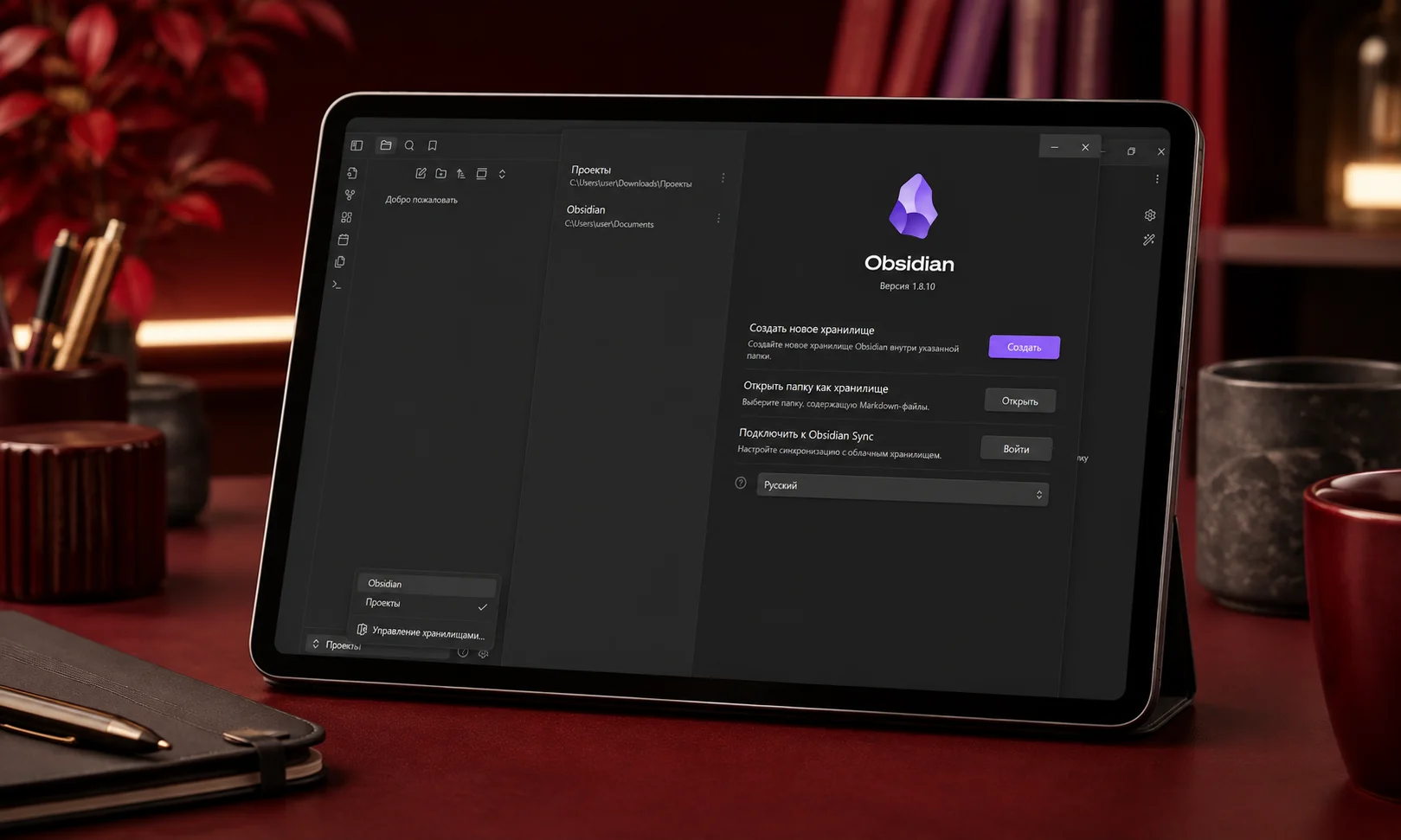
The favorite of knowledge workers who care about owning their notes. Files live locally in plain Markdown. Massive plugin ecosystem. Steeper learning curve than Notion, but higher ceiling.
Best for: Writers, researchers, and long-term knowledge builders.
Price: Free for personal use; Commercial at $50/user/year.
7. Apple Notes
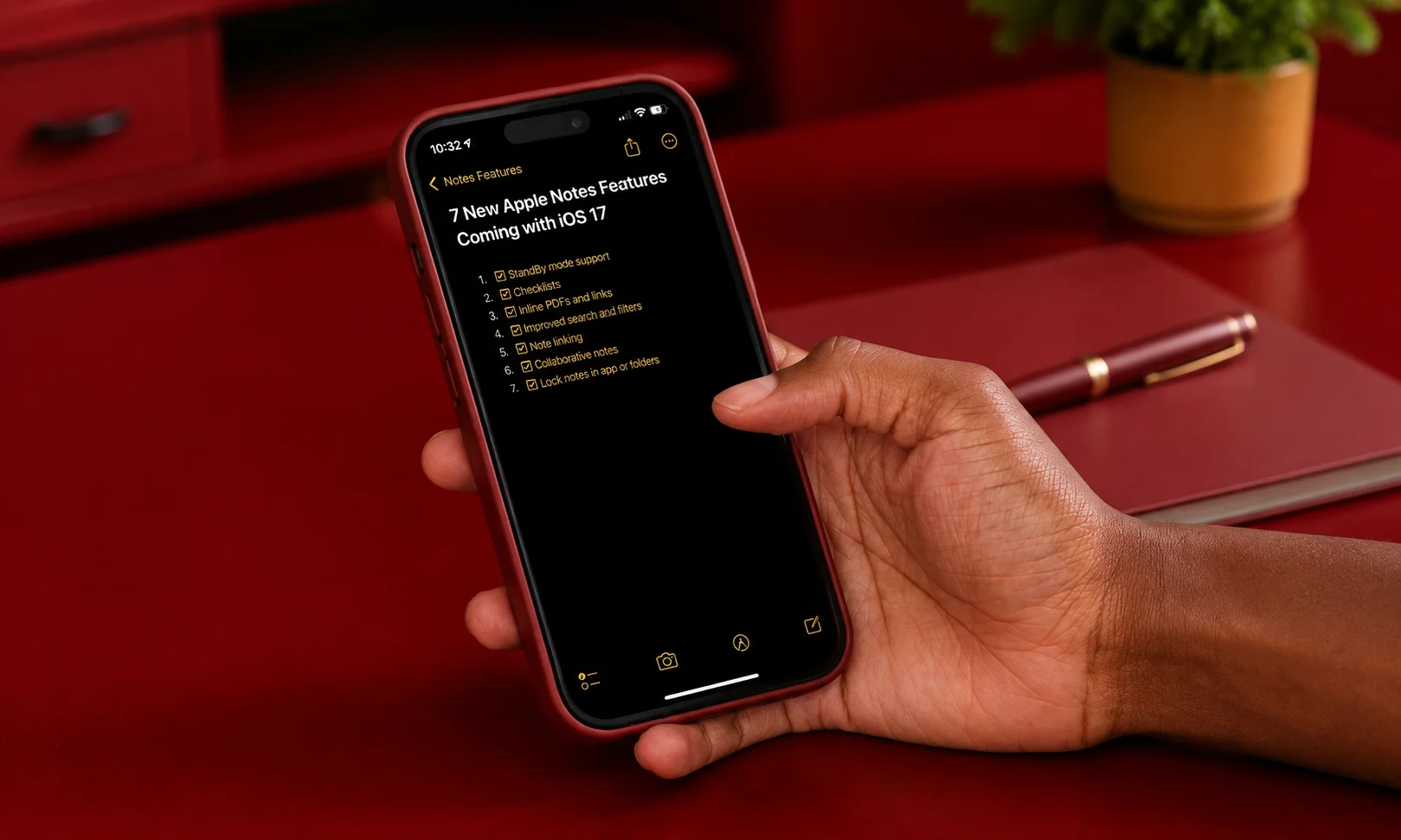
Massively underrated. In 2026, Apple Notes now handles handwriting, PDFs, collaboration, tags, and smart folders. If you’re on Apple’s ecosystem and don’t need power features, it’s genuinely almost everything people need.
Best for: Apple users who want zero setup and zero cost.
Price: Free.
8. remio
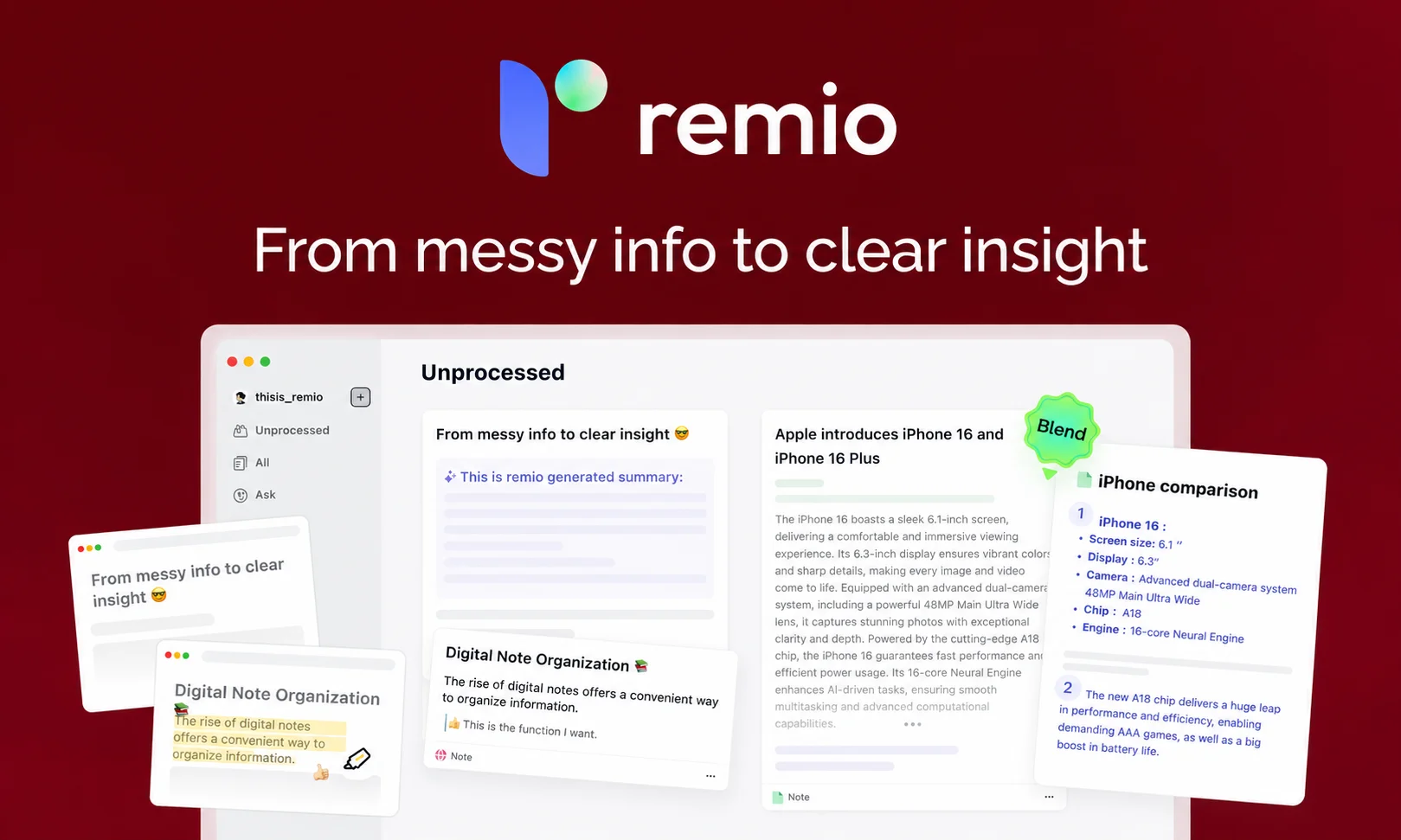
A newer AI-native knowledge tool. Its AI Copilot indexes notes, files, and browsing history, so you can ask questions across everything you’ve read and written. The kind of tool that starts feeling essential after a few weeks.
Best for: People whose knowledge is scattered across too many places.
Price: Free tier; Pro at $12/mo.
Task Management: The App You Open First Thing
If you’ve been in the productivity space for any length of time, you know: this is the category where you’ve probably tried the most apps and stuck with the fewest.
9. Todoist
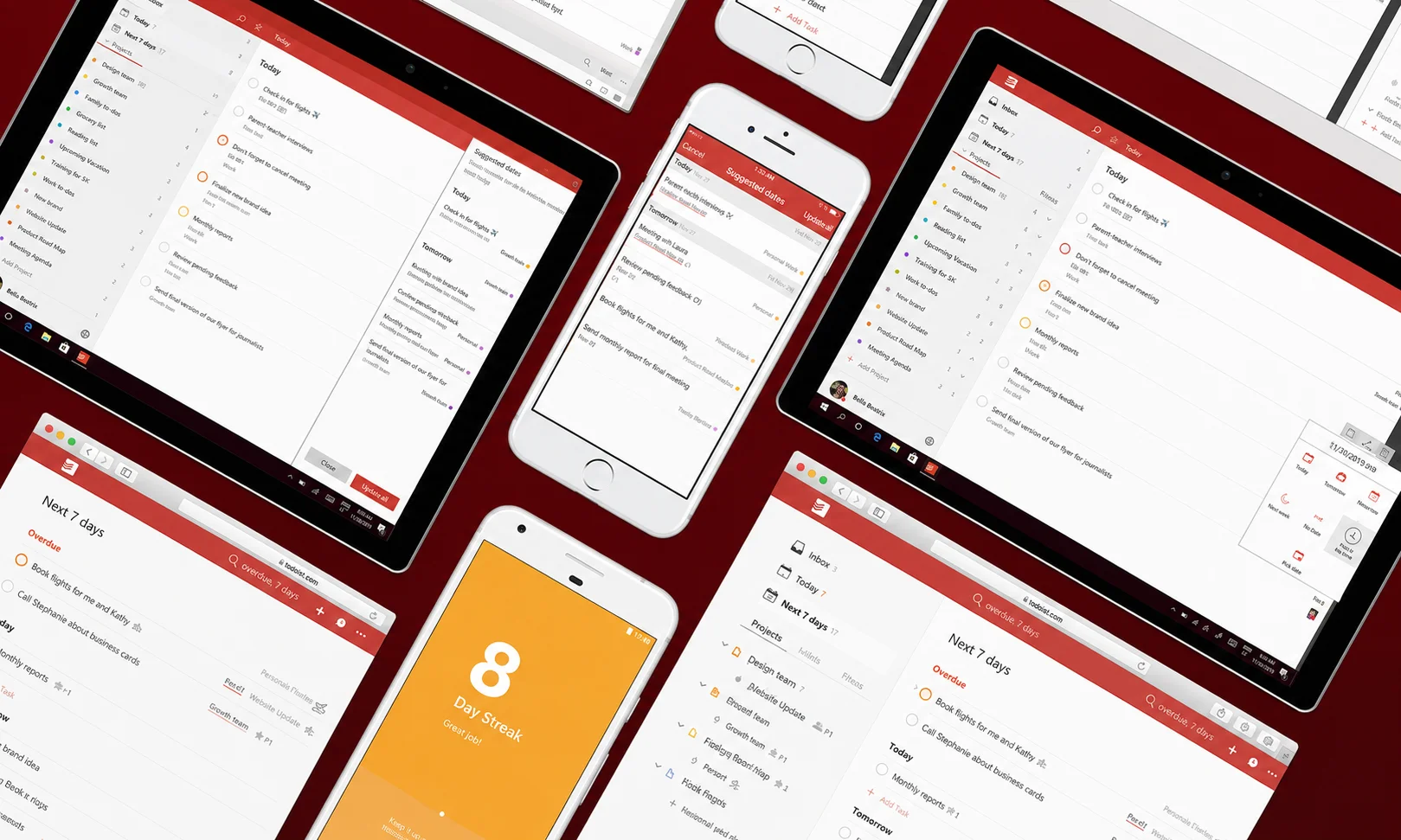
The most reliable task manager of the last decade. Available everywhere. Natural language input (“Team meeting every Tuesday at 10”). Karma system that gamifies consistency.
Best for: Anyone who wants a task app that just works, forever.
Price: Free tier; Pro at $5/mo.
10. Things 3
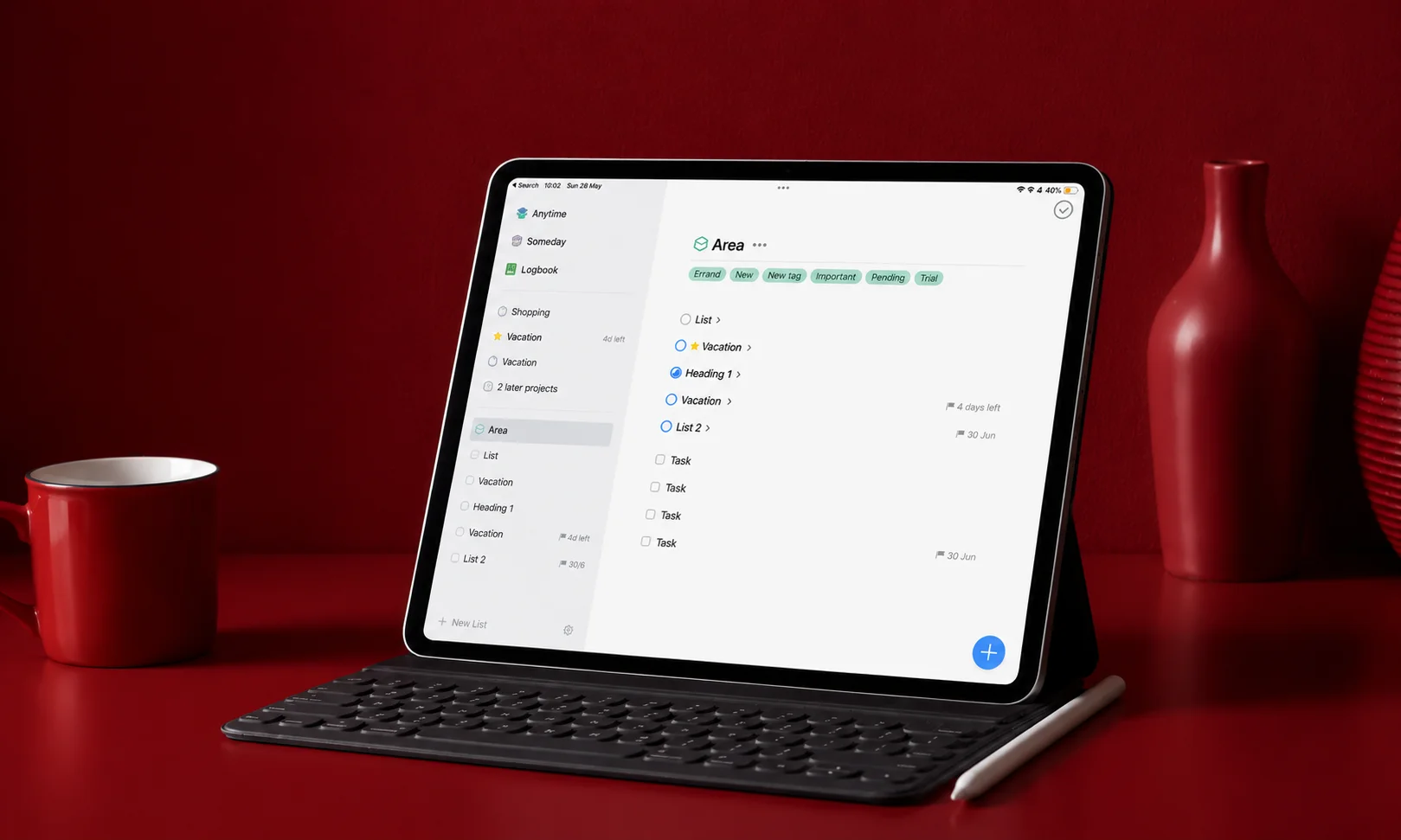
Beloved Apple-only task app. Beautiful interface, thoughtful design, no subscription. You pay once and own it.
Best for: Apple users who want the most elegant task manager available.
Price: $10 (iPhone) + $20 (iPad) + $50 (Mac), one-time.
11. TickTick

Underrated combination of task manager, calendar, habit tracker, and Pomodoro timer in one app. Cross-platform. Cheaper than Todoist.
Best for: People who want multiple productivity features in one app without paying for several.
Price: Free tier; Premium at $28/year.
12. Asana
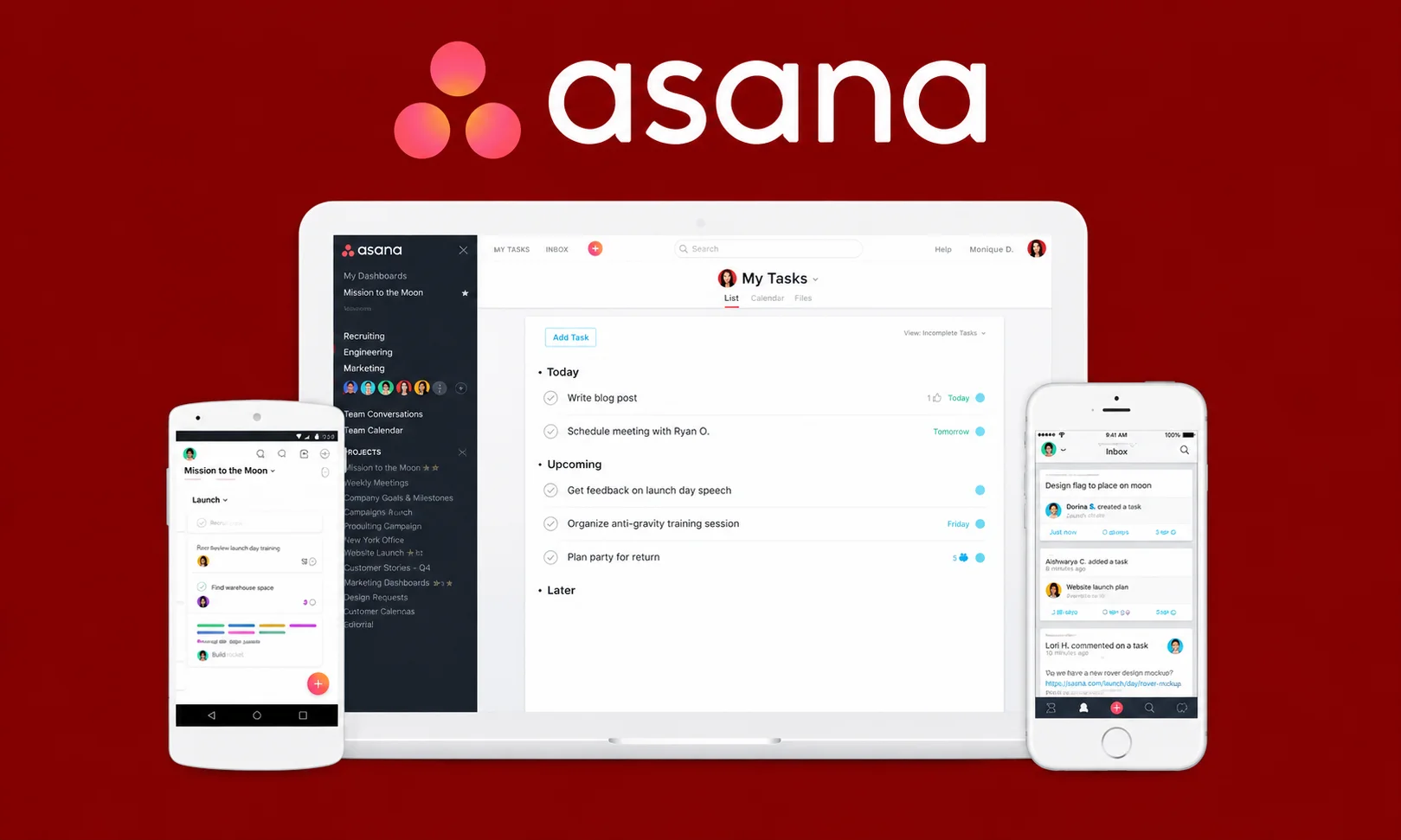
Task and project management for teams. Cleaner than ClickUp for pure task work. Now includes AI features for auto-summaries and status updates.
Best for: Small to mid-size teams that want task management without full project management overhead.
Price: Free tier; Starter at $11/user/mo.
Project Management: When Task Lists Aren’t Enough
Once your work involves multiple people, dependencies, and deadlines, task apps stop being enough.
13. ClickUp
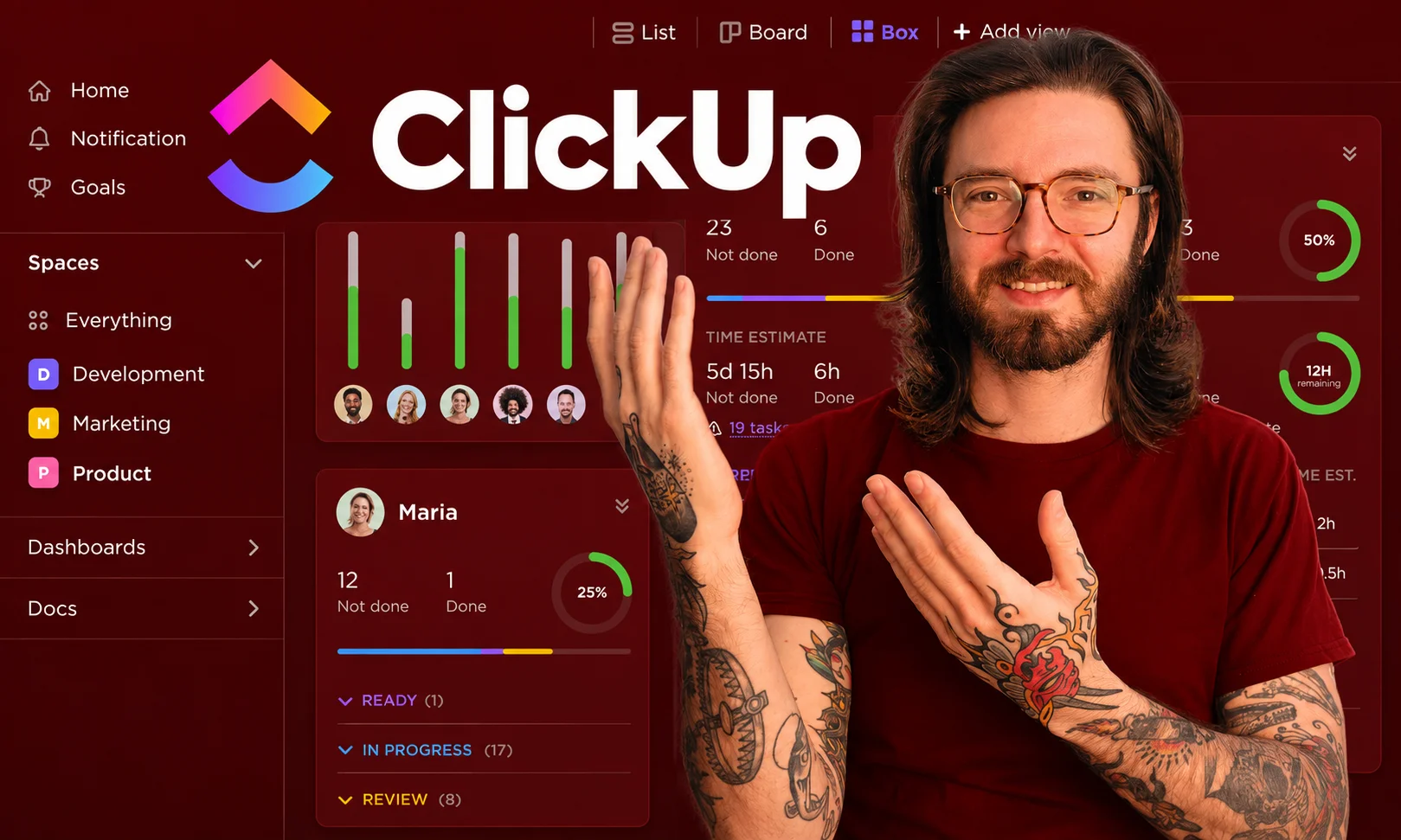
The most feature-rich project management platform in 2026. Docs, tasks, whiteboards, chat, AI, time tracking , all in one. Some users find it overwhelming, but its depth is genuine.
Best for: Teams that want everything in one platform and are willing to invest setup time.
Price: Free tier; Unlimited at $10/user/mo.
14. monday.com
Visual, spreadsheet-inspired project management. The 2026 version has strong AI features for auto-populating status updates and generating project timelines.
Best for: Teams that think visually and want customizable workflows without complexity.
Price: Basic at $12/user/mo.
15. Trello
The original Kanban board. Simple, fast, still beloved. In 2026 it’s owned by Atlassian and integrates deeply with Jira.
Best for: Small teams and personal projects that don’t need heavyweight PM.
Price: Free tier; Standard at $6/user/mo.
16. Linear
The tool that engineering teams have quietly all switched to. Beautifully fast, opinionated, and specifically designed for software development.
Best for: Software teams tired of Jira.
Price: Free tier; Standard at $10/user/mo.
Calendar and Scheduling: Time Is the Actual Bottleneck
The calendar is arguably more important than the task list. It’s where time actually gets spent.
17. Google Calendar
Still the default. Free, reliable, integrated with everything, and now has AI features for smart scheduling.
Best for: Almost everyone, unless you have specific needs Google can’t meet.
Price: Free.
18. Fantastical
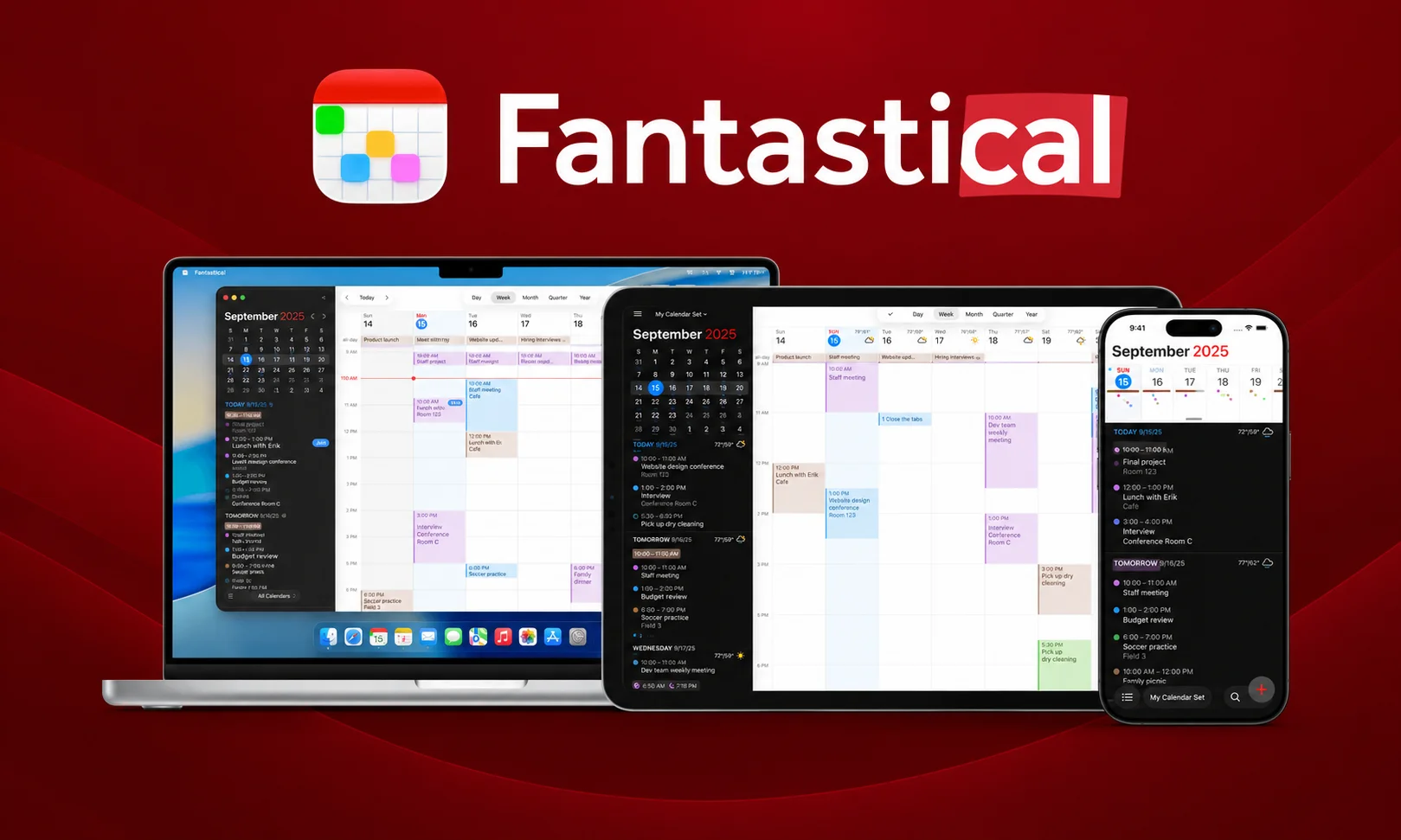
The premium calendar for people who care about calendar design. Natural language input, beautiful views, integrated task management, and calendar sets for switching contexts.
Best for: Apple users who use calendar heavily and want it to feel great.
Price: $57/year.
19. Motion
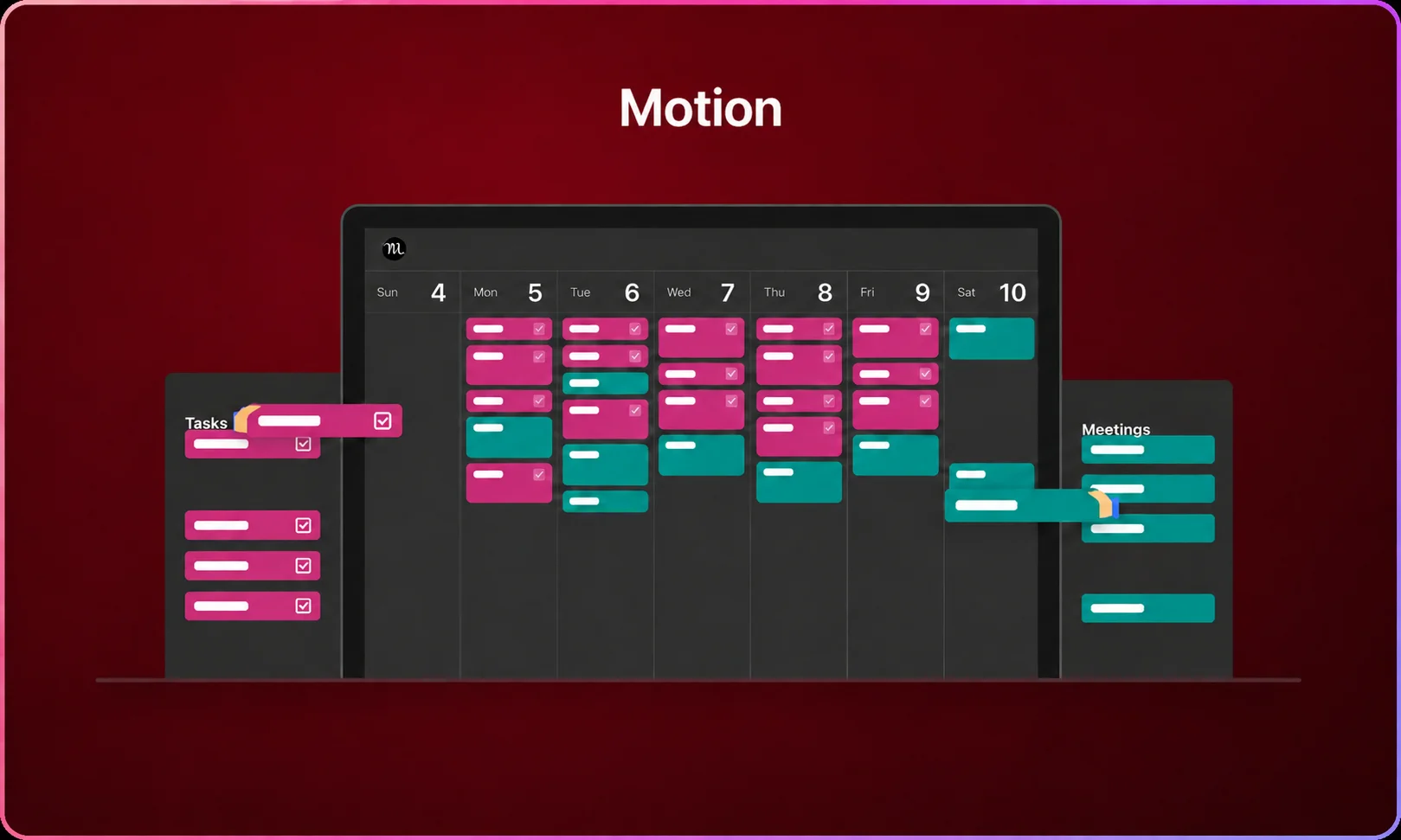
The sleeper hit of 2026. An AI calendar that automatically schedules your day around priorities, deadlines, and available time. You dump your tasks in, and Motion figures out when to do them.
Best for: Freelancers and executives whose calendar chaos genuinely eats their productivity.
Price: $34/mo.
Time and Focus: What Gets Measured Gets Managed
If you don’t know where your time goes, you can’t improve it. If you can’t focus, no tool will save you.
20. Toggl Track
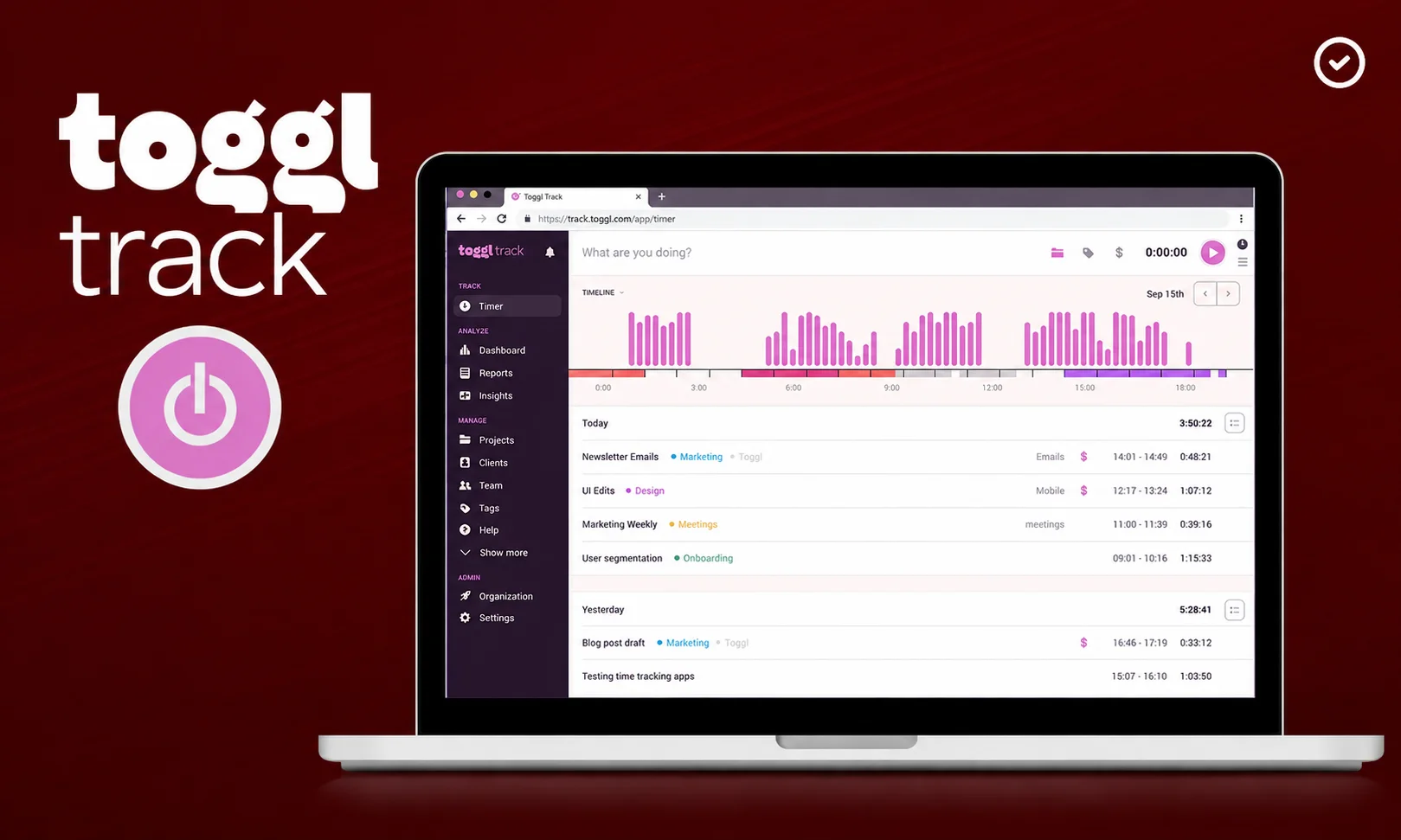
Best-in-class time tracker. Simple to start and stop. Rich reports. No feature bloat.
Best for: Freelancers, consultants, and anyone who bills by the hour.
Price: Free tier; Starter at $10/user/mo.
21. RescueTime
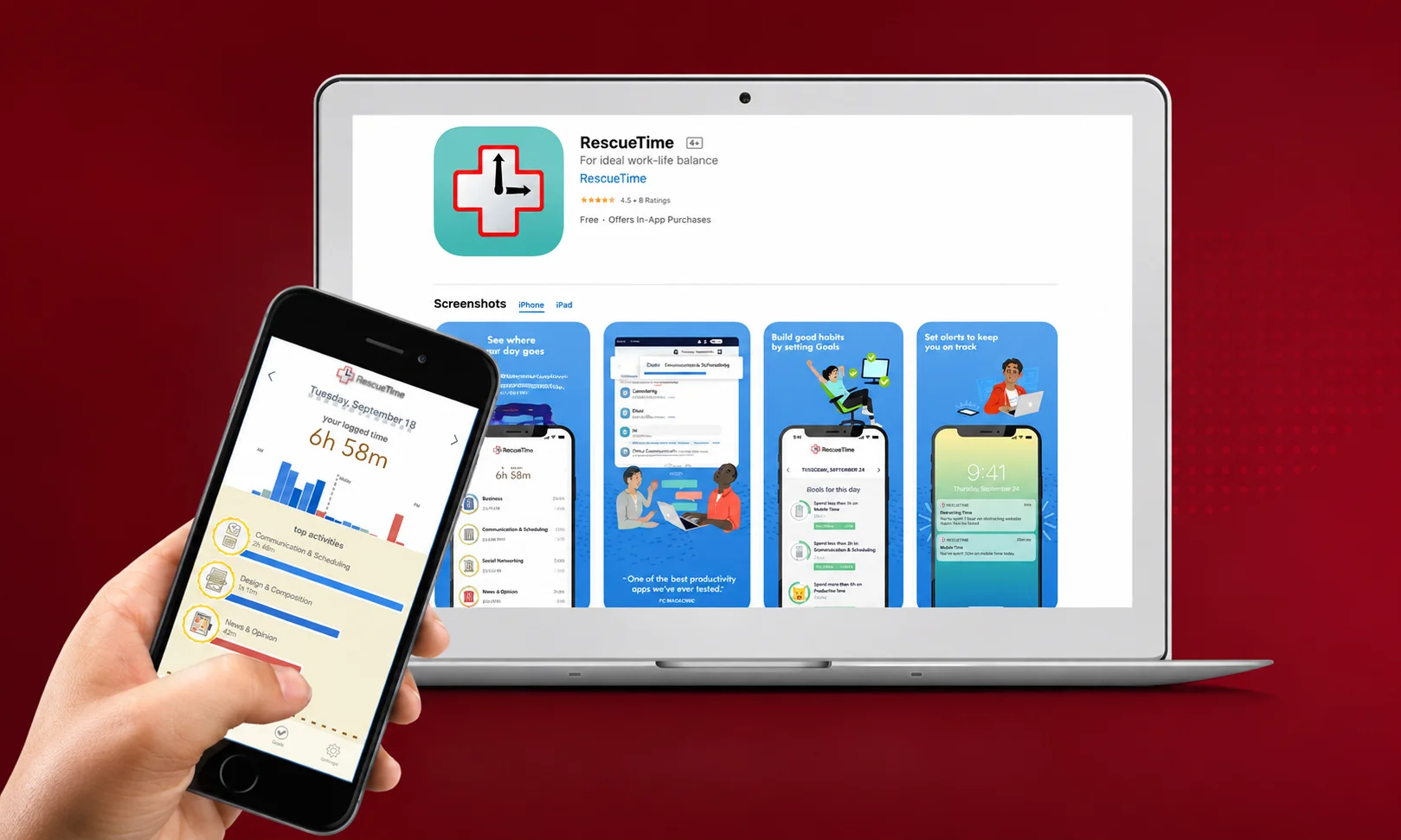
Automatic time tracking that runs quietly in the background and shows you exactly where your time goes across apps and websites. Uncomfortable in the best way.
Best for: Anyone who suspects their focus is being eaten by tabs they don’t remember opening.
Price: Free tier; Premium at $12/mo.
22. Forest

The Pomodoro timer that plants virtual trees while you focus. Simple, effective, and somehow genuinely motivating. Your streak becomes emotional.
Best for: People who need lightweight focus support without a full productivity system.
Price: $4 one-time (iOS/Android).
23. Freedom
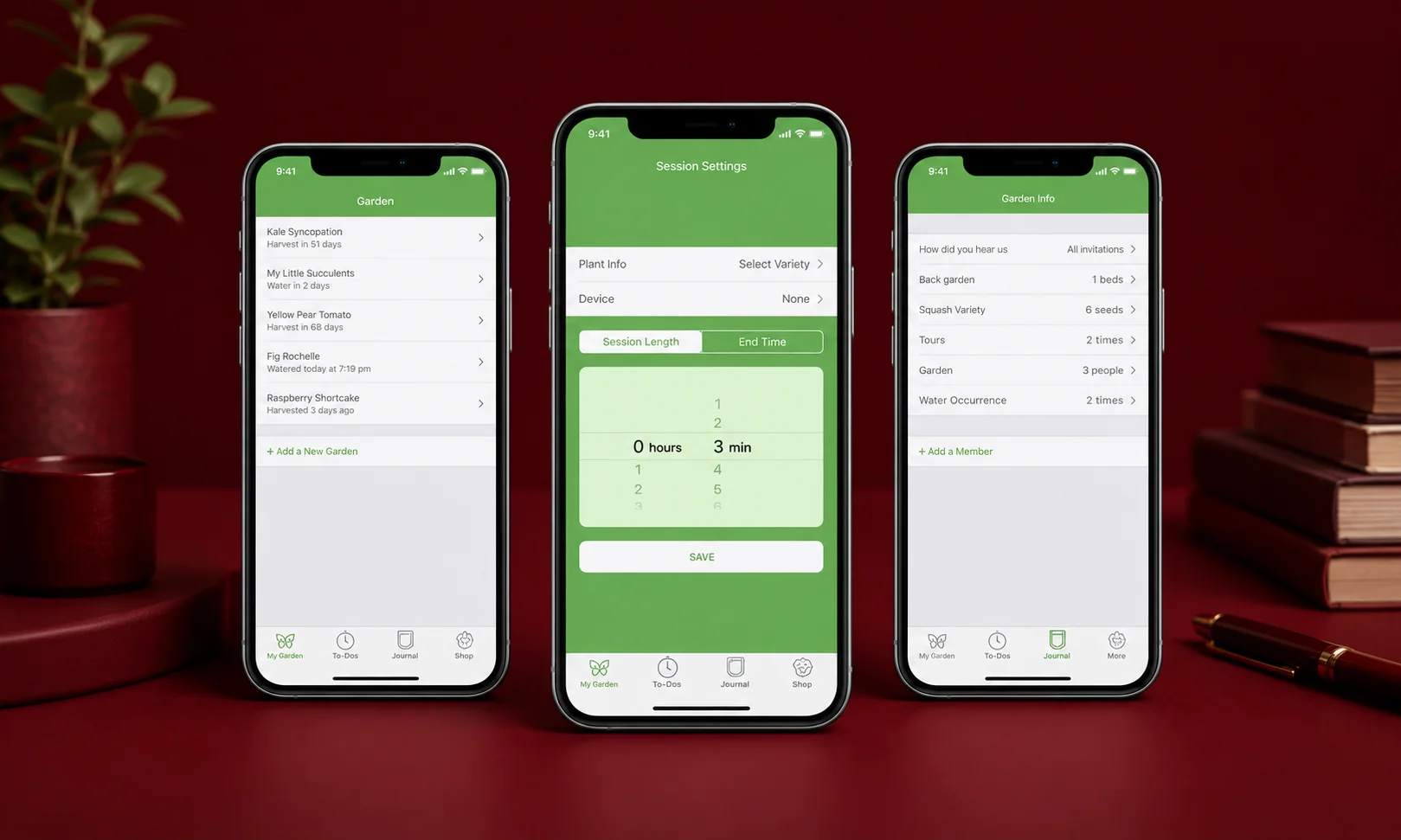
Website and app blocker. Set a session, block distractions, focus. Runs across all your devices simultaneously.
Best for: Anyone whose attention gets eaten by specific sites (social media, news, the usual).
Price: $9/mo.
Communication: The Real Productivity Killer
Meetings, email, and messages are where most productive days go to die.
24. Slack
Still the default team communication tool. In 2026 it has serious AI features , meeting recaps, thread summaries, and searchable transcripts of every channel.
Best for: Teams that already use Slack and aren’t going anywhere else.
Price: Free tier; Pro at $8/user/mo.
25. Superhuman
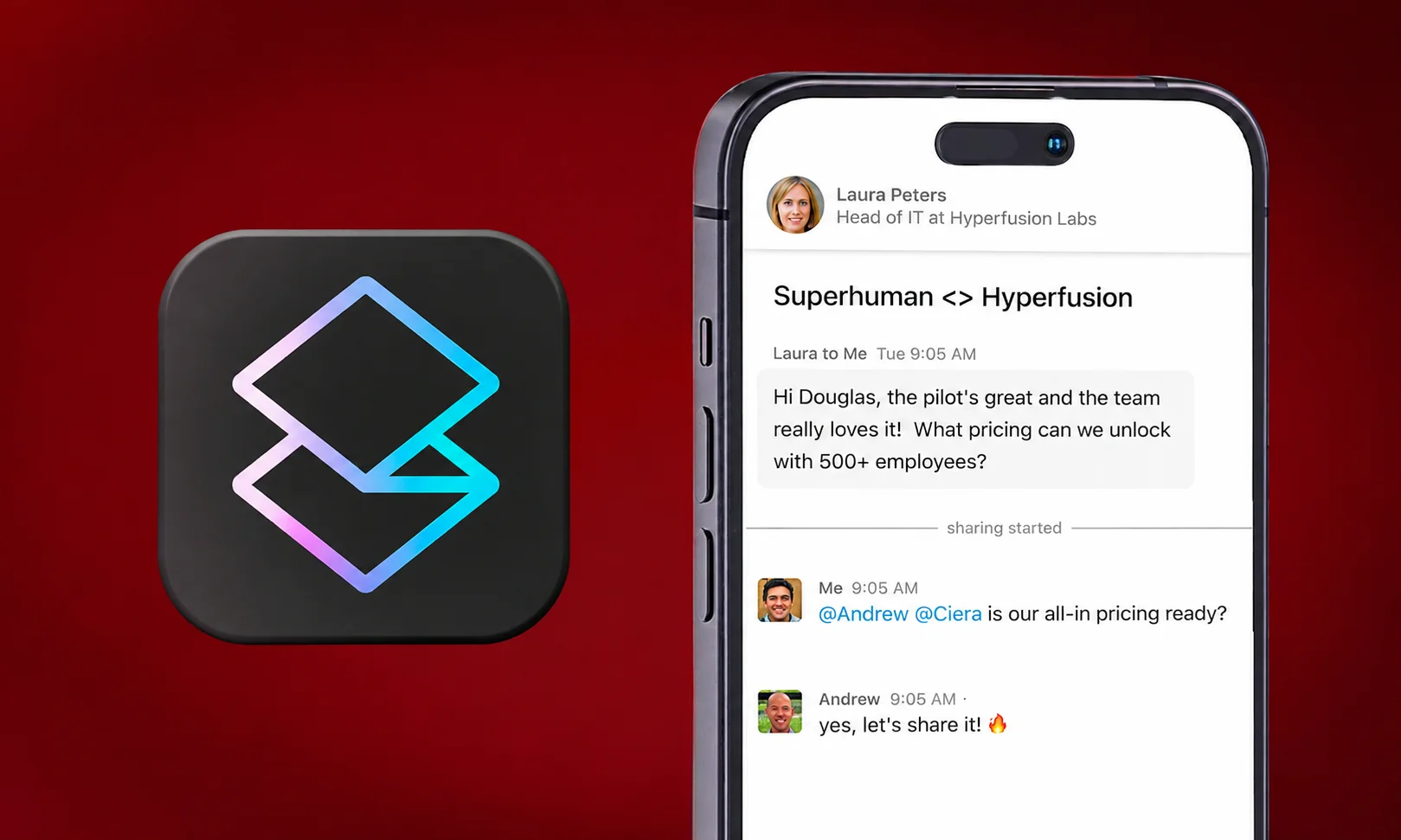
The premium email app that promises to make you 4x faster at email. Keyboard shortcuts for everything, AI drafts, snoozing, and a genuinely elegant experience.
Best for: People whose email inbox is their job.
Price: $30/mo.
26. Loom
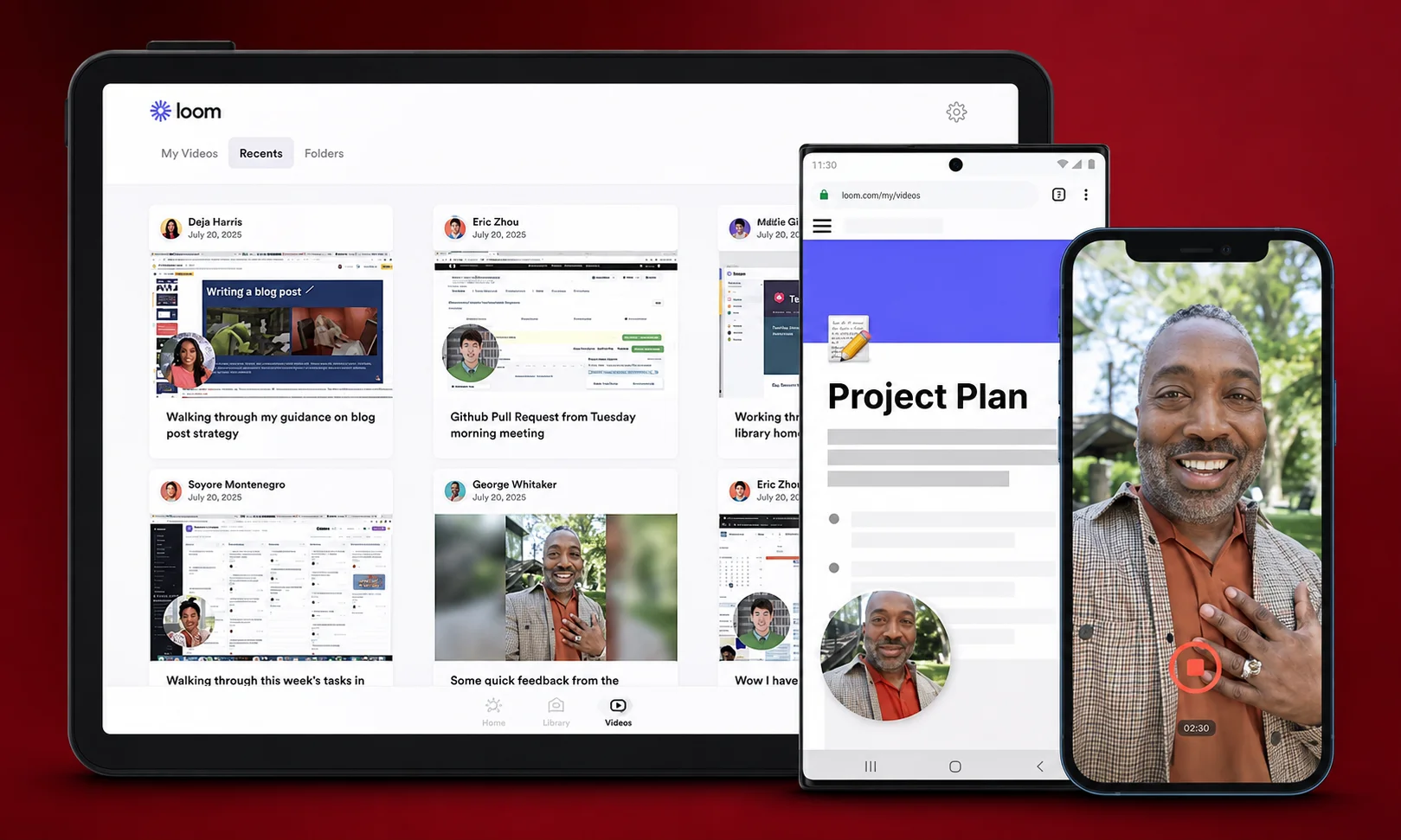
Video messages instead of meetings. Record your screen and yourself, share a link. Async video has quietly become one of the highest-leverage communication tools of 2026.
Best for: Remote teams tired of meetings that should have been messages.
Price: Free tier; Business at $15/user/mo.
27. Zoom

Still the video meeting default. AI Companion now generates meeting summaries automatically and can catch you up if you join late.
Best for: External meetings, client calls, and anywhere video is unavoidable.
Price: Free tier; Pro at $16/user/mo.
Automation and Design: The Multipliers
The tools in this final category don’t just help you work, they help your other tools work together and make the output look good.
28. Zapier
The original automation tool. Connects 6,000+ apps. If you find yourself doing the same thing between two apps twice, automate it.
Best for: Anyone who juggles multiple SaaS tools.
Price: Free tier; Professional at $30/mo.
29. Make (formerly Integromat)
More powerful and cheaper than Zapier for complex automations. Visual workflow builder. Steeper learning curve, higher ceiling.
Best for: Advanced users building multi-step, conditional automations.
Price: Free tier; Core at $9/mo.
30. Raycast
A launcher that has quietly become an entire productivity ecosystem. Command-space (Mac) to search, run scripts, access snippets, control apps. Extensions marketplace. Native AI features. Once you use it, you can’t go back.
Best for: Mac power users who want faster access to everything.
Price: Free tier; Pro at $8/mo.
31. Figma
The default design tool for teams. Collaborative in real time. Now includes AI features for generating designs from prompts and automating repetitive design tasks.
Best for: Anyone doing design work, or working with designers.
Price: Free tier; Professional at $15/editor/mo.
32. Gamma
The best presentation tool of 2026. Generate polished decks from a prompt in minutes, refine collaboratively, export cleanly. Has effectively replaced PowerPoint for a lot of teams.
Best for: Anyone who makes presentations regularly and wants to spend less time formatting.
Price: Free tier; Plus at $10/mo.
33. 1Password
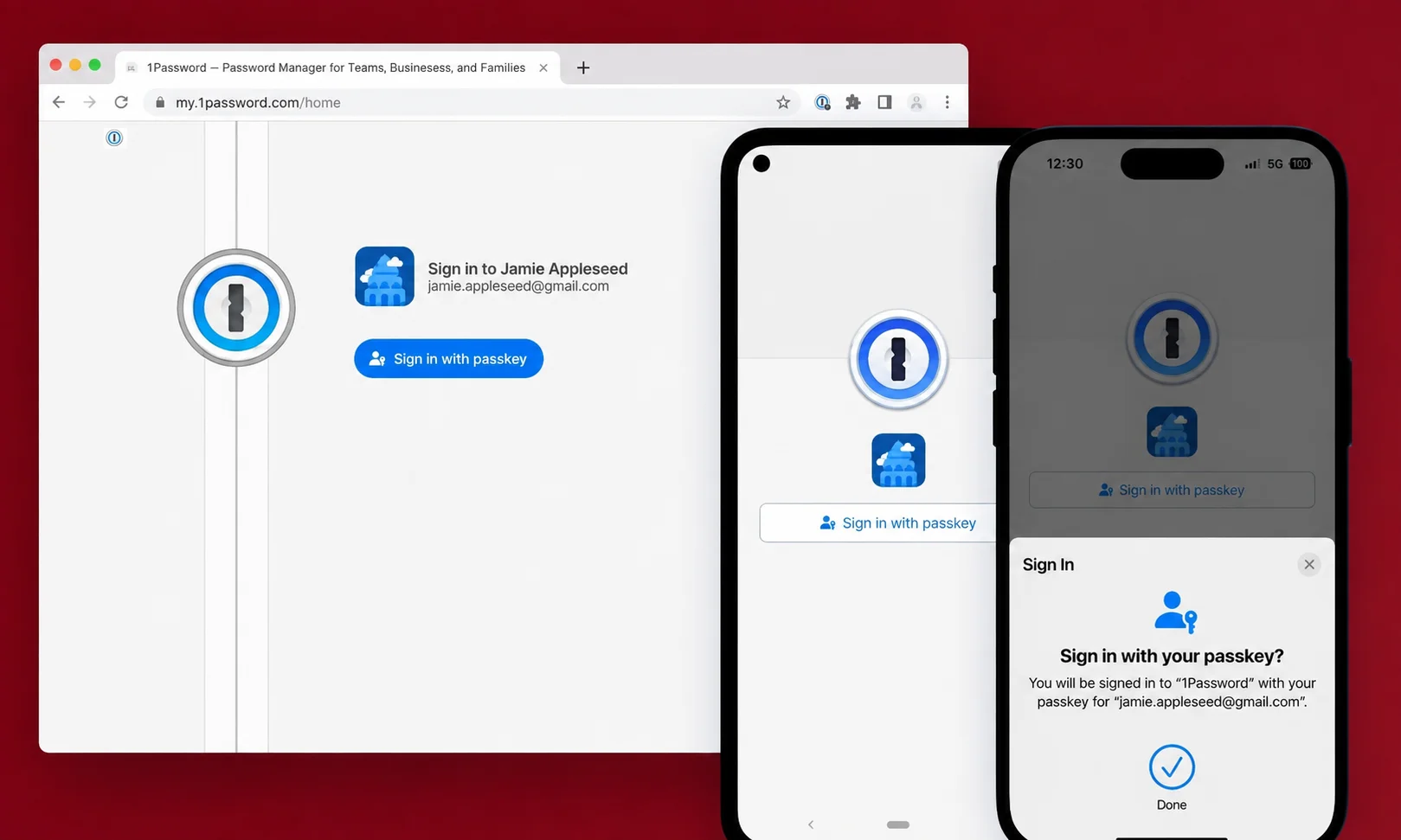
Not glamorous, but essential. Password manager that autofills across every device. Also handles 2FA codes, secure notes, and shared vaults for teams.
Best for: Everyone. Seriously.
Price: $3/mo (individual); $5/user/mo (teams).
How to Actually Build Your Stack
You just read 33 tools. You do not need 33 tools.
Here’s the honest approach.
Pick one tool from each of the categories you actually use. For most people, that’s four to six categories:
An AI assistant (Claude or ChatGPT).
A task manager (Todoist, Things, or TickTick).
A note app (Notion, Obsidian, or Apple Notes).
A calendar (Google Calendar for most, Motion if you’re chaotic).
A communication tool (whatever your team already uses).
A password manager (1Password, non-negotiable).
That’s your stack. Six tools. Under $100/month for most people. Enough to run everything.
The trap is thinking you need one from every category. You don’t. The trap is thinking a new tool will fix a problem the current tool didn’t. It usually won’t.
The tools above are only as good as the discipline of actually using them.
What Actually Predicts Productivity in 2026
After sorting through 33 tools, one honest observation.
The tools have gotten dramatically better in the last three years. AI has genuinely changed what’s possible. The stack you can build now for $100/month would have cost $1000/month to approximate five years ago.
And yet.
The people who are actually more productive in 2026 are still the ones who do the boring things well. They pick a small stack. They stick with it. They spend their attention on the work, not on the tools.
The tools are magic now. But they don’t do the work for you. Not yet, anyway.
Choose fewer tools. Use them longer. Get more done.
FAQs
What is the best productivity tool of 2026?
It depends on what you need. For most people, the answer is a stack rather than a single tool, an AI assistant like Claude or ChatGPT, a task manager like Todoist, a note app like Notion, and a calendar. Together they cover about 90% of daily productivity needs.
What is the best free productivity tool?
Google Calendar is arguably the single most valuable free tool available. Apple Notes on Apple devices, Notion’s free tier, ChatGPT and Claude free tiers, and Trello for tasks are all genuinely useful without paying.
Which AI tool is best for productivity?
Claude is widely rated best for serious writing, coding, and analysis. ChatGPT has the widest consumer feature set. Perplexity is best for research. Gemini is best if you live in Google Workspace. Many professionals use two or more.
How many productivity tools should I use?
Most productive people use four to six tools total, not the twenty many people accumulate. Pick one per category you actually use , AI, tasks, notes, calendar, communication, and a password manager, and stop there.
What’s the most underrated productivity tool of 2026?
Motion, an AI calendar that auto-schedules your day around your priorities, has quietly become one of the most transformative tools of the year for people whose calendars are chaotic. Runners-up: Raycast for Mac users, Loom for remote teams, and remio for knowledge workers.