

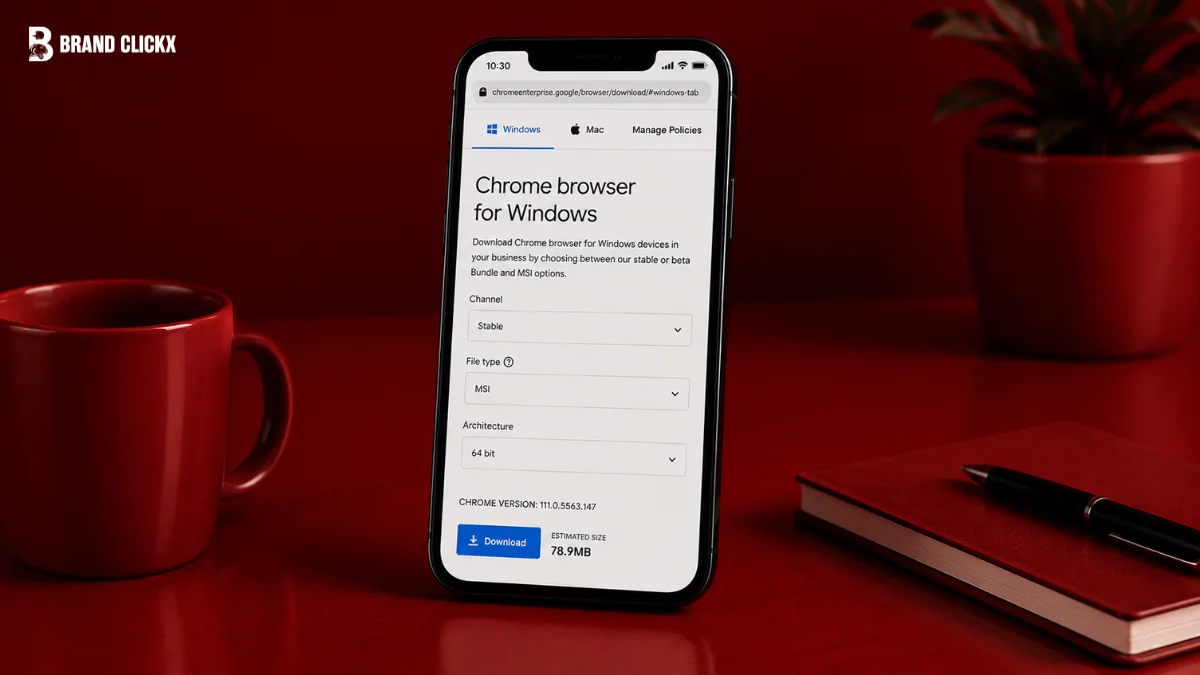
If you manage several Windows computers, installing Chrome one machine at a time quickly becomes impractical. That is where the Chrome business installer comes in: Google provides an enterprise MSI package designed for machine-wide Chrome deployment and centralized management.
The important distinction is that this is not a completely different browser from the Chrome you already know. It is an enterprise deployment route that gives IT administrators installer packages, policy templates, update controls, and management options.
This guide explains what the Chrome business installer is, where to get the official package, how enterprise deployment works, which version and channel to choose, what Chrome Enterprise Core and Premium actually provide, and the limitations you should understand before deploying it.
AI Overview: What Is the Chrome Business Installer?
The Chrome business installer generally refers to Google’s Chrome Enterprise deployment package, particularly the Windows MSI used for machine-wide Chrome installations. The Enterprise Bundle also provides management resources such as Windows policy templates and Google Update policies. Google supports deployment through enterprise management platforms and provides cloud management through Chrome Enterprise Core.
Key Takeaways
- The Chrome business installer is primarily the Chrome Enterprise MSI and related deployment package.
- Google provides 32-bit and 64-bit Windows enterprise bundles.
- The Enterprise MSI installs Chrome for all users on a computer.
- Chrome Enterprise Core is available at $0 per user, while Premium is listed at $6 per user per month by Google.
- As of August 20, 2026, Chrome Stable 151.0.7922.173/.174 is available for Windows and Mac, while Linux has 151.0.7922.173.
- Google supports enterprise management through tools including Microsoft Intune, VMware Workspace ONE, and Jamf Pro.
- An older Chrome version cannot simply be installed over a newer version through the normal Enterprise MSI workflow.
- Chrome Enterprise Core and the MSI are different things: the MSI deploys Chrome, while Core provides browser management.
Where Can You Download the Chrome Business Installer?
The official Chrome business installer is available through Google’s Chrome Enterprise download and Enterprise Bundle pages. For Windows, Google provides enterprise MSI packages in 32-bit and 64-bit versions. Download the package directly from Google rather than an unofficial software repository, then deploy it through your organization’s endpoint-management or software-distribution system.
What Is the Chrome Business Installer?
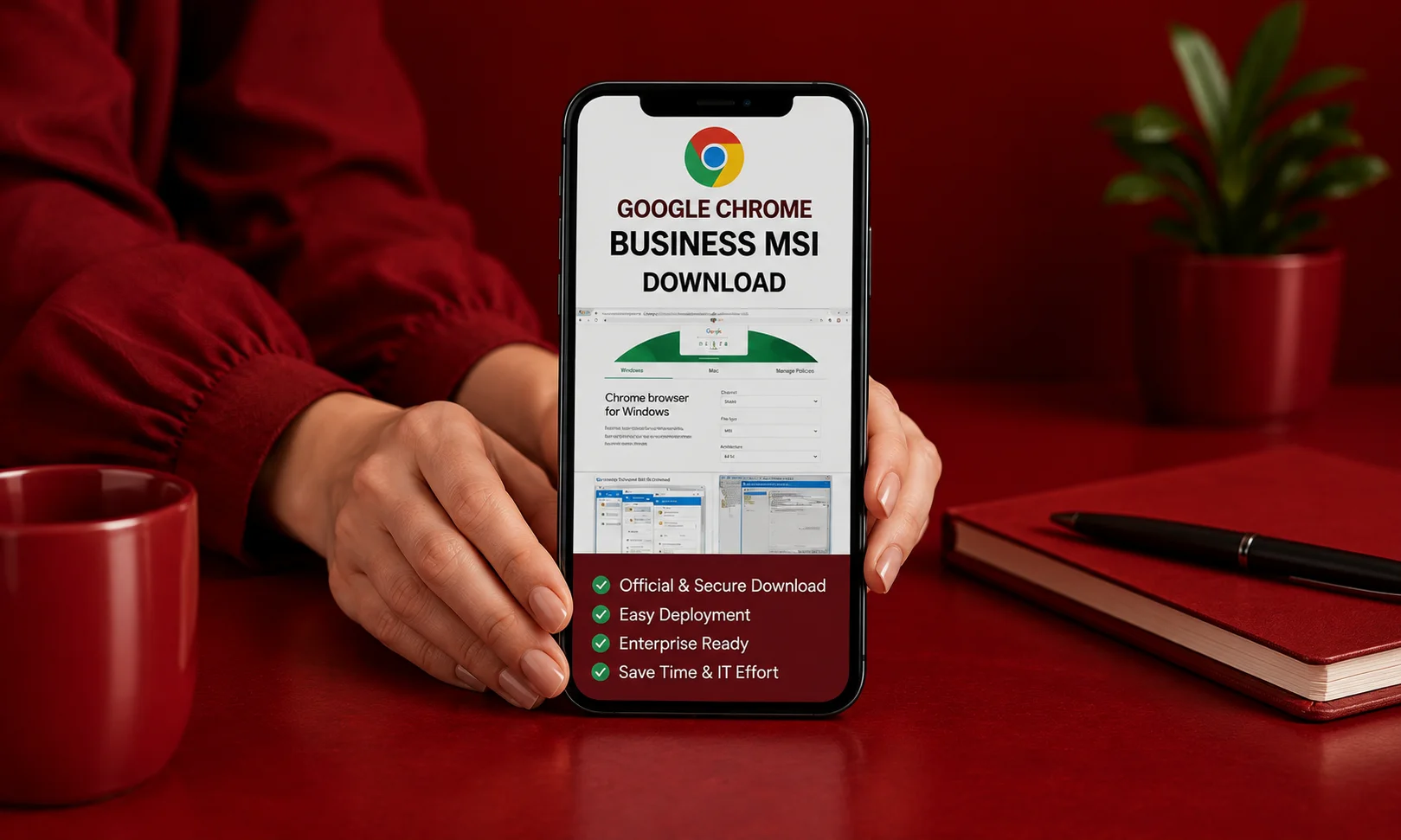
The term Chrome business installer is commonly used for Google’s Chrome Enterprise deployment package. For Windows organizations, the central component is the Chrome Enterprise MSI, which is intended for machine-wide installation.
That distinction matters because the regular consumer installation experience is designed primarily around individual users. The Enterprise MSI is built for administrators who need to deploy Chrome across managed computers.
Google’s documentation confirms that the Chrome Enterprise installer installs Chrome for all users on a computer when the installed version is the same as or newer than the existing machine-wide version.
The Enterprise Bundle is broader than the MSI itself. Google’s documented enterprise components include Chrome MSI packages, Group Policy templates and other management resources.
Chrome Business Installer vs. Regular Chrome
| Feature | Regular Chrome installation | Chrome Enterprise deployment |
| Primary audience | Individual users | Organizations and IT administrators |
| Machine-wide deployment | Not the main workflow | Supported |
| Windows MSI | Not the standard consumer installer | Yes |
| Group Policy management | Not packaged as the main installation workflow | Supported through enterprise templates |
| Central browser management | Limited compared with enterprise management | Supported |
| Cloud browser management | Not the purpose of the consumer installer | Available through Chrome Enterprise Core |
| Enterprise security tier | No | Chrome Enterprise Premium available separately |
The key point is simple: Chrome Enterprise does not mean a completely separate browser engine. It provides an enterprise deployment and management framework around Chrome.
Chrome Enterprise MSI: What Do You Actually Download?
For Windows, Google provides enterprise bundles for both 64-bit and 32-bit systems. Google’s documentation specifically identifies the Chrome Enterprise MSI as a 32-bit or 64-bit installation package.
You may encounter names such as:
- Chrome Enterprise MSI
- Chrome Enterprise Bundle
- Chrome MSI installer
- Chrome standalone enterprise installer
- Chrome business installer
The safest approach is not to search random websites for a file with one of these names. Instead, use Google’s official enterprise download resources.
Official Chrome Enterprise download page
Google Chrome Enterprise Bundle documentation
What Is Included in the Enterprise Bundle?
The bundle is useful because it goes beyond the installer itself.
Google documents enterprise components including:
- Chrome MSI installation packages
- Windows Group Policy templates
- Google Update policy templates
- First-run configuration resources
- Legacy Browser Support components
- Other enterprise deployment resources
For example, Google’s Legacy Browser Support documentation confirms that the enterprise bundle contains the Chrome MSI and Group Policy templates used to control which URLs can open in an alternative browser.
That makes the bundle more useful to an IT department than downloading Chrome as a standalone consumer application.
What Is the Latest Chrome Business Installer Version?
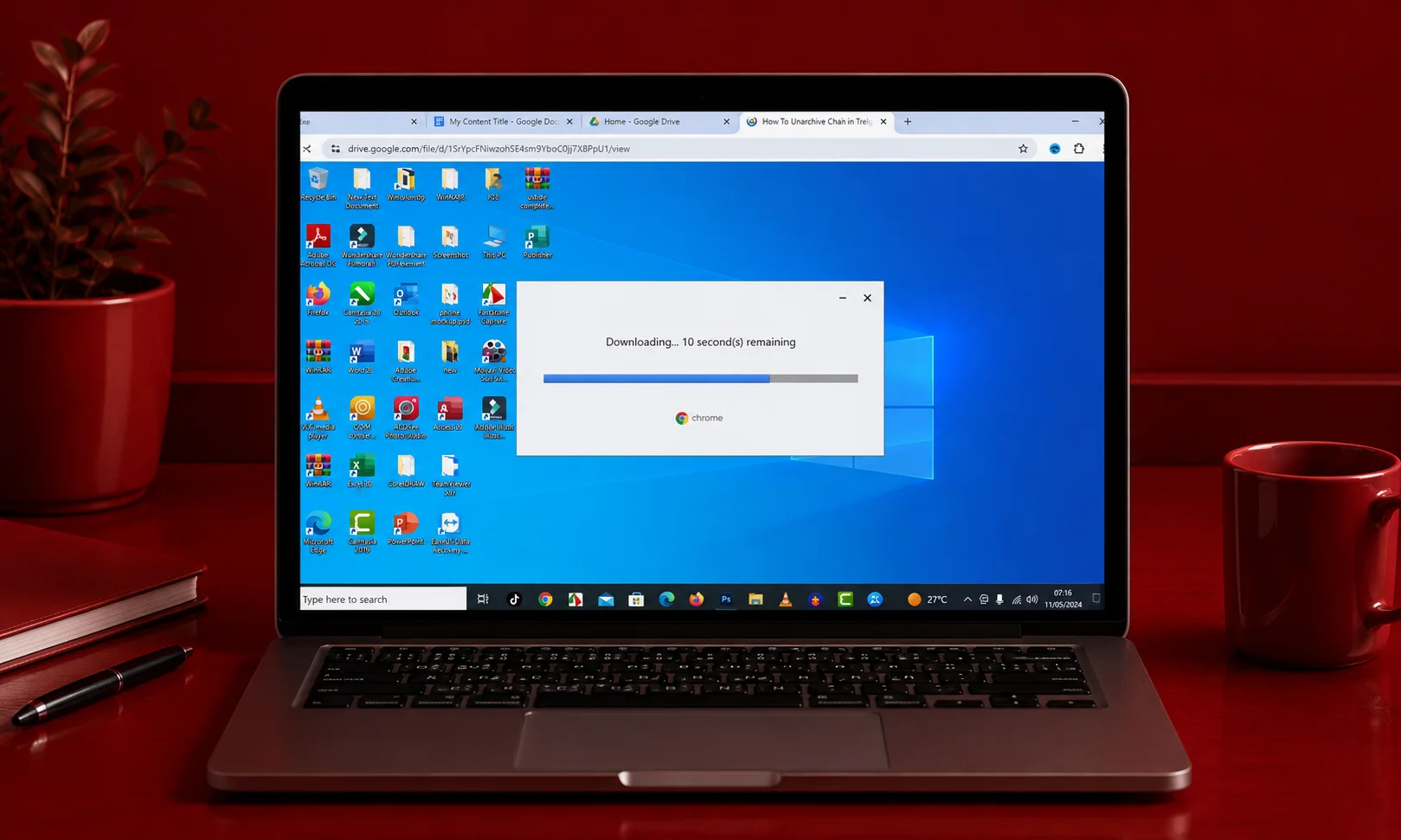
Version numbers change frequently, so an enterprise article should not treat one MSI version as permanently current.
As of Google’s August 20, 2026 desktop release, Chrome Stable is:
- Windows: 151.0.7922.173/.174
- Mac: 151.0.7922.173/.174
- Linux: 151.0.7922.173
Google states that the release rolls out over the coming days and weeks, so availability can vary during the rollout.
Earlier in August, Google released Chrome 151.0.7922.137/.138 for Windows and Mac, showing why administrators should verify the current release rather than relying on an old version number.
Google also began an Early Stable rollout of Chrome 152 for a small percentage of Windows and Mac users on August 12.
Practical rule: use the current official Enterprise package and verify its release channel and version before broad deployment.
How Does the Chrome Business Installer Work?
The deployment process is straightforward in principle, although the exact implementation depends on your organization’s management infrastructure.
1. Choose the Appropriate Enterprise Package
For Windows, select the appropriate Chrome Enterprise bundle for your architecture.
For managed environments, you should also decide whether Stable, Beta, or another supported release channel fits your testing process.
Google documents Stable and Extended Stable channels for enterprise administration, with policies available to control the target channel.
2. Download the Official Bundle
Get the package from Google’s Chrome Enterprise resources rather than a third-party download site. The Enterprise Bundle gives administrators access to the MSI and related management components.
3. Test the Installation
Do not immediately deploy a new browser build across every company computer. Create a test group, install the enterprise package, confirm that Chrome launches correctly, and check the policies you expect to apply.
Google recommends checking chrome://policy on test machines to verify which Chrome policies are actually active.
4. Deploy Through Your Management Platform
Organizations can distribute Chrome using their existing endpoint-management infrastructure. Google’s enterprise download documentation specifically references integrations with platforms such as Microsoft Intune, VMware Workspace ONE, and Jamf Pro.
The right deployment method depends on how your organization already manages Windows, macOS, applications, and policies.
5. Apply Browser Policies
After deployment, administrators can configure Chrome through Group Policy or cloud management. Google provides hundreds of policies through its enterprise management environment, allowing organizations to control browser settings, extensions, and other behavior.
6. Verify the Result
On a managed computer, open:
chrome://policy
This lets administrators verify whether the expected policies have been received and applied. Google’s own testing documentation recommends this verification step when testing enterprise Chrome channels.
Chrome Business Installer and Chrome Enterprise Core: What’s the Difference?
This is one of the easiest points to misunderstand.
The Chrome business installer deploys the browser. Chrome Enterprise Core provides a management layer for enrolled browsers. Google currently lists Chrome Enterprise Core at no cost, while Chrome Enterprise Premium is listed at $6 per user per month.
Chrome Enterprise Core provides capabilities including browser enrollment, browser reporting, policy management, and extension management.
So installing an MSI does not automatically mean that every Chrome Enterprise security capability has been activated.The installer and the management subscription should be treated as separate pieces of the overall enterprise setup.
Chrome Enterprise Core vs. Premium
| Capability | Chrome Enterprise Core | Chrome Enterprise Premium |
| Price listed by Google | $0 | $6/user/month |
| Browser management | Yes | Yes |
| Browser reporting | Yes | Yes |
| Policy management | Yes | Yes |
| Extension management | Yes | Yes |
| Advanced security controls | More limited | Expanded |
| Data-loss prevention | Not the Premium feature set | Included in Premium capabilities |
| Context-aware access | Not the Premium feature set | Included |
| Advanced threat protections | Not the Premium feature set | Included |
Google describes Premium as an additional security layer over Core, with capabilities designed to help organizations identify and respond to browser-based data-security threats.
Who Should Use the Chrome Business Installer?
The Chrome business installer makes the most sense when you have multiple managed computers and need consistent browser deployment.
It is particularly relevant for:
- Business IT departments
- Schools and universities
- Organizations using Windows domain or MDM management
- Companies that need centralized Chrome policies
- Teams controlling browser extensions
- Organizations that want cloud-managed Chrome browsers
Google explicitly provides Chrome Enterprise resources for administrators managing Chrome in business and school environments.
Who Should Avoid It?
If you are simply installing Chrome for yourself on one personal computer, the enterprise deployment package may add complexity you do not need.
A regular Chrome installation is usually the simpler route for an individual user who does not need machine-wide deployment or centralized browser management.
What Are the Main Benefits?
The biggest advantage is consistency.
Instead of asking employees to install Chrome themselves, an administrator can deploy the same managed browser environment across company computers.
Centralized Policies
Administrators can use enterprise policies to control browser behavior across managed devices. Google also provides extension-management controls. Its Extension Settings policy supports configurations that can force-install extensions and control extension installation behavior.
Machine-Wide Installation
The Enterprise MSI is designed for installation across the computer rather than only one user’s profile. Google confirms that the Enterprise installer installs Chrome for all users on a computer.
Update Management
Google Update allows administrators to manage Chrome’s update behavior through Group Policy. Google recommends allowing updates because disabling updates prevents software fixes and security patches from being applied automatically.
Cloud Management
Chrome Enterprise Core allows organizations to enroll browsers and manage policies from Google’s cloud management environment. Google describes a workflow of signing up, enrolling browsers, enabling reporting, and enforcing policies.
What Are the Limitations?
The Chrome business installer is powerful, but it is not a magic switch that turns every Chrome feature into an enterprise security control.
The MSI Does Not Equal Premium
Installing the MSI does not automatically provide every Chrome Enterprise Premium feature. Premium is a separate paid tier, currently listed by Google at $6 per user per month.
Existing Per-User Installations Need Attention
If Chrome is already installed for an individual user, the Enterprise MSI does not necessarily modify that installation immediately.
Google explains that a per-user installation can remain in place until Chrome detects the machine-wide installation and transitions accordingly. This is one reason administrators should test migration before a broad rollout.
Downgrading Requires Care
You should not assume that an older MSI can simply overwrite a newer Chrome installation. Google provides rollback policies for supported scenarios, but its documentation warns that running older Chrome versions exposes users to known security issues.
Firewall Restrictions Can Affect Installation
Enterprise environments sometimes restrict outbound connections.
Google documents installation and update behavior that can be affected by network restrictions, so administrators should test installation in the same network conditions used by production machines.
How Should You Manage Chrome Updates?
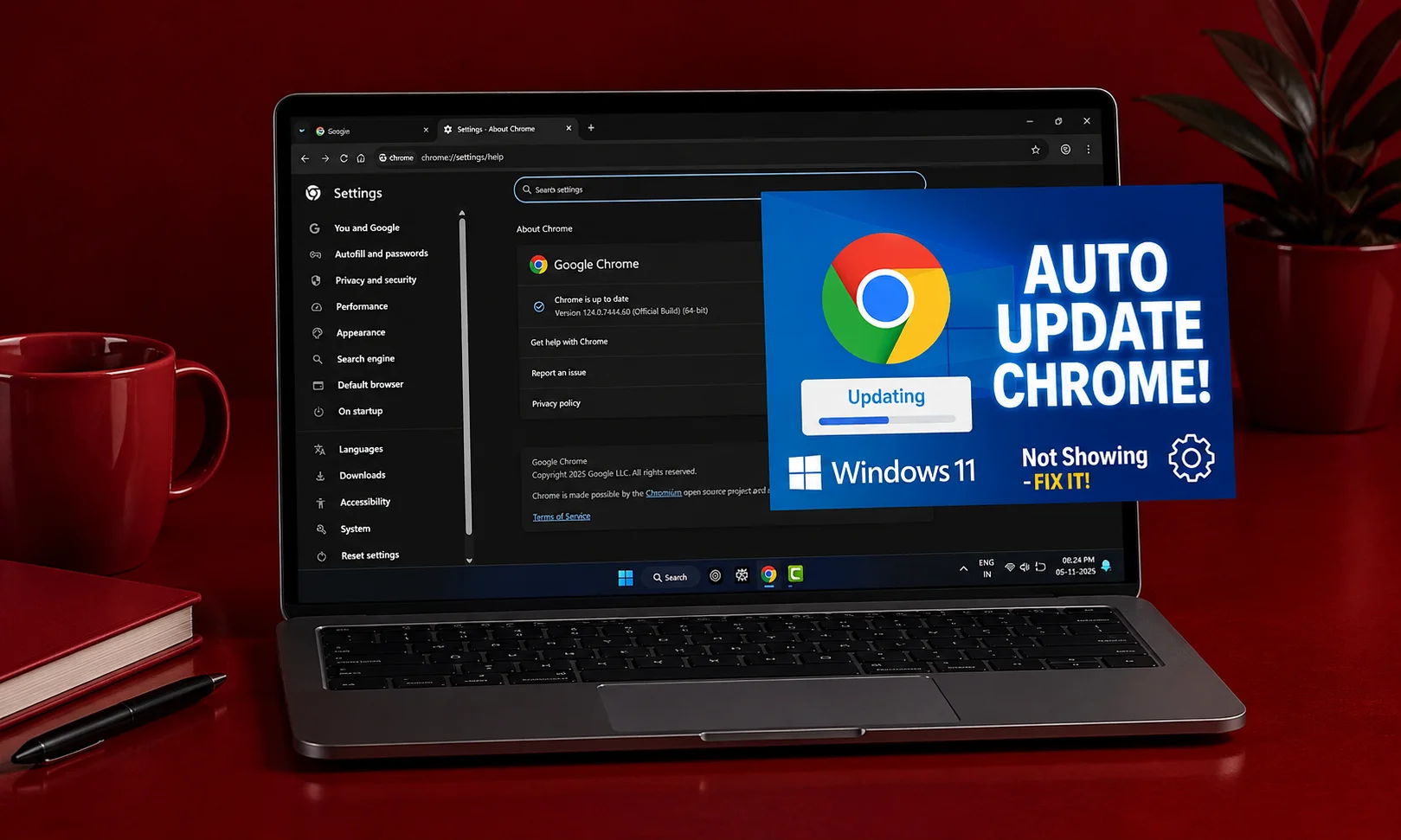
Browser updates are part of the deployment strategy, not an afterthought. Google’s Windows management documentation states that Google Update checks for updates approximately every five hours and staggers updates across large organizations.
Google also provides Stable and Extended Stable channels for organizations with different change-management requirements.
There is another important change coming. Google announced that Chrome’s normal Stable release cadence is scheduled to move from four weeks to two weeks in September 2026, beginning with Chrome 153. The announcement describes this as a planned change rather than a completed event.
For administrators, that makes staged testing even more relevant. Extended Stable is intended to provide a longer change window.
Practical Chrome Business Installer Deployment Process
If you are setting up Chrome for a real organization, keep the rollout controlled.
Step 1: Identify Your Environment
Determine:
- Windows or macOS
- 32-bit or 64-bit Windows where applicable
- Domain-joined or MDM-managed devices
- Existing Chrome installation type
- Required browser policies
- Required extensions
- Preferred update channel
Step 2: Download From Google
Use the official Chrome Enterprise download resources.
Avoid treating third-party MSI repositories as your primary source for enterprise browser packages.
Step 3: Create a Test Group
Deploy the Chrome MSI to a small controlled group first.
Check browser startup, extensions, internal websites, authentication, policies, and existing Chrome profiles before expanding deployment.
Step 4: Confirm Policies
Open chrome://policy and verify that the intended policies are actually active.
Google specifically documents this method for testing Chrome policies.
Step 5: Expand Gradually
Once the test group works correctly, expand the deployment in stages. This gives your IT team a chance to catch application or policy problems before they affect the entire organization.
Common Mistakes to Avoid
Downloading an Unofficial Installer
Do not rely on random websites simply because they use phrases such as “Chrome business installer” or “Chrome MSI download.” Use Google’s official Enterprise resources instead.
Confusing the MSI With Chrome Enterprise Premium
The MSI is an installation mechanism. Premium is a paid enterprise security tier.Those are different components of the Chrome Enterprise ecosystem.
Deploying Without Testing Existing Chrome
Per-user Chrome installations can behave differently when a machine-wide installation is introduced.Test existing installations before pushing the MSI broadly.
Disabling Updates Without a Security Plan
Google warns that disabling updates prevents software fixes and security patches from being applied automatically.If your organization needs slower releases, consider the supported enterprise channel options rather than simply leaving Chrome outdated.
Assuming Every Policy Works Everywhere
Enterprise browser management depends on operating system, management method, Chrome version, and policy support.Check Google’s current policy documentation for the environment you actually manage.
Real-World Enterprise Use Cases
The Chrome business installer is useful wherever an organization needs a consistent browser environment. A school can deploy Chrome across managed lab computers and apply policies centrally.
A company can distribute Chrome through Microsoft Intune and manage browser configuration without requiring employees to install the software manually.
An organization supporting legacy web applications can also use Google’s Legacy Browser Support components to route selected sites toward another browser or Edge IE mode where appropriate.
These examples are different operational needs, but they share the same basic requirement: administrators need control over how Chrome is installed and managed.
What About macOS and Linux?
Chrome Enterprise is not limited to Windows. Google’s enterprise download ecosystem provides deployment options for Mac, while Linux distributions have their own Chrome packages.
The exact installation method differs by operating system, so a Windows MSI should not be treated as a universal Chrome Enterprise installer. For Windows-specific machine-wide deployment, the MSI remains the relevant package.
Chrome Business Installer: What Should You Choose?
| Your situation | Recommended approach |
| One personal computer | Regular Chrome installation |
| Several managed Windows PCs | Chrome Enterprise MSI |
| Centralized Windows policies | Enterprise MSI + Group Policy |
| Cloud-managed browsers | Enterprise deployment + Chrome Enterprise Core |
| Advanced enterprise security | Core plus Chrome Enterprise Premium where required |
| Need longer testing windows | Consider Extended Stable |
| Testing upcoming Chrome changes | Use an appropriate test channel |
The best setup depends on how your organization already manages endpoints.
There is no reason to introduce enterprise management infrastructure for a single personal Chrome installation.
Conclusion
The Chrome business installer makes sense when Chrome needs to become part of an organization’s managed IT environment rather than simply another application installed by an individual employee.
Google’s Enterprise MSI provides the machine-wide deployment path, while its policy templates, Google Update controls, Chrome Enterprise Core, and Premium extend that deployment into browser management and security.
The current Chrome Stable desktop release is Chrome 151, with Google’s August 20 release listed as 151.0.7922.173/.174 for Windows and Mac and 151.0.7922.173 for Linux.
For an organization, the sensible approach is not simply to download the MSI and push it everywhere. Test the package, verify policies, check existing installations, select an appropriate update channel, and expand deployment gradually.
A good enterprise browser deployment is less about installing Chrome once and more about making sure Chrome remains predictable after thousands of installations.
Frequently Asked Questions
What is the Chrome business installer?
The Chrome business installer generally refers to Google’s Chrome Enterprise deployment package, particularly the Windows MSI. It is designed for machine-wide Chrome installation and enterprise administration rather than a normal individual-user installation. Google confirms that the Enterprise MSI installs Chrome for all users on a computer.
Where can I download the official Chrome MSI installer?
You can download the official enterprise package from Google’s Chrome Enterprise resources. Google provides enterprise bundles for Windows and identifies the Chrome MSI as a 32-bit or 64-bit enterprise installation package.
Is the Chrome business installer free?
The Chrome browser can be deployed without purchasing the Premium security tier. Google currently lists Chrome Enterprise Core at $0, while Chrome Enterprise Premium is listed at $6 per user per month.
Does the MSI install Chrome for every user?
Yes. Google’s Windows documentation says the Chrome Enterprise installer installs Chrome for all users on the computer. However, an existing per-user Chrome installation may not be modified immediately, so administrators should test migration behavior before a large deployment.
Can I manage Chrome with Microsoft Intune?
Yes. Google provides enterprise guidance for managing Chrome through Microsoft Intune, and its Chrome Enterprise download page also identifies Intune as one of the integrations available for enterprise management.
Can I control Chrome extensions in a company?
Yes. Google provides enterprise extension-management policies, including Extension Settings controls that can be used to manage how extensions are installed and enforced. Chrome Enterprise Core also provides extension-management capabilities through its cloud management environment.
Can I disable automatic Chrome updates?
Google provides policies that allow administrators to control Chrome update behavior. However, Google warns that disabling updates prevents software fixes and security patches from being automatically applied, so organizations should consider the security consequences before doing so.
What is Chrome Enterprise Core?
Chrome Enterprise Core is Google’s no-cost browser-management tier. It allows organizations to enroll browsers, view browser information, manage policies, and control extensions from Google’s management environment.
What is Chrome Enterprise Premium?
Chrome Enterprise Premium is the paid enterprise security tier. Google currently lists it at $6 per user per month and describes additional security capabilities designed to protect organizational data and browser activity.
What is the latest Chrome Enterprise version?
As of Google’s August 20, 2026 desktop release, Chrome Stable is 151.0.7922.173/.174 for Windows and Mac and 151.0.7922.173 for Linux. Google also began an Early Stable Chrome 152 rollout earlier in August, so administrators should check Google’s release information when downloading or planning deployment.



