


AI video generation has crossed a threshold in 2026. The best tools now produce footage with native synchronized audio, 4K output, realistic motion physics, and multi-shot continuity that rivals professional production at a fraction of the cost. The global AI video market hit $847 million in 2026 and is growing at nearly 19% annually.
The challenge is no longer “which tool can make a clip move.” Every major model can do that. The real question is which tool fits your specific job a cinematic establishing shot, a product ad, a social Reel, a corporate training video, or an image brought to life.
This guide covers everything: the best AI video generators overall, the best free options, the best for image-to-video, and a clear “who should use what” breakdown all based on tested, current data as of mid-2026.
Important: What Happened to OpenAI Sora?
Before the rankings, one thing every creator needs to know in 2026: OpenAI discontinued Sora. The standalone Sora web and app shut down on April 26, 2026. The Sora API is scheduled for shutdown on September 24, 2026.
ChatGPT Plus and Pro subscribers can still access Sora 2 generation within ChatGPT itself, but there is no standalone Sora product to buy or subscribe to anymore. Do not build a production workflow around Sora.
The best replacements are Google Veo 3.1 (for audio-synced realism), Kling 3.0 (for photorealistic motion at lower cost), and Runway Gen-4.5 (for professional creative control).
Quick Rankings at a Glance
| Use Case | Best Tool |
| Best overall quality | Google Veo 3.1 |
| Best for professional control | Runway Gen-4.5 |
| Best photorealistic motion for the price | Kling 3.0 |
| Best for social media content | Pika 2.5 |
| Best for business avatars and training | HeyGen |
| Best for image-to-video | Luma Dream Machine (Ray 3) |
| Best free tier overall | Kling AI |
| Best for script-to-video | InVideo AI |
| Best open-source option | Wan 2.7 |
1. Google Veo 3.1 — Best Overall
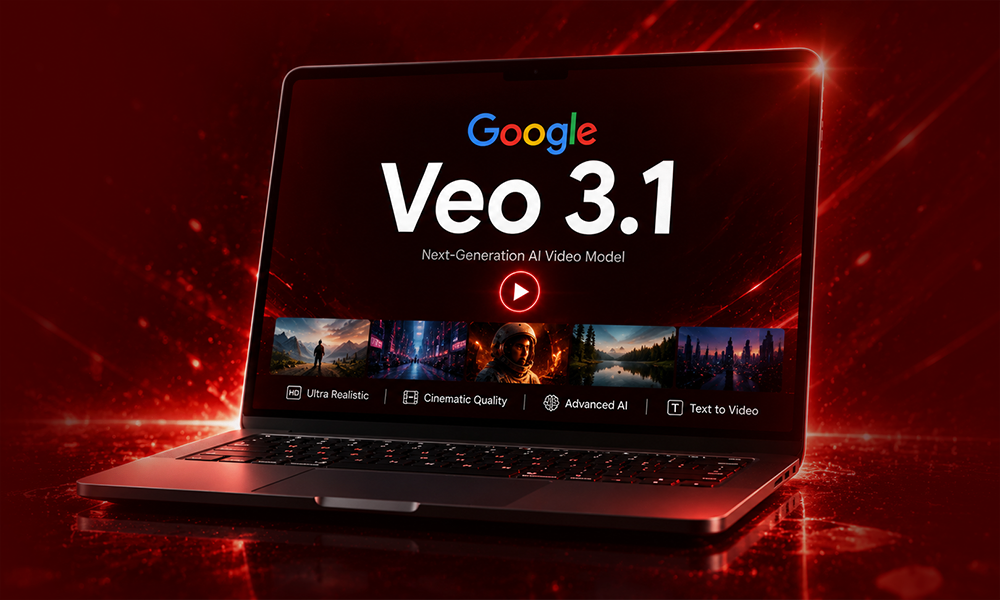
Best for: Cinematic realism, native audio, marketing content, image-to-video
Google Veo 3.1 is the strongest all-round AI video generator available in 2026. It’s the only model generating 48kHz synchronized dialogue not just sound effects, but actual speech synchronized with lip movement. Combined with strong prompt adherence and clean 4K output in both landscape and portrait formats, it’s the default starting point for most creators and studios.
You access Veo 3.1 through Google Flow (Google’s video production workspace), the Gemini app (Google AI Pro plan), and the Google AI Studio API.
Key strengths: photorealistic lighting, native audio including dialogue, strong image-to-video pipeline, and the most credible Western replacement for Sora’s cinematic quality.
Key limitations: pricing scales quickly at the API level, and complex multi-character dialogue scenes still show artifacts at longer durations.
Pricing: Google AI Pro plan at $19.99/month includes Veo 3.1 access. Ultra plan at $249.99/month. API pricing starts at $0.15/second (fast mode), up to $0.50/second for quality tier. Free tier available with rate limits through Google AI Studio.
2. Runway Gen-4.5 — Best for Professional Control
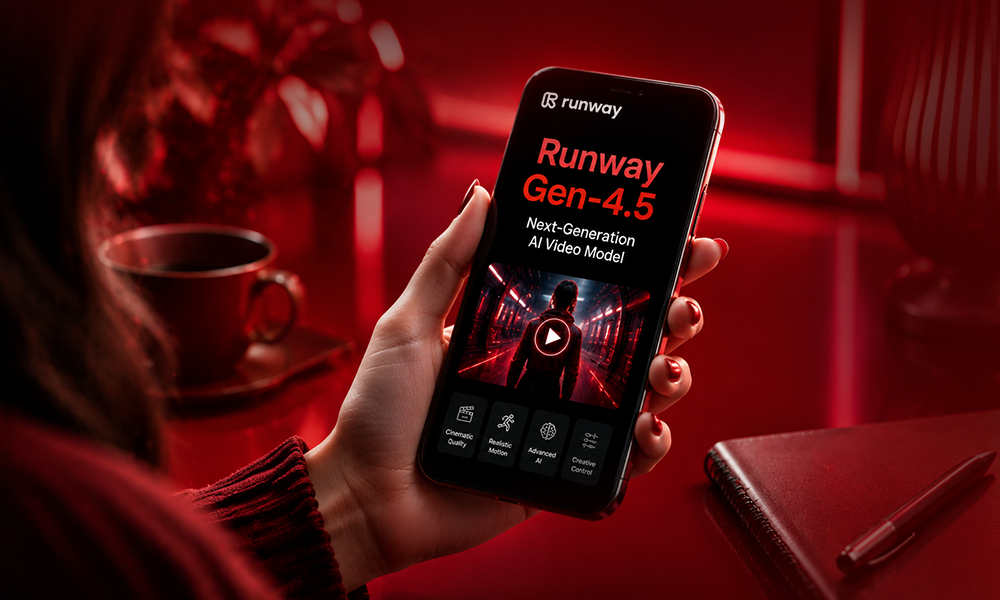
Best for: Ad agencies, filmmakers, client deliverables, brand consistency
Runway Gen-4.5 launched in late 2025 with the highest Elo score ever recorded on the Artificial Analysis text-to-video leaderboard (1,247). While it has since been displaced from the overall top ten as newer models arrived, it remains the most practical creative workspace for professional video production.
What sets Runway apart is its tooling layer. Motion Brush, camera control, reference-driven character consistency, generative video editing, and keyframe interpolation give you genuine directorial control that pure generation models don’t offer. It’s not just making clips it’s building shots.
For ad agencies and commercial production, Runway’s reference image system lets you lock a character’s face, a product’s appearance, or a brand’s color palette across multiple shots with far better consistency than prompt-only tools.
Key limitations: not the friendliest for beginners, credit costs are higher per clip than Kling, and the free tier (125 lifetime credits) is effectively just a product demo.
Pricing: Standard at $15/month. Pro at $35/month. Unlimited at $95/month.
3. Kling 3.0 — Best Photorealistic Motion for the Money
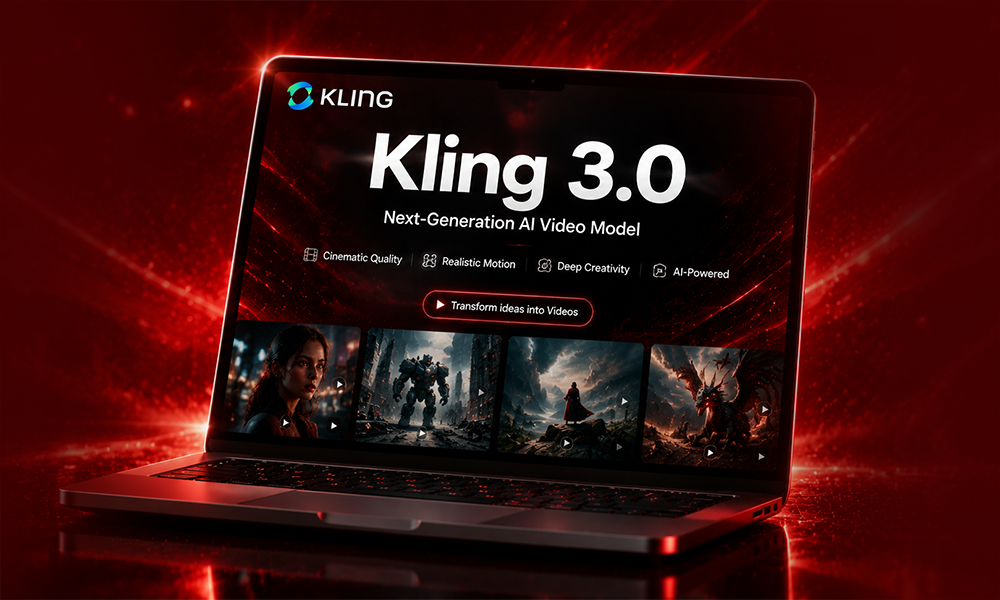
Best for: Social media, high-motion scenes, budget-conscious creators, multilingual lip-sync
Kling is made by Kuaishou, China’s short-video giant, and Kling 3.0 (released February 2026) is its most significant update yet. It supports native 4K at up to 60fps, 15-second multi-shot clips with subject consistency across angles, and multilingual lip-sync in five languages. On the Artificial Analysis Video Arena leaderboard, Kling 3.0 has four entries in the top ten the most of any single model.
Most importantly for budget-conscious creators: Kling 3.0 is the cheapest credible premium AI video model in 2026, at roughly $0.07–$0.10 per second of generated video. That’s significantly cheaper than Veo 3.1 and Runway on a per-clip basis.
Kling 3.0 earned recognition from AI researchers including Ethan Mollick for its realistic human generation faces, fabric movement, and micro-expressions render more naturally than most competitors. For high-volume social media production where you need quality at scale, Kling is hard to beat.
Key limitations: The platform originated in China and international availability can occasionally be inconsistent. The UI can feel dense, and lighting quality on complex cinematic scenes still sits behind Runway and Veo.
Pricing: Free tier with 66 daily refreshing credits and no watermark on standard exports. Standard plan from around $10/month. Pro at $37/month.
4. Pika 2.5 — Best for Social Media Creators
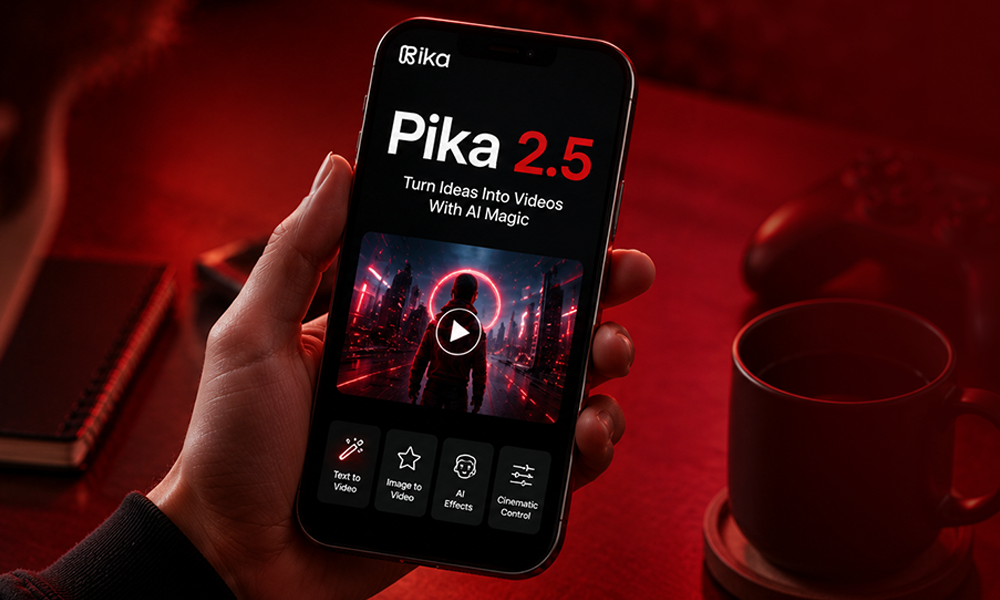
Best for: TikTok, Instagram Reels, YouTube Shorts, stylized content, creative effects
Pika has carved out the strongest position among social-first creators with its creative toolkit rather than competing on raw photorealism. Pika 2.5 offers Pikaffects (visual effects library), Pikaswaps (element replacement in video), Pikadditions (add objects to scenes), Pikaformance (lip-synced talking images), and Pikaframes (keyframe control).
These tools are built for the “what if” creative loop that feeds short-form platforms. You can lock a visual style across shots, apply cinematic effects to existing footage, animate product images, and produce scroll-stopping hooks faster than any other platform.
For animated and stylized looks in particular, Pika 2.5 consistently leads. The output doesn’t compete with Veo or Kling on pure realism, but that’s often not what social content needs.
Key limitations: clip length caps around 10 seconds on most plans, less suited for hyper-realistic or narrative video, credit costs on advanced features can escalate quickly.
Pricing: Free tier with 150 credits per month (resets monthly), watermarked. Basic at $8/month (removes watermark). Standard at $25/month.
5. Luma Dream Machine (Ray 3) — Best for Image-to-Video
Best for: Animating still images, atmospheric B-roll, HDR brand content, cinematic transitions
Luma Dream Machine with the Ray 3 model (released late 2025) focuses on physically accurate motion, HDR output, and — most distinctively — intelligent image-to-video generation. The Ray 3 Modify feature (added in 2026) enables video-to-video editing of existing footage, including actor footage.
Luma’s keyframe interpolation feature is particularly useful for image-to-video work: define a start image and an end image and Luma generates a smooth, cinematically coherent transition between them. This makes it ideal for product reveals, landscape sequences, and narrative transitions where you’re working from still references.
Ray 3 was marketed as “the world’s first reasoning video model” it analyzes the physics and context of a scene before generating motion, which produces more accurate movement on complex subjects.
Key limitations: Luma is no longer the budget option it once was. For everyday social video, Kling delivers more clip-length-per-dollar. Luma earns its price at the premium end, particularly for HDR brand content.
Pricing: Free tier with 30 generations per month (watermarked, 720p). Lite at $9.99/month (50 videos, full Ray 3 access, still watermarked). Plus at $29.99/month (commercial use, HDR). Unlimited at $94.99/month.
6. HeyGen — Best for Business Video and Avatars
Best for: Corporate training, personalized sales video, multilingual content, talking-head marketing
HeyGen is the market leader for AI avatar video in 2026. If your goal is a digital human delivering a scripted message — for sales outreach, internal training, product demos, or localized marketing HeyGen is the most polished tool available.
The standout feature is video translation: record a video in English and HeyGen produces versions in 175+ languages with preserved lip-sync and natural emotional expression. Over 90,000 businesses including OpenAI, Samsung, and Coursera run production workflows on HeyGen.
Avatar IV (released 2025) is HeyGen’s most realistic tier, with script-synced gestures and natural expressions that significantly reduce the uncanny valley effect that earlier AI avatars suffered from.
HeyGen also integrated both Sora 2 and Veo 3.1 directly into its pipeline for generative B-roll, meaning you get access to top-tier generation quality within the HeyGen workflow without needing a separate subscription.
Key limitations: pricing is structured for enterprise teams and can feel expensive for individual creators. The free tier (1 video per month, watermarked) is effectively just a demo.
Pricing: Free tier 1 video per month. Creator at $29/month (annual). Business at $149/month.
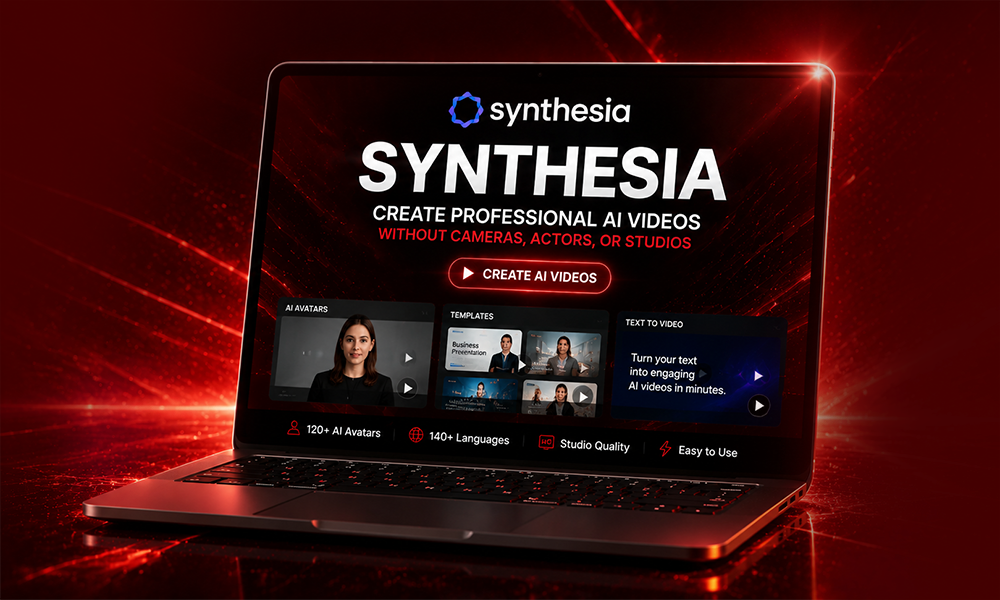
7. Synthesia — Best Enterprise Option
Best for: Corporate training at scale, e-learning, multilingual employee communications
Synthesia is HeyGen’s enterprise-focused competitor. Where HeyGen serves creators and small-to-medium businesses, Synthesia is built for large organizations with serious compliance requirements, team workflows, and high-volume internal video production.
It’s the strongest tool in the market for creating training modules, onboarding videos, compliance content, and internal communications particularly for companies that need the same video in multiple languages at scale. Synthesia does not compete with Veo, Kling, or Runway on cinematic quality. It competes on workflow, avatar quality, brand controls, and enterprise reliability.
Pricing: Starter at $29/month. Creator at $89/month. Enterprise pricing on request.
8. InVideo AI — Best for Script-to-Video
Best for: Faceless YouTube channels, content marketers, video from written content
InVideo AI takes a fundamentally different approach: instead of generating cinematic clips from prompts, it converts written scripts into finished, narrated, edited videos using a combination of AI-generated clips and stock footage. It’s purpose-built for long-form YouTube content, product explainers, and news-style videos.
InVideo integrated Sora 2 and Veo 3.1 directly into its pipeline before Sora’s shutdown, so AI-generated B-roll is now woven into its output. This makes it one of the most hands-off content production tools for creators who need to publish at volume without producing individual shots.
Key limitations: it’s not a tool for cinematic output or creative filmmaking the output style is editorial and fast, built for volume over artistry.
Pricing: Free plan 10 videos per month. Plus at $25/month (annual). Unlimited at $60/month.
9. Hailuo AI (MiniMax) — Honorable Mention
Best for: Budget users, creative motion on unusual prompts, generous free experimentation
Hailuo, made by Chinese AI lab MiniMax, offers one of the most generous free tiers in the market in 2026 approximately 3 to 5 generations daily with free credit resets. It gained traction for handling unusual and creative prompts with more expressive motion than models optimized purely for realism.
It’s not the first choice for polished commercial output, but for creators experimenting with AI video on zero budget, it’s one of the best free playgrounds available.
Pricing: Free tier with daily credit reset. Paid from around $7.99/month (annual billing).
Best Free AI Video Generators in 2026
Most top tools have a free tier, but quality, limits, and watermark rules vary significantly:
| Tool | Free Tier | Watermark | Resolution |
| Kling AI | 66 credits/day (resets daily) | No watermark | 720p |
| Pika | 150 credits/month | Yes | Limited |
| Luma Dream Machine | 30 generations/month | Yes | 720p |
| Hailuo AI | ~5 generations/day | Yes | Limited |
| Runway | 125 credits (lifetime, not monthly) | Yes | Limited |
| InVideo AI | 10 videos/month | Yes | 720p |
| HeyGen | 1 video/month | Yes | Limited |
| Google Veo 3.1 | Rate-limited via AI Studio | Yes | 1080p |
For the most generous genuinely usable free tier, Kling AI wins 66 daily refreshing credits with no watermark on standard exports is the most practical free allowance in the market.
Runway’s 125 lifetime credits (not monthly) are widely considered too limited to properly evaluate the platform. If you’re serious about testing Runway, the $15/month Standard plan is the real entry point.
Best AI Image-to-Video Generators in 2026

Image-to-video is one of the most useful workflows in AI video giving the model a visual anchor dramatically improves consistency for products, characters, and brand elements.
Luma Dream Machine (Ray 3) — the strongest specialist for image-to-video, with keyframe interpolation between a start and end image, HDR support, and smooth motion on atmospheric or cinematic subjects.
Google Veo 3.1 — strong image-to-video pipeline within Google Flow, with the added benefit of native synchronized audio generation.
Runway Gen-4.5 — excellent for brand-consistent image-to-video using reference images to lock character appearance, product details, and color palette across shots.
Kling 3.0 — capable image-to-video with strong motion realism, particularly for human subjects and fabric movement.
Pika 2.5 — best for stylized, animated, or effect-driven image-to-video for social content.
How to Choose the Right AI Video Generator
You’re a filmmaker or creative director: Start with Google Veo 3.1 for quality and Runway Gen-4.5 for control. Use both — Veo for polished output, Runway for iterating shots.
You’re a social media creator: Pika 2.5 for stylized social effects, Kling 3.0 for realistic human motion, Veo 3.1 for clean vertical format with audio.
You’re a marketer or ad team: Runway for brand consistency and client-facing work. Veo 3.1 when native audio is important. Kling when budget is a constraint.
You need business or training videos: HeyGen for multilingual avatar content, Synthesia for enterprise-scale internal production.
You want to test free: Start with Kling AI’s daily free credits or Luma’s 30 monthly generations.
You’re on the tightest possible budget: Pika at $8/month or Hailuo at $7.99/month are the cheapest paid entry points. Kling Standard at $10/month is the best value if quality matters.
Note on commercial use: Most free tiers explicitly prohibit commercial use. Paid tiers from Kling Standard, Runway Standard, Veo (AI Pro), and HeyGen Creator all grant commercial rights. Always verify the current terms of service before using AI-generated video in client work or paid advertising several platforms updated their commercial policies in 2026.
Pricing Summary Table
| Tool | Free Tier | Entry Paid | Mid Tier | Notes |
| Google Veo 3.1 | Limited (AI Studio) | $19.99/mo (AI Pro) | $249.99/mo (Ultra) | API from $0.15/sec |
| Runway Gen-4.5 | 125 lifetime credits | $15/mo (Standard) | $95/mo (Unlimited) | Best control surface |
| Kling 3.0 | 66 credits/day | ~$10/mo (Standard) | $37/mo (Pro) | Cheapest premium per clip |
| Pika 2.5 | 150 credits/month | $8/mo (Basic) | $25/mo (Standard) | Best for social |
| Luma Ray 3 | 30 gens/month | $9.99/mo (Lite) | $29.99/mo (Plus) | Best image-to-video |
| HeyGen | 1 video/month | $29/mo (Creator) | $149/mo (Business) | Best avatar tool |
| Synthesia | — | $29/mo (Starter) | $89/mo (Creator) | Enterprise-focused |
| InVideo AI | 10 videos/month | $25/mo (Plus) | $60/mo (Unlimited) | Script-to-video |
| Hailuo AI | ~5/day | ~$7.99/mo (annual) | — | Budget experimentation |
Common Limitations Across All Tools in 2026
Even the best AI video generators still struggle in predictable ways:
Hands and fingers remain the hardest element to generate convincingly artifacts on close-up hand shots are common across all platforms.
Fast motion creates temporal instability in most models sports and action sequences often show smearing or stuttering.
Face continuity across longer sequences drifts on models that aren’t purpose-built for character consistency (Runway handles this best).
Long-form video is not possible in a single generation pass maximum single clips run 15 to 20 seconds across the best models. Longer videos are stitched sequences, which require careful planning.
Sound accuracy is improving rapidly Veo 3.1 is the leader for native synchronized dialogue but most models still produce ambient sound effects rather than accurate speech.
FAQs
What is the best AI video generator in 2026?
Google Veo 3.1 is the best all-round choice for quality and native audio. Runway Gen-4.5 is best for professional creative control. Kling 3.0 is the best value for photorealistic motion. The right choice depends on your use case.
Is there a free AI video generator with no watermark?
Kling AI offers the most generous free tier in 2026 – 66 daily refreshing credits with no watermark on standard exports. Most other tools add watermarks on free plans.
What happened to Sora AI video?
OpenAI discontinued Sora’s standalone web and app on April 26, 2026. The API shuts down September 24, 2026. Google Veo 3.1 and Kling 3.0 are the strongest replacements.
What is the best free AI image-to-video generator?
Luma Dream Machine gives 30 free generations per month and is the strongest specialist for image-to-video workflows. Kling AI’s free daily credits are a better option if you need more volume.
Can I use AI-generated video commercially?
Most paid plans allow commercial use Kling Standard, Runway Standard, Veo AI Pro, and HeyGen Creator all grant commercial rights. Free tiers almost universally prohibit commercial use. Always verify current terms before using in client work.
How much does AI video generation cost in 2026?
Entry paid plans range from $8/month (Pika) to $29/month (HeyGen Creator). Mid-tier plans for active creators range from $25 to $95/month. API pricing for developers ranges from $0.05 to $0.75 per second of generated video depending on the model.


