

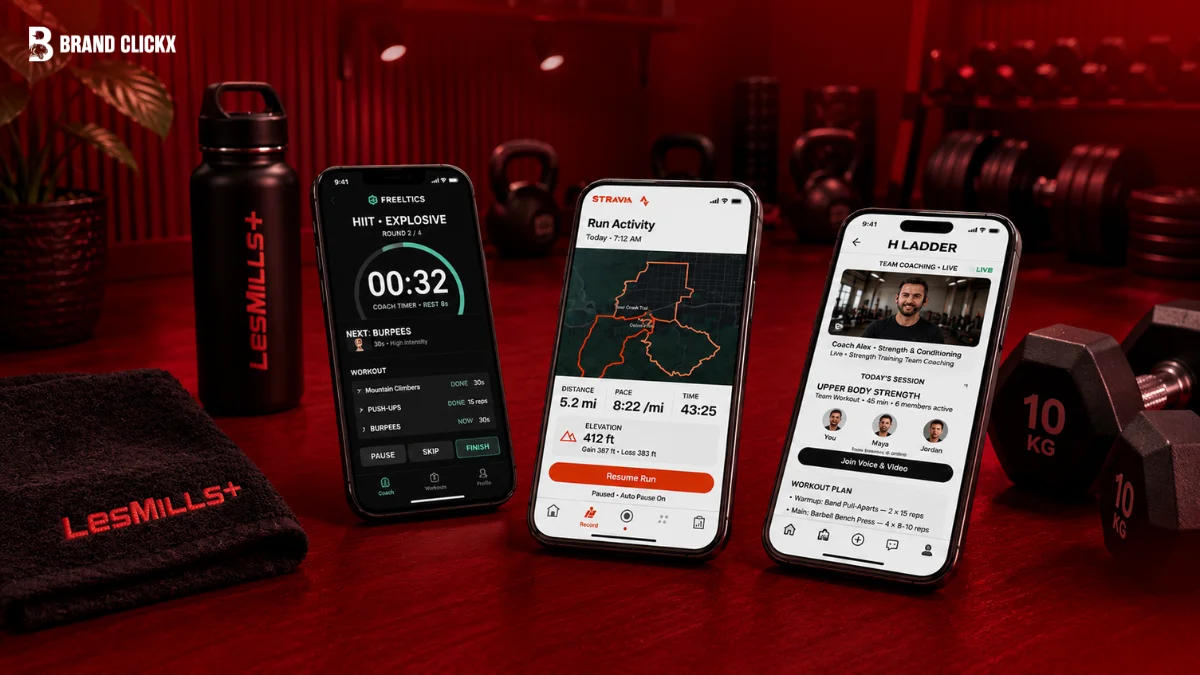
A best workout app is one that makes exercise easier to follow. The right choice depends on what you want from it, such as strength training, home workouts, guided classes, running, or activity tracking.
We compared five popular workout apps for strength, running, home workouts and fitness. Here are the best options for different types of training.
Nike Training Club focuses on guided workouts, Peloton is built around instructor-led classes, Apple Fitness+ connects workouts with the Apple ecosystem, Fitbod focuses on personalized strength training, and Strava is designed mainly for tracking activities such as running and cycling.
Best Workout Apps at a Glance
App | Best For | Price Type | Why Choose It |
Nike Training Club | Free guided workouts | Free | A wide range of guided workout sessions |
Peloton | Instructor-led workouts | Paid | Large selection of classes led by instructors |
Apple Fitness+ | Apple users | Paid | Works closely with Apple Watch and the Fitness app |
Fitbod | Strength training | Paid | Personalized strength workouts |
Strava | Running and cycling | Free and paid | Detailed activity and performance tracking |
1. Nike Training Club
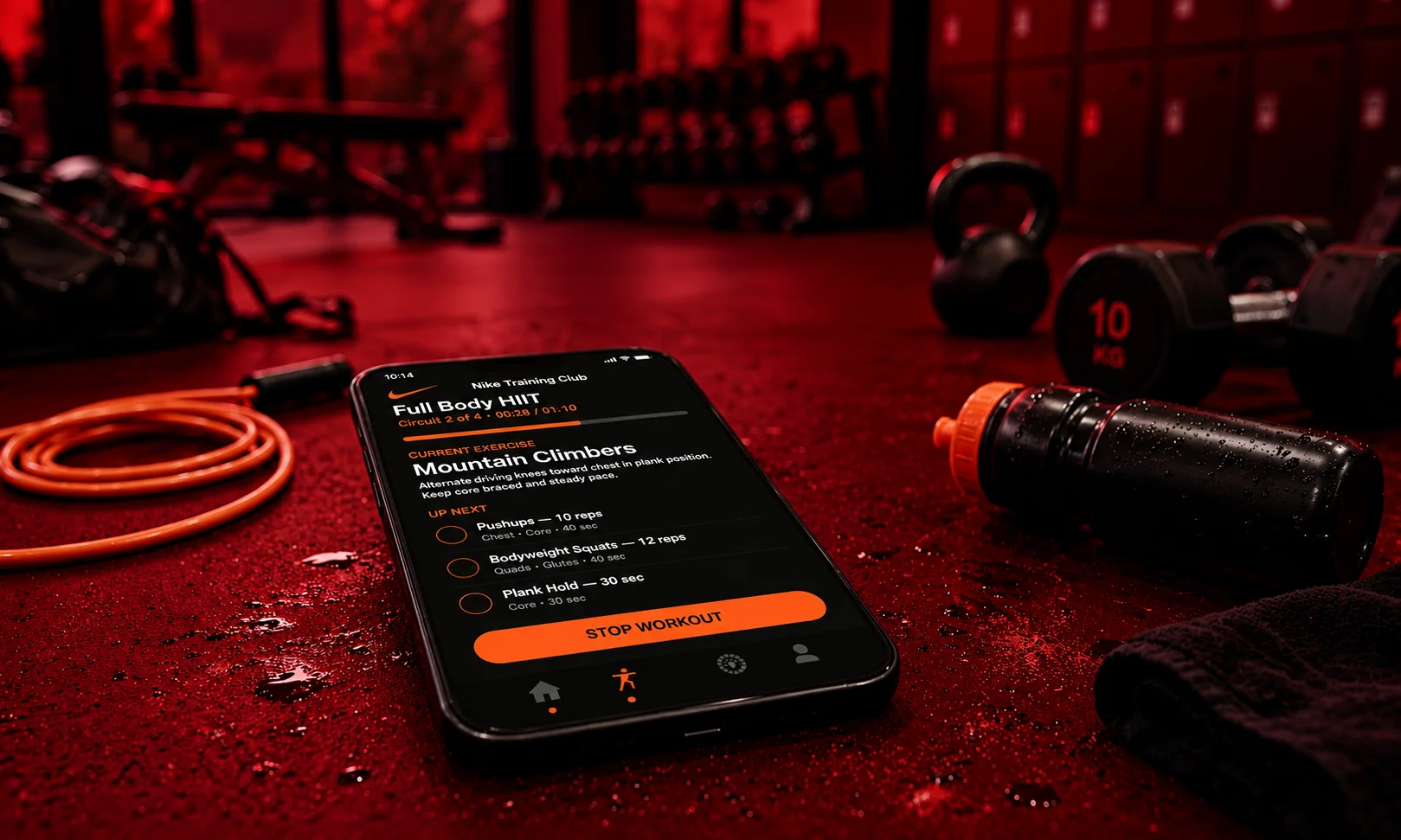
Short answer: It provides guided workouts without a subscription fee attached that makes Nike Training Club worth considering.
Best Workout App for Beginners
If guidance rather than building every workout from scratch is what you’re after, Nike Training Club is a solid place to begin. Right now, more than 180 free workouts covering different fitness levels are listed in the app by Nike.
Based on the type of exercise you’re looking to do, a session can be selected, then followed step by step as you work through it.
What We Like About Nike Training Club
Its simple approach stands out as the biggest advantage. Spending time planning out each exercise isn’t necessary, just pick a workout and follow along.
Several types of training are also covered by the app, so instead of sticking with the same kind of session every time, different workouts can be tried.
Best for Home Workouts
Especially for those without a full gym setup, home exercise is where Nike Training Club tends to work well. Little equipment is required for many sessions, while others can be chosen for times when equipment like weights happens to be available.
Best for Free Training
Its free workout library is really the main reason to consider Nike Training Club. Without requiring a subscription, Nike’s listed workouts are provided as is, making this an accessible option for anyone wanting to start exercising without an ongoing cost.
Who Should Choose Nike Training Club?
Choose it if you want:
- Free guided workouts
- A simple way to start exercising
- Different types of training
- Home-friendly sessions
- Workouts for different fitness levels
2. Peloton
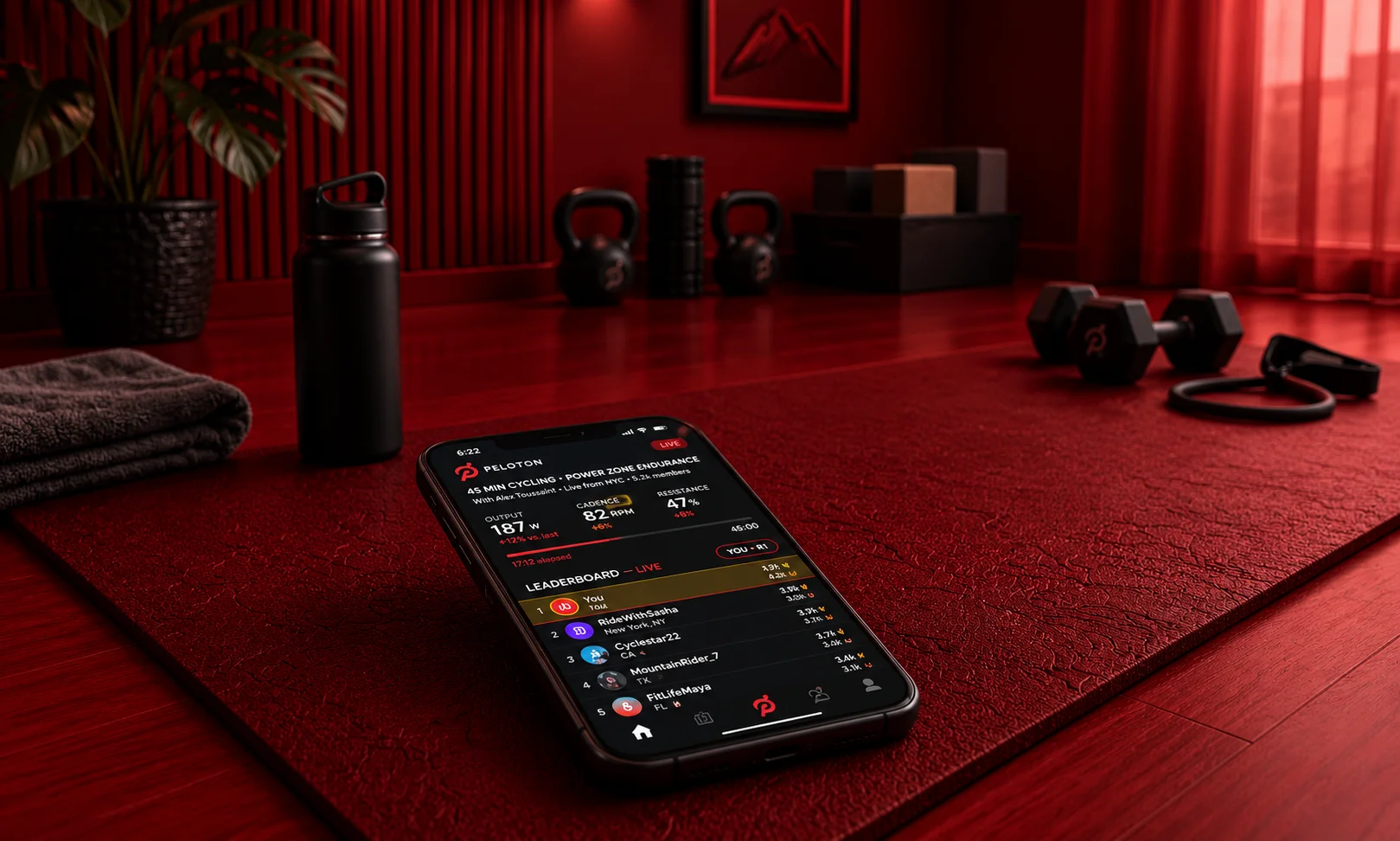
Short answer: preferring to follow an instructor rather than plan each workout yourself is where Peloton really shines.
Best Workout App for Instructor-Led Training
Guided classes are what Peloton’s app is built around. Cycling, strength, rowing, running, meditation, yoga, walking, stretching, and outdoor cardio are all covered by its current library.
Peloton exercise equipment isn’t a requirement for every class either. Bodyweight and weight-based workouts are also included in the app, while classes designed for equipment like treadmills, bikes, and rowers make up the rest.
Best Home Workout App for Guided Classes
When wanting an instructor to guide you through the entire session, this is where Peloton proves useful. Rather than choosing each exercise on your own, a class can be selected and the instructor’s guidance followed from start to finish. People new to certain types of exercise are also catered to, with beginner-focused classes offered in the app.
Best for Running
Training programs and running classes are offered by Peloton as well. Sessions focused on areas like endurance and intervals are included here, along with options for outdoor running. For anyone wanting structured running sessions rather than an app that mainly logs runs, this makes for a useful option.
Who Should Choose Peloton?
Peloton makes the most sense if you:
- Prefer instructor-led workouts
- Enjoy classes more than workout logs
- Want several types of training in one app
- Like having an instructor guide the session
- Want options for both indoor and outdoor workouts
3. Apple Fitness+
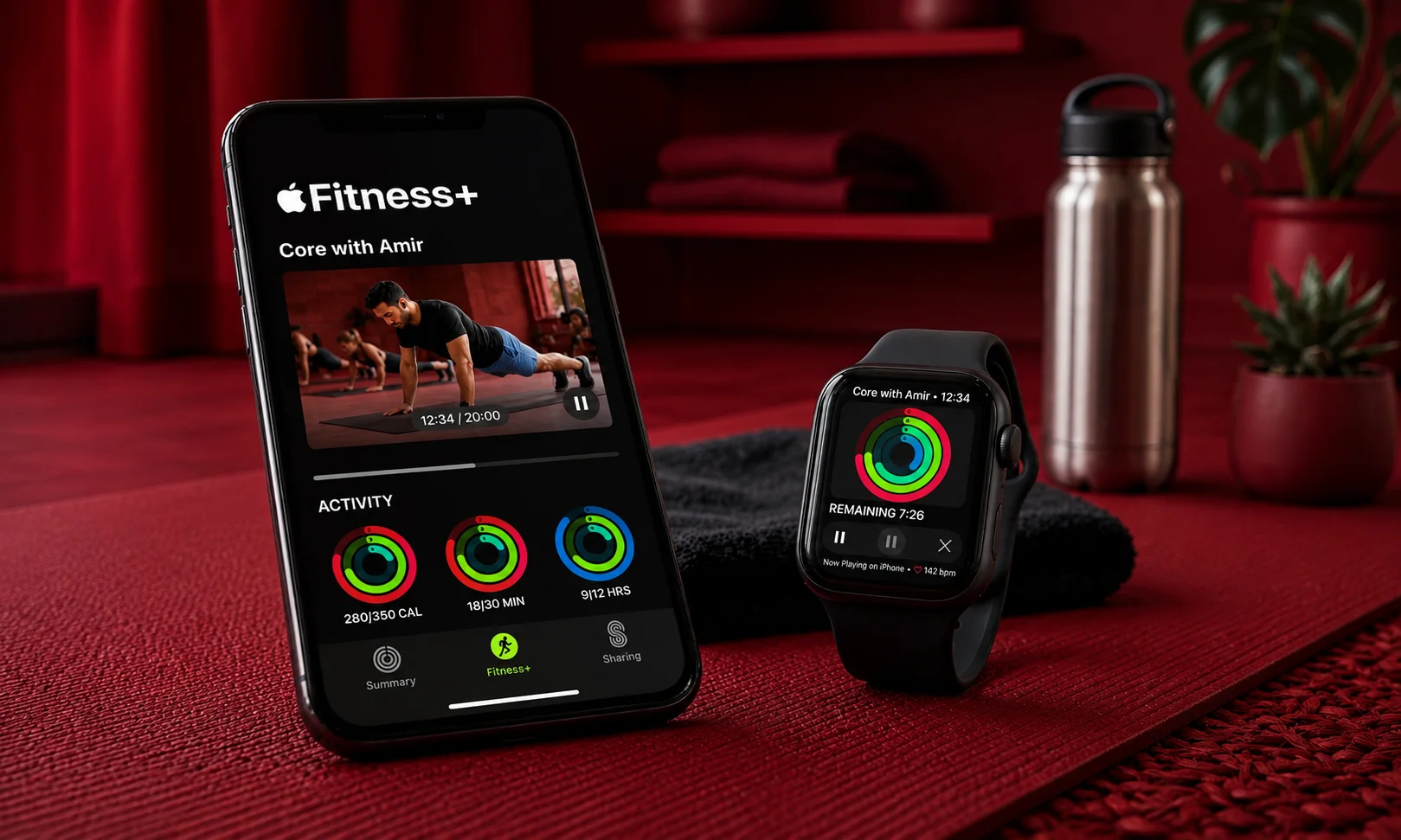
Short answer: those already invested in Apple devices, especially anyone wanting guided workouts paired with Apple Watch data, will find Apple Fitness+ a good fit.
Best Workout App for Apple Watch Users
Part of Apple’s broader Fitness ecosystem is what Apple Fitness+ represents. Twelve workout types, including yoga, HIIT, meditation, and strength, are currently offered, with new sessions added weekly and workout lengths ranging anywhere from 5 to 45 minutes.
Choosing a session based on available time also becomes easier thanks to this variety in workout lengths.
Best for Short Workouts
A shorter workout can be chosen instead of skipping a session entirely, when only a few minutes are available. Custom Plans are also offered by Apple Fitness+, organizing workouts around whichever activities are selected. Following a routine rather than picking a new class each time becomes simpler as a result.
Best for Apple Watch Integration
If an Apple Watch is already part of your routine, integration with it stands as one of the main reasons to consider Fitness+.
Real-time workout metrics from an Apple Watch can be viewed during compatible workouts, according to Apple. Bluetooth heart-rate monitors and compatible AirPods Pro 3 are also supported by the service for certain workout experiences.
Who Should Choose Apple Fitness+?
It is a good choice if you:
- Already use an Apple Watch
- Want guided workouts
- Prefer both short and longer sessions
- Want several workout types in one service
- Like seeing workout information while exercising
4. Fitbod
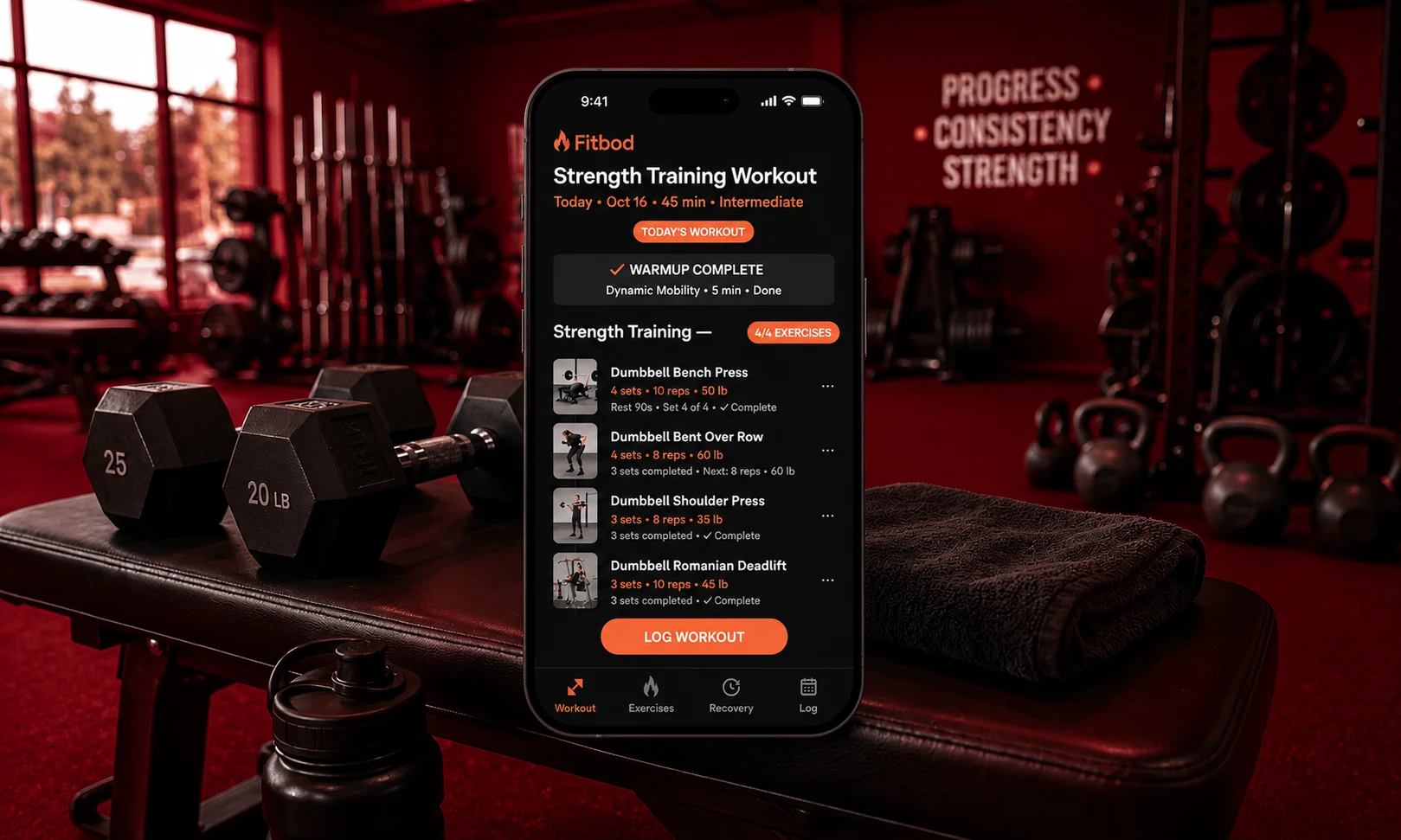
Short answer: personalized strength training as your main goal is where Fitbod stands strongest on this list.
Best Workout App for Strength Training
A different approach from class-based workout apps is what Fitbod takes. Rather than mainly selecting a video class, strength workouts can be built around factors like your training schedule, available equipment, experience, and goals.
Fitness goals, previous training, available equipment, and muscle recovery are all factored in by the app when generating workout recommendations.
Best for Personalized Gym Workouts
Wanting your workouts to shift based on your training is where Fitbod proves especially useful.
A strength workout can be generated using your training settings, and factors like available equipment and workout duration can be adjusted from there. When moving between different training environments, or having less time for a session, this comes in handy.
Best for Tracking Strength Progress
What you’ve done in earlier sessions becomes easier to track, since Fitbod keeps your previous workout information stored in your history.
Custom exercises can also be created and added to your workout history. If a particular piece of equipment or movement isn’t already part of the app’s standard exercise list, this proves useful.
Best for Home Strength Training
Strength workouts at home are also supported by Fitbod. Available equipment can be set, and the app includes workouts built around options like resistance bands, kettlebells, dumbbells, and bodyweight.
Rather than building your routine around a fixed gym setup, this means your workouts can be adjusted around whatever equipment you actually have.
Who Should Choose Fitbod?
Choose Fitbod if you want:
- Strength-focused workouts
- Personalized training sessions
- A record of previous workouts
- Workouts based on available equipment
- A more structured approach to strength training
5. Strava
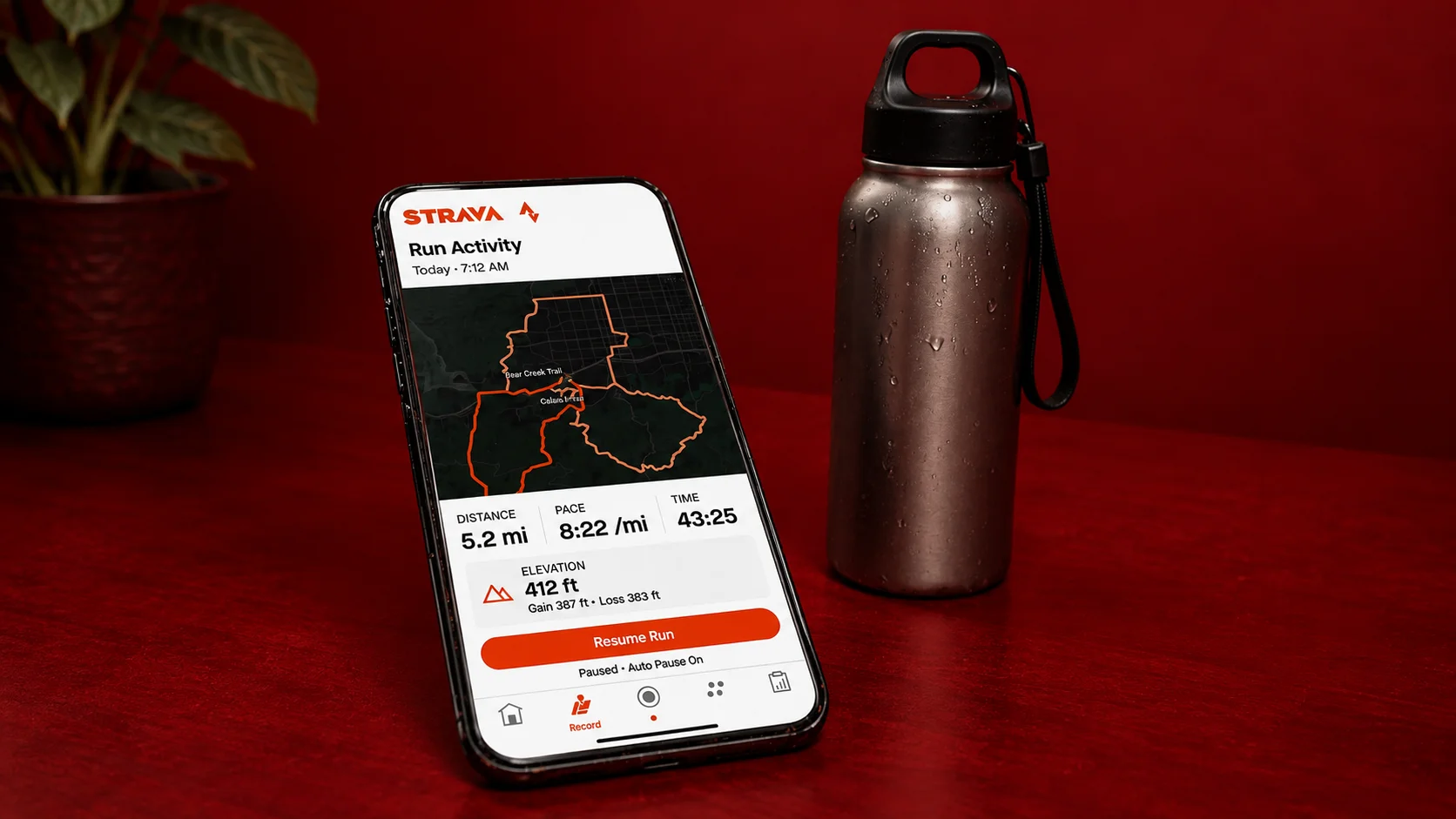
Short answer: recording and analyzing activities rather than mainly following video workouts is where Strava fits best on this list, particularly for runners and cyclists.
Best Workout App for Running
Through its mobile app, Strava can record outdoor activities, tracking details such as pace, distance, and route. Connecting with other fitness platforms and compatible GPS devices is also possible.
Activity history and performance information are provided for runners by Strava. Running training plans and additional analysis features become accessible for subscribers.
Best Workout App for Cycling
Rides can be recorded by cyclists using Strava, with details like routes, speed, and distance available to review afterward.
Cycling-focused analysis features and route planning are also included on the platform, useful for anyone wanting deeper insight into their rides.
Best for Activity Tracking
More than just running and cycling is supported by Strava. Activities like Pilates, HIIT, yoga, weight training, swimming, hiking, and walking can also be recorded.
Keeping different types of exercise within one activity history is what makes the app useful in this respect.
Best for Workout History
Recorded activities are kept together by Strava, making it possible to look back at previous sessions and track performance changes over time.
Personal records for selected cycling and running distances can also be tracked through its Best Efforts feature.
Who Should Choose Strava?
Strava is a good choice if you:
- Run outdoors
- Cycle regularly
- Want GPS activity tracking
- Track pace, distance, and routes
- Want to compare current and previous performances
- Like sharing activities with other athletes
How to Choose the Best Workout App for You
Not necessarily the one with the biggest library or the most features is the best workout app. Deciding what you actually want the app to help you do is where you should start.
Choose an App Based on Your Main Goal
- Nike Training Club is the clearest choice if free guided workouts are what you want.
- Peloton is a better fit if instructor-led classes are what you prefer.
- Apple Fitness+ makes more sense if Apple Watch integration matters to you.
- Fitbod is designed around strength training if that happens to be your main goal.
- Strava is the better match if running or cycling outdoors is mainly what you do.
Consider the Equipment You Have
Where you normally exercise, and what equipment is available there, is worth thinking about. Apps with bodyweight sessions are what you should look for if working out without equipment. But if dumbbells, resistance bands, or a full gym happen to be accessible, more useful is an app that lets you build around those options. Choosing a workout plan that regularly requires equipment you don’t have offers little benefit.
Decide Between Classes and Personalized Workouts
Your preferred training style matters here too. A class-based app like Peloton or Apple Fitness+ may suit you better if having an instructor explain and lead each session is what you want. But a more personalized approach comes from Fitbod, if workouts built around your goals, previous training, and available equipment are what you’d rather have.
Check What You Get for Free
Automatically better for your needs isn’t what a paid subscription is. Free workouts are offered by Nike Training Club, while free activity tracking, with additional features available through subscription, comes from Strava. Checking which features are included in the free version, and whether the paid tools actually suit how you exercise, is worth doing before paying.
Choose an App You Will Actually Use
One that fits your normal routine is the most useful app there is. A running and activity-tracking app may prove more useful than a strength-training service, if running outdoors is something you enjoy. And if strength workouts are more your preference, an app built around lifting may be the better choice over one focused mainly on classes. Finding the app with the most features isn’t the goal here. Finding one that makes it easier to keep exercising is.
How We Chose the Best Workout Apps
Main Purpose
We looked at what each app is mainly designed for, such as strength training, guided classes, running, or activity tracking.
Workout Guidance
We considered how each app helps users follow a workout, including guided classes and structured sessions.
Training Options
We looked at the types of workouts available in each app and whether they suit different training needs.
Personalization
We checked whether an app can adjust workouts based on factors such as goals, experience, available equipment, or previous training.
Activity Tracking
We considered how each app records and organizes workout and activity information.
Equipment Support
We looked at whether workouts can work with the equipment users have available, including options for people who train at home.
Device Integration
We checked how each app works with devices and other fitness platforms where relevant.
Current Features
We used current information from the companies behind the apps to avoid relying on outdated features.
Best Use Case
Finally, we matched each app with the type of user it is most suited to. This is why we did not choose one overall winner for every type of workout.
How to Get Better Results From a Workout App
Organizing your training is something a workout app can help with, but how consistently you use it still determines the results.
Follow a Schedule You Can Maintain
Fitting your normal week is what a workout schedule should do. More useful than a demanding plan that’s difficult to maintain is a simple routine you can follow regularly.
Start at the Right Difficulty
Matching your current ability is what a difficulty level should do, if the app offers different options. As workouts become easier and your fitness improves, the challenge can be increased from there.
Track Your Training
So that progress over time becomes visible, keeping a record of your workouts is worth doing. Exercises, sets, repetitions, and weight are what you might track for strength training. Distance, pace, and time are what prove useful for running instead.
Give Yourself Time to Improve
Judging an app after only a few workouts isn’t fair. Enough time should be given to see whether more regular exercise, and a routine that actually works for you, comes from using the app.
Best Workout App for Each Goal
Goal | Best Choice |
Free guided workouts | Nike Training Club |
Beginner-friendly guided classes | Nike Training Club |
Instructor-led training | Peloton |
Home classes | Peloton |
Apple Watch workouts | Apple Fitness+ |
Short guided workouts | Apple Fitness+ |
Strength training | Fitbod |
Personalized gym workouts | Fitbod |
Running | Strava |
Cycling | Strava |
Outdoor activity tracking | Strava |
Final Verdict
Nike Training Club earns its spot as our best overall workout app for 2026 by getting the basics right. Home-friendly sessions, different types of training, guided workouts, and a free way to start exercising are all part of the package.
Peloton stands as the better choice for people who enjoy instructor-led classes and want a wide range of guided workouts in one app.
Apple Fitness+ makes most sense for Apple users, especially those already using an Apple Watch who want workout guidance paired with real-time fitness metrics.
Fitbod is the specialist choice for strength training. It can adjust sessions based on factors like your goals, training history, and available equipment, built around personalized workouts.
Strava proves the better option for runners and cyclists who care more about recording and analyzing their activities than following guided workout classes.
No universal best workout app exists, and that’s the biggest takeaway here. What you want the app to do is what the right choice depends on.
Nike Training Club is the pick if free guided workouts are what you want. Peloton is a better fit if classes are your preference. A clear advantage comes from Apple Fitness+ if an Apple Watch is part of your routine. Fitbod is the stronger choice for personalized strength training. And Strava makes more sense for outdoor running and cycling making BrandClickX your go-to guide for finding the setup that fits your routine.
Frequently Asked Questions
Can I use a workout app without a smartwatch?
Yes. Directly on a phone or tablet is where many workout apps work fine. Features such as activity and heart-rate tracking can be added by a smartwatch, though it isn’t required for every workout app.
Do workout apps work without internet?
This depends on both the app and the specific feature. Certain workouts or content can be downloaded for offline use through some services, while other features require an internet connection. If exercising without internet access is the plan, checking the app’s current offline options makes sense.
Can two people use the same workout app?
This depends on the app in question. Multiple profiles or account arrangements are supported by some services. If separate workout histories and personalized recommendations are wanted by two people, separate accounts usually turn out to be the simpler option.
Do workout apps use a lot of phone storage?
Much space may not be taken up by the app itself, though considerably more storage can be used by downloaded workout videos and other offline content. How much content gets saved is what determines how much space is actually needed.
Can workout apps replace a personal trainer?
Instructions, plans, and tracking can all be provided by workout apps, though the same one-to-one supervision offered by a personal trainer isn’t something they replicate. If help with exercise technique, or a program tailored to specific needs, is what’s required, more direct guidance can be provided by a qualified professional.
Should I use more than one workout app?
This is possible if different purposes are served by different apps. Tracking outdoor runs through one app while using another for strength workouts, for example, is a common approach. That said, using multiple apps isn’t necessary if your main training needs are already covered by a single one.
Are workout apps suitable for outdoor exercise?
Yes. Particularly well suited for outdoor activities are some apps. Strava, for instance, can use GPS to record outdoor rides, runs, walks, and other activities.
What should I do if a workout causes pain?
Rather than trying to push through it, stopping the exercise makes sense if unexpected pain is experienced. If the pain continues, or if an exercise’s suitability is in question, speaking with a qualified healthcare professional is worth considering.



