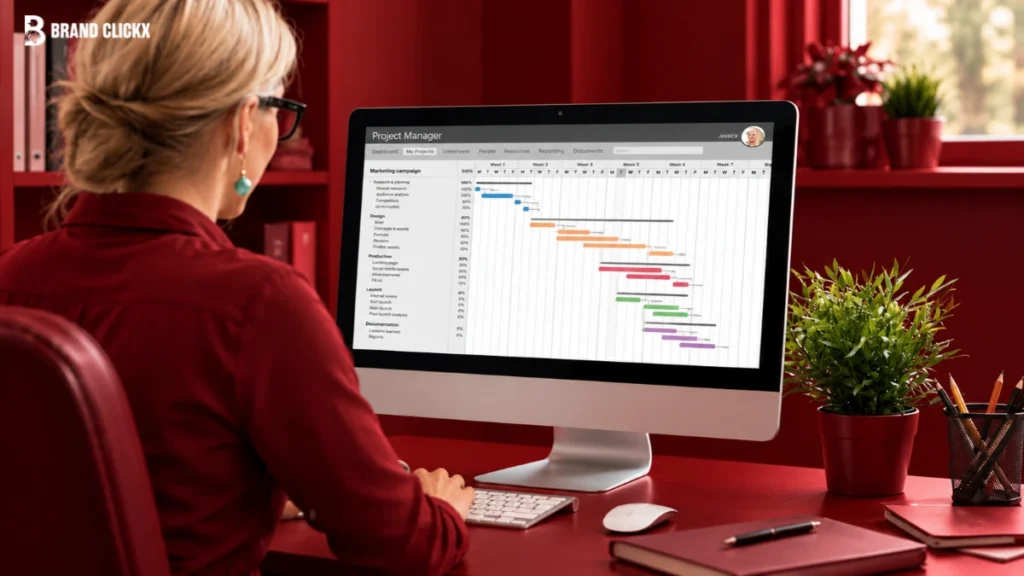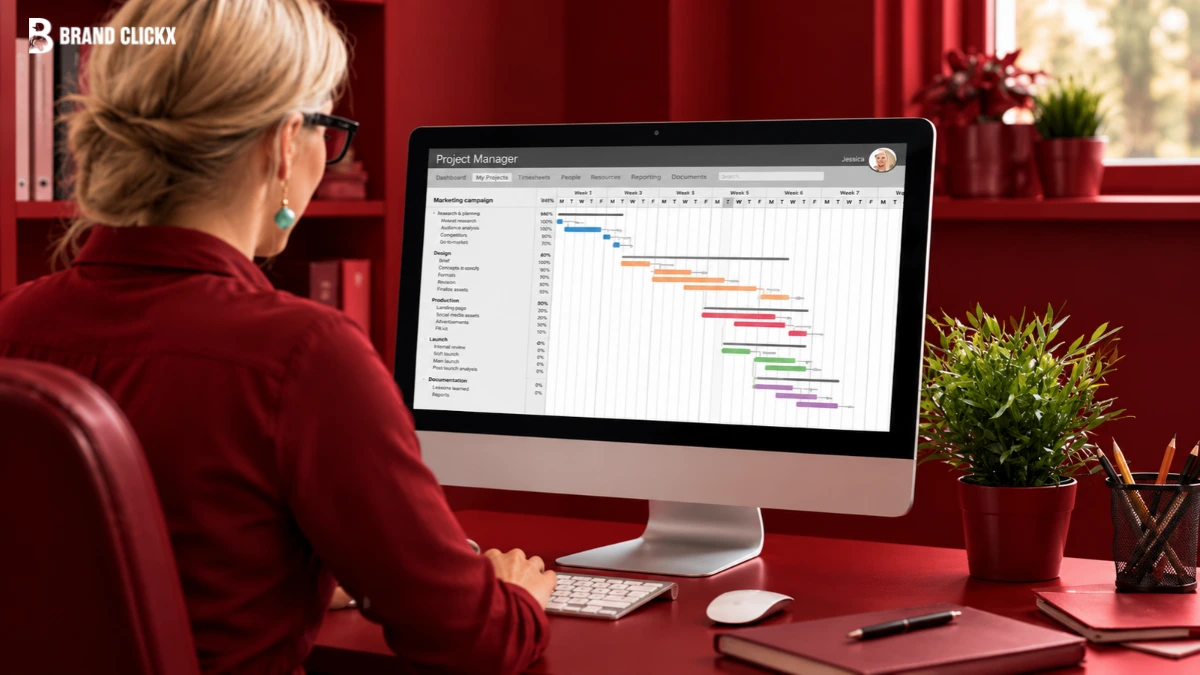
Marketing teams rarely manage one simple project at a time. A product launch can involve copy, design, email, paid ads, social media, landing pages, approvals, and reporting. Several people may work on different parts of the same campaign as deadlines and priorities keep changing. This is where project management tools for marketing teams can help.
The right platform gives marketers one place to plan campaigns, assign work, manage deadlines, coordinate reviews, and see what is moving or stuck. More importantly, it can reduce the need for constant status meetings and manual follow-ups.
Key Takeaways
The best project management tool for a marketing team is not necessarily the platform with the most features. It should fit the team’s workflow and make campaign work easier to plan, assign, review, and track.
Look for campaign management, content calendars, approvals, workload visibility, useful integrations, reporting, and time or budget tracking when needed. Start with your team’s biggest problem, test the software with a real campaign, and choose the platform that improves visibility without making everyday work more complicated.
What Are Project Management Tools for Marketing Teams?
Project management tools for marketing teams are software platforms that help marketers plan campaigns, organize tasks, assign responsibilities, manage deadlines, collaborate, and track progress. The main benefit is not simply putting tasks in one place. It is connecting the different parts of marketing work.
For example, a campaign brief may contain the goal and audience, a designer may be creating the main visual, a writer may be preparing landing-page copy, and a manager may be waiting for approval.
Without a shared system, this information can become scattered across documents, email, spreadsheets, chat, and file-storage tools. A project management platform brings these activities into a more visible workflow and supports the wider marketing operations process.
Why Is Marketing Project Management Different?
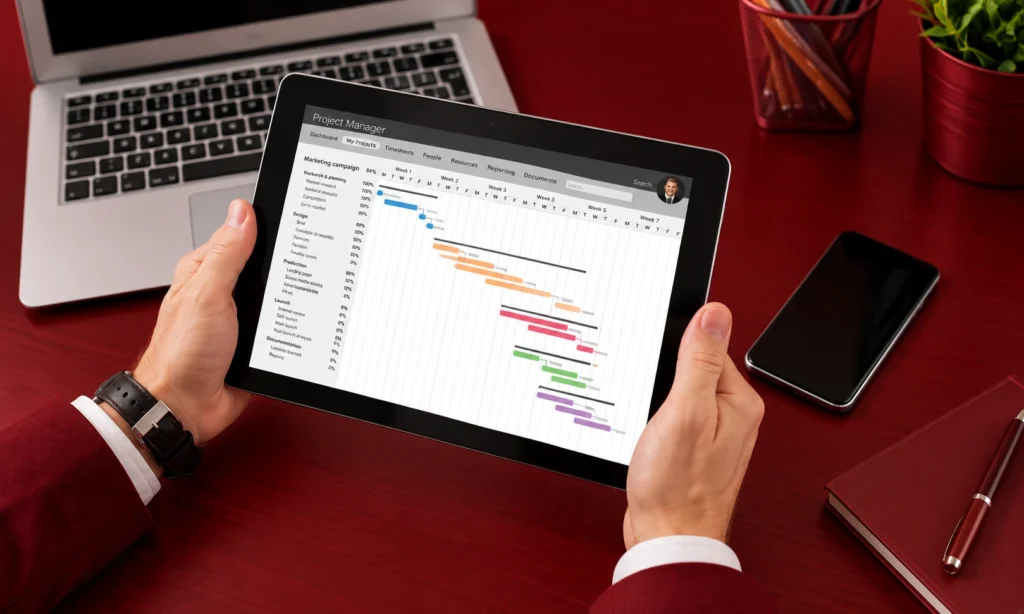
Marketing projects often involve more people, channels, revisions, and dependencies than a basic task list suggests. A campaign might involve marketing, sales, product, design, development, legal, leadership, and an outside client. Creative work can also change several times before it is approved. That creates several challenges:
- Multiple campaigns may run at the same time.
- Deadlines can depend on other teams.
- Creative assets may need several review rounds.
- Stakeholders may have different approval requirements.
- Team members can become overloaded when campaigns overlap.
- Clients may need visibility into selected work.
- Campaign results need to be reported after launch.
Because of this, marketing teams need more than simple task assignment. They need a system that connects campaigns, people, deadlines, approvals, assets, and dependencies.
How Does a Marketing Project Move From Request to Reporting?
A useful marketing workflow can follow this path:
Request → Brief → Planning → Assignment → Production → Review → Approval → Launch → Reporting
1. Request and Brief
The process starts with a clear request. The team should know the objective, audience, channel, deadline, owner, budget, and required assets.
2. Planning and Assignment
The request becomes a campaign plan. Tasks are created, owners are assigned, dependencies are identified, and deadlines are added.
3. Production and Review
Writers, designers, marketers, and other specialists complete their work. Drafts move through review, feedback, and revisions.
4. Approval and Launch
The final reviewer approves the work, and approved assets move toward publication or launch.
5. Reporting
After launch, the team records results and uses them to improve future campaigns. A project management tool should support this complete process rather than managing only the task-assignment stage.
What Features Should Marketing Teams Look For?
Campaign and Task Management
The platform should allow teams to organize individual tasks under larger campaigns. Useful capabilities include task ownership, deadlines, dependencies, recurring work, templates, and different project views.
The goal is to let a manager see both the individual tasks and the wider campaign. Teams can also explore different marketing automation platforms to find tools that support their campaign management needs.
Content Calendars
Calendars help marketing teams see when blogs, emails, social posts, webinars, ads, and launches are scheduled. This can expose conflicts that are difficult to see in a simple task list. For example, every task may be on schedule, but five important assets could still be due during the same week.
Creative Proofing and Approvals
Marketing teams often need more than a completed task. They need an approved asset. A useful approval workflow should show the current version, reviewer, feedback, required changes, and final decision. Keeping feedback connected to the work can reduce scattered email conversations and uncertainty about which version is final.
Workload and Resource Management
Marketing managers also need to know whether the team has enough capacity to complete planned work. A workload view can show when one writer, designer, or marketer has too many assignments. This becomes particularly important when several campaigns are running at once.
Time and Budget Tracking
Time tracking can be especially useful for agencies that manage billable hours, client budgets, and project profitability. For in-house teams, it can provide a different type of insight by showing where team capacity is being used.
Integrations
Marketing work usually depends on other systems, including CRM, analytics, email marketing, cloud storage, communication, design, advertising, and accounting tools. Do not choose a platform simply because it advertises a large number of integrations. The important question is whether it connects reliably with the tools your team actually uses.
Reporting and Dashboards
Dashboards should help managers understand campaign progress without creating another reporting task. Useful information can include campaign status, overdue work, upcoming deadlines, workload, and approval bottlenecks.
AI Support
AI can help with repetitive project-management work, such as creating projects from briefs, summarizing updates, suggesting deadlines, and identifying potential delays. However, AI should be treated as an additional capability rather than the main reason to select a platform. A tool still needs to handle the basic marketing workflow well.
Do In-House Teams and Agencies Need Different Tools?
Often, yes.
| Team type | Main priorities |
| Small in-house team | Tasks, calendars, collaboration |
| Growing marketing department | Campaign visibility, workload, approvals |
| Marketing agency | Client access, time, budgets, profitability |
| Large marketing organization | Resources, governance, integrations, reporting |
An agency may need to know how much time a client project consumed and whether it remained profitable. An in-house team may care more about internal capacity, deadlines, and coordination with other departments. This difference should influence the software you choose.
Best Project Management Tools for Marketing Teams
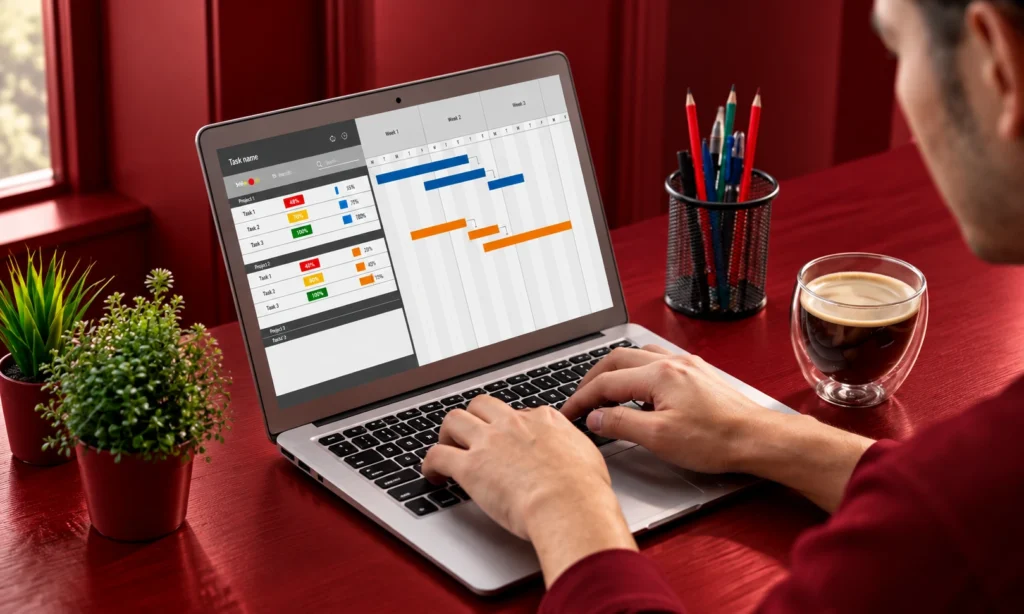
There is no universal winner. The right platform depends on the type of marketing work your team manages.
Asana: Best for Structured Campaign Management
Asana is a strong option for teams that want organized campaign and task management. It can help marketing teams plan campaigns, manage timelines, organize work, coordinate stakeholders, and track campaign progress. Its marketing resources also cover campaign planning and execution.
Best for: Teams that want structured campaign management.
Strongest point: Clear organization of campaigns, tasks, owners, and timelines.
Watch out for: Make sure its current plans and capabilities match your team’s requirements before migrating all campaign work.
monday.com: Best for Visual and Flexible Workflows
monday.com suits teams that prefer visual boards and flexible workflows. Marketing teams can use its workspace to organize campaigns, tasks, deadlines, assets, and recurring work.
Best for: Teams that want visual project management and flexibility.
Strongest point: Adaptable workflows and visual organization.
Watch out for: Too much customization can make a workspace harder to manage. Establish a clear structure before creating many boards and fields.
ClickUp: Best for All-in-One Marketing Work
ClickUp is designed for teams that want project management, documentation, campaign planning, content calendars, dashboards, and other work in one platform.
Best for: Teams looking for a broad all-in-one workspace.
Strongest point: A wide range of connected project and marketing functions.
Watch out for: Its flexibility can require more setup and governance. More functionality is not always better if the team does not need it.
Notion: Best for Content and Documentation-Heavy Teams
Notion can work particularly well for content teams because campaign information, briefs, documentation, and project work can live together.
Best for: Content, editorial, and documentation-heavy marketing teams.
Strongest point: Connecting knowledge and campaign work.
Watch out for: Teams with complex resource planning or highly formal approval processes should confirm that the platform meets those needs.
Jira: Best for Marketing and Product Collaboration
Jira is worth considering when marketing works closely with product and engineering teams. It can help connect marketing initiatives with technical work such as product releases, website changes, or development tasks.
Best for: Marketing teams working closely with product and engineering.
Strongest point: Cross-functional collaboration with technical teams.
Watch out for: A marketing-only team with simple campaign requirements may prefer a platform designed more directly around marketing workflows.
Wrike: Best for Complex Marketing Operations
Wrike is a strong option for larger marketing and creative teams that need structured requests, approvals, proofing, resource management, and campaign visibility.
Best for: Larger marketing departments and creative operations teams.
Strongest point: Managing complex workflows across campaigns, resources, and approvals.
Watch out for: More advanced workflows can require additional setup and training.
Smartsheet: Best for Structured Marketing Operations
Smartsheet is useful for organizations that prefer structured, spreadsheet-style project management with reporting and automation.
It can support campaign planning, requests, calendars, dashboards, approvals, and operational workflows.
Best for: Marketing organizations that need structured project and reporting processes.
Strongest point: Combining work management with reporting and automation.
Watch out for: Make sure a spreadsheet-style approach feels natural for your marketing team.
Which Tool Fits Your Marketing Team?
Use your main operational need as the starting point rather than looking for a universal ranking.
| Your main need | Tool to consider |
| Structured campaign management | Asana |
| Visual and flexible workflows | monday.com |
| Broad all-in-one functionality | ClickUp |
| Content and documentation | Notion |
| Marketing and engineering collaboration | Jira |
| Complex approvals and resource management | Wrike |
| Structured reporting and operations | Smartsheet |
This is a starting framework, not a permanent ranking. Software features, plans, integrations, and pricing can change, so the final decision should be based on your current requirements.
How Should You Choose the Right Tool?
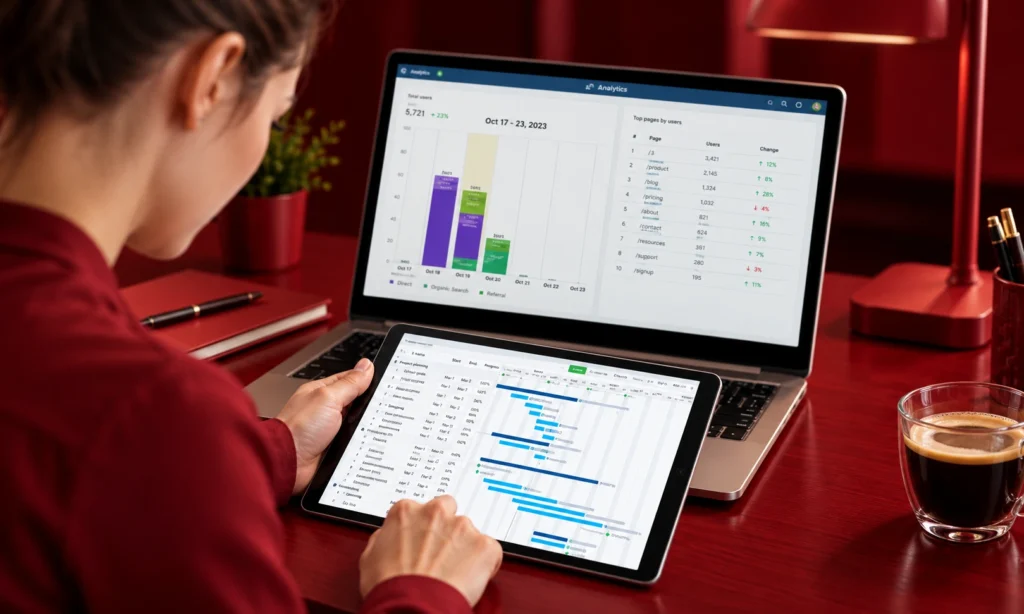
Start by identifying the problem you want the software to solve.
- If campaign requests are unclear, prioritize intake and briefing.
- If deadlines are difficult to manage, prioritize calendars and dependencies.
- If creative work gets stuck in review, prioritize proofing and approvals.
- If employees are overloaded, prioritize workload management.
- If clients need visibility, prioritize external access and permissions.
- If your systems are disconnected, prioritize useful integrations.
Then test your shortlist using one real campaign. Give each platform the same type of work and see whether your team can move it from request to reporting without creating unnecessary workarounds.
One of the best questions to ask is: Can a manager understand campaign status without scheduling another meeting? If the answer is yes, the software is providing meaningful visibility.
How Much Does Marketing Project Management Software Cost?
The subscription price is only part of the cost.
Also consider:
- User seats
- Premium features
- Add-ons
- Integrations
- Client access
- Implementation
- Training
- Migration
- Administration
- Ongoing maintenance
A low-cost platform can become expensive if employees need spreadsheets and manual processes to fill its gaps.
Before adding another tool to the stack, consider whether an existing platform already solves part of the problem. This is where a broader marketing operations review, such as BrandClickX’s Martech Stack Consolidation guidance, can be useful.
How Should You Implement a New Tool?
Do not move every marketing process into a new platform on the first day. Start with one recurring workflow, such as a product launch, content campaign, webinar, or monthly promotion. Map the existing process first. Then:
- Define the stages.
- Assign owners.
- Add deadlines and dependencies.
- Create approval points.
- Build a reusable template.
- Connect essential integrations.
- Run the campaign.
- Review what worked and what did not.
If the team still uses spreadsheets, email, or chat for important parts of the workflow, find out why before expanding the system.
Common Mistakes to Avoid
Choosing the Tool With the Most Features
A large feature list does not mean the platform is a better fit. Choose capabilities that solve actual problems.
Choosing Only on Price
Consider the total cost of running the workflow, not just the subscription.
Ignoring Approval Bottlenecks
If campaigns regularly stop during review, better task management alone will not solve the problem.
Forgetting Client Needs
Agencies and client-facing teams should consider permissions, external access, feedback, time tracking, and budgets.
Creating an Overcomplicated System
Do not turn a simple campaign into dozens of steps just because the software allows it.
The system should make work easier to understand, not harder to complete.
How Project Management Supports Marketing Operations
Project management is one part of a wider marketing operating system.
Your marketing strategy defines what the team wants to achieve. Marketing operations helps create the processes, technology, and systems needed to execute that strategy. Project management software then helps turn planned work into visible tasks and responsibilities.
The same connection applies to goals and budgets. Your marketing OKRs can define what the team needs to achieve, while project management can organize the work required to move those goals forward. Budget planning can then connect available resources with planned campaigns and operational needs.
This makes the project management platform more than a task list. It becomes the place where marketing plans are translated into accountable work.
Frequently Asked Questions
What should a marketing project management tool show that a normal task list cannot?
It should connect tasks with campaigns, owners, deadlines, approvals, assets, and dependencies. This gives managers context instead of showing isolated tasks.
How can you tell when a marketing workflow has outgrown a simple task board?
A warning sign is repeated use of separate spreadsheets, email threads, chat messages, and manual reminders just to understand campaign status. Those workarounds suggest the existing system may no longer support the workflow.
What is the best marketing workflow to use when testing a new project management tool?
Use a recurring process such as a product launch, content campaign, webinar, or monthly promotion. A repeatable workflow exposes problems more clearly than a simple one-off task.
When is a simpler project management tool better than a specialized marketing platform?
A simpler tool may be enough when the team mainly needs task ownership, deadlines, calendars, and collaboration. Specialized capabilities become more useful when approvals, workload, clients, budgets, or complex campaigns create operational problems.
What should a marketing manager check before moving all campaigns into a new platform?
Run one complete campaign through the system first. Check whether the team can handle intake, planning, production, review, approval, launch, and reporting without relying heavily on outside spreadsheets or manual workarounds.
What is a practical sign that a project management tool is improving marketing operations?
The team spends less time chasing status updates and more time completing work. When ownership, blockers, approvals, and deadlines are visible in the system, managers can make decisions without constantly collecting updates manually.
Disclaimer
This article is for general informational purposes. BrandClickX does not guarantee that any project management platform will produce a particular business result. Always evaluate software against your team’s workflow, security requirements, budget, integrations, and operational needs before purchasing.