AI Overview
Look, picking your tech stuff doesn’t have to break your brain. This simple list breaks down the 50 best developer tools across smart AI assistants, cloud computing, code editors, and app testers. Here at BrandClickX, we checked out these apps to make sure they’re super reliable and easy to use. Use this guide to fix your daily setup and write way better code all through 2026.
Key Takeaways
- Super easy apps for 2026
- Crazy smart AI coding helpers
- Top cloud computing setups
- Simple tricks to launch apps
- Real stuff used by real devs
The 50 Best Developer Tools of 2026: Curated and Categorized
Are you completely sick and tired of wasting whole days just setting up your computer instead of actually building cool stuff?
Man, I get it! We’ve all been stuck sitting at a desk late at night staring at a broken screen, wanting to pull our hair out. Modern software development moves super fast, and trying to fix messy stuff manually is just exhausting. Getting a clean setup ready to go lets you finish your work way faster and skip the crazy headaches.
At BrandClickX, we totally get how much a clunky setup drags you down. That’s why we made this super simple list of the 50 best developer tools to help you get stuff done without the stress.
Why Updating Your Setup Actually Matters in 2026
If you’re still using super old tools, you’re basically making your life twice as hard as it needs to be. Nowadays, everyone relies on smart helper tools and cloud stuff so they don’t have to do the boring work manually.
| Old Boring Way (Super Slow) | New Easy Way (Fast & Automatic) |
| Spending hours checking stuff yourself | AI writes and checks code instantly |
| Fixing bugs only on your laggy laptop | Smart cloud computing pipeline handles it |
| Messing with huge physical machines | Fast serverless cloud computing |
Upgrading your toolkit means way fewer surprise problems and way more time to just chill!
AI-Powered Helpers That Write Code For You
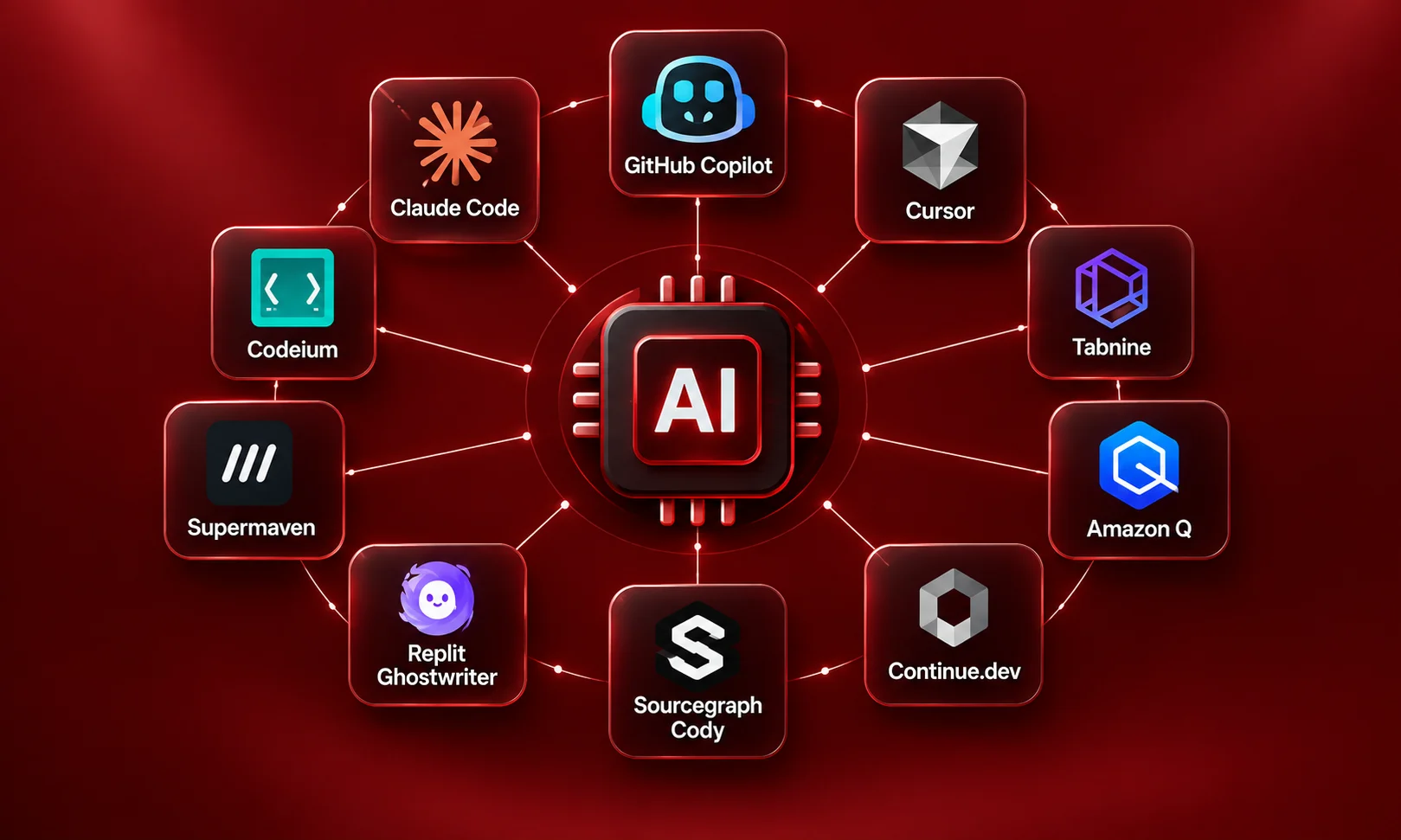
Artificial intelligence isn’t just a fancy word anymore, it’s like having a little smart buddy sitting next to you doing the boring typing!
- GitHub Copilot: Guess what you’re trying to type and writes whole lines of code for you in a second.
- Cursor: A super smart editor that looks at your whole project and fixes code without breaking anything.
- Tabnine: Perfect if your boss is super paranoid about keeping all your private stuff safe.
- Claude Code: Runs a smart helper right inside your black terminal screen so you can fix stuff super fast.
- Codeium: A fast helper that doesn’t cost a dime and works with almost any programming language.
- Amazon Q: Super helpful if you’re using Amazon’s cloud computing and need quick advice on where to click.
- Continue.dev: A free plug-in that lets you hook up your own private smart AI directly into your editor.
- Sourcegraph Cody: Amazing for searching through giant, messy projects when you feel totally lost.
- Replit Ghostwriter: Great when you just want to open your web browser and build a quick test app right away.
- Supermaven: Super fast helper that remembers a huge amount of your project so it never gets confused.
The Best Screens to Type Your Code In
Where you type your stuff is where you spend your whole day, so you want something that feels easy and doesn’t lag.
- Visual Studio Code: The big fan-favorite everyone uses because you can add tons of free extra features to it.
- JetBrains IntelliJ IDEA: The heavy-duty choice if you’re building giant corporate systems with Java.
- WebStorm: A super neat editor made specifically to stop you from making stupid JavaScript errors.
- Neovim: Built for people who hate using a mouse and just want to fly around using only the keyboard.
- Zed: Built with brand-new tech, this thing is so insanely fast it opens instantly without lag.
- PyCharm: The absolute best choice if you’re working with Python or doing smart data stuff.
- Xcode: You literally have to use this if you want to make apps for iPhones or Macs.
- Android Studio: The official, main program used to build apps for Android phones.
- Sublime Text: Super lightweight, opens in a split second, and never crashes even on old computers.
- Fleet: A clean, lightweight editor made for when you want to code together with a buddy live online.
Cloud Computing Stuff to Put Your Apps Online
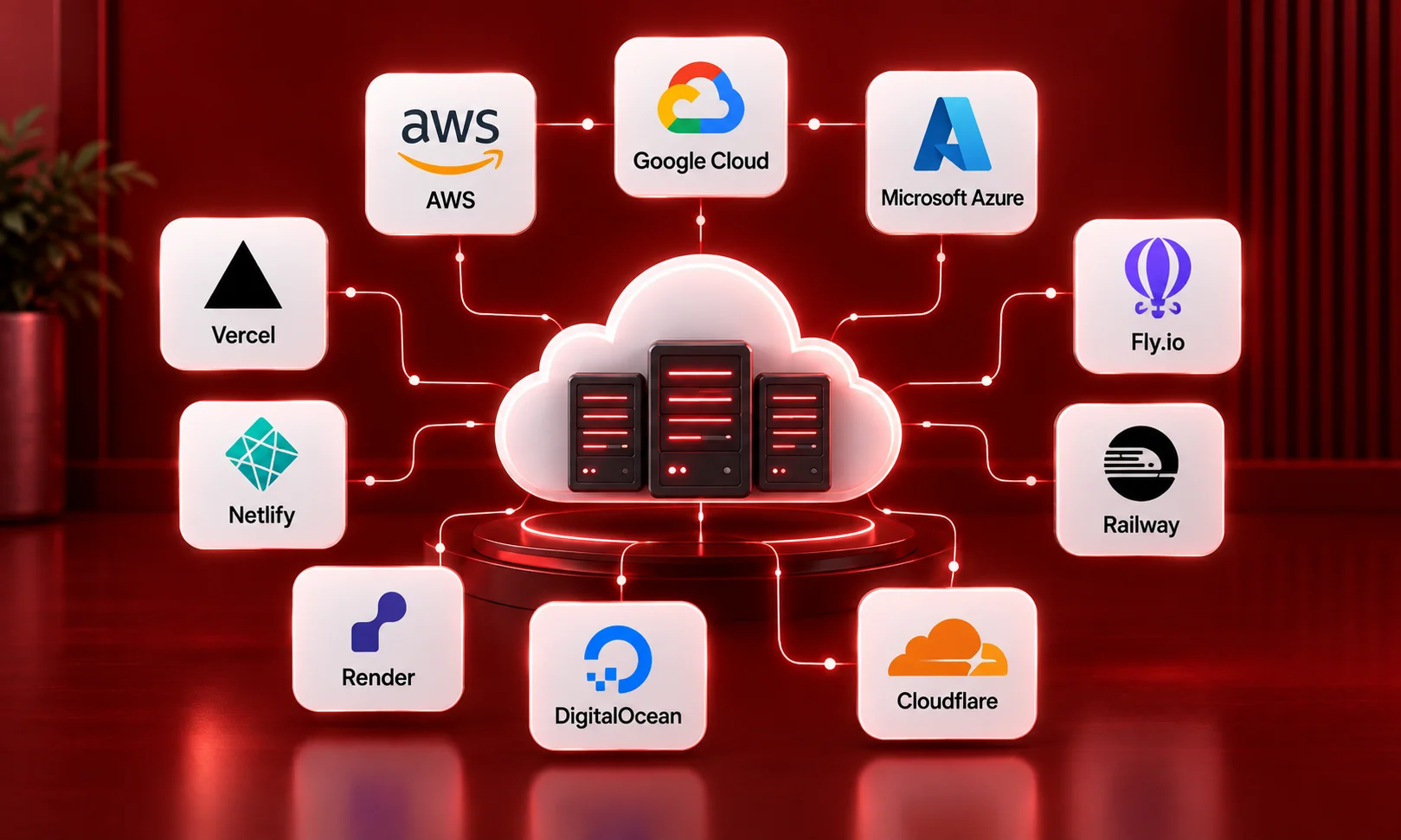
Putting your app online should be easy. Modern cloud computing takes care of all the heavy computer hardware so your app stays live 24/7.
| Cloud Service | What It’s Good At | Who Should Use It |
| AWS | Has literally every tool ever made | Big companies doing heavy cloud computing |
| Google Cloud | Super smart with big numbers and AI | Big data projects and complex app systems |
| Microsoft Azure | Connects easily with Windows stuff | Companies already using Windows everywhere |
| Vercel | Put websites online with one click | People hosting modern websites |
| Netlify | Super fast for simple sites | Quick web pages and fast online tools |
| Render | Way simpler alternative to AWS | Simple web services and databases |
| DigitalOcean | Easy simple cloud computers | Anyone who wants a quick virtual computer |
| Cloudflare | Makes websites load insanely fast | Stopping bad guys and speeding up sites |
| Fly.io | Runs your app close to users | Full apps that need to load with zero lag |
| Railway | Super easy setup | Launching databases and simple apps without hassle |
Automatic Tools to Launch Your App
Stop pushing buttons manually! Setting up automatic tools keeps your app running smoothly even while you sleep.
- Docker: Packs your app into a little digital box so it works on any computer without breaking.
- Kubernetes: Automatically watches your digital boxes and adds more if tons of people open your site.
- GitHub Actions: Automatically tests and launches your work every time you save your code.
- GitLab CI/CD: A complete all-in-one system to test, build, and launch your apps.
- Terraform: Lets you write down what computers you want in a text file and builds them automatically.
- ArgoCD: Makes sure your live website matches exactly what you saved on your computer.
- CircleCI: Runs quick tests on your work so you don’t accidentally put broken stuff online.
- Podman: A safer version of Docker that runs without needing master access to your machine.
- Helm: Works like a simple app store to help you set up complex Kubernetes systems.
- Ansible: Sets up hundreds of computers at the exact same time using simple text instructions.
Databases and Tools to Check Your Data
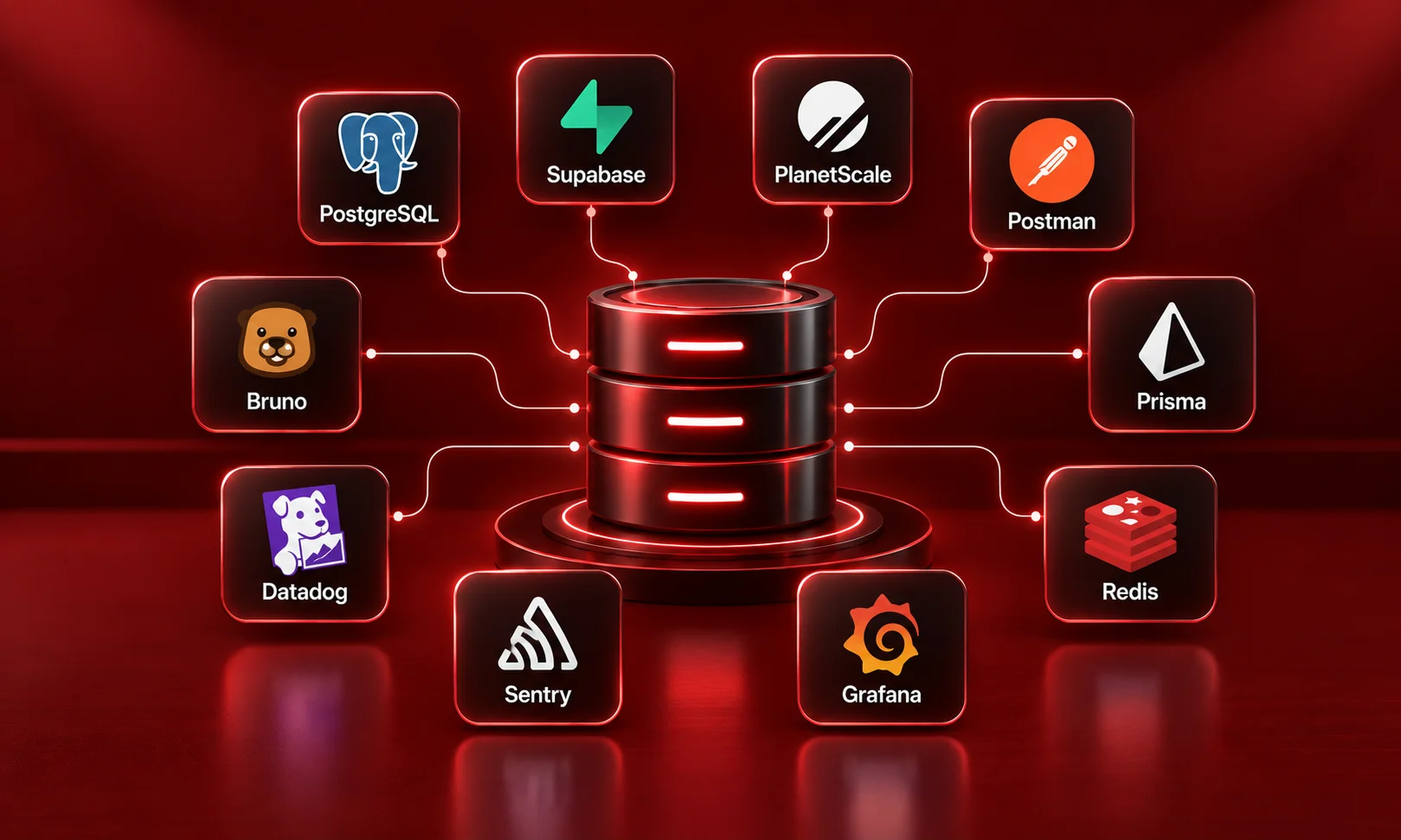
Your app is only as good as its memory. These tools make sure your information gets saved properly without getting lost.
- PostgreSQL: The most trusted, rock-solid database memory out there that never loses your data.
- Supabase: Gives you a full database and user login screen instantly without any complicated setup.
- PlanetScale: A smart database that grows automatically so your site never crashes when it gets popular.
- Postman: The classic program used to test if your app is talking properly to other websites.
- Bruno: A simple, super-fast tool that keeps all your test data safe right on your own computer.
- Datadog: Watches your computers 24/7 and screams at you if something starts breaking down.
- Sentry: Tells you the exact second a user gets an error and shows you the line you need to fix.
- Grafana: Takes all your computer stats and turns them into pretty, colorful dashboards.
- Prisma: Makes reading and writing stuff to your database super clean and easy to read.
- Redis: An ultra-fast memory helper that saves temporary stuff so your pages load in a flash.
Conclusion
Building cool apps in 2026 is all about working smart, not stressing out. Upgrading your daily kit with the 50 best developer tools takes all the annoyance out of software development, keeps your cloud computing running smoothly, and gives you way more free time to chill out. Just pick one or two new apps from this list and give them a shot today!
Frequently Asked Questions
What are developer tools anyway?
Think of developer tools like a mechanic’s toolbox! They’re just the apps and helper programs that let people build websites, fix errors, and keep apps running smoothly.
How do I pick from the 50 best developer tools?
Don’t overthink it, bro! Just look at what you’re trying to build today and pick the one tool from this 50 best developer tools list that fixes your biggest annoyance right now.
Why does everyone talk about cloud computing?
Because nobody wants to keep real, noisy computer servers in their closet anymore! Cloud computing lets you rent powerful computers online so your website stays up even if your own laptop breaks.
Are these AI helpers safe to use for real work?
Yeah, totally, as long as you use the paid worker plans! They promise they won’t steal your private project details to train their public robots.