


Written by Muqadas Batool
SEO Content Writer & AI/SaaS Content Specialist
Last updated: September 2026
If you’ve been coding for a while, you probably remember when AI coding assistants were mostly glorified autocomplete.
You’d type half a function, and the AI would guess the other half.
Pretty handy.
But that’s not really what the best AI coding tools are doing anymore.
In 2026, AI coding assistants can understand much larger parts of a project, work across multiple files, explain unfamiliar code, generate tests, troubleshoot errors, refactor existing code, interact with terminals, and take on longer engineering tasks.
That changes the buying decision quite a bit.
You’re no longer choosing between different autocomplete tools. You’re choosing between different ways of working with AI.
Some tools put AI directly inside your editor. Others work primarily through the terminal. Some are deeply connected to GitHub, while others are designed around autonomous coding agents that can take a task and work through it with less supervision.
So which one should you actually use?
We’ve compared the leading options based on their coding capabilities, developer workflow, agentic features, integrations, pricing, strengths, limitations, and ideal use cases.
If you’re comparing AI tools for work and creativity more broadly, you can also explore the main Best AI Tools for Work & Creativity guide from BrandClickX.
Quick answer: Cursor is one of the strongest choices for an AI-native IDE workflow. Claude Code is particularly compelling for developers who prefer terminal-based, complex engineering work. GitHub Copilot is a natural fit for GitHub-centered teams, while OpenAI Codex is built around broader agentic engineering workflows. Gemini Code Assist makes the most sense for developers working heavily with Google Cloud.
Best AI Coding Tools at a Glance
| AI coding tool | Best for | Starting option | Standout strength |
| Cursor | AI-native development | Free | AI-powered editor and agents |
| Claude Code | Complex coding tasks | $20/month Pro | Terminal-based agentic coding |
| GitHub Copilot | GitHub users and teams | Free | GitHub and IDE integration |
| OpenAI Codex | End-to-end engineering | Depends on ChatGPT plan/usage | Long-running coding agents |
| Gemini Code Assist | Google Cloud development | Free individual option available | Google ecosystem integration |
| Cline | Flexible AI workflows | Free + model/API costs | Model flexibility |
| Windsurf / Devin | Autonomous development | Varies | Larger delegated workflows |
Pricing and usage models change quickly in this category, so treat the figures above as a starting point rather than a permanent price sheet.
What Are AI Coding Tools?
AI coding tools are software development products that use AI models to help developers create, understand, modify, test, debug, and review code.
The important part is that they don’t all work the same way.
A basic coding assistant might suggest the next few lines while you type.
A more advanced tool might let you say:
“Add pagination to this API and update the related tests.”
An agentic coding tool can go further. It may inspect the repository, identify the relevant files, make changes, run tests, notice a failure, and continue working.
That’s the major shift happening in 2026.
The conversation has moved from:
“Can AI write code?”
to:
“How much of the development workflow can AI responsibly handle?”
Depending on the tool, AI can now help with:
- Code completion
- Code generation
- Debugging
- Refactoring
- Unit testing
- Documentation
- Code review
- Repository exploration
- Dependency updates
- API development
- Database changes
- Terminal commands
- Pull requests
- Multi-file edits
- Longer engineering tasks
Of course, none of this means you should hand over your entire codebase and disappear for the weekend.
AI-generated code still needs review.
In fact, the more responsibility you give an AI agent, the more important your review process becomes.
AI Coding Assistant vs. AI Coding Agent
You’ll see these terms used almost interchangeably, but there’s a useful difference.
An AI coding assistant generally works alongside you.
You write code.
It suggests code.
You ask a question.
It answers.
You highlight a function.
It explains or modifies it.
An AI coding agent is designed to handle a broader task with multiple steps.
For example:
“Find the outdated authentication library, migrate the application to the newer version, update the affected files, run the tests, and report anything that still fails.”
That’s not one code-generation request.
It’s a small engineering project.
The agent needs to:
- Understand the repository.
- Find the relevant code.
- Decide what needs changing.
- Modify multiple files.
- Run commands or tests.
- React to errors.
- Present the result for review.
This is why agentic coding has become such a big deal.
OpenAI, for example, describes Codex around end-to-end engineering tasks such as feature development, complex refactoring, migrations, code review, and longer-running workflows.
Claude Code takes a similarly task-oriented approach from the terminal, while Cursor has increasingly built agentic capabilities directly into its editor.
So when you’re comparing AI programming tools, don’t only ask how good their autocomplete is.
Ask what happens after the first line of code.
How We Compared the Best AI Coding Tools
There isn’t one magic benchmark that can tell every developer which product to buy.
A Python backend developer, a frontend engineer, a student, and a 100-person engineering team can have completely different requirements.
So we focused on practical factors.
Code Generation
Can the tool produce useful code that actually fits the project?
Good code generation isn’t just about producing syntactically correct code. The output needs to follow the project’s conventions and requirements.
Codebase Understanding
Can the AI understand what’s happening beyond the file currently open?
This becomes increasingly important as projects become larger.
Agentic Capabilities
Can it plan and execute multi-step tasks?
Can it use a terminal, inspect files, run tests, and respond to failures?
Developer Experience
Does it fit naturally into your existing workflow?
A theoretically powerful tool isn’t very useful if you hate using it.
Model Flexibility
Can you choose different models?
This can matter if you want to balance speed, reasoning quality, and cost.
Pricing and Usage
AI coding products are increasingly moving beyond simple “$20 and unlimited” subscriptions.
Usage limits, AI credits, token consumption, model choice, and metered features can all affect what you actually pay.
GitHub Copilot, for example, now measures many AI interactions through AI Credits, while Cursor has separate usage pools and optional on-demand usage.
Team Features
For businesses, administration, security, permissions, codebase context, and usage controls can matter just as much as coding quality.
1. Cursor — Best AI Coding Tool for an AI-Native IDE
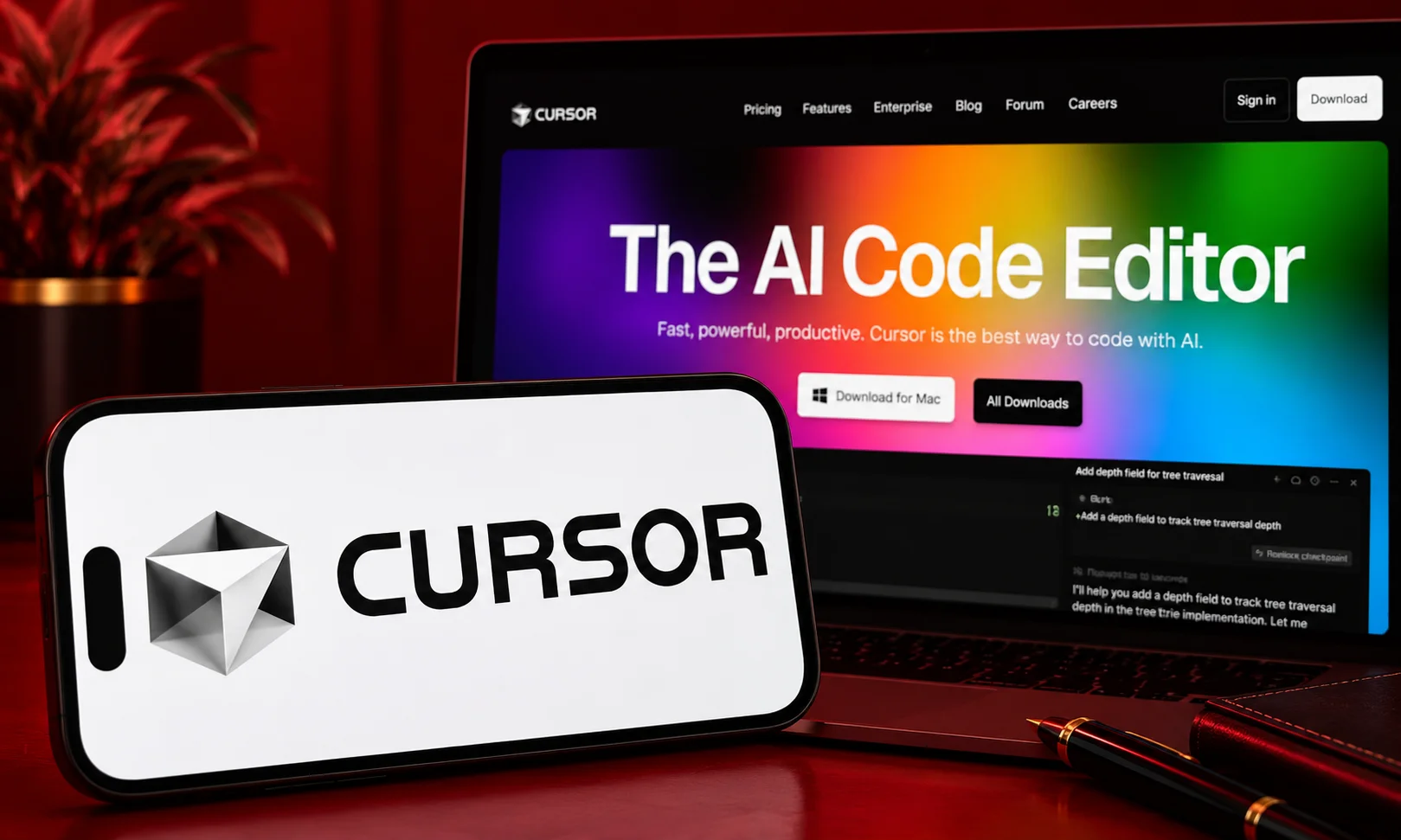
If you want your code editor to feel like it was designed around AI from day one, Cursor is probably the first tool I’d investigate.
Cursor is a code editor built around AI rather than simply adding an AI chatbot to an existing editor.
That difference sounds small.
It isn’t.
You can write code normally while using AI for completions, edits, questions, repository exploration, and agentic tasks.
Cursor currently offers a free Hobby tier. Its Pro plan is $20/month, with higher Pro+ and Ultra tiers. Cursor also supports multiple model providers and has expanded its product around agents, cloud agents, MCPs, skills, hooks, and code review.
Why Cursor stands out
The biggest advantage is the workflow.
You’re not constantly copying code from your editor into a separate chatbot, explaining what the files do, and then copying the answer back.
The AI is already sitting inside the development environment.
Imagine you’re working on a React application and need to change the authentication flow.
Instead of manually hunting through the project, you can ask the agent to locate the relevant logic, explain how authentication currently works, and propose the required changes.
For larger tasks, it can work across multiple files rather than treating every file as an isolated piece of code.
That’s where Cursor becomes much more interesting than traditional autocomplete.
Cursor strengths
- AI-first editor experience
- Strong repository-aware workflows
- Multi-file editing
- Agentic development
- Multiple model choices
- MCP support
- Cloud agents
- Code review features
- Familiar workflow for developers coming from VS Code
Cursor limitations
The biggest catch is usage.
The headline subscription price doesn’t tell the entire story anymore. Different models consume usage differently, and Cursor offers additional usage when included limits are exceeded.
That means heavy users should pay attention to what they’re actually consuming rather than assuming every model costs the same.
Cursor pricing
Cursor’s current listed individual plans include:
- Hobby: Free
- Pro: $20/month
- Pro+: $60/month
- Ultra: $200/month
It also offers Teams plans starting at $40 per user per month. citeturn0search9
Best for
Developers who want AI deeply integrated into their everyday coding environment.
If you want your editor and AI assistant to feel like one product, Cursor is hard to ignore.
2. Claude Code — Best for Complex Terminal-Based Coding
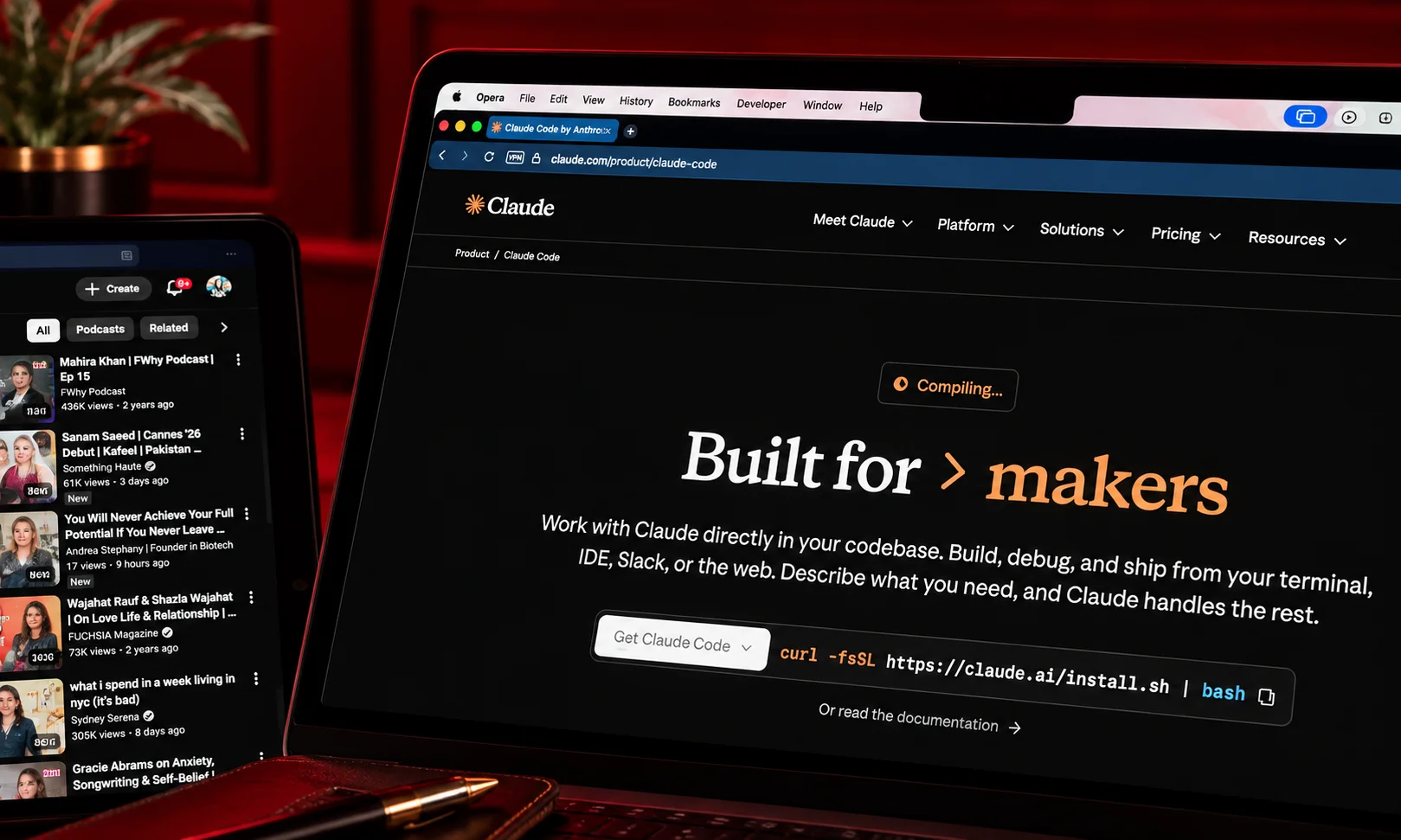
Claude Code takes a different route.
It lives in the terminal.
For developers who already feel comfortable there, that’s not a disadvantage at all.
It can actually be the reason to choose it.
Claude Code is designed to let developers delegate complex coding tasks while maintaining visibility and control over what the agent is doing. Anthropic provides access through Claude Pro and Max subscriptions, with the current Pro plan listed at $20/month and Max tiers at $100 and $200/month.
Why Claude Code is different
Think about a large repository you’ve inherited.
There are dozens of directories.
Some documentation is outdated.
Tests aren’t exactly comprehensive.
And you need to replace an old dependency throughout the project.
A simple autocomplete assistant isn’t going to solve that problem for you.
Claude Code is designed for this kind of larger task.
You can ask it to inspect the repository, understand how the pieces connect, identify the affected files, make changes, and work through tests.
Anthropic has also continued increasing Claude Code’s usage limits as its models and coding workflows have become more capable.
Claude Code strengths
- Excellent terminal workflow
- Strong project-level reasoning
- Useful for large refactors
- Good for debugging
- Strong multi-file work
- Useful for unfamiliar repositories
- Good fit for experienced developers
Claude Code limitations
The terminal-first experience isn’t for everybody.
If you want an editor with buttons, inline suggestions, and a more visual AI workflow, Cursor may feel easier.
There’s also a practical issue with usage.
Anthropic’s subscription limits are shared between Claude and Claude Code, and more complex projects can consume capacity faster.
Claude Code pricing
Anthropic currently lists:
- Pro: $20/month
- Max 5x: $100/month
- Max 20x: $200/month
The company notes that actual usage depends on factors such as project complexity, conversation length, codebase size, and model choice.
Best for
Developers working on complex repositories, refactoring, migrations, debugging, and multi-step engineering tasks.
If your terminal is basically your second home, give Claude Code a serious look.
3. GitHub Copilot — Best for GitHub-Centered Development
GitHub Copilot has one huge advantage:
It already fits into the ecosystem many developers use every day.
You don’t necessarily need to abandon your editor.
You don’t need to rebuild your development workflow around a new platform.
Copilot works across development environments and connects naturally with GitHub’s ecosystem.
GitHub currently offers Free, Pro, Pro+, Max, Business, and Enterprise options. Copilot Pro is listed at $10/month, while Pro+ is $39/month and Max is $100/month. Business is $19 per user per month and Enterprise is $39 per user per month.
Why Copilot remains a strong choice
Copilot has expanded considerably beyond autocomplete.
Depending on the plan and workflow, developers can use it for:
- Code completion
- Chat
- Code explanation
- Debugging
- Code review
- CLI workflows
- Cloud agents
- Third-party coding agents
- Model selection
GitHub says its paid plans include unlimited code completion and next-edit suggestions, while many other AI features consume GitHub AI Credits.
That distinction is worth knowing before you subscribe.
Copilot strengths
- Excellent GitHub integration
- Works with popular IDEs
- Easy to adopt
- Strong autocomplete
- Agentic features
- Good team support
- Free plan available
- Multiple model options
Copilot limitations
The pricing model is more complicated than it used to be.
AI Credits mean that usage can vary depending on the model and task. A simple interaction may cost very little, while a long agent session working across a large codebase can consume substantially more.
Best for
Developers and teams already heavily invested in GitHub.
If your entire engineering process runs through GitHub, Copilot is probably the easiest option to introduce.
4. OpenAI Codex — Best for End-to-End Agentic Coding
Codex is where the idea of an AI coding assistant starts looking more like an AI engineering teammate.
The current Codex experience is designed around larger software engineering tasks rather than just generating isolated snippets.
OpenAI describes Codex as capable of handling features, complex refactors, migrations, code review, and other end-to-end engineering work. It can be used through ChatGPT, an IDE extension, and the terminal.
Why Codex is interesting
Let’s say you have a GitHub issue that says:
“Improve error handling for failed API requests and add tests for the affected endpoints.”
That’s a reasonable engineering task.
Instead of asking AI to write one function, Codex can approach the issue as a larger piece of work.
It can inspect the relevant project context, make changes, run tests, and prepare the result for review.
Codex also supports cloud environments and worktrees, allowing multiple agents to work on tasks in parallel.
That’s a very different experience from traditional autocomplete.
Codex strengths
- Strong agentic workflow
- End-to-end engineering tasks
- Multi-file changes
- Refactoring
- Migration work
- Code review
- Cloud environments
- Parallel agent workflows
- ChatGPT, IDE, and CLI access
Codex limitations
The biggest consideration is usage.
Your exact limits depend on the ChatGPT plan and the Codex setup you’re using. Teams can also use usage-based Codex arrangements in supported configurations. citeturn0search2
And as with every coding agent, you shouldn’t confuse “the agent completed the task” with “the code is definitely production-ready.”
Best for
Developers who want to delegate larger engineering tasks rather than simply ask for code suggestions.
Codex is especially interesting if you’re already comfortable with the ChatGPT ecosystem.
5. Gemini Code Assist — Best for Google Cloud Developers

Gemini Code Assist is Google’s answer to AI-assisted software development.
And if you’re already deep into Google Cloud, this one deserves attention.
Google positions Gemini Code Assist as an AI-powered development collaborator that can help across the software development lifecycle, with support for IDEs such as Visual Studio Code and IntelliJ IDEA. Its capabilities include code completion, generation, chat, local codebase awareness, code transformation, agent mode, and Gemini CLI.
Where Gemini Code Assist makes sense
The obvious answer is Google Cloud.
If your organization already uses services such as:
- Google Cloud
- Firebase
- BigQuery
- Cloud Run
- Apigee
- Google databases
- Kubernetes
then ecosystem integration can be a meaningful advantage.
Gemini Code Assist Standard and Enterprise also include broader Google Cloud development capabilities, while Enterprise adds features such as code customization and additional Google Cloud integrations.
Gemini Code Assist strengths
- Strong Google Cloud integration
- IDE assistance
- Local codebase awareness
- Agent mode
- Gemini CLI
- Enterprise features
- Useful for cloud development
Gemini Code Assist limitations
If you don’t use Google Cloud, many of its ecosystem advantages become less important.
In that situation, Cursor, Copilot, Claude Code, or Codex may fit your workflow more naturally.
Best for
Developers and organizations already building heavily on Google Cloud.
6. Cline — Best for Developers Who Want Model Flexibility

Cline is interesting because it appeals to a slightly different audience.
Some developers don’t want one company deciding which AI model they use.
They want flexibility.
They might want to connect different models, compare performance, manage API costs, or experiment with new models as they appear.
That’s where Cline can make sense.
Instead of treating the AI model and coding environment as one locked package, the workflow gives technically comfortable users more control.
Cline strengths
- Flexible model choices
- Open-source approach
- BYO API key workflow
- Agentic coding
- Good for experimentation
- More control over costs and providers
Cline limitations
That flexibility comes with responsibility.
You may need to understand:
- API keys
- Model pricing
- Token usage
- Provider limits
- Configuration
- Permissions
So while Cline can be powerful, it isn’t necessarily the first thing I’d recommend to someone who just wants to install an app and start coding.
Best for
Developers who enjoy experimenting and want more control over their AI stack.
7. Windsurf and Devin — Best for Autonomous Development Workflows

Another major trend in AI coding is the move toward more autonomous development.
Products such as Windsurf and Devin represent this broader direction: instead of simply assisting with individual coding actions, AI agents can take responsibility for larger chunks of the workflow.
The concept is simple.
Instead of:
Developer → AI suggestion → Developer implements
the workflow becomes:
Developer → AI task → AI executes → Developer reviews
That’s a much bigger productivity opportunity.
But it comes with a matching responsibility.
The more work an agent can perform independently, the more important it becomes to have:
- Automated tests
- Code review
- Permission controls
- Clear task definitions
- Version control
- Human approval for sensitive actions
This isn’t just theoretical.
Modern coding agents can increasingly run commands and interact with development environments, which makes safety and control part of the product experience rather than an optional extra. OpenAI, for example, describes controls around permissions, constrained execution, network policies, and telemetry for Codex workflows.
Best for
Teams and developers experimenting with highly autonomous coding workflows.
Best AI Coding Tools Compared
Here’s the quick comparison.
| Tool | Code generation | Multi-file work | Agentic capability | IDE experience | Model flexibility | Best for |
| Cursor | Excellent | Excellent | Excellent | Excellent | High | AI-native coding |
| Claude Code | Excellent | Excellent | Excellent | Terminal-first | Medium | Complex engineering |
| GitHub Copilot | Excellent | Very good | Very good | Excellent | High | GitHub workflows |
| Codex | Excellent | Excellent | Excellent | Very good | Medium | End-to-end engineering |
| Gemini Code Assist | Very good | Very good | Very good | Very good | Medium | Google Cloud |
| Cline | Very good | Very good | Excellent | Very good | High | Flexible workflows |
| Windsurf/Devin | Very good | Excellent | Excellent | Very good | Varies | Autonomous development |
The table gives you the short version.
But the real differences become clearer when you compare specific workflows.
Cursor vs. Claude Code
This is one of the most interesting comparisons because both are strong at agentic coding, but they approach development differently.
Choose Cursor if you:
- Want an AI-native editor
- Prefer visual development
- Want inline AI assistance
- Like switching between models
- Want agents inside the editor
- Work on features and changes interactively
Choose Claude Code if you:
- Prefer the terminal
- Work with large repositories
- Do significant refactoring
- Need deep repository exploration
- Frequently delegate multi-step tasks
- Want a terminal-first workflow
So which is better?
Neither universally.
Cursor is better suited to an editor-first workflow.
Claude Code is better suited to a terminal-first workflow.
Your preferred working environment may matter more than small differences in model performance.
Cursor vs. GitHub Copilot
This comparison comes down to how much you want to change your workflow.
Copilot is designed to fit into the tools you already use.
Cursor is designed to make the editor itself AI-centric.
If you’re working on a large engineering team that already uses GitHub everywhere, Copilot can be the easier choice.
If you’re a solo developer, startup engineer, or small team that wants to build with AI at the center of the workflow, Cursor may feel more natural.
There’s no need to make this more complicated than it is.
Want AI added to your existing development setup? Try Copilot.
Want an editor built around AI? Try Cursor.
Claude Code vs. Codex
This is a closer comparison because both are increasingly focused on agentic engineering.
Claude Code has a strong identity around terminal-based development and complex repository work. citeturn2search5
Codex is designed to work across ChatGPT, editors, and the terminal, with cloud environments and parallel agent workflows built into the broader experience. citeturn2search0
So the decision often comes down to ecosystem.
If you’re already heavily invested in Anthropic’s Claude workflow, Claude Code is a natural extension.
If you’re already using ChatGPT and want coding agents connected to that ecosystem, Codex is an obvious candidate.
Are AI Coding Tools Worth Paying For?
For many developers, absolutely.
But don’t buy one because you saw someone on social media build an entire app in a single prompt.
That’s a terrible purchasing strategy.
Instead, ask a much simpler question:
How much time does this tool save me?
Suppose a coding assistant costs $20 a month.
If it saves you several hours of repetitive debugging, documentation, testing, or implementation, the subscription may already pay for itself.
But there’s another calculation people forget.
How much time do you spend fixing the AI’s mistakes?
That’s the real productivity test.
If an AI generates code quickly but you spend half your day cleaning up poor abstractions, debugging hallucinated APIs, and undoing unnecessary changes, you haven’t gained much.
The best tool is the one that reduces total engineering effort, not simply the number of keystrokes you personally make.
What Should You Look for in an AI Coding Tool?
Before subscribing, think about your actual workflow.
1. What editor do you use?
If you love your existing IDE, a plugin-based assistant may be better.
If you’re open to switching editors, an AI-native environment becomes more interesting.
2. How large is your codebase?
For a small side project, almost any good assistant can be useful.
For a large monorepo, repository understanding becomes much more important.
3. Do you want autocomplete or agents?
This is a big one.
If you just want suggestions while typing, you don’t necessarily need an advanced coding agent.
If you want to delegate entire tasks, look closely at agentic capabilities.
4. Do you care about model choice?
Some developers want to switch models depending on the task.
Others couldn’t care less.
Know which type you are before paying extra for flexibility you won’t use.
5. How much autonomy are you comfortable with?
Would you let an AI edit one file?
Several files?
Run terminal commands?
Create commits?
Open pull requests?
Work in the background?
Your answer should influence the tool you choose.
6. How much are you willing to spend?
Don’t just compare monthly subscription prices.
Look at usage limits too.
Cursor’s current plans, for example, combine subscription pricing with model-specific usage pools and optional additional usage. citeturn0search3
GitHub Copilot similarly uses AI Credits for many interactions beyond basic code completion.
How to Use AI Coding Tools Without Creating a Mess
Here’s where good AI-assisted development separates itself from “I asked AI to build my app and now nothing works.”
Start with context
Tell the tool about the architecture, conventions, dependencies, and constraints.
The better the context, the less guessing it has to do.
Ask for a plan
For larger changes, ask the AI what it intends to modify before letting it loose.
This gives you a chance to catch a bad approach early.
Break big tasks down
Instead of:
“Rebuild my entire backend.”
Try:
“First inspect the authentication system and explain how it currently works.”
Then move to implementation.
Run tests
Always.
AI saying “the implementation is complete” is not a test result.
Review the diff
Look at what actually changed.
If the agent touched 17 files for a change that should have required three, stop and investigate.
Commit regularly
Small commits make AI-assisted development much safer.
If something goes wrong, you can roll it back.
Keep humans responsible for architecture
AI can be extremely useful for implementation.
That doesn’t mean you should outsource every architectural decision.
What AI Coding Tools Still Get Wrong
The hype around AI coding can make this part easy to forget.
AI can write impressive code.
It can also confidently write nonsense.
Sometimes the problem is obvious.
Sometimes it isn’t.
An AI may:
- Invent an API
- Use an outdated library
- Introduce unnecessary dependencies
- Miss an edge case
- Create insecure authentication logic
- Break an unrelated feature
- Produce inefficient queries
- Misunderstand business requirements
- Over-engineer a simple solution
And because the output often looks polished, mistakes can be surprisingly easy to miss.
This is why developer judgment still matters.
In fact, as AI becomes better at writing code, reviewing and directing code may become an even more valuable skill.
The developer’s role is shifting.
You’re spending less time typing every line manually and more time deciding:
What should be built?
How should it work?
Is this implementation correct?
What could go wrong?
Is this safe to deploy?
That’s a very different skill set from simply knowing syntax.
Are AI Coding Agents Safe to Use?
They can be used safely, but don’t treat them like magic employees with unlimited access to your computer.
An agent that can read files, execute commands, access repositories, and interact with development tools has considerably more power than a chatbot that only returns text.
That means permissions matter.
For important projects, consider:
- Version control
- Isolated environments
- Limited credentials
- Test environments
- Human approval for sensitive actions
- Clear repository rules
- Automated testing
- Security scanning
- Audit logs where available
This is becoming an increasingly important part of agentic development.
For example, OpenAI’s published approach to Codex includes constrained execution, network policies, managed configuration, and telemetry intended to make agent activity more controllable and auditable. citeturn2search6
The broader lesson is simple:
The more autonomy you give an AI, the better your guardrails need to be.
How AI Coding Is Changing in 2026
This is probably the biggest takeaway from the whole comparison.
The industry isn’t simply trying to make AI autocomplete better.
It’s trying to make AI more useful across the software development lifecycle.
We’re seeing more focus on:
- Long-running agents
- Multi-agent workflows
- Cloud development environments
- Automated code review
- Repository-level understanding
- Background tasks
- Terminal interaction
- MCP integrations
- Automated testing
- Issue handling
- CI/CD workflows
Codex, for example, is explicitly positioned around longer-running engineering work, parallel agents, cloud environments, code review, and background tasks. citeturn2search0turn2search15
Gemini Code Assist has also added agent mode and Gemini CLI alongside its IDE assistance. citeturn1search2
Cursor has similarly expanded beyond editing into cloud agents, MCP, skills, hooks, and Bugbot. citeturn0search3
So the direction is pretty clear.
AI coding is becoming less about:
“Write this code for me.”
and more about:
“Take this engineering task and help me get it across the finish line.”
That doesn’t make developers unnecessary.
It makes the developer’s ability to delegate, supervise, test, and evaluate much more important.
Which AI Coding Tool Should You Choose?
Let’s make this easy.
Choose Cursor if you want:
The strongest AI-native editor experience.
It’s a great fit if you want AI embedded directly into your everyday coding workflow.
Choose Claude Code if you want:
A powerful terminal-based coding agent.
It’s especially appealing for large repositories, refactoring, debugging, and complex multi-step tasks.
Choose GitHub Copilot if you want:
AI that fits naturally into your existing GitHub workflow.
It’s a particularly practical choice for teams that don’t want to switch their development environment.
Choose Codex if you want:
An agent designed around broader engineering tasks.
It’s worth considering if you want to delegate features, refactors, migrations, reviews, and other multi-step work across ChatGPT, IDE, and terminal environments. citeturn2search0
Choose Gemini Code Assist if you use:
Google Cloud heavily.
Its ecosystem integration can make it particularly valuable for Google-focused teams.
Choose Cline if you want:
More control over models and providers.
It’s a better fit for developers who are comfortable configuring their own AI workflow.
Explore Windsurf or Devin if you want:
More autonomous development.
These tools are worth watching if your goal is to delegate larger pieces of software development.
Final Verdict: What Are the Best AI Coding Tools in 2026?
There isn’t one universal winner.
And honestly, that’s a good thing.
The best AI coding tool depends heavily on how you already work.
For an AI-native editor, Cursor is one of the strongest choices.
For complex terminal-based development, Claude Code is compelling.
For GitHub-heavy teams, GitHub Copilot remains one of the easiest choices.
For end-to-end agentic engineering, OpenAI Codex is particularly interesting.
For Google Cloud developers, Gemini Code Assist has a natural ecosystem advantage.
For developers who want model flexibility, Cline is worth exploring.
And for teams experimenting with increasingly autonomous development, Windsurf and Devin belong on the shortlist.
BrandClickX recommendation is simple: don’t choose an AI coding tool because somebody called it “the best” on social media.
Choose based on the work you actually need to do.
If you’re mostly writing code and want better autocomplete, you don’t need the most autonomous agent available.
If you’re maintaining a huge repository and constantly dealing with migrations, refactoring, and debugging, a simple autocomplete assistant may feel limiting.
And if you’re building a team-wide AI development workflow, pricing, security, administration, permissions, and integration may matter more than whether one model wins a benchmark by a few points.
The biggest shift in 2026 isn’t that AI can write code.
We’ve known that for a while.
The interesting part is that AI can increasingly participate in the development process itself.
That’s why the best developers aren’t necessarily the ones who write every line themselves anymore.
They’re the ones who know what to delegate, how to give an AI enough context, how to check the result, and when to step in.
So if you’re choosing your first AI coding tool, start small.
Pick one that fits your workflow.
Use it on real tasks.
See where it saves time.
See where it creates extra work.
Then decide whether you actually need something more powerful.
Because at the end of the day, the best AI coding tool isn’t the one with the longest feature list.
It’s the one that helps you ship better software without making your life harder.
FAQs
What are the best AI coding tools in 2026?
Cursor, Claude Code, GitHub Copilot, and OpenAI Codex are among the strongest options, but the best choice depends on your workflow and requirements.
Which AI coding tool is best for beginners?
Cursor and GitHub Copilot are good starting points because they provide accessible coding assistance directly within familiar development workflows.
Is Cursor better than GitHub Copilot?
Not universally. Cursor offers a more AI-native editor experience, while Copilot is particularly convenient for developers already using GitHub.
Is Claude Code better than Cursor?
They have different strengths. Claude Code is particularly suited to terminal-based engineering tasks, while Cursor focuses on an AI-powered editor experience.



