

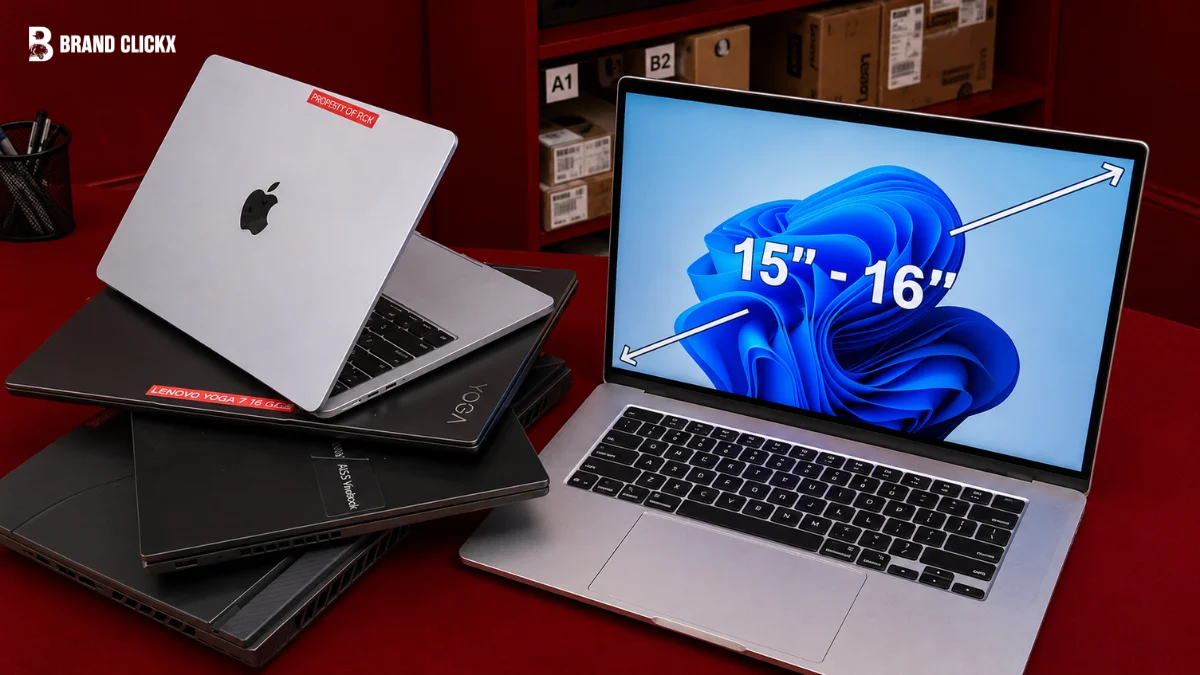
Buying a laptop in 2026 is not as simply choosing the one with the fastest processor or the most expensive price tag. There are excellent laptops for students, office work, gaming, creative work, travel and everyday use, but each one has different strengths.
The best laptop for you depends on
- For what purpose you need it
- How much you want to spend
- Which features matter most
A lightweight laptop with long battery life can be a better choice for a student, while a gamer or video editor may need a much more powerful machine.
We looked at the most important areas buyers should consider, including performance, battery life, display quality, keyboard, trackpad, portability, build quality, storage and value. We also considered the compromises that come with each type of laptop.
Best Laptops at a Glance
| Laptop | Best For | Key Strength | Main Weakness |
| MacBook Air M3 | Best overall | Excellent balance of performance, battery life and portability | Limited ports |
| Dell XPS 13 | Best Windows ultraportable | Compact design and strong everyday performance | Port selection is limited |
| Asus Zenbook 14 OLED | Best value Windows laptop | Excellent OLED display and strong performance | Some configurations vary |
| MacBook Pro 14-inch M3 Pro | Best for creators | Powerful performance and excellent display | Expensive |
| Lenovo Yoga 7i | Best 2-in-1 | Flexible design and touchscreen | Not designed for serious gaming |
| Acer Swift 3 | Best budget laptop | Good everyday performance for the money | Basic design |
| Asus ROG Zephyrus G14 | Best gaming laptop | Powerful performance in a portable design | Battery life is weaker during gaming |
| Lenovo ThinkPad X1 Carbon | Best business laptop | Keyboard, portability and business features | Premium price |
| MacBook Air M1 | Best affordable MacBook | Excellent value and battery life | Older hardware |
| Lenovo Chromebook | Best Chromebook | Simple, affordable and easy to use | ChromeOS has software limitations |
1. Best Laptop Overall: MacBook Air M3
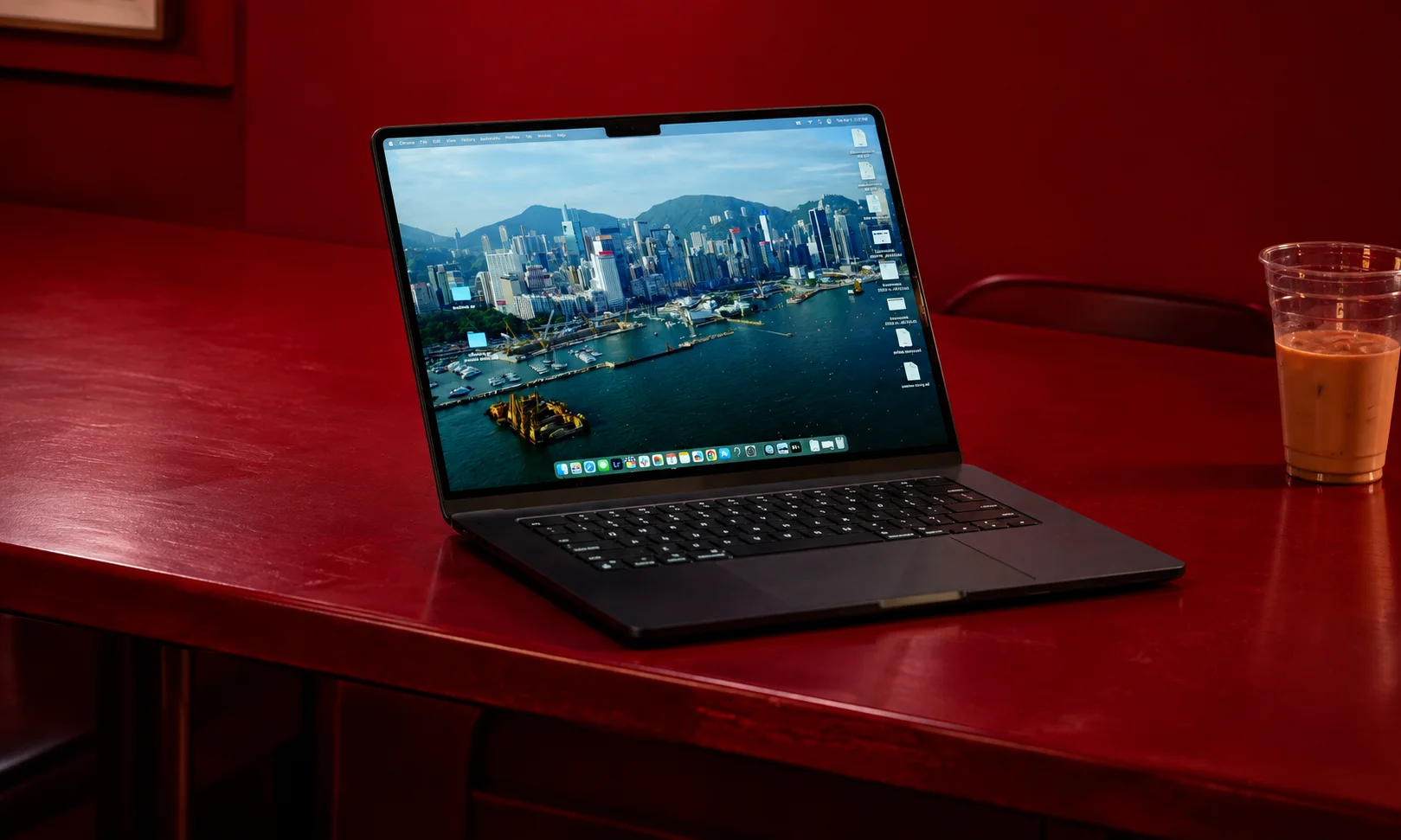
Best for: Most people who want all-rounder
The MacBook Air M3 is one of the easiest laptops to recommend in 2026 because it does so many things well.
It is thin, light, quiet and fast enough for everyday work, school, browsing, photo editing and a large amount of multitasking. The M3 chip also gives it excellent efficiency, which is one of the biggest reasons to choose it over many traditional Windows laptops.
Why we like it
The biggest advantage is balance.
The MacBook Air M3 does not try to be the fastest gaming computer or a workstation. Instead, it combines strong performance with excellent battery life, a high-quality display, a comfortable keyboard and a lightweight design.
It is also fanless, so normal work is quiet.
The 13-inch version is particularly easy to carry, while the 15-inch model gives you a larger screen without becoming a huge desktop replacement.
Key specifications
| Feature | MacBook Air M3 |
| Processor | Apple M3 |
| Display | 13.6-inch or 15.3-inch |
| Memory | 8GB, 16GB or 24GB |
| Storage | 256GB to 2TB |
| Graphics | Integrated Apple GPU |
| Operating System | macOS |
| Weight | About 2.7 to 3.3 pounds |
| Best feature | Performance and battery balance |
Where it falls short
The MacBook Air has fewer ports than many Windows alternatives. It also is not the right choice if you need Windows-only software or serious gaming performance.
The base 8GB configuration can also feel limiting for buyers who plan to keep the laptop for many years or regularly use demanding applications.
Who should buy it?
Buy the MacBook Air M3 if you want a lightweight laptop that can handle school, office work, browsing, communication, programming and moderate creative work without much trouble.
Who should skip it?
Serious gamers, professional 3D users and people who specifically need Windows software should look elsewhere.
Our verdict
The MacBook Air M3 is the best all-around laptop for most people in 2026 because it gets the important things right without becoming unnecessarily large or expensive.
2. Best Windows Laptop: Dell XPS 13
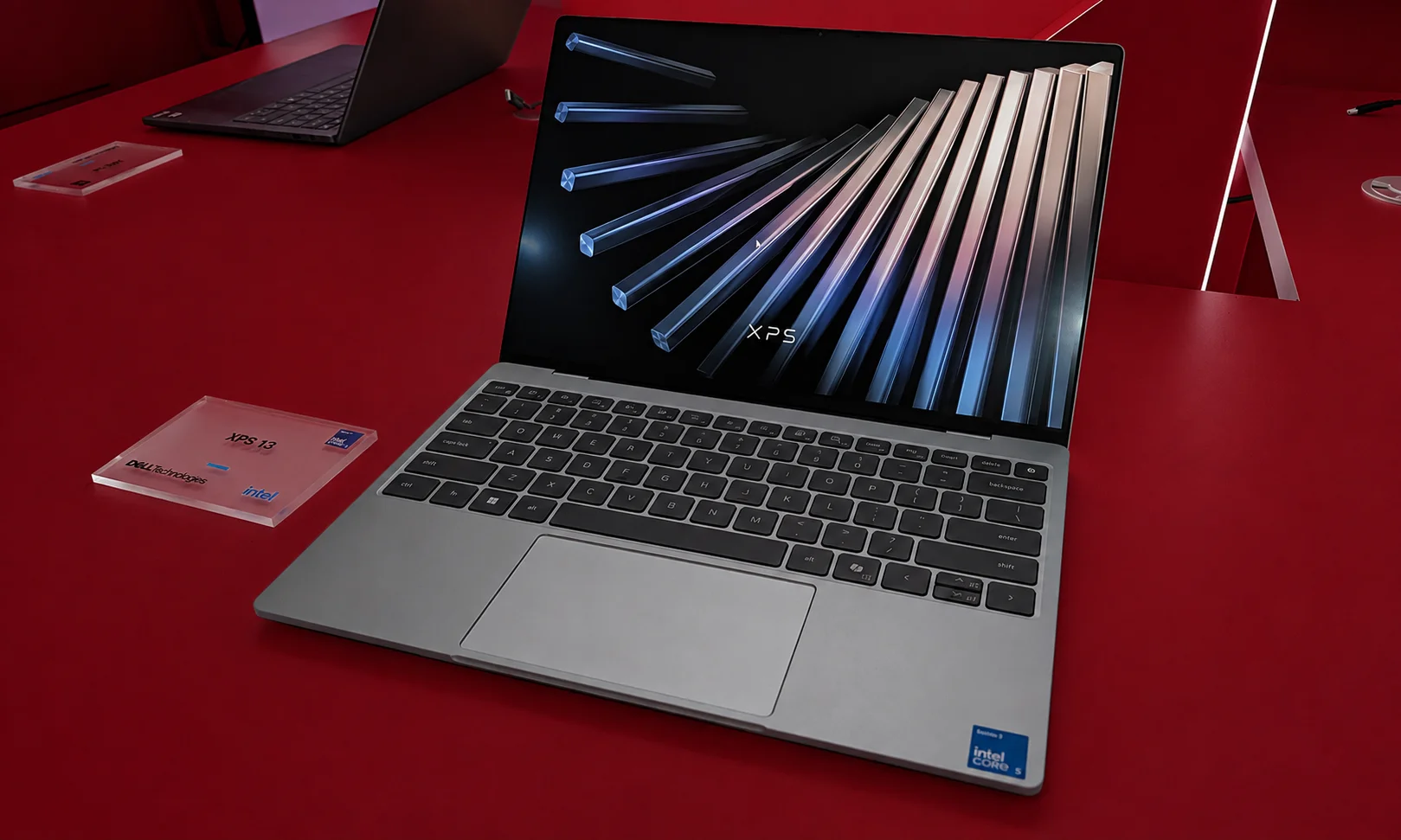
Best for: Windows users who want a premium ultraportable
The Dell XPS 13 is designed for people who want a small Windows laptop that can travel easily while still providing a premium experience.
Its compact design makes it particularly attractive to students, professionals and frequent travelers.
Why we like it
The XPS 13 combines a small footprint with a high-quality display and capable processors. It is easy to put into a backpack and carry around all day.
It also has the clean, premium design many buyers expect from a high-end laptop.
Where it falls short
Port selection is one of its biggest compromises. Buyers who regularly connect several accessories may need a hub or docking station.
Some configurations can also become expensive once you add more memory, storage or display upgrades.
Who should buy it?
It is a strong option for Windows users who prioritize portability, design and everyday productivity.
Who should skip it?
If you need many built-in ports, a dedicated graphics card or the best possible value, there are better options.
3. Best Value Windows Laptop: Asus Zenbook 14 OLED
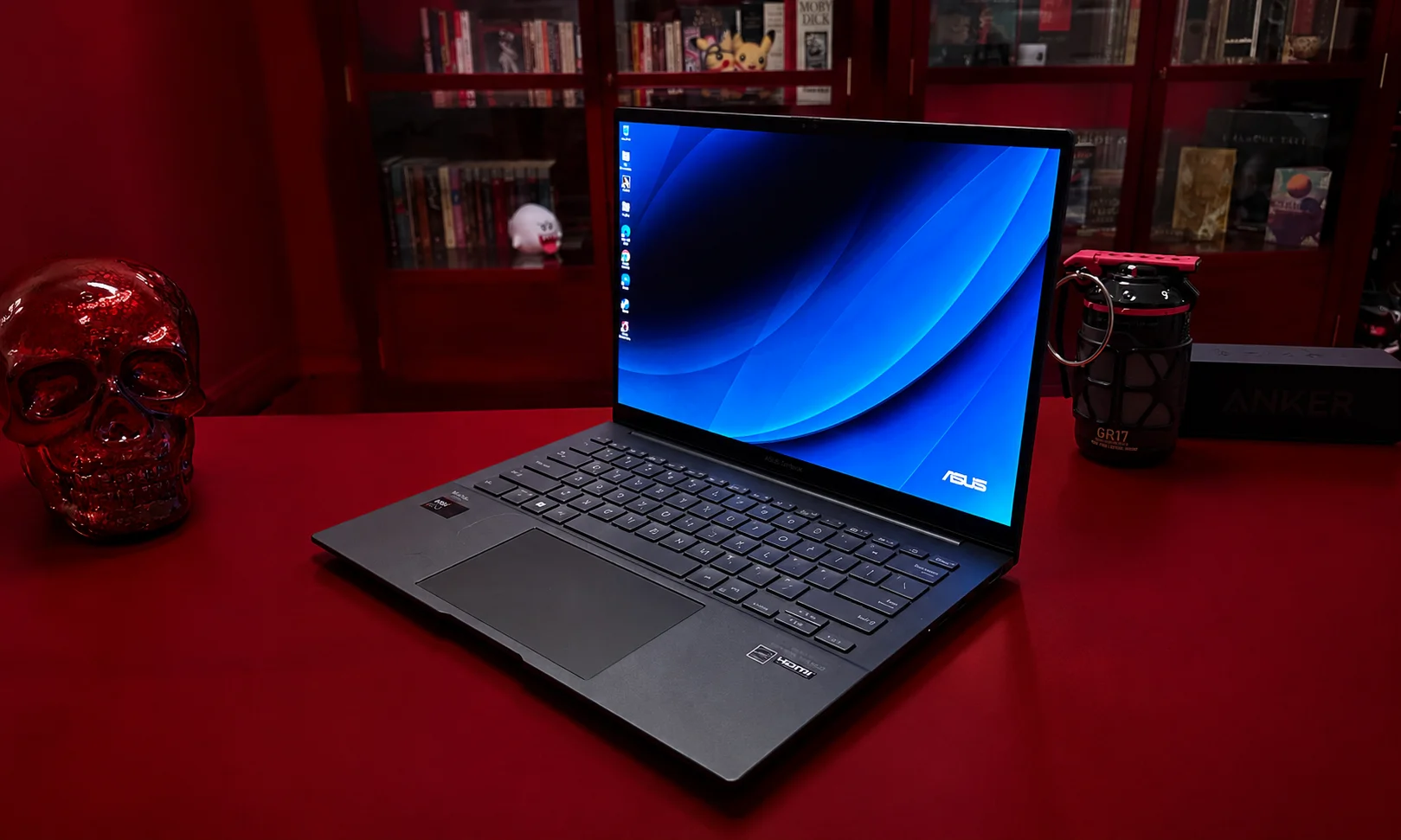
Best for: Students, professionals and everyday users who want a great screen
The Asus Zenbook 14 OLED is one of the strongest choices for buyers who want premium features without moving into the highest price ranges.
Its OLED screen is a major attraction.
Why we like it
The display provides strong contrast, deep blacks and vivid images. That makes it useful for watching movies, editing photos and simply spending long hours working on the laptop.
It also offers a good combination of performance, portability and battery life.
Where it falls short
The exact experience depends heavily on the configuration you choose. Some versions offer better processors, memory and storage than others.
It also isn’t designed to compete with high-end gaming laptops.
Who should buy it?
Choose the Zenbook 14 OLED if display quality is important but you don’t want to spend MacBook Pro money.
4. Best Laptop for Creators: MacBook Pro 14-inch M3 Pro
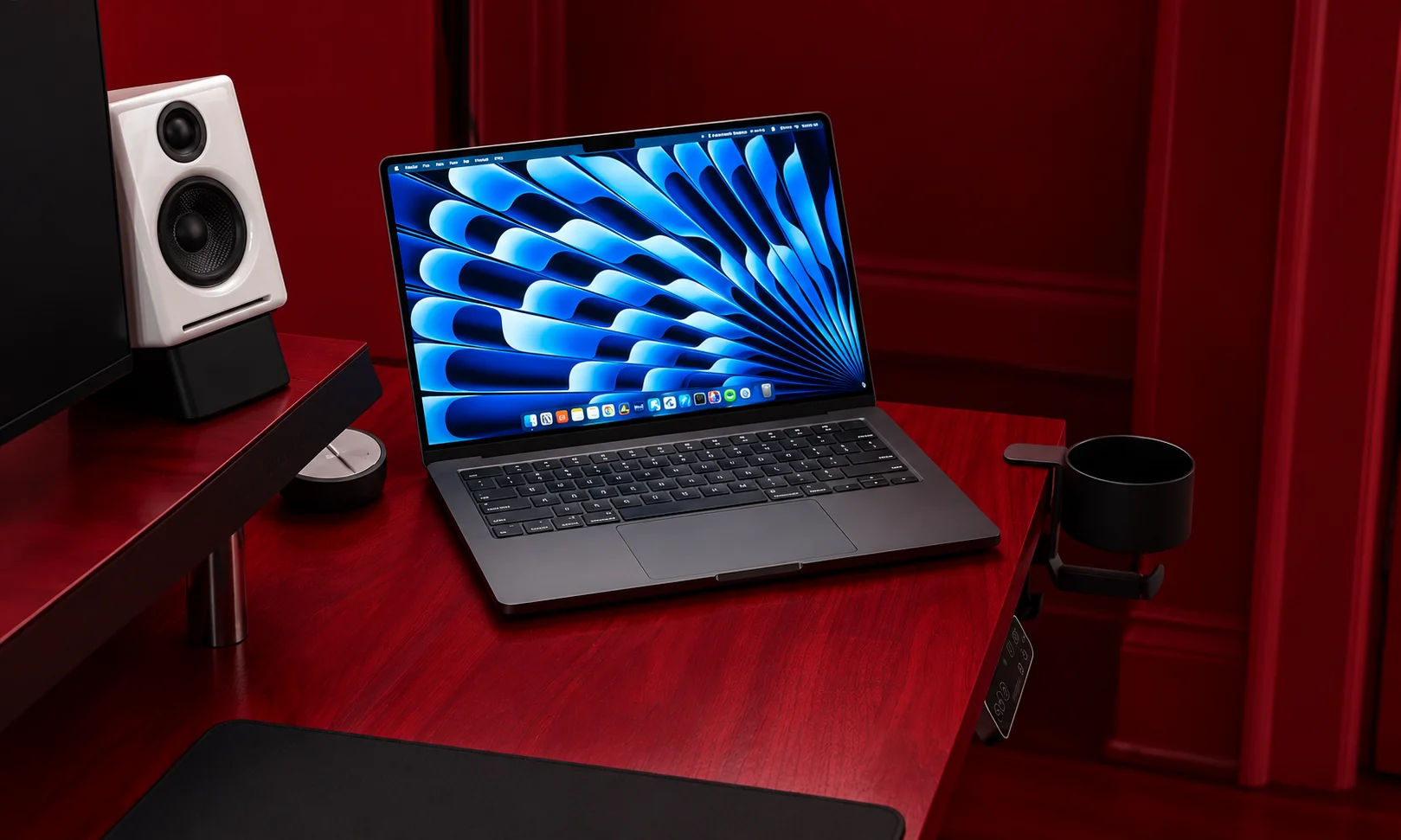
Best for: Video editors, photographers, developers and demanding users
If your work involves demanding applications, the MacBook Pro is a major step above the MacBook Air.
The M3 Pro and M3 Max versions offer substantially more performance, while the display is excellent for creative work.
Why we like it
The combination of processing power, graphics performance, display quality and battery efficiency makes the 14-inch MacBook Pro a powerful mobile workstation.
The high-quality display is particularly useful for photo and video work.
It also provides more connectivity than the MacBook Air, including HDMI and an SD card slot.
Where it falls short
Price is the biggest problem.
Most people who only browse the web, write documents, attend meetings and watch videos don’t need this much power.
Who should buy it?
Professional creators and other users who regularly perform demanding work.
Who should skip it?
If your workload is mostly web browsing, Office applications and streaming, save your money and choose a MacBook Air.
5. Best 2-in-1 Laptop: Lenovo Yoga 7i
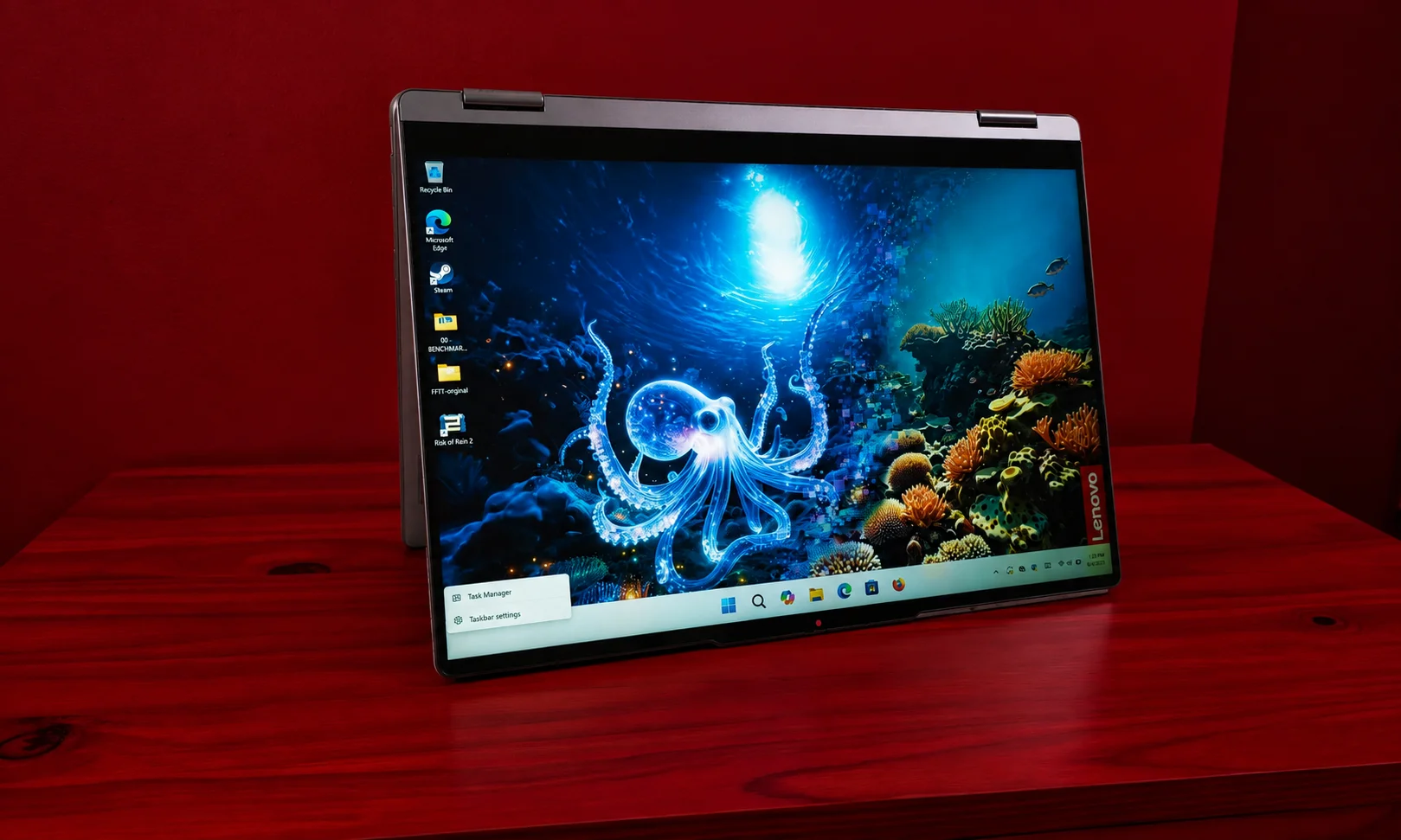
Best for: Students and flexible everyday computing
A 2-in-1 laptop gives you something a traditional clamshell laptop cannot: the ability to fold the screen back and use the machine in different positions.
The Lenovo Yoga 7i is a strong example.
Why we like it
You can use it as a normal laptop for writing and work, then fold the screen back when watching videos or using touchscreen applications.
That flexibility makes it especially useful for students.
Where it falls short
The extra flexibility doesn’t make it a gaming machine. If high-end gaming is your priority, a dedicated gaming laptop is a better choice.
6. Best Budget Laptop: Acer Swift 3
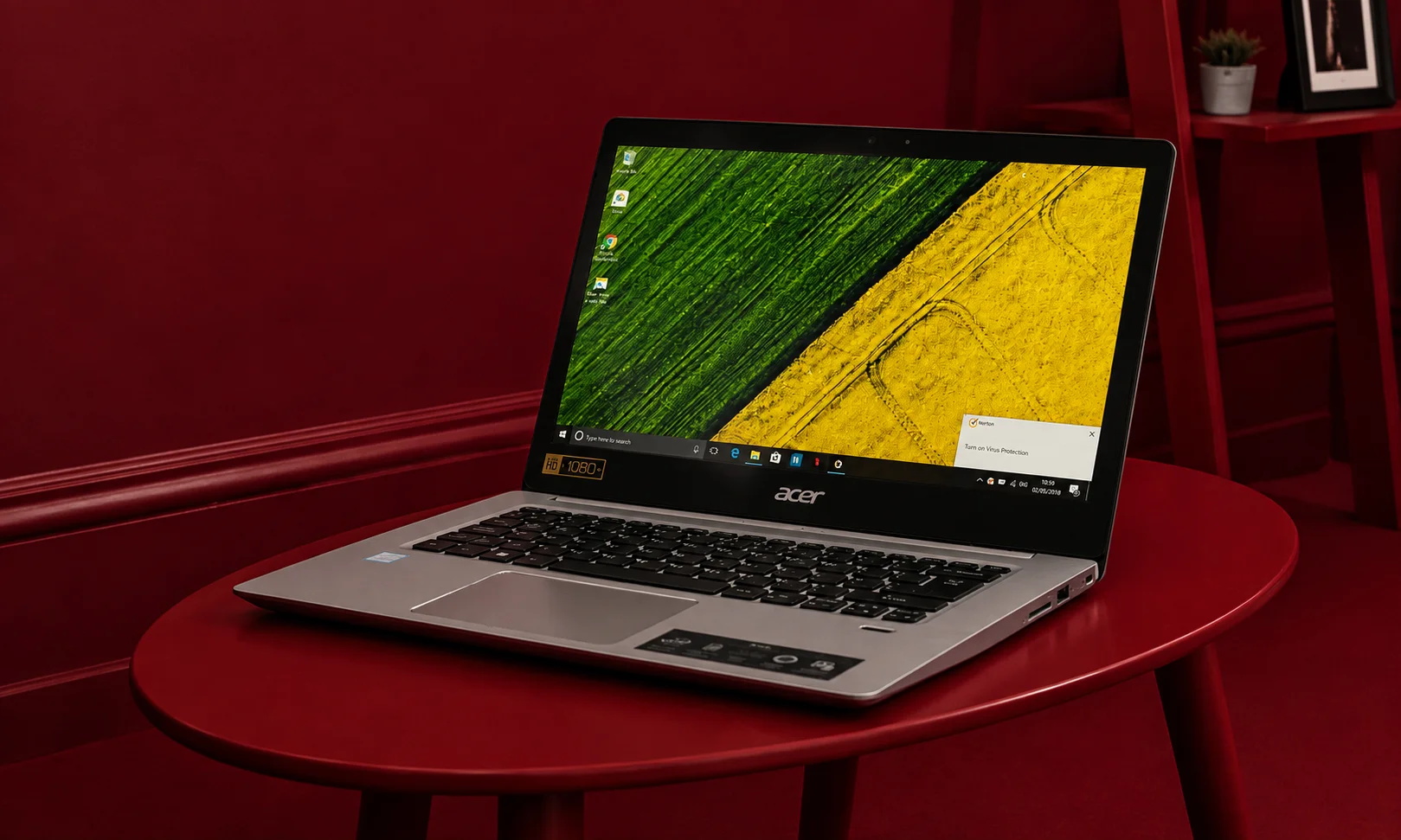
Best for: Students and everyday users on a budget
Not everyone needs a premium laptop.
If your main tasks are web browsing, email, documents, video calls and streaming, spending more than necessary doesn’t always make sense.
The Acer Swift 3 has traditionally been attractive because it provides solid everyday performance without reaching premium-laptop prices.
Why we like it
It focuses on the basics that matter:
- Good everyday performance
- Lightweight design
- Comfortable keyboard
- Solid battery life
- Reasonable price
Where it falls short
You shouldn’t expect the same display, speakers, build quality or performance as much more expensive machines.
It also isn’t the right choice for demanding gaming or professional video production.
Who should buy it?
Students, home users and anyone who needs an affordable laptop for everyday tasks.
7. Best Gaming Laptop: Asus ROG Zephyrus G14
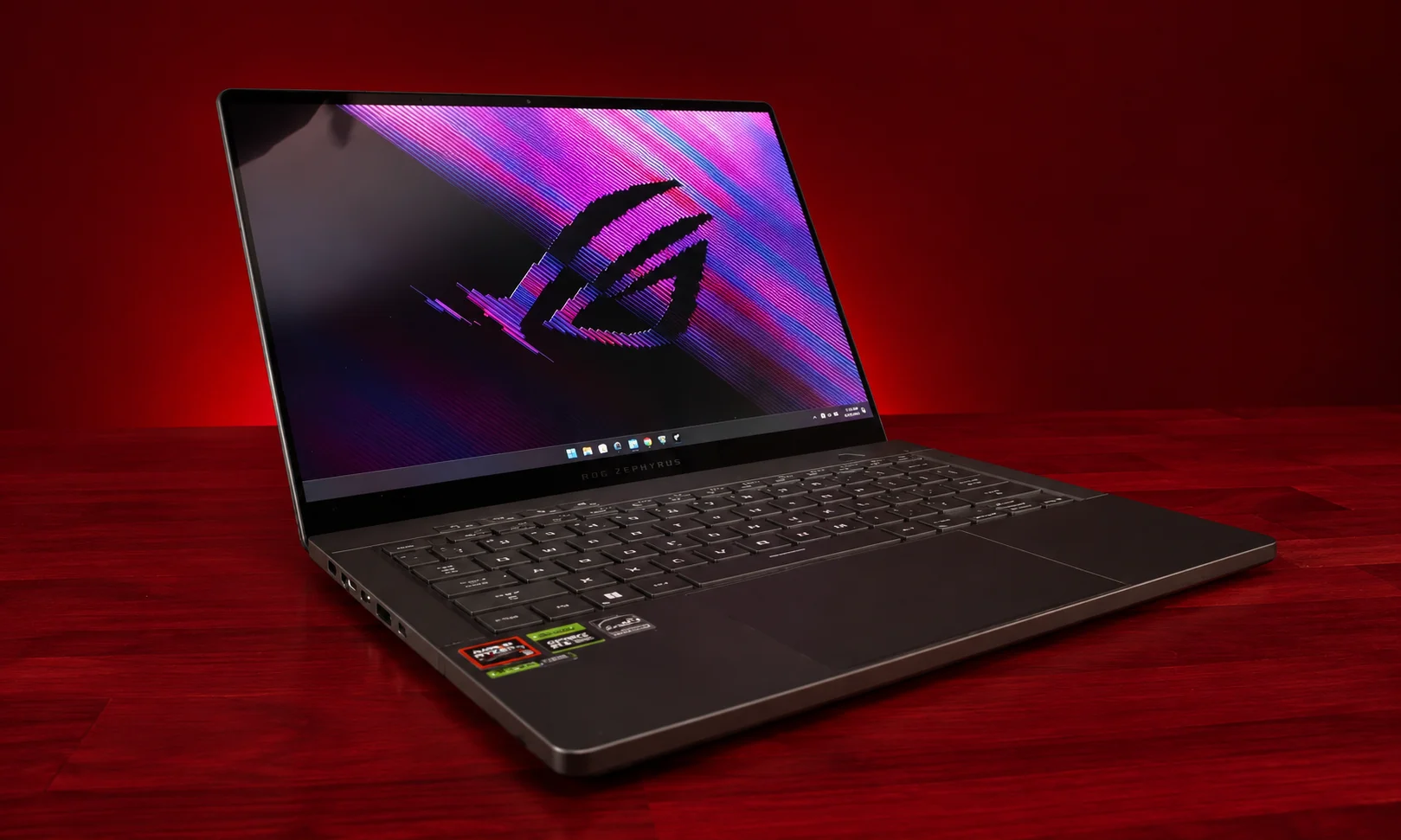
Best for: Gamers who also want portability
Gaming laptops usually come with a major trade-off.
More performance generally means more weight, heat and fan noise.
The Asus ROG Zephyrus G14 is appealing because it tries to give gamers strong performance without becoming a giant desktop replacement.
Why we like it
The G14 combines powerful processors and dedicated graphics with a relatively compact design.
Its high-refresh-rate display also makes it suitable for gaming.
It can double as a normal productivity laptop when you’re not playing games.
Where it falls short
Gaming heavily reduces battery life compared with lightweight productivity laptops.
The fans can also become noticeable when the system is under heavy load.
Who should buy it?
Gamers who want a laptop that is easier to carry than a large gaming machine.
Who should skip it?
If gaming is not important to you, a MacBook Air or lightweight Windows laptop will generally provide better battery life and portability.
8. Best Business Laptop: Lenovo ThinkPad X1 Carbon
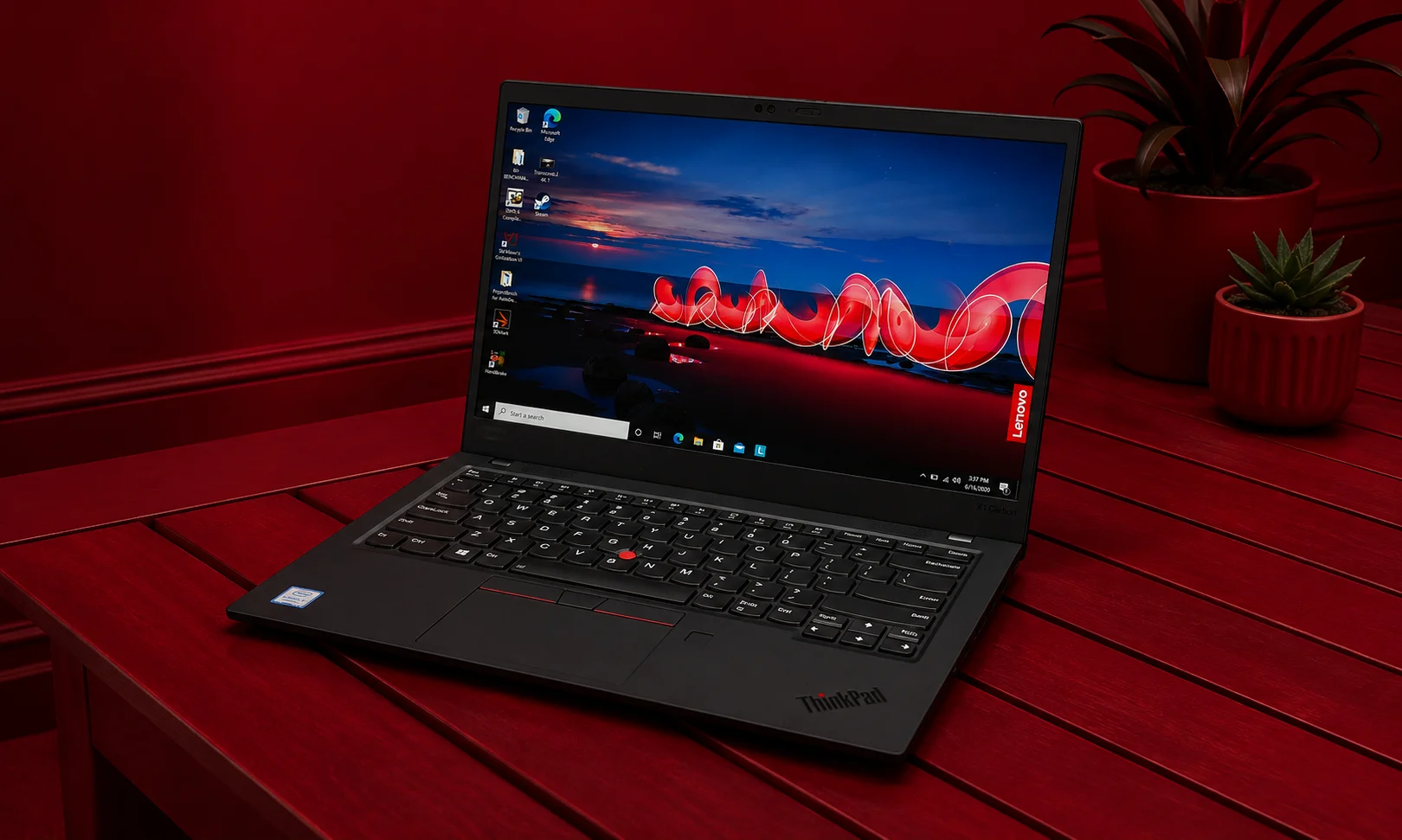
Best for: Professionals and business users
The ThinkPad X1 Carbon is built around productivity.
Rather than focusing on gaming performance or flashy features, it concentrates on the things people use during a workday.
Why we like it
The keyboard is one of its biggest strengths.
It is also lightweight, easy to carry and designed for people who spend hours writing, working with documents and communicating online.
Where it falls short
The biggest problem is price. There are less expensive laptops that can perform similar basic tasks.
Who should buy it?
Professionals who prioritize keyboard quality, portability, durability and business features.
9. Best Affordable MacBook: MacBook Air M1
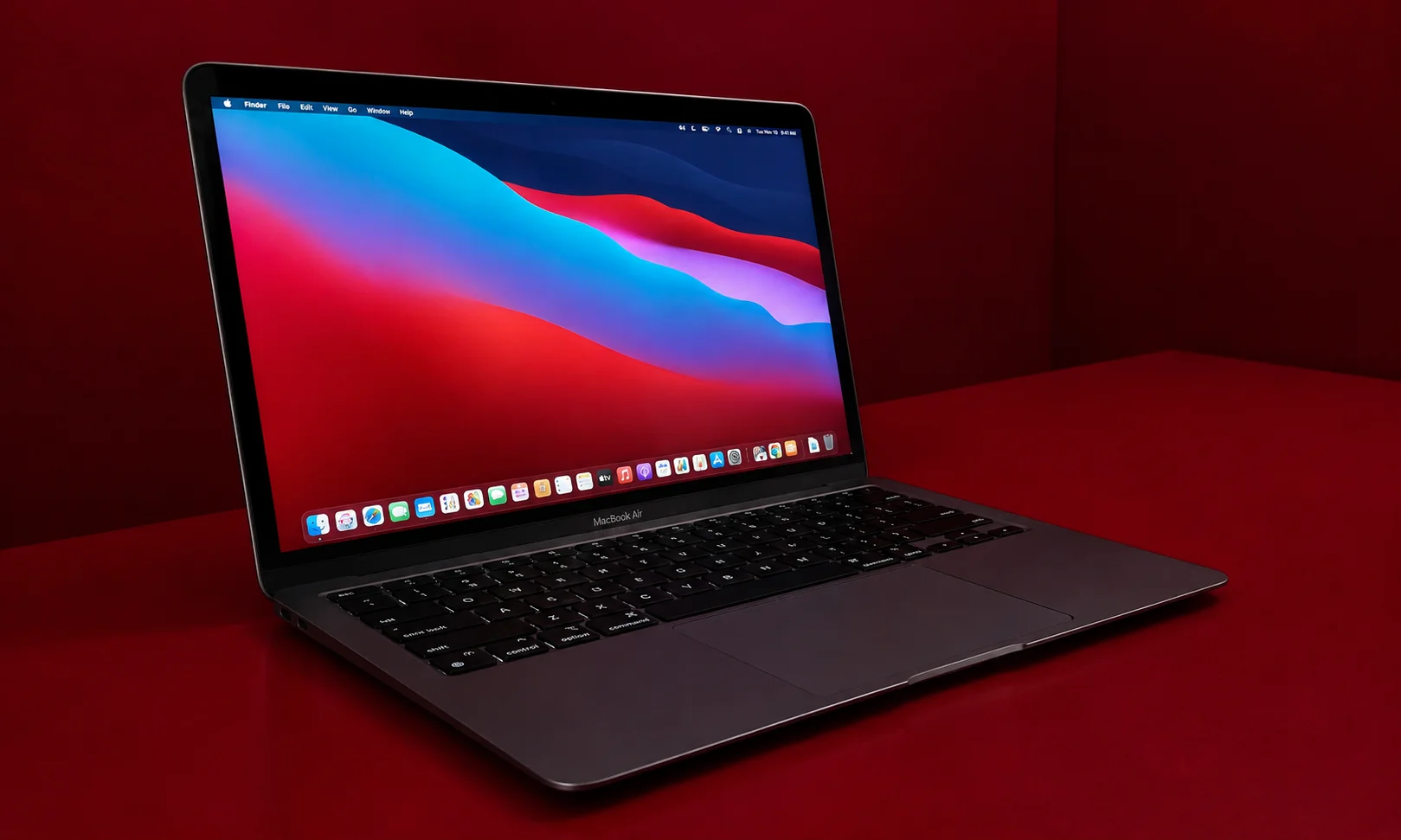
Best for: Buyers who want macOS at a lower price
The MacBook Air M1 is older than the M2 and M3 models, but that doesn’t automatically make it a bad laptop.
In fact, its continued value is one reason it remains worth considering when heavily discounted.
Why we like it
The M1 delivers strong everyday performance and excellent battery efficiency.
For someone who wants a MacBook for browsing, documents, schoolwork and general productivity, it can still do the job.
Where it falls short
The design and hardware are older, and newer MacBook Air models offer better displays, cameras, connectivity and performance.
Who should buy it?
Only consider it if the price is significantly lower than newer MacBook Air models.
10. Best Chromebook for Basic Use
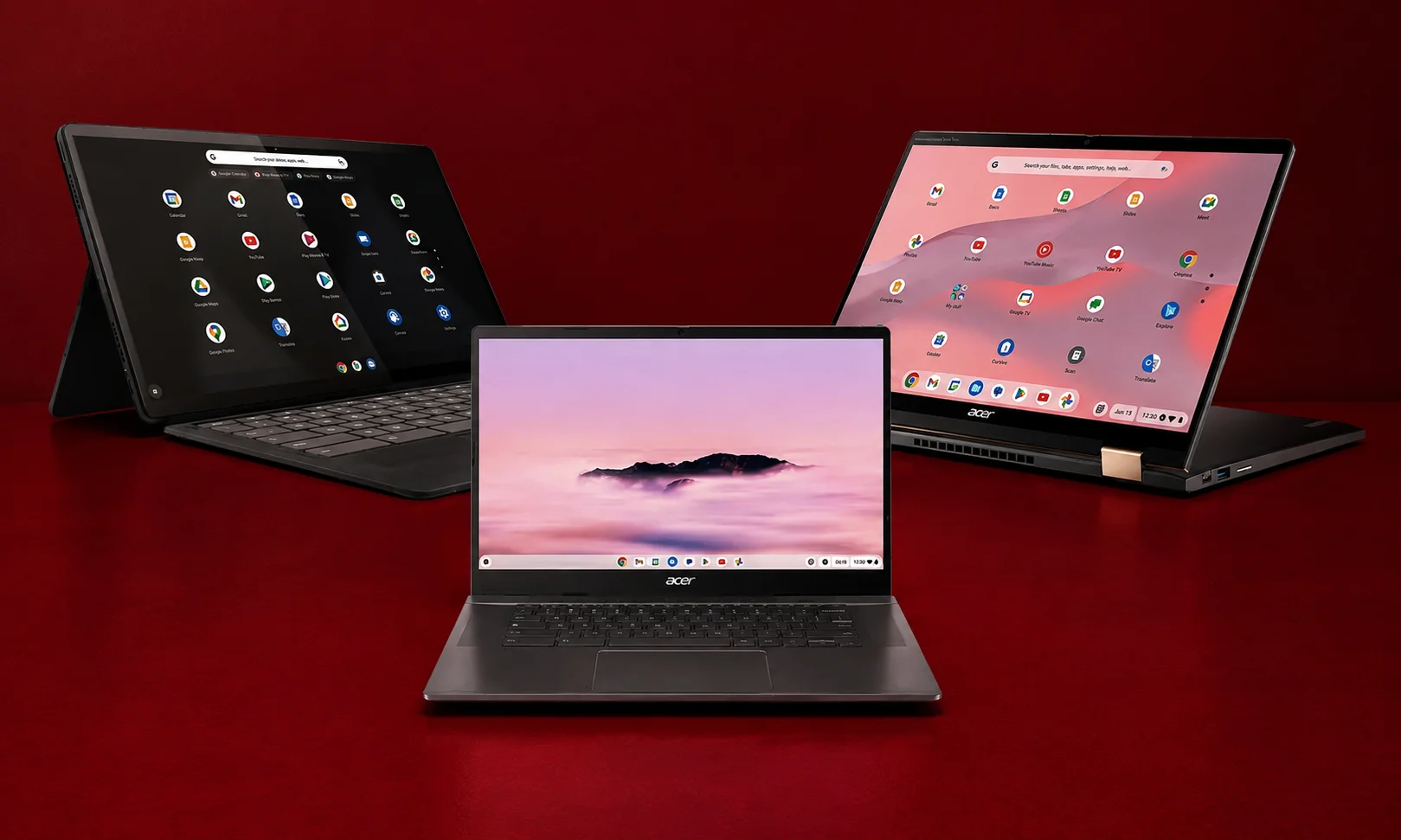
Best for: Students, children and basic web use
Chromebooks are different from Windows laptops and MacBooks because they use ChromeOS.
That makes them particularly suitable for people who spend most of their time online.
Why we like them
Chromebooks can be affordable, simple to use and easy to maintain.
For browsing, Google Docs, email, streaming and schoolwork, a good Chromebook can be all you need.
Where they fall short
ChromeOS cannot run every Windows or Mac application.
That means buyers should check their software requirements before purchasing one.
Best Laptop by Use Case
Sometimes the easiest way to choose is to ignore the overall ranking and focus on what you actually need.
| If You Need… | Best Choice |
| Best all-rounder | MacBook Air M3 |
| Best Windows | Dell XPS 13 |
| Best display for the money | Asus Zenbook 14 OLED |
| Professional creative work | MacBook Pro 14 M3 Pro |
| 2-in-1 flexibility | Lenovo Yoga 7i |
| Lower price | Acer Swift 3 |
| Gaming | Asus ROG Zephyrus G14 |
| Business work | Lenovo ThinkPad X1 Carbon |
| Affordable Mac | MacBook Air M1 |
| Basic schoolwork | Chromebook |
How to Choose the Best Laptop in 2026
The best laptop isn’t necessarily the one with the biggest number on its specification sheet.
Here are the areas that matter most.
Processor
The processor affects how quickly your laptop handles applications and multitasking.
For basic work, you don’t need the most powerful processor available.
For programming, editing, engineering applications and other demanding workloads, a faster processor can make a meaningful difference.
Apple’s M-series chips, Intel Core processors and AMD Ryzen chips can all be good choices. What matters is the specific laptop and how well its processor is balanced with cooling, memory and battery capacity.
How Much RAM Do You Need?
RAM affects how many applications and browser tabs your laptop can comfortably keep open.
8GB
Good for:
- Web browsing
- Documents
- Basic schoolwork
- Streaming
16GB
A better choice for:
- Heavy multitasking
- Programming
- Photo editing
- Professional work
- Long-term use
32GB or more
Worth considering for:
- Professional video editing
- 3D work
- Large development projects
- Virtual machines
- Very demanding workloads
For most buyers in 2026 16GB is the safer long-term choice if the budget allows.
How Much Storage Do You Need?
A 256GB SSD can work for basic users, but storage can disappear quickly when you install applications, store photos and download videos.
For most people, 512GB is a better starting point.
If you work with large video files, games or professional projects, 1TB or more can make sense.
What Display Should You Look For?
Don’t judge a laptop screen only by resolution.
Also consider:
- Brightness
- Color quality
- Contrast
- Refresh rate
- Screen size
- Aspect ratio
- OLED versus LCD
- Touch support
For everyday work, a good Full HD or better display is usually enough.
OLED displays are particularly attractive for movies, photography and users who care about contrast and image quality.
Gamers should also pay attention to refresh rate.
Battery Life Matters More Than Raw Performance
A laptop that needs to stay plugged in all day isn’t very useful for someone who travels frequently.
When comparing laptops, don’t look only at the manufacturer’s battery estimate.
Real-world battery life can vary depending on screen brightness, applications, processor workload and power settings.
For students and travelers, battery efficiency should be one of the most important buying factors.
Windows vs. macOS vs. ChromeOS
Windows
Windows is the safest choice if you need broad software compatibility, gaming or a large selection of hardware.
There are Windows laptops at almost every price point.
macOS
MacBooks are particularly attractive for people who value battery life, build quality, quiet operation and Apple’s ecosystem.
They are also popular among creative professionals.
ChromeOS
ChromeOS is best for people who mainly use web applications.
It’s simple and generally works well for browsing, schoolwork and basic productivity.
How Much Should You Spend?
Your budget should match your workload.
Under $500
Look for a laptop for basic browsing, documents, schoolwork and streaming.
Avoid extremely cheap machines with very limited memory and storage if you expect to multitask.
$500 to $800
This is where you can start finding much better everyday laptops with stronger processors, better displays and improved build quality.
$800 to $1,200
This is an excellent range for people who want a premium everyday laptop without paying workstation prices.
You can find strong Windows laptops and some MacBook models around this level depending on configuration and discounts.
$1,200 to $1,800
This range makes sense for professionals, creators and users who need additional performance or premium displays.
Above $1,800
Only spend this much if you actually need the additional performance, graphics power, memory, storage or display quality.
A more expensive laptop isn’t automatically a better choice for everyone.
What Laptop Features Matter Most?
If you’re overwhelmed by specifications, focus on these first:
For students:
Battery life, weight, keyboard, 16GB RAM if possible and a good display.
For office work:
Keyboard, webcam, battery life, portability and reliability.
For creators:
Processor, GPU, RAM, storage and display quality.
For gamers:
GPU, processor, cooling, display refresh rate and upgrade options.
For travelers:
Weight, battery life, charging and durability.
For home use:
Price, screen quality, storage and everyday performance.
Common Laptop Buying Mistakes
Buying a laptop can be confusing because manufacturers often emphasize processor speed, RAM, storage and other specifications. But the laptop with the biggest numbers isn’t necessarily the right one for you.
Here are the most common mistakes to avoid.
Buying More Power Than You Need
A powerful processor won’t make browsing the web dramatically better.
If you mainly use your laptop for email, documents, browsing, video calls and streaming, you probably don’t need a high-end processor or dedicated graphics.
Choose performance based on your workload rather than simply buying the most powerful laptop you can afford.
Choosing 8GB RAM Because It Is Cheaper
If you’re buying a laptop for several years, 16GB of RAM is a better target for many users.
8GB can handle basic tasks, but it may become limiting when you have many browser tabs and applications open at once.
If you regularly edit video, use demanding software or perform heavy multitasking, 32GB or more may be worth considering.
Buying Too Little Storage
A 256GB SSD may seem sufficient when you first buy a laptop, but applications, photos, videos and games can quickly use that space.
For most people, 512GB is a more comfortable starting point.
If you store large files or install many games, consider 1TB or more.
Ignoring the Display
The processor may get most of the attention, but you’ll spend hours looking at the screen.
Consider:
- Screen size
- Resolution
- Brightness
- Color quality
- Contrast
- Refresh rate
- OLED vs. LCD
- Touch support
A good display can make everyday work, entertainment and creative tasks much more enjoyable.
Forgetting About Battery Life
A fast laptop isn’t much use if you constantly need to keep it plugged in.
Battery life is especially important for students, travelers and people who work away from a desk.
Remember that real-world battery life can vary depending on screen brightness, applications, processor workload and power settings.
Buying a Gaming Laptop When You Don’t Game
Gaming laptops can provide excellent performance, but they aren’t automatically better for everyday use.
They are often heavier and louder than regular laptops, while gaming can drain the battery quickly.
If you mainly browse, write documents and attend meetings, a lightweight productivity laptop may be a better fit.
Ignoring Ports
Before buying a thin laptop, check which ports it includes.
Consider the devices you use, such as:
- External monitors
- USB accessories
- Headphones
- SD cards
- External drives
If a laptop doesn’t have the connections you need, you may have to buy adapters or a docking station.
Choosing the Cheapest Laptop Available
The lowest-priced laptop isn’t always the best value.
Very inexpensive models may compromise on memory, storage, display quality, processor performance or build quality.
Spending a little more on a better-balanced laptop can provide a noticeably better experience and potentially extend its useful life.
Buying Based Only on Specifications
Two laptops with similar processors and RAM can offer very different experiences.
Keyboard quality, display, cooling, battery life, speakers and build quality can have a major impact on everyday use.
Look at the laptop as a complete product instead of judging it by the specification sheet alone.
Forgetting About Weight
A laptop can be excellent on paper but frustrating to carry every day.
If you travel frequently or take your laptop to school or work, consider its:
- Weight
- Thickness
- Charger size
- Battery life
- Overall footprint
Portability can be more valuable than having extra performance you rarely use.
Not Checking Upgrade Options
Some laptops allow you to upgrade storage or memory later, while others have components that cannot be replaced or expanded.
If upgradeability matters to you, check this before buying rather than assuming you can add more RAM or storage later.
Ignoring Software Compatibility
Make sure the laptop can run the applications you actually need before choosing an operating system.
Windows, macOS and ChromeOS have different software compatibility, so check requirements for school, work or professional applications beforehand.
Paying for Features You Don’t Need
Touchscreens, OLED displays, high refresh rates, dedicated graphics and large amounts of storage can all be useful, but they can also significantly increase the price.
Think about which features will genuinely improve your everyday use.
The goal isn’t to buy the laptop with the most features. It’s to buy the one that gives you the features you actually need at a price that makes sense.
How We Choose the Best Laptops
Choosing the best laptops isn’t just about comparing processor names or looking for the highest specifications. A laptop needs to perform well as a complete package, and different users will have different priorities.
We considered the following factors when selecting our top picks:
Performance
We looked at how well each laptop handles everyday tasks, multitasking and more demanding workloads. The goal isn’t simply to choose the fastest laptop, but to find the right level of performance for its intended use.
Battery Life
A good laptop should be able to handle a meaningful amount of work away from a charger. We considered battery efficiency alongside performance, especially for laptops designed for students, travelers and mobile professionals.
Display Quality
The screen is one of the most important parts of a laptop because you’ll be looking at it throughout the day. We considered resolution, brightness, color quality, contrast, refresh rate and, where relevant, OLED technology.
Keyboard and Trackpad
Comfort matters when you’re using a laptop for hours at a time. We considered keyboard feel, key layout, trackpad responsiveness and overall usability.
Build Quality and Design
A laptop should feel well made while remaining practical to carry. We considered materials, durability, thickness, weight and overall design.
Portability
A lightweight laptop can be much more useful for students, commuters and travelers. We considered not only the laptop’s weight but also its charger size and overall footprint.
Ports and Connectivity
We looked at whether each laptop provides useful connections for external displays, storage, accessories and other everyday devices.
Webcam and Speakers
Video calls and online meetings are now part of everyday computing for many people. We considered webcam and speaker quality where they contribute meaningfully to the overall experience.
Value
Finally, we considered what you get for your money. A more expensive laptop isn’t automatically a better choice. Our recommendations aim to identify laptops that offer the right combination of performance, features, usability and price for their intended audience.
Final Verdict
There is no single laptop that is perfect for everyone.
The MacBook Air M3 is the strongest all-around choice in this lineup because it combines performance, battery life, portability and a high-quality display in a thin and quiet design.
For Windows users, the Dell XPS 13 is a strong premium ultraportable, while the Asus Zenbook 14 OLED is an appealing choice if you want a high-quality display without moving into the most expensive category.
If you need serious performance for creative work, the MacBook Pro 14-inch M3 Pro makes more sense. Gamers should look toward the Asus ROG Zephyrus G14, while students and budget-conscious buyers can save money with options such as the Acer Swift 3 or a suitable Chromebook.
Ultimately, the best laptop is the one that matches your workload, budget and priorities. Don’t pay extra for performance or features you won’t use, and don’t sacrifice the things that matter most to you simply to get a lower price.



