AI Meeting Assistants Ranked: A chief of staff at a logistics company told me about the moment she understood what her meeting assistant was actually for. Three months after a pricing decision, her CEO asked why they had chosen the regional model over the flat rate. She opened her notetaker, and the summary said accurately, uselessly, “pricing model discussed.”
The decision, the reasoning, the person who argued against it: all gone, because the tool had treated that Tuesday call as a self-contained event instead of one chapter in a longer story. Atlassian’s survey of 5,000 knowledge workers found that 54% frequently leave meetings without knowing next steps or owners. The record existed. The memory did not.
That distinction is the ranking criterion for this list. Every AI meeting assistant can transcribe a call and summarize it; that job was solved two years ago. The dividing line in 2027 is memory: what the tool retains across meetings, whether it can answer “what did this client say about pricing over our last four calls,” and whether it remembers anything at all once your free month ends. Some of the tools below remember your entire working life. Others develop amnesia after thirty days unless you pay. The difference matters more than any summary template.
The 9 AI meeting assistants at a glance
| Tool | What it remembers | Starting price |
| Read AI | Meetings, email, and messages as one memory | Free; Pro at $15/month |
| Fellow | The whole company’s meeting record | Free (limited); Team at $7/month |
| Fireflies.ai | A searchable, topic-tracked archive | Free; Pro at $10/month |
| Fathom | Unlimited recordings, even free | Free; Team at $15/month |
| Otter.ai | Cross-meeting chat, English-first | Free; Pro at $8.33/month |
| Granola | Your meetings — for 30 days, free | Free; Business at $14/month |
| tl;dv | Multi-meeting reports, EU-hosted | Free; Pro at €18/month |
| Zoom AI Companion | Zoom meetings, inside Zoom Hub | Included with paid Zoom plans |
| Krisp | Notes plus clean audio, bot-free | Free; Core at $8/month |
Total recall: assistants that remember across everything
1. Read AI — the one that remembers your inbox too
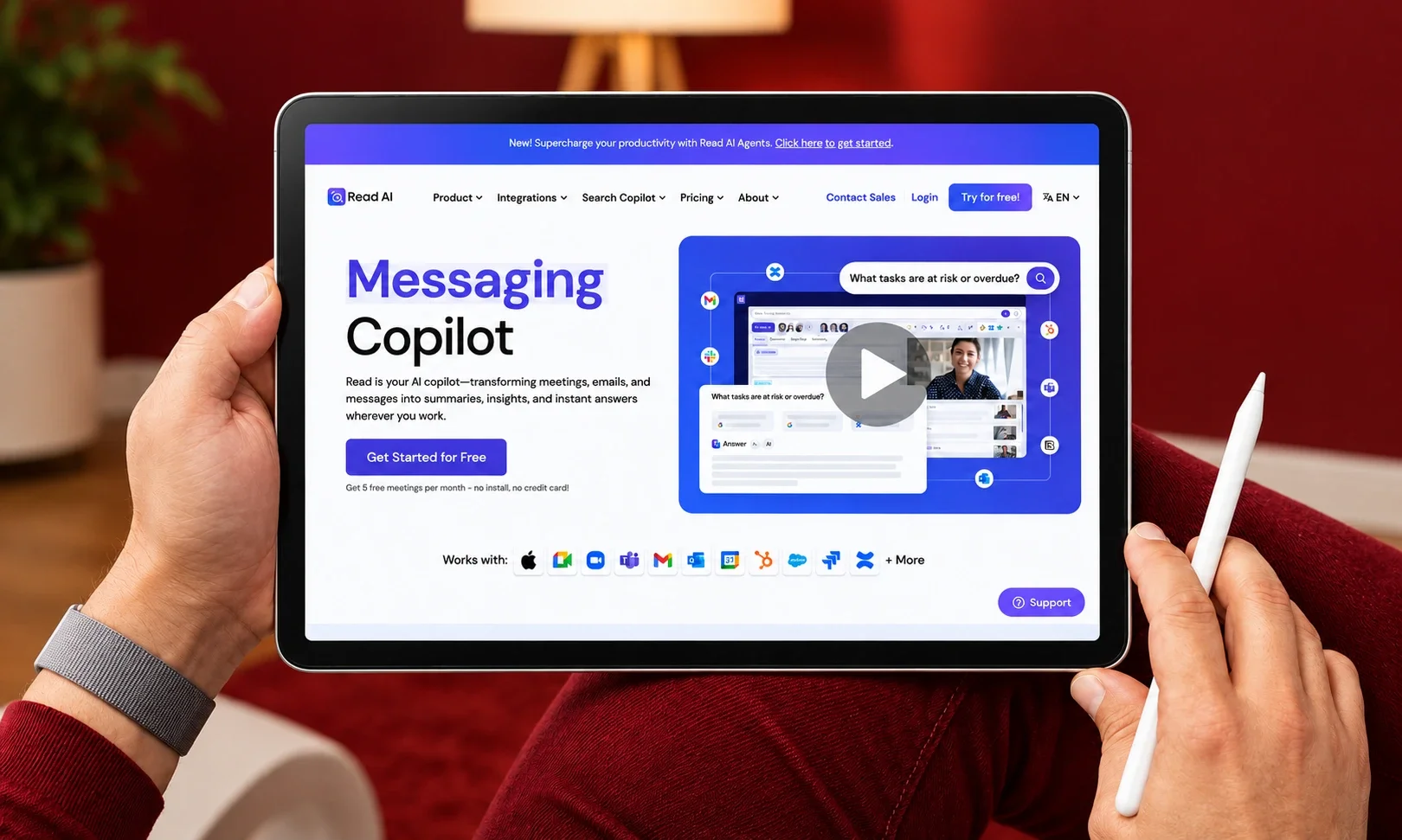
Read AI’s defining bet is that decisions do not happen in meetings — they happen across meetings, emails, and messages, and a memory that only covers the first is a memory with holes. Its search spans all three channels, and its action-item tracking follows commitments through completion: promise a client something on a call, deliver it by email, and Read links the two. Pro runs $15/user/month annually with unlimited transcripts; the free plan covers just five meetings a month, so treat it as a demo. For managers whose work scatters across channels, this is the most complete memory on the market.
Memory verdict: remembers the meeting and everything that happened because of it.
2. Fellow the institutional memory
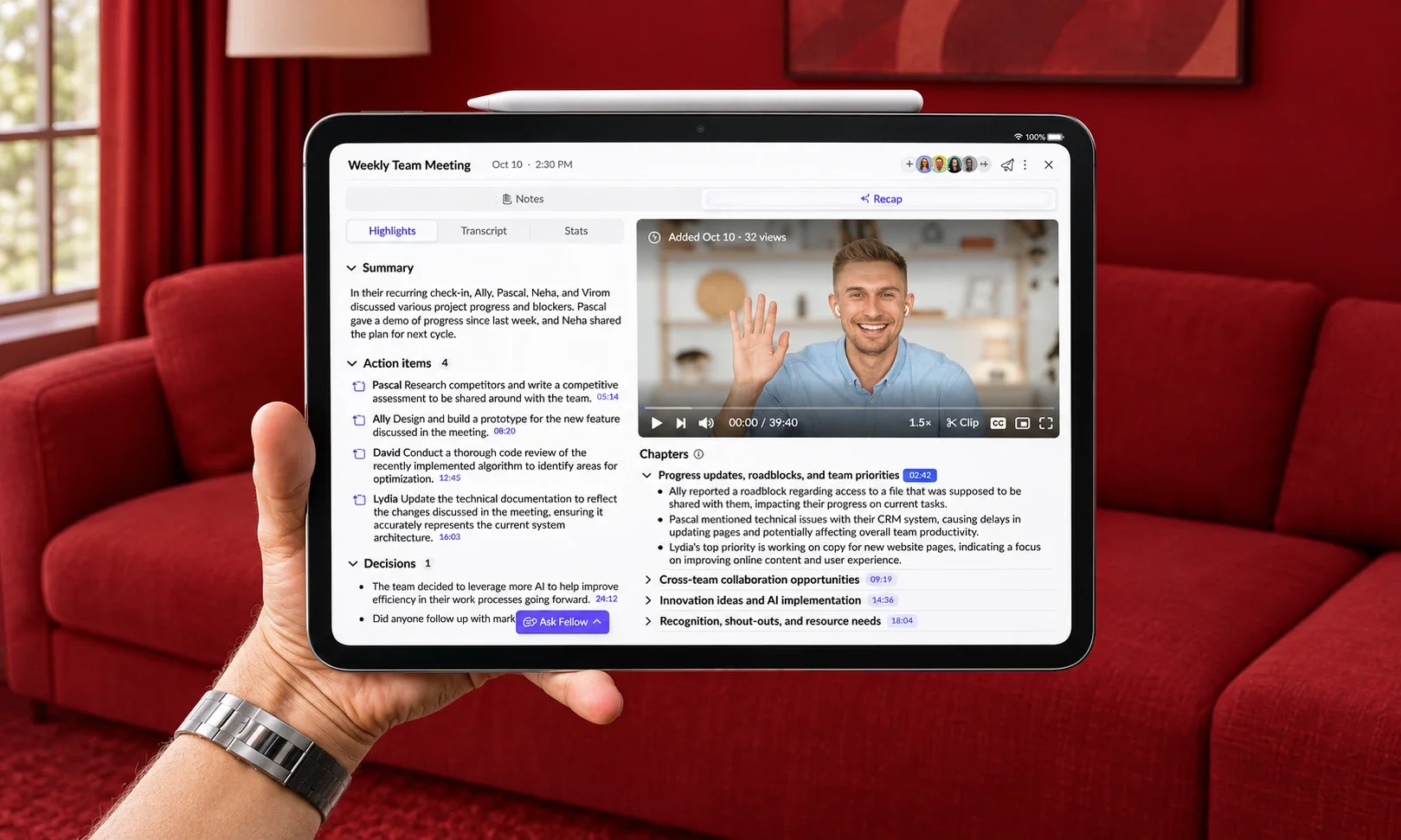
Fellow is built for the problem that outlives every employee: company knowledge walking out the door. Every meeting becomes part of one searchable, permissioned library Ask Fellow surfaces commitments and decisions across the organization and its MCP server lets Claude or ChatGPT read that memory and even write next week’s agenda.
Wirecutter named it the category’s top pick after independent testing, and the compliance posture (SOC 2 Type II, HIPAA option, no model training on your data) clears security reviews rivals fail. Team plans start at $7/user/month annually. The free tier’s limit is the catch: five AI notes and recordings per user, lifetime, not monthly.
Memory verdict: remembers for the organization, not just the individual.
3. Fireflies.ai the archive with a research assistant
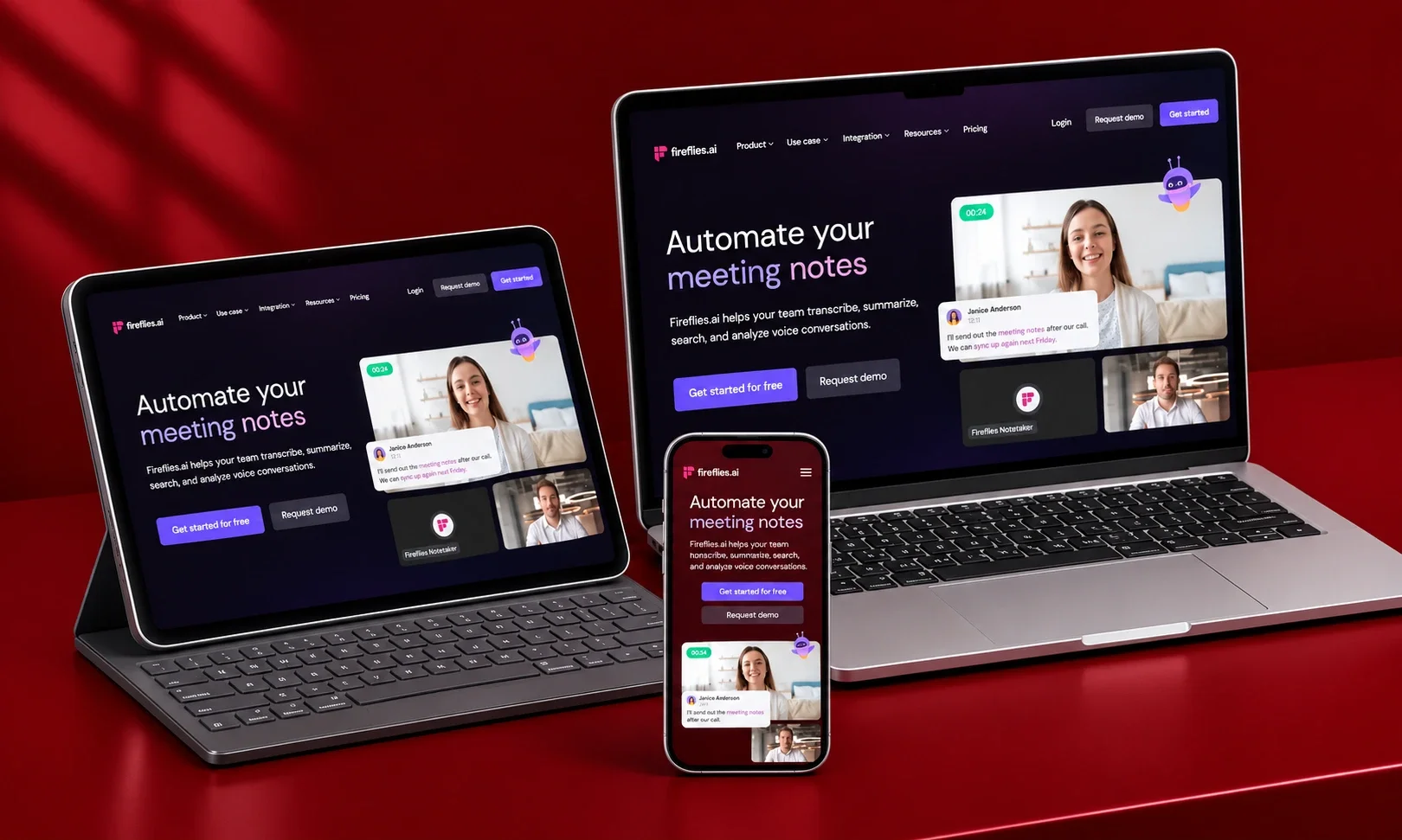
Fireflies’ memory has structure. Beyond full-text search across every recorded call, its topic trackers watch the archive for your competitor mentions, pricing objections, feature requests, and collect matching moments into a stream. AskFred turns the whole library conversational: ask what a customer objected to in Q2 and get an answer with the underlying clips for verification. Pro starts at $10/user/month annually with 50-plus integrations feeding your CRM. The bot-joins-the-call model remains its one social awkwardness.
Memory verdict: remembers, files, and proactively re-surfaces.
Strong recall: assistants that remember every meeting
4. Fathom unlimited memory at the best price in software
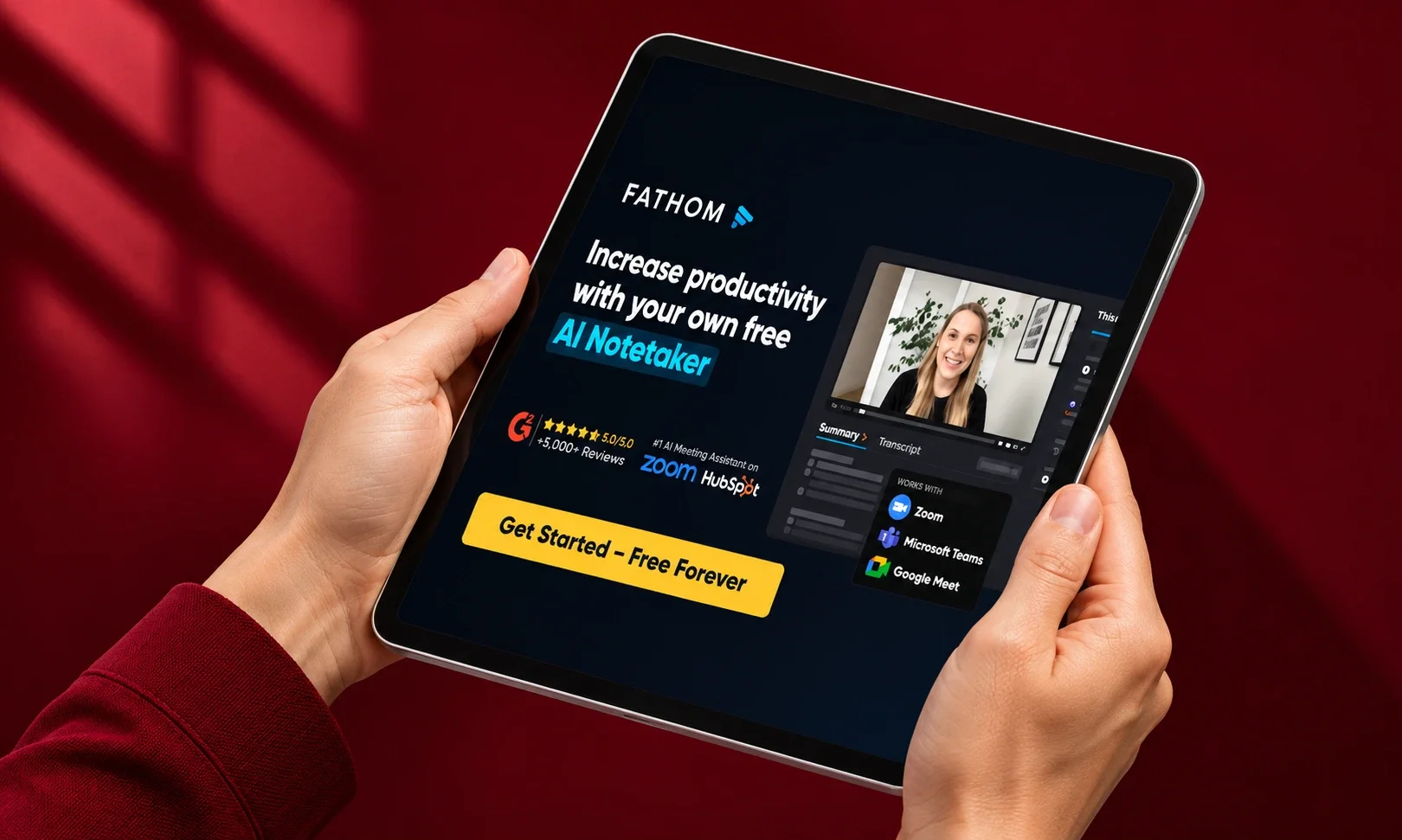
Fathom’s free plan remains the category’s anomaly: unlimited recordings, unlimited transcriptions, instant summaries, and full search, permanently free. Cross-meeting search across a whole team’s calls arrives on the Team plan at $15/user/month (two-seat minimum), with Business at $25 adding CRM field sync and coaching scorecards. A public API and MCP server come on every plan, and bot-free capture is in beta on Mac. If you test one tool from this list, start here it costs nothing to find out whether meeting memory changes how you work.
Memory verdict: remembers everything you record, and lets AI tools read it.
5. Otter.ai the veteran with a chat interface
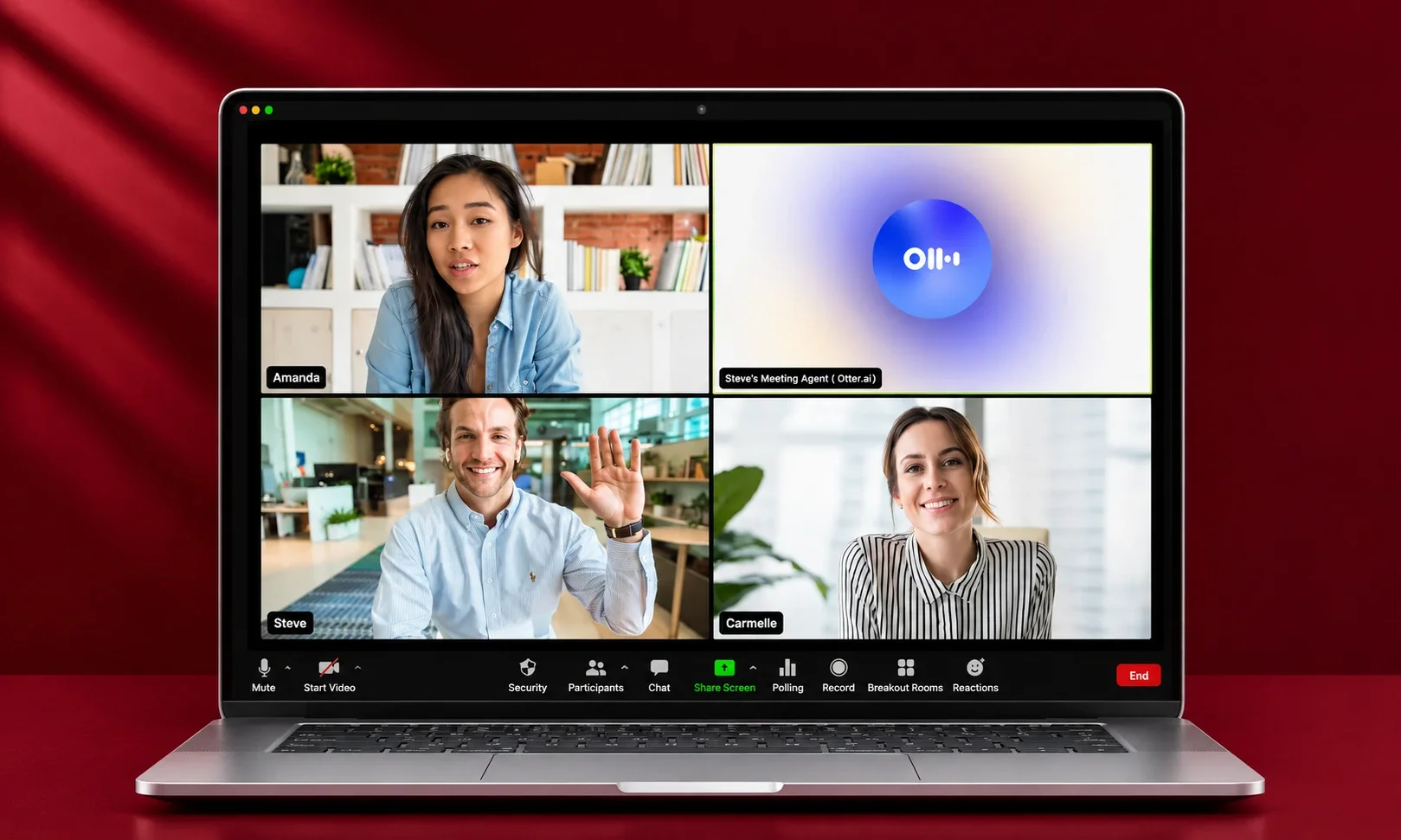
Otter’s AI Chat answers questions across your meeting history, and at $8.33/user/month annually it is the cheapest credible cross-meeting memory available. The free plan’s 300 monthly minutes suit light users. Two constraints define its ceiling: language support stops at six, thin beside Fireflies’ hundred-plus, and lower tiers meter monthly minutes the subscription equivalent of a fading memory. English-first teams wanting a mature, searchable record will find it entirely sufficient.
Memory verdict: remembers your meetings, in six languages.
6. tl;dv the memory that answers in reports
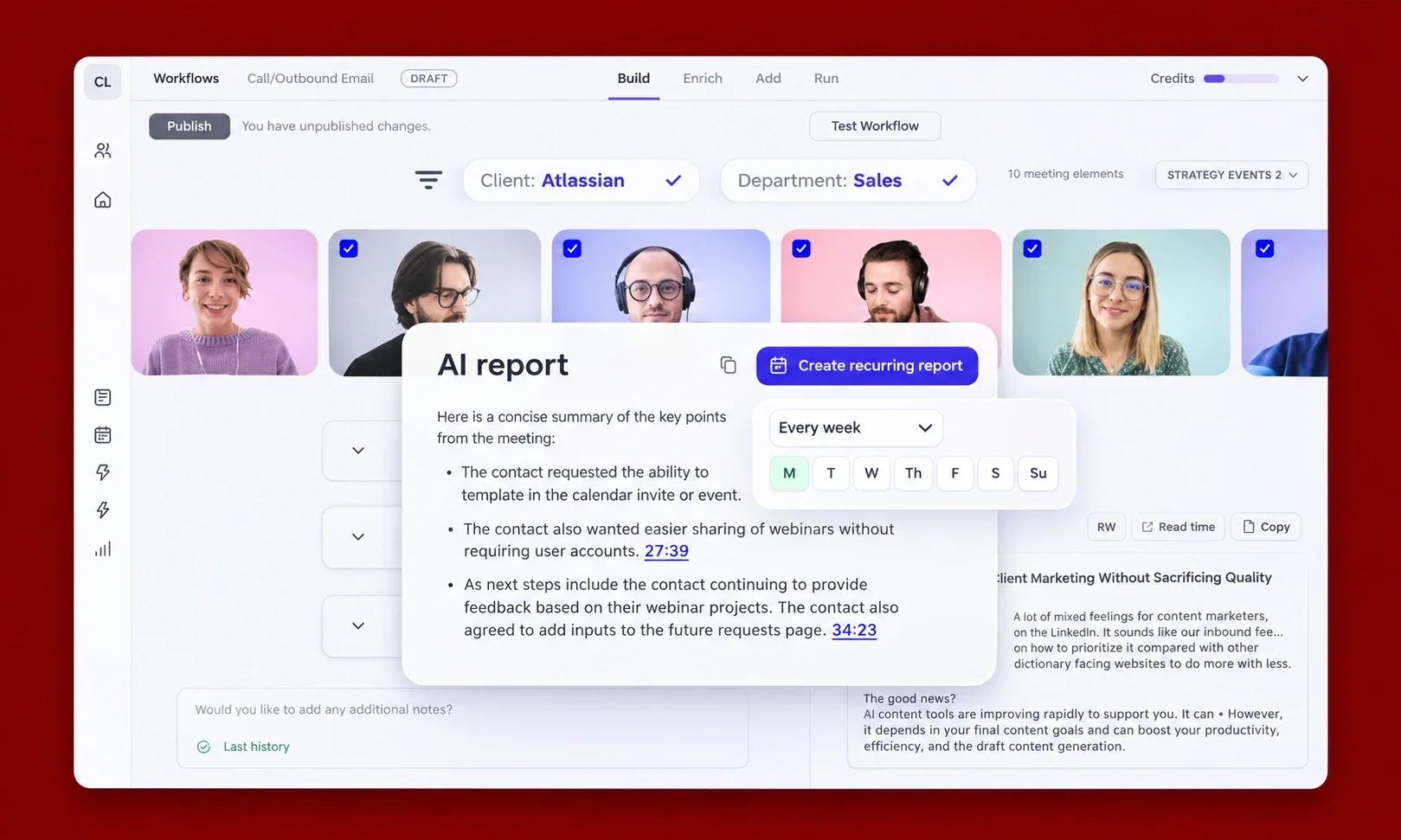
tl;dv’s signature is the multi-meeting report: ask one question across twenty calls every onboarding complaint, every renewal-risk signal and get a synthesized, clip-backed document instead of twenty transcripts. Recordings are hosted in the EU with SOC 2 certification, which settles data-residency debates for European teams instantly. Recording and transcription are unlimited on the free tier, but the AI intelligence is metered; Pro starts at €18/month. Zapier’s testing notes the bot occasionally fails to join under heavy demand, so keep a fallback for calls you cannot repeat.
Memory verdict: remembers patterns, not just moments.
Personal recall: assistants that remember for one person
7. Granola — the memory with a 30-day cliff
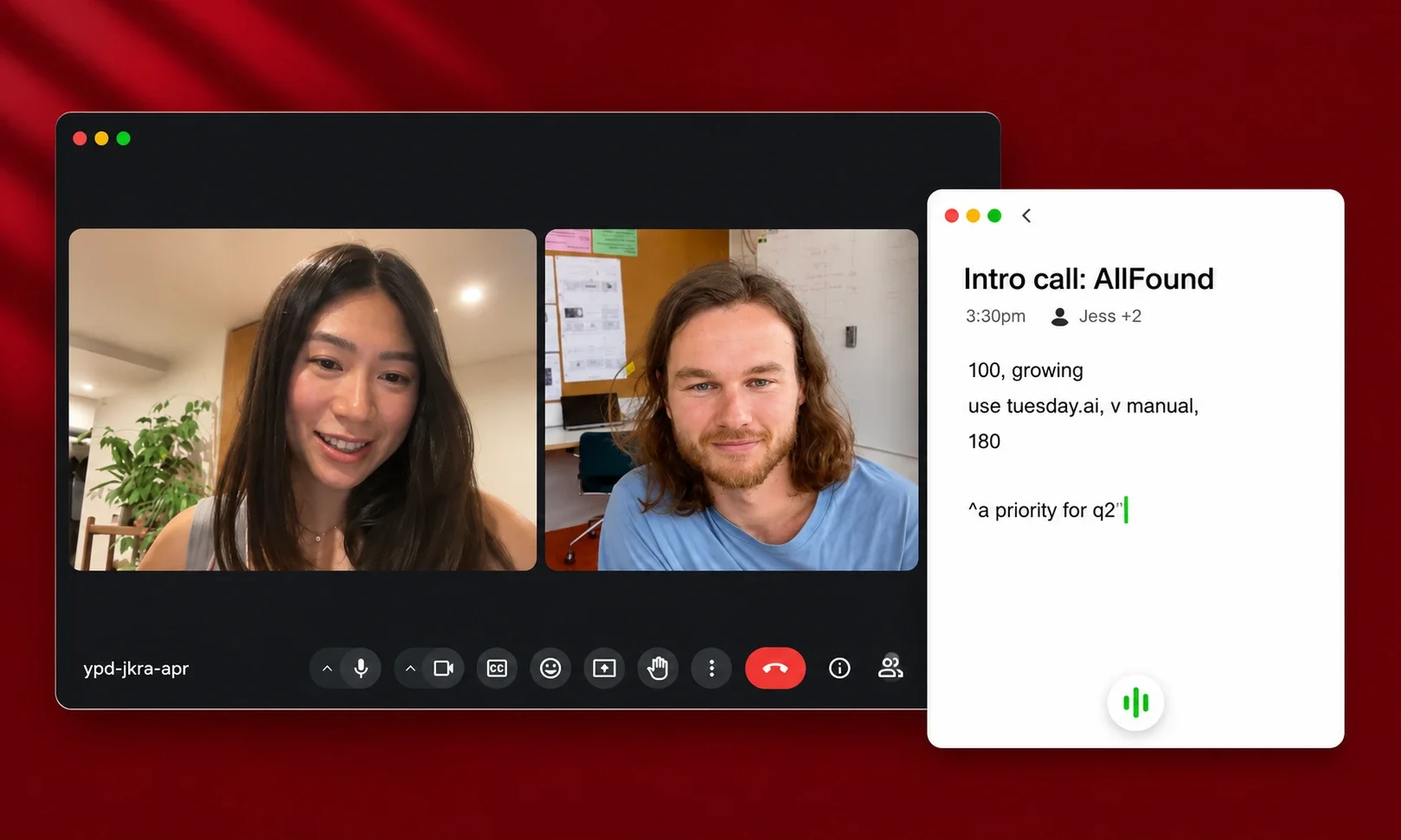
Granola is the tool people describe with affection: no bot in the room, just your device listening while you jot rough notes that AI enriches with full context afterward. Its cross-meeting chat answers questions across your history what has this client said about pricing, ever? and Business at $14/user/month adds unlimited history, integrations, and API access. But the free plan carries the sharpest amnesia clause in the category: notes older than 30 days become unreadable. As a trial that is honest; as a memory system it is a paid product, and it should be evaluated as one.
Memory verdict: remembers beautifully while subscribed.
8. Krisp the memory that also fixes your audio
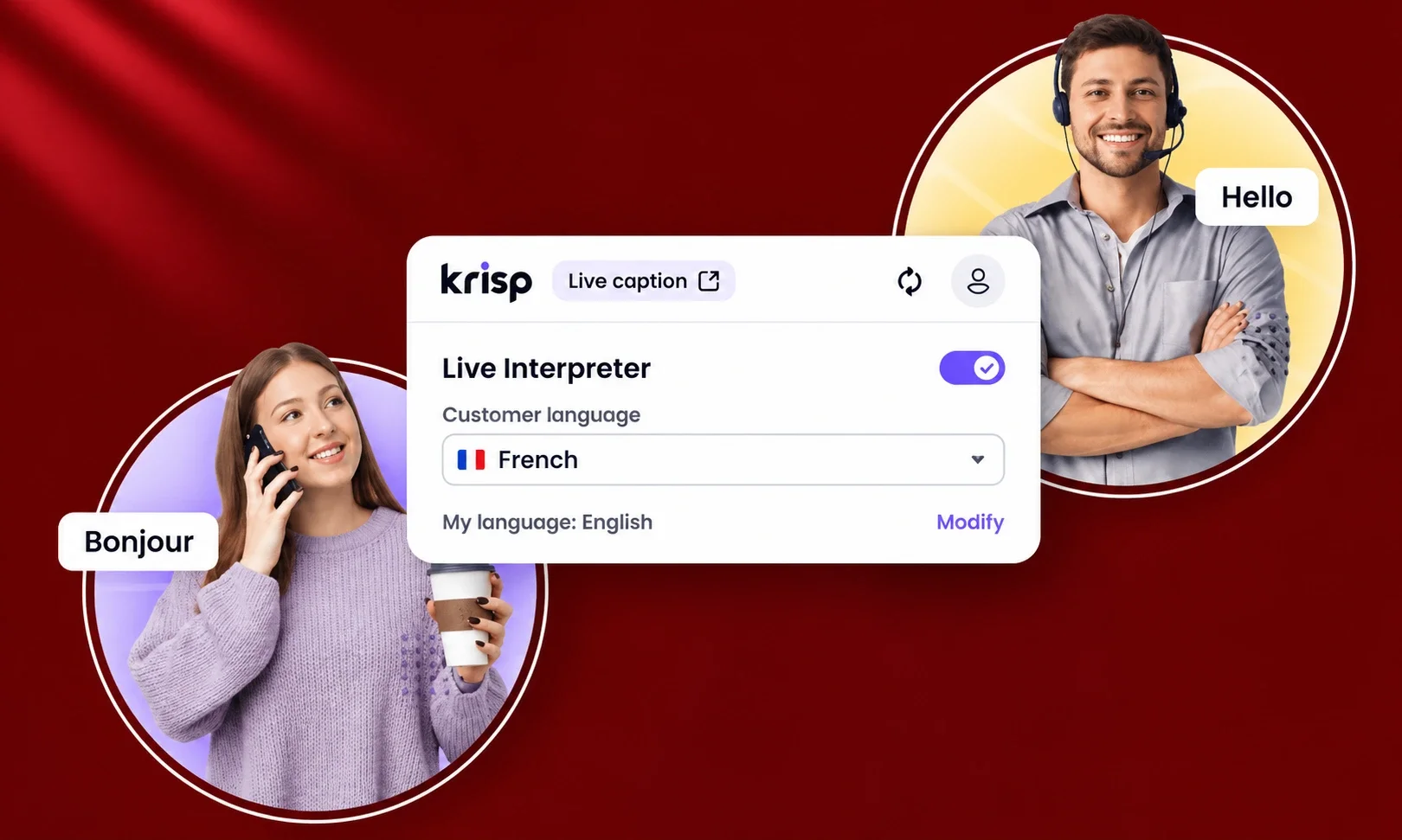
Krisp pairs bot-free capture and unlimited AI notes with the noise cancellation that made its name, which makes it the two-for-one of the category: cleaner audio in, cleaner notes out. Core runs $8/month annually, and its MCP support lets Claude, ChatGPT, and Cursor query your meeting memory directly. Its cross-meeting intelligence is thinner than Read’s or Fellow’s it is a superb notetaker with search attached, not a research layer but for individuals who wanted both problems solved in one subscription, the math is compelling.
Memory verdict: remembers your meetings and improves how they sound.
Platform recall: the assistant that remembers its own house
9. Zoom AI Companion — remembers Zoom, mostly
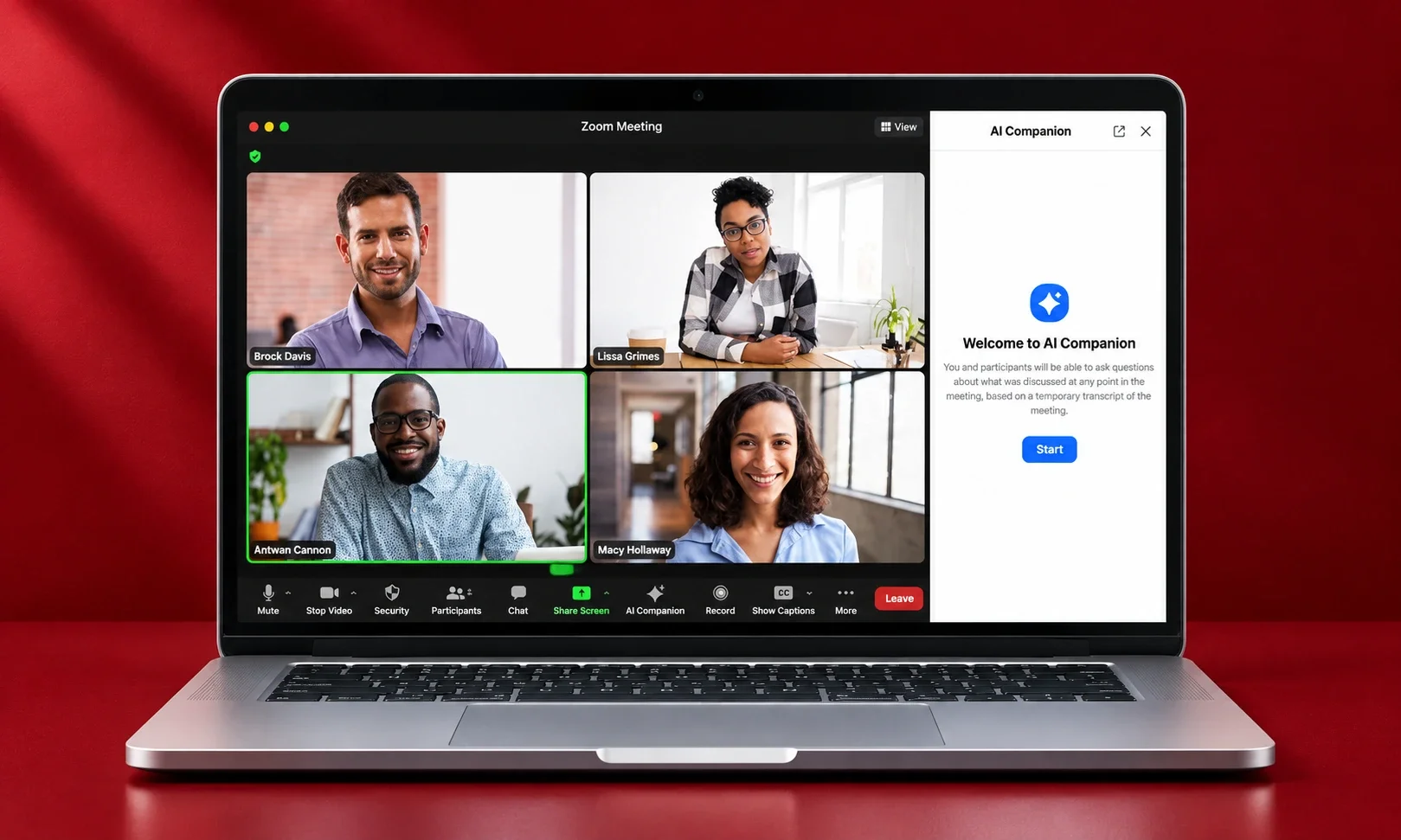
Zoom’s built-in assistant has quietly expanded beyond its walls: My Notes now captures Teams, Google Meet, and even in-person conversations without a bot, and a May 2026 update added agentic search into Salesforce, Workday, and ServiceNow records. For companies already paying for Zoom Workplace, it costs nothing extra. The limitation is architectural: My Notes output is private by default and lives in Zoom Hub, so the “memory” is per-person, not institutional coverage depends on each employee choosing to run it. Microsoft Copilot in Teams and Gemini in Meet share the same shape: good recall inside the suite, amnesia outside it.
Memory verdict: remembers its own platform well; everything else is your problem.
What the memory divide means for buyers
The pattern across all nine is worth stating plainly, because it predicts which subscription you will still value in a year. Per-meeting summarization is now a commodity free with Fathom, built into Zoom, Teams, and Meet. The price you pay is for memory: cross-meeting search, cross-channel context, institutional retention, and access for the AI tools you already use. Evaluate those four things and the choice makes itself.
Two cautions from teams that learned the hard way. First, free tiers are where memory goes to die Granola’s 30-day cliff, Fellow’s five-note lifetime cap, Read’s five-meeting month — so evaluate paid plans when memory is the point. Second, decide who owns the record before the first bot joins a call: a meeting memory is a liability as well as an asset, and the same discipline that governs any marketing AI copilot applies — retention policies, consent norms, and access controls set before rollout, not after the first awkward discovery. The best meeting assistant is the one whose memory you would still trust in a dispute.
Frequently asked questions
Which AI meeting assistant has the best memory?
Read AI offers the broadest memory, spanning meetings, email, and messages with action items tracked through completion. Fellow is the strongest institutional memory for whole companies, and Fireflies’ topic trackers plus AskFred make its archive the most research-friendly.
Is there a free AI meeting assistant with unlimited memory?
Fathom’s free plan includes unlimited recordings, transcriptions, and search the only genuinely unlimited free tier. Granola’s free plan forgets notes after 30 days, and Fellow’s free tier caps at five AI notes and recordings per user, lifetime.
What is the difference between a notetaker and meeting memory?
A notetaker summarizes each call as a self-contained event. Meeting memory connects calls over time: cross-meeting search, commitment tracking, and the ability to answer what a client said across four meetings. The first is now free; the second is what paid plans sell.
Do AI meeting assistants work with ChatGPT or Claude?
Increasingly yes, through MCP servers. Fellow, Fireflies, Fathom, Read AI, Otter, and Krisp all offer MCP or API access, letting AI assistants query your meeting history directly — the clearest dividing line in the category heading into 2027.
Are AI meeting assistants safe for confidential meetings?
It depends on configuration. Look for SOC 2 Type II certification, no-training-on-your-data policies, retention controls, and consent workflows. Fellow and tl;dv lead on governance; bot-free tools like Granola and Krisp sidestep the visible-recorder problem. Set retention policy before rollout, not after.