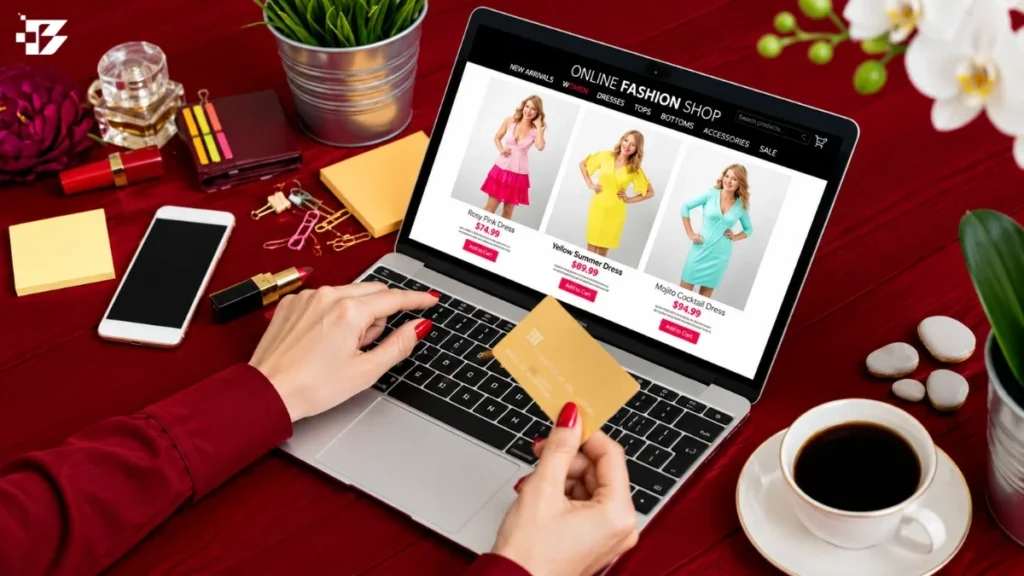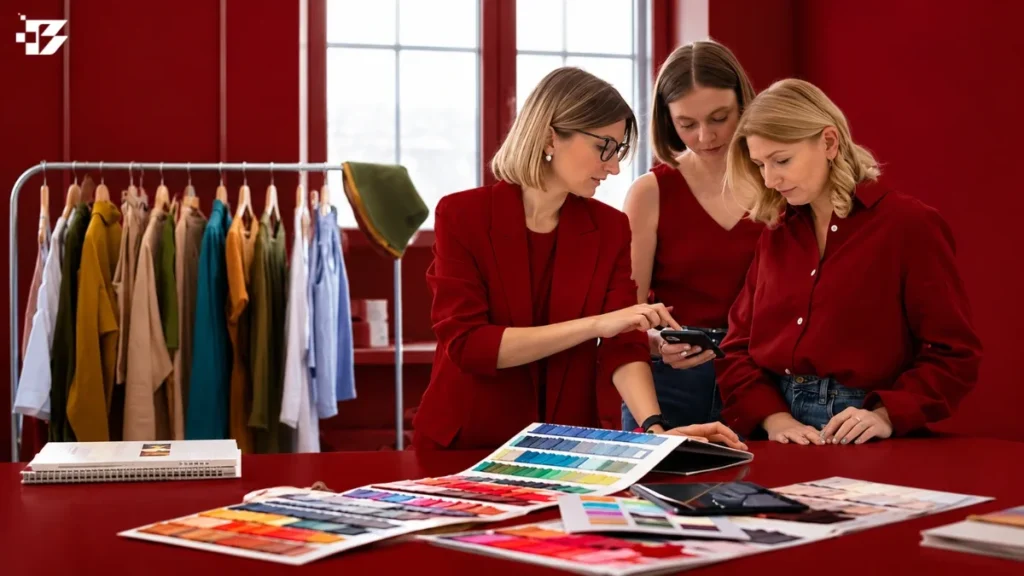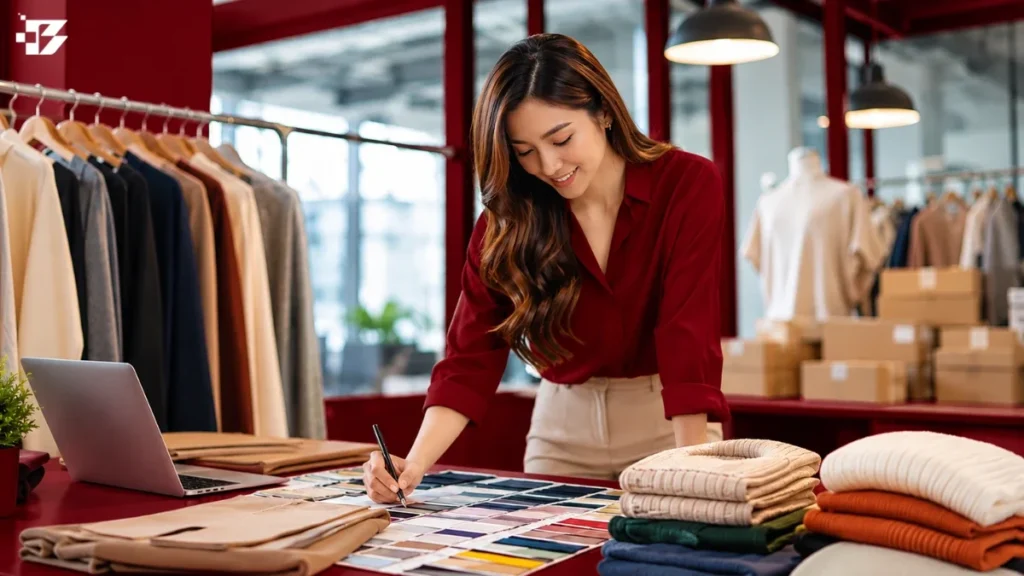
How to Select a Fashion E-Commerce Photography Partner: The right photography partner can match your visual standards and produce the image set your store needs. It can deliver under terms that fit your business. To choose well, judge catalog accuracy, creative fit, production capacity, and written deliverables. The strongest single image means little if the rest of the catalog looks uneven or arrives late. Your best choice depends on your brand’s products, channels, pace, and team. Good images help customers judge clothing before they buy. In 2022, Salsify reported that 30% of shoppers would not buy when product images were missing or low quality. This guide helps you compare experience, quality, workflow, cost, and image rights. Start by writing down what a successful image set must show and where you plan to use it.
Key Takeaways
- Define views, products, channels, and timing before requesting a quote.
- Choose image styles that answer shoppers’ questions about each garment.
- Review complete apparel series, not only a provider’s best frame.
- Compare quotes using the same deliverables and added services.
- Write image and model usage terms into the agreement.
- Set file needs, correction rounds, and final approval before booking.
What Should You Define Before Requesting a Quote?
A useful quote starts with a clear count of garments, variants, views, and destinations for the finished images. Specific scope lets a photography partner plan people, space, and time. Your brief should also state how often products arrive and who approves the final images.
Define the deliverables before discussing a price or schedule. In 2025, 54% of shoppers abandoned a purchase because content differed across channels. The same year, 71% returned a product because it did not match its online listing. Keep product images and details aligned across your store, marketplace pages, and social channels.
Set the image scope and production cadence
A shot list is a per-product checklist of the views and image deliverables required from a shoot. Apparel listings commonly use about 6-7 images to show useful views and details. A practical product photography guide can help your team consider angles, close-ups, and lifestyle views.
Before requesting quotes, gather these details for each product group:
- Product and SKU count, including colors, sizes, and other variants.
- Seasonal cadence, expected launch dates, and likely repeat shoots.
- Required image types, views, details, and any video deliverables.
- Target channels, such as your store, marketplaces, email, and social media.
- Output formats and any campaign or editorial uses.
- The brand-side contact who will review and approve images.
Tell the photography partner when samples are prototypes rather than final production garments. Fit, fabric, and color can change before production, so a prototype may not support final approval. Salsify’s 2025 consumer research found that shoppers notice when product content varies across channels.
Put every required view and image deliverable in writing before a provider builds the quote.
Write a visual brief for your channels
Describe the mood, background, crop, and level of styling that suit your brand. State whether product pages need a plain backdrop while social posts need more scene and movement. Include examples of images your team considers on-brand, plus any visual choices it wants to avoid.
Ask who will handle styling, garment preparation, and model direction. A short brief can also name the intended shopper and the product details each image must make clear. Put the required views for each product in a shot list before discussing a schedule.
Which Image Styles Match Each Apparel Product?
Choose the image style that answers the shopper’s biggest unanswered question about the garment. Fabric, shape, fit, or context may matter most. Use more than one style when product-page images alone cannot explain the item.
Online apparel returns averaged 24.4% in 2023. The rate was 21.0% for online-based returns and 28.0% for offline-based returns. Size was the leading reported reason for online apparel returns at 53%, followed by color at 16% and damage at 10%.
Flat lay for simple shapes and texture
Flat lay photography places clothing on a surface and captures it from above. It works well for simple shapes, printed fabric, and garments with visible details. This style makes it easy to compare colors and show a collar, pocket, or hem without a model.
Flat lay can suit tees, scarves, folded knitwear, and accessories. It may show less about how a garment hangs on a body. A retail product-page checklist also recommends multiple angles, zoom, and lifestyle images to help shoppers assess products.
Ghost mannequin for dimensional form
Ghost mannequin photography shows a garment on a mannequin, then removes the mannequin in editing. Compositing uses an exterior garment view and an interior view to fill the area where the mannequin was removed. This style can show a jacket’s structure or a shirt’s shape without a visible model.
The extra capture and editing work is a tradeoff. A garment with a deep neckline or lined interior may need careful interior shots to create a clean result. Use a ghost mannequin when a garment’s three-dimensional shape matters more than the motion or fit a live model can show.
On-model and lifestyle images for fit and context
An on-model set can show drape, fit, and how fabric moves on a body. It can also help customers judge garment length and how pieces sit together. Choose models and styling that reflect how your shoppers may wear the clothing.
Lifestyle images add a setting or action, such as a coat worn outdoors. They can give customers context that a plain product shot cannot. Keep product details visible, especially when a busy setting might distract from the garment.
| Style | What it communicates | Best apparel use | Main tradeoff |
|---|---|---|---|
| Flat lay | Color, print, surface detail | Tees, scarves, simple shapes | Shows little body fit |
| Ghost mannequin | Shape and construction | Shirts, jackets, structured pieces | Needs interior capture and editing |
| On-model | Drape, fit, and length | Dresses, pants, fitted clothing | Needs model and styling coordination |
| Lifestyle | Use, setting, and mood | Outerwear and complete looks | Scene can distract from product details |
How Can You Judge Technical Quality in a Portfolio?

A strong apparel portfolio shows the same level of control across a full product series, not only in its best hero frame. Look for repeatable accuracy in garment fit, color, fabric detail, lighting, and retouching. Review several images of the same item before judging the work.
Commercial apparel photography should show accurate color, consistent backgrounds, and multiple product angles. Check whether the garment drapes naturally or looks pinned into an unnatural shape. Compare the color with the real garment under neutral light, not only with other photos.
Check garment fit, color, and fabric detail
Inspect whether seams, closures, and texture remain clear at the intended crop. Silk and satin should have controlled reflections rather than blown highlights. Wool and corduroy should retain visible surface texture instead of looking smooth and flat.
Color management matters because screens can display the same image differently. The International Color Consortium explains how color profiles help web browsers convert image colors for displays in its ICC color-profile FAQ. Ask how the photography team checks color across a series.
Look for consistent lighting and retouching
Three-point lighting uses a key light, fill light, and backlight. The setup should reveal fabric shape and texture, not flatten a knit or distort its color. Look for even light across sleeves, hems, and darker parts of a garment.
Retouching may include color correction, background work, lint and loose-thread removal, shadow adjustments, and checks for exposure and white balance. Look for steady lighting, cropping, leveling, and exposure across the full set. A comparison of e-commerce background removers can help you assess cutouts, fine details, and shadow treatment.
Inspect complete series, not just hero images
A beautiful lead image cannot tell you how well a provider handles the back view, close-ups, or dark colors. Review a full series for the same background, crop, garment scale, and retouching style. Notice whether details remain sharp without making the fabric look artificial.
Ask to see samples from different clothing categories, not only one easy fabric. Compare several color and fabric types side by side before deciding that a portfolio is consistently accurate.
Which Partner Setup Fits Your Production Workflow?
The best setup is the one that fills your production gaps without adding roles your team can already manage. An independent photographer can suit a small, creatively directed shoot. A high-volume or recurring catalog may benefit from a coordinated workflow.
Choose a setup by the work your team needs someone else to own. Compare who coordinates models, styling, studio space, capture, and editing. A service name alone does not tell you how much production work stays with your brand.
Independent photographers and small boutiques
An independent photographer may handle capture and editing while your team books models, gathers clothing, and directs styling. This can work well when you have a clear creative lead and only a few products. A small boutique studio may provide space or styling help, but confirm each role before booking.
For teams also testing AI portrait tools, an overview of AI headshot tools covers likeness and uploaded-photo privacy. That is adjacent to apparel work, so treat it as a separate check from product accuracy.
Full-service, local-network, and ship-in studios
Managed production setups may coordinate models, styling, studio time, capture, and editing. Snappr uses local photographers in more than 195 cities. soona offers product and on-model photography, lifestyle photography, UGC-style video, and AI product visuals.
Squareshot is a ship-in ecommerce photography studio with per-image pricing. A ship-in service can reduce the need for your team to arrange local studio space, but someone still must prepare and track samples. Each example has a different operating model, not a guaranteed fit for every brand.
Ask for a named contact and a clear handoff plan. If your team already has a stylist, model contacts, or a studio, avoid paying for roles you can manage well. Choose a ship-in workflow only if you can coordinate sample shipping, tracking, and return logistics.
How to Select a Fashion E-Commerce Photography Partner for a Seasonal Catalog
A portfolio is most useful when it shows sustained work in the apparel categories and image styles your catalog actually needs. Look for relevant experience with garments, volumes, and visual approaches like yours. Test a small but representative group before assigning a full seasonal catalog.
Review relevant work and production experience
A fashion portfolio can include 15-30 images across 2-3 bodies of work, with galleries of 8-12 images. Look for clear, coherent bodies of work rather than a mix of unrelated styles. Published tearsheets, a brief market-specific bio, and a direct contact route help you understand the photographer’s experience.
Check whether the provider has photographed your product categories and managed a similar amount of work. Ask how the team handles communication, sample intake, approvals, and schedule changes. For on-model work, notice how the photographer directs people and helps them feel at ease; a guide to engagement photography also explains how movement and comfort affect lifestyle images.
Run a small, representative test shoot
Choose test items that reflect real work, not just the easiest garments in the range. Include one product with a tricky fabric or fit issue, such as a reflective surface or a piece that needs careful draping. The test should use the same brief and approval path planned for production.
Watch how the team handles samples, questions, and agreed dates. Note whether the images arrive in the planned order and whether feedback leads to clear changes. A test can also reveal if your brand-side contact has enough time to review images promptly.
Keep the test small enough to review closely, but broad enough to show how the provider handles different products. Use more than one garment category when the seasonal collection includes distinct types of clothing. Record the test result against the same brief and approval criteria you plan to use for the full production.
How Do You Compare Photography Quotes and Usage Costs?
Compare quotes only after asking each provider to price the same garments, views, styling, and editing. Matched deliverables make different fee models easier to compare. Do not compare headline rates without matching shot counts and included services.
Rates below are listed 2026 prices. Hourly, per-image, per-angle, and per-booking charges create different totals, even when the final image count looks similar. Add talent, styling, studio, service fees, and retouching before choosing.
| Provider and option | Listed 2026 rate | Minimum or booking condition | Extra cost component |
|---|---|---|---|
| soona | $39 per photo | $149 studio pass per booking | Full-body models from $159 per hour |
| Squareshot product images | From $50 per product image | $300 minimum for product shoots | Retouching scope affects the quote |
| Squareshot on-model images | From $95 per image | 5 outfits and 20 images required | Model rate starts at $220 for first outfit angle, then $110 per added angle |
| Snappr Value or All-inclusive | $89 or $169 for first hour | Pay-as-you-go booking | 15% service fee on pay-as-you-go |
soona’s listed 2026 photo rate sits alongside its studio pass, model, stylist, and hair and makeup charges. Its full-body models start at $159 per hour, stylists at $149 per hour, and hair and makeup at $299 per model. Squareshot’s 2026 on-model pricing starts at $220 for an outfit’s first angle with its model, then $110 for each additional angle.
Snappr’s first-hour rate is $89 for Value or $169 for All-inclusive, plus a 15% service fee for pay-as-you-go bookings. Compare what each option includes, not just its starting rate. Ask whether retouching covers color changes, background work, or only basic cleanup.
Include models, styling, hair and makeup, studio fees, service fees, outfit and image minimums, and retouching scope in your comparison. Ask for an itemized total that separates capture, talent, studio, retouching, and booking fees.
Who Owns the Images, and What Rights Do You Need?
Paying for a commissioned photo shoot does not by itself tell you who owns the copyright or which uses are permitted. Written terms should match the brand’s channels, reach, and time period. A license allows stated uses; an assignment transfers rights to the recipient.
Copyright protection for an original photograph begins when it is fixed in a tangible form, including a digital file. Photographers generally own the copyright unless work-made-for-hire rules, an assignment, or another agreement changes that result.
Understand the difference between a license and an assignment
A license gives your brand permission to use an image under stated terms. An assignment transfers image rights to your brand. The U.S. Copyright Office explains the basics of copyright for visual artists, including the creator’s general ownership rights.
A commissioned photograph qualifies as work made for hire only under specific conditions. It must fit a statutory category, and a specially ordered or commissioned work needs a written agreement saying so. A payment receipt alone does not transfer ownership.
Confirm copyright and model-image usage in writing
Write down use on your website, marketplaces, social media, and ads. Name the territory and duration, and state whether you may crop, edit, or reuse images in later campaigns. Model-image use needs its own clear terms.
Provider terms can differ. In 2026, Squareshot included six months of usage for recognizable model images, with longer terms costing extra. In 2026, soona described its models as royalty-free with unlimited usage. These are specific examples, not rules for every shoot.
Ask whether model permissions cover paid ads, social posts, and marketplace listings. Confirm whether usage ends on a date or continues until either party ends it. Have the contract spell out image and model usage for every channel the brand expects to use.
What File Specs and Delivery Times Should You Confirm?
Confirm the store’s image limits before capture so the provider can deliver files that work on the product page. Platform fit affects dimensions, file weight, and zoom. Set file rules and delivery dates in writing before production begins.
Shopify permits product images up to 5000 × 5000 pixels and 20 MB per file in 2026. It recommends square 2048 × 2048 pixel images and files around 300 KB. Images must exceed 800 × 800 pixels for zoom functionality.
| Setting | Requirement or recommendation | Why it matters |
|---|---|---|
| Maximum Shopify file dimensions and size | 5000 × 5000 pixels; 20 MB per file | Fits platform limits |
| Recommended square dimensions | 2048 × 2048 pixels | Supports clear product-page display |
| Zoom threshold | More than 800 × 800 pixels | Allows Shopify zoom |
| Recommended file weight | Around 300 KB | Helps keep pages lighter |
| Alt-text length | Under 100 characters, including spaces | Keeps image descriptions concise |
Shopify’s 2026 product image limits include those size and zoom rules. A clear handoff plan should also name file formats, folders, and alt-text responsibilities. For store planning, this guide to building an ecommerce site with Shopify covers product pages and image presentation.
Set image dimensions, weight, and alt text
Tell the provider whether your team needs square crops, alternate crops, or files for several channels. Agree who writes alt text and whether it comes with the final files. Concise descriptions should name useful product details without repeating the same words in every image.
For broader image planning, a guide to building a website from scratch discusses filenames, alt text, and image speed. Keep the image file and its product-page description in the same delivery plan.
Agree on editing turnaround and final delivery
Fashion editorial and lookbook photography typically takes 7-14 business days to deliver. High-volume ecommerce and catalog work is quoted per project, while rush timing can be arranged with advance notice. Confirm whether the schedule counts from sample arrival, shoot day, or approval.
Fast post-production does not mean the entire photography project is complete. Pixelz offers fashion and ecommerce editing, including background removal, color correction, and ghost-mannequin retouching, with turnaround as fast as three hours in 2026. That editing time does not include capture, sample shipping, or brand review.
Set dates for first proofs, corrections, and final files. Put the delivery date, rush conditions, and any staged handoff dates in the written production schedule.
What Should Your Final Booking Checklist Cover?
Before confirming the booking, make sure both teams agree on who prepares, shoots, reviews, and approves each deliverable. Clear ownership keeps samples and edits from getting stuck between teams. Define correction rounds and final approval authority before the shoot.
Check these five points before you confirm the studio date:
- Approved shot list and styling brief for every product group.
- Sample preparation, shipping, tracking, and return logistics.
- A named brand-side image approver with time to review.
- Itemized retouching tasks and correction responsibilities.
- File names, delivery folders, and any master-file needs.
JPEG is a common web format. Request TIFF or PSD files when your team needs editable masters. Set who checks corrections and how the provider receives consolidated feedback.
Do not leave correction rounds or final approval authority undefined.
That decision affects the whole team’s pace. If several people review images, ask them to send feedback through one contact rather than separate messages. This reduces mixed direction about styling, crop, and details.
Confirm that the people listed in the booking can make the decisions assigned to them. Name one person on the brand team who can give consolidated final approval.
Conclusion
Choose the partner whose process makes accurate, consistent product images repeatable across the catalog. Reliable work matters more than one striking sample frame. Your decision should also fit your production needs and include clear usage terms in writing.
A strong fit can keep product images true to the garments customers receive. It can also help your team manage seasonal volume without losing the look your brand needs. Send the same brief and sample shot list to a short group of candidates, then compare their proposed deliverables and total scope. Send your brief and sample shot list to the candidates you are ready to evaluate.