

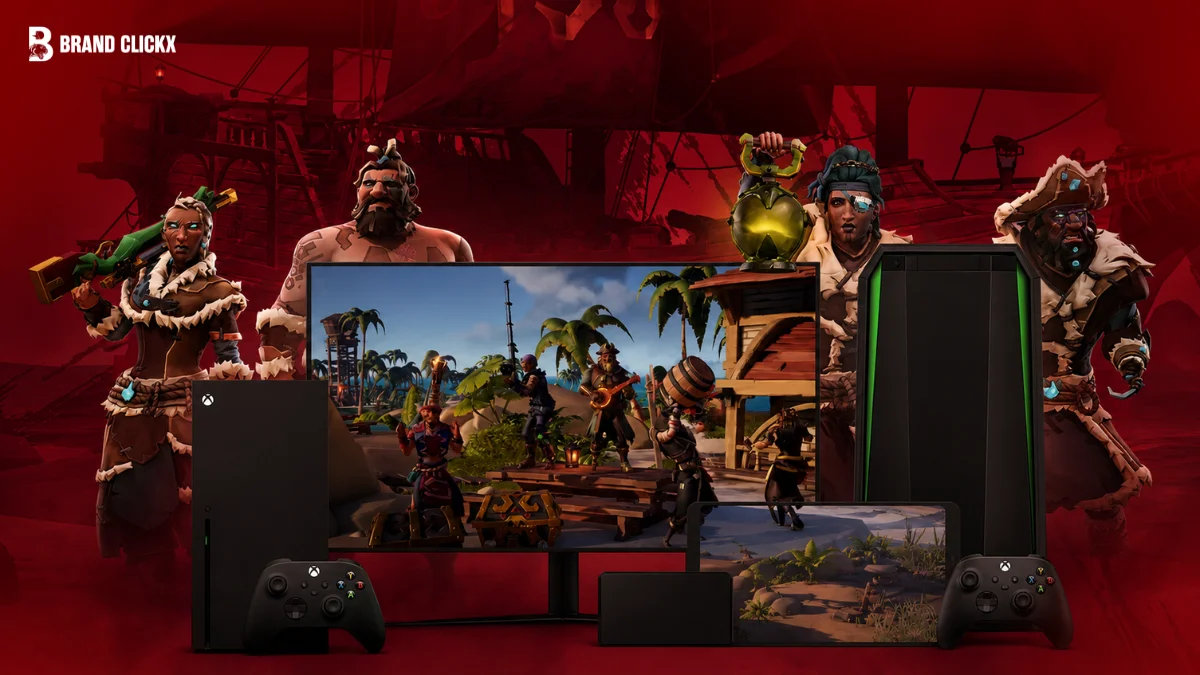
I remember the first time cloud gaming really made sense to me. A demanding game was sitting on a modest laptop that would never handle the graphics locally, yet the game could still be played because the expensive hardware was somewhere else.
That is the appeal of cloud gaming streaming services: you rent the computing power instead of buying all of it yourself.
But choosing a service in 2026 is not as simple as picking the one with the highest resolution. Some services work best with games you already own. Others bundle a large game library into a subscription. Some are built around PlayStation or Xbox, while others essentially give you a remote gaming PC.
So the right choice depends on your games, device, internet connection, budget, and location.
AI Overview: Best Cloud Gaming Services in 2026
The best cloud gaming service depends on what you want to play and how you own your games. GeForce NOW is particularly suited to supported PC games you already own, while Xbox Cloud Gaming is a strong choice for Game Pass subscribers. PlayStation Plus Premium fits PlayStation users, while Boosteroid and Shadow PC target different PC-focused needs.
Cloud gaming can eliminate the need for a powerful local GPU, but it cannot eliminate the need for a good internet connection. Resolution, latency, server distance, game availability, regional restrictions, and subscription rules can matter just as much as the advertised specifications.
Key Takeaways
- GeForce NOW is a strong choice for supported PC games you already own.
- Xbox Cloud Gaming is especially attractive when you already use Game Pass.
- PlayStation Plus Premium is the natural choice for supported PlayStation cloud streaming.
- Shadow PC is different because it provides a broader remote Windows PC rather than simply a game catalog.
- NVIDIA recommends less than 80 ms latency to a GeForce NOW data center.
- NVIDIA lists 45 Mbps for 4K at 120 FPS and 65 Mbps for 5K at 120 FPS on supported setups.
- PlayStation recommends 52 Mbps for 4K cloud streaming, while its minimum requirement to start a session is 5 Mbps up and down.
What Are the Best Cloud Gaming Streaming Services?
The best cloud gaming streaming services in 2026 include GeForce NOW, Xbox Cloud Gaming, PlayStation Plus Premium, Amazon Luna, Boosteroid, and Shadow PC. GeForce NOW is best suited to many players who already own supported PC games, Xbox Cloud Gaming offers strong Game Pass integration, and PlayStation Plus Premium is designed for supported PlayStation streaming. Your internet quality and game availability should decide the final choice.
Best Cloud Gaming Services at a Glance
| Service | Best for | Main model | Key strength |
|---|---|---|---|
| GeForce NOW | Owned PC games | Bring your own games | High-end streaming performance |
| Xbox Cloud Gaming | Game Pass users | Subscription library | Large Xbox ecosystem |
| PlayStation Plus Premium | PlayStation users | Subscription + selected owned games | PS5 and Portal streaming |
| Amazon Luna | Casual and Prime users | Rotating library | Simple access |
| Boosteroid | Budget PC streaming | Bring your own games | PC storefront support |
| Shadow PC | Full cloud computer | Remote Windows PC | Greater software freedom |
These services are not direct copies of one another. That distinction is one of the most important things to understand before you subscribe.
Which Cloud Gaming Streaming Services Are Best in 2026?
1. GeForce NOW — Best for Supported PC Games You Own
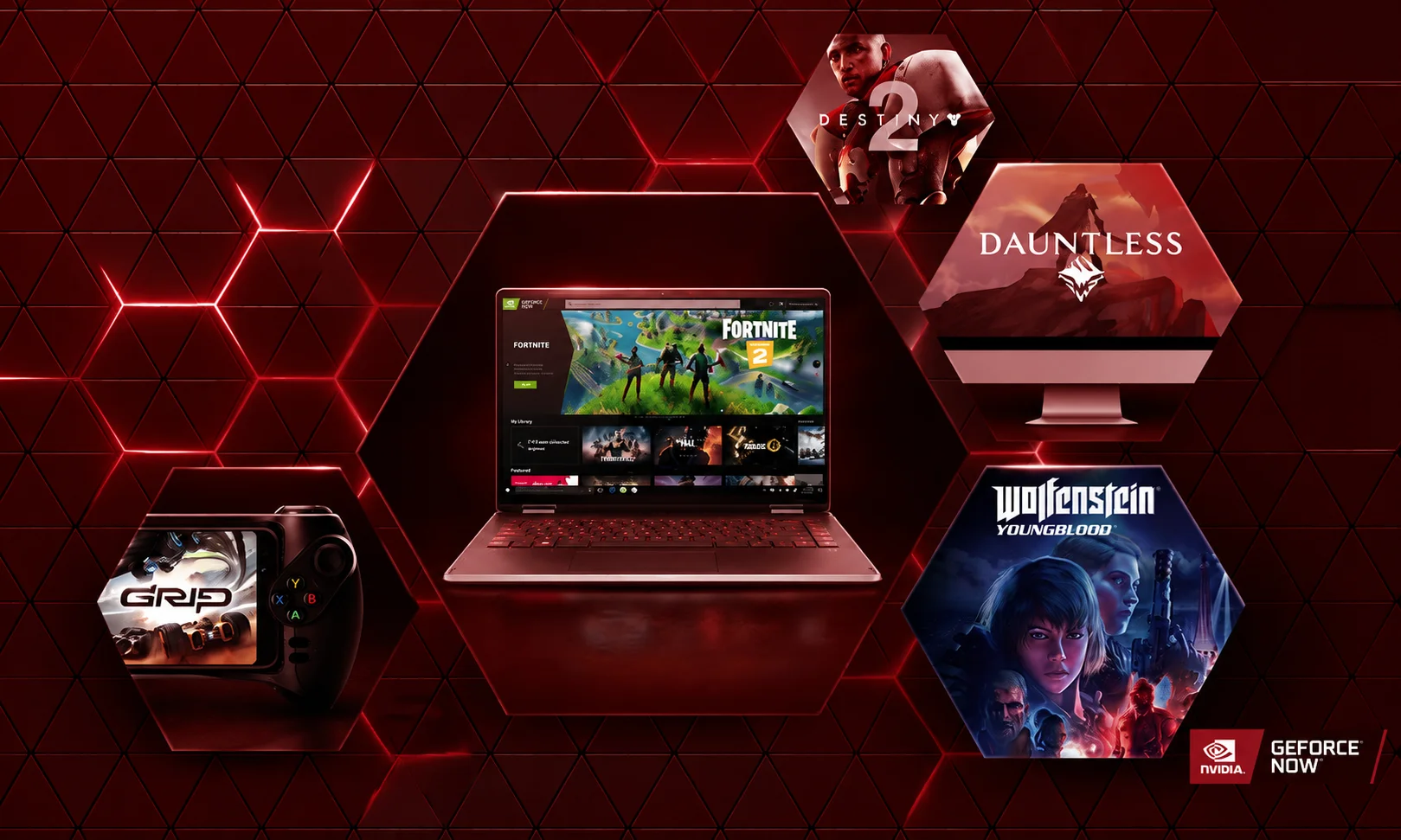
GeForce NOW is probably the easiest service to understand if you already have a digital PC game library.
Instead of buying the game again from NVIDIA, you connect supported accounts and stream compatible games through NVIDIA’s infrastructure.
That makes it fundamentally different from a subscription library where the games are simply included with your monthly membership.
NVIDIA supports Windows, macOS, ChromeOS, Linux in beta, browsers, Android, iPhone and iPad, selected smart TVs, Fire TV, Android TV, handhelds, and some immersive displays.
Its published network requirements are also unusually specific. NVIDIA lists 15 Mbps for 720p/60 FPS, 25 Mbps for 1080p/60 FPS, 35 Mbps for 1440p/120 FPS, 45 Mbps for 4K/120 FPS, and 65 Mbps for 5K/120 FPS on supported configurations.
NVIDIA also recommends Ethernet or 5 GHz Wi-Fi and requires less than 80 ms of network latency to an NVIDIA data center.
Who should use GeForce NOW?
Choose it if you already own supported PC games and want to play them on hardware that is not powerful enough to render them locally.
It is also worth considering if high resolution and high frame rates are priorities and your connection can support them. If you plan to play with a controller rather than a keyboard and mouse, connecting a PS5 controller to your PC is straightforward over USB or Bluetooth.
Who should avoid it?
It may disappoint you if your main expectation is a huge subscription library where every game is included.
Game support also matters. Owning a game does not automatically mean you can stream it through GeForce NOW.
2. Xbox Cloud Gaming — Best for Game Pass Subscribers
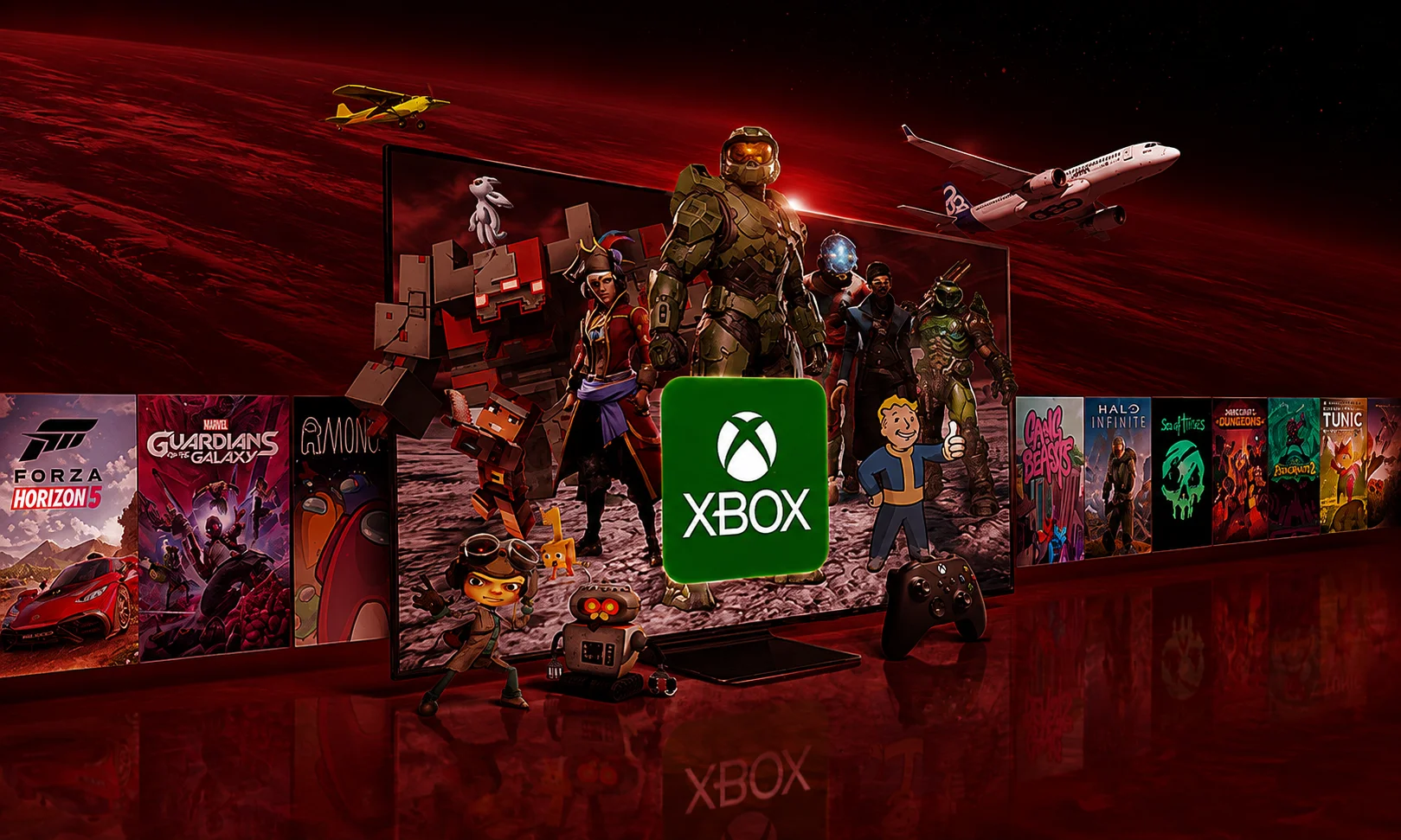
Xbox Cloud Gaming takes a different approach.
Rather than focusing primarily on your existing PC storefront library, Microsoft’s model is closely connected to Game Pass and the Xbox ecosystem.
Microsoft says Game Pass Ultimate includes hundreds of games, unlimited Xbox Cloud Gaming, online console multiplayer, EA Play, Ubisoft+ Classics, Fortnite Crew, and selected day-one releases.
The US price for Game Pass Ultimate was reduced from $29.99 to $22.99 per month in April 2026, while PC Game Pass dropped from $16.49 to $13.99, according to Microsoft’s official pricing announcement. Microsoft notes that prices vary by region.
That makes Xbox particularly compelling when you already want Game Pass for reasons beyond streaming.
You are not paying only for cloud gaming. The membership combines a broader gaming ecosystem with cloud access.
Who should use Xbox Cloud Gaming?
It is a strong fit for players who want a subscription-based library instead of purchasing every game individually.
It also makes sense for people already invested in Xbox, Game Pass, or supported devices such as phones, PCs, consoles, TVs, and handhelds.
Who should avoid it?
Do not choose it solely because a particular game appears in the Game Pass catalog today.
Microsoft makes clear that titles, features, regions, platforms, and availability can change. Some cloud-playable games outside the included catalog may also need to be purchased separately.
3. PlayStation Plus Premium — Best for PlayStation Cloud Streaming
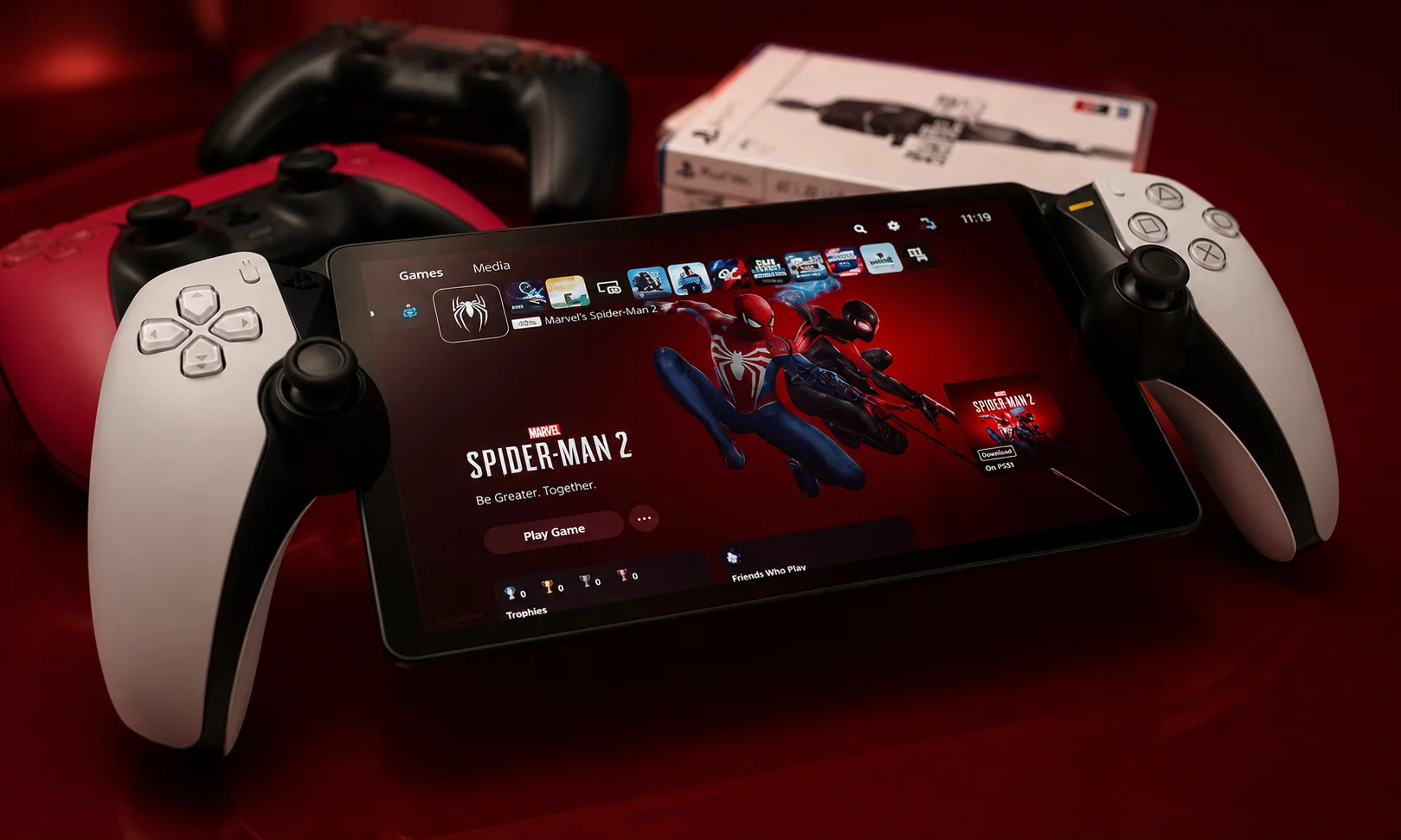
PlayStation Plus Premium is the obvious choice when your gaming world is already centered around PlayStation.
Sony allows selected games to be streamed directly to supported PS5 consoles and PlayStation Portal devices. The service can also stream eligible games from the Game Catalog, Classics Catalog, and selected digital PS5 games in a player’s library.
Sony’s current requirements are straightforward.
You need at least 5 Mbps upload and download speed to establish a streaming session. For higher resolutions, Sony’s official cloud streaming specifications recommend 13 Mbps for 720p, 23 Mbps for 1080p, 38 Mbps for 1440p, and 52 Mbps for 4K.
That is an important distinction from simply asking whether your internet is “fast enough.”
A connection can have high download speed and still produce a poor cloud gaming experience if latency, packet loss, or routing is problematic.
Who should use PlayStation Plus Premium?
It is best suited to PlayStation users who want supported games without downloading them and to Portal owners who want cloud streaming where the feature is available.
Who should avoid it?
It is not a universal cloud gaming solution.
Sony restricts cloud streaming by country, account, title, subscription, and platform. Its current listed countries do not include Pakistan.
That regional restriction matters more than a headline specification.
4. Amazon Luna — Best for Simple, Casual Access
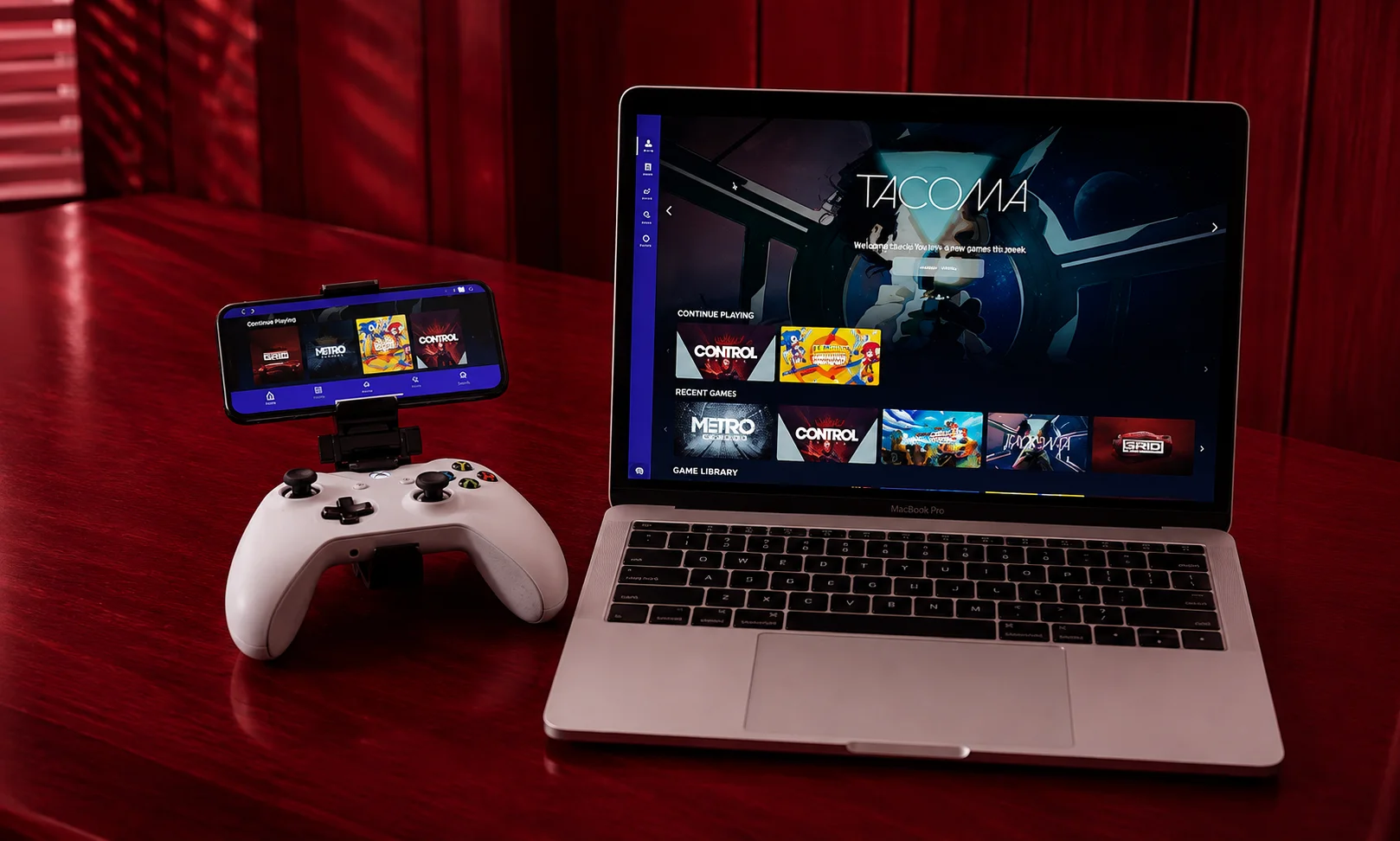
Amazon Luna has taken a different path from the traditional PC storefront model.
Its appeal is simplicity: instead of building around a large collection of games you personally own, Luna has used rotating libraries and subscription-based access.
However, its 2026 position has changed considerably, and current comparison sources describe a more streamlined service than the older Luna model.
That makes Luna harder to compare directly with GeForce NOW.
If you already use Amazon’s ecosystem and the available games match your interests, it can make sense. But someone with a large Steam library has a very different reason to choose a service.
Who should use Amazon Luna?
Luna is worth considering if you want straightforward cloud access and its current library fits the games you actually play.
It can also be appealing when Prime or another existing Amazon relationship makes the service more convenient.
Who should avoid it?
Avoid choosing it simply because it has a low headline subscription price.
A smaller or rotating catalog can become frustrating if the games you care about are unavailable or leave the service.
5. Boosteroid — Best Budget-Oriented PC Alternative
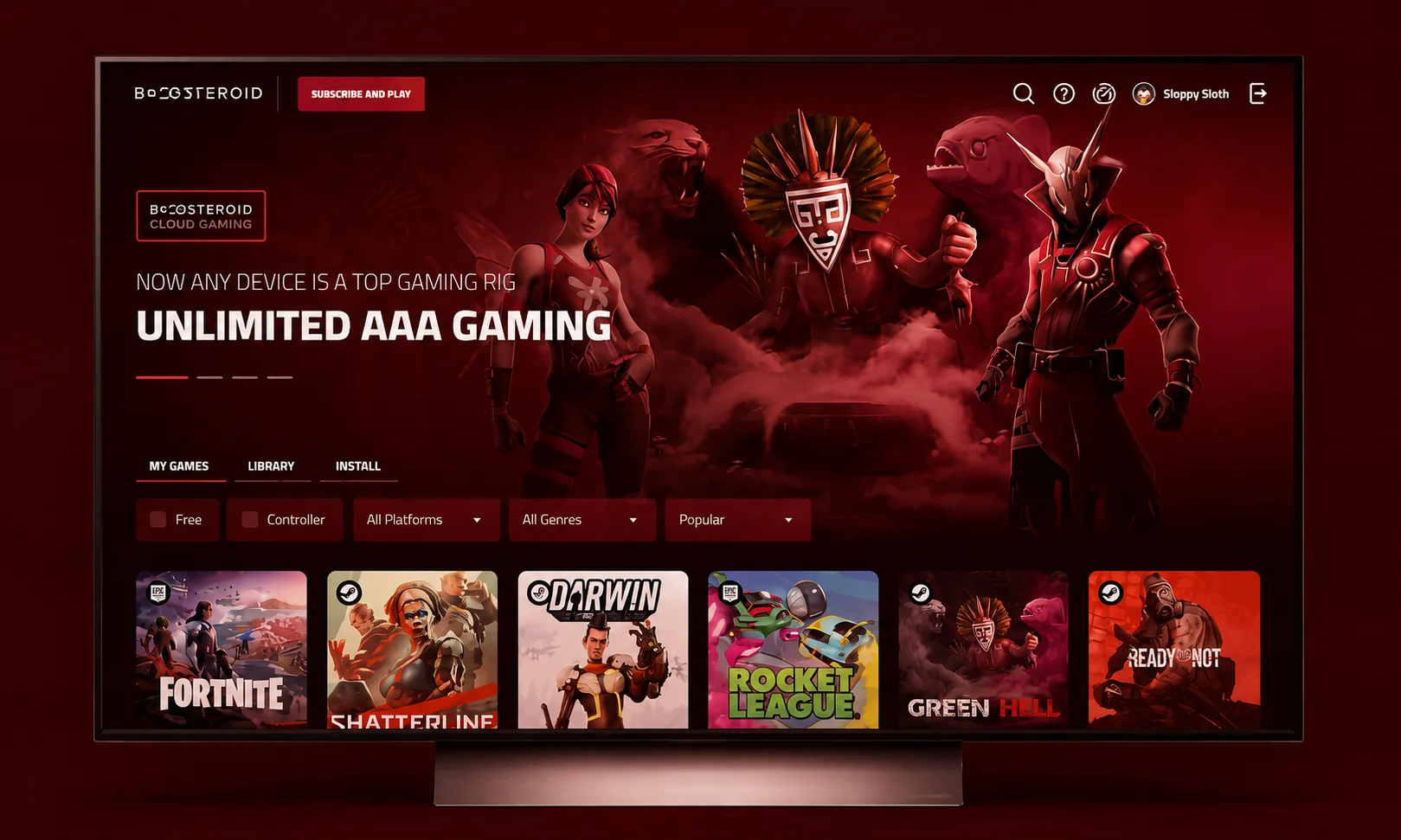
Boosteroid follows the bring-your-own-games model more closely than Xbox Cloud Gaming.
That makes it interesting for PC players who already own games through supported storefronts and want another way to run them remotely.
Current 2026 comparisons position Boosteroid as a budget-oriented alternative, although pricing varies by country, billing period, and promotion.
The important thing is not to compare the monthly price alone.
Server location, supported games, resolution, connection quality, and renewal pricing can change the value calculation significantly.
Who should use Boosteroid?
Consider it if you already own supported PC games and its servers provide a good connection from your location.
It can be particularly interesting when the price is more attractive than competing services.
Who should avoid it?
Do not subscribe before checking the specific games you want to play.
Also check the normal renewal price rather than judging the service only from an introductory promotion.
6. Shadow PC — Best for a Full Cloud Gaming PC
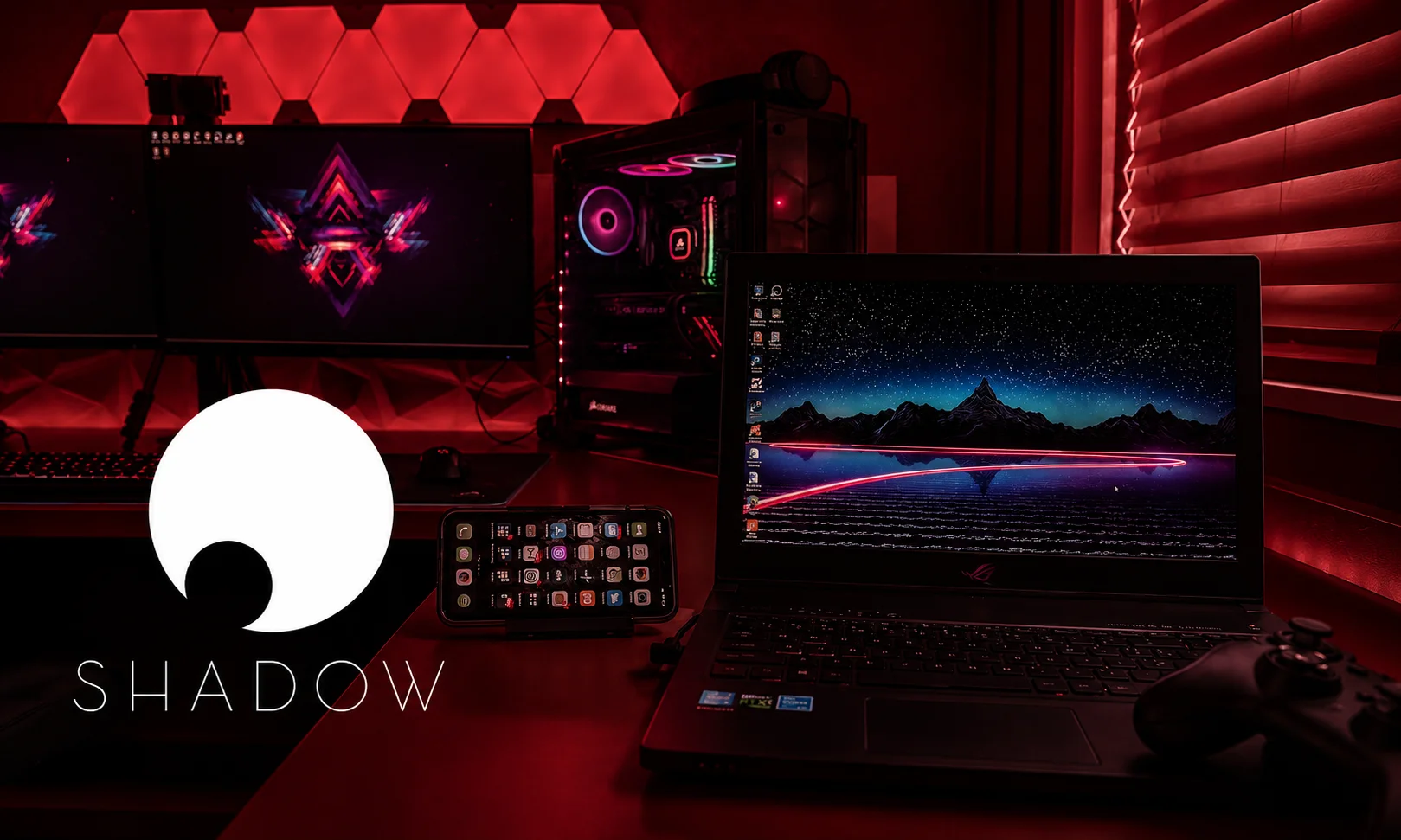
Shadow PC is different from almost everything else on this list.
You are not simply renting access to a fixed game catalog. You are effectively renting a remote Windows computer.
That gives you more flexibility because the machine can be used for compatible games and other software rather than only launching games from a provider-controlled library.
The trade-off is cost.
Current 2026 comparison coverage places Shadow above mainstream game-streaming subscriptions in price, which makes sense because you are paying for a broader computing environment.
Who should use Shadow PC?
Shadow makes sense when you want more control over the remote machine and need something closer to a full cloud computer.
It is especially interesting for users who do not want to be restricted to a narrow streaming catalog.
Who should avoid it?
If you only want to play a few games as cheaply as possible, a conventional game-streaming subscription may provide better value.
Cloud Gaming Services Compared
The biggest mistake is comparing these platforms as though they sell exactly the same product. They do not.
| Service | Game model | Best fit | Main limitation |
|---|---|---|---|
| GeForce NOW | Own supported PC games | PC players | Not every game is supported |
| Xbox Cloud Gaming | Included subscription library | Game Pass users | Catalog changes |
| PlayStation Plus Premium | Selected PlayStation games | PlayStation users | Regional and title restrictions |
| Amazon Luna | Rotating subscription access | Casual users | Changing library |
| Boosteroid | Own supported PC games | Budget PC streaming | Server and game availability |
| Shadow PC | Full remote Windows PC | Maximum flexibility | Higher cost |
The distinction between renting compute and renting game access is especially useful.
GeForce NOW and Boosteroid can make more sense when you already own games. Xbox and PlayStation can be more attractive when the included catalog is the main reason you subscribe.
How Much Internet Speed Do Cloud Gaming Services Need?
Cloud gaming is not simply about having a fast internet package.
The connection must also remain stable while the service continuously sends game video to your device and receives your inputs.
NVIDIA’s official system requirements recommend:
| Quality | NVIDIA requirement |
|---|---|
| 720p up to 60 FPS | 15 Mbps |
| 1080p at 60 FPS | 25 Mbps |
| 1440p at 120 FPS | 35 Mbps |
| 4K at 120 FPS | 45 Mbps |
| 5K at 120 FPS | 65 Mbps |
NVIDIA also recommends Ethernet or 5 GHz Wi-Fi and less than 80 ms latency to its data center.
PlayStation’s recommendations are different. Sony recommends 23 Mbps for 1080p, 38 Mbps for 1440p, and 52 Mbps for 4K, while 5 Mbps up and down is the minimum for starting a session.
So there is no universal “cloud gaming speed.” Your target resolution, service, device, server distance, and network stability all matter.
Why Latency Can Matter More Than Speed
Imagine your internet connection is fast enough to download a large file quickly.
That does not automatically mean your cloud gaming experience will feel responsive.
Every controller input has to travel to the remote server. The server processes it, renders the next frame, encodes the result, and sends that frame back to your screen.
That round trip introduces delay.
Jitter and packet loss can make the problem worse.
For slow-paced strategy games or turn-based games, small delays may be barely noticeable. Competitive shooters, fighting games, racing games, and rhythm games are much less forgiving.
This is one reason local hardware still has a clear advantage for competitive gaming — if you’re weighing a local upgrade against a cloud subscription, comparing NVIDIA and AMD GPUs is a useful next step.
What Devices Can You Use for Cloud Gaming?
Device support has become one of cloud gaming’s biggest advantages.
GeForce NOW, for example, supports Windows, macOS, ChromeOS, Linux beta, iPhone, iPad, Android devices, handhelds, browsers, selected TVs, Fire TV, Android TV, and several immersive displays.
That means a powerful gaming computer is no longer the only screen through which demanding games can be accessed. If you’re setting up a living-room streaming rig, choosing the right smart TV matters just as much as the service itself — features like low input lag and HDMI 2.1 make a real difference for cloud gaming specifically.
However, compatibility does not guarantee an identical experience.
A service may support your phone but require a controller. A smart TV may support the service but impose different resolution or input limitations.
Always check the exact device model before subscribing.
Cloud Gaming vs a Gaming PC vs a Console
| Factor | Cloud gaming | Gaming PC | Console |
|---|---|---|---|
| Upfront hardware cost | Lower | Higher | Moderate to high |
| Local rendering | No | Yes | Yes |
| Internet dependence | High | Lower for offline games | Lower for offline games |
| Hardware upgrades | Provider handles them | You handle them | Limited |
| Game ownership | Depends on service | Usually stronger | Usually stronger |
| Input latency | Network-dependent | Usually lower | Usually lower |
| Portability | High on supported devices | Limited | Limited |
| Storage requirements | Lower | Higher | Higher |
Cloud gaming wins on convenience.
A local gaming PC or console wins when you want predictable performance, offline access, ownership, and the lowest possible input delay.
Neither approach completely replaces the other.
Three Things Competitors Often Miss
Your Internet Speed Is Not the Whole Story
A speed-test screenshot can look impressive while the actual cloud gaming experience remains poor.
Latency, jitter, packet loss, Wi-Fi interference, congestion, and server distance can all affect the result.
That is why NVIDIA’s own requirements specify both bandwidth and latency rather than bandwidth alone.
Your Country Can Matter More Than the Subscription Price
A service may look perfect on a comparison table and still be a poor choice if it does not officially support your region.
PlayStation’s current cloud-streaming country list, for example, does not include Pakistan.
So check availability before looking at the monthly price.
“Best” Depends on How You Own Games
This is perhaps the most important distinction.
If you already own a large supported PC library, a bring-your-own-games service can make more sense.
If you want a ready-made catalog, a subscription service may be more convenient.
Paying for the wrong model can leave you with access to hundreds of games you never wanted while the titles you actually play require separate purchases.
How to Choose the Right Cloud Gaming Service
Use this simple decision process before paying.
1. Make a List of Your Five Most-Played Games
Do not start with the subscription price. Start with the games.
Check whether those specific titles are supported by the service you are considering.
2. Decide Whether You Own or Rent Your Games
If you already own supported PC games, look closely at GeForce NOW or Boosteroid.
If you want an included catalog, compare Xbox Cloud Gaming, PlayStation Plus Premium, or Luna based on your ecosystem.
3. Check Your Actual Connection
Look beyond download speed.
Test your connection at the time you normally play and pay attention to stability and latency.
4. Check Regional Availability
Confirm that the provider officially supports your country.
Do not assume that because a service operates in the United States, Europe, or another nearby market, every feature is available where you live.
5. Test Before Committing Long-Term
A short subscription or free tier is more useful than trusting a comparison table.
The same service can feel excellent in one location and frustrating in another because the network route to the data center is different.
Who Should Use Cloud Gaming?
Cloud gaming is a particularly good fit if you:
- Have a modest PC or laptop.
- Want to avoid buying a high-end GPU.
- Already own supported PC games.
- Want to play on multiple devices.
- Prefer subscription libraries.
- Travel frequently.
- Want to reduce local game downloads.
- Have stable, low-latency internet.
Who Should Avoid Cloud Gaming?
It may not be the right choice if you:
- Need completely offline gaming.
- Play highly competitive games where every millisecond matters.
- Have unstable internet.
- Have strict data limitations.
- Live far from a supported data center.
- Want permanent access to every game you purchase.
- Prefer physical game ownership.
Common Cloud Gaming Mistakes to Avoid
- Choosing a service only because someone calls it “the best”: There is no universal winner.
- Confusing a subscription library with game ownership: A game included today can be removed later, while some cloud services require you to own the game separately.
- Ignoring your location: A service’s advertised resolution means little if the nearest supported server gives you an unstable connection.
- Assuming 4K automatically means a better experience: A stable 1080p stream with low latency can feel better than a high-resolution stream that constantly drops quality.
Is Cloud Gaming Worth It in 2026?
For the right player, yes.
Cloud gaming has moved beyond the idea of simply replacing a gaming PC. It now covers several different models: subscription libraries, bring-your-own-game services, console streaming, and complete cloud PCs.
That variety is its strength, but it is also what makes choosing difficult.
If your priority is high-end PC streaming, start with GeForce NOW. If you want a subscription library, Xbox Cloud Gaming deserves serious consideration. PlayStation users should look at PlayStation Plus Premium, while Shadow makes more sense when you need a complete remote PC.
FAQ: Cloud Gaming Streaming Services
What are the best cloud gaming streaming services in 2026?
The leading options include GeForce NOW, Xbox Cloud Gaming, PlayStation Plus Premium, Amazon Luna, Boosteroid, and Shadow PC. Each uses a different model, so the best choice depends on whether you own PC games, want a subscription library, use PlayStation, or need a full cloud computer. Your region and internet quality should also influence the decision.
Is GeForce NOW better than Xbox Cloud Gaming?
Neither is automatically better because they solve different problems. GeForce NOW is particularly attractive when you already own supported PC games, while Xbox Cloud Gaming is closely tied to Game Pass and its included library. Choose based on the games you want rather than the brand name.
What internet speed do you need for cloud gaming?
The requirement depends on the service and resolution. NVIDIA lists 25 Mbps for 1080p/60 FPS and 45 Mbps for 4K/120 FPS, while Sony recommends 23 Mbps for 1080p and 52 Mbps for 4K cloud streaming. Stability and latency matter alongside bandwidth.
Can you play games you already own through cloud gaming?
Yes, some services are designed specifically around supported games you already own. GeForce NOW and Boosteroid are examples of this model, although game support varies by title and storefront. Owning a game does not automatically guarantee that every cloud service supports it.
Is cloud gaming worth it in 2026?
Cloud gaming is worth considering if you have stable internet and want to play demanding games without purchasing expensive local hardware. It is less attractive if you need offline access or extremely low input latency. For many players, the best approach is to use cloud gaming where it offers a clear convenience advantage rather than treating it as a complete replacement for local gaming.
Final Verdict: Which Cloud Gaming Service Should You Choose?
I keep coming back to that modest laptop from the beginning because it captures what cloud gaming does best. It changes the question from “Can my hardware run this game?” to “Can this service stream it well to me?”
For supported PC games you already own, GeForce NOW is one of the strongest choices. For a broad subscription library, Xbox Cloud Gaming is compelling, especially when Game Pass already fits your gaming habits.
PlayStation Plus Premium makes the most sense inside the PlayStation ecosystem, while Boosteroid can be worth investigating for budget-conscious PC streaming. Shadow PC is the specialist choice when you want a complete remote Windows machine rather than a simple game catalog.
Ultimately, the best cloud gaming streaming services are not the ones with the longest specification sheets. They are the ones that have your games, support your device and region, and give you a stable connection when you actually sit down to play.
That is where cloud gaming stops being a clever technology demo and simply becomes a useful way to play.



