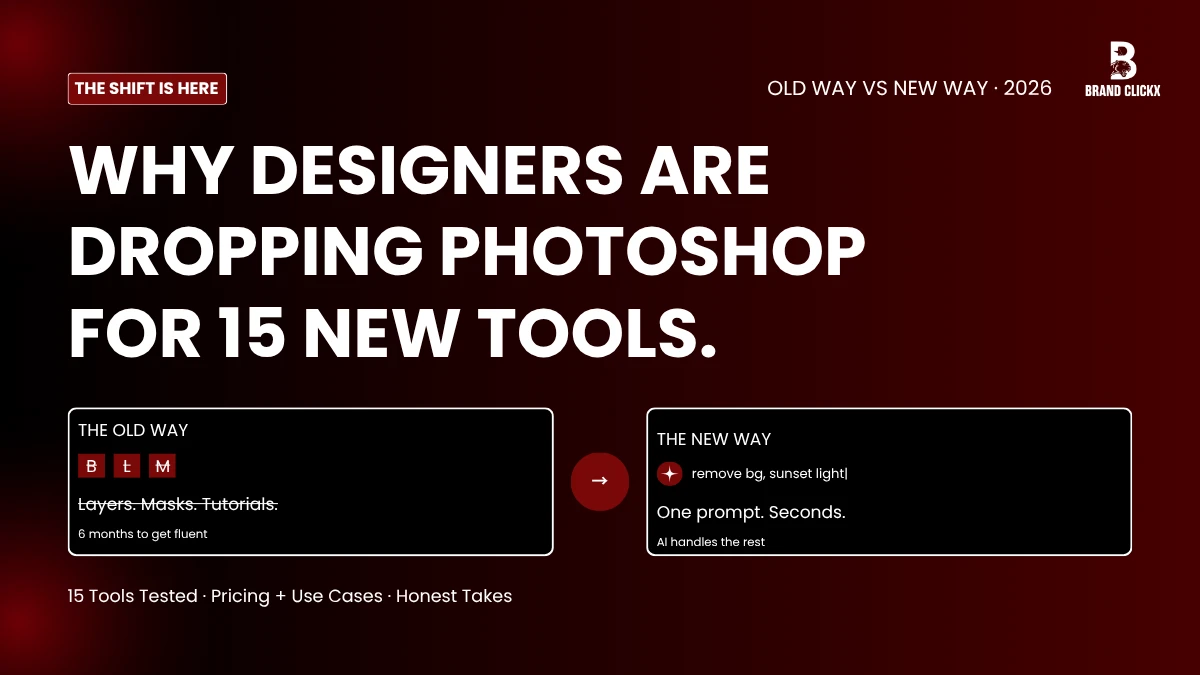
Two decades. That’s how long Photoshop owned photo work. You bought the disc, or later the subscription. You burned half a year on tutorials. Around month eight, the menus stopped scaring you.Then everything flipped.Open a browser tab now. Type what you want. The AI image editor delivers.
Background gone. Lighting fixed. That random guy in the corner of your wedding shot? Erased without a trace. Whole scenes get built from a sentence.
Speed isn’t even the main story though. What changed underneath was comprehension. These platforms understand what’s in your photo, what should stay, what should shift. Outputs that took years of skill back in 2023 now arrive in seconds, as the default. Below are 15 platforms worth trying this year, plus who each one suits.
Where The Learning Curve Disappeared To
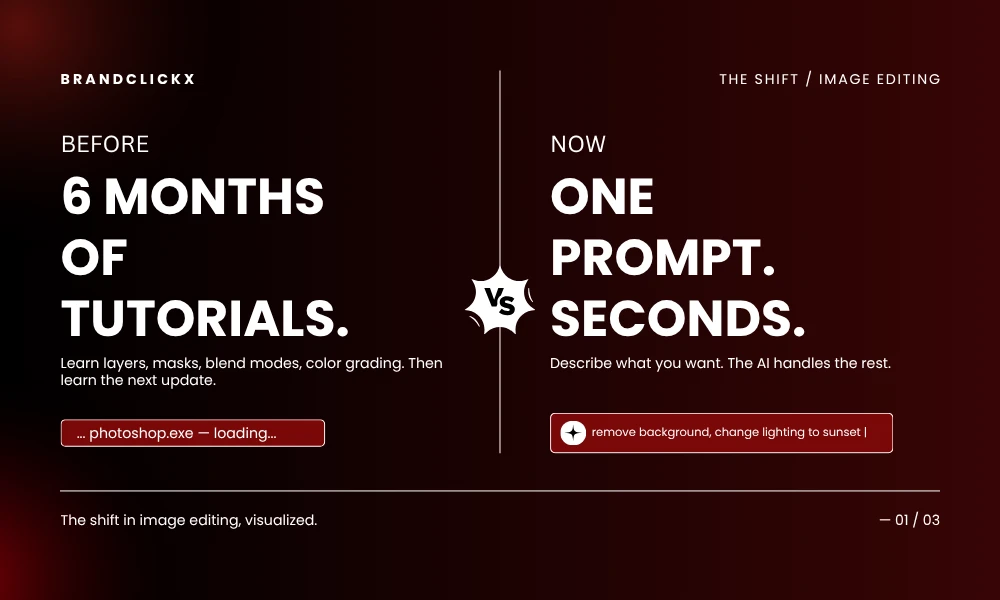
Look. Photoshop and Lightroom still run professional studios across the planet. Nobody’s denying that part. But both quietly demand something almost nobody mentions out loud: weeks of your life you’ll never see again. Six months before menus stop fighting you. Hours per portrait, just on hair masking. Whole days spent retouching skin across a single wedding job.
Today’s AI image editor kills that bill. Software handles technique. You handle vision. Clean split.
The industry shift through early 2026 makes it impossible to miss. Transformations that broke last year now ship by default. Adobe rolled out Firefly Image Model 5 with layered editing this spring. Skylum dropped a 3D lighting engine inside Luminar Neo called Light Depth. Speed jumped. Costs dropped. Folks who never sat through a design class are pumping out client visuals weekly.
1. Adobe Firefly
Adobe Firefly anchors basically everything Adobe is building right now. Generative Fill inside Photoshop? Runs on Firefly. Text-to-image? Lives there. Plus the platform welcomes outside models too. Google’s Nano Banana Pro sits next to FLUX.2 next to GPT Image, all routed through one window.
Training data matters here for any serious team. Firefly learned exclusively from licensed Adobe Stock content, which keeps brand work legally safe. Pair that with Photoshop’s layer stack, masks, and surgical selection, and a rough generative draft becomes a polished deliverable without anyone switching apps mid-project.
Best for: Marketers, agencies, anyone deep in Creative Cloud already.
Pricing: Bundled with Creative Cloud Pro; solo plans exist.
2. Nano Banana Pro (Google Gemini 3)
Curious Refuge crowned Nano Banana Pro the most capable image editor on the market in their 2026 rankings. Prompt adherence stays absolutely tight across every test category. Source photos hold their integrity through edits. Results look intentional, not tampered with.
Then came Gemini 3.1, which finally cracked accurate text rendering inside generated images. That fixed maybe the single most frustrating weakness across the whole generative space. Posters and product mockups used to come back with letters that resembled hieroglyphics. Fixed. Letters generate clean every time.
Best for: Editors who refuse to compromise on fidelity or readable typography.
Pricing: Free tier through Gemini app; Pro through Google AI subscription or Adobe Firefly.
3. Canva Magic Studio
Canva pulled a clever move. They grabbed the template platform half the internet already used and welded generative tools right on top. Magic Edit selects an object so you can type its replacement. Magic Grab lifts elements straight out of one image, ready to drop somewhere else. Magic Expand pushes your background well past the original crop.
Workflow keeps users locked in though. Social managers batch 50 product photos, drop them into branded templates, schedule the whole week of posts, and never leave a single browser tab. The Kaleidoscope orchestration layer pulls outside models like GPT-5 and Gemini Ultra into the same workspace.
Best for: Social teams and small businesses where shipping fast trumps deep customization.
Pricing: Free tier; Pro plans around $15 monthly.
4. Luminar Neo
Photographers gravitate hard toward Luminar Neo. The 2025/2026 updates from Skylum brought Light Depth, which acts as a real 3D lighting engine you can actually feel under your fingers. Place virtual light sources inside the photo. Drag them around. Watch your scene respond like a real studio would. GenErase strips out unwanted elements. GenSwap rewrites them via prompts. GenExpand pushes the canvas past its frame.
The pricing seals the deal for most photographers though. $119, paid one time, owned for life. Zero monthly drain on the card. The Restoration feature finds cracks, stains, and damage in old prints, then reconstructs lost detail without any handholding.
Best for: Photographers fed up with renting software they could just own.
Pricing: From $119 lifetime.
5. Photoshop With Firefly
Photoshop earns its own slot because of how deeply generative tools now live inside the software itself. Generative Fill pulls third-party models through a simple dropdown, so any single selection can get filled by Firefly, Nano Banana Pro, or FLUX.1 Kontext, depending on what the moment calls for. The Selection Brush paired with the Contextual Task Bar makes prompt editing feel native, not bolted on as some afterthought.
For real deliverables, Photoshop still owns the table. Prompt models work fast. Granted. But surgical masks, layered comps, color management at print quality, proper client handoff? Photoshop wins those rounds, no argument.
Best for: Production pros needing precision and AI speed in the same workspace.
Pricing: From $22.99 monthly.
6. Pixlr
Pixlr proves free tools don’t have to feel like glorified trial software. The whole thing runs in-browser, so any laptop with WiFi turns into a workstation in seconds flat. The free tier covers image generation, generative fill, background removal, and background changer. You get three saves daily before hitting the wall.
Paid users unlock batch processing and bigger exports. The platform stacks more than 40 free editing tools inside, which puts Pixlr way ahead of almost every other zero-cost option floating around the web right now.
Best for: Casual editors, shared computers, anyone who edits occasionally rather than constantly.
Pricing: Free; Premium around $1.49 monthly on the annual plan.
7. Topaz Photo
Topaz picked one narrow lane years back and absolutely refused to leave it. Technical repair. That’s the whole pitch. DeNoise handles high-ISO and low-light shots better than anything else competing for the same task. Sharpen rescues soft photos without introducing weird artifacts. Gigapixel pushes resolution up while keeping detail real.
You won’t make composites here. No prompts. No creative generation features. Just three jobs, executed exceptionally well. Adobe even bundled Topaz directly inside Photoshop for upscaling, denoise, and sharpen work, which says something loud about how good these specific tools are.
Best for: Fixing noise, blur, and resolution issues nothing else can save.
Pricing: From $17 monthly or one-time license.
8. Photoroom
Photoroom built its whole reputation on product photography. Background removal runs fast and clean across thousands of weird edge cases. The platform stretches well beyond removal into scene generation, shadow creation, and bulk product imagery. Drop a phone snap of a product, walk away with something that looks studio-shot.
Batch tools chew through hundreds of SKUs in a single sitting, which matters enormously for Shopify operators, marketplace sellers, and dropshipping crews. The API also plugs into product information management systems for teams running operations at scale.
Best for: E-commerce sellers and product marketers.
Pricing: Free tier; Pro around $13 monthly.
9. Picsart
Mobile-first creators end up at Picsart eventually. The entire app got built around editing on a phone, posting from a phone, working from a phone, full stop. Object removal, background swap, sky replacement, effects, all of it runs cleanly on a screen the size of your hand. Desktop mirrors most features for users bouncing between devices.
Collage and template tools blend editing with creation in a way that slots straight into Instagram Reels workflows, TikTok production, and Stories output.
Best for: Mobile creators and short-form video producers.
Pricing: Free with ads; Plus from $5 monthly.
10. Remini
Remini lives where restoration crosses paths with portrait enhancement. Throw blurry, low-res, decades-old photos at it. Clear detailed versions come back. Family photo restoration keeps pulling users back as the killer use case, but modern portraits and skin retouching also land cleanly.
Mobile-friendly the whole way through the experience. Prints that have sat in a shoebox since the 1980s come back to life, with zero scanning expertise required from the user.
Best for: Old photo restoration and mobile portrait work.
Pricing: Free tier; Pro around $9.99 monthly.
11. Fotor
Fotor packs a wide toolkit into a low entry price. Basic photo editing. Clothes changer. Makeup tool. Hairstyle changer. Background swap. Image enhancement. The interface stays simple enough for first-timers without watering down what experienced users can actually accomplish.
The Basic plan ships free with starter features plus limited credits. Paid tiers unlock stronger generation, batch processing, and larger resolution exports for power users outgrowing the freebie tier.
Best for: Beginners wanting one affordable tool covering many small jobs.
Pricing: Free tier; Pro from $8.99 monthly.
12. Imagen
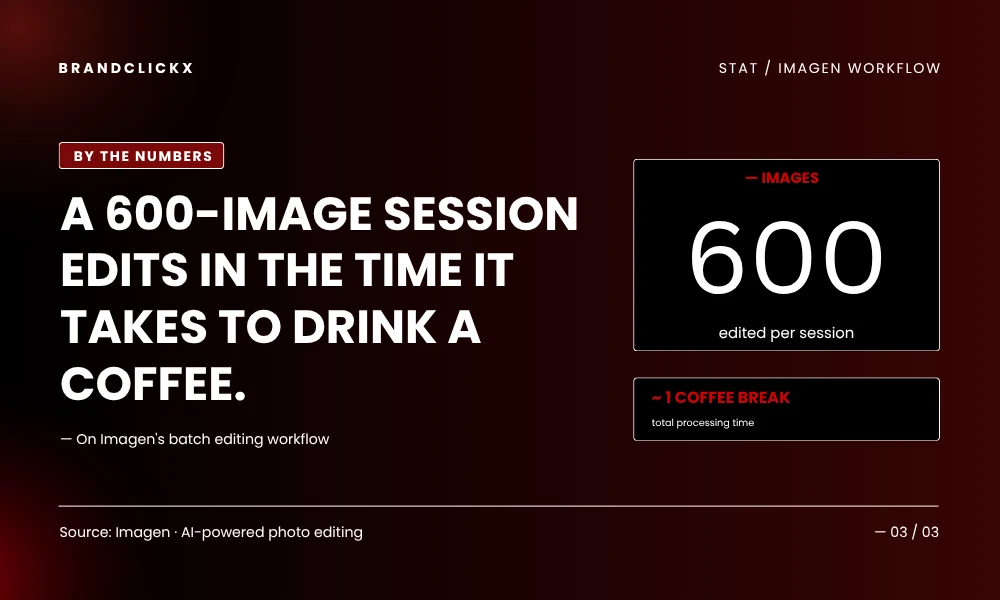
Imagen targets working photographers shooting hundreds of frames every session. The platform studies your past edits, learns your style, then applies that exact style to new shoots automatically. Culling sorts through hundreds of frames and flags the keepers, often matching what you’d manually pick around 90% of the time.
A 600-image session edits in roughly the time it takes to brew and drink a coffee. Wedding and event photographers save entire workdays every single month using it.
Best for: Working pros shooting heavy volume weekly.
Pricing: Pay-as-you-go or annual.
13. Freepik Photo Editor
Freepik wraps editing around a stock library running 200 million assets deep. Edit any photo or vector directly inside the platform. Generate new visuals through Nano Banana and other models without ever leaving. Features cover camera angle shifts, relighting, generative fill, and high-resolution upscaling.
The combined library plus editor angle works especially well for marketers needing both stock imagery and finished custom visuals from one subscription, rather than stacking three separate ones.
Best for: Marketing teams blending stock and custom visuals.
Pricing: Free tier; Premium around $14 monthly.
14. Magic Hour
Magic Hour zeros in tight on identity and face-based work. Its Face Swap ranks among the most reliable options currently available for both photos and videos, producing natural-looking results without forcing complex workflows onto users. The platform also extends still images into animated content.
Thumbnails. Fan content. Styled portraits. Magic Hour solves this narrow problem better than the broader editors trying to handle everything at once. Quick personality and style transformations are exactly where it shines hardest.
Best for: Face swaps and identity-focused editing.
Pricing: Free tier; Creator and Pro plans available.
15. ChatGPT Image (GPT Image 1.5/2)
OpenAI’s image generation and editing model turned into a real contender after the GPT 1.5 update last year. The conversational interface makes iteration feel natural in a way other tools haven’t quite matched yet. Describe what you want. See the result. Refine through chat. Prompt adherence stays steady through revisions, and the tool sits inside something millions already pay for monthly anyway.
Fidelity and source preservation still trail Nano Banana Pro by a noticeable step. But the ease of use makes ChatGPT Image the obvious starting point for users new to generative editing entirely.
Best for: ChatGPT subscribers wanting editing inside an existing workflow.
Pricing: Bundled with ChatGPT Plus at $20 monthly.
How to Pick The Right Editor
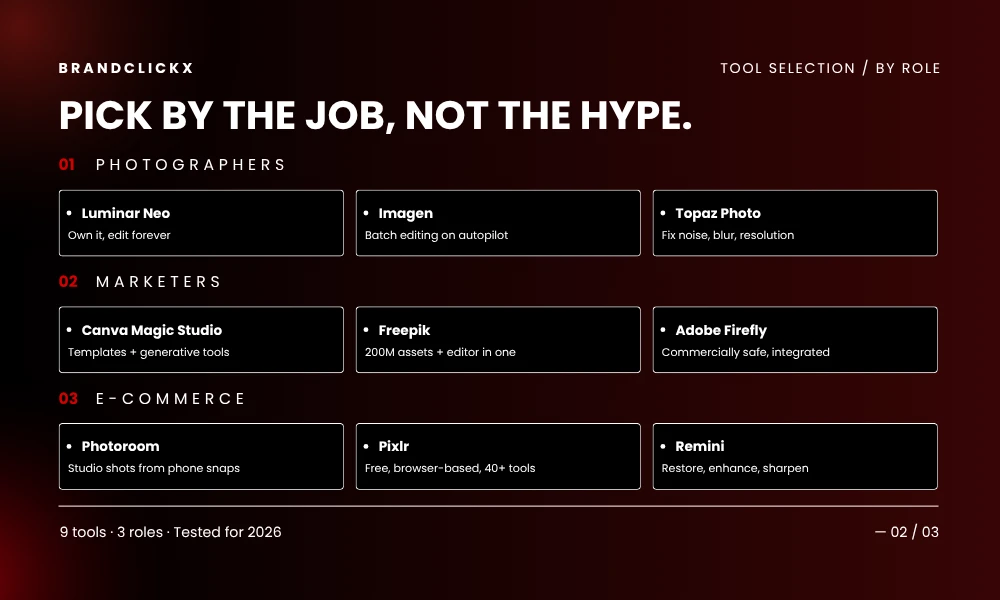
The right choice tracks the job sitting in front of you. Wedding photographers reach for Imagen or Luminar Neo. E-commerce sellers grab Photoroom. Social marketers go to Canva or Freepik. Professional design work still demands Photoshop, with Firefly or Nano Banana plugged in for generative tasks.
Try two or three tools on your own photos before paying anyone anything. Output quality bends way more around your input than around any marketing copy, and a workflow that feels natural to you will beat one with a longer feature list every single time.
Frequently Asked Questions
Which AI image editor is best in 2026?
Nano Banana Pro inside Adobe Firefly leads on fidelity and prompt adherence right now. For broader workflow needs, Photoshop with Firefly is still the most complete option available. The right pick depends on what matters most to you: editing precision, batch speed, or generation quality.
Can these tools fully replace Photoshop?
For most casual and marketing work, yes. Canva, Pixlr, and Nano Banana cover what 90% of users actually do daily. Layered files, surgical masks, and professional client delivery still tilt toward Photoshop, though even that gap shrinks fast now that third-party generative models plug straight into it.
Are these editors free to use?
Plenty offer free tiers. Pixlr, Canva, Fotor, and Gemini all provide genuinely useful free access with caps on resolution, exports, or daily saves. Premium plans open batch processing, higher quality, and commercial rights. Free tools usually watermark output.
Is generative editing legal for commercial use?
Depends entirely on the tool’s licensing. Adobe Firefly trains on licensed content, keeping outputs commercially safe by default. Canva, Luminar Neo, and most paid platforms permit commercial use under their terms. Check the specific license before publishing client work, every single time.
Do I need a powerful computer to run these?
Cloud tools like Canva, Pixlr, Firefly, and Magic Hour process images on remote servers, so a basic laptop handles them fine. Desktop tools like Luminar Neo and Topaz want at least 8GB of RAM and a recent processor for smooth performance.