AI Overview
The iPad Pro and Microsoft Surface Pro both redefine modern productivity tablets, but serve different users. Surface offers a full Windows desktop experience with open file access, multitasking, and pro software support. iPad focuses on portability, battery life, and creative workflows. For heavy office work and multitasking, Surface wins; for mobility, notes, and creative use, iPad leads.
We all know that selecting a portable workstation was as straightforward as it gets. You either purchased a laptop to do honest-to-goodness work (not just browsing) or a tablet so you can browse from your couch.
Today? That line is completely gone. When it comes to figuring out which of these devices deserves a place in your backpack, there’s always one (very classic) matchup: Microsoft Surface vs iPad.
So, which of them is the best tablet for productivity? That honestly depends on how you define work.
If you juggle various tasks from spreadsheets to desktop software daily, the Microsoft Surface is simply the best tablet for productivity around, providing full PC-like performance in a tablet. If your workflow is mainly mobile-focus, creative sketching and touch-first apps then the surface pro vs ipad pro debate becomes more in Apple’s favour.
Search trends are closely tracked at BrandClickX. You are no doubt not interested in recycled spec sheets. You care about practical information stripped of marketing speak when choosing the best tablets for students, especially since search engines privilege experiential over general knowledge content.
Instead of sounding corporate, let’s get into how these two would compete for real world usage in this microsoft surface vs ipad showdown.
The Core Philosophy: Mobile-First vs. Desktop Replacement
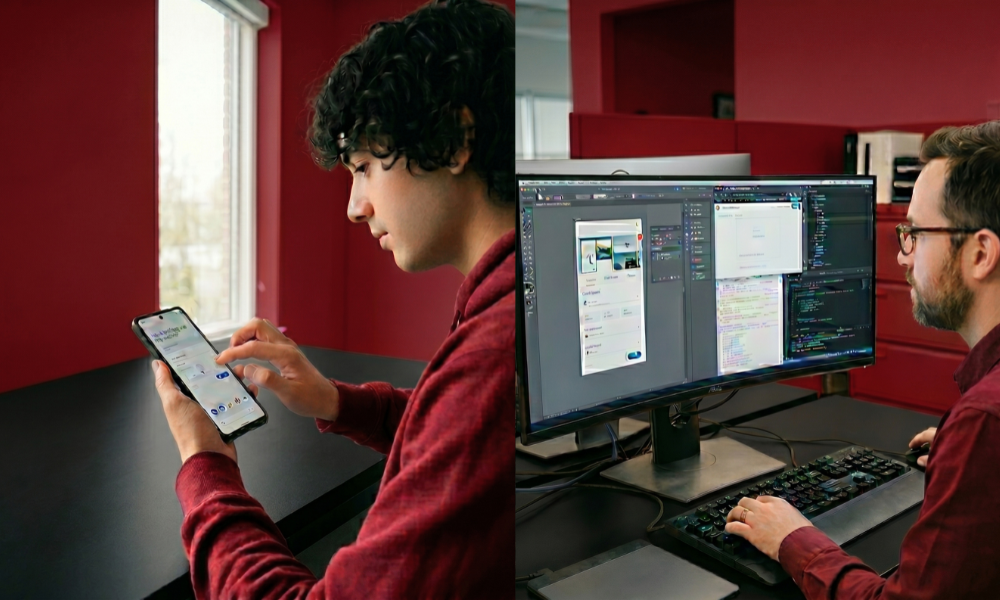
Now, to see what hardware comes out on top in the best tablet for productivity battle, we need to start with their underpinning software.
| Feature | Microsoft Surface Pro (Windows 11 ARM) | Apple iPad Pro (iPadOS 26) |
| Core Philosophy | A full laptop masquerading as a tablet | A powerful mobile device matching laptops |
| File Management | Unrestricted, full desktop file explorer | Sandboxed, structured Files app |
| Multi-Window Support | Windows Snap Assist (Unlimited windows) | Stage Manager (Up to 4 apps per screen) |
| External Monitors | Full desktop expansion (Up to 3 screens) | Single display mirroring or expansion |
Microsoft views its flagship Surface Pro as an actual Windows 11 computer, only a detachable keyboard happens to be part of the package. Thanks to the arrival of ARM-based processors such as Qualcomm Snapdragon X Elite and new Snapdragon X Plus architectures becoming stable for use in commercial parts, along with Intel’s Core Ultra chips finally arriving on genuine desktop environments that Surface PCs actually run.
You can run namely executable raw files (i.e., exe) provides a completely unrestricted file system allowing you to install local development environments or manage data.
Apple takes the opposite approach. The iPad Pro, now with blazingly fast M4 and M5 silicon variants, remains tied to iPadOS. In a way, iPadOS is a sandboxed, mobile-first ecosystem that has pocket desktop-lite features like Stage Manager and scaling for external displays, which complicates the surface pro vs ipad pro decision for power users.
Operating System & Multitasking Capabilities
The really true productivity is live and die to how well it deals with the inevitable chaotic nature of multitasking.
If you’re hopping between a set of 15 browser tabs, an enormous Excel spreadsheet, a Zoom call and an internal Slack channel during your workday, the different structures between these two devices becomes apparent immediately.
Windows 11 on Surface: Unrestricted Desktop Power
For traditional office workflows, Microsoft Surface stacks up against other windows laptops just fine because Windows 11 is not a bastardization of window management. Snap Assist is a feature that lets you quickly arrange multiple windows into specific grids.
Additionally, when plugged into a desktop dock, the Surface feels just like an ultra high-end workstation, easily powering multiple external monitors at different resolutions to remain the best tablet for productivity.
iPadOS: The Power of Single-Task Focus
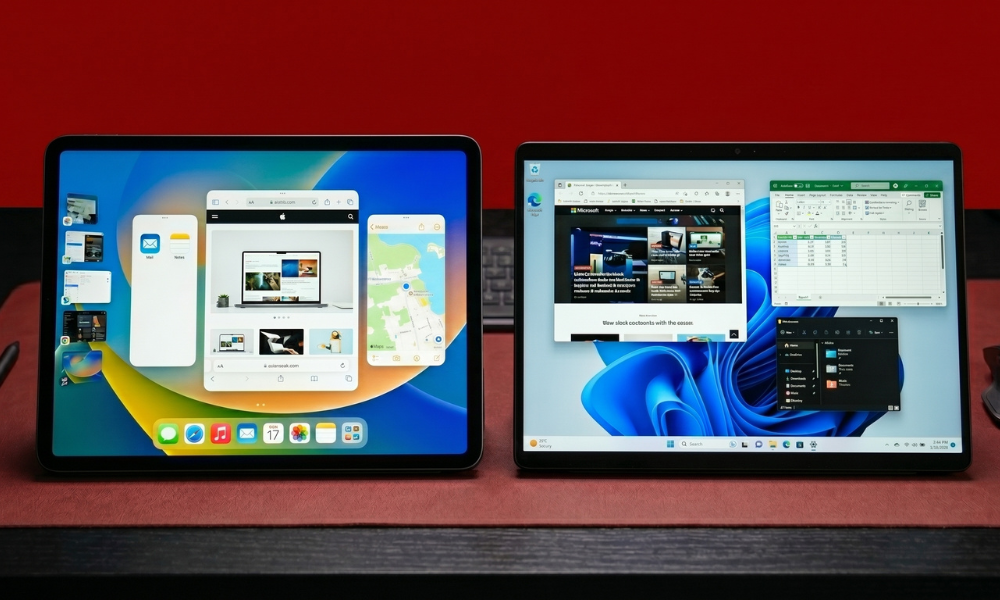
For multitasking, the iPad uses Stage Manager to let users overlap and resize as many apps on the tablet’s screen as they want up to four. A fast, visually appealing, and responsive experience. But it’s not as truly free as an actual desktop.
This is an incredibly efficient environment for creative people who only want to focus on one or two applications at a time, like editing in Final Cut Pro while listening to an audio track. That said, it can be too limited for data-focused, multi-app enterprise workflows.
Hardware Performance: Apple Silicon vs. Qualcomm & Intel
On the hardware side, the surface pro vs ipad pro bout is closer than ever. Both brands have reached unprecedented heights in processing power, thermal efficiency, and display technology.
- Surface Performance: One of the key areas where Copilot+ PC architectures have had an impact, it means no more awful battery life from even older generations Intel or blowing heat. It supports full native desktop instances of Adobe Photoshop, Premiere Pro, and advanced Excel macros.
- iPad Performance: What Apple has built around as an SoC architecture is simply Outstanding. Even in strictly synthetic benchmarks, Apple’s top-of-the-line M-series chips generally do better than rival mobile processors. It’s not the hardware muscle; it’s that iPadOS hardly ever lets that processor stretch its legs.
Compared screen by screen, Apple showed off its Tandem OLED displays, which let the same pixel display outdoor competitions with gorgeous brightness and accurate color.
Microsoft responds with beautiful PixelSense flow displays, sometimes featuring OLED configurations for higher-end models. Both feature buttery-smooth 120Hz refresh rates that make scrolling and writing feel impossibly natural.
The Student Angle: Notes, Budgets, and Longevity
With laptops, students need processing power, but when choosing the best tablets for students, they can actually get away from just that and rather decide based on how well it takes notes, battery life, and software support, depending on their major.
The Case for the iPad in Education
The iPad is a popular choice for liberal arts, business, and general education students, and there are good reasons for that. Add an Apple Pencil and some apps like GoodNotes or Notability, and you get truly the best written notes with handwriting.
It powers on instantly, the standby battery drain is practically zero, and it fits easily in tighter lecture hall desks, making it one of the best tablets for students on the move.
The Case for the Surface in Higher Education
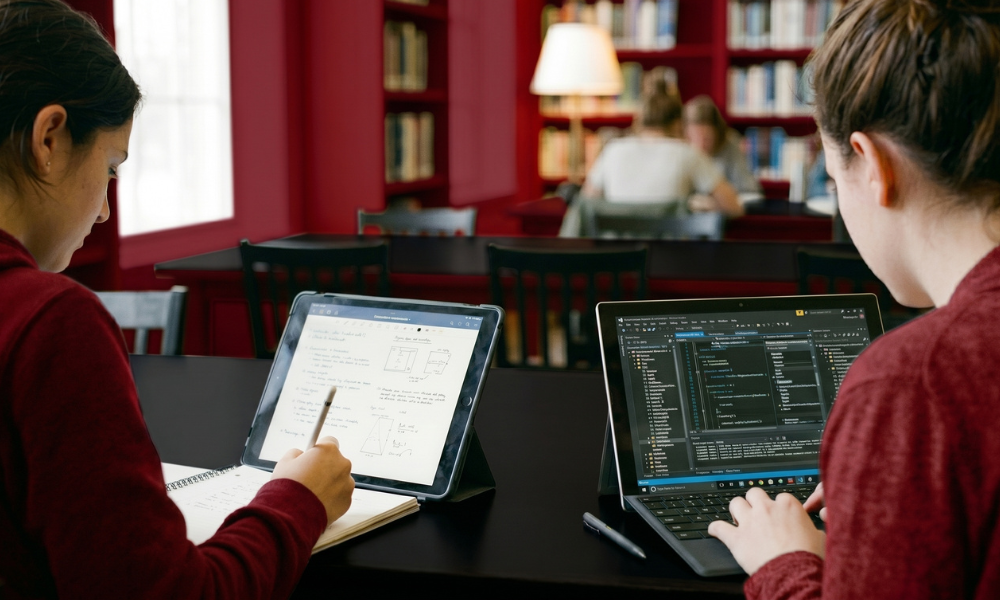
If a student is majoring in engineering, computer science, architecture or higher-level accounting the iPad will become a bottleneck quite quickly. These domains heavily depend upon specific desktop software such as MATLAB, AutoCAD, Quickbooks, or full-blown programming IDEs.
Because it runs the apps natively, this means students looking for the best tablets for students can get their coursework done without running back to a classroom computer lab.
Typing and Input: Keyboard and Stylus Realities
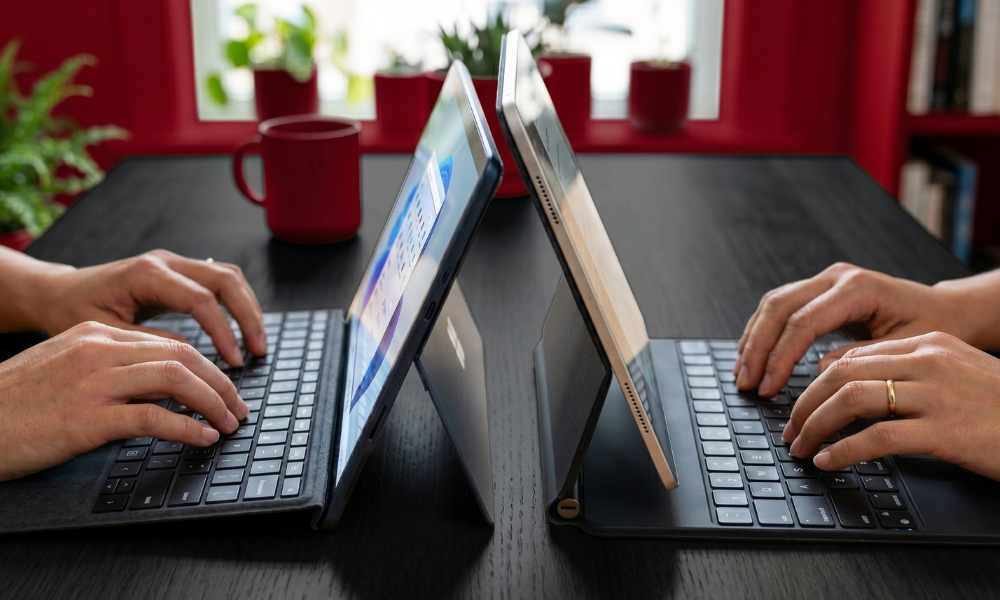
High-end input accessories are a must for any tablet to be a true productivity device. But in the case of both Microsoft and Apple, keyboards (and sticks) are considered premium extras and that adds a good chunk to the total cost of ownership.
- Typing Experiences: The biggest selling point of Microsoft’s Surface Pro Flex Keyboard is the stability it offers right on your desk, and that you may use it away from the screen (via Bluetooth) even when it’s not attached. Apple’s Magic Keyboard employs a rigid, cantilevered design that turns the iPad into an incredibly stable laptop on your lap, combined with a great glass trackpad.
- The Stylus Experience: Haptic feedback, barrel roll detection, ultra-low latency, Apple Pencil Pro is the gold standard when it comes to digital artists and illustrators who live in Procreate. The Surface Slim Pen 2 rebuts this with haptic motors that simulate the feeling of pencil on proper paper, which is ideal for quick annotations on PDFs and little conceptual sketches.
Real-World Marketing Trends and Search Intent
At BrandClickX, we see a radical change in the way consumers search for information, as shown by our data-driven SEO analysis. Users don’t search for basic “RAM vs. RAM” comparisons.
Rather, they are very specific like: “Will iPad Pro replace my laptop for working from home?” or “Does Windows ARM run legacy enterprise apps?”
Well, here is the market reality: large corporate enterprises are still rolling out fleets of Microsoft Surface devices where specific IT security policies, Active Directory integration, and device management familiarity collide.
Alternatively, designers, independent creatives, and marketers who prefer how simple the tablet makes media creation and presentation have favored the iPad heavily, making the Surface Pro vs iPad Pro divide highly dependent on your industry.
Final Verdict: Which Productive Powerhouse Wins?
In the end, deciding which is best for you in the case of microsoft surface vs ipad must be an honest look at how you use technology in your life.
By contrast, if a tablet is an afterthought for you and you need a full desktop ecosystem with open file access, multi-monitor support, and business apps of all kinds, then pick the Microsoft Surface as your choice for the best tablet for productivity. More importantly, it is a laptop first and foremost, capable of working through the most dense and heavy workflows without compromise.
Go for the Apple iPad if you want a high end, portable tablet that turns into a compact laptop when needed. It remains a top contender among the best tablets for students and creative professionals, mobile scribes, road warriors, and anyone that needs a touch-first distraction-free experience with incredible battery life.
Need to elevate your digital strategy? Connect with BrandClickX to align your content with real search intent today.
Frequently Asked Questions
Can the iPad Pro fully replace a laptop?
It can handle ~80% of office tasks like email, documents, spreadsheets, and calls. However, it falls short for advanced Excel work, databases, coding environments, and legacy software.
Is Surface battery life as good as iPad?
Both offer around 9–11 hours of mixed use. The iPad performs better in standby, with minimal battery drain when idle.
Do Microsoft Office apps work well on iPad?
Yes, Word, Excel, and PowerPoint run smoothly and are touch-optimized, but they are limited compared to full desktop versions on Windows.
Which is more durable for commuting?
Both are well-built. Surface has a built-in kickstand for stability, while iPad is more compact but depends on a keyboard case for support.