

Key Takeaways
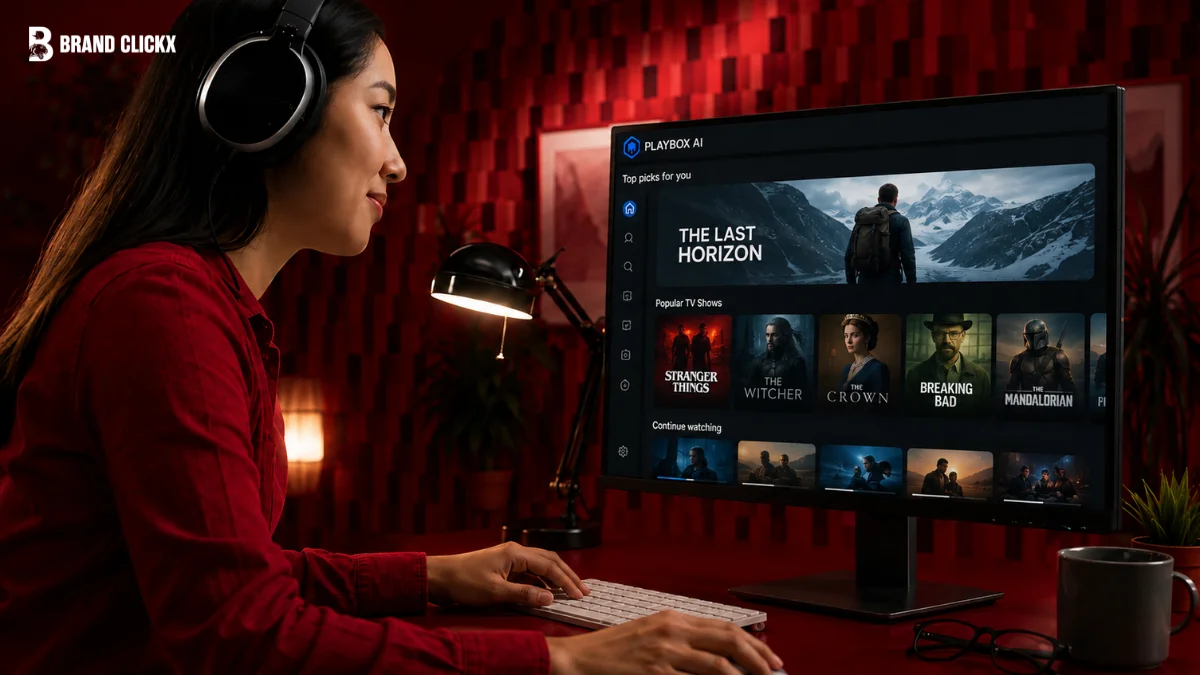
- Playbox AI groups scattered streaming apps into one clean, manageable screen.
- Global metadata indexing helps you find regional films, indie shows, and live sports around the world.
- BrandClickx recommends making separate user profiles so family members do not mix up your watch suggestions.
- Your watchlist stays the same on your phone, tablet, and smart TV.
Quick Answer: What is Playbox AI?
Playbox AI pulls together movies, shows, and live events from all your different streaming apps into a single search. Instead of opening Netflix, then Prime, then Disney+ just to find something to watch, you search once and see where it’s actually available.
The Actual Problem Playbox AI Solves
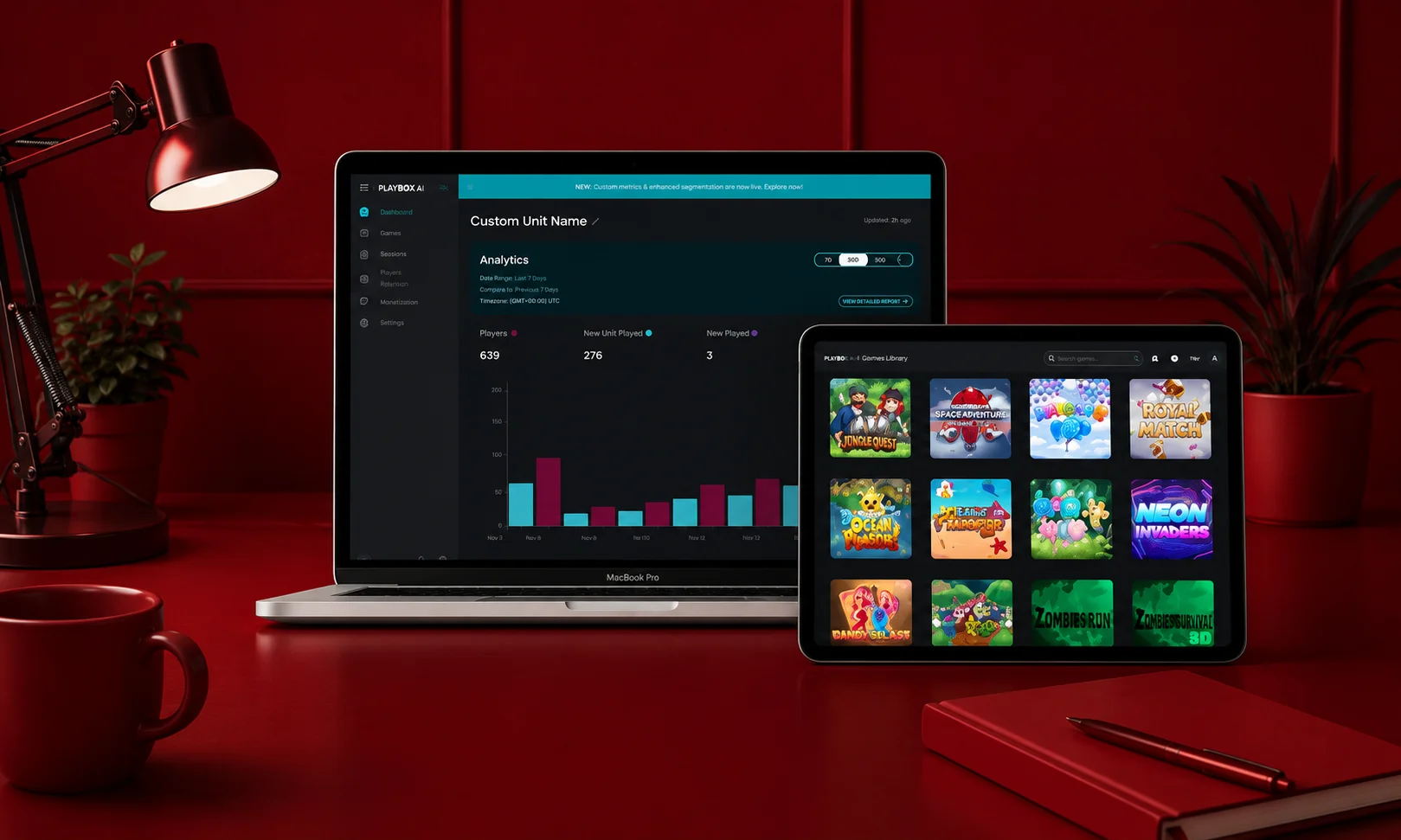
Streaming catalogs are sliced up across dozens of different subscription apps. Keeping track of which service owns the rights to a specific movie in your country is unnecessarily complicated.
Instead of opening five apps one by one, Playbox AI indexes titles across international networks. You run one quick search, and it tells you exactly where that show is playing right now.
STREAMING TODAY
[ App 1 ] —> Manual Search —> Nothing Found
[ App 2 ] —> Manual Search —> Paywalled
[ App 3 ] —> Manual Search —> Finally Found
PLAYBOX AI PIPELINE
[ Single Search Input ] —> Cross-Platform Match —> Direct Streaming Link
How Playbox AI Processes Your Searches
Standard streaming apps use basic keyword matching. If you misspell a title or forget the exact name, you get zero search results.
Playbox AI uses context recognition instead. It reads normal descriptive phrases like “action movie set in Tokyo during the 90s” and pairs that mood with actual titles inside its system.
+—————————————————————–+
| PLAYBOX AI DASHBOARD |
+—————————————————————–+
|
+————————+————————+
| |
v v
+———————–+ +———————–+
| Global Catalog Sync | | Intent-Based Matching |
| • Tracks licenses | | • Understands queries |
| • Updates availability| | • Learns preferences |
+———————–+ +———————–+
Main Operational Features
1. Descriptive Context Search
You no longer need exact movie titles to find what you want. Describe the plot, actor, theme, or general vibe, and the software returns matching options in seconds.
2. Live Global Indexing
Streaming rights expire and change monthly. Playbox AI checks platform availability continuously so you do not click on titles that left your local service last week.
3. Adaptive Preference Tracking
The app notices what you finish watching versus what you drop after ten minutes. Over time, it stops suggesting genres you consistently ignore.
4. Single-List Watchlists
No more juggling five different apps just to remember what you wanted to watch. Add a show from Netflix, a documentary from Prime, and whatever you found on Hulu, all to one list, and pull it up on your phone, laptop, or TV whenever you’re ready.
Regional Availability and Content Coverage
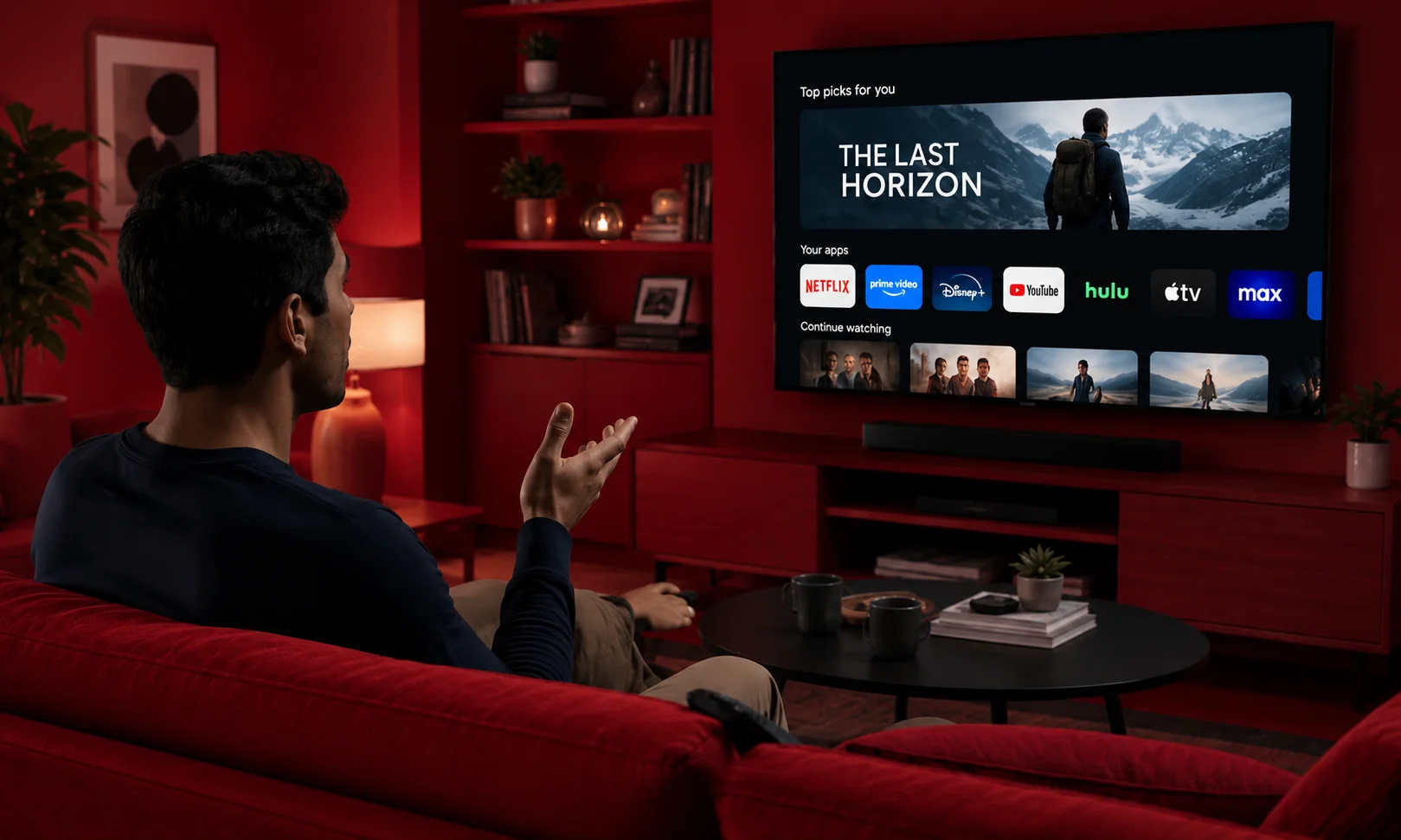
Licensing rules change when you cross borders. Playbox AI maps geographic restrictions so you see accurate regional streaming choices wherever you live.
| Region | Primary Content Focus | Platform Integration Status |
| North America | Hollywood releases, major sports, indie networks | Complete System Access |
| Europe | Multi-language cinema, public networks, regional series | High Compatibility |
| Asia-Pacific | Anime, local films, live sports events | Expanding Regional Support |
| Latin America | Telenovelas, live football, local media networks | Stable Indexing |
| Middle East & Africa | Regional programs, international cinema, live news | Standard Feature Support |
Why Use Playbox AI Every Day?
- Everything in one place: No more jumping between five different apps trying to remember where you left off. Your watching options sit together in one spot, so you can actually find what you’re looking for instead of hunting for it.
- Get to watching faster: Fewer menus, less scrolling, more time actually watching. The best part of a good streaming app is how quickly it gets out of your way.
- Stumble onto something new: Beyond the usual blockbusters, there’s a whole world of foreign films, indie gems, and smaller titles that rarely make it onto the popular apps’ recommended lists. Some of the best finds are the ones you weren’t even looking for.
- Pick up right where you left off, anywhere: Start an episode on your phone during your commute, then continue it on the TV the moment you get home. No rewinding, no losing your place.
Things to Keep in Mind
- Needs Internet: Playbox AI needs a good internet connection. Slow internet can make searches take longer.
- Some Content Is Not Available Everywhere: Playbox AI can show where a movie or show is available, but it cannot remove country restrictions.
- You May Need to Log In Again: Sometimes an update may log you out. You can simply sign in again.
Playbox AI vs Standard Streaming Apps
| Feature | Playbox AI | Standard Apps |
| Search Method | Understands Plot Descriptions | Requires Exact Title Match |
| Library Scope | Multi-Platform Unified Search | Single App Catalog Only |
| Recommendation Speed | Updates Based on Real Habits | Static Categorized Rows |
| Global Support | International License Index | Locked to Local Library |
Simple Step-by-Step Setup
- Get the App: Download Playbox AI directly from official app stores or verified web channels.
- Create Your Account: Sign up with your primary email to save your personal preferences securely.
- Set Up Initial Filters: Pick your favorite languages, primary home region, and top genres.
- Pair Devices: Scan the displayed QR code with your phone camera to link your smart TV instantly.
- Start Browsing: Search for plot ideas, save titles to your list, and start streaming right away.
Easy Tips from BrandClickx
Our BrandClickx team tried Playbox AI and found some simple ways to use it better.
- Remove Watched Shows: Remove shows after you finish them. This helps you get better suggestions.
- Make Separate Profiles: Create a profile for each person. This keeps everyone’s recommendations separate.
- Use Simple Searches: Write what you want to watch, such as “dark mystery in Scandinavia.” This can help you find better results.
- Update the App: Keep Playbox AI updated. This can help avoid problems on your phone or smart TV.
Common Mistakes Users Make
- Forgetting to Update Location: If you travel, update your home region settings or you will see titles unavailable in your current country.
- Downloading from Random Sites: Only use official stores. Third-party APK files often carry malware or broken app builds.
- Leaving Default Security On: Review your account privacy settings regularly to control how your data gets saved.
Technical Metadata Integration
If you manage a tech site or blog, here is the clean JSON-LD schema block to paste into your page head for search engine indexing:
Final Thoughts
Playbox AI removes the headache of managing five different streaming accounts at once. By understanding how people actually search for movies, it cuts down setup time and gets you straight to watching. Follow BrandClickx for simple, honest reviews on modern digital tools and media tech.
Frequently Asked Questions
Does Playbox AI work everywhere?
Yes. It indexes international streaming databases, so you can use it across North America, Europe, Asia, Latin America, and Africa.
Is Playbox AI safe for kids?
Yes. You can turn on built-in parental controls and age filters to keep adult content away from kids’ profiles.
How is its search different from regular apps?
Instead of just matching written words, it uses machine learning to understand the meaning behind your search queries.
Do I need to pay a monthly subscription to use Playbox AI?
The core app features for aggregating content and searching libraries are free to access, though viewing premium titles still requires your active accounts on individual streaming services.
Can I use one Playbox AI account on multiple devices at the same time?
Yes. You can log into your account across smartphones, tablets, laptops, and smart TVs, with your watchlists syncing automatically in real time.
How often does Playbox AI update its movie and show listings?
The system updates its database continuously throughout the day to track new releases, removed titles, and changing licensing rights across all supported platforms.



