Best AI Chrome Extensions: A developer I know runs an experiment every January. He uninstalls every browser extension, then adds back only what he misses within a week. Last January, of the fourteen AI extensions he had accumulated through a year of Product Hunt launches and colleague recommendations, exactly three earned their way back. “The other eleven were demos,” he told me. “Impressive once, invisible ever after.”
That experiment is the spirit of this list, because AI extensions carry a cost nobody puts on the landing page: browser memory, toolbar clutter, and — the one that should actually worry you — permissions. An extension that reads every page you visit is an app with a view of your working life, and the category’s graveyard is full of wrappers that added a chat window and a subscription to something Chrome now does free. The twenty below earned their slot by removing a specific, recurring friction: the meeting nobody documented, the email drafted for the tenth time, the forty-tab research pile. Each entry notes its free-tier reality and its cost, because an extension you will uninstall in March was never worth installing.
One market note first: OpenAI’s ChatGPT Atlas browser experiment is over, with OpenAI itself now steering former users to its Chrome extension — a reminder that even the biggest players concluded the browser war would be won inside Chrome, not beside it.
The 20 extensions at a glance
| Extension | The job | Free tier reality |
| Scribbl | Meeting notes, no bot | 10 meetings/month, any length |
| Tactiq | Live meeting transcripts | 10 transcripts, 5 AI credits/month |
| Grammarly | Writing everywhere | 100 AI prompts/month |
| Wordtune | Rewrites and tone | Daily suggestions, 3 summaries/month |
| Compose AI | Autocomplete everywhere | Free forever, premium personalization |
| QuillBot | Paraphrasing | 125 words at a time |
| Sider | Multi-model sidebar | 30 basic credits/day |
| Monica | All-in-one assistant | 40 basic uses/day |
| HARPA AI | Browser automation | 10 messages/day via your own accounts |
| MaxAI | Reading and writing sidebar | Unlimited fast model, 3 Pro chats/day |
| Merlin | Chat and summaries | Limited, unpublished allowance |
| Perplexity | Cited research in sidebar | Generous; Pro at $20/month |
| Recall | Personal knowledge base | Free tier; paid for heavy use |
| Glasp | Highlights and summaries | Unlimited public highlights |
| Liner | Cited answers on pages | Unlimited search, 1 upload/day |
| Bardeen | Workflow automation | Basic workflows free |
| Text Blaze + AI Blaze | Reusable text and prompts | Core snippets free; Pro $2.99/month |
| Claude in Chrome | Acts on pages for you | Requires paid Claude plan |
| Gemini in Chrome | Built-in assistant | Free with signed-in Chrome |
| Pangram | AI writing detection | Free checks; paid at volume |
Meetings: where the most hours hide
1. Scribbl — the note-taker that doesn’t join the call
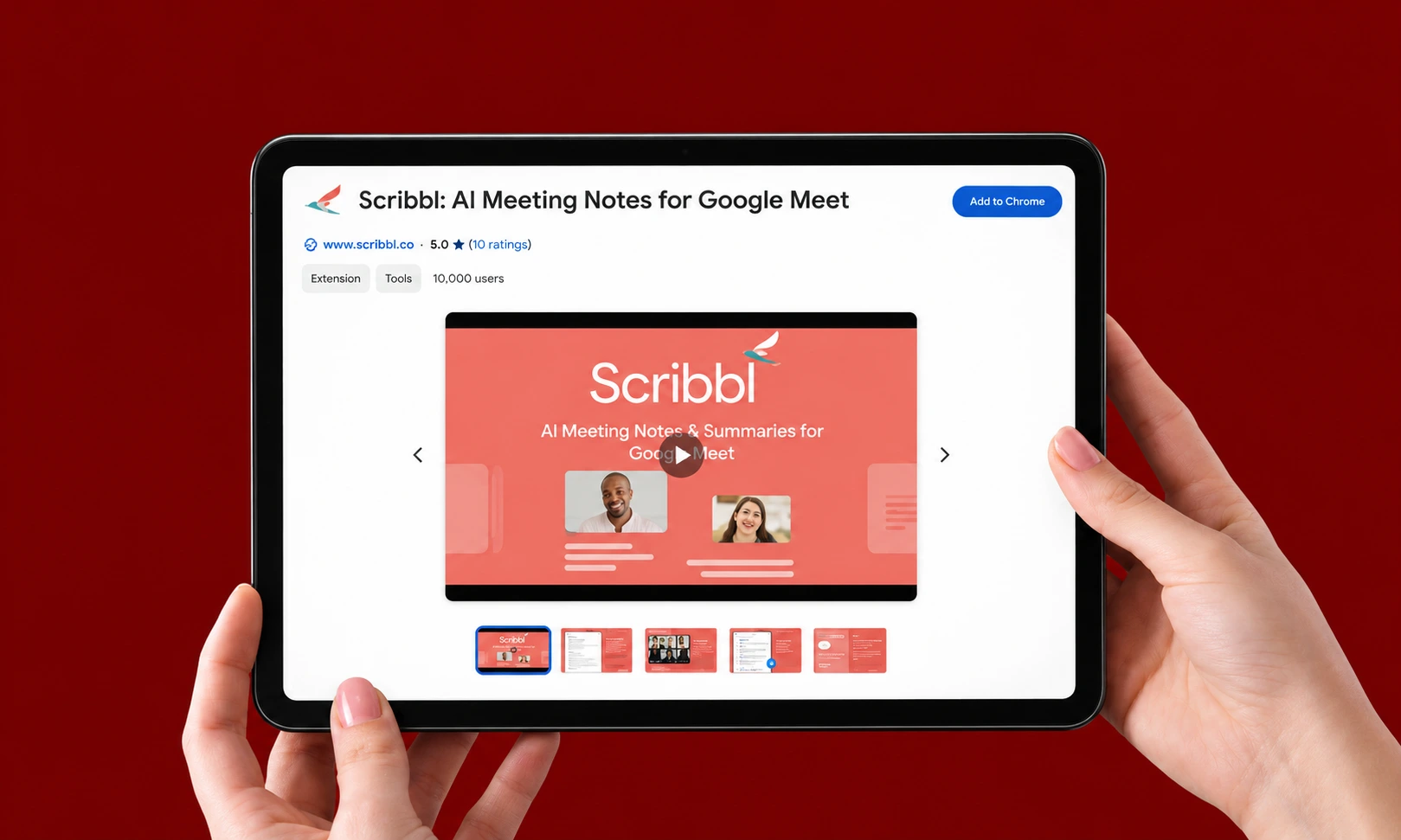
Scribbl’s pitch is social as much as technical: it records Google Meet, Zoom, and Teams without a bot appearing in the participant list, and every meeting gets video, transcript, AI notes, and action items. The free plan covers ten complete meetings a month with no length limit — the most usable free tier in its category — and it holds a perfect 5.0 from 3,000 Chrome Web Store ratings. Pro at $13/user/month annually removes the caps entirely. Microsoft’s Work Trend Index put 57% of the workday into meetings, email, and chat, which is why a meeting tool tops this list: it attacks the biggest time sink first.
Worth the memory if: your week is more than a third meetings.
2. Tactiq — the transcript-first alternative
Tactiq captures live transcripts in the browser versions of Meet, Zoom, and Teams, with AI summaries and an Ask AI layer available even on free plans. The free allowance — ten transcripts and five AI credits monthly — suits people whose meetings cluster into a few heavy days. Where Scribbl optimizes for the record, Tactiq optimizes for the moment: highlight a line mid-call and turn it into a follow-up email before the meeting ends.
Worth the memory if: you want notes without committing to a platform.
Writing: the inbox and document layer
3. Grammarly — the default for a reason
Grammarly’s extension remains the safest install in the category: grammar, tone, and clarity in nearly every text box on the web, plus 100 AI prompts a month on the free plan, Pro from $12/month. Forty million users generate a lot of edge cases, and Grammarly has seen them all. One honest flag from its own listing: it processes personal communications and website content, which is the trade for writing help that follows you everywhere.
Worth the memory if: you write anything, anywhere. So, yes.
4. Wordtune — for sentences that are fine but weak
Wordtune’s niche is the gap between correct and good: rewrites that shift tone, tighten length, and rescue the sentence you have stared at for three minutes. The free Basic plan covers daily rewrites and three summaries a month. Its official guide to rewriting and improving your writing explains how to adjust tone, rephrase sentences, and make writing more concise. It is the tool for people who know what they mean and need help saying it — which, on deadline, is everyone.
Worth the memory if: client-facing writing is your job.
5. Compose AI — type less, everywhere
Compose AI does one thing across every text field: autocomplete that learns your phrasing and finishes your sentences, claiming to cut writing time by 40%. It is free forever with premium personalization behind a paywall. Less surgical than Wordtune, faster than anything — the right pick when volume matters more than polish.
Worth the memory if: you answer the same email thirty times a week.
6. QuillBot — the rewriting veteran
QuillBot’s paraphraser, grammar checker, and AI detector serve six million users, with Premium at $8.33/month annually. The free plan’s 125-word ceiling per rewrite is its tell: it is built for sentence-level surgery, not document work, and it excels within those limits.
Worth the memory if: you repurpose and rephrase content constantly.
Sidebars: an assistant on every page
7. Sider — the multi-model Swiss Army knife
Sider puts a chat sidebar on any page with access to multiple frontier models, plus a mode that carries out browser tasks for you — and 4.9 stars from 114,000 ratings suggests the execution matches the ambition. Free users get 30 basic credits a day; paid starts at $8.33/month annually. One quirk worth knowing: the free plan lives in the help center, not the pricing page.
Worth the memory if: you want one sidebar instead of five subscriptions.
8. Monica — the all-in-one for email-heavy work
Monica bundles multi-model chat, writing, translation, and image tools at 40 free basic-model uses a day, Pro from $8.30/month annually. Its email drafting and reply features are the standout for people whose browser is essentially an inbox with tabs attached.
Worth the memory if: email is your primary workload.
9. HARPA AI — the automator’s sidebar
HARPA’s hundred-plus commands, page monitoring, and automation routines make it the power user’s pick: track a competitor’s pricing page, extract structured data, summarize and act. The free tier’s ten daily messages route through your own logged-in ChatGPT, Claude, or Gemini session — a clever model that keeps HARPA free and puts the AI bill on subscriptions you already have.
Worth the memory if: you repeat the same browser task weekly.
10. MaxAI — the generous fast lane
MaxAI offers unlimited chat on its fast model plus three Pro chats daily, free — the most generous sidebar allowance published. Pro at $12/month unlocks the frontier models for the questions that deserve them.
Worth the memory if: you want a sidebar without a credit meter.
11. Merlin — summaries and tasks, loosely priced
Merlin covers the same sidebar ground — chat, page summaries, browser tasks — at $19/month annually for Pro, with a free allowance the company describes only as “limited.” The product is capable; the pricing opacity is the review. Try the free tier, but know you are evaluating blind.
Worth the memory if: its specific integrations match your stack.
Research: the forty-tab problem
12. Perplexity — the research sidebar with receipts
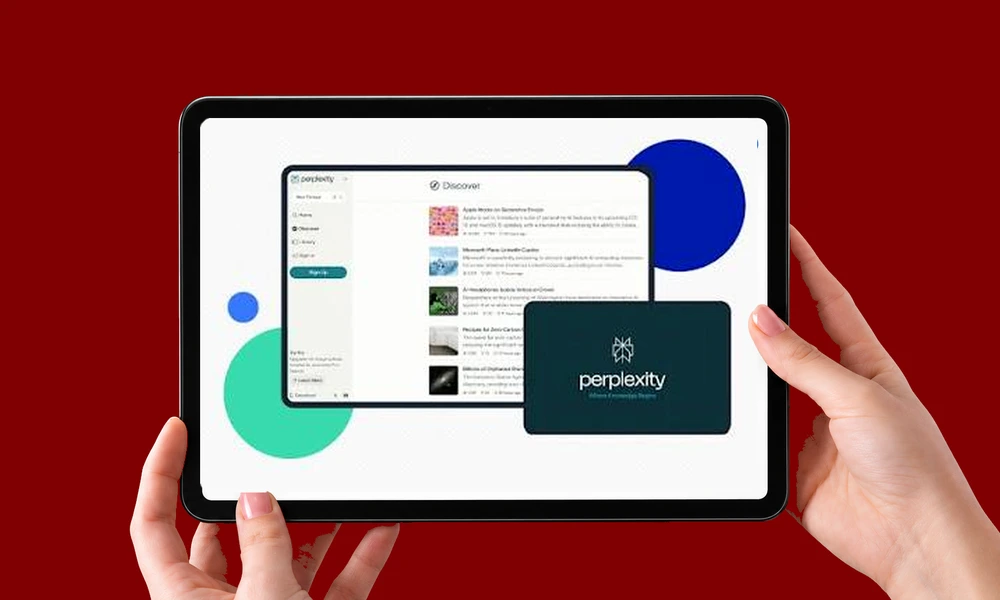
Perplexity’s extension reads the page you are on, summarizes it, and answers follow-ups with sources attached — the context-aware research layer that made the company. The free tier covers daily use; Pro at $20/month adds frontier models. For anyone whose job starts with “find out,” this is the first install. We have tracked how Perplexity reshapes discovery itself in our analysis of Perplexity referral traffic.
Worth the memory if: you research for a living.
13. Recall — the knowledge base that remembers for you
Recall saves, summarizes, and organizes articles, videos, podcasts, and PDFs into a personal knowledge base you can chat with — summaries link back to exact timestamps, related research connects automatically, and API plus MCP access lets your other AI tools read what you have saved. It is the answer to the graveyard of forgotten bookmarks: everything you found interesting, actually findable again.
Worth the memory if: your reading outpaces your memory.
14. Glasp — the reader’s highlighter
Glasp turns web pages, PDFs, and YouTube into a highlighted, summarized, searchable trail — unlimited public highlights free, with three YouTube summaries daily. The catch is in the word public: private highlighting requires Pro at $12.50/month annually. For researchers and content marketers who read for work, the free tier is already a career tool.
Worth the memory if: you read professionally.
15. Liner — cited answers on anything
Liner layers cited AI answers over pages, YouTube, and PDFs, with unlimited search and one file upload daily on the ad-supported free plan; Pro runs $14.99/month annually. It overlaps Perplexity’s mission with a lighter footprint — pick the interface you prefer, because keeping both is exactly the clutter this list exists to prevent.
Worth the memory if: you want research answers without leaving the page.
Automation and agents: the browser does the work
16. Bardeen — workflows across your apps
Bardeen automates the copy-paste routines between your browser and your apps — scrape a listing into Sheets, push a LinkedIn profile to your CRM, build a meeting brief — with basic workflows free and subscriptions for volume. It is the extension closest to a hire: give it the repetitive browser task and stop doing it yourself.
Worth the memory if: your job includes data entry disguised as research.
17. Text Blaze and AI Blaze — the snippet system
Text Blaze inserts templates with keyboard shortcuts — forms, names, dates, choices — at 800,000 users and a 4.9 rating, with Pro at $2.99/month annually. Its sister extension AI Blaze puts saved prompts like /reply and /fix on any page. Together they are the cheapest speed upgrade on this list, and the one most likely to survive your own January uninstall experiment.
Worth the memory if: you type the same paragraph ever.
18. Claude in Chrome — powerful, and rated 2.8
Anthropic’s extension lets Claude read pages, click, type, and fill forms from the side panel — genuinely agentic browsing from the strongest reasoning models. It also requires a paid Claude plan and carries a 2.8 rating from 1,710 reviews, dragged down by reliability complaints, and Anthropic itself warns that hidden instructions on web pages can attempt to hijack it. The future of browser automation is here; it is unevenly distributed and occasionally clicks the wrong thing.
Worth the memory if: you already pay for Claude and accept beta-grade edges.
19. Gemini in Chrome — the one already installed
Google built its assistant into Chrome itself: ask about the current tab or up to ten shared tabs, free with a signed-in profile in supported regions. Auto browse — the agentic tier — requires a Google AI Pro subscription. Before installing any sidebar on this list, check whether the built-in one already does the job; for many users, it does.
Worth the memory if: you use Chrome, full stop.
The trust layer
20. Pangram — the detector in the feed

Pangram checks selected text and social feeds for AI-generated or AI-assisted writing — the verification layer the other nineteen extensions make necessary. For editors, teachers, and anyone who commissions content, it answers the question 2027 asks constantly: did a person write this? We covered the broader category in our guide to AI content detection tools; Pangram’s extension is the fastest way to put that capability one click away.
Worth the memory if: you review other people’s words.
The three-extension rule
The developer from the opening was onto something the extension stores will never tell you: the value of an AI extension decays with every additional one you install. Each adds memory overhead, permissions surface, and another sidebar competing for the same screen edge. The working discipline is one extension per bottleneck — one for meetings, one for writing, one for research, one wildcard — and a quarterly audit against two questions: did I use it this week, and does Chrome now do this free?
The permissions question deserves its own paragraph, because it is the one buyers skip. Every sidebar on this list can read the pages you visit; several process everything you type. That is the product working as designed, and it is also a data decision your security team should make consciously — the same governance instinct behind choosing any marketing AI copilot applies at the browser edge. Install deliberately, audit quarterly, and let the extensions you keep earn the RAM they spend.
Frequently asked questions
What are the best AI Chrome extensions in 2027?
By job: Scribbl for meeting notes without a bot, Grammarly for writing everywhere, Perplexity for cited research, Recall for a personal knowledge base, HARPA AI for browser automation, and Gemini in Chrome as the free built-in baseline. The best setup is three to five extensions matched to your actual bottlenecks, not twenty.
Do AI Chrome extensions slow down your browser?
Individually, most are lightweight; stacked, they compound Chrome’s already heavy memory appetite. Keep your top three to five active and toggle the rest off — extension managers make this painless. The slowdown people blame on “AI extensions” is usually ten extensions fighting for the same browser.
Are AI Chrome extensions safe?
Treat every extension as an app with access to your browsing, because that is what it is. Check what the listing says it handles, install from publishers with strong review histories, and remove what you stop using. Agentic extensions that act on pages carry an extra risk: hidden instructions on websites can attempt to redirect them, as Anthropic warns about its own Claude extension.
Is there a free AI built into Chrome?
Yes. Gemini in Chrome answers questions about your current tab — and up to ten shared tabs — free with a signed-in profile in supported regions. Its auto browse feature requires a Google AI Pro subscription. Check it before paying for a sidebar that does the same thing.
What happened to the ChatGPT Atlas browser?
OpenAI retired the experiment and now directs former Atlas users to its desktop app and Chrome extension. The lesson generalizes: AI is being absorbed into the browser you already have rather than replacing it — which is good news for everyone on this list.