

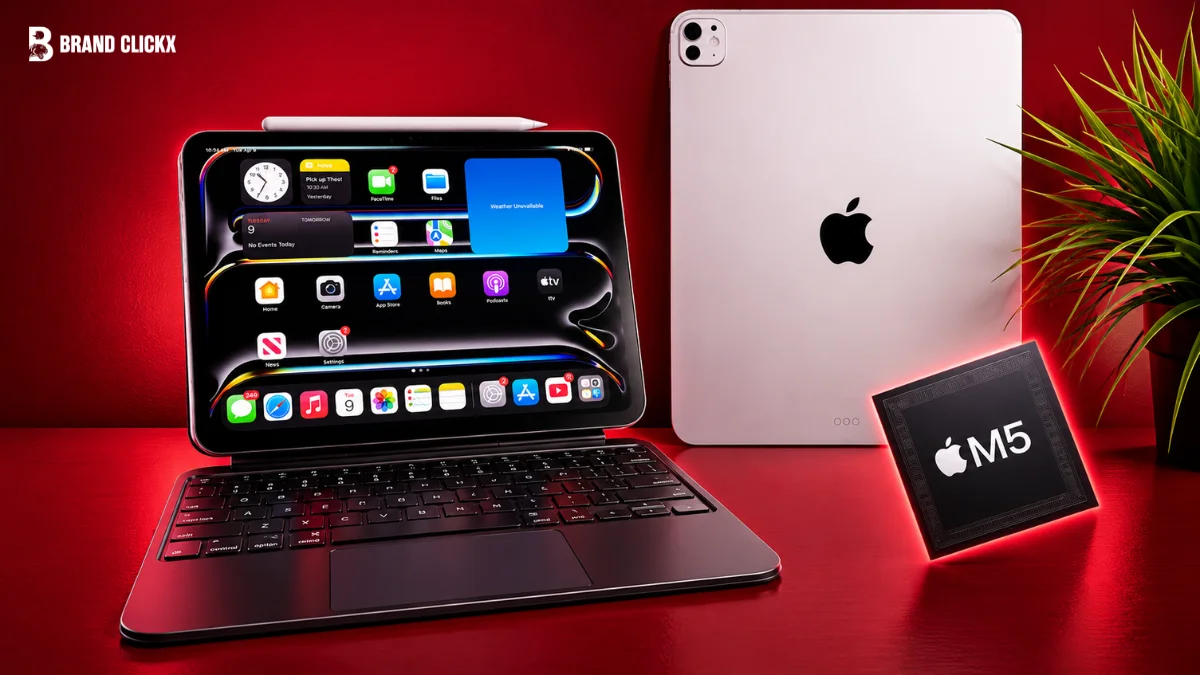
The 13-inch iPad Pro with M5 is especially made for people who want a bigger screen with performance. It contains Apple’s M5 chip, a Tandem OLED display, Apple Pencil Pro support, and a USB 4 port. It is only 5.1mm thick. The large display is one of its biggest advantages. It has free space for editing photos, videos, working on documents and using several apps at once. The OLED panel also looks excellent while watching movies or viewing HDR content.
Price is really where things get tricky. In the U.S., the 256GB Wi-Fi model kicks off at $1,499 and that’s before you factor in the Apple Pencil Pro or Magic Keyboard, both of which cost extra on top. For anyone who just wants to watch videos or run basic apps, that starts to feel like overspending on a tablet.
So does it make sense to buy? If top-tier performance and that large OLED display are things you actually need, then yes, it’s a solid buy. But without that need, you’re likely better off going with a more affordable iPad.
Apple iPad Pro 13-inch (M5) Specifications
These are the main specifications of the Apple iPad Pro with M5. The exact CPU and memory depends on the storage option which you will choose.
| Feature | Specification |
| Display | 13-inch Ultra Retina XDR |
| Display technology | Tandem OLED |
| Resolution | 2752 × 2064 pixels |
| Pixel density | 264 ppi |
| Refresh rate | 10Hz–120Hz ProMotion |
| Chip | Apple M5 |
| CPU | 9-core or 10-core |
| GPU | 10-core |
| Memory | 12GB or 16GB |
| Storage | 256GB, 512GB, 1TB, 2TB |
| Thickness | 5.1mm |
| Weight | 579g Wi-Fi; 582g Wi-Fi + Cellular |
| Rear camera | 12MP Wide |
| Front camera | 12MP landscape Center Stage |
| Port | Thunderbolt / USB 4 |
| Battery rating | Up to 10 hours of web surfing over Wi-Fi or video playback |
| Operating system | iPadOS 26 |
The 13-inch display is a major reason to choose it
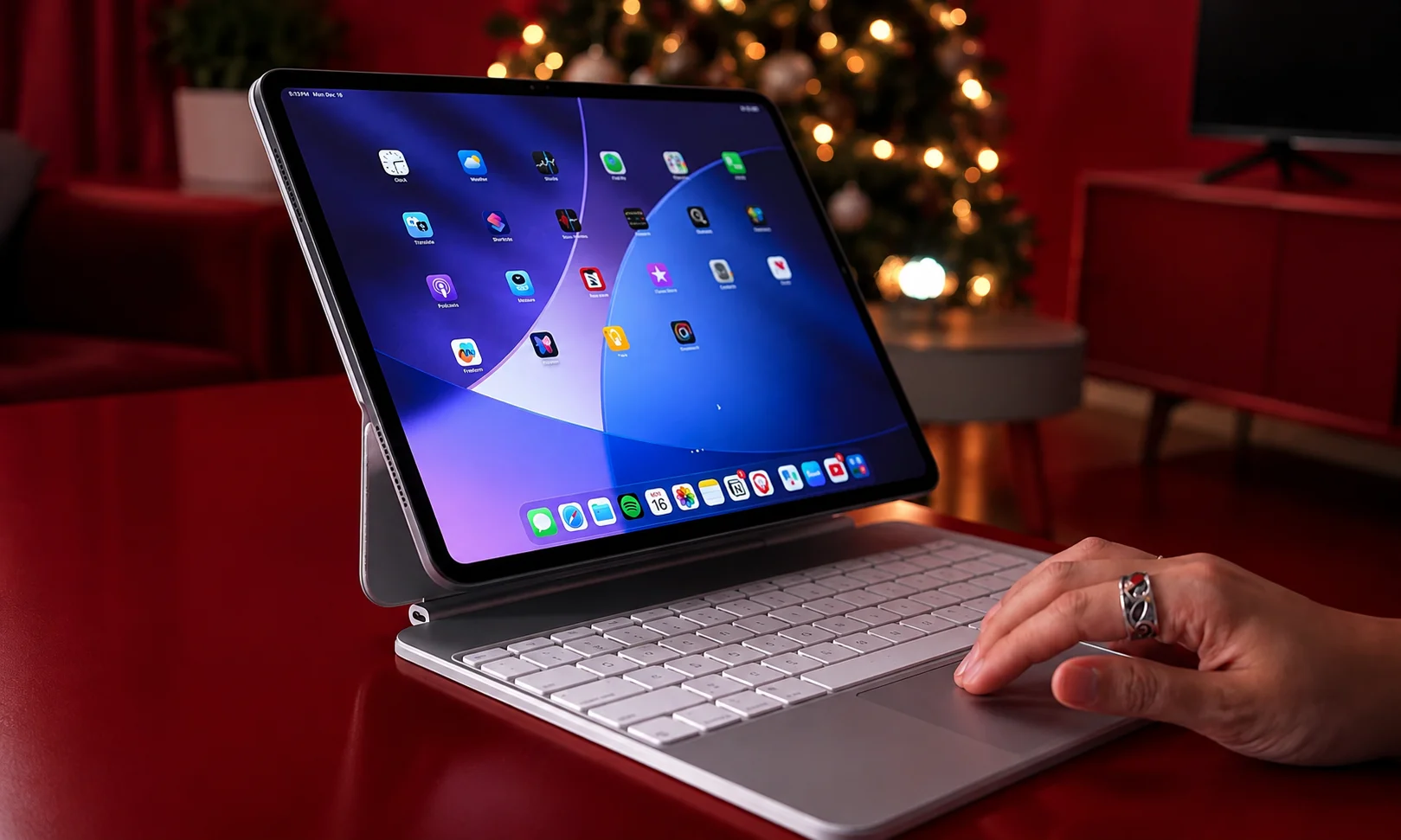
The display contains a Tandem OLED panel. It has a 2752 × 2064 resolution. The screen also supports ProMotion from 10Hz to 120Hz.This makes scrolling and moving around the screen smoother. The screen includes P3 wide color, True Tone, full lamination, and an antireflective coating. These features make the screen clear and natural. Apple rates the display about 1,000 nits for SDR and up to 1,600 nits for HDR. This makes it easier to see the screen in bright places. HDR videos can also look better.
The 13-inch size gives you more space to work. You can use it for photo editing, video editing, drawing, reading, and working with documents. It also gives you more space while using several apps. Apple also offers nano-texture glass on the 1TB and 2TB models. It helps reduce reflections. It is useful if you often use the iPad near windows or under bright lights. For most people, the standard glass should be enough.
The M5 chip gives the iPad Pro its high-end hardware
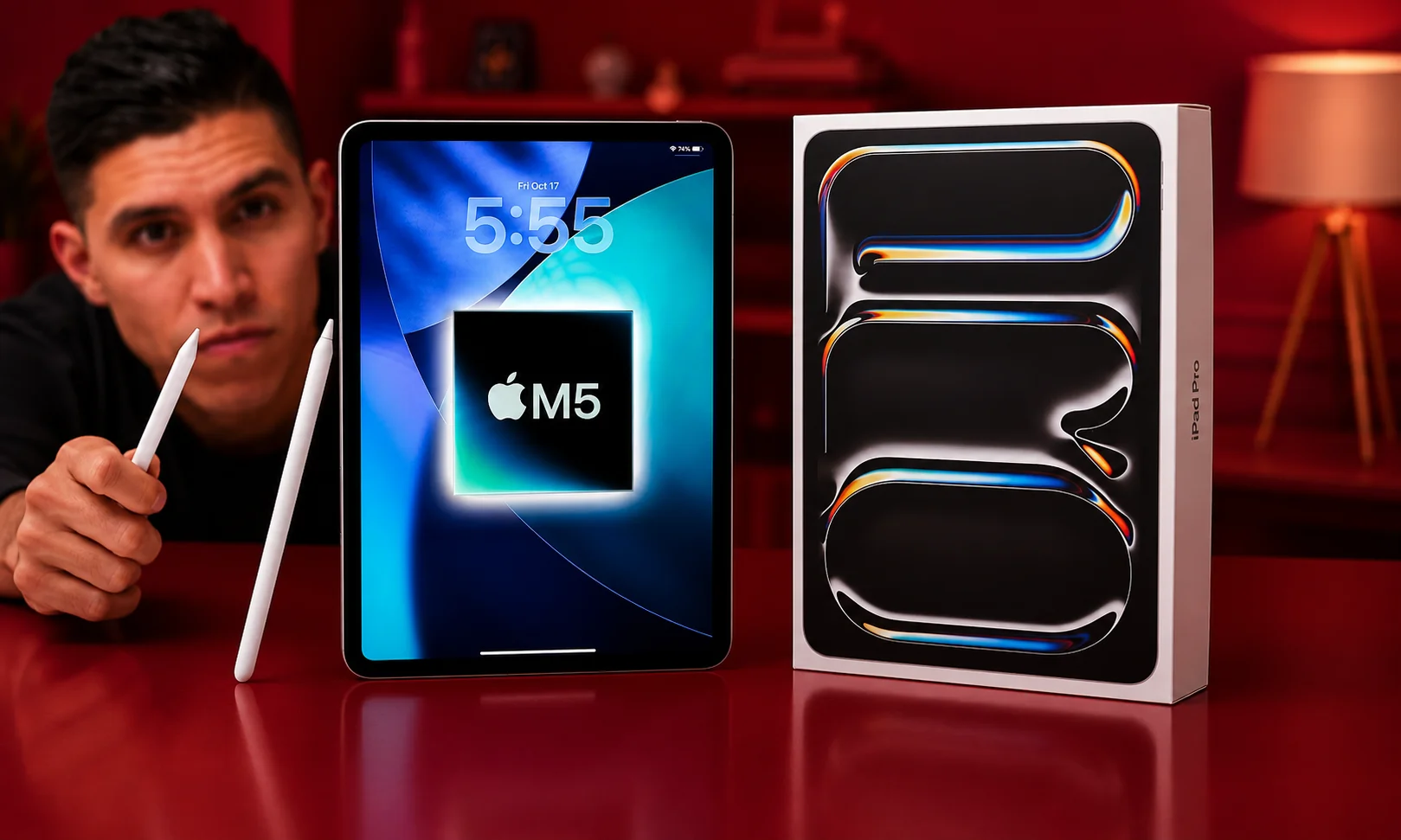
The iPad Pro works best with an M5 chip. The 256GB and 512GB models include
- 9-core CPU
- 10-core GPU
- 12GB of unified memory
The 1TB and 2TB models have
- 10-core CPU
- 10-core GPU
- 16GB of unified memory.
The M5 chip has also hardware-accelerated ray tracing, Neural Accelerators, and a 16-core Neural Engine which help iPad to handle demanding apps and tasks easily. The M5 chip is useful for video editing, photo editing, gaming, drawing and other works. Most people don’t need this for browsing the web, watching videos, and checking email. The storage also affects the amount of memory and CPU power. So, if you want the 10-core CPU and 16GB memory, 1TB or 2TB model is best for you.
Apple Pencil Pro support adds another way to use the iPad
Built into the 13-inch iPad Pro is support for both the Apple Pencil Pro and the Apple Pencil (USB-C), and Apple Pencil hover is something the display picks up on as well. Where the Apple Pencil Pro really stands out is drawing, handwriting, and note-taking, though editing photos and marking up documents are two more tasks it handles just as well.
Thanks to the bigger 13-inch screen, you get more room to draw and write good news if you’re an artist, designer, student, or someone who deals with notes and documents regularly. But if an Apple Pencil isn’t something you plan to use, this feature probably won’t weigh much in your decision to get this iPad. Worth noting: the Apple Pencil Pro doesn’t come included, so that’s an extra expense on top of the tablet.
It’s seriously thin
5.1mm, that’s how thick this iPad gets. Grab the Wi-Fi-only version and it’s 579 grams; add cellular and it creeps up to 582 grams. Two colors, that’s it: Silver or Space Black. Thinness is basically the headline feature here. Even with that big 13-inch panel up front, Apple somehow keeps this thing from feeling bulky.Now, going 13-inch over 11-inch does buy you more screen to work with but there’s a catch. It’s bigger, heavier, and after a while your hand starts to notice it during long sessions.
Bottom line: if what you want is a large display without the tablet feeling like a brick, this size nails that balance.
Thunderbolt and USB 4 keep connectivity flexible
One port does a lot here, Thunderbolt / USB 4, handling charging, DisplayPort, Thunderbolt 3, and USB 4 all through the same connection. External SSDs, cameras, card readers, monitors plug in whatever compatible gear you’ve got, and this port takes care of it. Want a bigger screen while you work? The iPad Pro can push out to an external display at up to 6K resolution and 60Hz.
Just one catch: there’s only a single USB-C port on this thing. Juggling multiple wired devices at once? You’ll want a hub or dock to make that happen.
Storage runs from 256GB all the way to 2TB
Four sizes to pick from 256GB, 512GB, 1TB, and 2TB, that’s what Apple offers on the 13-inch iPad Pro.
There’s a twist here: performance scales with storage too. Choosing 256GB or 512GB gets you a 9-core CPU plus 12GB of unified memory, while stepping up to 1TB or 2TB bumps that to a 10-core CPU with 16GB of unified memory. In the U.S., the 256GB Wi-Fi model starts at $1,499, with the price climbing as storage increases.
If your usage is mostly browsing, note-taking, video streaming, and everyday apps, 256GB should serve you well. But for anyone dealing with large photo libraries or heavy video files, going bigger makes more sense. Just don’t grab 1TB or 2TB simply because those options exist the smarter move is matching storage to how you’ll actually use the tablet.
Battery life
Before even glancing at Apple’s number, remember this: actual battery life comes down to what you’re doing on the iPad. As for that number, Apple rates the 13-inch iPad Pro at up to 10 hours, whether that’s web browsing over Wi-Fi or playing video.
Think of that 10-hour mark as a ceiling rather than something guaranteed, though. Demanding tasks gaming, video editing, running the screen at max brightness will drain the battery a lot faster. Lighter activities like reading, casual browsing, or watching videos, on the other hand, go easier on the battery, so day-to-day use like that should land you pretty close to Apple’s stated figure.
Cameras
A 12MP Wide camera sits on the back, paired with a 12MP landscape-oriented Center Stage camera up front.
ProRes video capabilities and 4K recording are also included, per Apple’s specs.
Positioning the front camera in landscape orientation reflects how Apple has tailored the iPad specifically for video calling and similar front-facing uses.
iPadOS 26 is part of the experience
Since the iPad Pro operates on iPadOS 26, the experience as a whole is shaped by the software just as much as by the M5 hardware itself.
This matters a great deal for anyone evaluating the iPad Pro as a potential computer substitute. Despite the M5’s raw power, this device is still fundamentally an iPad governed by iPadOS.
Is the 13-inch worth going with?
Screen size is really the deciding factor when choosing the 13-inch over other options that’s what sets it apart. There’s also an 11-inch iPad Pro running the same M5 chip, so performance wise, the two models are identical; size is where they actually diverge. More room for documents, drawing, editing photos or video, and running multiple apps side by side that’s what the bigger 13-inch screen buys you.
On the flip side, the 11-inch model wins on portability. It’s lighter, easier to carry around, and far more comfortable to hold during long stretches of use. So it comes down to priorities: chase extra screen space for serious work, and the 13-inch makes sense. Value portability and comfortable one-handed use instead, and the 11-inch is likely the smarter pick.
Does the 13-inch M5 iPad Pro earn its price tag?
What you actually need from a tablet is really what settles this question. Between the Tandem OLED screen, M5 chip, Apple Pencil Pro compatibility, Thunderbolt / USB 4, and that slim build, the Pro has plenty going for it. Extra room for multitasking, editing, drawing, and general work also comes courtesy of that larger 13-inch display.
That said, $1,499 to start isn’t cheap for a tablet and neither the Apple Pencil Pro nor the Magic Keyboard are included, so factor those costs in too. For anyone who genuinely wants that big OLED display and needs the performance boost, this iPad justifies the investment. But if your needs are simpler web browsing, video streaming, note-taking, basic apps you’ll likely get better value from a cheaper iPad.
Pros and cons
Pros
- Tandem OLED display
- 10Hz–120Hz ProMotion
- M5 chip
- Apple Pencil Pro support
- 5.1mm-thin design
- Up to 2TB storage
- Thunderbolt / USB 4
- External display support
- 12MP rear camera
- Landscape 12MP Center Stage front camera
Cons
- High starting price
- Higher storage options cost more
- Nano-texture glass is only available on 1TB and 2TB models
- The 13-inch model is larger than the 11-inch version
- Apple Pencil Pro and keyboard are sold separately
Final verdict
A very good display paired with serious power that’s what defines the 13-inch iPad Pro with M5Where this device truly excels comes down to a handful of things, the Tandem OLED screen, the M5 chip, support for the Apple Pencil Pro, and the Thunderbolt / USB 4 port. The 5.1mm-thin build deserves a spot on that list as well. And thanks to the 13-inch screen, extra breathing room opens up for editing, multitasking, drawing, and general work.
Where things get tough to swallow, though, is the price. In the U.S., $1,499 is where the 256GB Wi-Fi model starts and that’s before adding the Apple Pencil Pro or Magic Keyboard, both sold separately. So who should buy it? If M5-level performance and that large OLED screen genuinely matter to you, this iPad earns serious consideration. But for simpler needs browsing, video, notes, basic apps ,a more affordable iPad will likely serve you better.
Frequently Asked Questions
Does the M5 version of the 13-inch iPad Pro count as a major upgrade from M4?
Processing power and Neural Engine gains are where most of the improvement lies, given that size, design, and display carried over largely unchanged from the previous generation. Owners of the M4 model probably won’t find the performance boost alone worth upgrading for, though anyone coming from an older or non-Pro iPad should notice a much bigger jump.
Can a laptop be fully swapped out for the 13-inch iPad Pro?
Your particular workflow is what decides this. This hardware handles browsing, drawing, note-taking, and light editing smoothly, and multitasking benefits from the large screen. Still, some professional software and file-management tasks remain more restricted since iPadOS runs the show here instead of macOS. A laptop will likely still be needed alongside it for anyone relying heavily on desktop-only apps.
Does choosing the 13-inch over the 11-inch iPad Pro actually make sense?
Only when extra multitasking space and screen size genuinely matter for what you do. Performance doesn’t take a hit by going smaller, since connectivity, cameras, and the M5 chip are shared across both sizes what you’re really trading is screen real estate for a device that’s lighter and easier to carry.
Is the Apple Pencil Pro sold as part of the package?
No. As with earlier iPad Pro generations, keyboard accessories and the Apple Pencil Pro are purchased on their own rather than bundled in, so keep that in mind when budgeting if these are part of your plan.
Does spending extra on nano-texture display glass make sense?
Its main benefit shows up for people frequently using their iPad in bright settings or near windows, since glare and reflections are what it’s designed to reduce. Most casual, mostly-indoor users won’t notice a huge difference and could reasonably skip it especially given it’s exclusive to the higher-priced 1TB and 2TB configurations.
Is 5G supported on the 13-inch iPad Pro?
The Wi-Fi + Cellular version does support 5G, giving you a way to stay connected without needing Wi-Fi, a handy feature for frequent travelers or anyone who needs a dependable connection while out and about.



