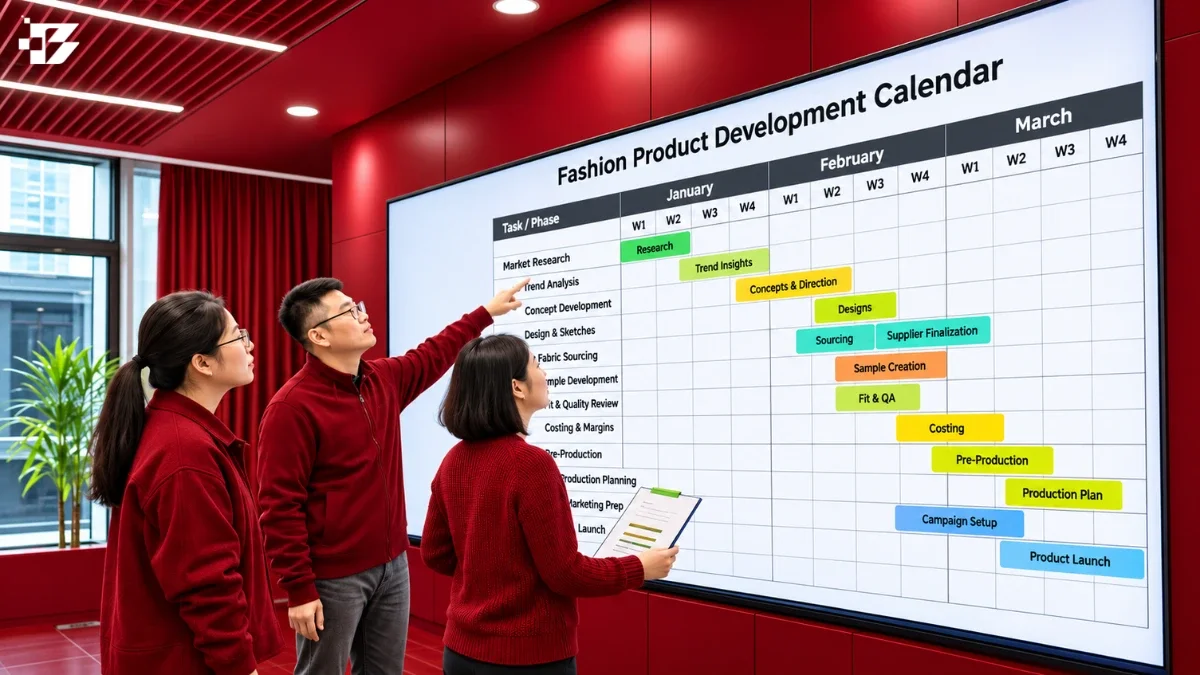
Build your calendar by setting the launch date first, then mapping design, sourcing, sampling, approvals, production, inspection and delivery backward from it. Give each milestone an owner so your fashion brand’s team can make clearer decisions and spot deadline risks sooner.
Product development involves many linked decisions, from choosing materials to approving finished garments. A calendar helps small fashion brands see what needs attention and where plans may change. It cannot guarantee a launch date, but it can make time and responsibilities easier to manage across your supply chain.
Keep the date products need to be ready for customers distinct from any marketing announcement date.
Key Takeaways
- Set a customer-ready date before assigning milestone dates.
- Track both ongoing work and approvals that need a decision.
- Show task owners, dependencies and status in a working calendar.
- Plan quality checks throughout production, not only at the end.
- Review the calendar weekly or every two weeks when plans change.
What belongs in a fashion product development calendar?
A useful calendar links each style’s concept work to the point when finished goods need to be ready for sale. Each style needs a view of its design, production and delivery work, along with decision dates that can affect the whole collection.
Track five phases: concept and design, sampling and prototyping, approvals, full production, and launch preparation or delivery. A tech pack is a factory-facing document that records a garment’s materials, measurements, construction and finishing requirements.
Track the stages from concept to delivery
Concept and design covers research, sketches and product choices. Sampling and prototyping turn those choices into garments for review. Approvals record decisions, while production makes the order in bulk.
Launch preparation includes packing, shipping and delivery readiness. Add campaign work to the calendar, too. A social media content calendar can keep post dates and launch materials visible beside product work.
Separate work phases from decision milestones
Work phases span a period, such as sourcing materials or sewing an order. Milestones mark a point when someone must decide, approve or confirm progress.
Record tech-pack completion, material ordering, sample readiness, fit review, final approval, production start and end, quality checks, goods shipped and launch. A fit review needs a clear decision, not just a meeting date.
Mark delivery readiness as a milestone, so a launch date reflects when goods can reach customers.
Keep retail campaign dates visible, but mark them separately from factory approval dates.
How to Build a Fashion Product Development Calendar
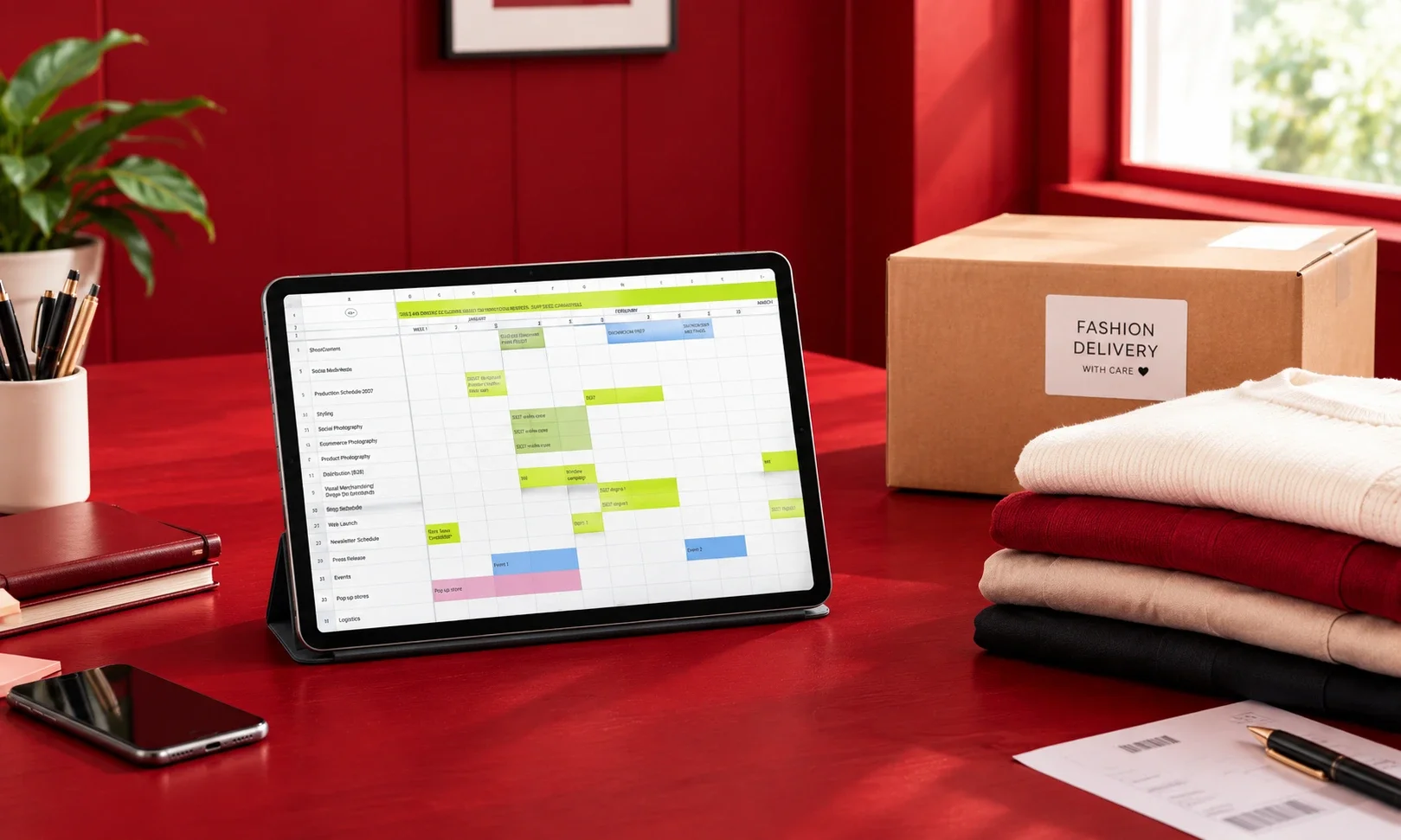
If a collection must launch in September, design may need to begin in March or April. Start backward from the date customers can shop, then place the work and decisions that must happen before it.
Typical lead times are planning ranges, not fixed promises. A backward launch schedule helps you spot where design, sourcing and production need to fit.
Start with the launch date and schedule backward
Write down the launch date, then place delivery and production milestones before it. Keep inspection and packing separate from bulk production. Allow another 1-2 weeks for those tasks before shipping preparation.
Apparel shipping transit commonly takes 5 to 10 days by air or 20 to 40 days by sea. For a September launch, March or April design work gives the team room for development and production.
Estimate lead times for each phase
Use the ranges below to start discussions with your factory and suppliers. They help your team see which phases can overlap and which need approval first.
| Phase | Typical duration | Scheduling note |
|---|---|---|
| Design and development | 4-6 weeks | Complete tech packs |
| Material sourcing | A couple of weeks | Can overlap design |
| Sampling | 2-4 weeks per round | Plan at least two rounds |
| Final approvals and order preparation | 1-2 weeks | Approve before bulk |
| Bulk production | 30 to 90 days | Depends on complexity, quantity and factory schedule |
A 12-week example starts with finalized designs and tech packs in weeks 1-2. Sampling and fit approval take weeks 3-5, then bulk production and quality control run through weeks 6-10.
Shipping and warehouse receiving fill weeks 11-12 in that example. Treat this as a planning pattern, not a promise for every product. Confirm actual lead times with the factory and material suppliers before treating any milestone as fixed.
How do dependencies shape the critical path?
A late fabric approval can delay production when every later milestone depends on that material decision. The critical path is the longest dependent sequence of tasks, and it sets the earliest possible launch.
Any delay on that chain can push the launch date. A critical-path map connects task dependencies and lead times, showing which work cannot move ahead until an earlier task finishes.
Sourcing can overlap with design while the team finalizes specifications. Bulk production depends on final sample approval. Marketing work can run in parallel when it does not rely on unfinished product decisions.
Include these five tasks on the critical path:
- Fabric and trim sourcing
- Sample approval
- Purchase orders
- Production
- Shipping
A late component can hold up sampling or production when dependent work cannot start. Meanwhile, your team can plan campaign assets or social posts in parallel; a paid social creative plan can track that separate work.
Never remove final sample approval from the sequence just to make a launch date appear achievable.
What fields belong in a reusable calendar template?
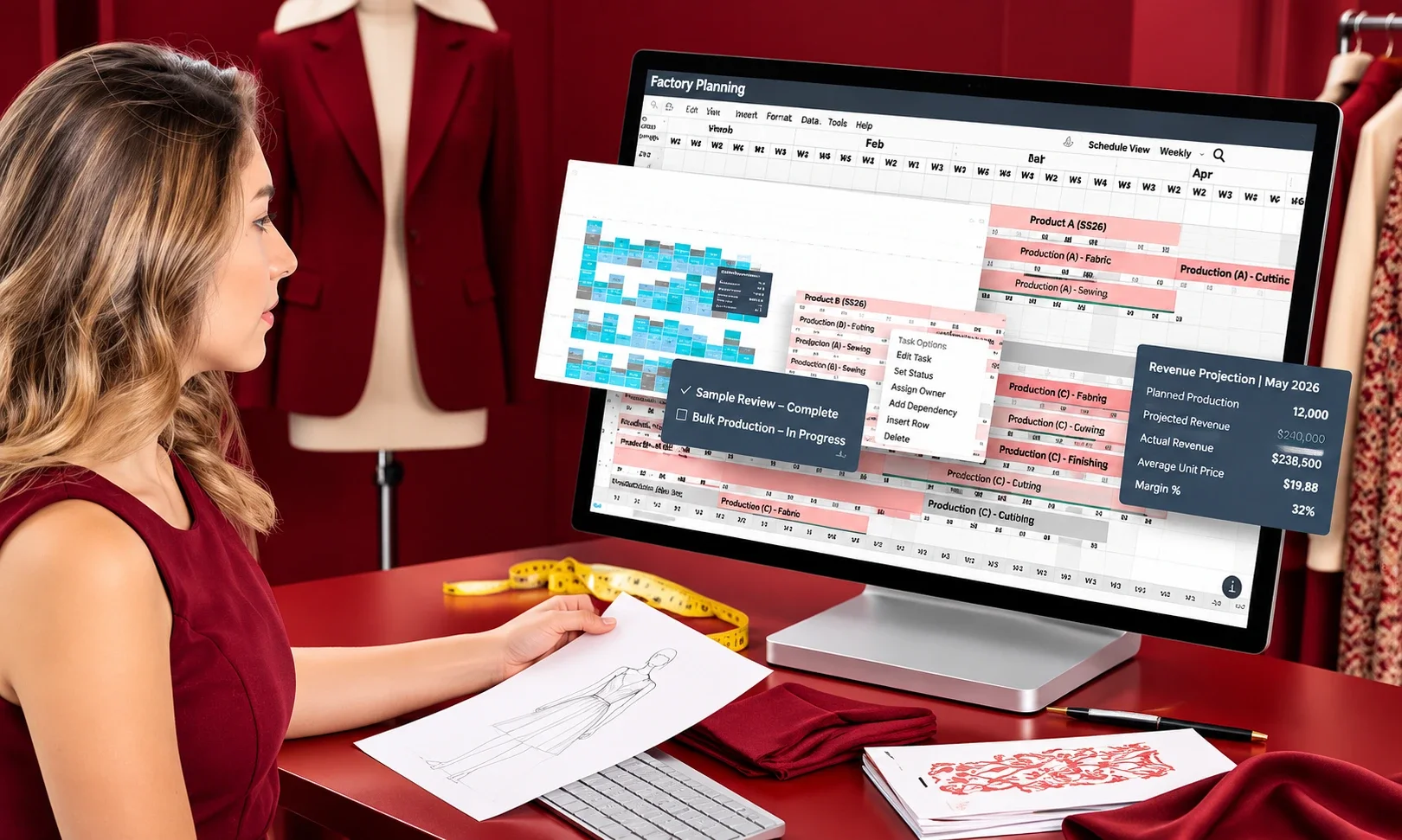
A reusable template works best when each row represents one task for one style, rather than a broad phase with no accountable owner. One task per row lets your team see collection-wide work and style-level needs in the same calendar.
At minimum, record the style or product, task, owner, due date and status. Add a dependency field to show what must happen first.
Give every task a clear record
To build a fashion product development calendar template, start with a small set of fields your team will keep current. Each row should name the work, who owns it and whether it has started.
- Style or product
- Task
- Owner
- Due date
- Status
A dependency field adds context when one task relies on another. An owner can report changes, while status shows whether work is not started, underway or held up.
| Style | Task | Owner | Dependency | Status |
|---|---|---|---|---|
| Relaxed-fit cotton tee | Approve tech pack | Technical designer | Measurements and materials confirmed | In progress |
| Woven shirt | Review first fit sample | Product developer | Sample received | Not started |
| Canvas tote | Approve pre-production sample | Design lead | Fit and construction signed off | Not started |
Connect style-level work to collection milestones
Collection milestones show shared dates, such as when all styles need approval. Style-level rows capture differences in materials, fit reviews or factory timing.
Keep dates out of example records until your team confirms them. A shared template also helps teams with recurring reviews; an always-on creator workflow offers a useful model for assigning repeat tasks.
Make every task’s owner responsible for reporting a change to its due date or status.
How do you build the calendar in Excel?
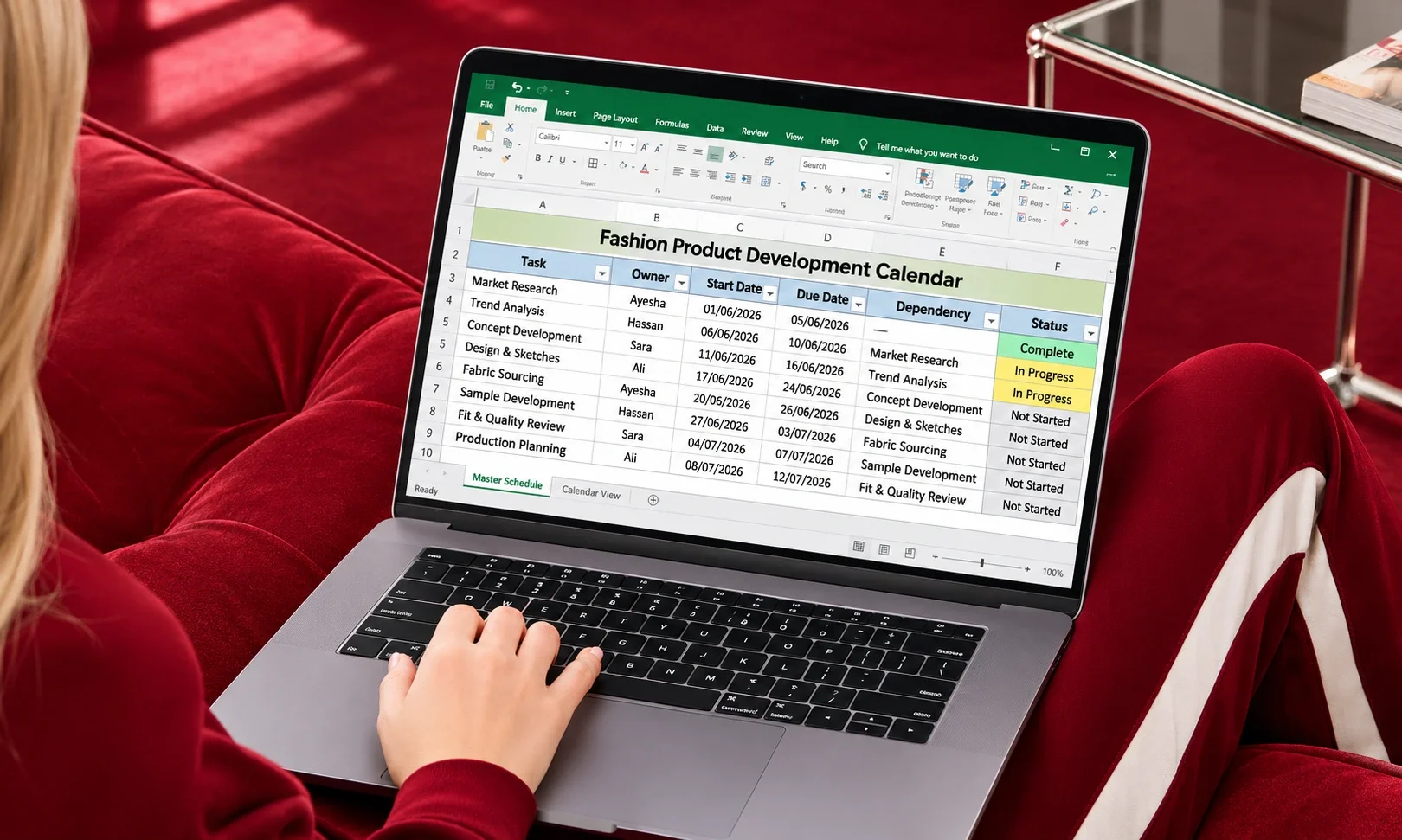
Set the calendar up as an editable Excel workbook when the team needs to change dates and track progress over time. An editable file supports ongoing updates, unlike a PDF that holds a fixed view.
Use one master schedule sheet with task rows, an owner, start date, due date, dependency and status. A workbook can stay editable while your team changes plans.
Turn on filters for owner and status so each person can find their work. Use one date format throughout, such as month, day and year, to reduce confusion.
Choose simple status values: not started, in progress, blocked and complete. Agree on what each value means before the team starts updating the file.
Keep one controlled master copy and name the person responsible for updates. This avoids competing versions when several team members make changes. An Excel workbook is more practical for regular edits than a static PDF.
Your team can export a PDF when it needs to share a fixed snapshot for review. Export a PDF only when you need to circulate a fixed version for review.
How should sampling and production quality checks appear?
Put a quality checkpoint beside the production stage it is meant to verify, rather than scheduling only a final inspection. Early checks can reveal issues before more garments move through the line.
Record each sample review with a decision and specific feedback. Place quality control at incoming materials, cutting, sewing and finishing.
Use these four inspection checkpoints in the production calendar:
- Incoming materials
- Cutting
- Sewing
- Finishing
At each point, check garment dimensions, stitching, material consistency and overall workmanship. For fabric tests, CottonWorks’ quality assurance basics describes checks such as water repellency and water resistance.
A sample review should capture the result, the requested change and who will act on it. That record helps the team judge whether the next sample or production stage is ready.
Record each check’s result and corrective action against the style and production stage.
How often should you update the calendar when plans change?
Review the calendar weekly or every two weeks, then update it whenever a key assumption changes. Regular reviews help your team reflect new lead times, test results, factory capacity or shipping conditions.
Keep a change log with the affected task, revised date, owner and reason. Recheck dependent dates when a change affects the critical path.
| Trigger | Immediate calendar change | Recheck |
|---|---|---|
| Late material lead time | Revise sourcing and dependent production dates | Confirm factory schedule |
| Failed test result | Record corrective work and affected approval | Set a new test date |
| Reduced factory capacity | Revise production window | Confirm revised slot |
| Shipping delay | Revise warehouse receipt and launch readiness | Confirm updated transit estimate |
Use the weekly or biweekly review to assign each change to an owner. A regular check-in also helps teams keep recurring work visible, much like a planned creator program review.
Escalate a change as soon as it touches a dependent task on the critical path.
Update the revised date and reason in the same record, so the team can see what changed without searching through old messages.
Conclusion
A realistic calendar makes the next decision and the person responsible for it visible. For fashion brands, its value comes from clear ownership and updates when plans change, not from filling every cell with dates.
Use it as an editable decision tool that connects product work to customer readiness. A calendar becomes useful when your team can act on what it shows.
Start by adding your target launch date and the next three approval milestones to your calendar.