

Smart home technology makes everyday life more convenient. You can control lights, locks, cameras, thermostats, and even kitchen appliances from your phone or with a simple voice command. While these devices offer impressive features, choosing the wrong products or setting them up poorly can quickly turn convenience into frustration.
Many people focus on buying the latest gadgets without thinking about compatibility, security, or future upgrades. As a result, they spend more money, deal with unreliable connections, and struggle with devices that refuse to work together. Fortunately, most of these problems are easy to avoid with the right planning.
This guide covers the 15 Smart Home Mistakes to Avoid so you can build a reliable, secure, and easy-to-manage smart home from the very beginning. Whether you are buying your first smart device or expanding an existing setup, these tips will help you make smarter decisions.
Quick Answer
The biggest 15 Smart Home Mistakes to Avoid include buying incompatible devices, ignoring Wi-Fi coverage, choosing products based only on price, overlooking security settings, and trying to automate everything at once. Planning your smart home carefully, selecting trusted brands, and keeping devices updated will save money and create a smoother experience.
Key Takeaways
- Always check device compatibility before buying.
- Build your smart home gradually instead of purchasing everything at once.
- Invest in reliable brands that provide long-term software updates.
- Strengthen your Wi-Fi network to improve device performance.
- Protect your privacy with strong passwords and two-factor authentication.
- Keep firmware and mobile apps updated.
- Create practical automations that match your daily routine.
- Review your smart home setup regularly to remove unused devices and improve performance.
- Plan for future expansion to avoid expensive upgrades later.
- Following these 15 Smart Home Mistakes to Avoid will help you build a smarter, safer, and more dependable connected home.
Why Avoiding Smart Home Mistakes Matters
A smart home should make life easier, not more complicated. Every connected device depends on a stable network, reliable software, and good planning. Even one poor decision can affect the performance of several devices.
For example, buying products from different ecosystems without checking compatibility often leads to connection problems. Likewise, installing security cameras with weak Wi-Fi can cause delays, poor video quality, or missed recordings.
By understanding the 15 Smart Home Mistakes to Avoid, you can build a system that works smoothly today and remains useful as new technology becomes available.
1. Buying Devices Without Checking Compatibility
One of the biggest 15 Smart Home Mistakes to Avoid is purchasing devices simply because they are on sale or highly rated. Not every smart device works with every ecosystem.
Before buying anything, check whether it supports your preferred platform, such as Amazon Alexa, Google Home, Apple Home, or Matter. A few minutes of research can prevent hours of troubleshooting later.
Why This Happens
Many beginners assume all smart devices connect with each other. Unfortunately, different manufacturers may use different communication standards.
Better Approach
- Choose one main smart home ecosystem.
- Verify compatibility before purchasing.
- Look for Matter support whenever possible.
- Read the manufacturer’s compatibility list.
2. Ignoring Wi-Fi Coverage
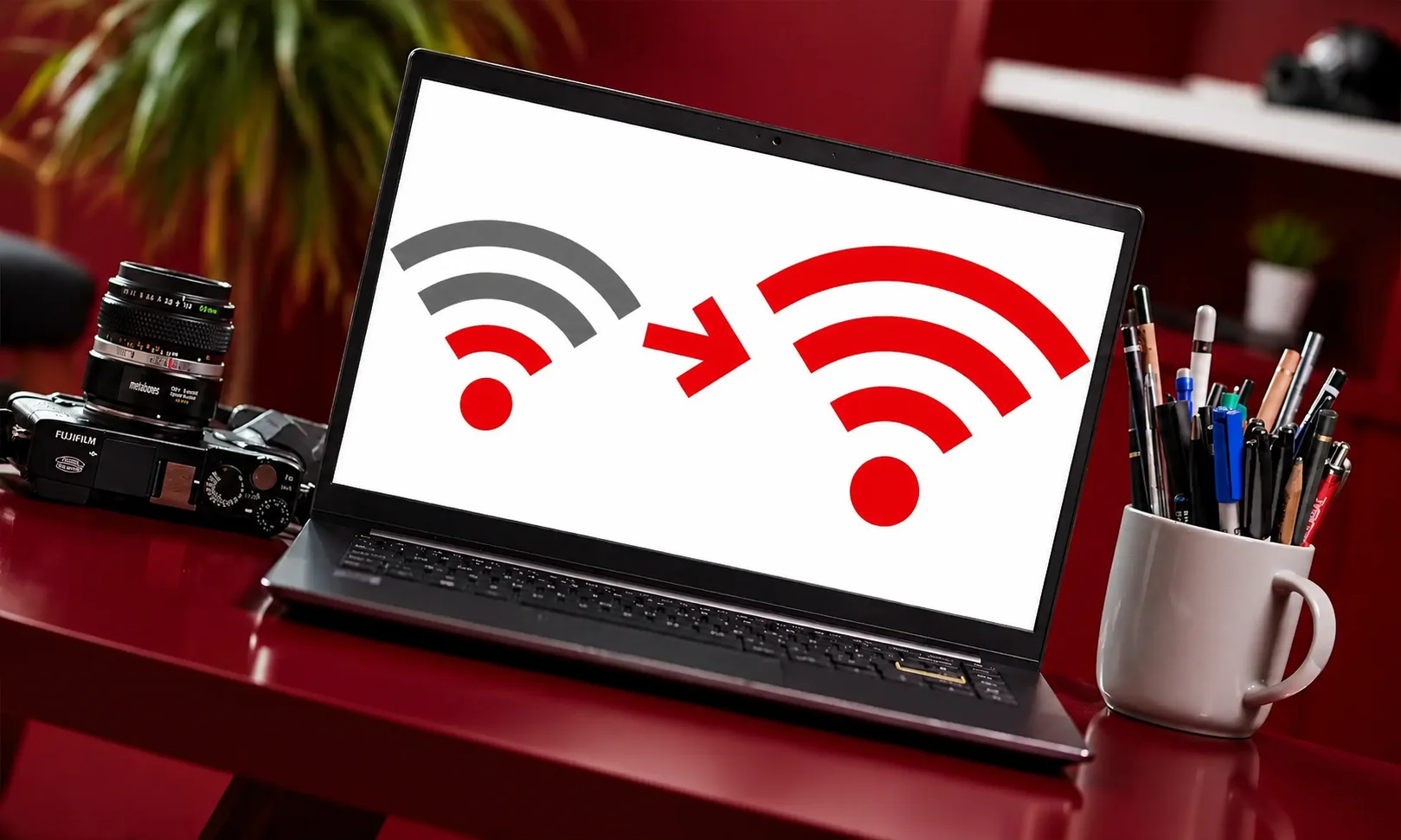
Reliable internet is the foundation of every smart home. Weak Wi-Fi signals can make lights respond slowly, security cameras disconnect, and smart speakers miss voice commands.
Large homes often have dead zones where wireless signals struggle to reach. Adding more smart devices only makes these weak spots more noticeable.
Signs Your Wi-Fi Needs Improvement
| Problem | Possible Cause |
| Devices disconnect often | Weak signal |
| Cameras buffer | Low bandwidth |
| Voice assistant responds slowly | Poor connection |
| Smart plugs go offline | Network congestion |
| Delayed automations | Unstable Wi-Fi |
Better Approach
- Test Wi-Fi strength in every room.
- Place your router in a central location.
- Consider a mesh Wi-Fi system for larger homes.
- Avoid placing routers behind thick walls or metal furniture.
3. Choosing Price Over Quality
Everyone wants to save money, but buying the cheapest smart home products can become expensive over time. Low-cost devices may receive fewer software updates, have weaker security, or stop working after a short period.
Instead of filling your home with inexpensive gadgets, invest in reliable products from trusted manufacturers that provide regular updates and long-term support.
Compare Before Buying
| Budget Devices | Trusted Brands |
| Lower upfront cost | Better long-term value |
| Limited updates | Regular software updates |
| Basic features | Advanced automation |
| Shorter lifespan | Greater reliability |
| Smaller support community | Strong customer support |
Paying slightly more today often means fewer problems in the future.
4. Forgetting About Privacy and Security
Another major item on the list of 15 Smart Home Mistakes to Avoid is overlooking security settings. Every connected device stores or shares some level of personal information.
If these devices are not protected, they may become vulnerable to unauthorised access.
Protect Your Smart Home
- Use strong and unique passwords.
- Enable two-factor authentication whenever available.
- Update firmware regularly.
- Remove devices you no longer use.
- Review privacy settings after installation.
Simple security habits can greatly reduce potential risks without making your smart home harder to use.
5. Buying Too Many Devices at Once

It can be tempting to buy smart lights, cameras, locks, speakers, sensors, plugs, and thermostats all at once. However, managing many new devices together often becomes confusing.
Starting with a few essential products allows you to learn how they work before expanding your system. It also helps you identify which automations genuinely improve daily life.
A Smarter Way to Start
Begin with:
- A smart speaker or display
- Smart lighting
- Smart plugs
- One security camera
- A video doorbell if needed
Once these devices work reliably, you can gradually add smart locks, sensors, thermostats, and other accessories without creating unnecessary complexity.
6. Ignoring Software Updates Is One of the 15 Smart Home Mistakes to Avoid
Software updates do more than add new features. They often fix security issues, improve performance, and help devices stay compatible with other products. Skipping updates can leave your smart home vulnerable to problems that manufacturers have already solved.
Many updates install automatically, but it is still worth checking your devices regularly. Keeping everything up to date helps your smart home run smoothly.
How to Stay Updated
- Enable automatic updates whenever possible.
- Check for firmware updates every month.
- Update companion apps on your phone.
- Replace devices that no longer receive security updates.
7. Poor Automation Planning Is One of the 15 Smart Home Mistakes to Avoid
Automation should simplify your daily routine, not make it more confusing. Many people create too many routines without thinking about how they interact, leading to lights switching on unexpectedly or devices responding at the wrong time.
Start with a few useful automations and build from there. This approach makes it easier to identify what works and what needs adjusting.
Examples of Useful Automations
| Automation | Benefit |
| Lights turn on at sunset | Improves convenience |
| Thermostat adjusts before bedtime | Saves energy |
| Doors lock automatically at night | Improves security |
| Motion lights activate in hallways | Safer movement at night |
| Cameras arm when everyone leaves | Better home protection |
8. Using Too Many Apps Is One of the 15 Smart Home Mistakes to Avoid
Each smart device often comes with its own mobile app. Before long, your phone may be filled with apps that perform similar tasks, making it harder to manage your home.
Whenever possible, choose products that work within the same smart home ecosystem. Managing everything from one app creates a much better experience.
Keep Your Smart Home Simple
- Buy compatible devices.
- Use one primary ecosystem.
- Remove apps for devices you no longer own.
- Organise automation within a central platform.
9. Forgetting Backup Power Is One of the 15 Smart Home Mistakes to Avoid
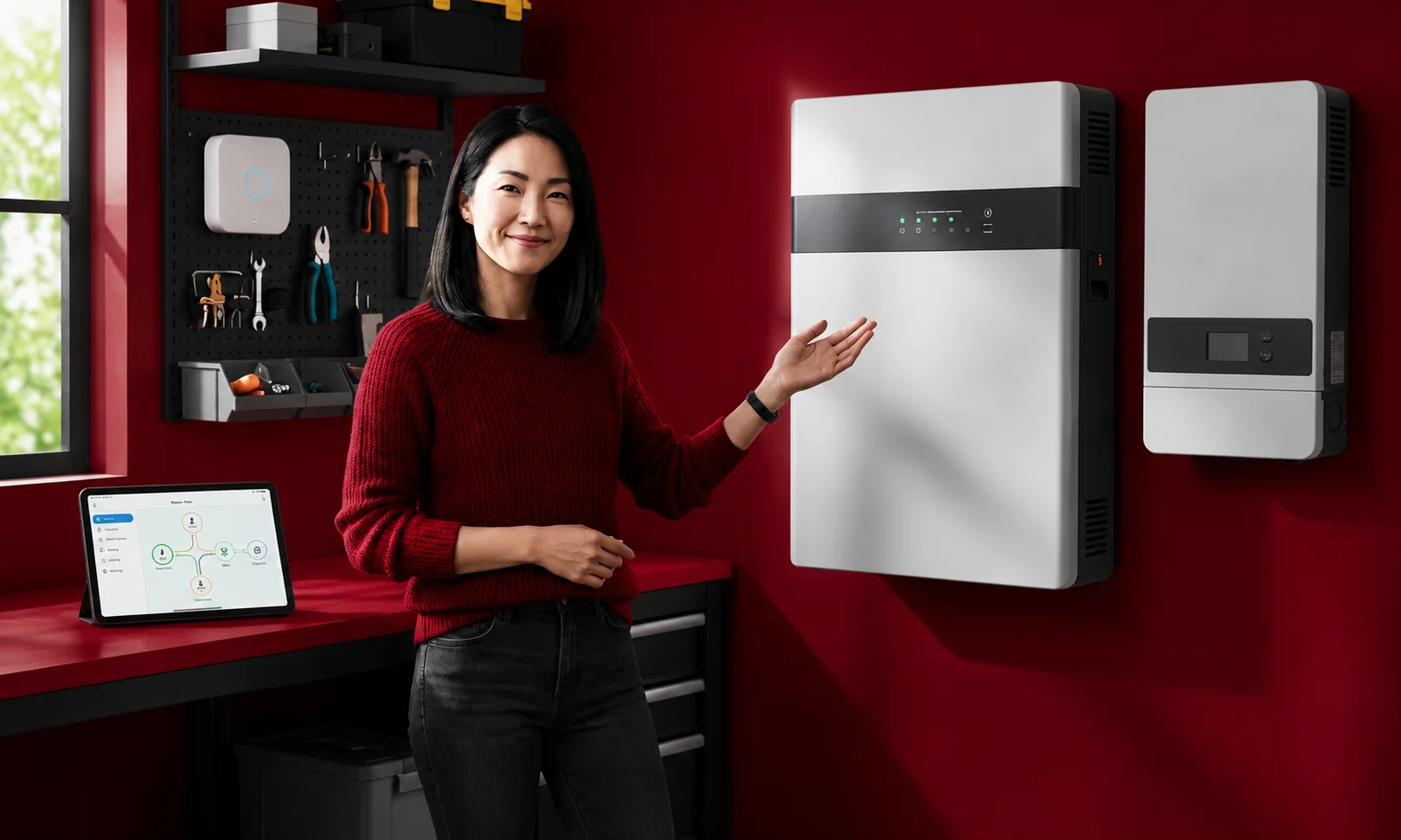
Power outages can temporarily disable many smart home features. If your internet router loses power, connected devices may stop responding until electricity returns.
Critical devices such as security cameras, routers, and smart locks benefit from backup power solutions. Planning ahead reduces inconvenience during unexpected outages.
Devices That Benefit from Backup Power
- Internet router
- Mesh Wi-Fi units
- Security cameras
- Smart hub
- Home alarm system
Even a small backup power unit can keep essential devices running during short outages.
10. Weak Network Security Is One of the 15 Smart Home Mistakes to Avoid
Your home network is the backbone of every connected device. A weak Wi-Fi password or outdated router can expose your smart home to unnecessary risks.
Protecting your network is one of the easiest ways to improve smart home security.
Network Security Checklist
- Create a strong Wi-Fi password.
- Change default router login details.
- Enable WPA3 or WPA2 encryption.
- Disable unused remote access features.
- Restart your router occasionally.
11. Choosing the Wrong Location Is One of the 15 Smart Home Mistakes to Avoid
Even the best smart device may not perform well if it is installed in the wrong place. Cameras can miss important areas, sensors may fail to detect movement, and smart speakers may struggle to hear voice commands.
Take time to plan where each device will provide the best coverage before installation.
Placement Tips
| Device | Best Location |
| Smart camera | Main entrances and driveways |
| Motion sensor | Hallways and entry points |
| Smart speaker | Open living areas |
| Smart thermostat | Away from direct sunlight |
| Smart hub | Central position in the home |
12. Ignoring Future Expansion Is One of the 15 Smart Home Mistakes to Avoid
Many people buy devices only for their current needs. Later, they decide to add more products and discover their original setup cannot easily expand.
Think about where you want your smart home to be in the next few years. Choosing scalable products today can save both time and money later.
Plan for Growth
- Select devices from trusted ecosystems.
- Choose products with long-term software support.
- Leave room for additional automations.
- Check compatibility before every purchase.
13. Buying Every New Gadget Is One of the 15 Smart Home Mistakes to Avoid
New smart home products appear every year, but not every device will improve your daily life. Buying gadgets simply because they are new often leads to unnecessary spending and extra maintenance.
Instead, focus on products that solve a real problem or make everyday tasks easier.
Ask yourself before buying:
- Will I use it regularly?
- Does it solve a real problem?
- Will it work with my existing devices?
- Is it worth the cost?
14. Overlooking Privacy Settings Is One of the 15 Smart Home Mistakes to Avoid
Many smart devices collect information to provide personalised features. While this can improve convenience, reviewing privacy settings gives you greater control over what data is shared.
Spend a few minutes checking each device after installation. You may find options to reduce data collection without affecting the features you use most.
Privacy Best Practices
- Review permissions in every app.
- Disable features you do not need.
- Delete unused accounts.
- Regularly review connected devices.
15. Skipping Regular Maintenance Is One of the 15 Smart Home Mistakes to Avoid

A smart home is not something you set up once and forget. Devices need occasional maintenance to continue working properly.
Regular checks help identify problems before they affect your daily routine.
Monthly Smart Home Maintenance Checklist
| Task | Recommended Frequency |
| Check firmware updates | Monthly |
| Test cameras | Monthly |
| Replace batteries in sensors | As needed |
| Review automation routines | Every few months |
| Remove unused devices | Twice a year |
| Test smart locks | Monthly |
Expert Tips for Avoiding the 15 Smart Home Mistakes to Avoid
- Build your smart home gradually instead of buying everything at once.
- Stick to one ecosystem whenever possible.
- Choose quality over the lowest price.
- Keep your Wi-Fi network fast and secure.
- Update every device regularly.
- Create automations that genuinely make life easier.
- Review your privacy and security settings every few months.
- Plan for future upgrades before making new purchases.
These simple habits will help you avoid the 15 Smart Home Mistakes to Avoid while creating a connected home that is secure, reliable, and easy to manage.
Smart Home Buying Checklist
Before you buy another smart home device, use this checklist to avoid the 15 Smart Home Mistakes to Avoid and build a system that works well for years.
| Checklist Item | Yes | No |
| I checked device compatibility. | ☐ | ☐ |
| My Wi-Fi covers every room. | ☐ | ☐ |
| I chose a trusted brand. | ☐ | ☐ |
| My network uses a strong password. | ☐ | ☐ |
| Two-factor authentication is enabled. | ☐ | ☐ |
| Automatic updates are turned on. | ☐ | ☐ |
| I have a plan for future upgrades. | ☐ | ☐ |
| I only bought devices I actually need. | ☐ | ☐ |
| My automations are simple and useful. | ☐ | ☐ |
| I reviewed privacy settings. | ☐ | ☐ |
Frequently Asked Questions
What is the biggest mistake people make when building a smart home?
One of the biggest 15 Smart Home Mistakes to Avoid is buying devices without checking whether they work together. Choosing products from different ecosystems can lead to connection issues and limited functionality.
How can I make my smart home more secure?
Use strong passwords, enable two-factor authentication, update firmware regularly, and secure your Wi-Fi network with modern encryption. These simple steps greatly reduce security risks.
Do all smart home devices work together?
No. Some devices only work with specific ecosystems such as Amazon Alexa, Google Home, or Apple Home. Always check compatibility before making a purchase.
Is it better to buy all smart home devices at once?
No. Buying a few essential devices first gives you time to understand how they work. You can then expand your system without creating unnecessary complexity.
Do smart home devices need internet access?
Many devices rely on an internet connection for remote control and cloud features. However, some products with local control can continue performing basic functions even if your internet goes down.
How often should I update my smart home devices?
Check for firmware updates at least once a month. Enabling automatic updates is the easiest way to keep your devices secure and running smoothly.
Can smart home devices help reduce energy bills?
Yes. Smart thermostats, lighting systems, and smart plugs can reduce unnecessary energy use by following schedules and automation routines. The amount you save depends on how you use them.
Should I choose one smart home ecosystem?
Yes. Sticking with one ecosystem makes setup easier, reduces compatibility problems, and allows you to manage more devices from a single app.
Conclusion
Building a connected home is exciting, but avoiding common mistakes is just as important as choosing the right devices. By understanding these 15 Smart Home Mistakes to Avoid, you can create a smart home that is reliable, secure, and ready for future upgrades.
Start with a clear plan, invest in quality products, and keep your devices updated. Small decisions made today can prevent costly problems later while helping your smart home perform at its best.
Remember that a successful smart home is not measured by the number of devices you own. It is measured by how well those devices work together to make everyday life simpler, safer, and more convenient.



