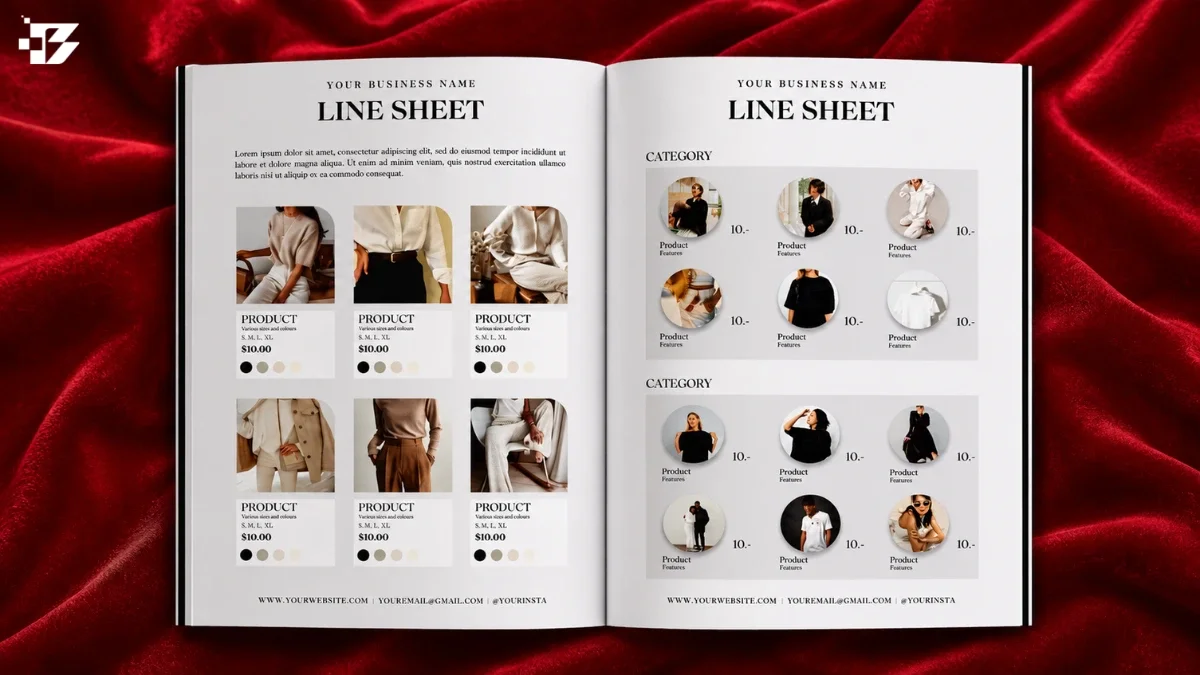
To create a useful fashion wholesale line sheet, gather confirmed product details, show each style clearly, and give retail buyers the prices and terms they need to order. An MOQ, or minimum order quantity, is the smallest quantity a buyer must purchase under the terms shown.
If you are preparing to approach boutiques, showrooms, or other retail buyers, make the file easy to scan. Buyers need ordering facts, not the full consumer-facing brand story. A useful line sheet combines approved product information, clear visuals, pricing, and ordering terms in one file. You will build a document that helps stores review your collection and place wholesale orders with fewer questions.
Treat the document as a practical buying tool, not just a polished introduction to your brand.
Key Takeaways
- Confirm product details before you design.
- Give each style clear pricing and ordering terms.
- Use product images that match the approved garment.
- Keep the page order consistent and easy to scan.
- Check the final file before sending it to buyers.
What Does a Wholesale Line Sheet Do?
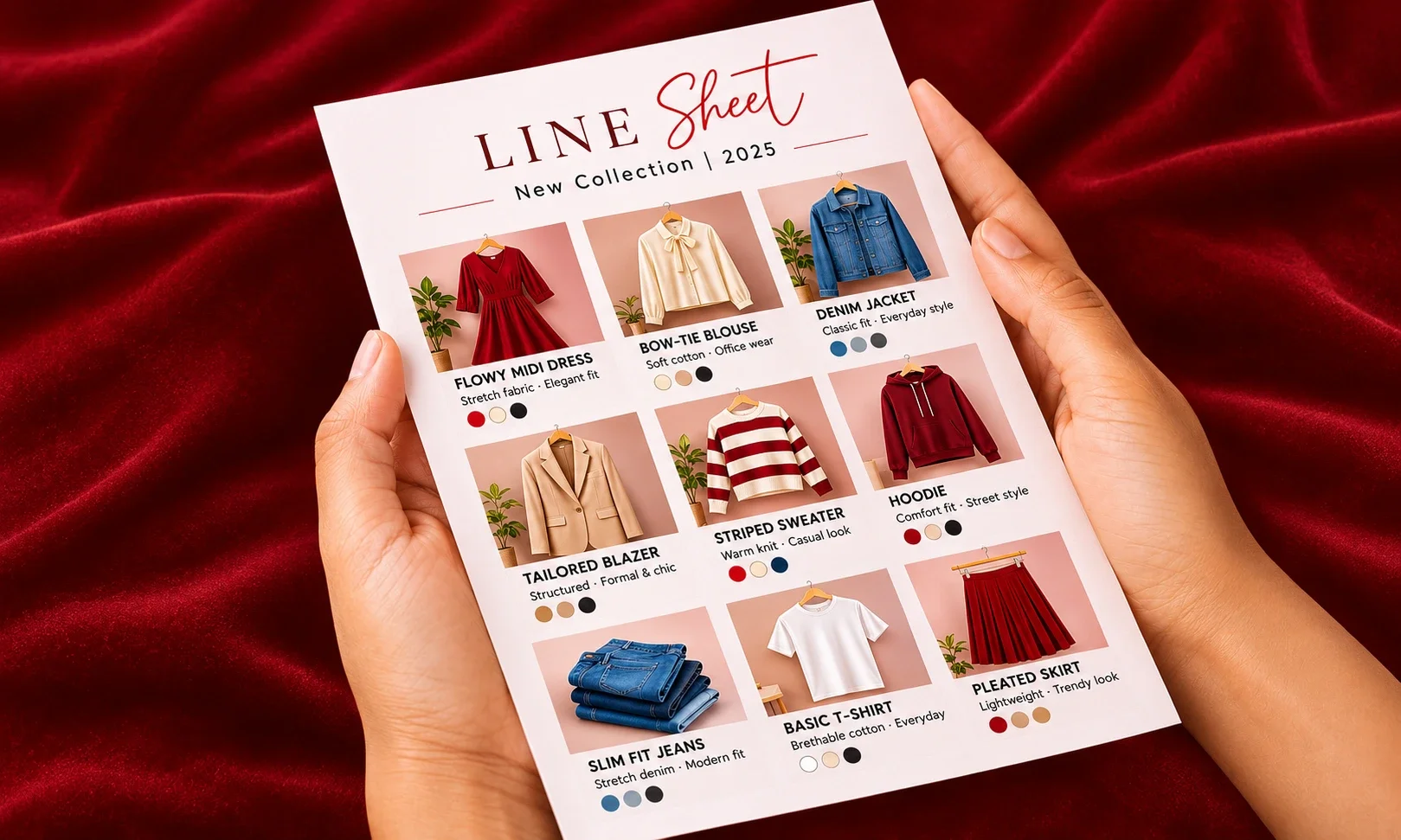
A retailer uses a line sheet to check what your brand sells, what it costs, and how to order it. Clear listings help buyers review products and make ordering decisions without sorting through a campaign deck.
A line sheet centers on product listings, pricing, ordering information, and wholesale terms. It can carry a small amount of brand context, such as a short introduction or collection note, without becoming a lookbook.
Keep the buyer’s ordering information central, even when you add a little brand context.
A lookbook emphasizes imagery and brand mood, and it usually leaves out prices and individual product listings. It can help a store understand the feeling of a collection, but it is not a substitute for the buying facts.
A catalog can combine product listings and pricing with full-color product or lifestyle images. A sell sheet is a one-page overview, often made to sum up a product, collection, or offer at a glance.
Your line sheets may use strong images and a few brand details, but buyers still need to compare products and order with confidence. Keep the buyer’s ordering information central even when you add a little brand context.
Which Collection Details Must Be Final Before Design?
Start the file only after the collection decisions that buyers will rely on are confirmed. Approved details give your sales team one dependable set of facts to use in the line sheet.
Sales teams prepare line sheets after sample approvals and internal costing reviews. Keep unapproved colors and provisional numbers out until the team confirms them. A polished page cannot fix a product name, price, or delivery date that changes later.
Lock the styles, colorways, and identifiers
Match every approved style to your internal product records before you build the document. Confirm each product name, style number, SKU, and colorway name.
Use the same spelling and identifier across sales files, product records, and order systems. A buyer may refer to a product by its name, while your team may track it by SKU.
Settle color names and codes as well. A name like “Oat” helps a buyer picture the shade, while a code can help your team distinguish it from another neutral.
Confirm prices, materials, and delivery windows
Check wholesale prices and suggested retail prices against finalized costing. Confirm that the stated materials match the approved product and its production plan.
Set delivery windows from current production decisions, not early estimates. A buyer may plan a store floor around a delivery period, so a loose date can affect the order.
Review any details that could change how a store presents or sells the product. For example, a fabric blend should match the final garment rather than an early sample note.
Gather approved assets and sales information
Collect the working assets in one place before opening your design tool. This keeps the team from using old images or an outdated email address.
- Approved product visuals
- Current brand logo
- Sales contact details
- Current order information
- At-once available-to-sell inventory levels, when applicable
For at-once business, show available-to-sell inventory levels by SKU. Those counts tell a buyer what can ship now, rather than what is still in production.
For at-once orders, make sure the inventory shown is available to sell for the listed SKU.
What Product Information Belongs on Every Style?
A buyer should be able to identify the style, choose a variant, compare prices, and see when it can ship without asking for missing basics. Each product block should hold the facts needed to make those choices.
Use the same core fields for every style so buyers can compare products quickly. A wholesale line sheet example is most useful when every row answers the same questions in the same order.
Identify each style and its variants
Give every product a style name and style number or SKU. Add the colorway name and code, then state the available size range.
Name the size system as US, UK, or EU. A range such as XS-XL is not enough if the buyer cannot tell which size chart it follows.
When you use a spreadsheet, include a GTIN, such as an EAN or UPC, for each color-and-size variant when applicable. A GTIN distinguishes variants; it does not replace the style number.
Color names and codes can help buyers compare shades and help your team match an order to the right product record. Keep the names readable, even when your internal code is brief.
Show the buyer-facing product and price details
Write a short product description that tells the buyer what the item is. Add fabric composition, wholesale price, MSRP, MOQ, and delivery window.
Dimensions, discounts, or branding details can help when they affect the store’s purchase decision. Keep descriptions short enough to scan beside the style name and image.
Use a header for shared details, such as version date, sales contact, currency, and tax basis. For cross-border sales, a note like “Prices in EUR, excluding VAT” makes the price basis clear.
Use a product block buyers can scan
A simple T-shirt entry can show how a buyer reads the main facts. This Spring/Summer 2023 example uses familiar fields and clear values.
| Field | Example value | What it tells the buyer |
|---|---|---|
| Category | T-shirt | Product type |
| Material | 100% cotton | Fabric composition |
| Sizes | XS-XXL | Available size range |
| Wholesale price | $20.00 | Store’s unit cost |
| Retail price | $45.00 | Suggested customer price |
A single style entry may also show a 10-piece-per-style minimum. Color and size codes help buyers tell variants apart when they review a spreadsheet.
Make clear whether a minimum applies per style, per colorway, or to the whole order in the terms section.
Which Wholesale Terms Must Buyers See?

Buyers need to know the order threshold, payment timing, and fulfillment rules before they commit to a collection. Plain terms help a store judge the full cost and effort of placing an order.
State each minimum, payment rule, and shipping condition in direct language. A retail buyer should not have to guess whether a limit applies to the opening order, one style, or each color.
Separate opening and reorder minimums
An opening-order minimum sets the threshold for a store’s first order. A reorder minimum applies when that store buys again after its first order.
A minimum can be stated in dollars or units. Dollar minimums set a value the buyer must reach, while unit minimums set the number of pieces required.
In a September 2026 sample of 28 independent brands’ public wholesale pages, 22 stated an opening minimum in dollars. Their median was $250, with a range of $100-$500.
State how orders are paid and packed
Write when payment is due, which payment methods you accept, and whether you require a deposit. If terms differ for first orders and reorders, label each rule.
Explain whether a buyer can choose individual units or must order multiples or case packs. In the September 2026 sample, 14 of 28 brands required multiples or case packs of two to six units per SKU.
Payment rules also varied. In that sample, 14 of 28 brands explicitly offered no net terms and required first orders to be paid by card, upfront, or on shipment.
If you take wholesale orders through an online store, clear payment and shipping details matter there too. A guide to Shopify store features covers payment gateways and fulfillment options.
Cover shipping, damages, returns, and territory terms
Say who pays shipping, how long fulfillment takes, and what a buyer should do if goods arrive damaged. State your return policy without implying that all wholesale orders qualify for returns.
Note any limits on where you sell or whether a store receives exclusive territory. Explain what an exclusivity promise covers, such as a named area or product category.
| Term | September 2026 sample result | Sample basis |
|---|---|---|
| Opening minimum | $250 median; $100-$500 range | 22 brands stated a dollar amount |
| Reorder minimum | $150 median | Brands stating both minimums |
| Case packs | 2-6 units per SKU | 14 of 28 brands required multiples or packs |
| First-order payment | No net terms; card, upfront, or on shipment | 14 of 28 brands stated this rule |
Among 21 brands stating both minimums, 14 set their reorder minimum below their opening minimum. State the unit to which each MOQ applies so a buyer can calculate a valid order.
What Product Photos Help Buyers Judge Each Style?
Buyers need product images that show the garment they will receive, not just the mood of the campaign. Accurate views let a retail buyer check shape, color, and key details before ordering.
Use an approved image of the production garment, with a primary image for each colorway when possible. The color in the image should match the approved product, not a sample that changed during production.
Choose the primary view for each colorway
Choose a clear view that makes the garment easy to recognize at a glance. When a style comes in several colors, show each color accurately rather than asking buyers to infer the options.
Color can shift between a screen and a printed page, so compare the image with the approved production reference. Consistent lighting and simple backgrounds help buyers judge shades more fairly.
Show details without distracting styling
Use product views to show the garment itself. A lifestyle image can add context, but it should not take the place of a clear product image.
| Image type | What the buyer can assess | Best use |
|---|---|---|
| Flat lay or ghost mannequin | Shape, fit outline, and color | Primary product view |
| Close-up detail | Seams, closures, texture, or trim | Construction details |
| Lifestyle or editorial image | Styling and mood | Brief brand context |
One or two clear product photos can be enough for a style. Add another view when it explains a feature the main image cannot show.
Keep campaign imagery distinct from product views, so styling does not hide the cut or construction. E-commerce product photo tips cover studio views, detail shots, and lifestyle images.
Prepare images for digital and print use
Use 300 DPI for print images and 150 DPI for digital use. DPI means dots per inch, a measure of image detail at a set size.
Check each image at its final page size. A large source file can still look unclear when the garment appears as a small thumbnail.
Compare every color image with the approved production reference before including it.
How Should You Organize the Pages?
Buyers can compare a collection faster when the page order follows a clear and consistent logic. A steady system helps them find a product group without relearning the layout.
Start with a cover, then group products in a simple order and keep the page design consistent. The right order depends on how buyers are likely to shop your collection.
Build a cover and a consistent page system
Use the cover to show your brand name, season, and sales contact details. Add a consistent header, footer, or page number system to the product pages.
A repeatable structure helps a buyer stay oriented as the file moves from one category to another. Use the same image scale and placement for similar products.
White or neutral backgrounds keep the product pages calm and make product images easier to compare. Your logo can add identity without taking over the space buyers need for details.
Group styles in a buyer-friendly order
Group products by category, season, or delivery window. Choose the method that best matches how the buyer plans purchases and store floors.
For a clothing collection, you might place tops first, followed by bottoms, dresses, and outerwear. If products ship in distinct periods, delivery window groups may help buyers plan orders.
Keep related styles together, such as a top and skirt designed to work as a set. Buyers can then see the range without jumping between distant pages.
Balance detail with a manageable page count
A common plan puts four to six products on each page. A typical line sheet runs five to 15 pages, depending on the size of the collection.
Readability matters more than fitting in extra styles. If product names, prices, or images become hard to read, use another page instead of shrinking them.
A file with 50 or 100 pages may need a strong contents page. Clear category names and page numbers help buyers move through a long collection.
Keep each page readable at its intended size instead of shrinking product details to force a lower page count.
Which Templates and Tools Fit Your Workflow?
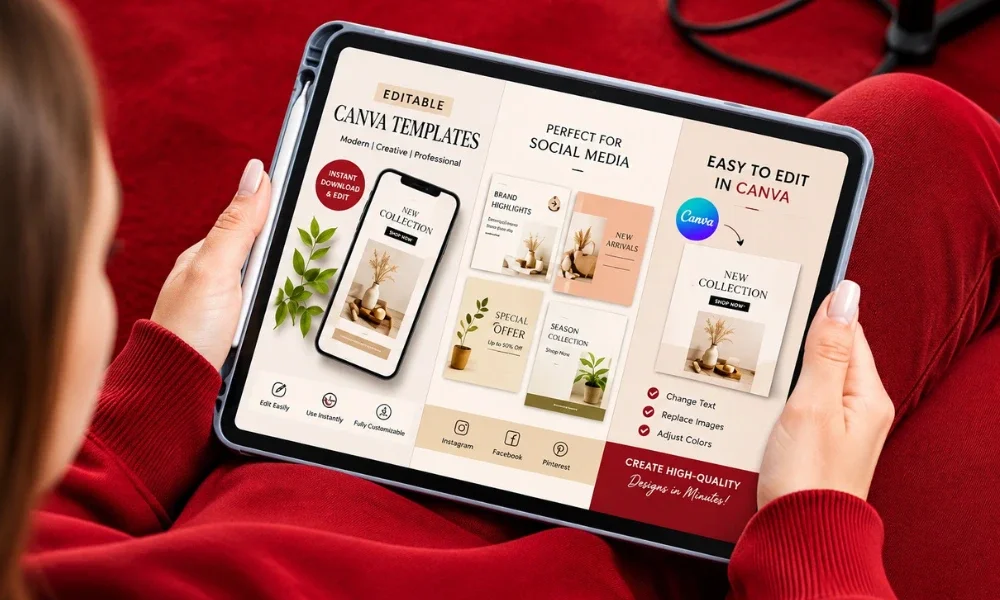
The best starting point is the format you can update accurately without slowing down seasonal revisions. Choose for your workflow, not just for a template’s sample design.
An editable template can save setup time, but your product images and verified details still need to be your own. Think about your editing skills, collection size, and how often prices or products change.
Start with a free or editable template
A template gives you a working page structure, but it does not confirm that its sample details fit your business. Replace sample text and images with approved brand information before sharing it.
Some tools offer free ways to build a line sheet, while paid templates can offer extra page designs. A free wholesale line sheet template may still need a free account or separate product photos.
Choose a design tool that matches your update needs
Canva offers an accessible way to edit layouts without advanced design skills. InDesign gives you more control over complex page layouts and repeated styles.
Word can suit a simple document that changes often. A spreadsheet is useful for structured product data and can feed a designed or PDF version.
For a broader look at design tools, Canva and presentation tools can help you compare editing options. Review AI-made layouts yourself before using them for product facts.
- Pagination offers templates for InDesign, Word, and PDF, plus a spreadsheet that can generate PDF and InDesign documents.
- AIW Solutions offers editable templates for Canva, Photoshop, and Microsoft Word.
- Design Zone offers editable Canva and InDesign templates, including A4 and US Letter Canva files.
- Meenom Design offers a Canva template in A4 and US Letter sizes, with two page designs.
RepSpark Digital Catalog Creator offers more than 45 templates. A large template set can help when your collection needs more than one page style.
Check the template’s page size and included assets
Check whether the file uses A4 or US Letter pages before you add product blocks. Page size affects how much room each product image and description can use.
One Canva template listing offered horizontal and vertical US Letter layouts measuring 8.5 by 11 inches. It required a free Canva account and did not include product photos.
That template was listed for $12.00 on October 11, 2026. Treat that as a dated listing price, not a general price for templates.
Check whether a template includes product photography before assuming its sample images come with the file.
How to Create a Fashion Wholesale Line Sheet
A short, fixed work window helps turn a collection file into a finished buyer document instead of an open-ended design project. Two to seven days is a practical deadline recommendation, not a production rule.
Settle the structure before you spend time on visual refinements. A paper sketch can expose gaps in the page plan before you build the design in software.
- Map the collection and choose the page order, including categories and delivery groups.
- Sketch the page structure on paper, noting where images, names, prices, and terms will sit.
- Build the cover and reusable product blocks in your chosen design tool.
- Populate the pages with confirmed product images and details.
- Refine typography, spacing, and brand styling after the product information is in place.
Give each step a place in the work window, then reserve time for small changes. A fixed deadline helps prevent endless revisions to a page that already works.
Use the paper sketch to test the flow from cover to product groups. If a buyer would need to jump around to compare similar styles, revise the order before styling the pages.
Finish the information structure before spending time fine-tuning fonts and decorative details.
How Should You Set Wholesale and Retail Prices?
Buyers compare wholesale price with suggested retail price to judge whether a style can fit their margin plans. The two prices serve different roles: the store pays the wholesale price and may charge the suggested retail price.
Keystone pricing, which sets MSRP at twice the wholesale price, is a common starting rule of thumb. It is not a promise that every product or retailer will work at that ratio.
Check production costs before finalizing your wholesale price. Material, labor, and other costs affect whether the price supports your business.
Then consider the retailer’s expected margin and your category’s usual price range. A product’s materials, design, and expected use can shape what customers see as fair value; this fashion value guide discusses those factors for a consumer brand.
Use a currency that both you and the buyer understand. When you sell across markets, state whether prices include or exclude tax so the buyer can compare the real cost.
Confirm that both price fields use the same currency and clearly stated tax basis.
How Can You Adapt the Line Sheet for Different Buyers?
A boutique and a department store can need different emphasis even when they are reviewing the same collection. Adjust the presentation to the retailer’s customers and buying style.
Keep product and order facts the same across every buyer version. Change the emphasis, not the confirmed information a store needs to place an order.
A boutique retailer may prefer a visually led presentation that quickly conveys the collection’s mood. A larger department store may focus more on product specifications and pricing.
Consider the store concept, price point, and customer preferences before deciding what the buyer should see first. You might change the opening image, category order, or length of the brand introduction.
For a store that sells edited, distinctive pieces, a short brand note may help explain the collection. For a buyer comparing many specifications, put product details and pricing in clear view.
Keep SKU, price, size, delivery, and order terms consistent across versions. Broader lead generation ideas can help your brand reach new customers, but a buyer-facing file still needs the facts for that retailer.
Personalize the presentation, but never tailor away a product or ordering fact the buyer needs.
How Should You Export and Share the Finished File?
A clean PDF is a practical format for sending, forwarding, and reviewing a collection away from your design software. Choose a version that suits the buyer’s way of reviewing and ordering.
Keep the file easy to open and the order route easy to find. Buyers should be able to identify the collection and contact your sales team without hunting through the pages.
Email a clearly named PDF and keep the attachment within the 2-5 MB guidance. If the file is too large, provide an easy-access link instead of sending several versions.
For print, use a print-ready PDF with an appropriate page size and orientation. Apimio Line Sheets can export print-ready PDFs in A4 or Letter size, in portrait or landscape orientation.
Apimio reports that rendering a five-page print-ready PDF takes about 15 seconds. That timing applies to its product, not every design tool.
For online review, make access simple and keep your contact details and order route visible. A wholesale portal should work well on phones and offer clear navigation; this retailer website checklist covers mobile use and checkout flow.
Use a clear filename that identifies the brand, season, and line sheet version.
What Should You Check Before Sending It?
A quick review can catch the wrong price, stale delivery window, or broken ordering link before a buyer sees it. Check the final file against your approved product records and current sales information.
Hold the file back if a product detail is still provisional or conflicts with the approved records. A version date also helps buyers tell whether they have the current information.
- Verify every price and style number against internal product records.
- Confirm sizes, colors, and delivery windows.
- Compare each image with the approved product sample.
- Test links and ordering contact details.
- Add a version or expiry date so buyers can identify current information.
Check the PDF on both desktop and mobile. Product names and small ordering details can become hard to read on a phone.
Print one page to assess how the text and images look at full size. Prices and availability can change, so an expiry date can help buyers know when to request an updated file.
Hold the file back if a product detail is still provisional or conflicts with the approved records.
Make sure style numbers and SKUs match the records your team uses to fill orders. A mismatch can send a buyer’s request to the wrong product or variant.
Use the version date to make later updates easy to spot, especially when a buyer saves the PDF. The date should be visible without opening a separate order file.
Conclusion
A dependable line sheet makes it easier for a buyer to understand your collection and decide whether to order. Reliable product details, clear pricing, and direct terms help a retail buyer assess your offer without chasing basic facts.
Choose one target retailer, make sure the version is current, and put the document in front of that buyer.