

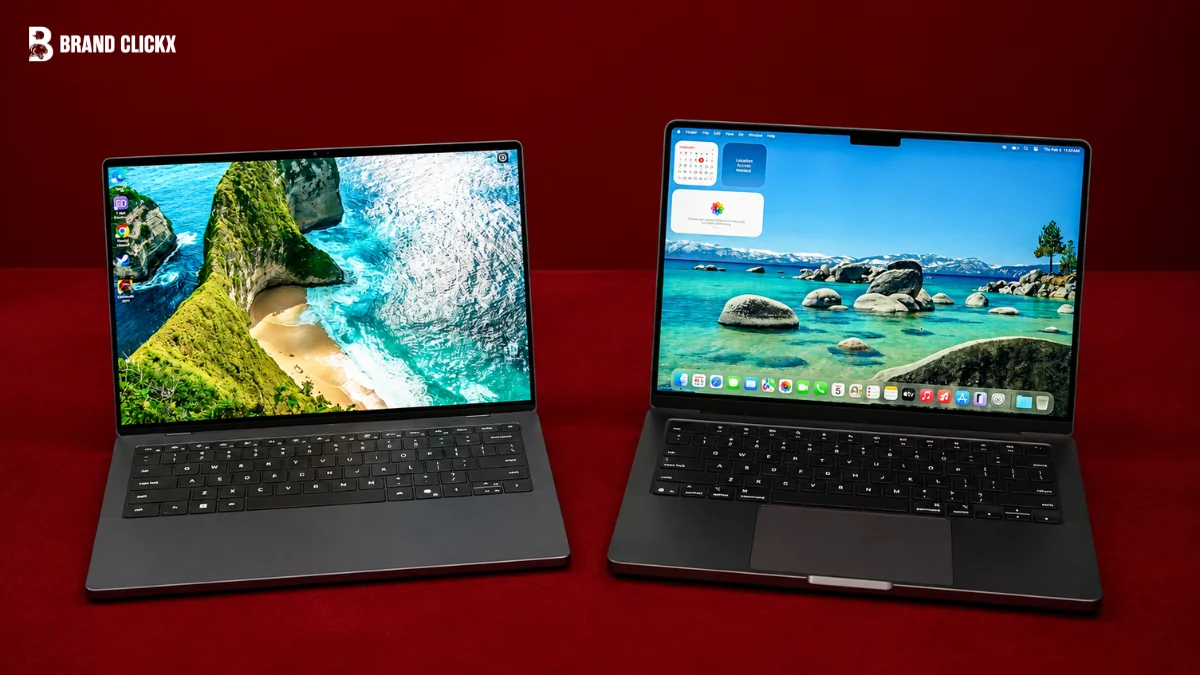
If you bought a good laptop in 2024, you may be wondering whether the newer best laptop options in 2026 are actually better enough to justify an upgrade.
The answer is not simply “yes.” Laptop technology has changed, particularly around AI acceleration, processors, graphics, connectivity and storage, but a capable 2024 laptop can still handle everyday work very well.
The biggest question is therefore not whether 2026 laptops are newer. It is whether the improvements matter for the way you use your computer.
Key Takeaways
- The 2024 laptop market was already strong, particularly for premium productivity laptops.
- AI PCs became an important category in 2024 with Microsoft’s Copilot+ PC platform.
- By 2026, AI acceleration is much more deeply integrated into current laptop processors.
- Intel’s Core Ultra Series 3 and AMD’s Ryzen AI 400 are examples of newer 2026 PC platforms.
- Apple’s MacBook Air moved from M3 in 2024 to M5 in 2026.
- Newer laptops can offer advantages in AI processing, performance, storage and wireless connectivity.
- A well-equipped 2024 laptop can still be a sensible choice if it meets your workload and is significantly cheaper.
- The best upgrade decision depends on your actual workload rather than the year printed on the laptop.
Best Laptop 2024 vs 2026: Quick Answer
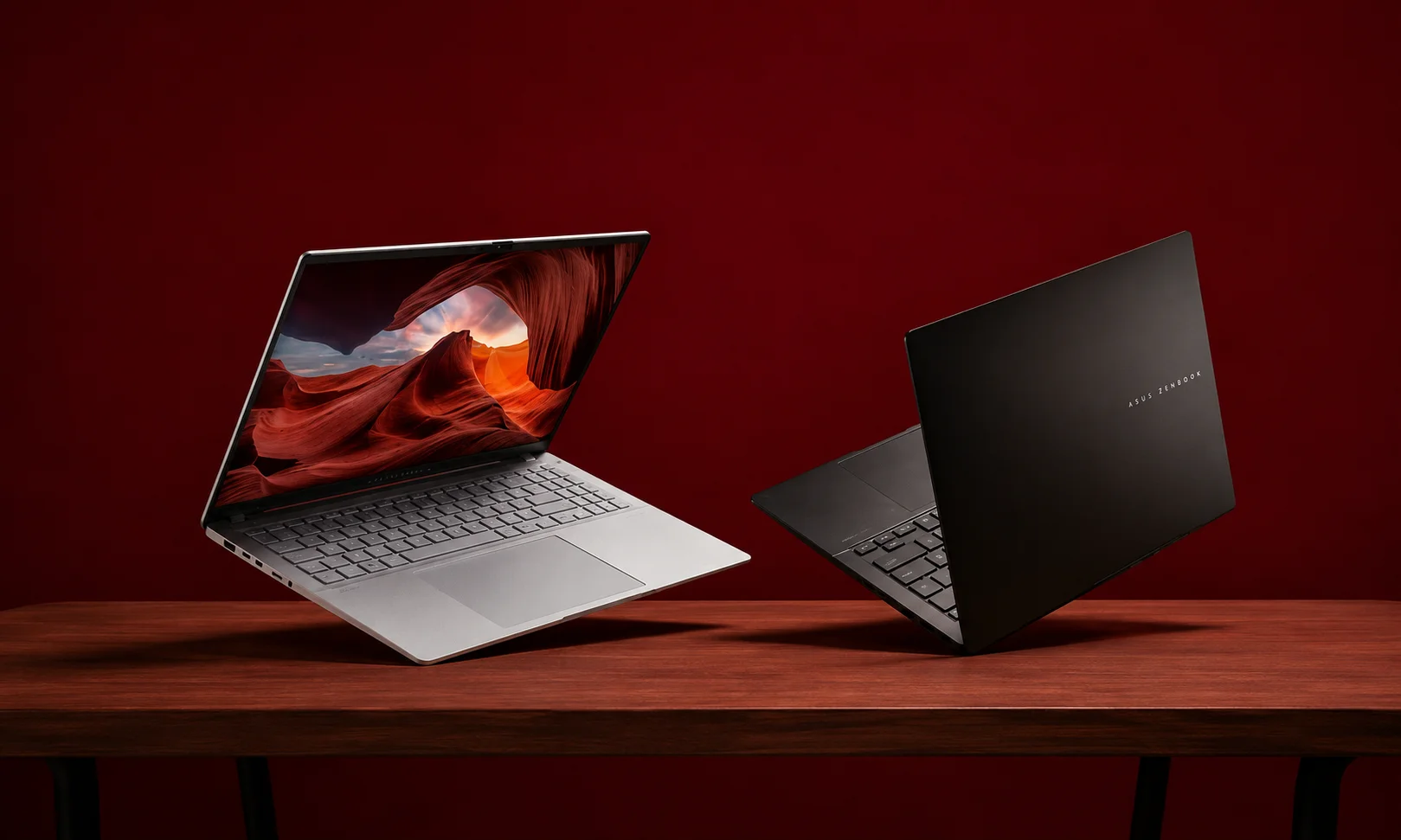
2026 laptops offer newer processors, stronger AI capabilities and, in some models, better graphics, storage and connectivity than comparable 2024 laptops. However, a good 2024 laptop is not automatically obsolete.
In 2024, the MacBook Air with M3 was a leading general-purpose recommendation, while Microsoft’s Copilot+ PC launch introduced a new class of Windows laptops built around NPUs capable of more than 40 TOPS.
By 2026, the market includes newer Apple M5 systems, Intel Core Ultra Series 3 processors and AMD Ryzen AI 400 processors with substantially more emphasis on local AI processing. Apple’s 2026 MacBook Air with M5, for example, adds Wi-Fi 7, 512GB starting storage, and an updated Neural Accelerator architecture.
So, if your 2024 laptop still provides the performance, battery life, storage and software compatibility you need, upgrading is not automatically necessary.
2024 vs 2026 Laptops: What Changed at a Glance
| Feature | 2024 | 2026 |
| Mainstream Apple example | MacBook Air M3 | MacBook Air M5 |
| AI PCs | Copilot+ category introduced | AI acceleration is established across newer platforms |
| Windows processors | Intel Core Ultra, AMD Ryzen, Snapdragon X | Intel Core Ultra Series 3, AMD Ryzen AI 400 and newer Snapdragon platforms |
| NPU | Important new feature in AI PCs | Major selling point of many current systems |
| Apple wireless connectivity | Wi-Fi 6E on M3 MacBook Air | Wi-Fi 7 on M5 MacBook Air |
| MacBook Air starting storage | 256GB on M3 generation | 512GB on M5 |
| Graphics | RTX 40-series era for gaming laptops | Newer GPU generations and newer integrated graphics |
| Typical buying decision | Performance, battery, display and price | Those factors plus AI capability and newer platform features |
The table describes representative platform changes, not every laptop sold in either year. Exact specifications vary considerably between models and configurations.
2024 Laptop Technology Baseline
2024 was not a weak laptop year. Apple’s M3 MacBook Air was already a strong mainstream machine, while Windows manufacturers introduced laptops based on Qualcomm’s Snapdragon X family and other newer processor platforms.
Microsoft formally introduced Copilot+ PCs in May 2024. The category required silicon capable of more than 40 TOPS of NPU performance and was designed around local AI experiences.
2026 Laptop Technology Baseline
The 2026 market has continued that transition. Intel launched Core Ultra Series 3 at CES 2026, with its top mobile processors offering up to 50 NPU TOPS. AMD’s Ryzen AI 400 family offers up to 60 NPU TOPS.
Apple’s MacBook Air M5 also includes dedicated Neural Accelerators in its GPU cores and supports Apple Intelligence and on-device AI workloads.
What Were the Best Laptop Platforms in 2024?
There was never one laptop that was objectively best for every person. The appropriate choice depended on the operating system, software, workload, portability and budget.
Apple M3 and MacBooks
The MacBook Air M3 was one of the strongest mainstream recommendations in 2024. The Verge named it its best laptop for most people in its August 2024 guide.
The M3 MacBook Air combined Apple’s silicon with a thin design, macOS and long battery life. It was particularly well suited to general productivity, browsing, study and other everyday workloads.
Intel Core Ultra and Windows Laptops
Intel’s Core Ultra platform was another important part of the 2024 laptop market. It introduced integrated AI acceleration while continuing Intel’s established Windows ecosystem.
This made Core Ultra laptops relevant to buyers who wanted Windows compatibility while also entering the emerging AI-PC category.
AMD Ryzen and Other Windows Platforms
AMD-powered laptops remained an important alternative, particularly for buyers comparing CPU performance, integrated graphics and value.
The correct choice depended on the exact processor and laptop configuration rather than simply choosing a brand.
Snapdragon X and Early AI PCs
Qualcomm’s Snapdragon X Elite and X Plus platforms were central to the first generation of Copilot+ PCs.
However, Windows on ARM was still a relatively new proposition in 2024. Software and hardware compatibility therefore mattered more for buyers whose work depended on specialized applications, drivers or peripherals.
RTX 40-Series Gaming Laptops
For gaming and demanding graphics work, dedicated GPUs remained essential in many laptop configurations.
This is an important distinction: a general-purpose productivity laptop and a high-performance gaming laptop should not be judged by exactly the same criteria.
What Makes the Best Laptop in 2026 Different?
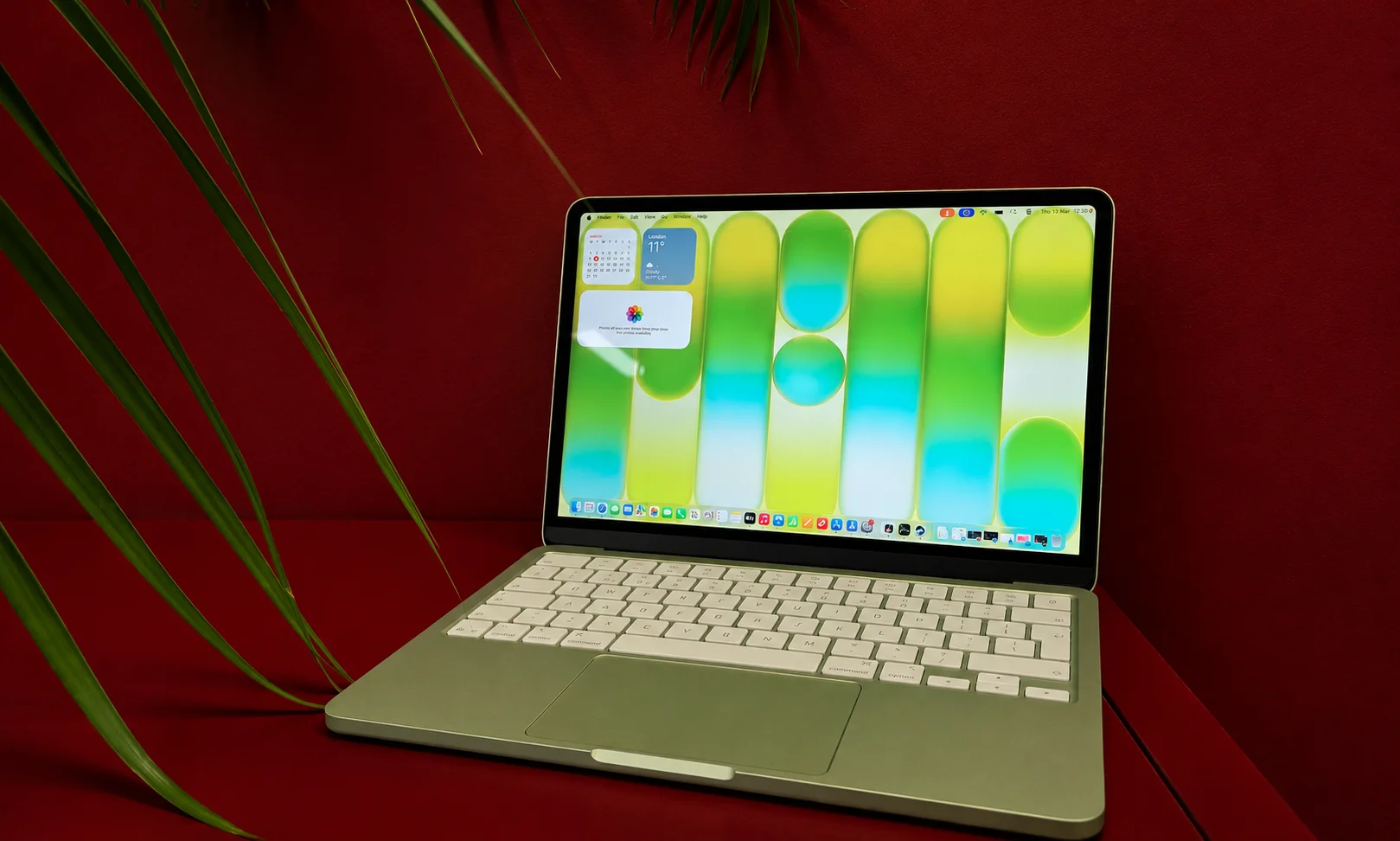
The biggest change is not one particular laptop design. It is the growing importance of specialized processing.
Newer Apple, Intel, AMD and Qualcomm Platforms
Apple’s M5 MacBook Air represents the current Apple Silicon generation for the Air line. It has a 10-core CPU, up to a 10-core GPU and Neural Accelerators in each GPU core.
Intel’s Core Ultra Series 3 launched in January 2026 and is based on Intel’s 18A process. The top Series 3 processors include up to 16 CPU cores, 12 Xe cores and 50 NPU TOPS.
AMD’s Ryzen AI 400 processors use Zen 5-based CPU designs and second-generation XDNA 2 NPUs, with up to 60 NPU TOPS.
AI PCs and Dedicated NPUs
In 2024, the NPU was becoming a major new laptop feature.
In 2026, it is much more established.
A neural processing unit is designed to accelerate certain AI workloads efficiently. Microsoft describes Copilot+ PCs as Windows 11 systems with an NPU capable of more than 40 TOPS.
That does not mean every AI task automatically becomes faster. Real-world results depend on the application, model, software support and hardware configuration.
Newer Graphics Hardware
Graphics performance has also continued to evolve.
For buyers who play demanding games, edit video, work with 3D applications or perform GPU-accelerated tasks, the discrete GPU remains an important specification.
However, newer integrated graphics can also provide useful improvements for thin-and-light laptops. Intel’s Core Ultra Series 3, for example, includes newer Arc graphics technology.
Wi-Fi 7 and Newer Connectivity
Connectivity is another area where newer laptops can differ.
Apple’s 2026 MacBook Air M5 includes Wi-Fi 7 and Bluetooth 6, while retaining two Thunderbolt 4 ports.
That does not make every 2026 laptop better connected than every 2024 laptop. It simply shows how newer models can add newer standards.
Laptop Performance: 2024 vs 2026
The performance difference depends heavily on which two laptops you compare.
A high-end 2024 laptop can outperform a low-end 2026 laptop. Therefore, comparing release years alone is misleading.
| Workload | 2024 Laptop | 2026 Laptop |
| Web browsing | Already very capable | Newer systems remain very capable |
| Office work | Generally sufficient | Newer platforms improve efficiency and AI capabilities |
| Local AI | More limited depending on hardware/software | More systems include dedicated AI acceleration |
| Video editing | Depends heavily on CPU/GPU | Newer CPUs/GPUs can improve demanding workflows |
| Gaming | RTX 40-era systems remain capable | Newer GPUs can provide higher performance |
| Programming | Depends on CPU, RAM and development environment | Newer processors can improve demanding workloads |
| Multitasking | Strong with adequate RAM | Newer platforms offer newer CPU designs and memory technologies |
CPU and Processing Performance
There is no single percentage that accurately describes how much faster “2026 laptops” are than “2024 laptops.”
For example, Intel reports that its top Core Ultra Series 3 configuration can deliver up to 60% better multithread performance than a specified Lunar Lake comparison system under Intel’s stated test conditions.
That is a manufacturer claim for particular processors and a particular benchmark, not a universal 2026-versus-2024 result.
The same principle applies to Apple and AMD performance claims.
GPU and Graphics Performance
The difference can be more meaningful for people who use demanding graphics applications.
Gamers and creators should compare the exact GPU, cooling system and power configuration rather than simply looking at the laptop’s release year.
Everyday Productivity Performance
For email, documents, web browsing, video calls and streaming, a good 2024 laptop may already provide more than enough performance.
That is why an owner of a capable 2024 machine should not upgrade merely because newer processors exist.
Who Will Notice the Biggest Performance Difference?
The upgrade is more likely to matter if you regularly:
- edit high-resolution video
- work with 3D applications
- compile large software projects
- run demanding virtual machines
- play modern games
- use local AI applications
- perform other sustained CPU- or GPU-heavy workloads
Battery Life and Efficiency: 2024 vs 2026
Battery life cannot be compared reliably using processor generations alone.
The screen, battery capacity, operating system, workload, brightness and manufacturer tuning all affect real-world battery life.
What Changed in Laptop Efficiency?
Modern processor platforms increasingly emphasize performance per watt.
Intel says its Core Ultra Series 3 platform is designed to combine performance, graphics, AI acceleration and battery efficiency.
AMD similarly positions Ryzen AI 400 around efficient performance and reports up to 24 hours in selected OEM configurations under its specified testing conditions.
Those are platform or manufacturer claims, so they should not be interpreted as a guarantee for every laptop using the processor.
Apple Silicon, ARM and x86 Platforms
Apple Silicon was already known for strong performance and efficiency in 2024.
Windows ARM laptops also became an important part of the efficiency conversation through Snapdragon X.
However, compatibility remains important. If your work depends on specialized Windows applications, drivers or peripherals, processor architecture can matter as much as battery life.
Who Benefits Most From Better Efficiency?
Battery improvements are particularly useful for:
- students
- commuters
- travelers
- remote workers
- people who frequently work away from power outlets
For someone who normally works at a desk, however, battery improvements may provide less practical value.
Laptop Displays: 2024 vs 2026
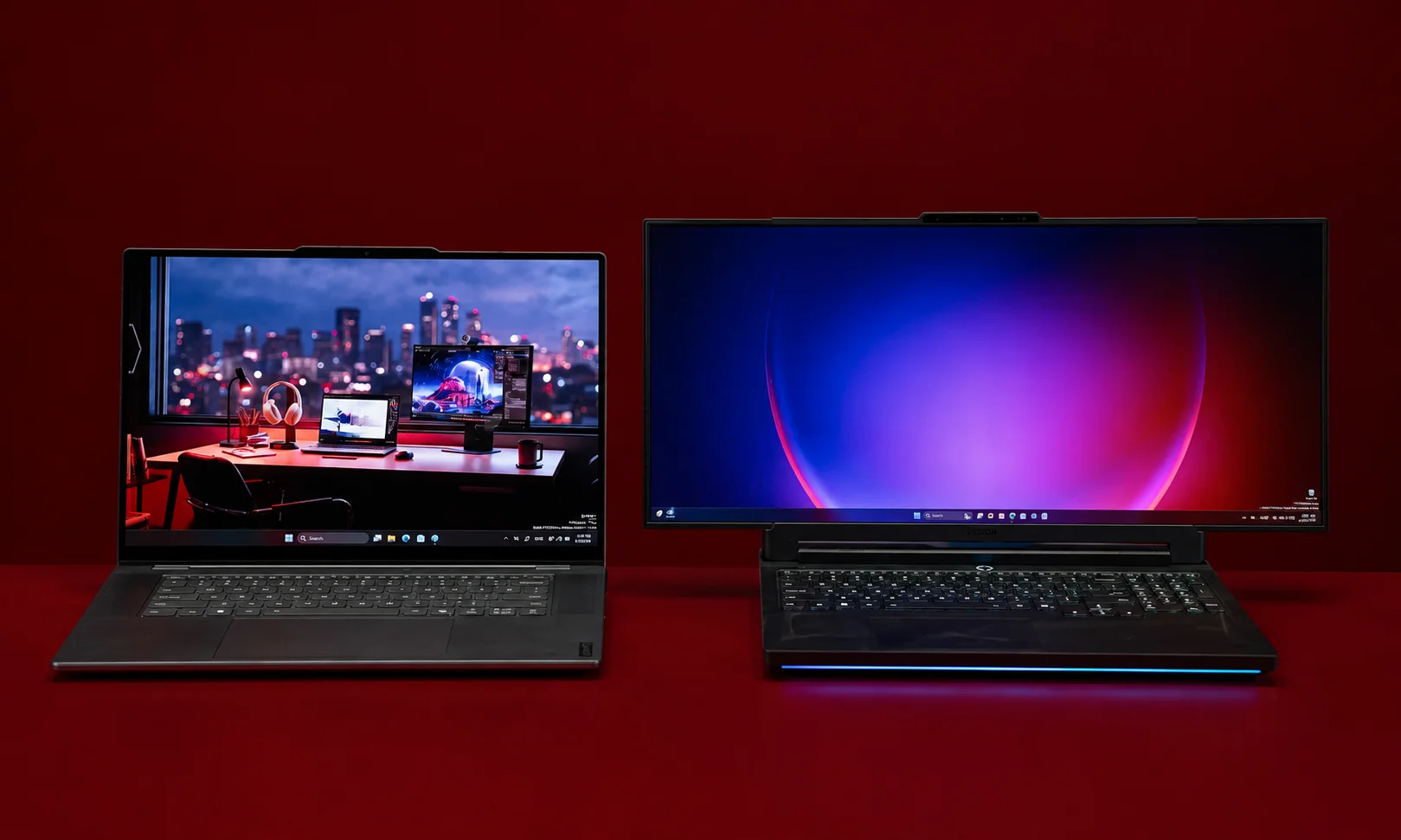
Display quality has also improved across many laptop categories, but there is no universal “2026 display.”
Different laptops prioritize different characteristics.
OLED and Premium Displays
OLED displays were already available in premium laptops before 2026. They are not a technology invented for the newer generation.
The important change is that OLED has become increasingly available across more laptop categories.
Resolution, Brightness and Refresh Rate
For a buyer, the important specifications include:
- screen size
- resolution
- brightness
- refresh rate
- color coverage
- panel technology
- aspect ratio
A newer laptop with a mediocre panel is not automatically better than an older laptop with an excellent one.
What Display Improvements Actually Matter?
For office work, text clarity and brightness can matter more than extremely high refresh rates.
For gaming, refresh rate and response characteristics become more important.
For creators, color accuracy and brightness can be more important than simply choosing the newest panel.
AI Laptops: One of the Biggest Changes Since 2024
AI is arguably the clearest category-level difference between the 2024 and 2026 laptop markets.
From Early AI PCs to 2026 AI Laptops
Microsoft introduced Copilot+ PCs in May 2024 as a new Windows category requiring more than 40 TOPS of NPU performance.
By 2026, AI acceleration is present across newer processor families from companies including Intel and AMD.
AMD’s Ryzen AI 400 processors offer up to 60 NPU TOPS, while Intel’s top Core Ultra Series 3 processors offer up to 50 NPU TOPS.
Apple’s M5 MacBook Air also includes Neural Accelerators and supports on-device AI workloads.
What Does an NPU Actually Do?
An NPU is a processor designed for certain AI workloads.
Instead of requiring the main CPU or GPU to perform every AI-related operation, supported software can use the NPU for appropriate tasks.
Microsoft describes NPUs as specialized processors for AI workloads such as real-time translation and image generation.
Do You Need an AI Laptop in 2026?
Not necessarily.
If you mainly browse the web, write documents, attend meetings and stream video, an AI-capable processor may not change your daily experience dramatically.
AI hardware becomes more relevant if you use supported local AI applications, AI-enhanced creative tools, translation, image processing or other workloads designed to take advantage of the NPU.
2024 Flagship vs 2026 Midrange: Which Is Better?
The answer depends on the actual machines.
| Factor | 2024 Flagship | 2026 Midrange |
| Build quality | May be excellent | Depends on model |
| Processor | Older generation | Newer generation |
| AI hardware | May be limited compared with newer platforms | Often more prominent |
| Display | Can still be premium | Can range from basic to excellent |
| Ports | May offer useful legacy connectivity | Varies significantly |
| Battery | Depends on model and condition | Newer efficiency technologies may help |
| Warranty | Depends on purchase date | Usually easier to obtain current coverage |
| Price | Potentially much lower | Usually newer-market pricing |
| Overall value | Can be excellent at the right price | Depends on configuration |
Where a 2024 Flagship Can Still Win
A premium 2024 laptop may have a better display, keyboard, chassis, speakers or port selection than a cheaper 2026 model.
It may also offer enough performance that a newer processor provides little practical benefit for the owner’s workload.
Where a 2026 Midrange Laptop Can Win
A newer laptop can provide:
- newer processor architecture
- newer AI acceleration
- newer connectivity
- a fresh battery
- current warranty coverage
- newer platform features
However, these advantages do not automatically outweigh the quality of an older premium machine.
Why the Release Year Does Not Determine Value
The right comparison is:
exact model + exact configuration + condition + price + workload
rather than:
2024 vs 2026
That distinction is essential when comparing laptops.
Is a 2024 Laptop Still Worth Buying in 2026?
Yes, in the right circumstances.
A 2024 laptop can still be a sensible purchase if it has sufficient memory and storage, supports the software you need, is in good condition and costs substantially less than a comparable newer machine.
The research for this comparison also supports this conclusion: a 2024 MacBook Air M3, for example, was already a capable mainstream laptop, so its release year alone does not make it unusable in 2026.
When a 2024 Laptop Makes Sense
Consider one if:
- the exact configuration meets your needs
- the battery remains in acceptable condition
- the laptop is physically sound
- your applications work correctly
- the price is meaningfully below newer alternatives
When a 2024 Laptop Is a Poorer Choice
Be more cautious if:
- the battery is badly degraded
- the configuration has too little RAM or storage
- the laptop cannot run required software
- you need current AI features
- a newer laptop offers substantially better value at a similar price
What to Check Before Buying a 2024 Laptop
Check the:
- Exact processor
- RAM capacity
- SSD capacity
- Battery condition
- Display
- Ports
- Operating system compatibility
- Warranty
- Actual selling price
- Software you need to run
Do not buy an older laptop simply because its original specifications look impressive.
Should You Upgrade From a 2024 Laptop?
For many people, the answer is not yet.
If your 2024 laptop handles your workload comfortably, replacing it may produce a smaller practical improvement than the specification sheets suggest.
Upgrade If Your Current Laptop Has These Limitations
An upgrade makes more sense when:
- your laptop struggles with your current workload
- battery life has become inadequate
- you need substantially more memory or storage
- you require newer AI capabilities
- your graphics performance is no longer sufficient
- your current system cannot run software you now need
Keep Your 2024 Laptop If It Still Meets Your Needs
Keeping it is reasonable when:
- applications open quickly
- multitasking is comfortable
- battery life is acceptable
- storage is sufficient
- the display and keyboard work well
- your required software is supported
Upgrade Based on Workload, Not Release Year
This is the most important lesson from the comparison.
A 2024 laptop that satisfies your requirements is more useful to you than a 2026 laptop whose new features you never use.
On the other hand, if your workload has changed, a 2026 machine can offer meaningful advantages.
2024 or 2026: Which Is Better for Different Users?
| User | Better choice | Why |
| Student with a good 2024 laptop | Keep 2024 | Everyday study work may not require an upgrade |
| Student buying new | Compare 2026 options | Newer battery, processor and platform features |
| Office user with capable 2024 hardware | Usually keep it | Basic productivity does not automatically require newer hardware |
| Video editor | Compare newer high-performance models | CPU/GPU performance can matter substantially |
| Gamer | Compare current discrete-GPU laptops | GPU performance is central to gaming |
| AI-focused user | Favor newer AI-capable platforms | Newer NPUs and AI acceleration can be useful |
| Developer | Depends on tools | CPU, RAM, OS and software compatibility matter |
| Traveler | Favor efficiency and battery life | Mobility can outweigh peak performance |
These are workload-based recommendations, not claims that one laptop generation is universally superior.
How to Choose the Best Laptop in 2026
The phrase best laptop only becomes useful when you define what “best” means for you.
Start With Your Workload
Ask what you actually do:
- web browsing
- office work
- programming
- photo editing
- video editing
- gaming
- AI applications
- business software
Your workload should determine the hardware.
Compare the Processor, RAM and Storage
Do not judge a laptop by processor branding alone.
Check the exact processor, memory capacity and storage.
For example, Apple’s 2026 MacBook Air M5 starts with 512GB storage, while Microsoft lists 16GB RAM and 256GB storage as minimum hardware requirements for Copilot+ PCs.
These specifications describe particular platforms; they are not universal recommendations for every buyer.
Choose the Right Display and Form Factor
A 13-inch laptop may be better for travel.
A 16-inch model may be better for a large workspace.
A touchscreen convertible may be useful for people who specifically need pen or touch interaction.
Choose according to use rather than popularity.
Check Battery Life and Connectivity
Look at independent testing where available.
Manufacturer battery figures are measured under specified conditions and should not be treated as guaranteed everyday results.
Also check the actual ports and wireless standards.
Compare Total Value, Not Just Specifications
A laptop’s value includes more than the processor.
Consider:
- build quality
- display
- keyboard
- battery
- ports
- software compatibility
- warranty
- repairability
- price
How the 2024 vs 2026 Comparison Was Evaluated
This comparison separates manufacturer specifications from independent reviews and editorial recommendations.
For example, Intel’s performance figures for Core Ultra Series 3 are based on specific reference systems and benchmarks, while Apple’s M5 performance claims are based on Apple’s stated testing procedures.
Independent review publications provide another perspective. Forbes Vetted says its 2026 laptop recommendations came after testing more than 20 models and more than 100 hours of testing, while TechRadar says its broader laptop testing covers more than 1,800 laptops.
That distinction matters because a processor specification alone cannot tell you how a complete laptop behaves.
A meaningful laptop comparison should consider the complete system:
- processor
- GPU
- memory
- storage
- display
- battery
- cooling
- keyboard
- ports
- operating system
- software compatibility
- price
Final Verdict: Is a 2026 Laptop Worth the Upgrade?
If You Already Own a Good 2024 Laptop
Probably not, unless you have a specific reason to upgrade.
A capable 2024 laptop can still handle ordinary productivity, browsing, communication and many other workloads.
The biggest reasons to upgrade are a new workload, inadequate battery life, insufficient performance, insufficient storage or memory, graphics requirements, or a genuine need for newer AI capabilities.
If You Are Buying Your First Laptop
A 2026 model generally gives you access to newer processor platforms and current features.
The MacBook Air M5, for example, brings newer Apple Silicon, 512GB starting storage, Wi-Fi 7 and newer AI acceleration.
But Windows, gaming, creator and other buyers should compare the specific models that fit their needs rather than assuming the MacBook Air is automatically the best choice.
If You Are Replacing an Older or Budget 2024 Laptop
This is where a newer laptop can make the most sense.
If your existing machine is slow, has inadequate memory or storage, has poor battery life or cannot handle your current workload, the benefits of moving to a newer platform can be much more noticeable.
The best laptop in 2026 is therefore not simply the newest laptop. It is the laptop that gives you the right performance, battery life, software compatibility, features and value for your actual needs.
Frequently Asked Questions
Are 2026 laptops better than 2024 laptops?
Many 2026 laptops offer newer processors, AI acceleration and newer connectivity, but a good 2024 laptop can still be excellent for everyday work. The exact models must be compared.
Is a 2024 laptop still good in 2026?
Yes. A 2024 laptop can remain useful if its performance, battery, memory, storage and software compatibility meet your requirements. Release year alone does not determine whether a laptop is still good.
Is it worth upgrading from a 2024 laptop?
Upgrade if your current laptop no longer meets your workload or you specifically need newer performance, graphics, battery or AI capabilities. Otherwise, keeping it can be the better financial decision.
What changed in laptops from 2024 to 2026?
The biggest changes include newer processor generations, broader AI acceleration, newer NPUs, continued graphics improvements, newer wireless standards and higher storage configurations on some current models.
What is the best laptop in 2026?
There is no universally best laptop. Current major buying guides continue to recommend MacBook Air models for general-purpose users, while Windows, gaming and professional users have different leading choices.
Should I buy a 2024 flagship or a 2026 midrange laptop?
Compare the exact models and prices. A 2024 flagship can still have superior build quality or display, while a 2026 midrange model may offer newer processor technology and AI features.
Are AI laptops worth buying in 2026?
They can be worthwhile if you use applications that benefit from local AI acceleration. If your work consists mainly of basic productivity, an NPU may not provide a noticeable reason to replace an otherwise capable laptop.
How long should a laptop last?
There is no single guaranteed lifespan for every laptop. Useful life depends on hardware quality, battery condition, software requirements, maintenance and workload. A laptop should be replaced when it no longer reliably meets your needs.
Is a 2024 gaming laptop still good in 2026?
Yes, if its dedicated GPU and other hardware still provide the gaming performance you want. Newer gaming laptops can be faster, but the improvement depends on the exact GPU and game.
Should students buy a 2024 or 2026 laptop?
Students buying new should compare current 2026 models with discounted 2024 alternatives. Students who already own a capable 2024 laptop generally do not need to upgrade solely because newer models are available.



