So here’s the thing. Mockups used to be a pain. You’d open Photoshop, mess with smart objects, fight with shadows for an hour, and end up with something that still looked off. A solid AI mockup generator skips all that mess. Drop in your design, pick a scene, done in under a minute.
I’ve tested a bunch of these tools across client projects this year. Some are great. A few are overhyped. This list breaks down 16 worth your time in 2026, with notes on what each one actually does well.
Why Everyone’s Moving to AI Mockup Tools
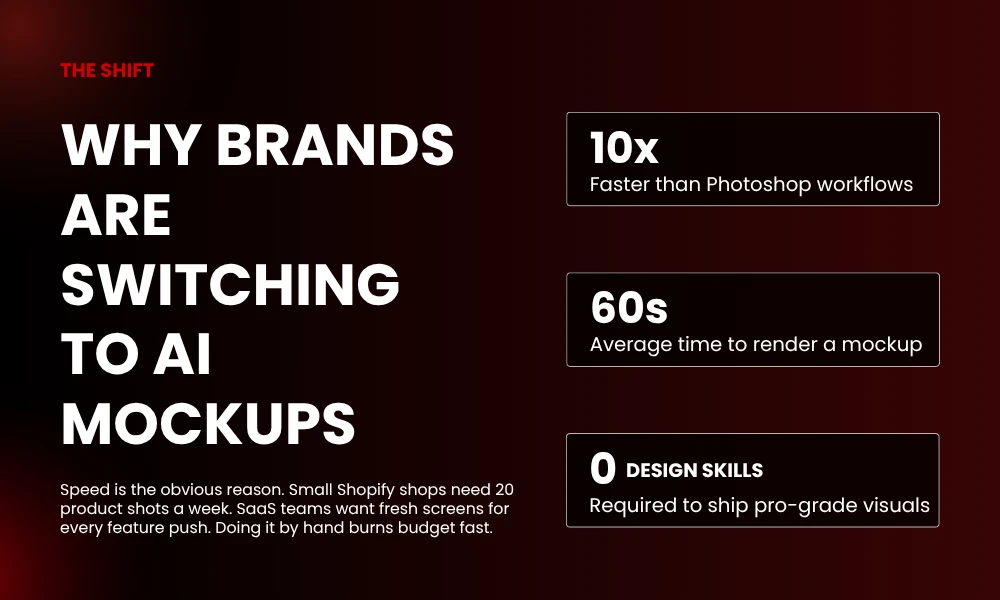
Speed is the obvious reason. A small Shopify shop might need 20 fresh product shots in a week. SaaS teams want new app screens for every feature push. Doing that by hand? You’ll burn through your whole month.
An AI mockup generator takes the heavy work off your plate. Upload a flat file, choose a scene, and the tool wraps your art around a tee, mug, phone, or billboard. The final image looks like a real photo. Not a stiff template that screams “I made this in five minutes.”
The bigger shift, honestly, is who can use these now. You don’t need to know layers or masks. If you can drag a file into a browser, you can ship mockups.
What Actually Matters in a Mockup Tool
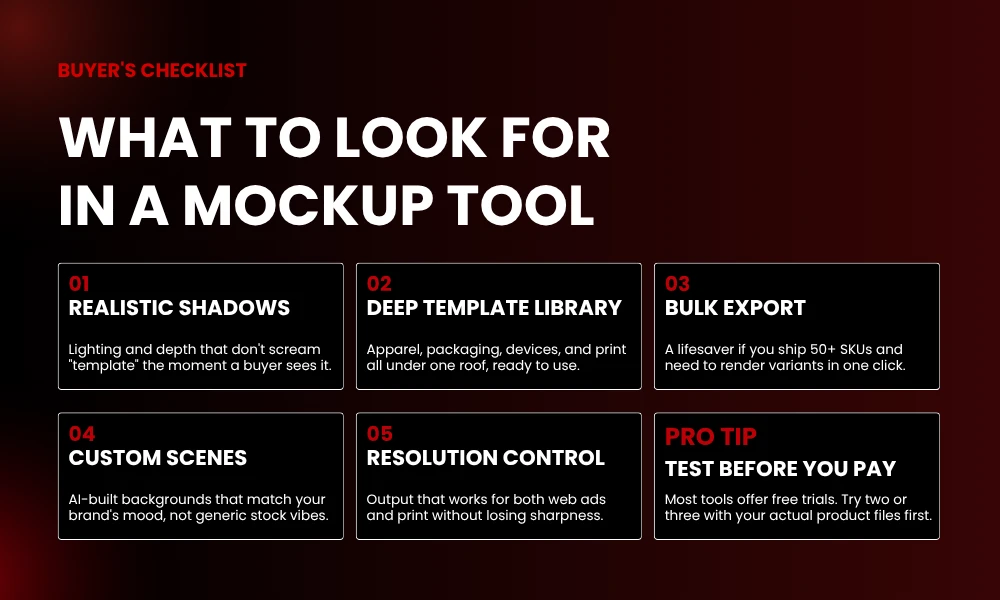
Before the list, here’s what I look for:
- Shadows and lighting that don’t look fake
- A library covering apparel, packaging, devices, and print
- Bulk export (huge if you sell 50+ SKUs)
- Custom backgrounds or AI scene building
- Resolution that works for both web and print
Pricing? Most have free trials. Just try a few before you pay.
The 16 Best AI Mockup Generator Tools
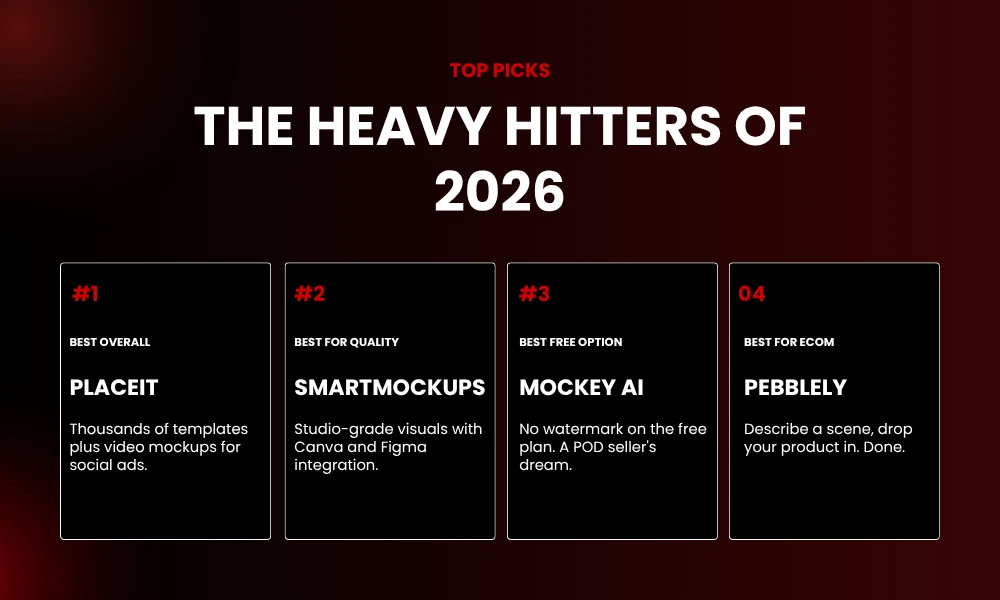
1. Placeit by Envato
Placeit is the go-to for small brands, and for good reason. Thousands of templates. Tees, hoodies, mugs, phone cases, book covers. The interface won’t confuse anyone, and you’ll see your design on a real model in seconds.
The video mockup feature is what makes it stand out. Drop a logo into a moving scene and you’ve got a social ad ready to run.
2. Smartmockups
Smartmockups goes hard on quality. Over 9,000 templates, and the photos look studio-grade. Great for ebooks, apparel, and tech gear.
It plugs into Canva and Figma directly. No more exporting and re-uploading every five minutes.
3. Mockey AI
Mockey is free, fast, and doesn’t waste your time. Upload a PNG, pick a category, grab the file. No watermark on the free plan, which honestly surprised me.
Print-on-demand sellers will love this one. Bulk uploads are smooth.
4. Artboard Studio
Artboard Studio is built for agencies and pros. Animation, smart layers, brand kits, all in one spot. You can build packaging, ads, and motion graphics without bouncing between apps.
The learning curve isn’t tiny, but the results match what a full design team would put out.
5. Mediamodifier
Mediamodifier has roughly 11,000 templates. Packaging, print, apparel, digital scenes. The cosmetic and food packaging library is deeper than most, which makes it a hit with indie beauty brands.
It also generates AI backgrounds, so you can skip the studio shoot.
6. Renderforest
Renderforest started in video and grew into mockups, logos, and graphics. The mockup library is decent, and the all-in-one setup means you build a brand kit without app-hopping.
The free plan covers most small projects without making you upgrade.
7. Pebblely
Pebblely lets you describe a scene and your product appears in it. Type “wood table, soft morning light,” and your candle or bottle shows up there. For ecommerce stores that want lifestyle shots without booking a photographer, it’s a lifesaver.
The output got noticeably better over the past year. They’ve clearly been working on it.
8. Booth AI
Booth is all about product photography. Upload a clean shot, get back a branded scene around it. The results have an editorial feel that works for DTC brands going for premium.
It costs more than basic tools, but if you care about looking polished, that’s the trade.
9. Flair AI
Flair feels different. You build scenes by dragging assets onto a canvas, then let the AI mockup generator render the final shot. The control feels closer to a real studio than a template gallery.
For ad teams pushing fresh creative every week, it’s a real time-saver.
10. Mockup AI
Mockup AI keeps things simple. Feed it a product image, pick a style, and it builds the scene. Works for skincare, food, drinks, tech accessories.
The template library isn’t massive, but the AI scene generation fills the gaps.
11. Magic Mockups
Magic Mockups runs in your browser, free. Drop a screenshot onto a device template and you’re done. Nothing flashy, but for app developers and SaaS founders who just need a clean demo image, it gets the job done.
No login needed. That alone is refreshing.
12. Mockupworld
Mockupworld is more library than tool. You grab free PSDs and edit them in Photoshop. The files are high quality, and the licensing is clear for both personal and commercial work.
Not strictly an AI mockup generator, but plenty of folks pair it with AI tools for hybrid workflows.
13. Canva Mockups
Canva tossed mockup tools into its design platform, and they fit right in. Wrap your design around a tee, mug, or phone in two clicks. The library is smaller than what you’d get from a dedicated tool, but if you already live in Canva, why not.
Drag, drop, done. Beginner-friendly all the way.
14. Mockup Photos
Mockup Photos has a clean look and leans into lifestyle scenes. The photos feel natural. Real models, real spaces. It’s a middle-ground pick for brands that want polish without overspending.
The quarterly plan is reasonably priced.
15. PSD Covers
PSD Covers specializes in print and packaging. Books, DVDs, boxes, bags. The mockups carry a slightly nostalgic vibe, which some brands actually want for retro campaigns.
Free templates available. Premium versions for commercial work.
16. Adobe Express
Adobe Express folded mockup features into its bigger design suite. The AI handles background removal, scene generation, and product placement without breaking a sweat. Already paying for Adobe? This is included in many plans.
It also ties into the rest of Creative Cloud, which helps keep brand stuff consistent.
How to Pick the Right One
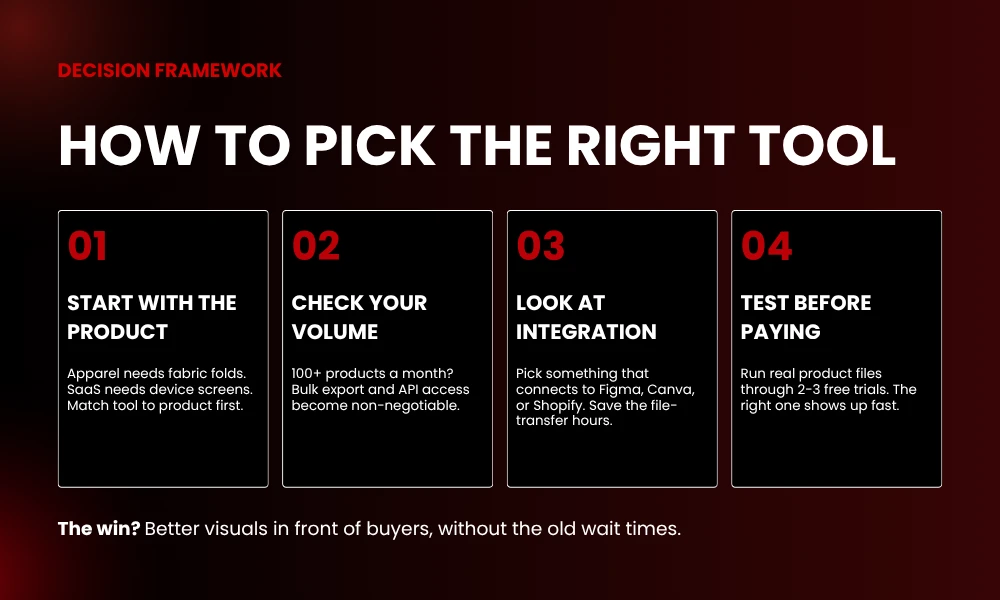
Start with your product. Clothing brand? You need realistic fabric folds. SaaS? Device screens with proper lighting. Skincare? Lifestyle scenes that feel expensive.
Match the tool to the product first. Worry about price after.
Volume’s a factor too. If you push 100 products a month, bulk export and API access are non-negotiable. Side hustle with five products? A free tool’s got you covered.
Don’t sleep on integration either. Living in Figma, Canva, or Shopify? Pick an AI mockup generator that connects to your stack. The hours saved on file transfers stack up quick.
Quick Tips for Better Mockups
A good tool only works with good inputs. Use high-res source files. PNG with transparent backgrounds is best. Logos need clean edges, and product shots should be lit properly before you ever upload them.
Match the scene to your audience. A B2B software founder shouldn’t show their app on some beach phone. A wellness brand probably doesn’t want harsh studio lighting. Little stuff like this changes how a buyer feels about your product.
Test versions. Run two or three mockups across your ads and check what gets clicks. The data tells the truth.
Where This Is All Going
The next wave of AI mockup generator tools will probably bring video, 3D rotation, and AR previews to the table. A few platforms already let you spin a product 360 degrees inside a generated scene, which gives shoppers a closer look at what they’re getting.
Personalization is the other big shift. Some tools can already match a mockup to a viewer’s browser data, showing different vibes or settings depending on who’s looking at the page. That used to take a full agency.
Brands that jump on this stuff early are saving real money while keeping visuals fresh.
Wrapping It Up
A solid AI mockup generator can replace huge chunks of your design spend. Whether you grab Placeit for quick tee shots, Booth for premium product photos, or Flair for ad creative, the win is the same. Better visuals, in front of buyers, without the old wait times.
Pick two or three from this list. Try the easiest one first. Build it into your weekly routine. Once you see how much time it gives back, the old way feels broken.
FAQs
What is an AI mockup generator?
It’s a tool that uses AI to place your design or product into realistic scenes. Think t-shirts, packaging, phones, billboards. Saves you the Photoshop grind.
Are AI mockup generators free?
Lots of them have free plans. Mockey AI, Magic Mockups, and Canva are all solid free picks. Paid plans get you more templates and higher resolution.
Can I use AI mockups for commercial work?
Yep, most tools allow it on paid plans. Just check the license on the site before using mockups in ads or listings.
Which AI mockup generator works best for ecommerce?
Pebblely, Smartmockups, and Booth AI are all great for ecommerce. They make lifestyle scenes that fit Shopify, Amazon, and social ads.
Do AI mockups look as good as real photos?
The top ones get really close. Quality comes down to your input file and which platform you go with.