
Businesses and SEO professionals are constantly looking for ways to get ahead without burning out. At the heart of this search is the idea of seo automation, using software or systems to perform SEO tasks that would otherwise take hours of manual work. But here’s a truth we all have to face: not everything in SEO should be automated. Some parts benefit hugely from automation, while others simply do not.
In this comprehensive breakdown, we’ll explore what seo automation really means, why it matters, what tasks you should automate, what tasks you should not, and how to strike the right balance to boost your rankings and save time.
What Is SEO Automation?
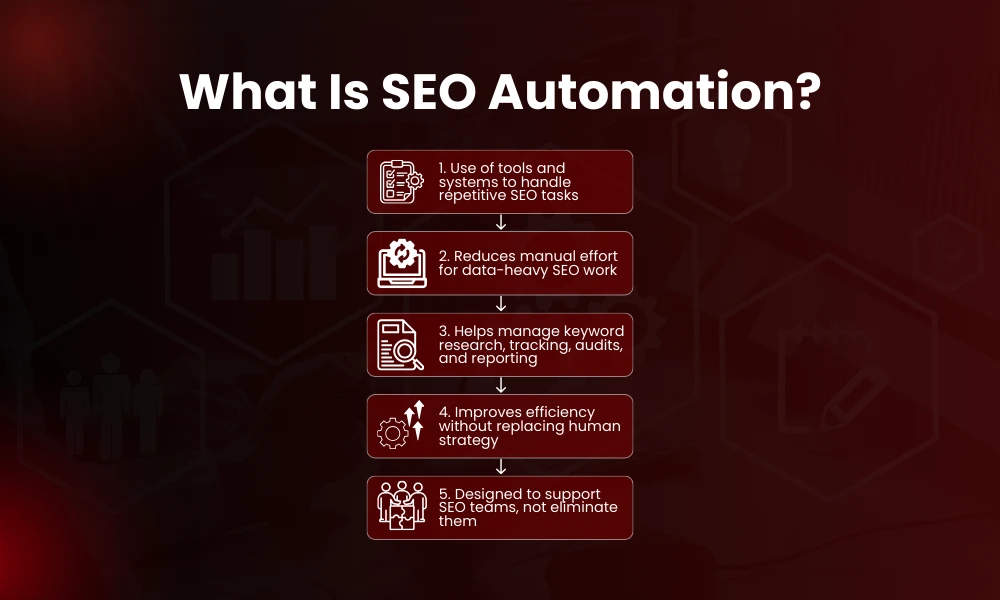
At its core, seo automation is the use of tools, scripts, or platforms to handle repetitive, time-consuming, and data-heavy SEO tasks without requiring human intervention every time. Instead of spending hours gathering keyword data, checking rankings, or creating reports manually, automation tools perform the heavy lifting while you focus on strategy and execution.
According to industry trends, more than 65 percent of marketers automate at least half of their SEO tasks in 2025, and that number keeps rising as tools get smarter and more accessible.
SEO automation isn’t a magic bullet that instantly ranks your site higher. It’s a way to make your SEO work more efficient while reducing the risk of human error. But it’s not the same as “SEO without people.” Human thinking, strategy, and creativity still matter deeply. If you’re building automation into your workflow, it’s important to first understand how to create an SEO strategy that aligns tools with long-term business goals rather than short-term gains.
Why SEO Automation Has Become Essential
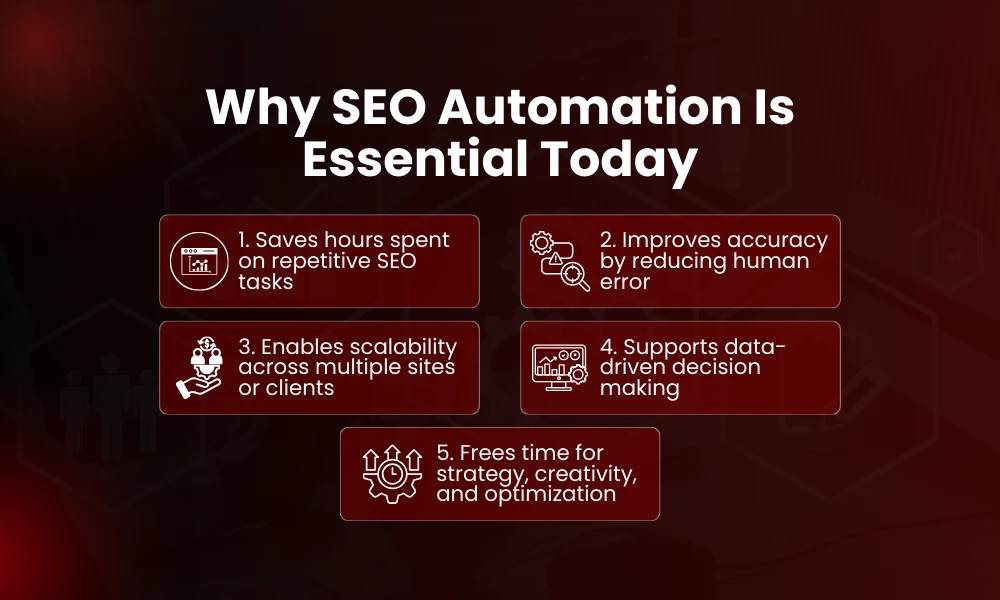
Before we talk about what to automate, let’s look at why seo automation has become such a critical part of modern SEO.
Time Savings and Efficiency
One of the biggest benefits of automation is simple, time. Tasks like keyword research, rank tracking, or generating SEO reports can eat up hours weekly when done manually. By automating those tasks, teams free up their calendars to focus on strategy, planning, creativity, and problem-solving.
For example, automated reporting alone has been shown to save team members up to 10 hours per month compared to creating reports manually.
Better Accuracy and Consistency
Humans aren’t perfect, we make mistakes, overlook details, and get tired. SEO tools can process thousands of data points consistently without fatigue, making results more accurate over time. Automation tools also ensure that audits and checks happen regularly, not just once or twice a month.
Automated rank tracking, for example, can monitor keyword positions daily without needing someone to log in and check each time.
Scalability
Whether you’re managing SEO for one site or dozens of client sites, automation makes it possible to scale your efforts without adding more staff. Automating technical tasks means you can support a much larger footprint without sacrificing quality.
Data-Driven Decision Making
Automation lets you track trends and outcomes over time. Instead of looking at isolated data, you can see patterns, spikes, and dips that tell a story about your SEO performance. Tools can even generate insights that would take humans far longer to uncover manually. Modern SEO analytics tools make it easier to centralize performance data and automate reporting across multiple campaigns without manual spreadsheet work.
Quick SEO Automation Statistics
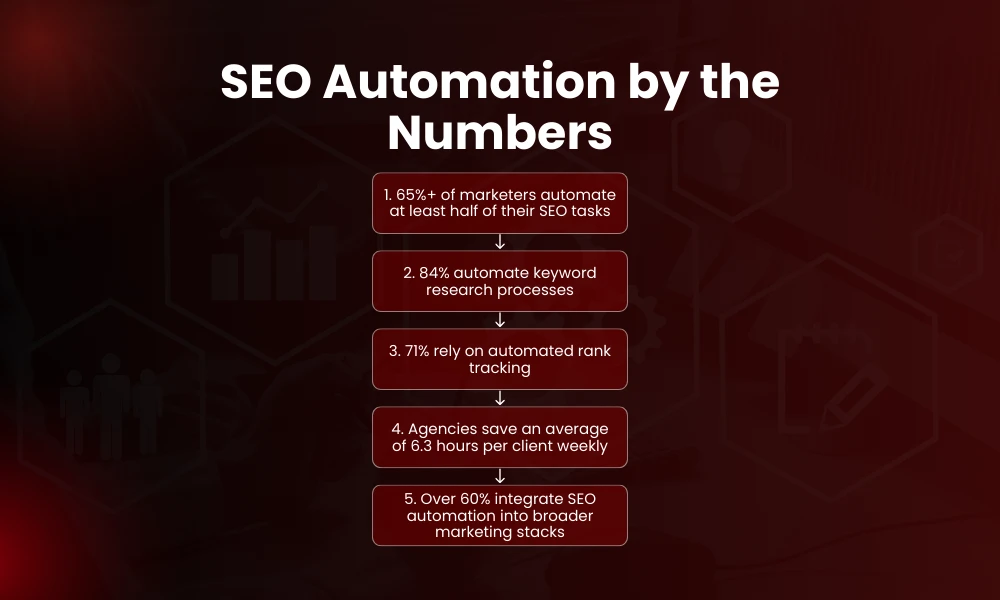
Before we go deeper into what to automate and what not to, here are some data points that paint the picture of SEO automation today:
- 84 percent of professionals automate keyword research tasks.
- 71 percent of SEO experts use rank tracking automation regularly.
- 58 percent of content teams use tools to identify content gaps automatically.
- Agencies using automation report saving roughly 6.3 hours per client account per week.
- More than 60 percent of marketing teams integrate SEO automation into their broader marketing stacks.
These numbers show just how mainstream automation has become in SEO workflows. But they also hint at a danger: it’s not enough to automate blindly, you need smart automation.
Tasks You Should Automate
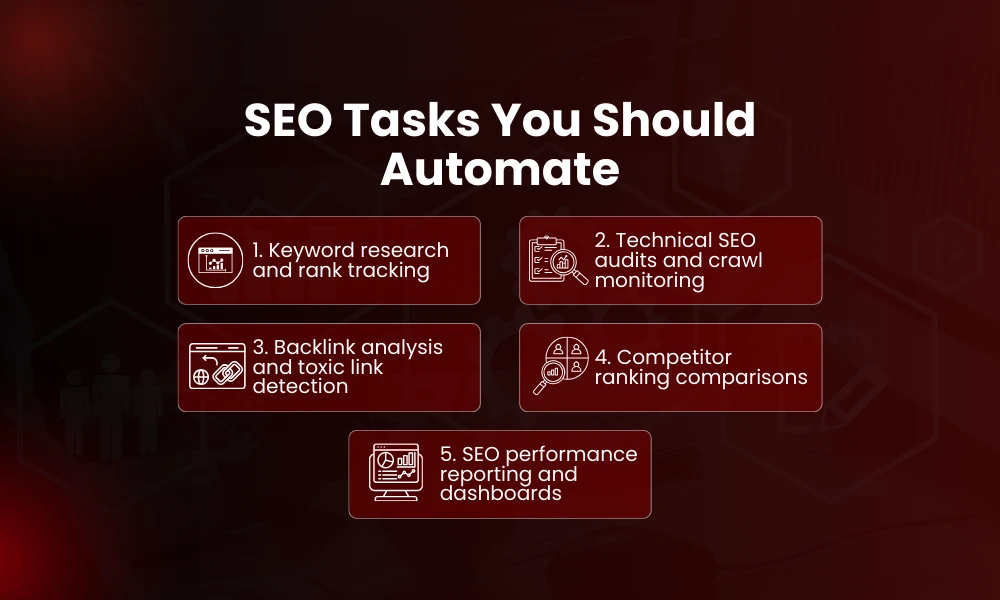
Let’s get practical. Here are the key areas where you should absolutely consider applying seo automation, and why.
1. Keyword Research and Tracking
Keyword research is foundational for SEO, but it’s also one of the most time-consuming tasks. Automated tools can analyze thousands of keywords, uncover hidden long-tail opportunities, and monitor rank fluctuations in real time.
What to automate:
- Daily rank position tracking
- Keyword volume changes
- SERP feature appearance detection
Automating this not only saves time but also ensures you never miss a trend shift. For teams aiming to scale faster, combining automation with advanced keyword research techniques allows deeper competitor insights and long-tail expansion.
2. Technical SEO Audits
Technical SEO is all about finding structural issues that could hurt search visibility, things like crawl errors, broken links, sitemap problems, and page speed issues.
These scans can be tedious to run manually every week. Tools can schedule these audits automatically and flag critical issues for you.
What to automate:
- Regular site crawling
- Alert notifications for errors
- Technical score reporting
Human oversight is still needed to prioritize fixes, but automation handles the grunt work. A structured approach to technical SEO ensures automated audits translate into real performance improvements rather than just flagged errors.
3. Rank Tracking
Manual ranking checks are impractical and slow. Whether you’re tracking ten keywords or ten thousand, automation keeps you informed of every movement.
What to automate:
- Daily or weekly ranking scans
- Alerts when pages lose or gain positions
- Competitor ranking comparisons
These automated insights let you act faster when rankings shift.
4. Backlink Analysis and Monitoring
Backlinks are still a major factor in SEO. Tools can automatically monitor link growth, detect toxic backlinks, and alert you when link profiles change, far faster than any manual check.
What to automate:
- Backlink profile tracking
- Toxic link alerts
- Link decay reporting
Letting tools monitor this frees you up to focus on outreach and strategy. While automation tracks links, professional link building services help secure high-authority backlinks that actually move rankings.
5. SEO Reporting
Clients and teams often require regular SEO reports. Automation lets you generate reports automatically using real data from tools like Google Analytics, Search Console, or SEMrush.
What to automate:
- Weekly or monthly performance dashboards
- Custom reports by segment or campaign
- Alerts embedded in reports
Automated reporting ensures consistent data delivery and saves hours each month.
Tasks You Should Not Automate
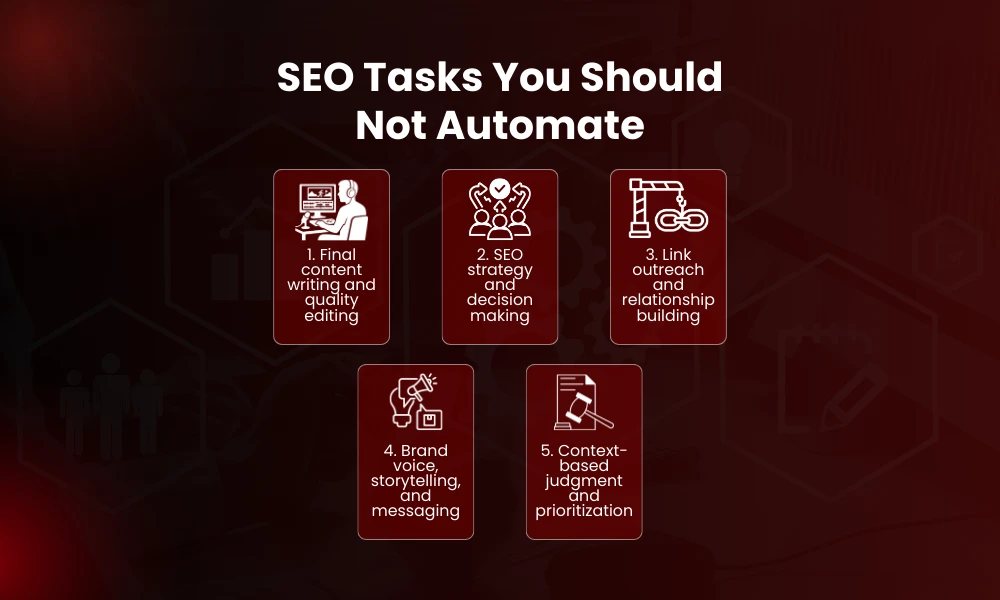
While many SEO tasks are ideal for automation, others require human judgment, creativity, or nuance. Let’s look at what not to automate fully.
1. Final Content Writing and Quality Editing
Automating content drafting can speed up production, but full automation of writing without editing is risky. Automated content often lacks nuance, clarity, and brand voice, something Google’s guidelines reward.
Use automation for:
- Draft outlines
- Content structure suggestions
But do not fully automate:
- Final copy writing
- Tone, style, and storytelling
- Contextual accuracy
Human editors ensure content aligns with audience expectations and quality standards. Strong SEO content writing blends automation insights with human creativity to maintain authority, clarity, and search intent alignment.
2. Strategic Decision Making
SEO strategy is not just numbers, it’s judgment about audience intent, market opportunities, and content direction. Tools provide insights, but strategy requires human interpretation. Many SEO professionals emphasize that automation should support strategy, not replace it. Effective SEO competitor analysis helps interpret automated data in context, revealing gaps and opportunities your tools alone cannot prioritize.
3. Link Outreach and Relationship Building
Building meaningful backlinks involves personal communication, trust, and negotiation. Automated outreach may scale some parts of the process, but personalizing communication and relationship management should stay human.
4. Brand Voice and Creative Messaging
SEO is not just about algorithms, it’s about people. Brand voice, storytelling, emotional resonance, and creativity are things machines can assist with, but cannot replace.
The Hybrid Approach: Best of Both Worlds
The future of seo automation isn’t full automation or full manual work, it’s hybrid. Combine automation for repetitive and data-heavy work with human strategy, judgment, and creative thinking.
This hybrid approach gives you:
- More time for strategic thinking
- Consistent and accurate data collection
- Tailored messaging and voice
- Faster insights and execution
Industry professionals often say: automate the execution, but keep the decision in human hands.
Tools That Make SEO Automation Easier
There are hundreds of tools with automation features. Here are some common ones used in modern workflows:
- SEMrush – Keyword research, rank tracking, competitor analysis
- Ahrefs – Backlink monitoring, keyword data, site audits
- Screaming Frog – Automated site crawling and technical reports
- AccuRanker – Rank tracking
- Looker Studio – Automated reporting dashboards
- MarketMuse / SurferSEO – Content optimization suggestions
These tools help with repetitive tasks, letting you focus on higher-level strategy.
Common Mistakes to Avoid With SEO Automation
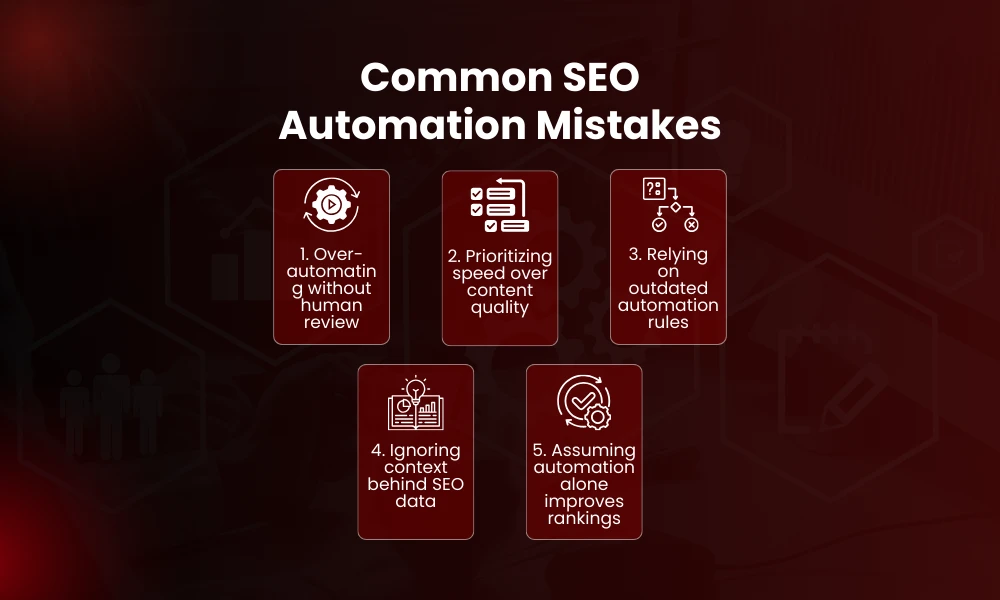
Even when automation is beneficial, many teams make avoidable mistakes:
1. Over-Automating Without Oversight
Blind trust in automated systems leads to errors piling up unnoticed. Always include a human review layer.
2. Ignoring Quality for Speed
Automation can create drafts or suggestions quickly. But if quality suffers, rankings and user engagement will too.
3. Failing to Update Automation Rules
Search engines constantly update. If your automation rules are outdated, they give inaccurate insights. Keep tools and settings updated. Following a structured SEO audit checklist ensures your automated systems stay aligned with evolving search engine standards.
FAQs
What tasks does seo automation handle best?
Automation is great for repetitive and data-heavy tasks such as keyword research, rank tracking, reporting, technical audits, and backlink monitoring.
Should you automate content creation?
Automation can help with outlines or drafts, but full content creation without human editing is not recommended due to loss of quality and brand voice.
Can automation replace SEO experts?
No. Tools support experts by handling data and repetitive tasks, but strategy, judgment, and creativity remain human strengths.
Is automation risky?
Automation carries risks if used without human oversight. Incorrect assumptions, outdated data, or algorithm changes can mislead strategies.
Does automation improve rankings?
Automation does not directly raise your rankings, but it frees time and provides accurate data to make better decisions faster.