AI video generation has quickly become one of the most useful tools in a creator’s kit. You can now turn a script, a photo, or a single prompt into a finished video without a camera, a studio, or an editing suite. This guide walks through what an AI video generator is, the features that matter most, and how to use them to produce professional video in minutes.
What Is an AI Video Generator?
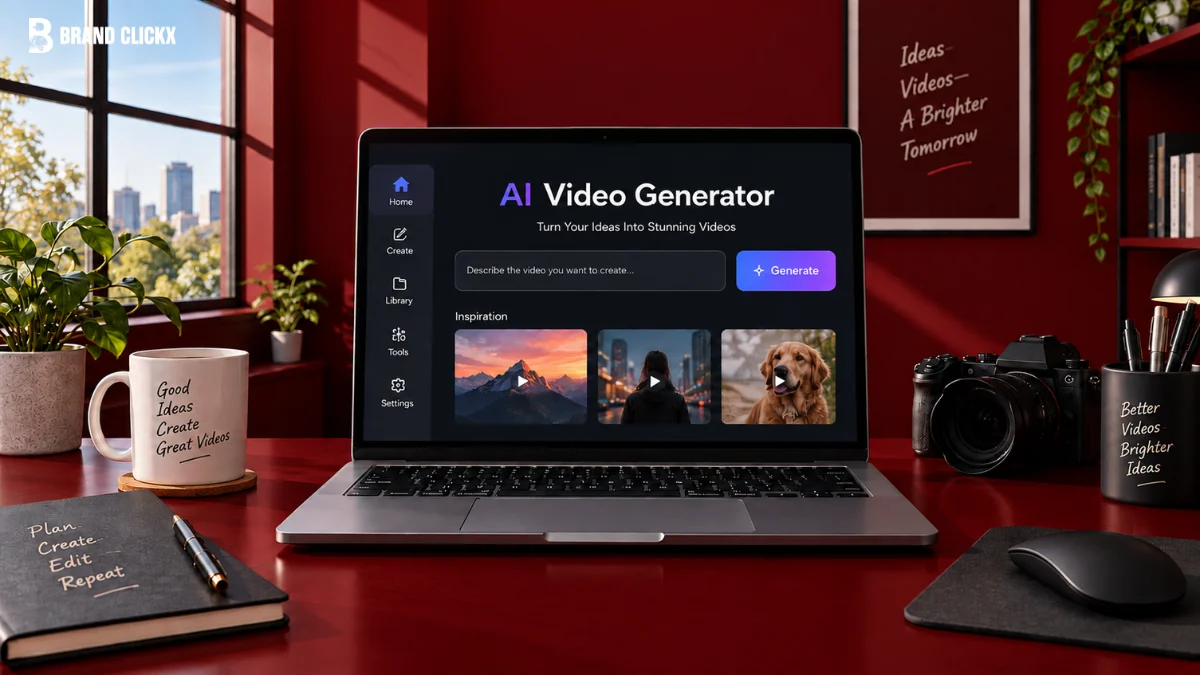
An AI video generator is a tool that creates video content from text, images, audio, or existing clips using machine learning. Rather than filming and editing by hand, you describe or supply what you want, and the model produces moving visuals, voiceovers, and effects to match. The result can be a short social clip, a product demo, an explainer, or a fully narrated presentation.
The appeal is speed and access. A task that once needed a crew and a timeline can now happen in a single session, which puts video within reach of teams and individuals who could never produce it before.
How Does an AI Video Generator Work?
Most tools combine several models working together. A text-to-video model interprets your prompt and generates frames that flow as motion. Speech models create natural voiceovers, and avatar models animate faces in sync with audio. Under the hood, the system predicts how each frame should change over time so the final clip looks smooth rather than a set of disconnected stills.
For the user, all of this happens behind a simple interface, usually in a few minutes. You supply the intent, and the platform handles the technical work of turning it into watchable video.
Key Features of an AI Video Generator
The strongest platforms bundle a wide range of capabilities into one workspace. These are the features that matter most when you evaluate a tool with ImagineArt.
Text to Video
This is the core feature. You type a description of the scene you want, and the tool generates a matching video clip. It is the fastest way to move from an idea to footage, and it works well for social content, ads, and concept pieces where speed counts.
Image to Video
Image to video brings a still picture to life. You upload a photo or a generated image, and the tool adds motion, camera movement, and subtle animation. This is popular for turning product shots, artwork, and portraits into eye-catching clips without any filming.
AI Avatars and Talking Photos
Many generators include digital avatars or talking photo features. You choose or upload a face, add a script, and the avatar delivers it on camera. This is ideal for spokesperson videos, training content, and faceless channels where you would rather not film yourself.
Text to Speech and AI Voiceovers
Built-in text-to-speech turns your script into a natural sounding voiceover across a range of voices, accents, and languages. This removes the need for a microphone or a separate recording session and keeps narration consistent from one video to the next.
Style and Motion Control
Style options let you shift between realistic, cinematic, animated, and other looks. Motion controls influence camera angles, pans, and the pace of movement, giving you real creative direction over how a clip feels rather than accepting a single default.
Aspect Ratios for Every Platform
Good tools export in vertical, square, and widescreen formats so your video fits wherever it lands, from a vertical feed to a landscape player. Producing the right ratio at generation time saves you from awkward cropping later on.
Editing, Upscaling, and Export
Once a clip is generated, editing features let you trim, reorder, add captions, and layer in music. Upscaling sharpens the output to high resolution, and flexible export options make it easy to download or share the finished file in the format you need.
Who Uses AI Video Generators?
The audience is broad. Marketers produce ad variations and social clips at speed. Educators and trainers build explainer content without a production team. Small businesses create product videos in-house, and solo creators run entire channels using avatars and voiceovers. The common thread is producing more video, faster, and at a lower cost than traditional production allows.
How to Get the Best Results
A few habits improve almost any AI video. Start with a clear, specific prompt or script so the tool has strong direction to work from. Keep individual clips short and focused, then combine them for longer pieces. Match the voice and style to your audience and brand rather than defaulting to a generic tone. Finally, generate a draft, review it, and refine one element at a time instead of starting over. Small, targeted adjustments usually produce the biggest gains.
Choosing an AI Video Generator
When comparing tools, weigh output quality, the range of features, supported languages and voices, export options, and how easy the platform is to learn. A tool that also handles images in the same place is a bonus, since many video projects begin from a still frame.
A capable AI Video Generator like ImagineArt brings text to video, image to video, voiceovers, and editing into a single platform, so you can take a project from first idea to finished clip without switching between apps. Free tiers are worth testing first. Run one short project from start to finish and see which tool gives you the cleanest result with the least rework.
The Future of AI Video Generation
The pace of improvement is striking. Clips are getting longer, motion is getting smoother, and control over characters and scenes is becoming more precise. As quality climbs, AI video is shifting from a novelty into a standard part of content production. Creators who learn these features now will be ready to scale their output as the tools mature.
Frequently Asked Questions
What is an AI video generator used for?
It is used to create marketing clips, explainers, product demos, social content, and narrated videos from text, images, or audio, without traditional filming or editing.
Can I make videos without showing my face?
Yes. AI avatars and talking photo features let you deliver a script on camera using a digital presenter, which is popular for faceless channels and spokesperson content.
Do AI video generators include voiceovers?
Most do. Built-in text-to-speech creates natural voiceovers in multiple voices and languages, so you do not need to record audio separately.
How long does it take to generate a video?
Short clips usually generate in a few minutes, depending on the length, resolution, and features you use, though longer or higher quality projects can take more time.
Are AI video generators free?
Many offer a free tier with limited exports, plus paid plans for longer videos, higher resolution, and advanced features. Testing the free version is a good way to compare quality before you commit.