A freelance copywriter in Lisbon told me she runs her entire business on AI subscriptions that cost her nothing. I was skeptical, so she shared her screen. Research through Perplexity. Drafting through Claude. Images through Gemini. Meeting notes through Fathom.
Decks through Gamma. Her monthly AI spend was zero euros, and her output looked identical to agencies charging retainers. Her secret was not a hack. It was that she knew exactly where each free tier ends and never let her workflow depend on crossing the line.
That is the honest frame for this list. No serious AI tool is unlimited for free. Every one of the twenty below caps you somewhere: a five-hour window, a monthly allowance, a watermark, a lighter model. The tools that earned their place are the ones whose free tier completes real work not a demo, not a teaser, but a finished deliverable you can ship. For each, we note exactly where the wall is, because knowing the wall is what separates a free stack from a frustrating one.
The 20 best free AI tools at a glance
| Tool | What the free plan covers | The wall |
| ChatGPT | Everyday chat, search, uploads, images | Flagship model capped per 5-hour window; ads in some markets |
| Claude | Long documents and careful writing | Session cap resets every 5 hours; no Opus or Claude Code |
| Google Gemini | Google ecosystem work, images, research | Flash-Lite model; video generation paywalled |
| Microsoft Copilot | Work inside Word, Excel, and Windows | Deepest features need a Microsoft 365 plan |
| Perplexity | Cited research | 3 Pro Searches a day |
| Gemini Notebook | Q&A over your own documents | 100 notebooks, 50 sources each |
| GitHub Copilot | Code completion in your editor | 2,000 completions and metered chat per month |
| Google Antigravity | Agentic coding with frontier models | Public preview with tightening credit limits |
| Canva | Design with built-in AI tools | 20 AI uses a month |
| Leonardo AI | High-volume image generation | 150 tokens a day; free images are public |
| Google Flow | Cinematic AI video clips | About 50 credits a day; watermarked output |
| CapCut | Social video editing | Advanced effects and cloud features paywalled |
| ElevenLabs | Professional AI voice | Roughly 10 minutes of audio a month |
| Suno | Full AI-generated songs | 50 credits a day; no commercial rights or downloads |
| TTSMaker | Unlimited basic text-to-speech | Simpler voices; files deleted after 30 minutes |
| Grammarly | Grammar and clarity everywhere | 100 AI prompts a month |
| Fathom | Meeting recording and summaries | AI summaries capped; CRM sync is paid |
| Gamma | AI-built presentations | One-time starter credits |
| Zapier | App automation | 100 tasks a month, two-step Zaps only |
| DeepL | Nuanced translation | Character limits and file caps |
The assistants: four free brains, four different strengths
1. ChatGPT — the broadest free tool ever shipped
ChatGPT’s free tier remains the default recommendation for a reason: web search, file uploads, data analysis, and image generation in one place, with metered access to the flagship model before it drops to a lighter one. Two honest caveats define the free experience heading into 2027. Usage is capped in rolling five-hour windows, and US free users have seen ads since February 2026 — a first for a mainstream assistant and a reason some professionals now start elsewhere.
Best for: general-purpose work and first-time AI users.
2. Claude — the free tier that writes like a professional
Claude’s free plan is the strongest writing tool available at zero cost. Sonnet-class models, a 200,000-token context window that swallows entire contracts and reports, memory across conversations, web search, and file creation — the only meaningful sacrifices are the Opus models, Claude Code, and patience: heavy sessions hit a usage wall that resets every five hours. For document-heavy work, free Claude outperforms several competitors’ paid tiers.
Best for: writing, editing, and long-document analysis.
3. Google Gemini — the most feature-rich free plan
Google gives free users the most surface area of any assistant: the fast Gemini Flash-Lite model, metered access to Pro-class reasoning, image generation through Nano Banana 2, limited Deep Research reports, Audio Overviews, and hooks into Docs, Sheets, and Gmail. The line Google now draws clearly is video — Veo generation sits on paid AI plans — but for everything text, image, and research, the free plan is embarrassingly generous.
Best for: anyone living in Google Workspace.
4. Microsoft Copilot — the free layer on Windows and Office
Copilot’s free tier handles chat, web answers, and image creation, and its real value is positional: it lives inside Windows, Edge, and the Office apps hundreds of millions of people already use. The deepest integrations require a Microsoft 365 subscription, but for drafting, summarizing, and quick research without a new tab, free Copilot removes friction rather than adding it.
Best for: Microsoft-first workplaces.
Research: where free beats paid most often
5. Perplexity — cited answers, no excuses
Perplexity’s free plan offers practically unlimited basic searches with sources attached to every claim, plus 3 Pro Searches a day for harder questions. It is the only assistant whose default behavior is showing its work, which makes it the most trustworthy free research tool and the fastest way to verify anything another AI tells you. The wall is the Pro Search allowance; for daily headline research, you will rarely touch it.
Best for: research you need to trust and cite.
6. Gemini Notebook — the quiet superpower
The tool formerly known as NotebookLM, now folded into Google’s lineup as Gemini Notebook, remains one of the best free AI products ever made. Upload up to 50 sources per notebook — reports, transcripts, papers — and it answers questions with citations pointing to exact passages, then optionally converts the material into a listenable audio conversation. Free accounts hold 100 notebooks. It only knows what you upload, which is precisely why it is so reliable.
Best for: students, analysts, and anyone drowning in source material.
Coding: frontier models at zero cost
7. GitHub Copilot Free — the standard, minus the invoice
The industry-standard assistant now has a real free tier: roughly 2,000 code completions a month plus a metered allowance of chat and agent requests inside VS Code. Since June 2026 the chat allowance is measured in AI credits rather than messages, so heavy conversational use drains it first — but for autocomplete and occasional questions, free Copilot covers most individual developers’ daily work.
Best for: developers who want the tool their future employer uses.
8. Google Antigravity — free access to models that cost money everywhere else
Google’s agent-first coding environment is the most surprising free offer in the market: a standalone IDE where agents plan tasks, write code, run terminals, and test in a browser — and the model lineup includes Claude Opus-class models that are paid almost everywhere else. The catch is real: it is a public preview, Google has tightened limits repeatedly, and usage is now metered by credits. Treat it as a generous trial of the future rather than infrastructure, and it is extraordinary value.
Best for: builders who want agentic coding without a subscription.
Design and images: the creative suite for nothing
9. Canva Free — the design department, capped at twenty
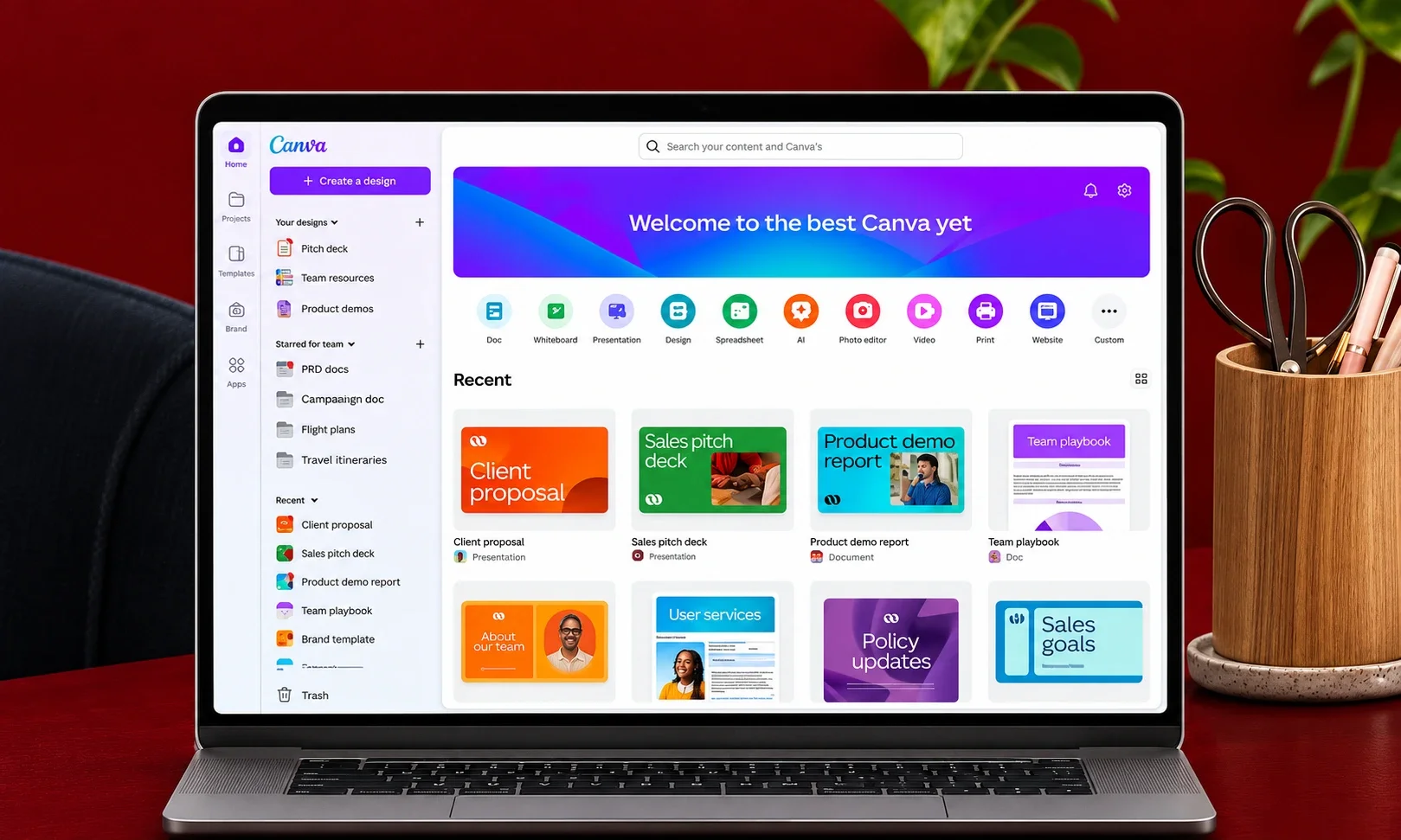
Canva’s free plan includes its Standard and Premium AI tools — generation, background removal, magic edits — inside the editor millions already use, limited to 20 AI uses a month, resetting on the first. Twenty sounds tight until you realize most small businesses ship fewer than twenty designed assets a month. For them, Canva Free is not a trial; it is the whole product.
Best for: non-designers producing social and marketing graphics.
10. Leonardo AI — the generous image engine
Leonardo hands free users 150 fast tokens every day, which works out to a volume of image generation no competitor matches at zero cost — with commercial rights included. The trade-off is visibility: images generated on the free plan are public. For concept work, mood boards, and content illustration, that is a fair exchange; for confidential brand work, it is the reason to upgrade.
Best for: creators who need images daily.
Video and audio: free tiers that actually ship content
11. Google Flow — cinematic AI video, fifty credits a day
Google’s filmmaking studio offers around 50 free credits daily on any Google account — enough for two to five short Veo 3.1 clips a day — with synced audio, a visible watermark, and an invisible SynthID marker. The credits do not roll over, which quietly encourages the right habit: generate a little every day and build a footage library. For testing concepts and social experiments, it is the best free video deal available.
Best for: creators experimenting with AI footage.
12. CapCut — the free editor behind half your feed
CapCut’s free tier includes auto-captions, smart reframing, background removal, and 4K export without a watermark on desktop — the features that built the short-form video economy. The paywall guards advanced effects, cloud storage, and some templates, but the core editing loop that matters is free, fast, and genuinely professional.
Best for: social creators and small business video.
13. ElevenLabs — ten free minutes of the best AI voice
The voice category leader’s free plan covers roughly 10 minutes of high-quality generation a month — enough for a podcast intro, a product demo narration, or testing whether AI voice works for your content at all. Commercial rights require a paid plan from $6/month, which is the gentlest upgrade cliff in the industry. For anyone voice-curious, this is the starting point.
Best for: testing AI voiceover before committing budget.
14. Suno — fifty credits of music a day
Suno’s free plan generates complete songs — vocals, arrangement, production — at 50 credits daily, roughly ten tracks. The walls matter here: no commercial rights and no downloads on the free tier, which makes it a sketchpad rather than a production tool. As a way to prototype a podcast theme or a campaign jingle before paying for the licensed version, it has no equal.
Best for: musical prototyping and personal projects.
15. TTSMaker — the only truly unlimited free voice tool
TTSMaker breaks the pattern of this list: unlimited generation on 20 voices, commercial use included, no cap to manage. The voices are simpler than ElevenLabs’, and files are deleted after 30 minutes so downloads must be immediate — but for internal training material and scratch narration, it is the one free tool with no asterisk on the word free.
Best for: high-volume basic narration on a zero budget.
The productivity layer: small tools, daily dividends
16. Grammarly — the free copy editor
Grammarly’s free plan corrects grammar, spelling, and tone everywhere you type, with 100 AI prompts a month for generation and rewriting. It is the rare free tool that improves everything else on this list — including the output of the other nineteen.
Best for: literally anyone who writes for work.
17. Fathom — free meeting notes, permanently
Fathom’s free tier records, transcribes, and summarizes meetings with no time limit on core features — the company has committed to keeping that layer free rather than treating it as a trial. CRM sync and advanced summaries are paid, but the core promise, “never take notes again,” costs nothing. Among free tiers, this is the closest to a complete product.
Best for: anyone whose week is more than half meetings.
18. Gamma — the first draft of every deck
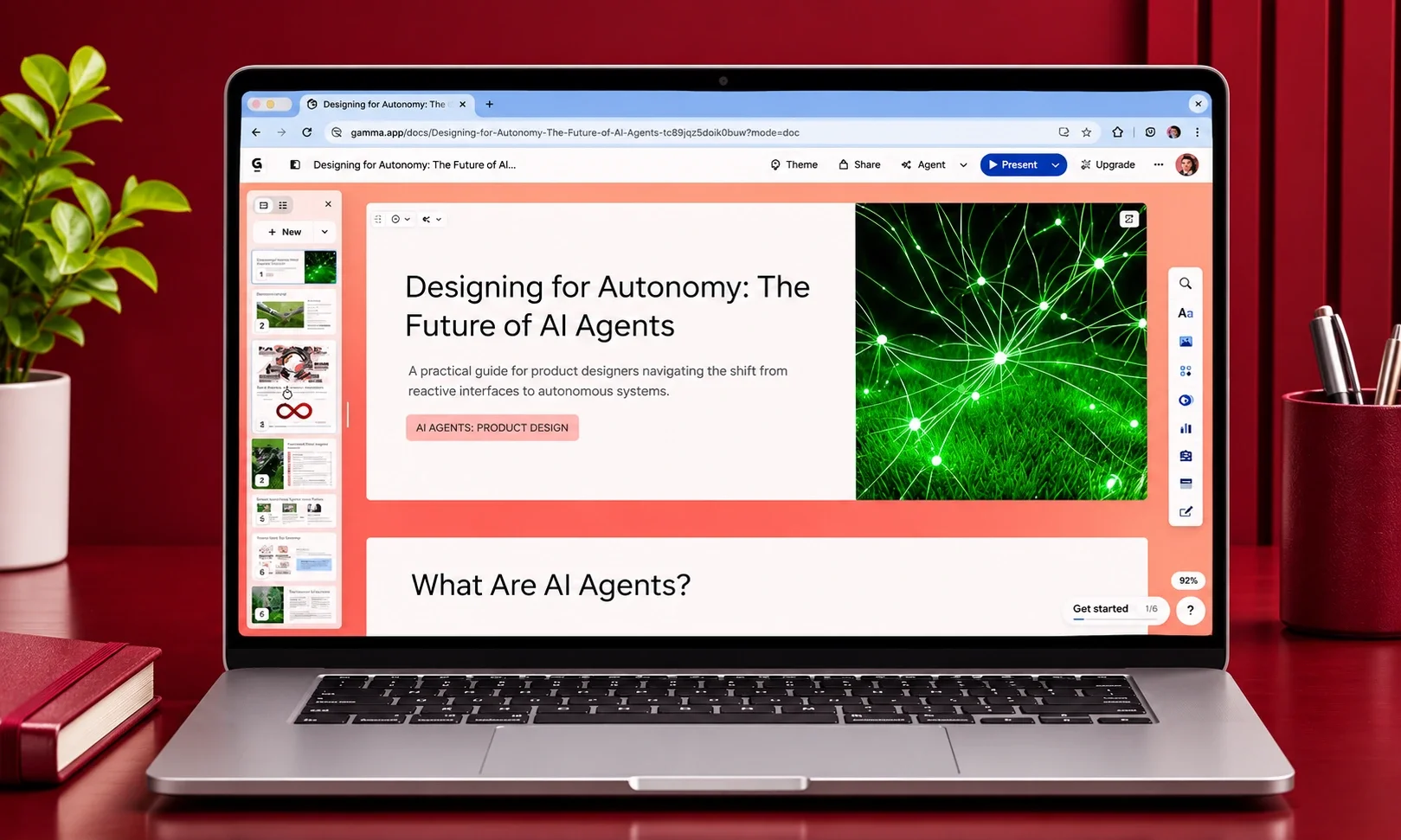
Gamma converts a prompt or document into a designed presentation, and its free tier provides a one-time credit allowance sufficient for roughly ten full decks. The credits do not renew, which makes it a quota to spend wisely rather than a habit — but for the founder who needs three investor decks this quarter, three is plenty.
Best for: occasional high-stakes presentations.
19. Zapier — one hundred free automations a month
Zapier’s free plan allows unlimited Zaps with a 100-task monthly allowance and a two-step limit — enough to automate the single most annoying manual task in any business. Connect the lead form to the spreadsheet, the sale to the Slack alert, the booking to the calendar. One good two-step Zap saves more time than most paid tools ever will.
Best for: eliminating one repetitive task at a time.
20. DeepL — professional translation, metered
DeepL’s free tier handles text translation with the nuance that made it the professional’s choice, capped by character limits and restricted document translation. For emails, product descriptions, and short documents, free DeepL is fully sufficient; the paid plans earn their keep only at volume or with file workflows.
Best for: anyone publishing in more than one language.
How to build a zero-dollar stack that actually works
The pattern behind every successful free stack is restraint. The Lisbon copywriter’s setup worked because each tool had one job and the caps never collided: research in Perplexity (daily allowance fits a day’s questions), drafting in Claude (session windows match writing sprints), design in Canva (twenty assets a month covers a small client load). The failure mode is chaining three capped tools into one workflow, then discovering the middle one resets at noon.
Two rules keep a free stack honest. First, never build a client-facing deliverable that depends on a free tier’s daily reset — the deadline will land on the wrong side of it. Second, watch the rights, not just the limits: Suno’s free music carries no commercial license, Leonardo’s free images are public, and anything client-bound deserves the same governance discipline as paid work, including clear generative AI brand guidelines. Free tools reward the organized. They punish the assumption that free means frictionless.
Frequently asked questions
What is the best free AI tool in 2027?
For general work, ChatGPT’s free tier covers the most ground. For writing and long documents, Claude’s free plan is stronger. For research with sources, Perplexity. The best single answer is two or three of these matched to your most frequent task.
Are free AI tools good enough for professional work?
For drafting, research, design, meeting notes, and basic automation — yes. Free tiers complete real deliverables, provided you know their limits and never build a deadline-critical workflow on a daily reset. Commercial licensing, not quality, is usually the reason to pay.
Which free AI tools allow commercial use?
TTSMaker (unlimited voice), Leonardo AI (images, though public), and Canva’s free designs generally permit commercial use. Suno and ElevenLabs free tiers do not include commercial rights. Always check current terms — licensing shifts faster than feature sets.
When should I upgrade from free to paid?
When you hit the same limit three weeks running. A daily cap reached once is a scheduling problem; reached every day, it is a $20 decision that pays for itself in the first saved hour.
Is my data safe on free AI plans?
It varies. Some free tiers use inputs for training unless you opt out in settings. For client-confidential material, check the tool’s data policy first or use a business tier with contractual protections.