

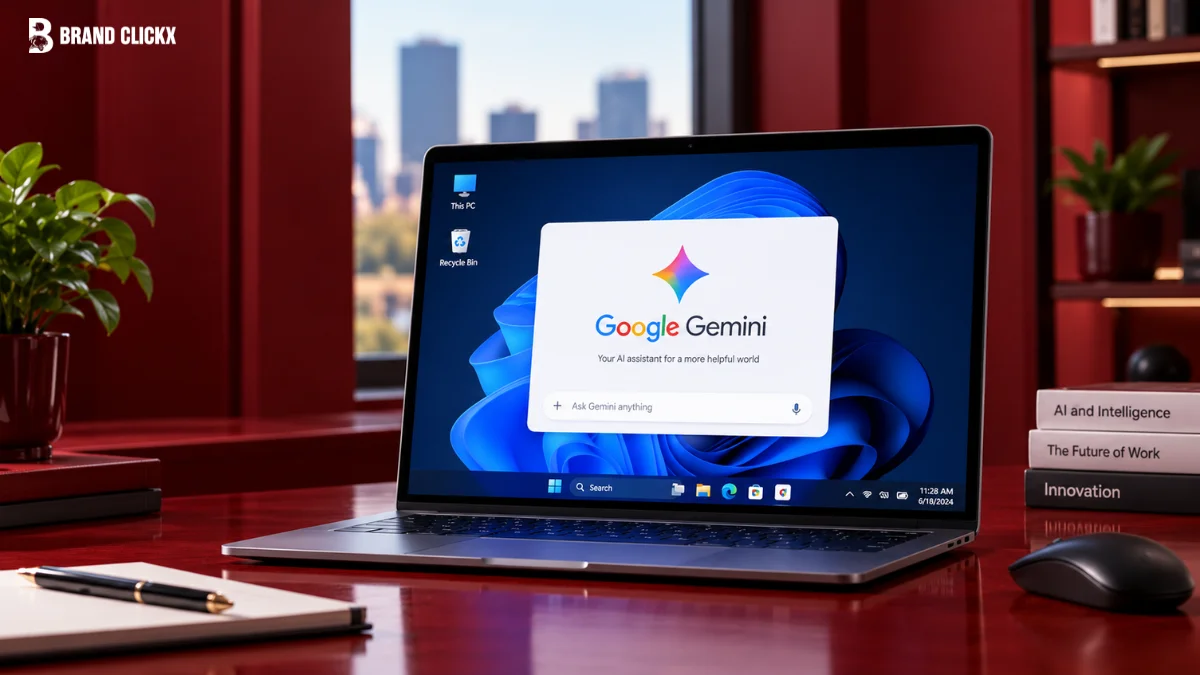
On September 10, 2026, Google launched a new Gemini desktop app for Windows 10 and 11. This app brings Google’s artificial intelligence directly to your PC. It is no longer just a web page in a browser.
The app works quietly in the background. It does not use too much of your computer’s power. Google hopes this will help them win the desktop productivity market. However, some users worry about missing features and silent data downloads.
Easy Access with Keyboard Shortcuts
You can open the Gemini app quickly using a keyboard shortcut. Just press Alt + Space. This brings up a small window over whatever app you are currently using.
You can use this small window for quick tasks. For example, you can check a fact, write a quick reply, or brainstorm ideas without leaving your work. Users can also change this shortcut in the settings if they want.
Workspace Integration and Media Creation
The app can also open into a larger window for harder tasks. It connects deeply with Google Workspace. This means it can read your Gmail, Google Drive, Google Docs, and Google Calendar.
It can summarize long emails or find details in your saved files. The app can also make images using a tool called “Nano Banana.” It can even create high-quality videos using “Gemini Omni” directly on your desktop.
Subscription Tiers and Gemini Spark
The features you get depend on your Google subscription. Free users get the Gemini 3.5 Flash-Lite model for simple tasks and the Gemini 3.6 Flash model for better reasoning.
Paid users get the Gemini 3.1 Pro model. This model can handle very large documents and complex coding tasks.
Meet Your Personal Agent
Google also introduced Gemini Spark. This is a 24/7 personal AI agent. It can do complex, multi-step tasks on its own, like tracking RSVPs in Gmail or highlighting data in Google Sheets.
To use Gemini Spark, you must be 18 or older. You also need a premium Google AI subscription, which costs $20 per month.
Hardware Support and Enterprise Competition
The app works on both standard Intel and AMD processors. It also works on ARM64 processors. This means it runs smoothly on the newest Qualcomm Snapdragon Copilot+ PCs without draining the battery.
This release heats up the battle between Google and Microsoft. Microsoft Copilot is best for teams using Microsoft 365, like Word and Excel. Google Gemini is better for teams using Google Workspace.
Feature | Google Gemini (Workspace) | Microsoft Copilot (Microsoft 365) |
Primary Apps | Gmail, Google Docs, Sheets | Outlook, Word, Excel |
Memory Size | 1,000,000 tokens | 128,000 tokens |
Extra Cost | Included in standard plans | $30 per user each month |
Best For | Finding information and research | Working with numbers in Excel |
Data reflecting enterprise productivity features and pricing as of September 2026.
Early Problems and Privacy Concerns
Some early reviews have been negative. A review from PCWorld said the app was not very useful yet. The reviewer found that Gemini could not actually delete old emails or sort Google Drive files by size.
The Silent 4GB Download
There is also a major privacy issue. Google Chrome has been secretly downloading a 4-gigabyte AI file to users’ computers. This file, called weights.bin, powers local AI tasks.
This download happens without asking the user. It uses up internet data and hard drive space. If a user deletes the file, Chrome just downloads it again. Stopping it requires changing hidden browser settings.
IT and Security Controls
Companies need to manage how employees use this app. Standard website blockers do not work well. Blocking Gemini URLs also blocks access to important Google Workspace tools.
To fix this, Google created special controls for IT managers. Managers can decide which employees are allowed to use the app. They can also make sure the app only runs on secure, company-owned computers.
Companies can also block personal Google accounts from logging into the app on work computers. This helps keep company data safe and meets strict privacy rules.
Frequently Asked Questions
How do I download the Google Gemini app for Windows?
You can download the installer directly from gemini.google/desktop on your Windows 10 or 11 computer.
What is the keyboard shortcut to open Gemini on Windows?
Once installed, you can press Alt + Space to bring up the Gemini app instantly over your active windows.
Can I use the Gemini Windows app offline?
No, the Gemini app requires an active internet connection for almost everything. It does not add major offline capabilities.
Do I need a paid subscription to use the Gemini desktop app?
The basic app is free, but access to advanced models (like Gemini 3.1 Pro) and the Gemini Spark agent requires a paid Google AI subscription.
Does the Gemini app run on ARM processors like Snapdragon?
Yes, the app is fully compatible with ARM64 processors, meaning it runs natively on new Qualcomm Snapdragon Copilot+ PCs


