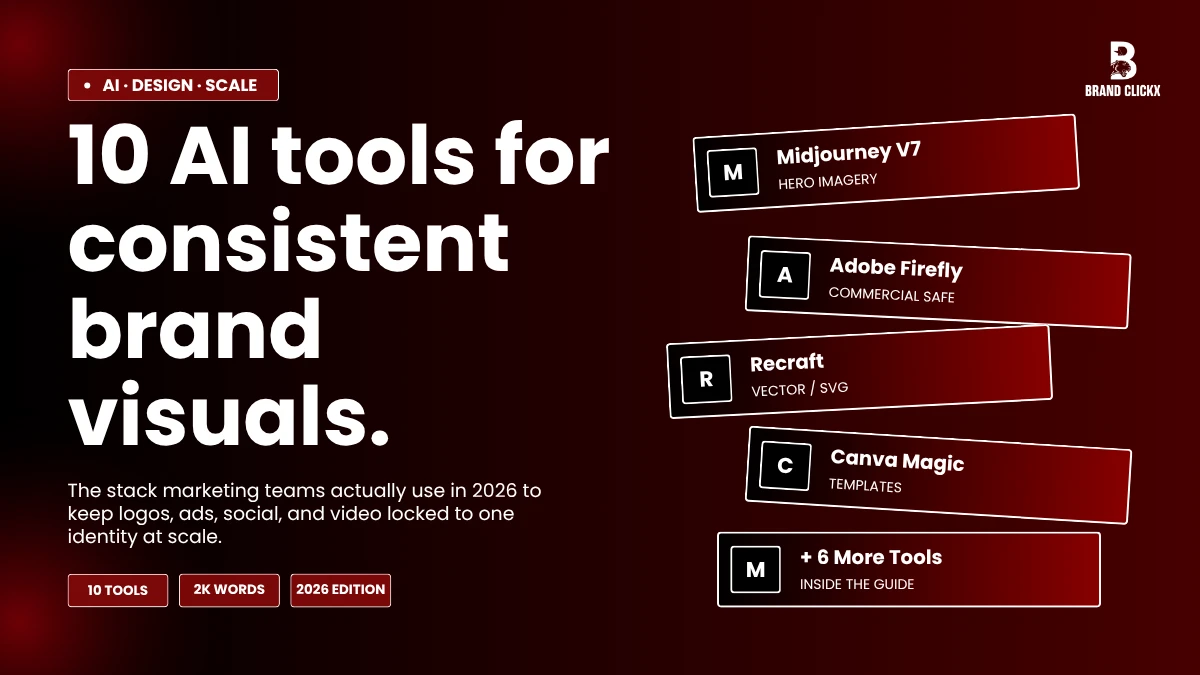
Look, building a brand right now basically means pushing AI brand visuals all over the place. Like, twenty channels easy. Instagram tiles. Email banners. Landing page heroes. Pinterest pins. The old way of asking a freelancer for every asset just falls apart once you scale up. So most teams I know lean on AI now. The tricky part is keeping it all looking like one brand.
Anyone can crank out a random pretty image. Getting it to actually match your fonts, your mood, your colors across hundreds of outputs is a whole different game. I have been running content for five client sites this year and tested basically every platform on the market. These ten kept showing up as the ones actually pulling their weight for AI brand visuals at scale.
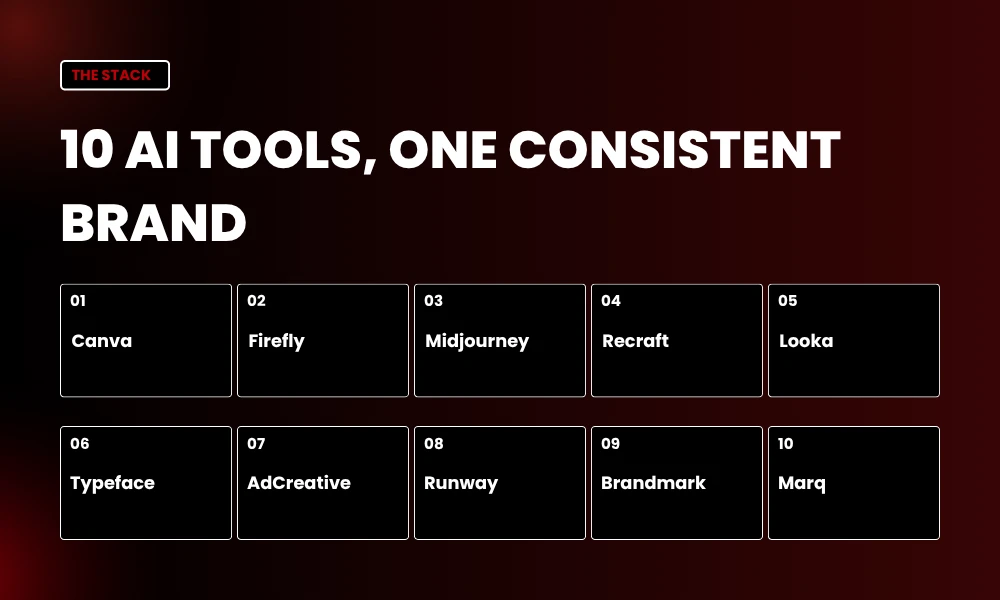
Quick note before the list. None of these are perfect alone. Most teams stack three or four together.
Quick Facts
| What you need | Best pick |
| Logo creation | Looka, Brandmark |
| Vector and SVG | Recraft |
| Paid ad creative | AdCreative.ai |
| Video and motion | Runway ML |
| Templates at scale | Canva Magic Studio |
| Commercial safety | Adobe Firefly |
| Enterprise brand control | Typeface |
1. Canva Magic Studio
Canva is where most people start with AI brand visuals. You drop in your logo, your hex codes, your fonts. All into the Brand Kit. Then Magic Design uses those bits whenever you generate something new. I built 15 Instagram tiles for a landscaping client out of Trumbull last month. Took me about 11 minutes.
They all seemed to belong together. That is the whole pitch. The downside is real though. Canva plays it safe. It will not give you weird, editorial, gallery-quality stuff. So if you need that, look further down this list. Magic Write also handles caption copy in your brand voice, which closes the loop. Pricing kicks off around $15 a month for Pro.
Teams pay more on top. Most lean operations start here and add specialty tools as they grow.
2. Adobe Firefly
Firefly is the safe bet when lawyers get involved. Adobe trained it only on Stock content, public-domain stuff, and openly licensed material.
So you get IP indemnification baked into the subscription. That actually matters when you are doing client work and somebody could sue. The Style Reference feature is the real move for AI brand visuals at scale. Upload one image.
Every output after that borrows the look. Some benchmarks say Firefly stays about 30% more consistent than Midjourney on default settings. It also lives right inside Photoshop and Illustrator, which is huge.
Generative Fill alone has saved me hours on hero edits. Standalone runs $9.99 a month. Creative Cloud All Apps is $59.99 and bundles credits. So if your shop already pays Adobe, Firefly is basically free to layer in.
3. Midjourney
Midjourney is the artist of the bunch. V7 dropped Style Reference and Character Reference, which finally fixed the consistency problem. So if your brand wants cinematic, editorial, or just genuinely odd AI brand visuals, this is where you go. I built a moodboard for a finance client a few weeks back using V7 with –sref pointing at three approved hero shots.
The output was eerily on-brand. Plans start at $10 a month, jumping to $30 for Standard, which most pros need just for the faster queue. Two catches. Midjourney pulled its free trial in early 2025. Also the Discord interface still feels like 2018. The new web app at midjourney.com helps a bit. I pair Midjourney with Firefly for cleanup most weeks.
4. Recraft
Recraft is the only major AI tool spitting out real, editable SVG vectors from a prompt. So if your AI brand visuals workflow needs icons, logo variants, or web illustrations, this saves hours of cleanup. Style Lock pins the look across iterations.
The Brand Kit holds your colors and fonts so they stop drifting around. I generated 60 icons for a SaaS rebrand last quarter and most imported clean into Illustrator with editable paths. Text rendering also beats Midjourney for design work, basically because Recraft was built for designers from day one.
Free tier gives 100 credits at signup plus 20 daily generations after that. Paid plans kick in around $12 a month. Recraft V4 is the current production standard for any team serious about brand asset volume.
5. Looka
Looka is dead simple for fast logo creation. Type your business name. Pick a few style preferences. It pumps out logo options in maybe two minutes. Pick one. It builds a brand kit around it. Colors. Font pairings. Cards. Social templates. So a solo founder can go zero to identity in an afternoon.
Output is not the most original. So you will probably want to tweak before going live. The trade-off is speed and price. A startup founder I know wrapped up a logo and full kit in 47 minutes flat.
Plans start at $20 for a basic logo. Around $96 per year gets you the full brand kit subscription. Affordable for any new venture. Just do not expect it to compete with a real branding studio.
6. Typeface
Typeface is where the enterprise crowd lands for AI brand visuals. You feed it 15 to 20 reference images that nail your brand aesthetic. Tag them by lighting, palette, composition.
The platform trains a model on your actual look. The Brand Agent then auto-checks new content against your guidelines so nothing slips through. So a marketing team at a mid-size brand can crank out thousands of on-brand assets without manually reviewing every single one. Product preservation is also strong.
Meaning AI-generated product shots look like real studio shots, not weird composites. Pricing is custom and built for teams of 10 plus. Setup takes some real effort. While that work is real, for any company managing brand at scale, the payback hits within a campaign or two.
7. AdCreative.ai
If your bottleneck is paid ad creative, AdCreative pays for itself fast. The platform trained on actual campaign data. So it spits out ads that convert, not just ones that look pretty. You drop in your logo, brand colors, product images. It pumps out static and video ads sized for every social placement. I tested it for a
Connecticut landscaping client and ran 22 ad variants in a single afternoon. Would have been a week of designer work, easy. UGC-style formats also feel native to social feeds. Brand-aware AI brand visuals keep your colors and styles locked across all the placements. Plans start around $44.99 a month.
Higher tiers run $99.99 and up. Custom enterprise pricing on top. Worth every dollar for any e-commerce or DTC brand running paid social.
8. Runway ML
Motion matters more every year. Runway lets you spin up AI brand visuals as actual video. Animations. GIFs. Loops. B-roll. So even small brands can compete with bigger teams on social video without needing After Effects training.
I made a hero video for a client website last week using a single prompt. Whole thing took 18 minutes. Gen-3 Alpha is the current model. The jump from earlier versions is massive. Pricing kicks off free for limited credits. Standard runs $15 a month.
Pro is $35. While the outputs are not long-form ready yet, for 5 to 15 second loops on Instagram or LinkedIn, the results come out clean and on-brand if you feed it reference frames. Worth experimenting with this quarter.
9. Brandmark
Brandmark is another logo and identity tool, basically more typography-led than Looka. The output feels more designer-driven. Less template-y. So for AI brand visuals where typography is the whole identity, like editorial mags or finance brands, Brandmark earns a look.
It bundles the logo with social media kits, business cards, letterheads, even a basic style guide. The font pairing engine pulls from real type-design principles, not just popular Google Fonts. Pricing is one-time. Around $25 for the basic package.
Up to $175 for enterprise with unlimited assets, source files, and full ownership. So unlike Looka, you are not stuck on a yearly subscription just to keep using your own logo. Brandmark deserves a shortlist spot for that reason alone.
10. Marq
Marq, which used to be called Lucidpress, is the brand template platform nobody talks about enough. It locks specific elements. Logos. Colors. Fonts. So non-designers on your team cannot accidentally break them. Meanwhile, the editable parts stay open for content updates.
So a sales team can customize a one-pager for every client without trashing the visual identity. Cloud-based. Multi-channel. Built around brand governance. The Smart Fields feature auto-fills templates from spreadsheet data, which is huge for high-volume localized output.
Plans start at $10 per user a month for Pro. Team plans scale up by seat count and template volume. So if your real headache is letting 50 sales reps make on-brand decks without designer hand-holding, Marq is the play.
Why Brand Consistency Actually Matters at Scale
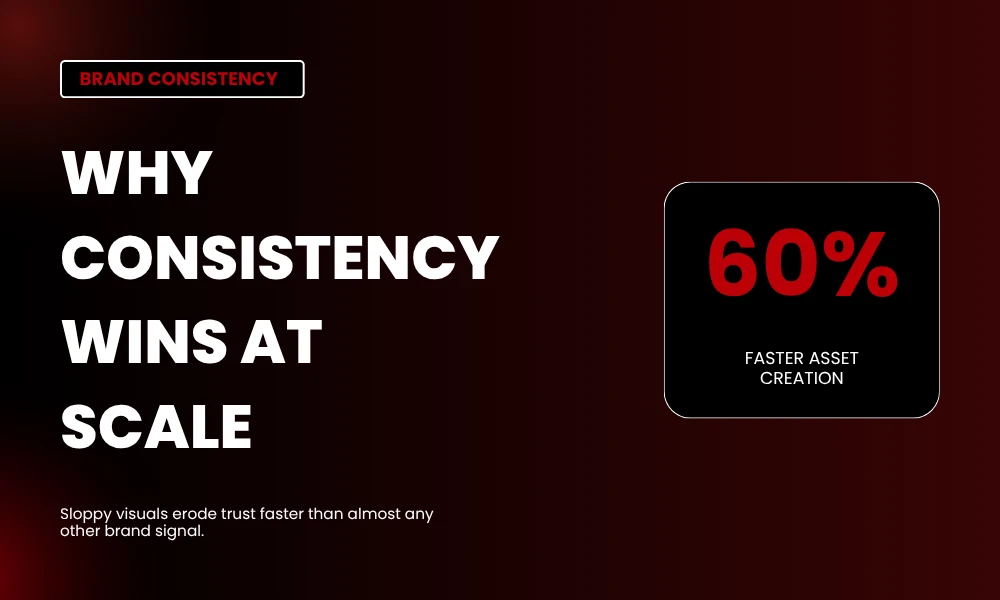
Sloppy AI brand visuals kill trust faster than almost any other branding mistake. So when someone bounces from your Instagram to your site to your email, all three should feel like one world. A 2025 Canva report said small businesses using AI-powered design platforms cut their visual asset creation time by around 60% compared to old workflows.
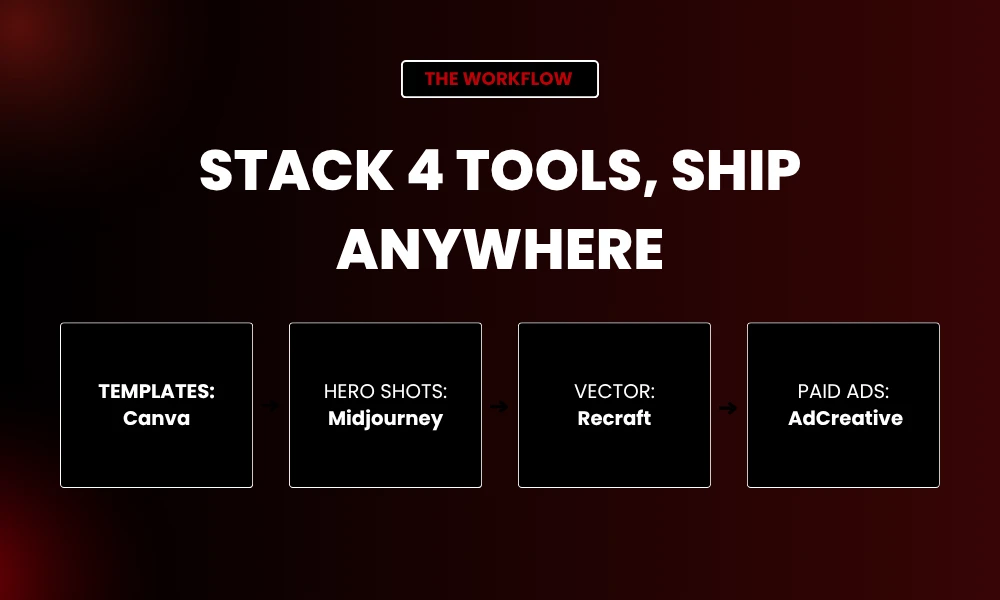
The speed thing is real. While that matters, the consistency thing is what protects your brand for the long haul. Most teams I work with run three or four tools together rather than betting it all on one. Canva for templates.
Midjourney or Firefly for hero shots. Recraft for vector. AdCreative for paid. That stacked approach is basically the new normal in 2026.
Tips for Getting AI Brand Visuals Right
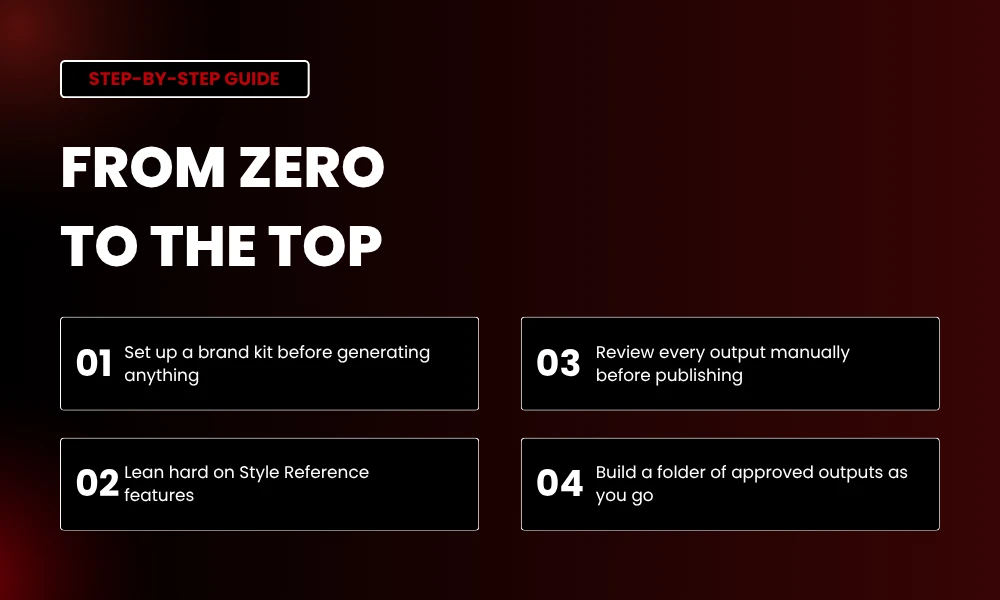
Few things I picked up running this workflow across client sites. First, always set up a brand kit before generating anything. Hex codes. Fonts. Logo files. Approved photo style. The whole lot. Without that foundation, every tool produces generic mush.
Second, lean hard on Style Reference features wherever they exist. Firefly, Midjourney, and Recraft all let you upload a reference image. That single move is what keeps AI brand visuals on-brand across hundreds of outputs. Third, review every generation manually before publishing. AI gets you 95% there.
While that is huge, the last 5% is still human judgment. Fourth, build a folder of approved outputs as you go. That library becomes your training set when you upgrade tools or onboard someone new.
Frequently Asked Questions
What are AI brand visuals?
AI brand visuals are images, graphics, videos, and design assets made using AI tools while staying aligned with a brand’s colors, fonts, mood, and voice. So instead of briefing a designer for every social post, marketing teams use platforms like Canva, Midjourney, or Adobe Firefly to produce on-brand stuff at scale.
Which AI tool is best for brand consistency?
Adobe Firefly and Recraft tend to win on brand consistency. Both offer strong style reference and brand kit features. Firefly is also commercially safe, which matters a lot for agency client work. So if your team needs locked-down output, those two are the safer bets, while Midjourney is better for creative range.
Can AI tools really replace a designer?
Not all the way, basically. AI is great for first drafts, iterations, and high-volume production. While that covers a lot, the strategy and final art-direction call still needs a human eye. Most brands I work with use AI for 70 to 80% of asset production. They keep a designer or art director on the bigger campaigns.
Are AI-generated brand visuals legal for commercial use?
Depends on the tool. Adobe Firefly offers IP indemnification because it trained on licensed Adobe Stock content. Midjourney and Stable Diffusion sit in greyer legal territory, with ongoing lawsuits from artists. So for enterprise or client work, Firefly, Recraft, or licensed Adobe Stock content are the safer routes.
How many AI tools should a brand actually use?
Three to four is the sweet spot for most teams. One for templates (Canva). One for hero imagery (Midjourney or Firefly). One for vector or icons (Recraft). One for ads (AdCreative). Stacking too many tools creates workflow chaos. Meanwhile, picking one for everything limits quality.
How much do AI brand visual tools cost?
Entry-level plans run $10 to $15 a month for Canva Pro or Runway. Mid-tier tools like AdCreative.ai are $45 to $100 monthly. Enterprise platforms like Typeface use custom pricing, often thousands a month for bigger teams. So most small businesses can build a solid AI brand visuals stack for under $80 a month across three or four tools.