
A marketing director at a mid-size retailer showed me her team’s software budget last quarter. Two years earlier it listed eleven AI subscriptions. Now it lists four, and the four survivors do more than the eleven ever did. That consolidation is the defining story of AI tools heading into 2027: the market stopped rewarding novelty and started rewarding replacement. The tools on this list are the ones that actually absorbed a job — the research assistant, the first-draft writer, the meeting note-taker, the video editor — rather than simply adding another tab to your browser.
That is the ranking logic here. Not feature counts, not benchmark scores, but a simpler question: what work disappears from a real team’s week when this tool is adopted? We organized the 25 winners by the job they replace, because that is how budgets are actually decided.
The 25 best AI tools at a glance
| Tool | The work it replaces | Starting price |
| ChatGPT | General-purpose analyst and drafter | Free; Plus at $20/month |
| Claude | Long-form writing and document reasoning | Free; Pro at $20/month |
| Gemini | Research inside the Google ecosystem | Free; Advanced at $19.99/month |
| Perplexity | The first hour of any research project | Free; Pro at $20/month |
| NotebookLM | Reading and synthesizing your own sources | Free |
| Cursor | Junior-to-mid developer hours | Free; Pro at $20/month |
| GitHub Copilot | Boilerplate and test-writing | From $10/month |
| n8n | Manual ops between your apps | Free self-hosted; Cloud from €20/month |
| Zapier | The glue work between business apps | Free; paid from $29.99/month |
| Manus | Research-and-deliverable assembly | Free; Standard at $20/month |
| Notion AI | Knowledge hunting inside your workspace | Add-on per seat |
| Grammarly | The copy edit pass | Free; Pro from $12/month |
| Jasper | On-brand marketing copy at volume | From $39/month |
| Midjourney | Concept art and campaign imagery | From $10/month |
| Canva Magic Studio | The design queue for non-designers | Free; Pro at $15/month |
| Adobe Firefly | Commercially safe image generation | Free tier; from $9.99/month |
| Runway | Video effects and short-form B-roll | Free; Standard at $15/month |
| Sora | Text-to-video concept shots | Included with ChatGPT plans |
| HeyGen | Talking-head presenter videos | Free; Creator at $29/month |
| Descript | The video and podcast edit pass | Free; Hobbyist at $16/month |
| ElevenLabs | Voiceover recording sessions | Free; paid from $6/month |
| Suno | Stock music licensing | Free; Pro at $10/month |
| Fathom | Meeting notes and CRM updates | Free; Premium from $19/month |
| DeepL | Professional translation passes | Free; Pro from $10.99/month |
| Gamma | First-draft slide decks | Free; Plus at $10/month |
The thinking layer: assistants that replaced the first draft of everything
1. ChatGPT — replaces the general-purpose analyst
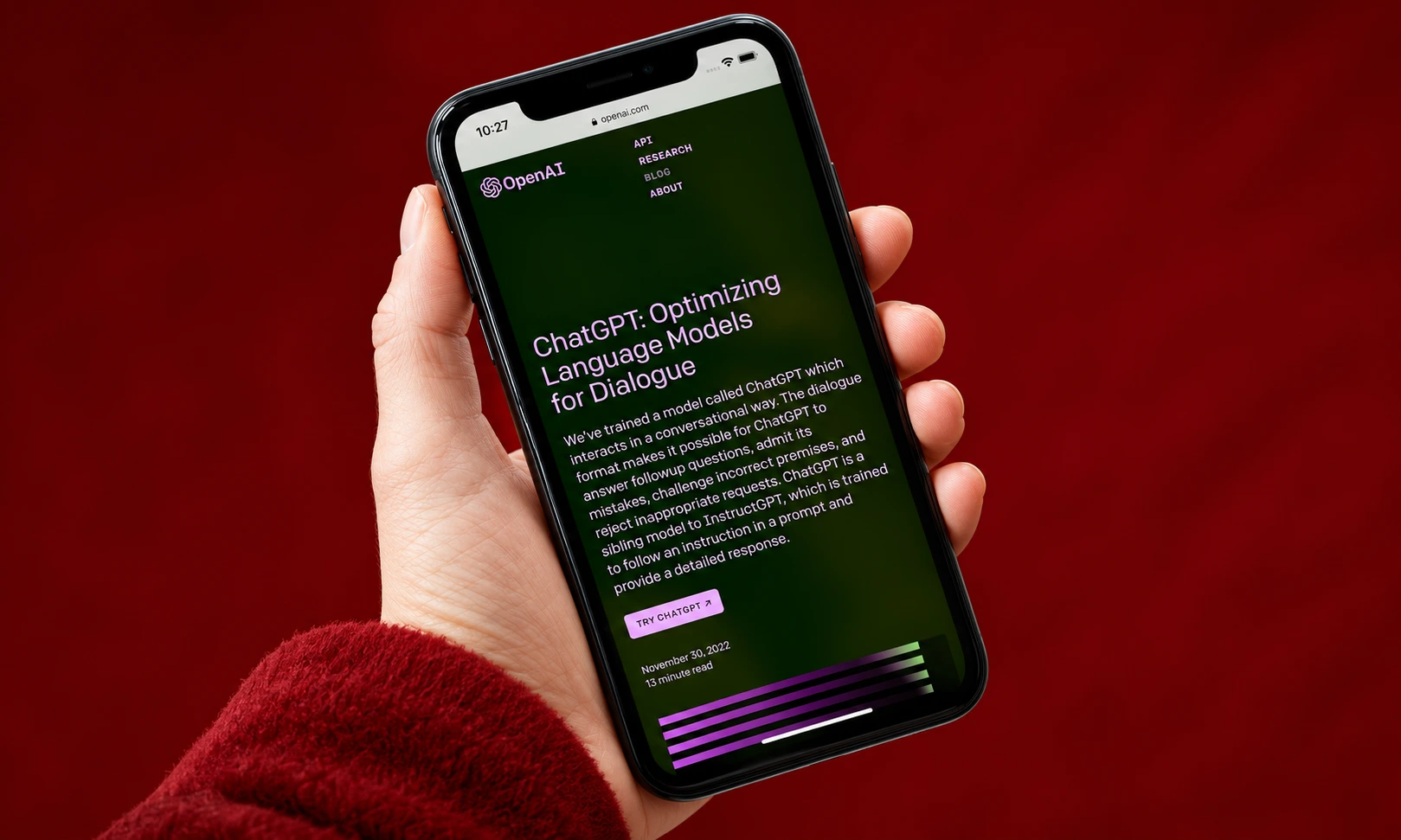
ChatGPT remains the default starting point for a reason that has nothing to do with hype: it is genuinely good at the widest range of ordinary work. Analysis of a messy spreadsheet, a first pass on a strategy memo, a customer email rewritten three ways — it handles the middle of the bell curve of knowledge work better than anything else at its price. The Plus plan at $20/month remains the best-value AI subscription on the market for a generalist.
Best for: teams that want one subscription covering the most ground.
2. Claude — replaces the long-form writer and document reader
Claude has become the professional’s choice for work involving real documents. Its long context window digests contracts, research reports, and hundred-page decks without losing the thread, and its writing output requires less de-roboticizing than any rival. Pro runs $20/month; heavy users gravitate to the Max tier. For editorial, legal review, and strategy work, this is where the quality ceiling currently sits.
Best for: writing-heavy roles and anyone whose job is reading long documents.
3. Gemini — replaces research inside the Google stack
Gemini’s advantage is gravitational: it lives inside Gmail, Docs, Drive, and Search, and it can reason across all of them. For organizations already paying for Google Workspace, the Advanced plan at $19.99/month turns existing infrastructure into an AI layer without new logins or data exports. Deep Research mode produces genuinely useful multi-source reports.
Best for: teams embedded in Google Workspace.
4. Perplexity — replaces the first hour of research
Perplexity compressed the most annoying part of research — opening fifteen tabs and cross-checking claims — into a single cited answer. It is not where research ends, but it is where it should start, and its citations make verification fast. Pro at $20/month adds deeper reasoning models and more searches.
Best for: journalists, strategists, and anyone whose job begins with “find out about.”
5. NotebookLM — replaces the reading pile
Google’s NotebookLM does one thing brilliantly: it becomes an expert on the sources you hand it. Upload reports, transcripts, and papers, then ask questions with inline citations pointing to the exact passage. The audio overview feature, which turns documents into a listenable conversation, has become a legitimate way to absorb material on a commute. It is free.
Best for: analysts, students, and researchers drowning in source material.
The builder layer: tools that replaced production work
6. Cursor — replaces junior-to-mid developer hours
Cursor turned the AI coding assistant from autocomplete into something closer to a collaborator that holds an entire codebase in its head. It plans multi-file changes, runs tasks in the background, and has made “describe the feature, review the diff” a real workflow. Pro at $20/month. We covered this category in depth in our guide to the best AI coding tools, and Cursor’s lead there has only widened.
Best for: development teams and technical founders.
7. GitHub Copilot — replaces boilerplate and test-writing
Copilot is the incumbent that kept improving. For teams standardized on GitHub, its integration depth — code review, pull request summaries, agent mode — makes it the path of least resistance to real productivity gains, starting at $10/month. It wins on fit rather than flash.
Best for: engineering organizations already living in GitHub.
8. n8n — replaces manual operations between your apps
n8n is the automation platform technical teams choose when they want control: visual workflow building, any LLM via your own API keys, and self-hosting for data that cannot leave your servers. Cloud plans start around €20/month; self-hosting is free. The learning curve is real, but so is the ceiling.
Best for: technical teams automating internal operations.
9. Zapier — replaces the glue work in business apps
Zapier connects more than 9,000 apps and remains the fastest route from “this should happen automatically” to a working automation, with AI steps and an agent builder layered on top of the classic trigger-action model. Paid plans start at $29.99/month. It is less agentic-native than newer rivals, but nothing matches its integration library or its reliability.
Best for: operations and marketing teams connecting their existing stack.
10. Manus — replaces research-and-deliverable assembly
Manus is the most convincing execution of the autonomous agent idea: give it a task — competitor research, a market scan, a draft pitch deck — and it browses, codes, and assembles a finished deliverable in its own cloud environment. Standard at $20/month. It is the tool that most often makes first-time users say something impolite out loud.
Best for: founders, consultants, and marketers who live in research-to-deck workflows.
11. Notion AI — replaces the knowledge hunt
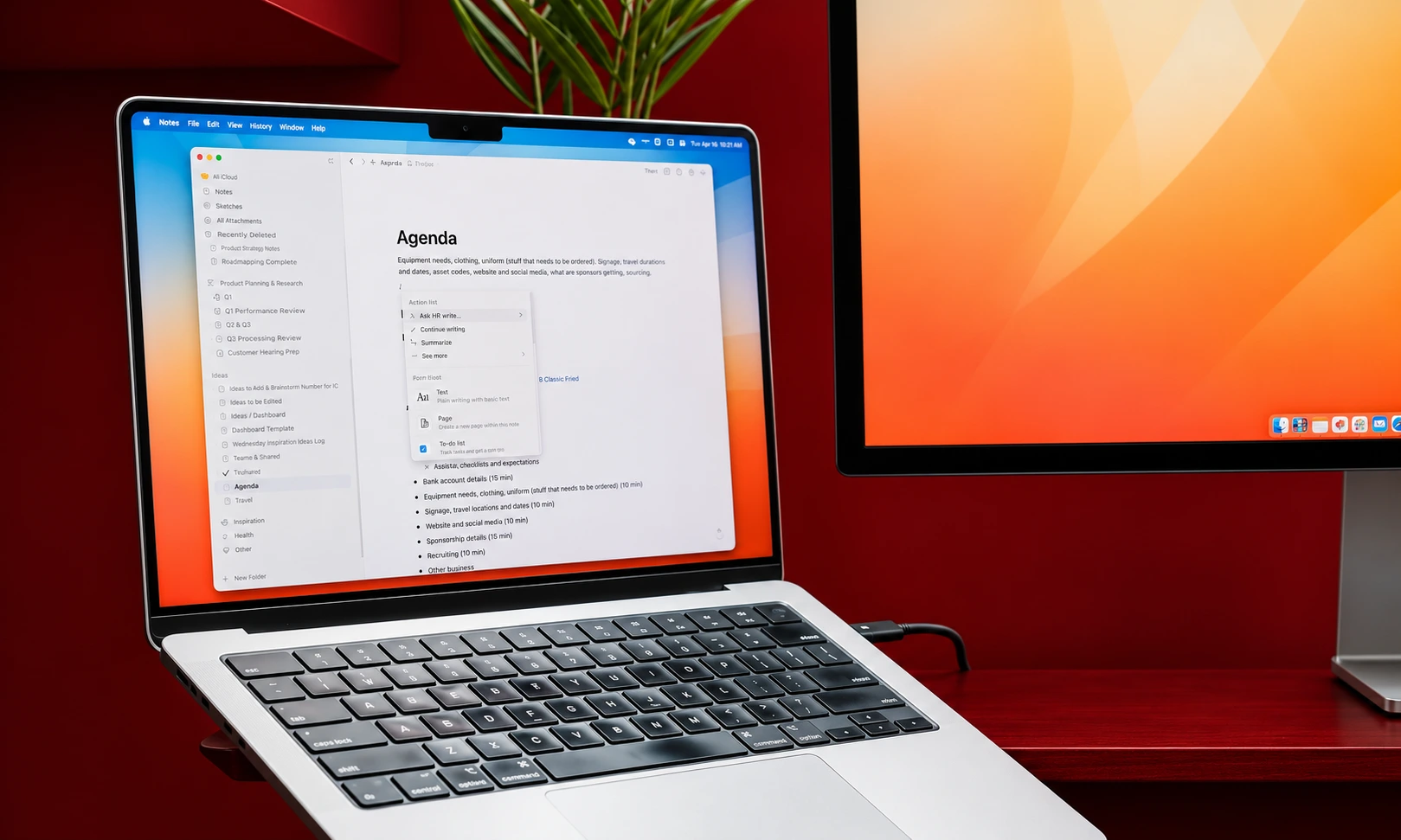
Notion AI earns its seat by ending the “where is that document” ritual. It searches across your workspace, Slack, and connected tools, answers questions with citations to your own pages, and drafts inside the docs your team already uses. As an add-on per seat, it only makes sense if Notion is already your home base — but there, it is transformative.
Best for: teams whose knowledge already lives in Notion.
The content layer: tools that replaced creative production
12. Grammarly — replaces the copy edit pass
Grammarly survived the generative AI wave by doing something smarter than competing with it: it became the quality layer on top of everything, including AI-generated text. Tone adjustment, clarity rewrites, and consistency checks wherever you type. Pro starts around $12/month.
Best for: every professional who writes, which is every professional.
13. Jasper — replaces on-brand marketing copy at volume
Jasper’s bet is that enterprises do not need raw generation, they need generation constrained by brand voice, style guides, and campaign context. For marketing teams producing hundreds of on-brand assets a month, that constraint layer justifies plans starting at $39/month. Pair it with clear generative AI brand guidelines and the output gets genuinely close to publishable.
Best for: enterprise marketing teams with strict brand requirements.
14. Midjourney — replaces concept art and campaign imagery
Midjourney still produces the most aesthetically distinctive images in the category, and its style consistency makes it the default for concepting campaigns, mood boards, and hero imagery. Plans start at $10/month. It demands taste and prompt craft, which is precisely why art directors love it.
Best for: creative teams who treat image generation as a craft, not a slot machine.
15. Canva Magic Studio — replaces the design queue
For the 95% of business design work that is a social graphic, a one-pager, or an event banner, Canva’s AI features — background generation, layout suggestions, text-to-image, resize — turned a week-long design queue into an afternoon. Pro at $15/month. It does not replace designers; it replaces the work designers never wanted.
Best for: marketing teams without dedicated design headcount.
16. Adobe Firefly — replaces commercially risky image generation
Firefly’s pitch is legal safety: trained on licensed and public domain content, integrated into Photoshop and Illustrator, and indemnified for enterprise use. For brands where legal sign-off gates every asset, that positioning wins deals quality alone cannot. Standalone plans from $9.99/month, bundled in Creative Cloud.
Best for: brand teams with legal departments, which is to say all serious brand teams.
17. Runway — replaces video effects and B-roll generation
Runway’s Gen models turned text-to-video from demo fodder into a production tool for short clips, visual effects, and concept shots that would previously have required a VFX budget. Standard at $15/month. The output still needs a filmmaker’s eye to be useful, but in those hands it is a small studio in a browser tab.
Best for: video producers and creative studios.
18. Sora — replaces the concept shot
OpenAI’s Sora produces the most physically coherent generated video available, and its distribution through ChatGPT plans made it the most accessible. For storyboarding, concept validation, and social-first content, it delivers shots that used to require a location scout. Availability and terms have shifted with licensing negotiations, so check current plan access before building a workflow around it.
Best for: creative directors validating concepts before committing budget.
19. HeyGen — replaces the presenter video
HeyGen’s avatar videos have crossed the uncanny valley for corporate use cases: training content, personalized sales outreach, and multilingual versions of the same presenter video without a second shoot. Creator plans start at $29/month. It will not replace your brand film, but it has already replaced thousands of webcam recordings.
Best for: sales, training, and localization teams.
20. Descript — replaces the edit pass
Descript’s insight — edit video and podcast audio by editing the transcript — remains the single best interface idea in media production. Cutting filler words, tightening pacing, and fixing mistakes by deleting text saves hours per episode. Hobbyist at $16/month.
Best for: podcasters, video creators, and anyone who edits spoken content.
21. ElevenLabs — replaces the voiceover session
ElevenLabs holds its position as the quality leader in AI voice, with sound effects and licensed music folded into the same subscription from $6/month. It is the rare tool where the free tier is genuinely useful and the paid tiers scale cleanly into production work. For brands building an audio identity, it is the foundation everything else sits on.
Best for: content teams producing narration, dubbing, or audio at any volume.
22. Suno — replaces the stock music search

Suno generates complete, radio-shaped songs from a sentence, and its editing tools let you fix a section or a lyric without regenerating the track. Pro at $10/month includes commercial rights. One honest caveat: the legal environment around AI music is active, so commercial users should read the current licensing terms rather than assuming.
Best for: creators who need custom music faster than licensing it.
The time layer: tools that gave hours back
23. Fathom — replaces meeting notes and CRM updates
Fathom records, transcribes, and summarizes meetings, then pushes the important parts into your CRM or docs. The free tier is generous enough to be the default recommendation, and Premium from $19/month adds the integrations that make it a system rather than a utility. Teams adopting it report the same thing: meetings got shorter because nobody is scribbling.
Best for: sales and client-facing teams living in back-to-back calls.
24. DeepL — replaces the translation pass
DeepL remains the most trusted machine translation for professional contexts, with nuance handling that survives legal, marketing, and technical text better than general chatbots. Pro from $10.99/month. Human review still matters for high-stakes copy, but the first pass is solved.
Best for: any team publishing in more than one language.
25. Gamma — replaces the first-draft deck
Gamma turns a prompt or a document into a structured, designed presentation in minutes. The output is a strong 70% draft — good enough that polishing it beats building from a blank slide every time. Plus at $10/month. For consultants and founders, it has quietly absorbed one of the most dreaded tasks in business.
Best for: anyone who builds decks weekly.
How to build the stack without drowning in subscriptions
The pattern among teams getting real returns from AI is consistent, and it is not “buy more tools.” It is a three-layer stack.
One thinking tool (ChatGPT, Claude, or Gemini — pick the one matching your ecosystem), one production tool per content type you actually ship (writing, image, video, or audio — not all four), and one automation layer (Zapier for simplicity, n8n for control). That is three to six subscriptions, not fifteen.
Two disciplines separate the teams seeing returns from those writing off AI as hype. First, they define the workflow before choosing the tool — the same discipline behind choosing a marketing AI copilot. Second, they verify what the tools produce, using AI content detection and human review where brand risk demands it. The tools replaced the labor; they did not replace the judgment.
Frequently asked questions
What is the single best AI tool in 2027?
For most professionals, ChatGPT Plus at $20/month covers the most ground. For writing and document-heavy work, Claude Pro is the better subscription. The honest answer is that the best tool is whichever one maps to the work you do most.
Are paid AI tools worth it over free tiers?
For occasional use, free tiers of ChatGPT, Claude, Perplexity, and NotebookLM are remarkably capable. Paid plans earn their cost when usage becomes daily: higher limits, better models, and the integrations that turn a chatbot into infrastructure.
Which AI tools do businesses actually pay for?
The categories with proven budget retention are coding assistants (Cursor, Copilot), meeting intelligence (Fathom, Otter), content production (Midjourney, ElevenLabs, Descript), and automation (Zapier, n8n). Novelty tools churn; tools attached to a recurring workflow survive budget reviews.
How many AI tools does a small team need?
Three to six. One assistant, one production tool per content type shipped, one automation layer. Teams subscribing to more than ten AI tools almost always report paying for overlapping capabilities.
Will AI tools replace employees in 2027?
The pattern so far is task absorption rather than role replacement: the research hour, the first draft, the note-taking, the edit pass. Teams using these tools redeploy the saved hours rather than eliminating them — but the bar for what one person can produce has permanently risen.
Disclaimer:
This article is intended for informational and educational purposes only. AI tools, features, pricing and availability can change over time. The information provided reflects the details available at the time of writing and should not be treated as professional, legal, financial or business advice.
Always check each provider’s official website for the latest pricing, terms, privacy policies and licensing conditions before choosing or using an AI tool. BrandClickX does not guarantee specific results, productivity gains or business outcomes from using these tools.