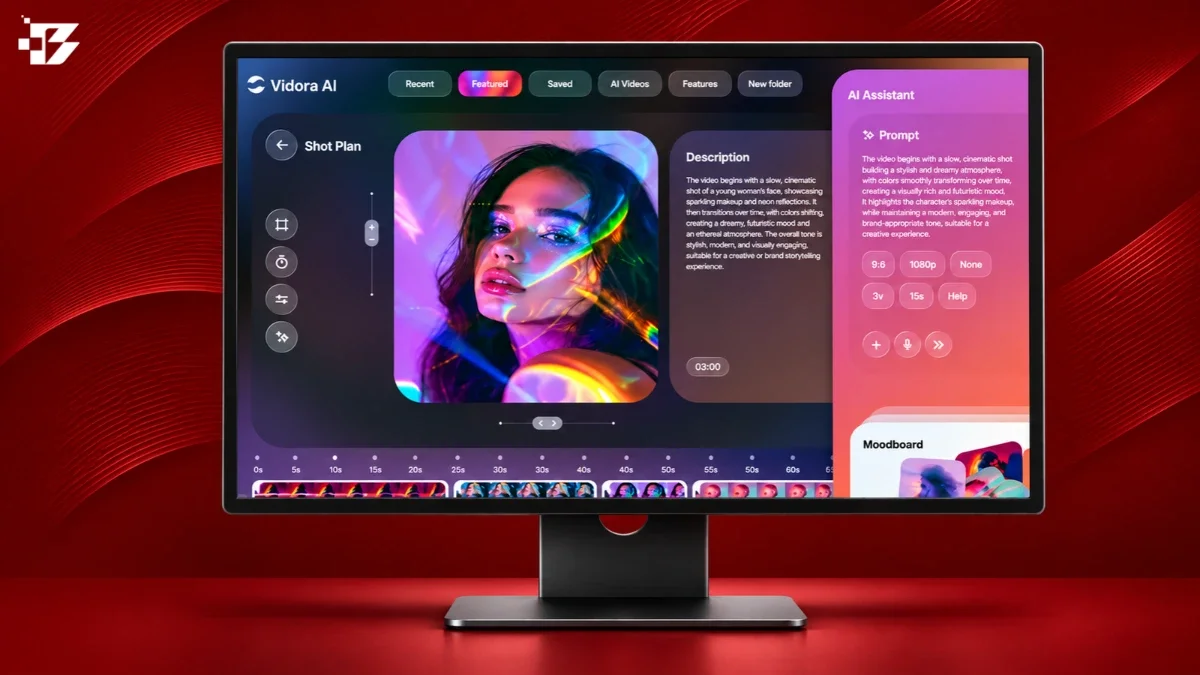
A creative director at a London agency told me about the strangest brief of her career. A client wanted a product film for a sneaker launch: city rooftop, golden hour, parkour athletes, slow-motion impacts. Two years earlier that meant a location permit, a crew of twelve, and a five-figure day rate. Her team delivered the spot in three days without booking a single location, and the client’s only complaint was that they wanted more versions. The editor’s title on that project was still “editor.” What changed is what editing means.
That distinction matters for anyone reading a list like this. AI video generators did not eliminate editors in 2027 — they eliminated the footage problem. The gathering, the reshoots, the stock licensing, the version requests. The tools below are ranked by the production work they genuinely absorb, from cinematic shot generation to avatar presenters to the repurposing machines that turn one webinar into thirty clips. And we start with a necessary correction to the market’s memory.
First, the obvious question: what happened to Sora?
OpenAI’s Sora defined the public imagination of AI video, and it is no longer here. The web and app experiences ended on April 26, 2026, and the API followed on September 24, 2026, with no announced replacement. Its retirement is the most useful lesson the category has produced: never anchor a production pipeline to a single vendor’s frontier model. Every team that did spent last summer migrating to the tools below.
The 15 best AI video generators at a glance
| Tool | Best for | Starting price |
| Google Veo 3.1 | Realistic footage with native audio | 10 free generations/month via Google Vids |
| Kling 4.0 | Long multi-shot clips on a budget | Standard from ~$8.80/month |
| Runway Gen-4.5 | Directorial control and editing | Free; Standard at $12/month |
| Seedance 2.5 | 30-second clips with built-in sound | Credits; free tiers via hosts |
| Luma Dream Machine 2.0 | Lighting, depth, and atmosphere | Limited free credits |
| Pika 2.5 | Stylized social content fast | Free monthly credits |
| PixVerse V6 | Multi-shot creator workflows | Free testing path |
| Wan 3.0 | Lowest cost per second | From $0.05/second |
| HeyGen | Talking-head presenter videos | Free; Creator at $29/month |
| Synthesia | Enterprise training at scale | Limited free plan |
| Google Vids | Workspace-native business video | From $7/user/month |
| InVideo AI | Script-to-video for marketers | From $17/month |
| CapCut | High-volume social editing | Free; Pro varies by region |
| OpusClip | Turning long video into clips | Free; Starter at $15/month |
| Descript | Editing video by editing text | Free; Hobbyist at $16/month |
The cinematic tier: tools that generate the footage itself
1. Google Veo 3.1 — the quality benchmark
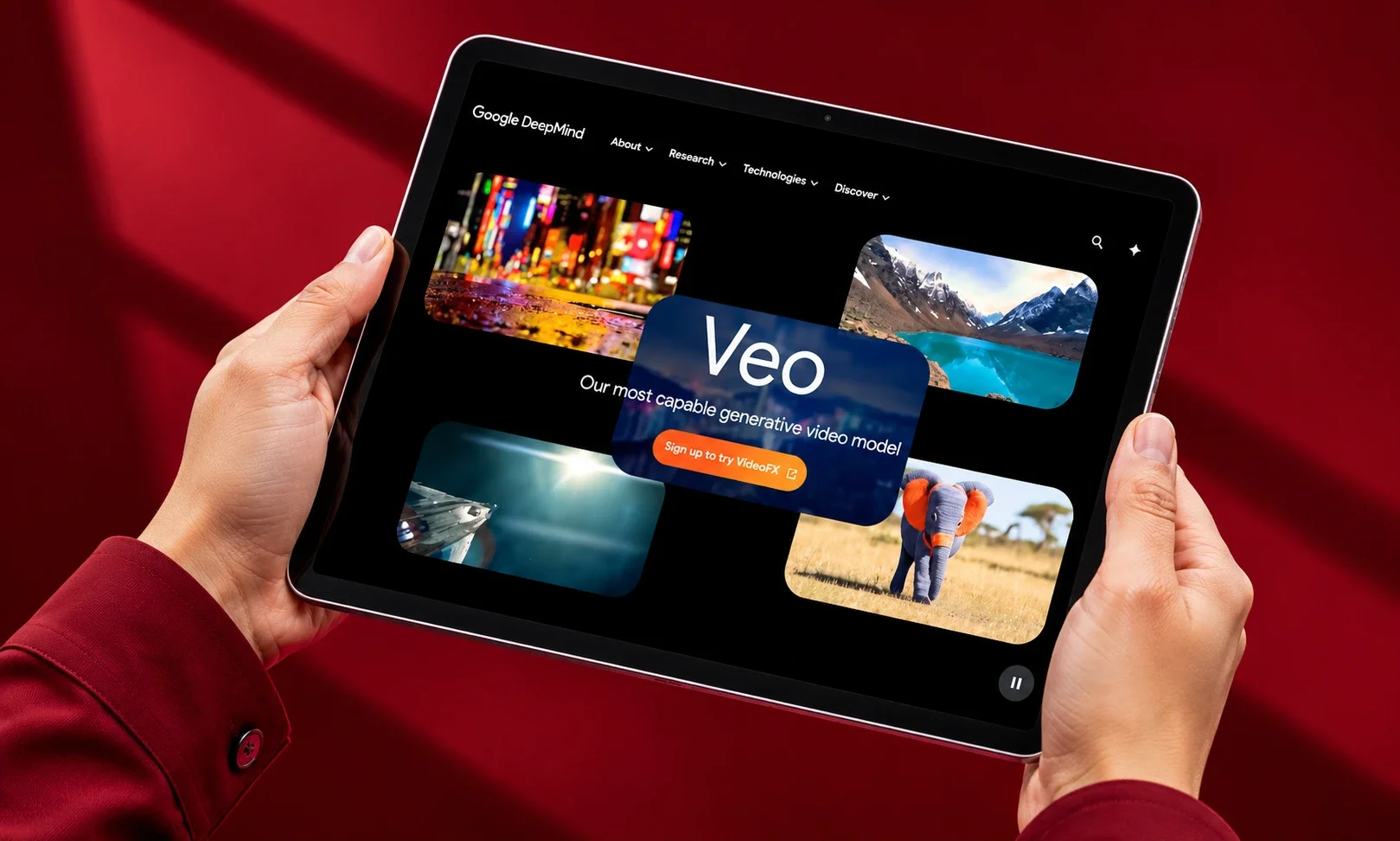
Veo 3.1 is where the industry’s quality conversation starts heading into 2027. Google’s own preference testing found raters favoring its audio-synchronized output over rival models, and it is the only generator living inside at least eight Google surfaces, from the Gemini app to Flow to Google TV. Native audio, strong realism, 4K-oriented workflows, and a Lite API tier at $0.05 per second make it both the quality ceiling and a reasonable budget option. Personal Google accounts get 10 free generations a month through Google Vids.
Best for: marketing concepts and realistic footage where sound matters.
2. Kling 4.0 — the subscription value pick
Kling 4.0 launched on October 15, 2026, and immediately became the best answer to the length problem: clips up to 30 seconds, up to 10 keyframes, and 4K output from a monthly plan reportedly starting around $8.80. Where rivals cap you at 6 to 10 seconds, Kling lets a scene breathe. The catch is queue times on lower tiers and occasional identity drift across long generations.
Best for: creators who need real scene length without API pricing.
3. Runway Gen-4.5 — the director’s toolset
Runway is less a generator than a studio. Gen-4.5 handles shot design and camera language better than anything else — close-ups, lens cues, and movement feel directed rather than generated — while Aleph extends and transforms existing footage and Act tools drive character performance. It also hosts Veo, Kling, Seedance, and Wan on one bill, which makes it the pragmatic choice for teams that refuse to bet on one model. Standard starts at $12/month billed annually. It is the only platform where the phrase “generative editing” describes a real workflow.
Best for: filmmakers, agencies, and anyone who thinks in shots.
4. Seedance 2.5 — the consistency specialist
ByteDance’s Seedance 2.5, released in July 2026, built its reputation on the thing advertisers care about most: preserving product details, logos, and text across frames. It generates 30-second clips with native sound and plans multi-shot sequences that keep character identity and lighting coherent across cuts. A 4K version exists in an invite-only enterprise trial. Pricing and rights terms vary by host, so read them carefully before committing.
Best for: e-commerce, product advertising, and multi-shot storyboards.
5. Luma Dream Machine 2.0 — the atmosphere engine
Luma’s strength is spatial intelligence: room volume, lighting response, and depth cues that make generated scenes feel photographed rather than rendered. For mood pieces, architectural concepts, and dreamlike brand films, it produces frames the other tools cannot quite match. The free tier is limited, so test it on your hardest lighting prompt first.
Best for: brand films and concept work where atmosphere is the brief.
6. Pika 2.5 — the social native
Pika accepted a trade the others resisted: a lower resolution ceiling in exchange for the fastest, most playful creative toolkit in the category. Pikaffects, Pikaswaps, and Pikaformance — near-real-time lip-synced talking images — make it the default for Reels, TikTok, and Shorts, where scroll-stopping oddity beats cinematic polish every time. Free monthly credits make experimentation painless.
Best for: social teams publishing daily.
7. PixVerse V6 — the creator workhorse

PixVerse V6 packs the full workflow — text-to-video, image-to-video, transitions, extensions, reference-to-video, and native audio — into one interface at creator-friendly prices. It handles multi-shot generation with faces, products, and props staying consistent between cuts, which is exactly the failure mode that ruins client work. It lacks a signature superpower but commits no sins.
Best for: independent creators who need one tool that does everything competently.
8. Wan 3.0 — the cost optimizer
Alibaba’s Wan 3.0 is the pick when volume rules: $0.05 per second at 480p and $0.20 at 1080p, the floor of the market alongside Veo Lite. Quality trails the leaders, but for background plates, concept testing, and iteration at scale, the math is unbeatable. Its predecessor Wan 2.2 remains the newest open-weight release for teams that want local control.
Best for: developers and studios generating at volume.
The presenter tier: tools that replaced the talking head
9. HeyGen — the avatar that crossed the valley
HeyGen’s avatars now pass for corporate presenters without a caveat. Training videos, personalized sales outreach, and multilingual versions of one recording — same face, same voice, forty languages — happen without a second shoot. Creator plans start at $29/month. It replaced the webcam recording, and nobody is mourning it.
Best for: sales, marketing, and localization teams.
10. Synthesia — the enterprise training standard
Synthesia wins where procurement departments decide: compliance features, predictable output, SCORM-friendly exports, and avatar consistency across thousands of training modules. It is less creatively flexible than HeyGen and deliberately so. When a Fortune 500 needs 300 compliance videos in nine languages, predictability is the feature.
Best for: L&D and corporate communications at scale.
The workflow tier: tools that replaced the edit suite
11. Google Vids — the sleeper pick
Google Vids is quietly becoming the default business video tool the way Google Docs became the default document tool: not by being the best, but by already being there. Storyboard from a document, record in a built-in studio, generate Veo clips inline, and share like a Drive file, from $7/user/month. The 10-minute length cap tells you exactly what it is for.
Best for: Workspace teams making internal and explainer video.
12. InVideo AI — the script-to-video engine
Describe the video, paste the script, and InVideo assembles stock footage, voiceover, and structure into a publishable draft. The output rarely wows, but for marketing teams converting written content into video at volume, the speed-to-draft is the entire point. Plans start at $17/month.
Best for: content marketers repurposing blogs and scripts into video.
13. CapCut — the social assembly line
CapCut’s auto-captions, reframing, templates, and effects make it the fastest path from raw clip to platform-ready post, and its trend-aware template library functions as a free research department. Regional pricing varies and long-form control is limited, but for high-volume social output it has no real rival at its price.
Best for: creators and social teams shipping daily.
14. OpusClip — the repurposing machine
OpusClip does one thing with near-mechanical reliability: it watches your long video, finds the moments, reframes the speakers, adds animated captions, and hands you a stack of platform-ready clips. One podcast episode becomes a week of Shorts. Starter at $15/month, with exports that continue into Premiere Pro for finishing. For teams feeding the short-form algorithms, it is the highest-ROI subscription on this list.
Best for: podcasters, webinar teams, and anyone sitting on long footage.
15. Descript — the editor that thinks in words
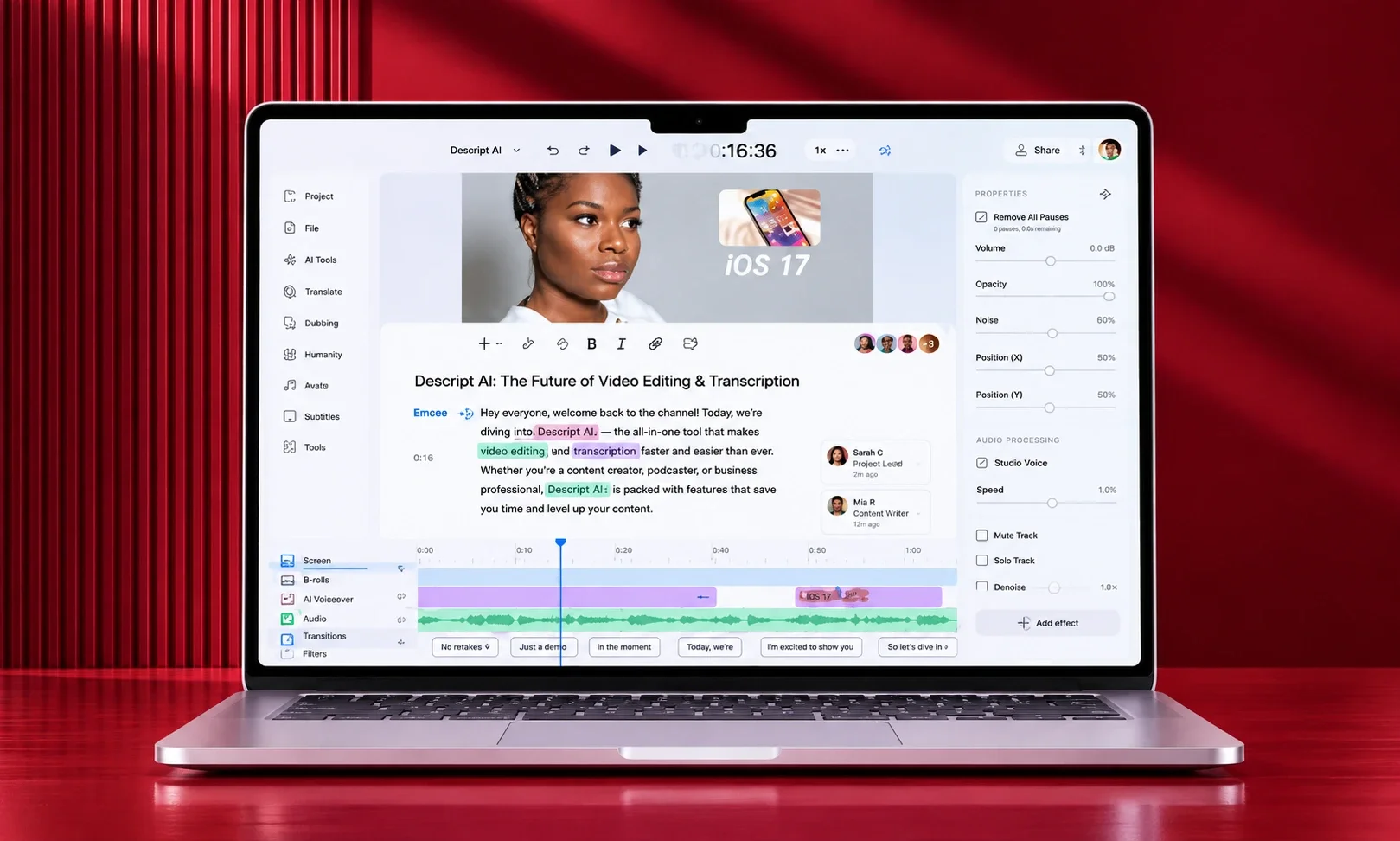
Descript’s founding insight — edit the transcript, and the video follows — remains the best interface idea in the category. Removing filler words, tightening pauses, and restructuring an interview by deleting sentences saves hours per project, and its AI features now handle captions, audio cleanup, and clip generation inside the same workspace. Hobbyist at $16/month. It is not a VFX suite, which it happily admits.
Best for: anyone whose footage is people talking.
So are editors actually obsolete?
No — and the agencies hiring in 2027 prove it. What became obsolete is the editor as footage wrangler: the professional who spent 60% of a project locating assets, syncing audio, cutting filler, and exporting versions. The role that remains is more valuable and more rare: story judgment, pacing instinct, brand taste, and the ability to look at a generated shot and know it is wrong.
The teams getting this right treat generators as the shoot and AI editors as the first assembly, with a human making the final ten decisions that separate “made with AI” from “made for an audience.” They also govern the output the way they govern any brand asset — with clear generative AI brand guidelines and, where authenticity claims matter, verification through AI content detection tools. The toolchain changed. The accountability did not.
Frequently asked questions
What is the best AI video generator in 2027?
Google Veo 3.1 is the quality benchmark for realistic footage with native audio. Kling 4.0 offers the best subscription value for long clips, and Runway Gen-4.5 leads for directorial control. The right answer depends on whether you are generating shots, presenters, or repurposed clips.
Is Sora still available?
No. OpenAI ended the Sora web and app experiences on April 26, 2026, and discontinued the API on September 24, 2026, with no announced replacement. Teams should plan around Veo, Kling, Runway, or Seedance instead.
What is the cheapest AI video generator?
On API pricing, Wan 3.0 and Veo 3.1 Lite both start at $0.05 per second. On subscriptions, Kling Standard reportedly runs around $8.80 per month, and Google Vids includes 10 free Veo 3.1 generations a month for personal accounts.
Can AI video be used commercially?
Yes, on paid plans from the major platforms, but read the terms per tool: commercial rights, indemnification, and training-data exposure vary significantly, and the legal environment is still settling. Enterprise teams typically standardize on platforms offering indemnification.
Will AI replace video editors?
It replaced the footage problem, not the editor. Routine work — sourcing clips, cutting filler, generating versions — is automated. Story judgment, pacing, and brand taste are not, and editors with those skills are busier than ever.