AI Coding Tools Ranked: A CTO I know runs a fourteen-person engineering team that ships like a forty-person one. Her secret is not a single magical tool — it is a policy. Every AI coding tool her team touches gets classified into one of three buckets: tools whose output can reach production after normal review, tools for the daily editing loop, and tools for prototypes that never touch the main branch. “The demos all look the same,” she told me. “The difference shows up at 2am when something breaks.”
That is the ranking this list applies. Every AI coding tool can produce a dazzling demo. Far fewer produce code that survives a security review, a load test, and a grumpy senior engineer’s pull request comments. The eighteen tools below are ranked by an unforgiving criterion — does the output actually ship? — with honest notes on the two findings every buyer should know first. Veracode’s research found that 45% of AI-generated code fails security tests, and a METR randomized trial found experienced developers believed AI made them 20% faster while the clock measured a 19% slowdown. The tools are real. The productivity is conditional. Choose accordingly.
We covered the fundamentals of this category in our guide to the best AI coding tools. This list answers the harder follow-up: which of them earns production access.
The 18 AI coding tools at a glance
| Tool | The verdict | Starting price |
| Claude Code | Ships: deepest autonomous work | From $20/month or usage-based |
| Cursor | Ships: the daily driver IDE | Free; Pro at $20/month |
| GitHub Copilot | Ships: enterprise default | Free; Pro at $10/month |
| Windsurf | Ships: agentic IDE value pick | Free; Pro at $15/month |
| OpenAI Codex | Ships: background task batches | Included with ChatGPT plans |
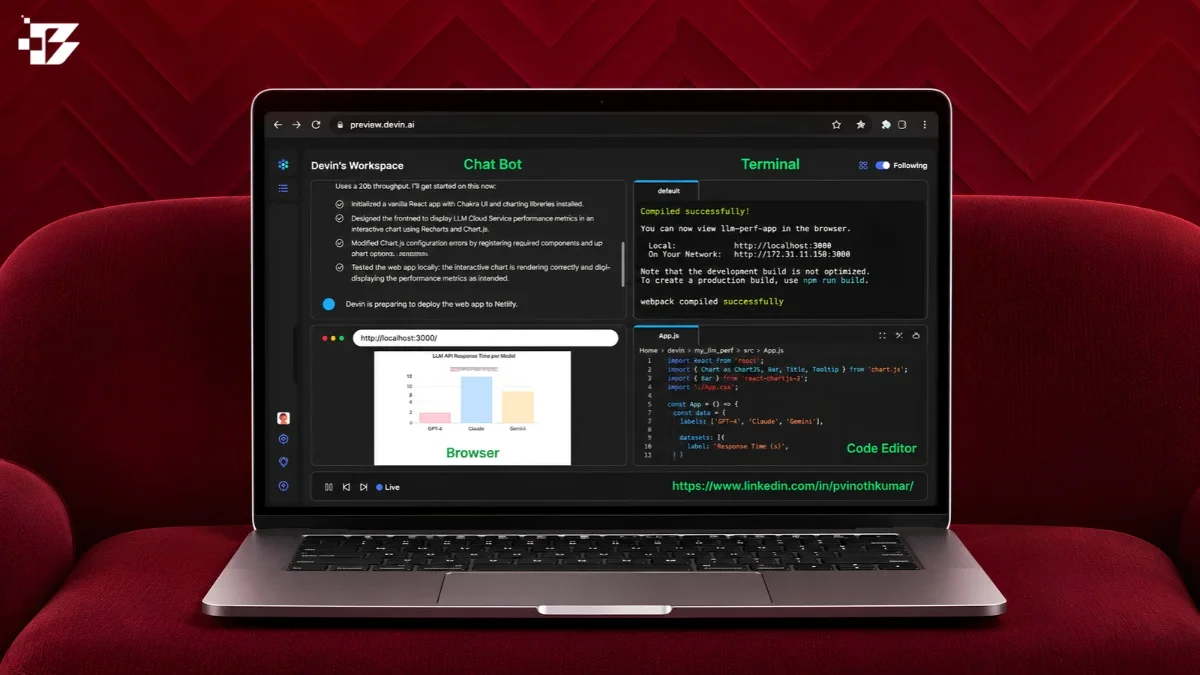
| Devin | Ships bounded tasks only | Base fee plus usage |
| Google Jules | Ships: async repo maintenance | Free tier available |
| Gemini CLI | Ships: best free terminal agent | Free; 1,000 requests/day |
| Google Antigravity | Promising, preview-grade | Free public preview |
| Cline | Ships with your own API key | Free; pay per token |
| Aider | Ships: terminal veteran | Free; pay per token |
| Amazon Q Developer | Ships: AWS-native teams | Free; Pro at $19/month |
| Tabnine | Ships: air-gapped compliance | From $12/user/month |
| Augment Code | Ships: large enterprise codebases | Usage-based |
| Replit Agent | Prototype tier | Free; Core from $25/month |
| v0 by Vercel | Prototype tier: frontend | Free; from $20/month |
| OpenHands | Prototype-plus, open source | Free, self-hosted |
| Sourcegraph Cody | Assists: code search plus AI | Free; paid tiers |
Tier one: the tools that carry production weight
1. Claude Code — the agent senior engineers actually trust

Claude Code is the phenomenon of the category: a terminal-native agent that reached a $1 billion annualized run rate six months after launch and now handles a reported 42% of enterprise coding workloads, the highest share of any platform. The reasons are structural. It reads entire repositories, plans multi-file changes, runs tests, and iterates on failures with the largest usable context in the business, and its underlying models hold the top SWE-bench Verified scores. Microsoft adopted it across major engineering teams — notable, since Microsoft sells GitHub Copilot. The honest complaints: the terminal interface divides developers, and heavy pay-per-use sessions can cost more in a day than a month of Copilot.
Ships production? Yes — under normal review. The strongest autonomous agent available.
2. Cursor — the editor developers fight procurement for

Cursor turned a VS Code fork into a $9 billion company by nailing the inner editing loop: Tab completions that predict your next change across files, Composer mode for multi-file features, and background agents for asynchronous work. Pro at $20/month. Its limitation is the same as its premise — it is an editor, not a pipeline. You cannot pipe it into CI, and indexing can lag on very large monorepos. For the code a developer touches hour by hour, nothing matches it.
Ships production? Yes — this is where most reviewed AI code gets written.
3. GitHub Copilot — the enterprise default for a reason

Copilot’s 20-million-plus users did not choose the most capable tool; they chose the one procurement could approve in a week. SOC 2 compliance, IP indemnification, JetBrains support, and an agent mode that turns GitHub Issues into pull requests, from $10/month with a real free tier. Its agentic depth trails Claude Code on sprawling multi-file work — independent testing consistently places it behind on complex refactors — but for well-scoped issues inside the GitHub workflow, it ships code at the largest scale in the industry.
Ships production? Yes, by the ton — within its scope.
4. Windsurf — the agentic IDE at a challenger price

Now part of Cognition, Windsurf pairs a polished AI IDE with Cascade, an agent that maintains continuous awareness of your workspace rather than treating it as snapshots. Pro at $15/month undercuts Cursor while delivering most of the experience, and JetBrains support reaches developers Cursor cannot. Post-acquisition credit consumption is the recurring complaint — premium models burn allowances fast on intensive sprints.
Ships production? Yes, with the same review discipline as Cursor.
5. OpenAI Codex — the background shift
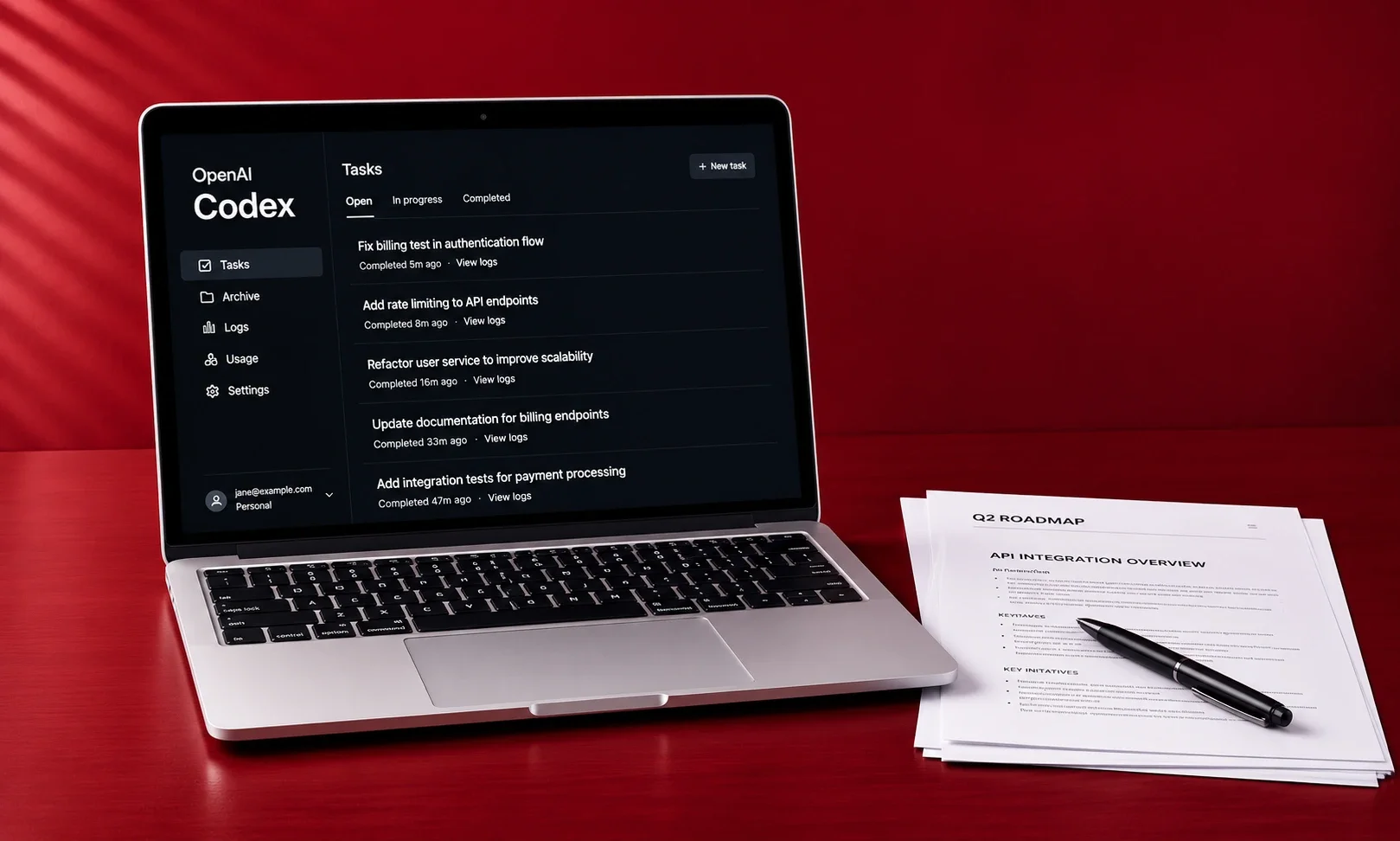
Codex evolved from a CLI curiosity into a delegation system: assign well-scoped tasks and it executes them in isolated cloud environments, returning reviewable diffs — several jobs in parallel. Included with ChatGPT plans, which makes it the most accessible agent on this list. Its sandbox limits and session gaps mean it suits bounded backlog work rather than exploratory architecture.
Ships production? Yes, for well-specified tasks with review on the diff.
6. Devin — the honest case for bounded autonomy

Devin is the most autonomous tool here and the most misunderstood. Real-world testing puts its success rate near 78% on tasks with clear reproduction steps and bounded fixes — bug fixes, test suite generation, library migrations — and considerably lower on ambiguous or architectural work, with burned credits on failures not refunded. The evaluation rule that works: if you cannot write a one-paragraph task description a remote contractor could execute without follow-up questions, do not assign it to Devin either.
Ships production? Selectively — bounded, repetitive tasks with human review.
Tier two: the specialists and the free insurgents
7. Google Jules — the repo janitor
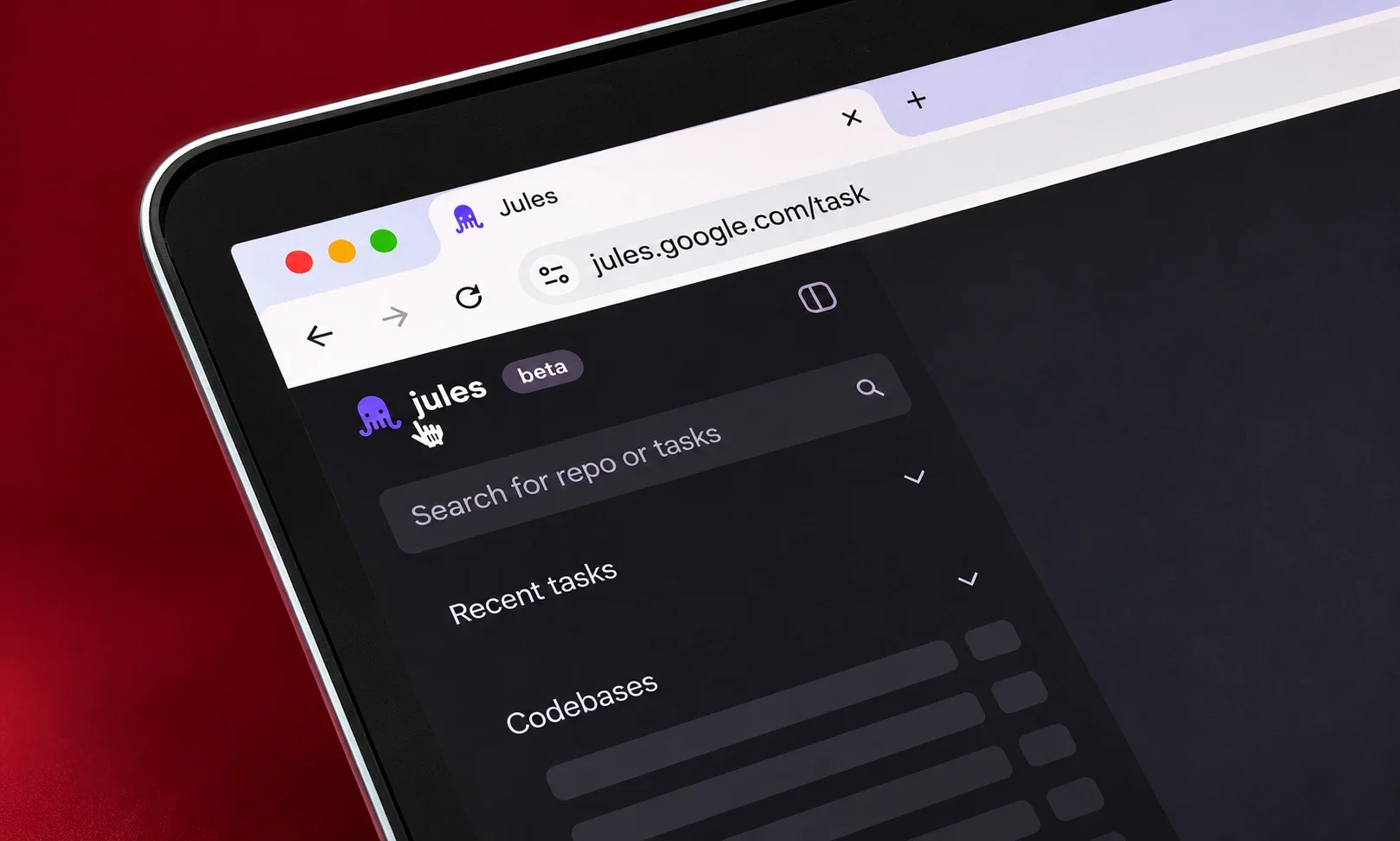
Jules works asynchronously on the maintenance work teams postpone forever: dependency updates, test coverage gaps, small bug fixes, each executed in its own environment with a reviewable plan. It is not the tool for your flagship feature; it is the tool that quietly raises the floor of your codebase while your team sleeps.
Ships production? Yes, on maintenance-class tasks.
8. Gemini CLI — the best free agent in the terminal
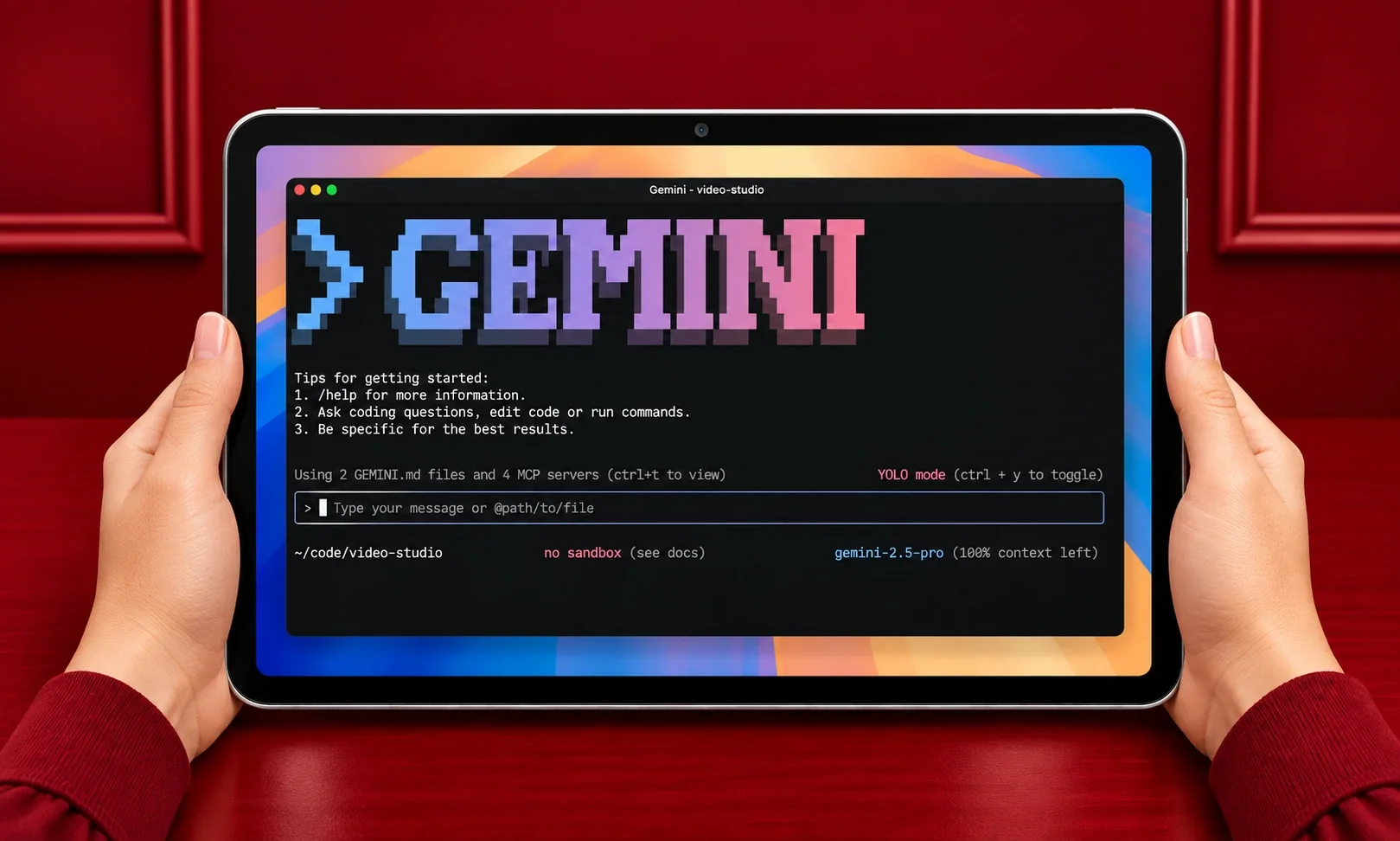
Google’s open-source terminal agent offers the most generous free tier in the category — 60 requests a minute and 1,000 a day — with full agentic capability: file access, command execution, and web grounding. For solo developers and students, this is the entry point that costs nothing and teaches everything.
Ships production? Yes, though most treat it as a second agent rather than a primary.
9. Google Antigravity — the promising preview
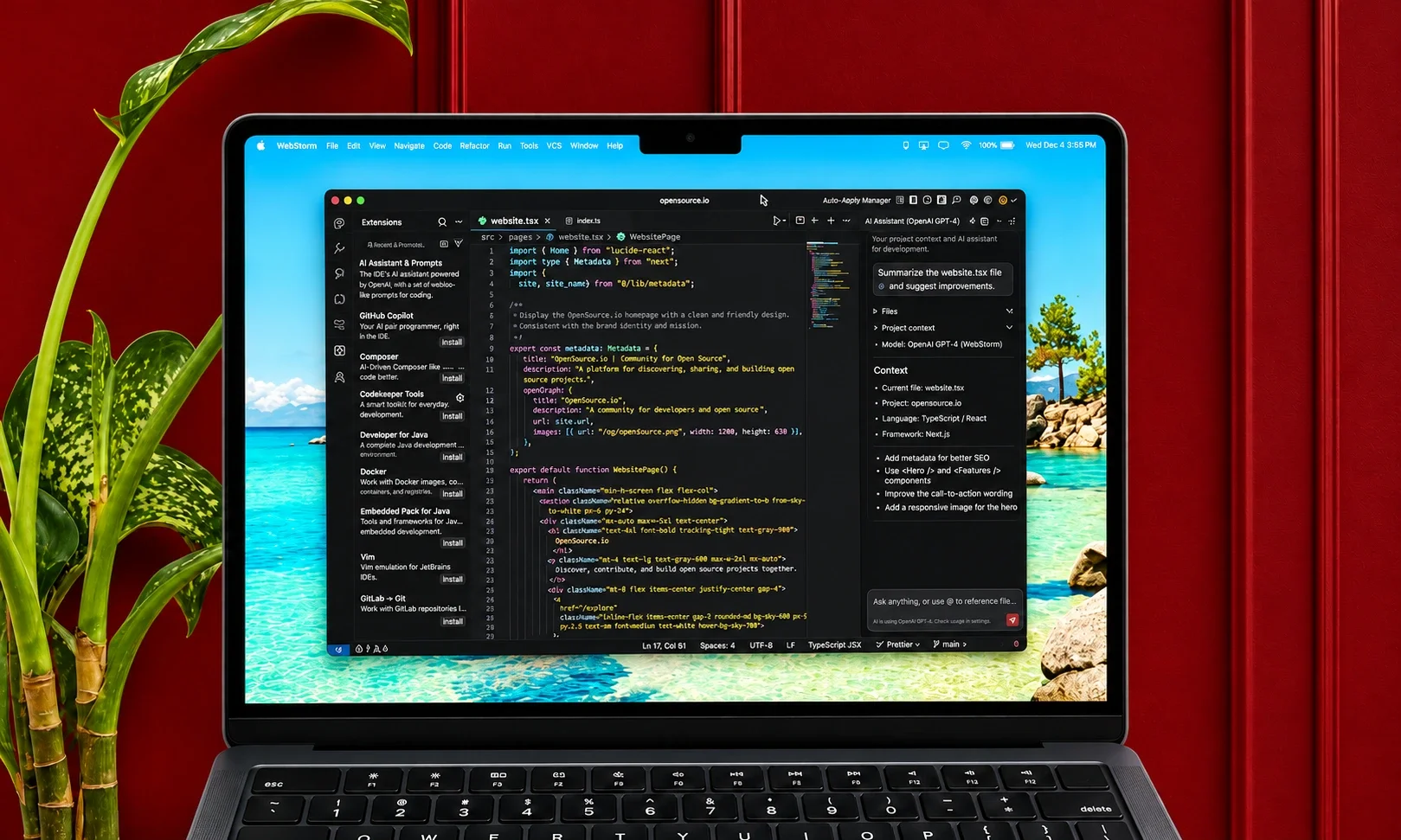
Antigravity — Google’s agent-first IDE with multi-model access including Claude Opus-class models — impressed everyone in preview, then tightened its credit limits as demand surged. The architecture is the future: agents planning, executing, and verifying across editor, terminal, and browser. The reliability is not there yet. Watch it; do not depend on it.
Ships production? Not yet — evaluation only.
10. Cline — the open-source agent that shows its work
Cline runs in VS Code, uses your own API keys, and asks permission before every file edit and terminal command — the transparency that makes it the auditing choice for teams who want to see exactly what an agent does. Costs are whatever the tokens cost, which rewards model discipline.
Ships production? Yes, in the hands of developers who read the diffs.
11. Aider — the terminal veteran
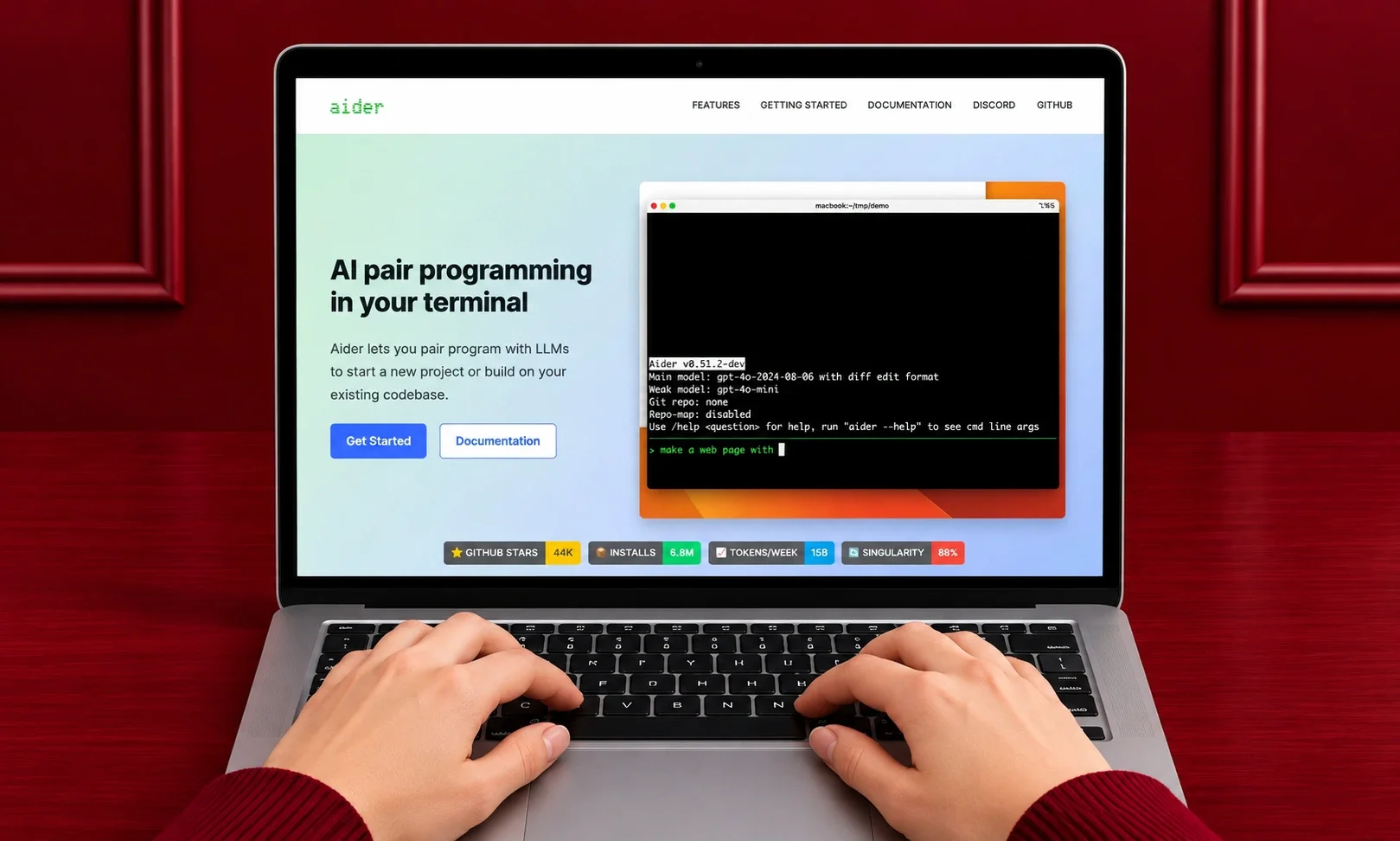
Aider is the most mature open-source option: git-native, model-agnostic, and relentless about committing changes so every AI edit is a reviewable commit. It lacks the polish of newer agents and compensates with predictability — the trait production pipelines value most.
Ships production? Yes, for terminal-comfortable teams.
12. Amazon Q Developer — the AWS native

For organizations running on AWS, Q Developer brings something no rival can: native understanding of AWS services, plus compliance posture and a genuinely useful free tier. Its transformation feature — automating Java version upgrades that once took teams months — remains its signature production case.
Ships production? Yes, inside AWS-centric stacks.
13. Tabnine — the air-gapped answer
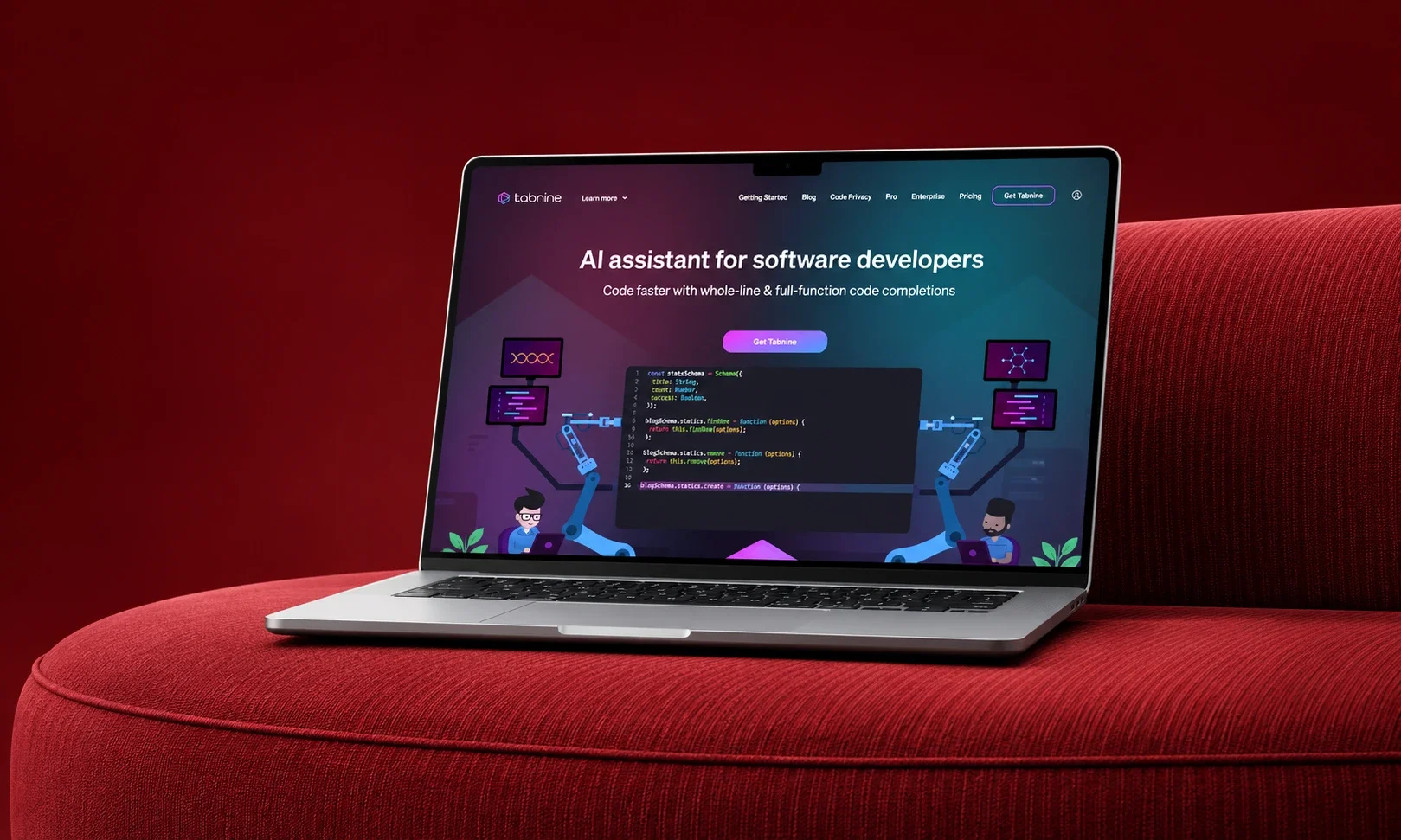
Tabnine is the only major tool offering fully air-gapped deployment with zero data retention, which makes it less a choice than a requirement for defense, healthcare, and financial organizations whose code cannot leave the building. From $12/user/month. Its completions trail the frontier; its compliance posture is the frontier.
Ships production? Yes — in environments where nothing else is permitted.
14. Augment Code — the big-codebase specialist
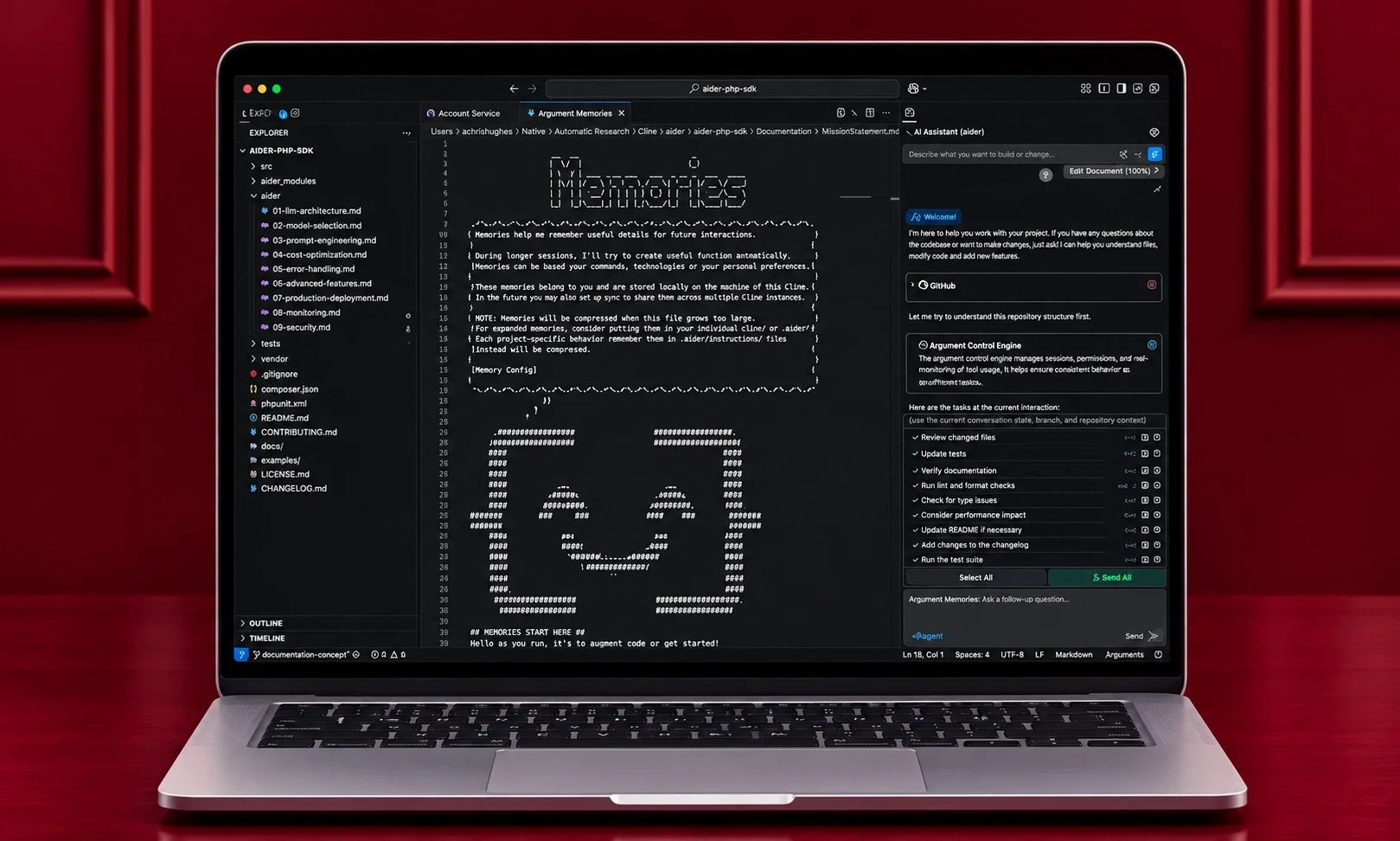
Augment built its reputation on the problem that breaks other tools: enormous enterprise codebases where context, not intelligence, is the bottleneck. Its indexing handles repositories that make competitors stall, which is why it keeps appearing inside large engineering organizations despite minimal marketing.
Ships production? Yes, especially where codebase size defeats rivals.
Tier three: the prototype floor
15. Replit Agent — idea to running app, not to production

Replit’s agent builds and deploys working applications from a description, and for prototypes, demos, and internal tools it is remarkable. The code it produces is scaffolding: functional, shippable to users for validation, and in need of engineering before it carries real traffic. Know which you are building.
Ships production? Internal tools yes; customer-facing cores rarely.
16. v0 by Vercel — the frontend sketchbook
v0 generates polished React interfaces from prompts and screenshots, and it has become the standard way frontend ideas get their first draft. The output is clean and convention-following, which makes it a starting point engineers respect rather than a black box they rewrite. Production logic still belongs to humans.
Ships production? The UI, often; the application, no.
17. OpenHands — the open experiment
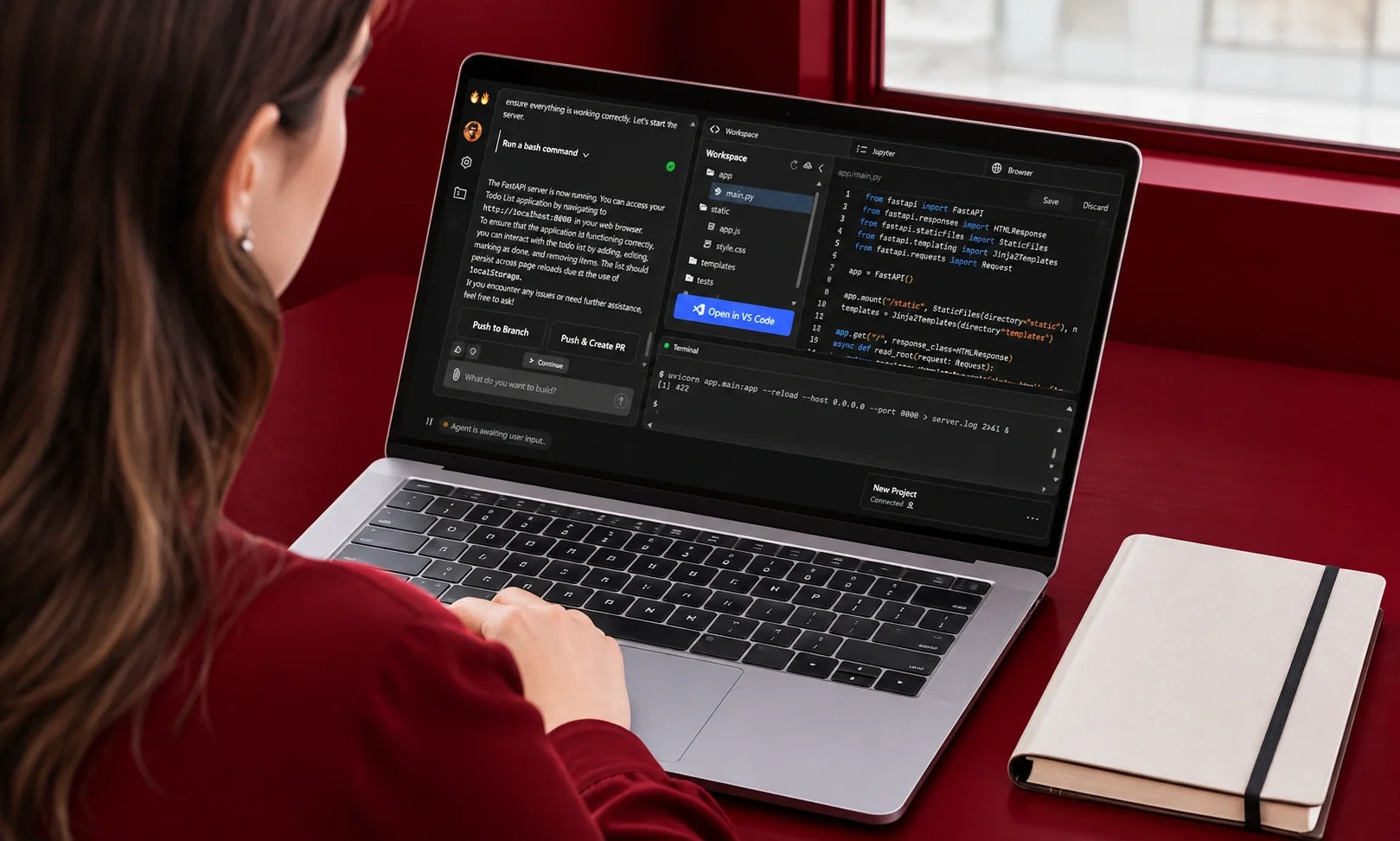
OpenHands, the open-source agent framework, is where the industry tests how far autonomous development can go: multi-agent delegation, self-hosted control, no vendor lock-in. It rewards research-minded teams and frustrates those wanting a product. Powerful, transparent, unpolished.
Ships production? For teams willing to own the whole stack.
18. Sourcegraph Cody — the search-first assistant
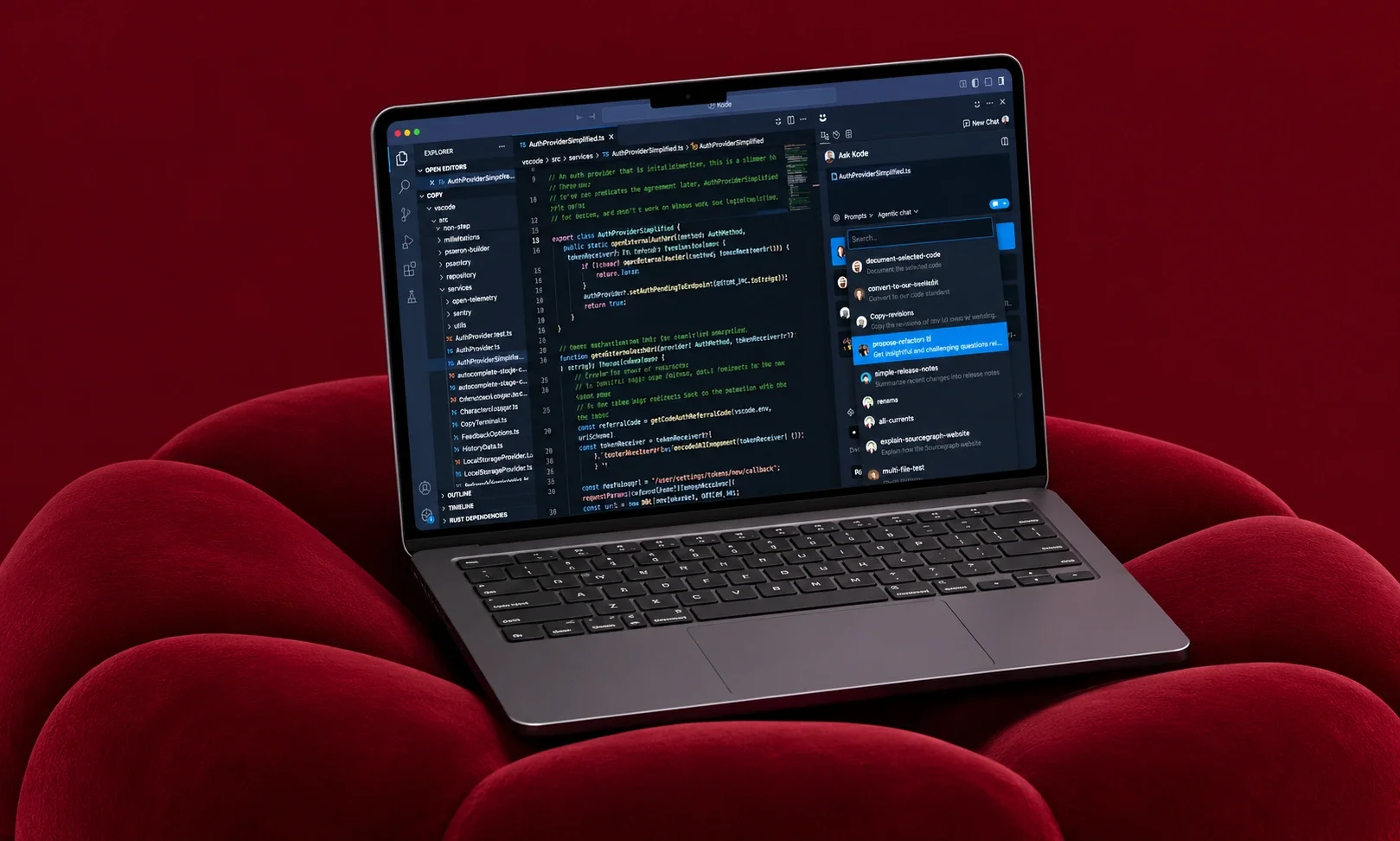
Cody’s foundation is Sourcegraph’s code search, which gives its AI the best cross-repository context of any assistant — the answer for organizations whose code spans dozens of repos and services. As an agent it is modest; as a way to understand and navigate what you already have, it is quietly excellent.
Ships production? Assists production work more than it writes it.
The verdict behind the verdicts
Step back and the eighteen sort into a pattern the demos obscure. Six tools genuinely carry production weight today: Claude Code, Cursor, Copilot, Windsurf, Codex, and — for bounded work — Devin. The specialists ship inside their niches. The prototype tier produces exactly what its name promises, and teams get burned precisely when they forget which tier they are using.
The METR finding deserves the last word because it inverts the sales pitch. Experienced developers measured slower with AI assistance, not faster — until workflow and review processes adapted. The productivity is real but it is earned: teams that ship AI code safely treat the model like a fast junior colleague whose work always gets reviewed, never like a senior whose output skips the queue. Veracode’s 45% security failure rate is not an argument against these tools; it is the job description of the human reviewing their output. The tools write the code. The discipline ships it.
Frequently asked questions
Which AI coding tool actually ships production code?
Claude Code, Cursor, GitHub Copilot, Windsurf, and OpenAI Codex all produce production-grade code under normal human review. Devin ships bounded tasks like bug fixes and migrations. The difference between tools matters less than the review process behind them — Veracode found 45% of AI-generated code fails security tests regardless of source.
What is the best AI coding tool in 2027?
Claude Code for complex autonomous work, Cursor for daily editing, Copilot for enterprise standardization. Most senior teams run two or three matched to the task rather than betting on one.
Is AI-generated code secure enough for production?
Not without process. Security scanning, code review, and test coverage remain mandatory — the tools changed who writes the first draft, not who is accountable for what ships.
How much do AI coding tools cost for a team?
Individual plans run $10–20 per month. Enterprise tiers reach $39–60 per user monthly, and usage-based agents like Claude Code can cost $2–8 per heavy day. Implementation reviews put true costs at two to three times the subscription once workflow changes are counted.
Will AI coding tools replace developers?
The evidence points to role change, not replacement: routine implementation accelerates while review, architecture, and security judgment grow in value. The METR study’s measured slowdown for unadapted workflows is the cautionary data point — productivity follows discipline, not installation.