

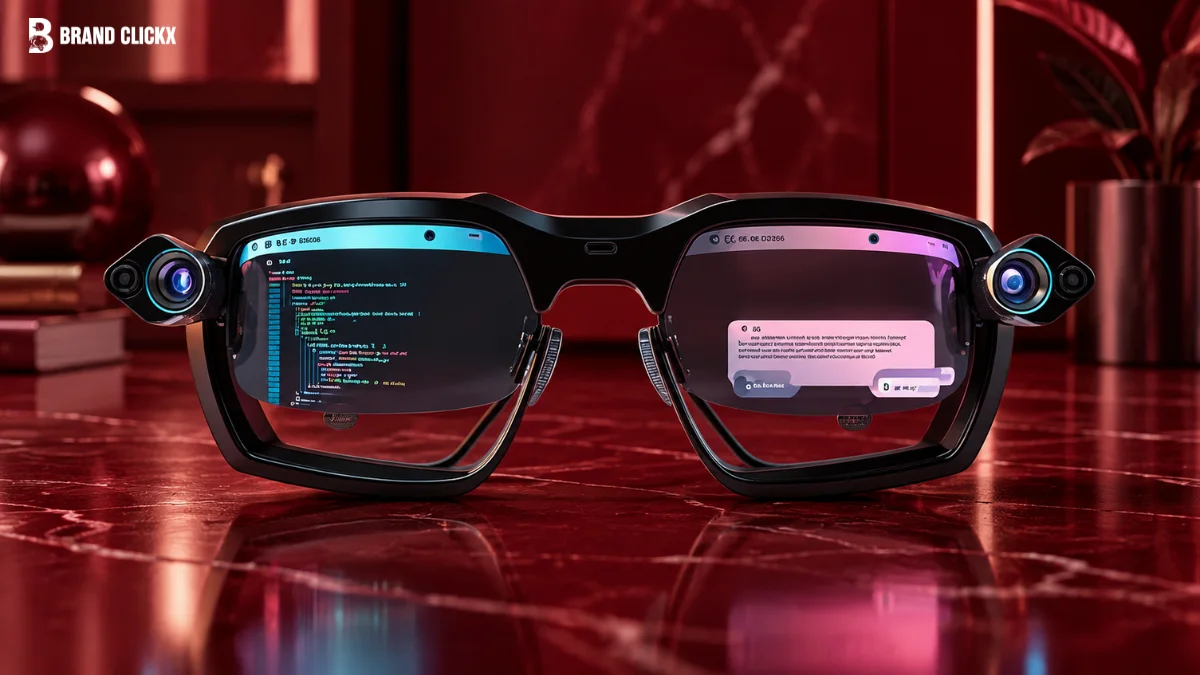
AI glasses are no longer just a camera hidden inside a pair of sunglasses. In 2026, some can answer questions, understand what you are looking at, take photos, play music, handle calls, translate languages and even provide navigation.
But there is a problem.
The term AI glasses now covers several very different products. Some have cameras but no display. Some have a display but no camera. Others are really closer to XR glasses and work as a private screen.
So if you are searching for AI glasses because you want to buy one, the first question should not be “Which one is best?”
It should be: What do I actually want these glasses to do?
That is what this guide will help you figure out.
AI Overview: What Are AI Glasses?
AI glasses are wearable computers built into an eyewear frame. They can use microphones, cameras, speakers, sensors, connectivity and an AI assistant to understand voice, images, text or surroundings.
Some AI glasses respond through audio, while others also have a small display.
The important thing is that AI glasses do not always have a screen. A product can be an AI glasses product even if all the answers come through speakers.
Key Takeaways
- AI glasses are a type of smart glasses with stronger AI capabilities.
- Some have cameras and speakers but no display.
- Display glasses can show text, directions, captions or other information.
- Most still depend on a phone and internet connection for advanced features.
- Camera-equipped glasses create real privacy concerns.
- AI glasses are useful for hands-free tasks, but they are not smartphone replacements.
- The best pair depends more on your use case than on the number of features.
Featured Snippet: How Do AI Glasses Work?
AI glasses usually combine microphones, cameras, sensors, speakers and wireless connectivity with an AI assistant. You speak to the glasses or show them something, the system processes the request through the glasses, phone or cloud service, and the response comes back through audio or a display. The exact process depends on the product.
What Are AI Glasses, Really?
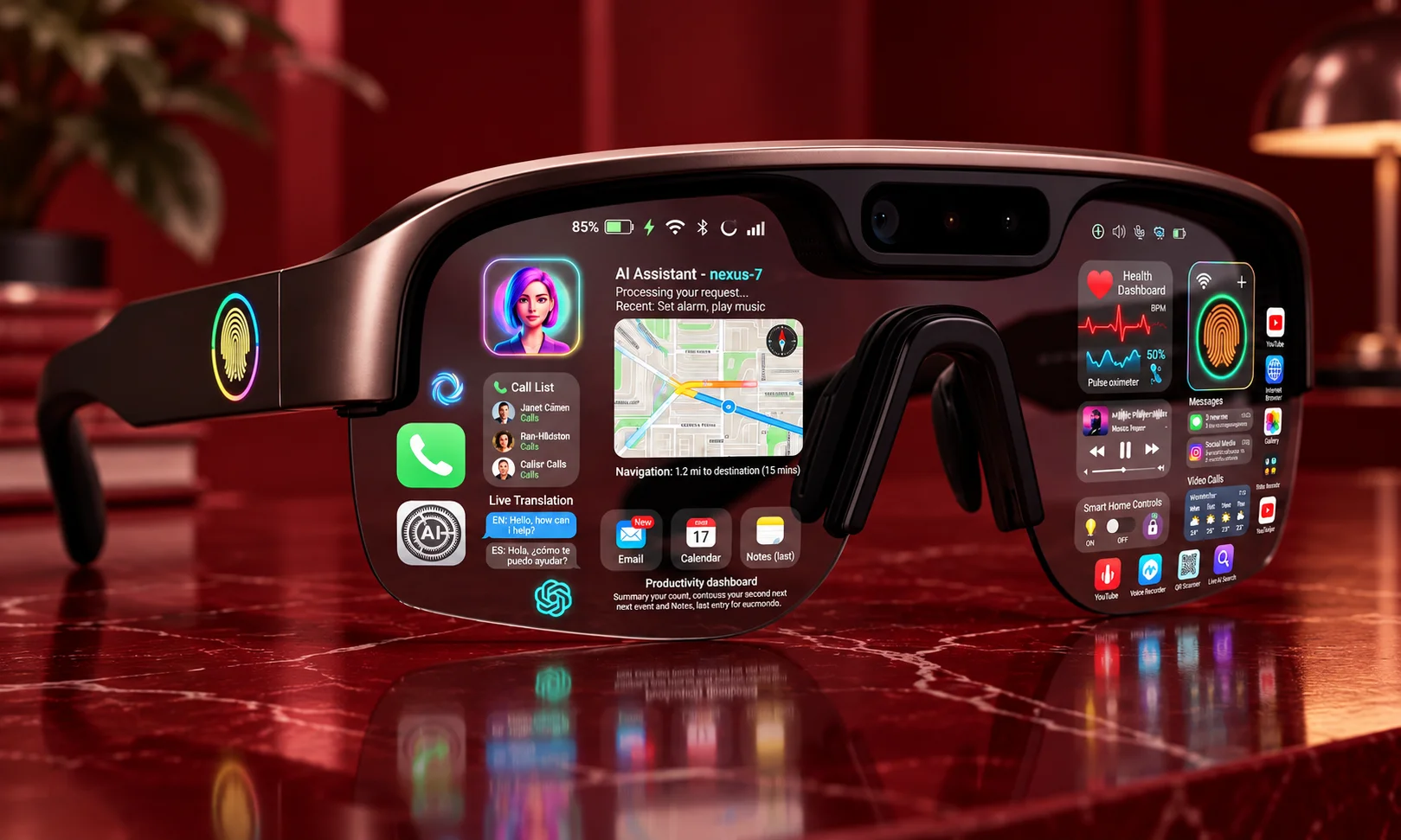
Think of AI glasses as smart eyewear with an AI layer.
A normal pair of glasses only helps you see.
Basic smart glasses might add Bluetooth audio, a camera or simple controls.
AI glasses go further by allowing the device to understand commands or information around you.
Depending on the model, you may get:
- Camera for photos, video and visual questions
- Microphones for voice commands and calls
- Open-ear speakers for audio
- Display for text or directions
- Bluetooth and Wi-Fi
- Connection to a phone or cloud service
- AI assistant for questions and visual understanding
AI glasses are therefore a subset of smart glasses. The two terms are related, but they are not exactly the same.
Do AI glasses always have a screen?
No.
This is probably the biggest misunderstanding around the category.
Some of the most practical AI glasses today are screenless. They use voice and audio instead of putting information directly in front of your eyes.
That makes them simpler and often more natural to use.
Display-based glasses are different. They can put text, directions, captions or notifications into your field of view.
Neither approach is automatically better.
It depends on whether you prefer hearing information or seeing it.
How Do AI Glasses Work?
The basic process is easier than it sounds.
1. The glasses collect information
You might speak to them, press a button, or point the camera at something.
The microphones capture your voice. A camera can capture what you are looking at.
2. The system processes your request
Some processing can happen on the glasses, but more complicated AI functions may use a connected phone or cloud service.
This is why internet connectivity and smartphone compatibility still matter.
3. AI understands the request
The AI can interpret your question, image or other input.
For example, you might ask what a sign says or ask for help understanding something in front of you.
4. You get the answer
The response can come through open-ear speakers or a visual display.
This creates the main attraction of AI glasses: you can interact with technology without constantly taking your phone out.
The Main Types of AI Glasses
Not every AI glasses product is trying to solve the same problem.
Camera-and-audio AI glasses
These usually have cameras, microphones and speakers but no traditional display.
They are designed for everyday AI, calls, music, photos, translation and hands-free assistance.
This is currently the easiest type for most people to understand.
Camera-free display glasses
These focus on showing information without using a camera.
That can be attractive if privacy is your biggest concern.
The trade-off is obvious: without a camera, you lose camera-based visual AI, photos and video capture.
AI display glasses
These combine AI with a small visual display.
Instead of only hearing an answer, you may be able to see text, directions, captions or notifications.
They are closer to what many people originally imagined when they heard “smart glasses.”
XR and virtual-screen glasses
These are more focused on creating a large private display.
They can be useful for watching videos, gaming or connecting to a computer.
But I would not automatically call them everyday AI glasses. They solve a different problem.
AI Glasses vs Smart Glasses vs AR vs XR
The names can get confusing, so keep it simple.
| Type | Main purpose | Display | Best for |
| AI glasses | AI and hands-free assistance | Sometimes | Everyday use |
| Smart glasses | Audio, camera and connected features | Sometimes | Calls, music, photos |
| AR glasses | Digital information over reality | Yes | Navigation and information |
| XR glasses | Virtual or mixed digital experiences | Yes | Gaming, work and private screens |
There is overlap between them.
A pair can be both smart glasses and AI glasses. Another product can combine AI with AR.
So don’t buy based only on the label.
Buy based on what you need.
What Can AI Glasses Actually Do?
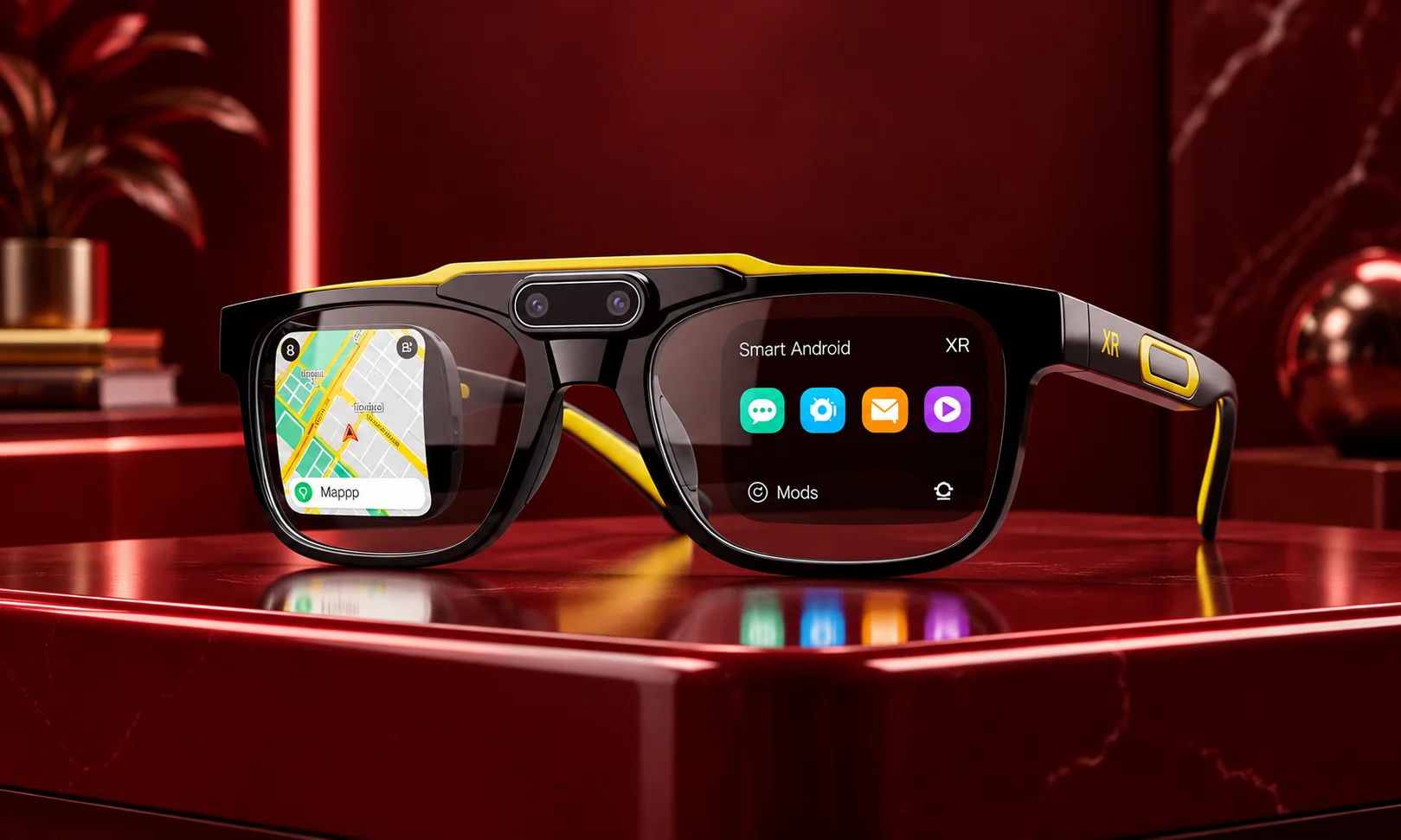
This is where AI glasses become interesting.
Ask questions
You can speak to the AI instead of opening your phone and typing.
For simple questions, this can be much quicker.
Take photos and videos
Camera-equipped glasses can capture what you see from your own point of view.
That is useful for travel, demonstrations, cooking, social content and situations where your hands are busy.
Make calls and listen to music
Open-ear speakers let you handle calls, music, podcasts and AI responses without putting earbuds in your ears.
For some people, this may actually be the feature they use most.
Translation
Selected AI glasses can provide translation features.
Display models may show translated text, while audio-focused models can provide spoken translation.
But language support depends on the product, software version and region.
Understand what you see
This is one of the biggest differences between ordinary smart glasses and AI glasses.
A camera-equipped pair can use AI to understand things in front of you.
You might ask about a sign, object, label or scene.
The feature is useful, but it is not magic. Lighting, camera position and AI accuracy can affect the result.
Navigation
AI glasses can also reduce how often you check your phone while walking.
Current Ray-Ban Meta software, for example, has added pedestrian navigation features, showing how this use case is becoming more practical.
Still, glasses should assist your navigation, not replace your attention to traffic and your surroundings.
What Is Actually Useful in Real Life?
This is the question product pages don’t always answer well.
A pair of glasses may have 20 advertised features.
You may only use four.
And that is fine.
The most useful features are often the boring ones:
- Quick questions
- Calls
- Music
- Navigation
- Photos
- Translation
- Hands-free information
The futuristic feature you try once may matter less than something you use every day.
A simple test
Before buying, imagine wearing the glasses for one normal week.
Would you actually ask them questions?
Would you use the camera?
Would you listen to music through them?
Would you want navigation in your ears?
Would you still be comfortable wearing them after several hours?
If the answer is mostly no, AI glasses may be interesting technology but not a useful purchase for you.
Best AI Glasses in 2026 by Use Case
There is no single best AI glasses pair for everyone.
Best for everyday AI
Ray-Ban Meta Gen 2 is the strongest general-purpose choice in the research for people who want AI, calls, audio and hands-free photos in a familiar eyewear design.
The biggest limitation is simple: there is no traditional in-lens display.
Best for privacy
Even Realities G1 is interesting for people who want a camera-free approach with a display.
The trade-off is that you lose camera-based features, photos and video capture.
Best for a private screen
XREAL One and similar XR glasses make more sense if your main goal is a large virtual screen for entertainment or computing.
They are not really competing for exactly the same job as everyday AI glasses.
Best for active users
Oakley Meta models are worth considering if you want smart features in a more sports-oriented design.
For active use, fit, comfort and frame design may matter more than having the longest feature list.
What to Check Before Buying AI Glasses
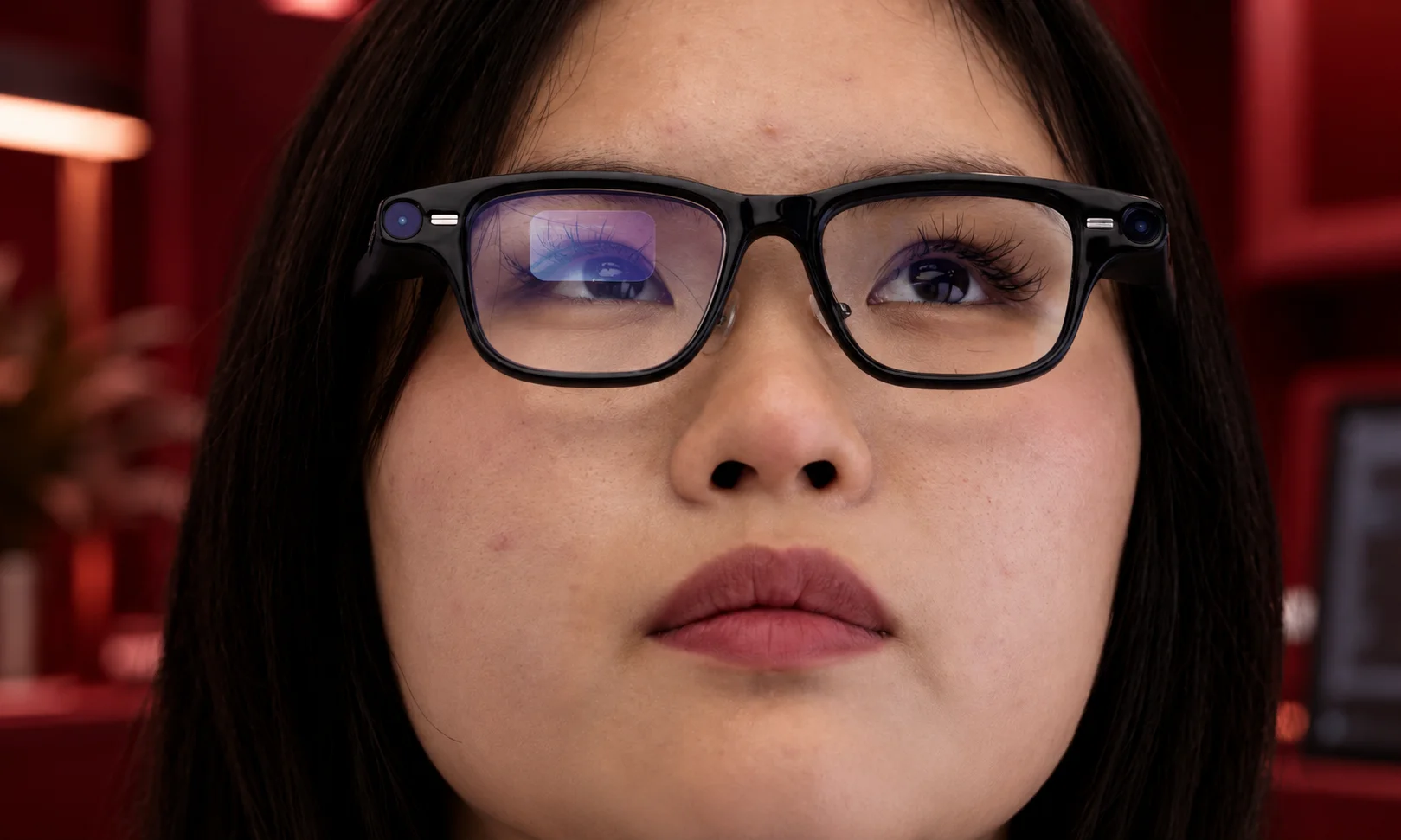
Don’t start with megapixels.
Start with your actual needs.
1. Your main use
Choose your top three uses first.
For example:
AI questions + calls + navigation
or
travel + translation + photos
or
movies + gaming + private screen
This immediately makes the buying decision easier.
2. AI assistant
Check which AI ecosystem the glasses use.
The assistant, supported languages, app and available features can matter more than small hardware differences.
3. Camera
Ask yourself whether you actually need one.
A camera gives you visual AI and hands-free capture, but it also creates privacy concerns.
4. Display
Do not pay extra for a display if you mainly want audio AI.
A screen is useful when you specifically want text, directions, captions or notifications in your field of view.
5. Phone compatibility
Many AI glasses still rely heavily on smartphones.
Your phone may handle setup, internet access, app management, photo transfer or part of the AI processing.
So in 2026, think of AI glasses as an additional interface to your phone, not a replacement for it.
6. Prescription support
If you need prescription lenses, check this before buying.
“Prescription compatible” does not necessarily mean every prescription will work.
Lens costs can also increase the final price.
7. Battery
Small glasses have limited space for batteries.
Heavy camera, AI and audio use can make battery life more important than the headline number on the product page.
8. Comfort
This one is easy to forget.
You can ignore a slightly weaker camera.
You will not enjoy wearing uncomfortable glasses every day.
AI Glasses Privacy: What You Need to Know
Camera-equipped AI glasses create a different privacy problem because they can look almost like normal glasses.
Most products use a visible recording indicator, but people nearby may not notice it.
That means the indicator is not the same thing as consent.
Recent reporting has shown how seriously this issue is being taken, with privacy concerns leading some organizations and workplaces to restrict smart-glasses use.
My simple rule is this:
If you would normally ask before recording someone with your phone, ask before recording them with your glasses.
Also check what happens to the information collected by the glasses.
Before buying, look at:
- Where AI processing happens
- What goes to the cloud
- How photos are stored
- What the companion app collects
- Whether AI features can be disabled
- What requires an internet connection
Privacy is not a small extra feature here. For some buyers, it should decide which type of AI glasses they buy.
The Biggest Problems With AI Glasses
AI glasses are promising, but they are not perfect.
Battery life
More cameras, AI processing and displays mean more power consumption.
AI mistakes
AI can misunderstand a question or incorrectly interpret an image.
You should not treat an AI answer as automatically correct just because it came through expensive glasses.
Phone and internet dependence
Many advanced features still depend on a phone or online services.
Privacy
Cameras and microphones create legitimate concerns, especially in places where people expect privacy.
Comfort
A device you wear on your face has to be comfortable for long periods.
Cost
The frame is not always the full cost. Prescription lenses, accessories and possible subscriptions can increase the total.
Do AI Glasses Replace Smartphones?

Not yet.
AI glasses can reduce how often you reach for your phone.
They are useful for calls, photos, navigation, translation, music and simple questions.
But a smartphone is still much better for typing, editing, large-screen apps, detailed browsing and complicated tasks.
I see AI glasses more as a new interface for your phone than a phone replacement.
That may change later.
But it is not where the category stands today.
Are AI Glasses Worth It in 2026?
They can be worth it if you have a clear reason to use them.
I would consider buying them if you want:
- Hands-free photos
- Everyday AI assistance
- Open-ear audio
- Easier navigation
- Travel translation
- Fewer reasons to take your phone out
I would probably skip them if you mainly want a replacement for your smartphone or expect science-fiction-style AR.
The technology is good enough to be useful.
It is not yet good enough to do everything.
What Is Next for AI Glasses?
The next stage will probably be less about adding random features and more about making the glasses feel normal.
The research points toward better battery life, more local AI processing, smaller hardware and better prescription support.
Display glasses are also likely to become more important.
Google has confirmed intelligent eyewear from partner brands for fall 2026, including audio and display categories, although some retail details remain unresolved.
Another important direction is AI agents.
Meta has now launched its Muse AI agent, and the company has said its broader AI work will connect with smart glasses in the future. The reliability and security of these agent systems are still developing, so this is better viewed as an emerging direction than a finished feature.
How to Choose Your First AI Glasses
Use this simple order:
- Decide your main use.
- Choose camera or camera-free.
- Decide whether you need a display.
- Check the AI assistant and phone compatibility.
- Check prescription support.
- Check battery and comfort.
- Think about privacy.
- Then compare price.
This order is much better than starting with a product ranking.
The “best AI glasses” are not necessarily the glasses with the most features.
They are the ones that solve your problem without creating three new problems.
Final Verdict
AI glasses have finally reached the point where they are more than a technology demo.
But they are still early.
The most useful products today are not trying to turn your entire world into a hologram. They are doing smaller things well: answering a question, taking a photo, playing audio, helping with navigation or translating something while your hands stay free.
For most people, that is the real value.
If you want everyday AI and hands-free features, camera-and-audio glasses are the practical starting point. If privacy matters most, look at camera-free designs. If you want a large private display, look at XR glasses instead.
And before buying anything, ask yourself one simple question:
What problem do I want these glasses to solve?
If you have a good answer, AI glasses may genuinely be useful.
If you don’t, you may just be buying an expensive pair of glasses because the technology looks exciting.
FAQs About AI Glasses
What are AI glasses?
AI glasses are wearable computers built into eyewear. They can combine cameras, microphones, speakers, connectivity and AI software to provide hands-free assistance.
Do AI glasses have cameras?
Some do and some do not. Camera-equipped models can take photos, record video and provide visual AI, while camera-free models focus more on privacy and display or audio features.
Do AI glasses need a phone?
Many still do for setup, connectivity, apps, internet access and some AI functions. The amount of phone dependence varies between products.
Can AI glasses work with ChatGPT?
It depends on the specific product and its supported AI ecosystem. Do not assume that every AI glasses product can directly use ChatGPT just because it has an AI assistant.
Can AI glasses translate languages?
Some products support live translation. However, supported languages, availability and accuracy can vary by product, region and software version.
Can AI glasses replace a smartphone?
Not currently. They can handle several small tasks without your phone, but smartphones remain better for typing, editing, large displays and complex applications.
Are AI glasses worth buying?
They are worth considering if you have a clear hands-free use case such as calls, photos, navigation, translation or AI assistance. If you only want futuristic AR, you may be disappointed by many current products.
Are AI glasses safe for privacy?
They can create privacy risks, especially camera-equipped models. Users should understand recording indicators, data handling and local rules, and should avoid recording people or sensitive locations without appropriate permission.



